
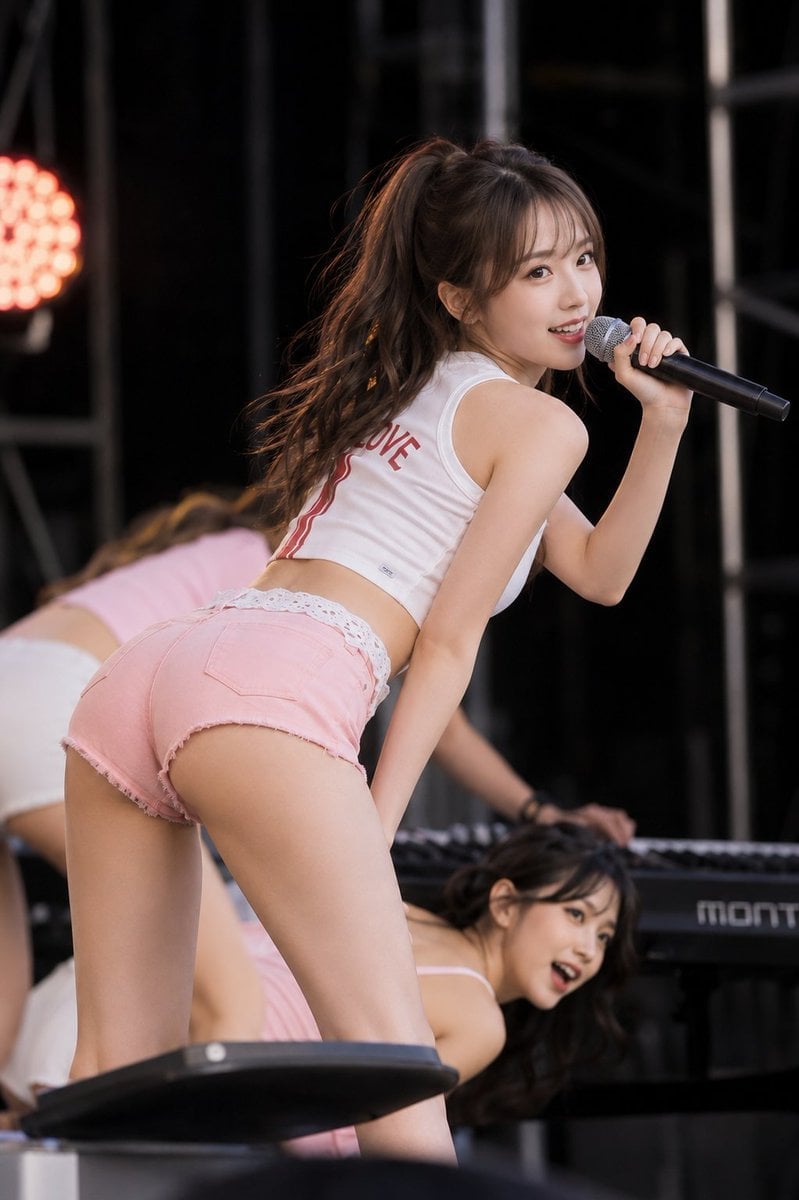
Stage Performance Singer Close-up
Dynamic concert photography prompt capturing a female singer turning around with a microphone in a live stage environment.
- Prompt included
- Model and format preset
- Free template
The prompt behind this image
Copy the exact prompt behind Stage Performance Singer Close-up, or open it in the studio and make it yours.
主題: {argument name="主題" default="舞台の振り向き"} 主体: 主役は画面中央に大きく置く。暗い屋外ステージで、女性歌手が前傾しながら肩越しに振り向き、右手のマイクで歌う瞬間。手前の人物を大きく、奥の女性ダンサー二人とキーボードをぼかして重ねる。 人物・表情: 小さく整った卵形の顔と丸い顎、横長の茶色い目、自然な細眉、小ぶりでまっすぐな鼻、艶のあるコーラル色の唇。薄い前髪と顔周りの毛束、ダークブラウンの高いポニーテールは毛先が大きく波打つ。上体を右へ振り向き、歯を見せた明るい笑顔でカメラを見る。 服装・ポーズ: 背中側に赤い文字と二本の赤い縦ラインが入る白いノースリーブの短いトップ。淡いピンクの切りっぱなしデニムショーツで、腰上から白いレース縁を見せる。腰を後ろへ引いて上体を前へ倒し、人物自身の右手(画面右側)で黒いハンドマイクを口元に持つ。左腕は下へ伸ばして舞台装置付近へ置く。 背景・光: 黒い幕と鉄骨のステージ、画面左の丸い赤橙色ライト、下方の電子キーボード、ピンクと白の衣装を着たダンサー二人。暖色のリムライトがポニーテールを縁取り、正面の柔らかな光が顔と肌を明るくする。 構図・カメラ: カメラは低い後方視点。太腿を画面端で切り、主役にピントを合わせる。2:3の縦構図、やや低い後方からの太腿上までの近い撮影。ピンクのショーツを左下から中央へ大きく、振り向く顔とマイクを右上へ置く。人物の腰と脚は近接感を保ち、主役だけを鋭く、奥のダンサーは大きくぼかす。 質感・スタイル: フォトリアルな実写写真。望遠寄りで背景を圧縮した高精細なライブ写真。肌、デニムの切りっぱなし、白い布、金属マイクを自然に写す。 ネガティブ: 振り向く前傾姿勢を直立にしない;顔立ちの大幅変更
How to use Stage Performance Singer Close-up in 3 steps
- 1
Open
The prompt is already in the box next to the preview, with the template's model and format selected.
- 2…a portrait of your subject in softgolden-hour light, 85mm…
Personalize
Edit the subject and creative details for your destination.
- 3Generate
Generate
Press Generate — your image is created in PicX Studio, so you can compare it with the original and refine one variable at a time.
More like this
Templates with the same subject, style or setup. Open one to see its prompt.
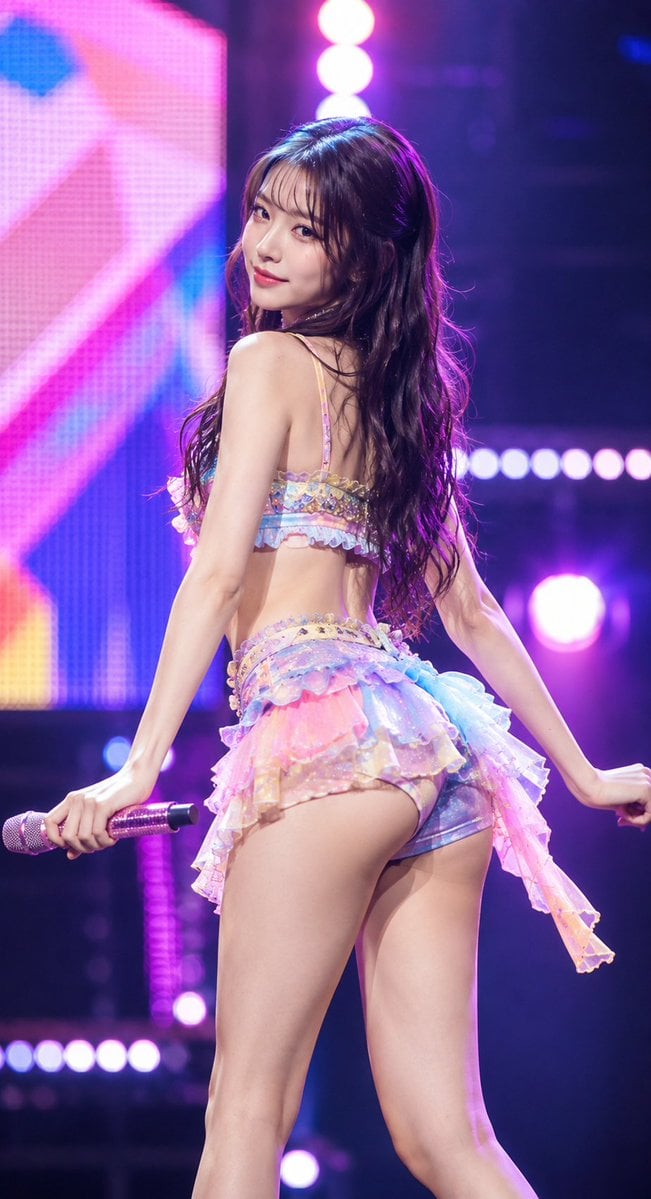
Idol Stage Performance Portrait
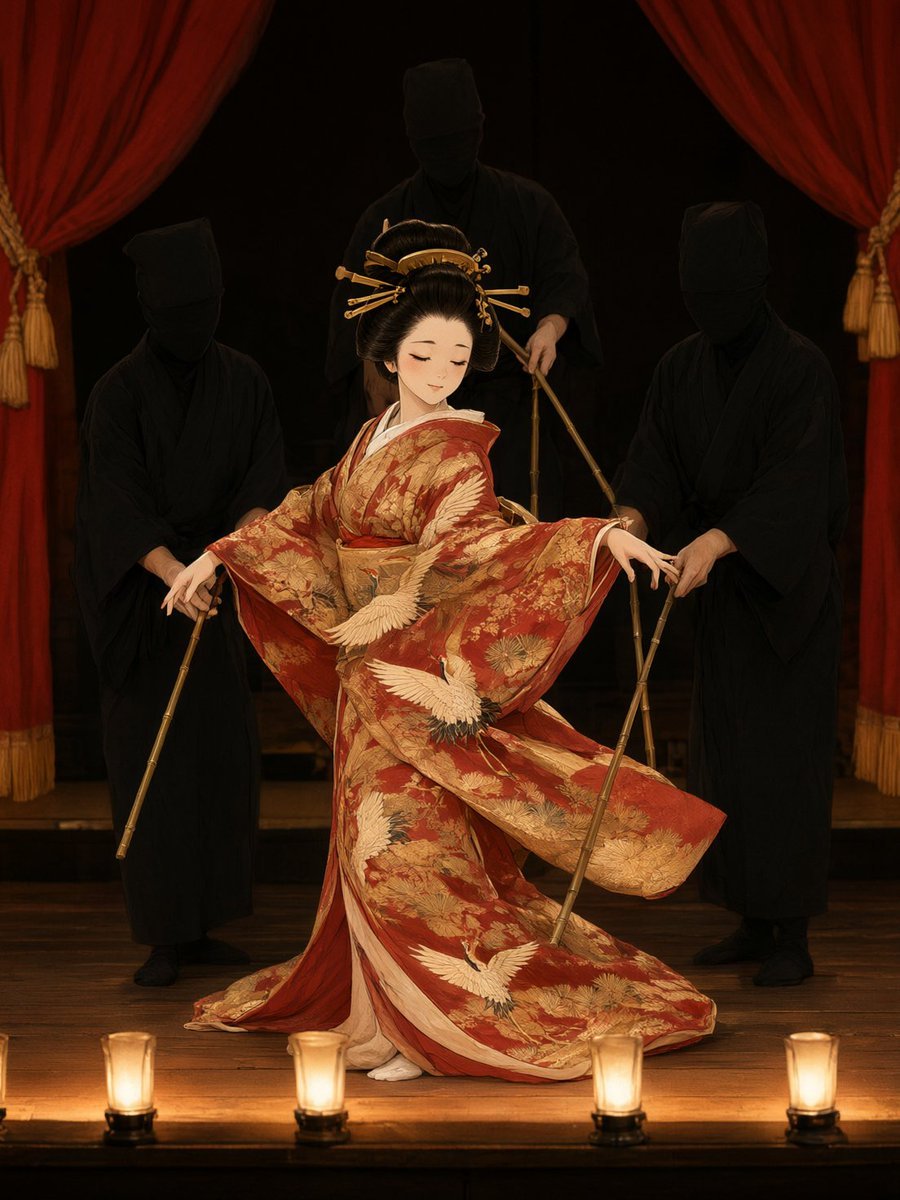
Bunraku Courtesan Stage Performance
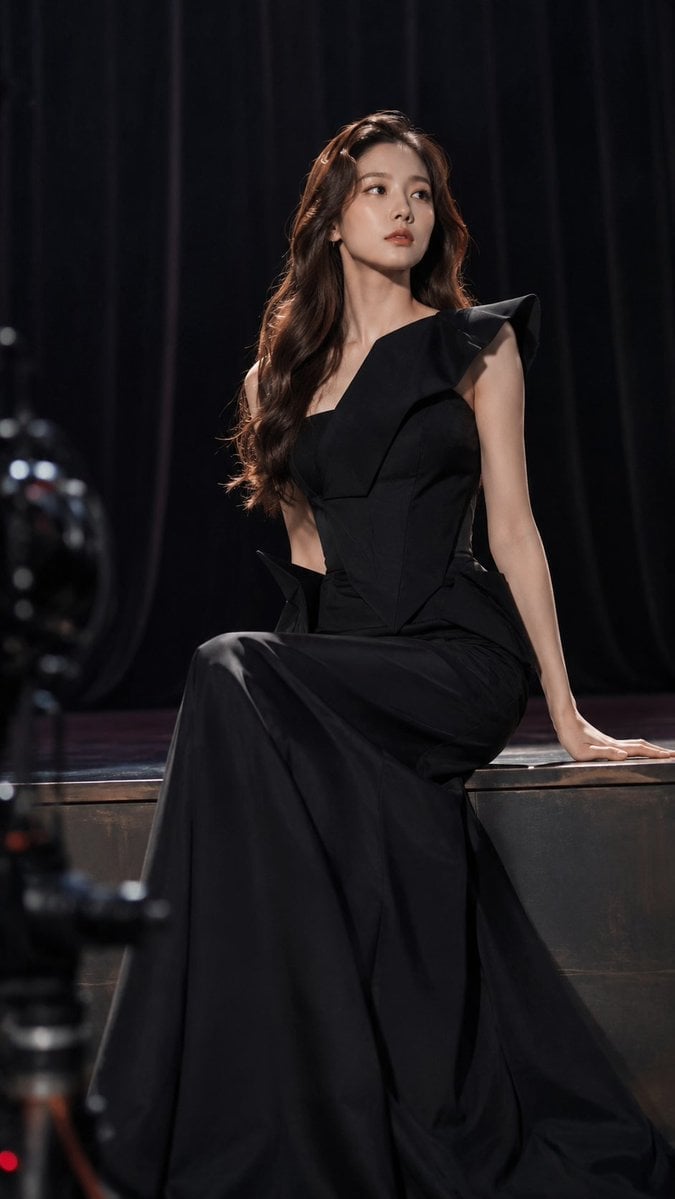
Dark Luxury Stage Fashion Editorial Portrait
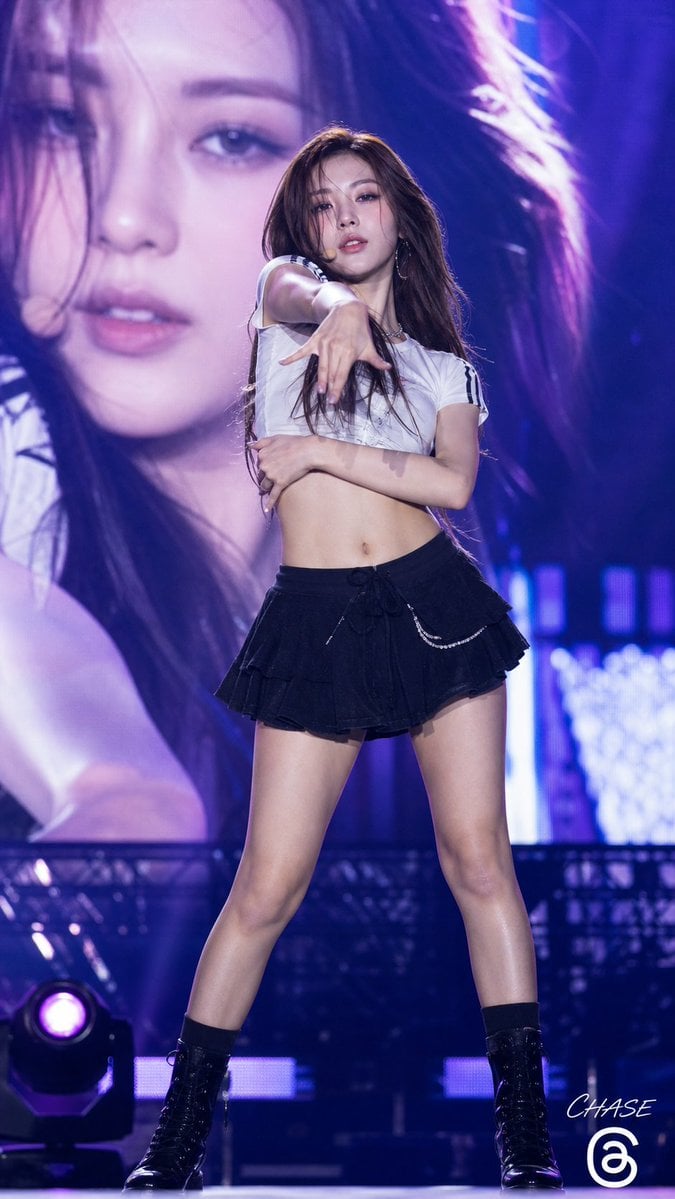
K-POP Idol Stage Performance Portrait
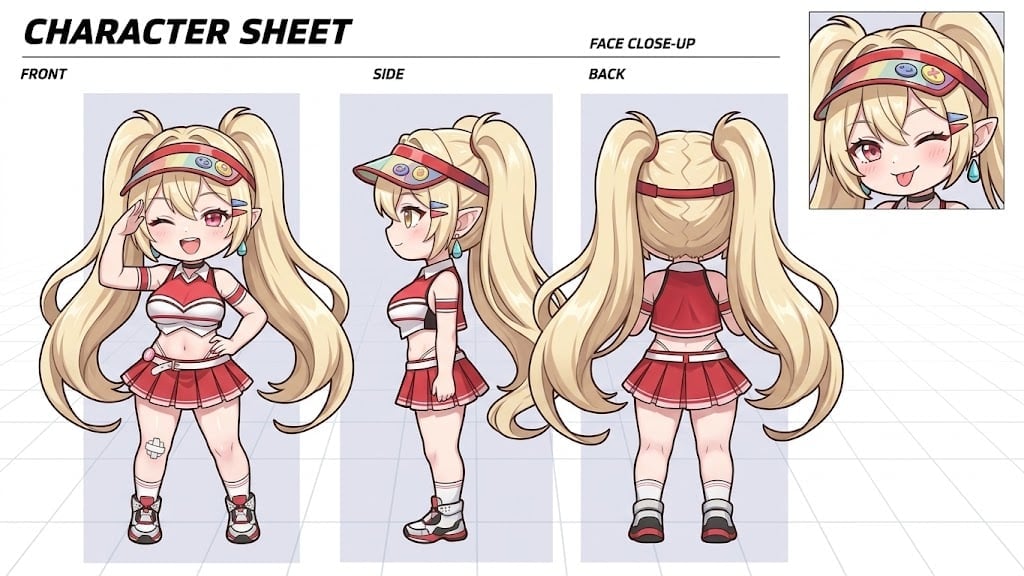
Dynamic Cheerleader Performance Shot
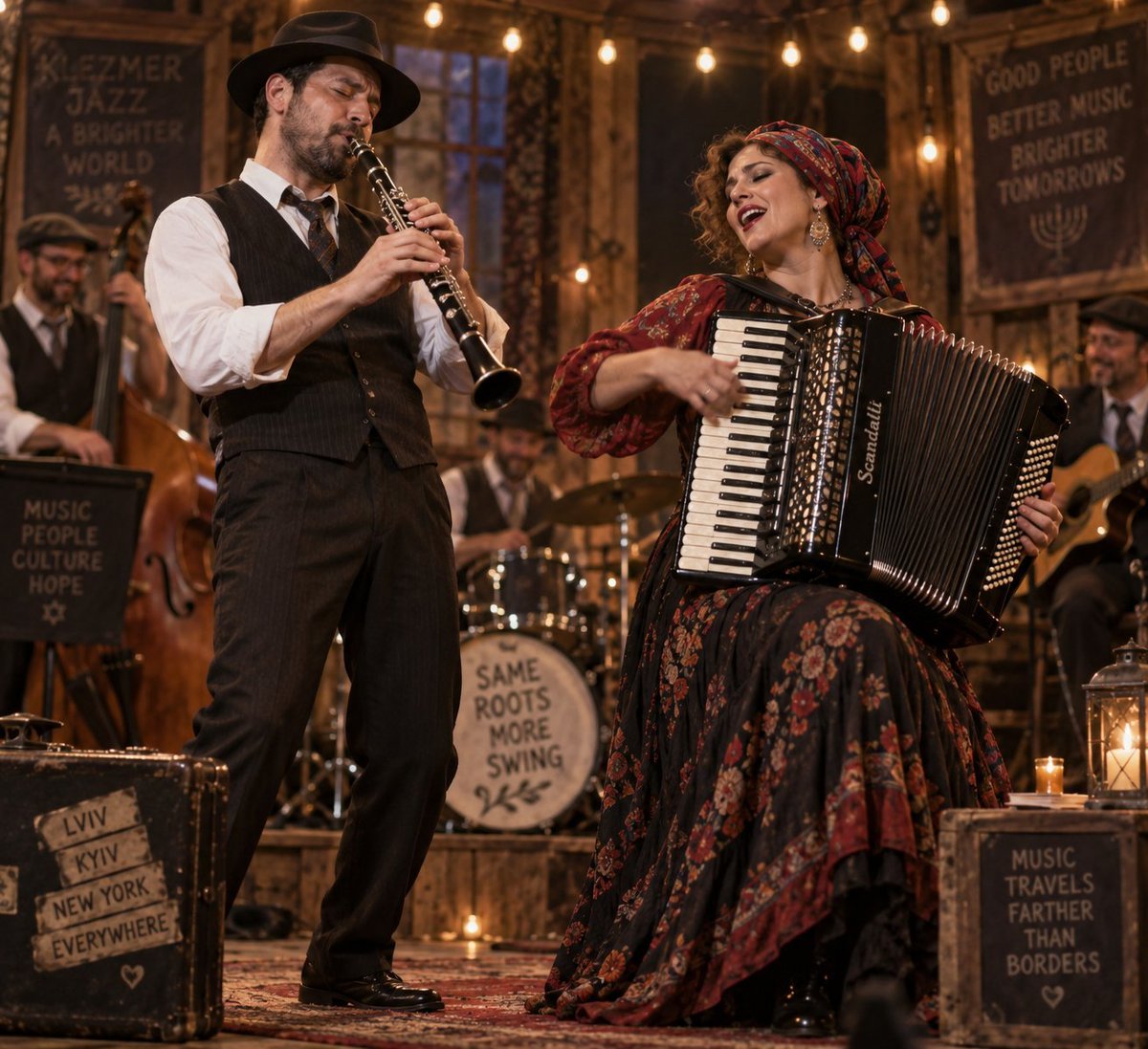
Klezmer Jazz Accordion Stage
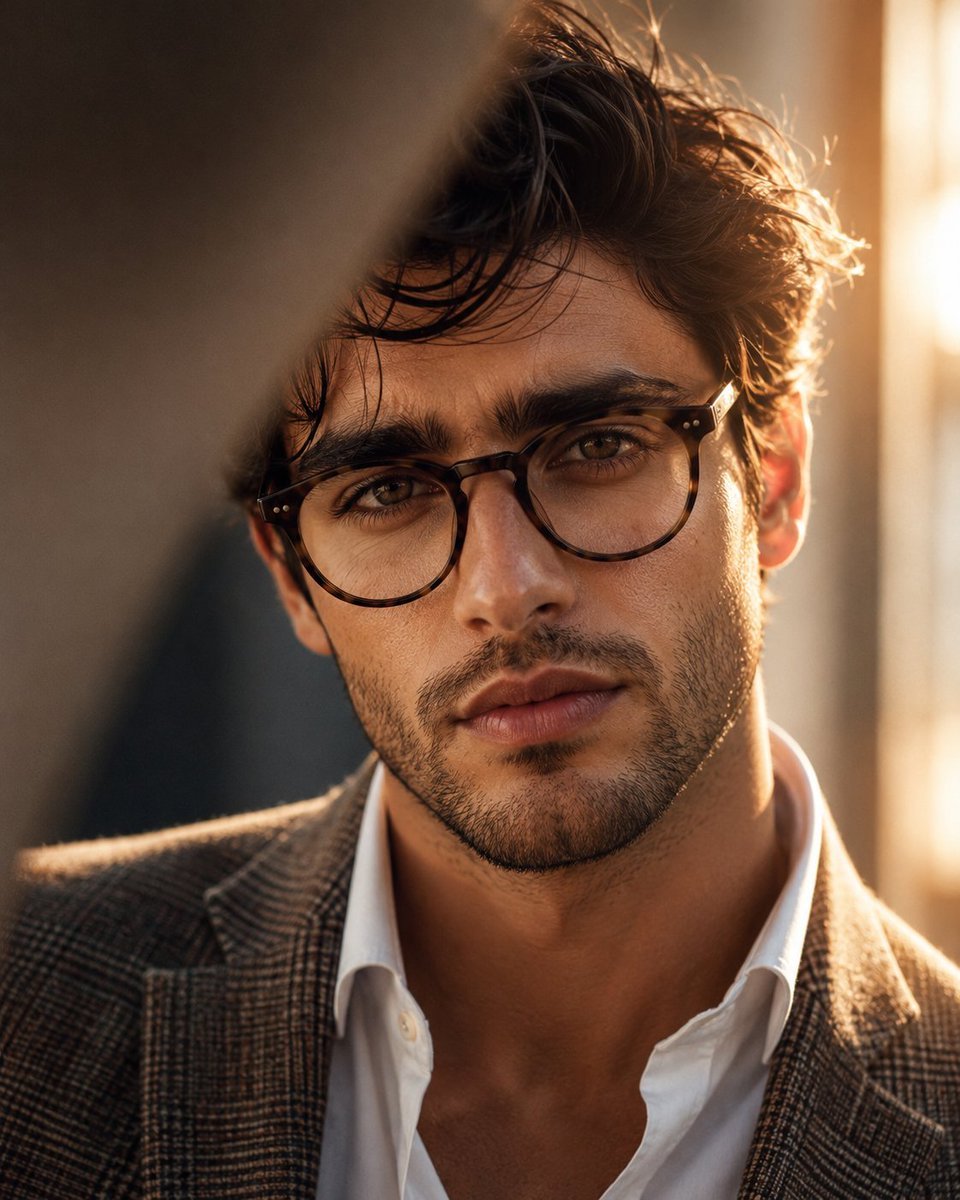
Masculine Close-up Editorial Portrait
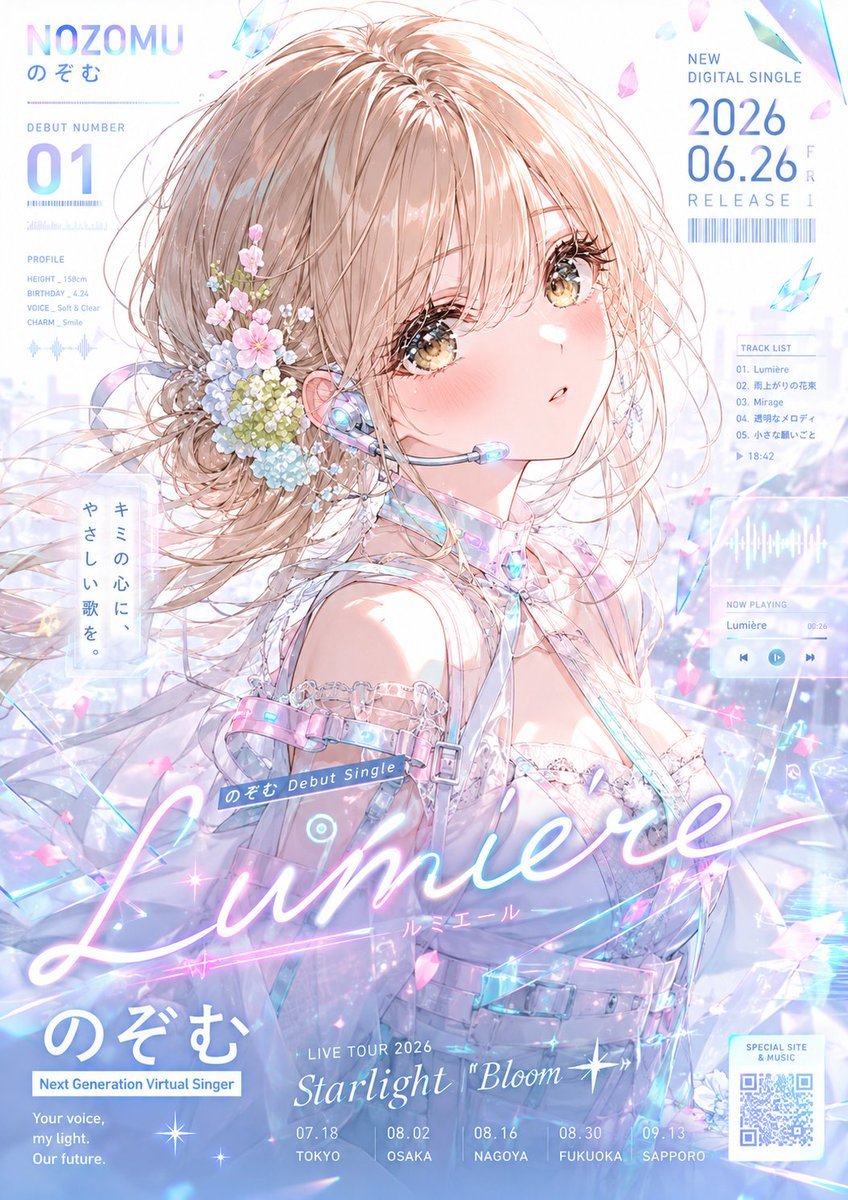
Pastel Anime Virtual Singer Debut Poster
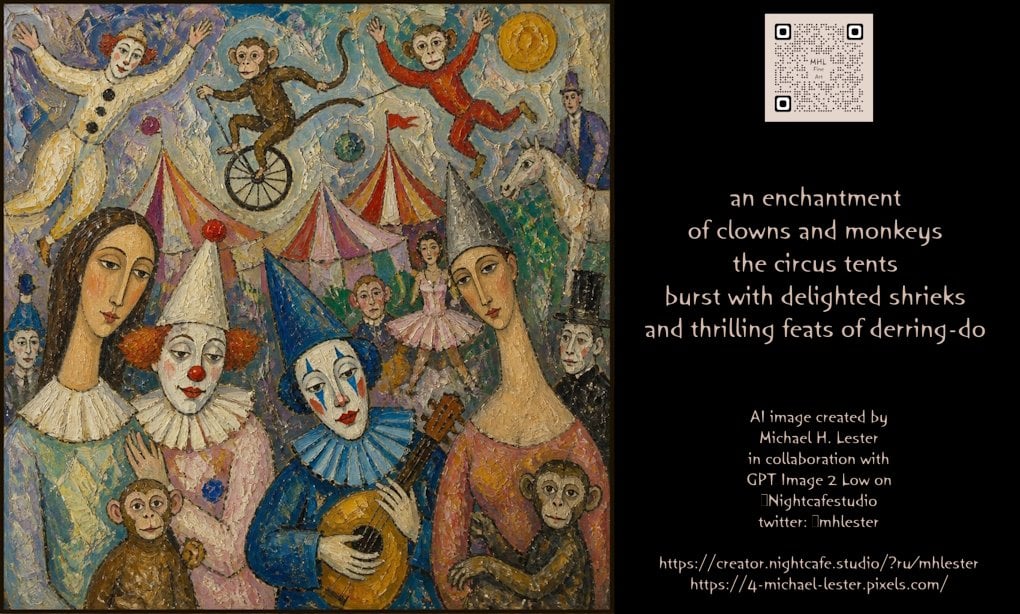
Whimsical Circus Show Performance
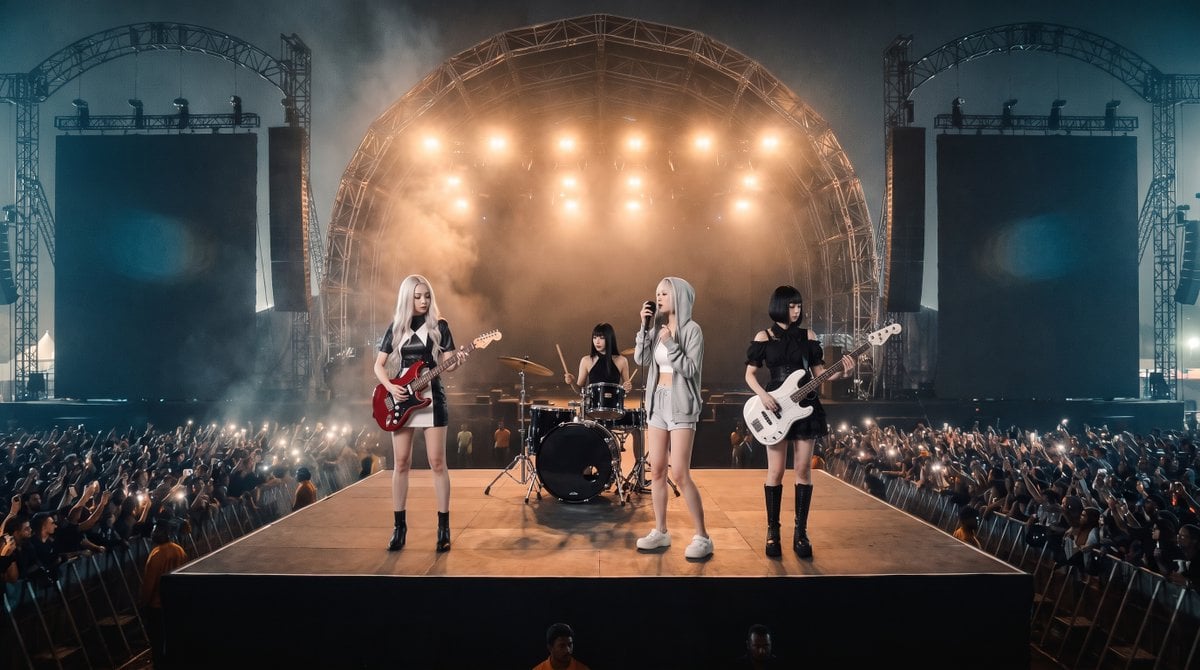
Photorealistic Festival Band Performance
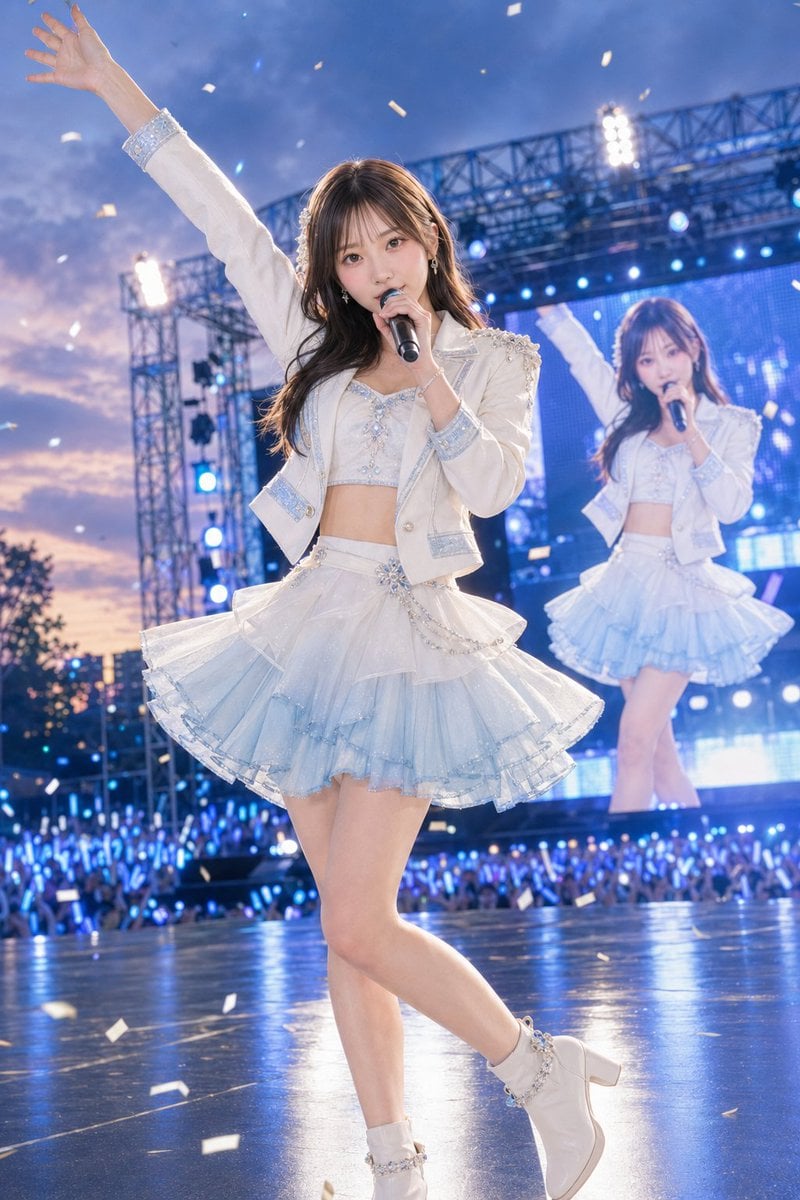
Outdoor Idol Concert Performance
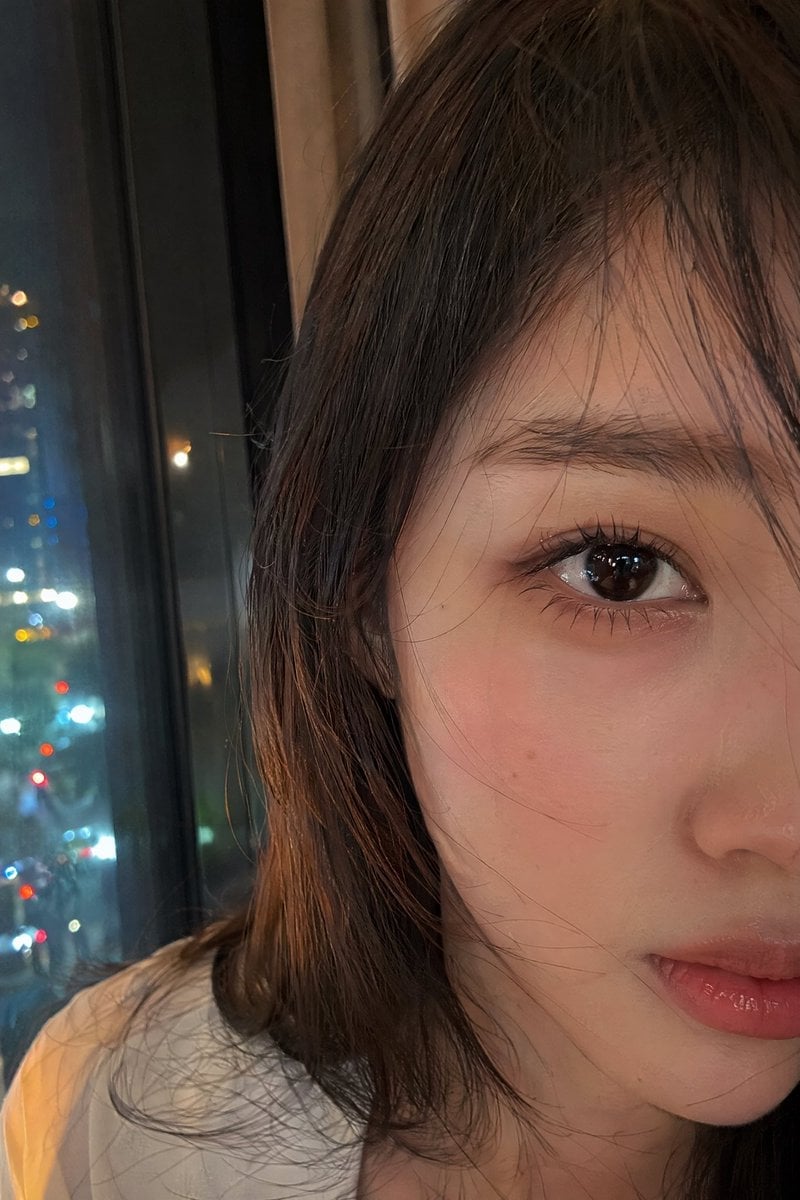
Authentic Smartphone Selfie Close-up
Make it yours
Stage Performance Singer Close-up works as-is. These are the safest ways to change it without losing the look.
Change one field
Copy a single group, rewrite it, and generate again so you can see what that field is doing.
Keep the frame, change the subject
Hold the composition and light of Stage Performance Singer Close-up, then swap wardrobe, props or the person for a new take.
| If the result… | Why | Fix |
|---|---|---|
| The result drifts from the preview | Too many fields changed at once. | Reuse Stage Performance Singer Close-up as-is first, then change one group — subject, light, or setting. |
| The model over-stylizes the scene | The prose prompt leaves finish and camera underspecified. | Add one camera or lighting sentence and stay on GPT Image 2. |
More GPT Image 2 templates
Other prompts made for GPT Image 2.

Six VTuber Japanese Logo Sheet

Realistic Portrait of Woman and Deer

The Vista Modular Condo Poster

AI Model Routing Comparison Infographic

2.5D Anime Art Board

Isometric Productivity Desk Scene

New York Double Exposure Poster

Four-Panel AI Landscape Comparison

Japanese Tatami Lifestyle Magazine Cover

NESCAFÉ Coffee Map Poster
More image prompts
Fresh picks from across the catalog.
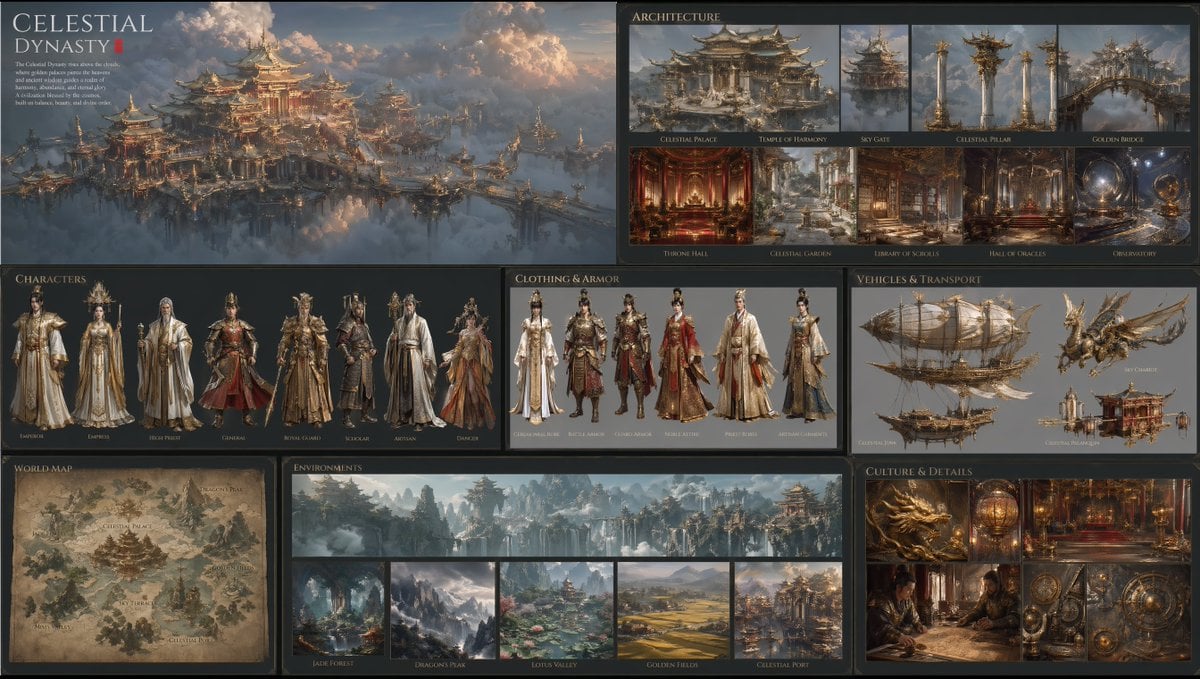
Celestial Dynasty World Bible Board

Dai Woman Riverbank Hair Washing
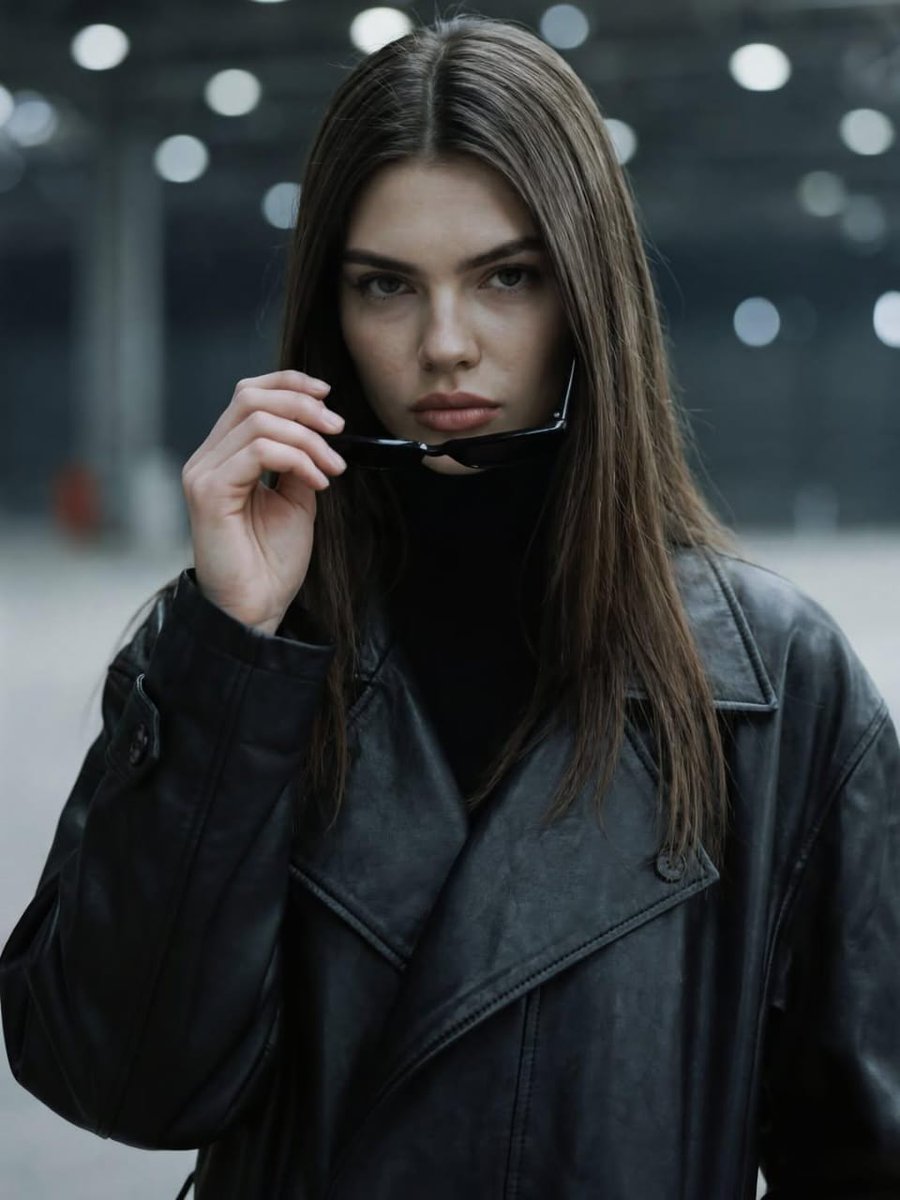
Dramatic Cinematic Portrait of a Confident Woman
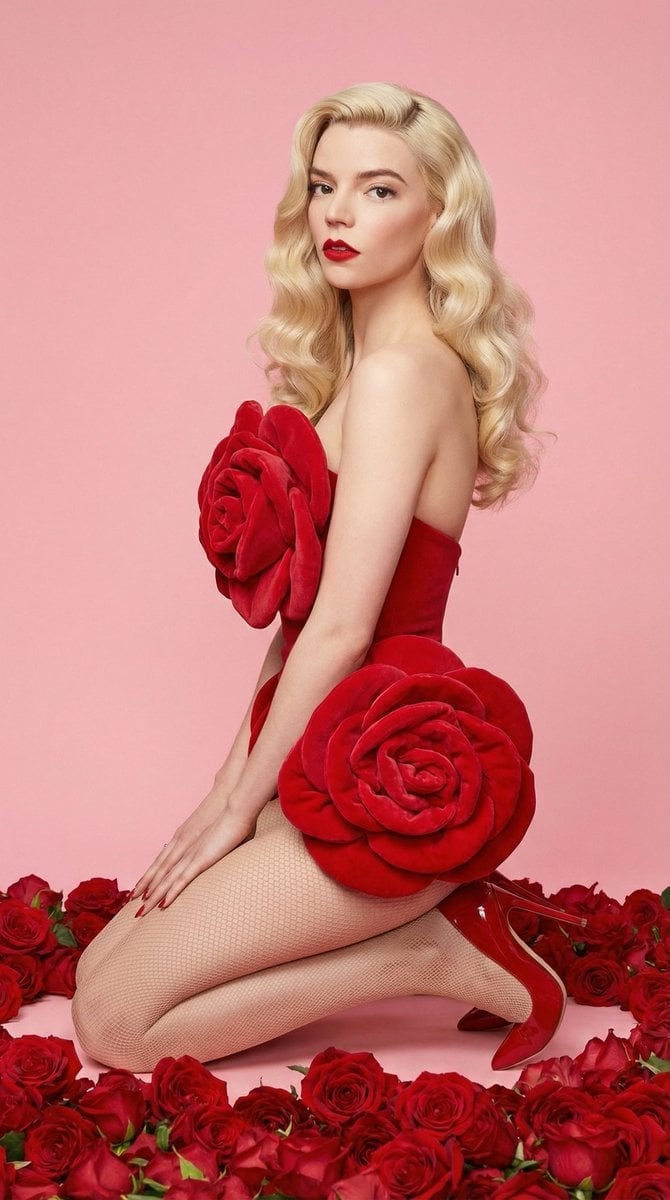
Glam Editorial Fashion Shoot with Rose Theme
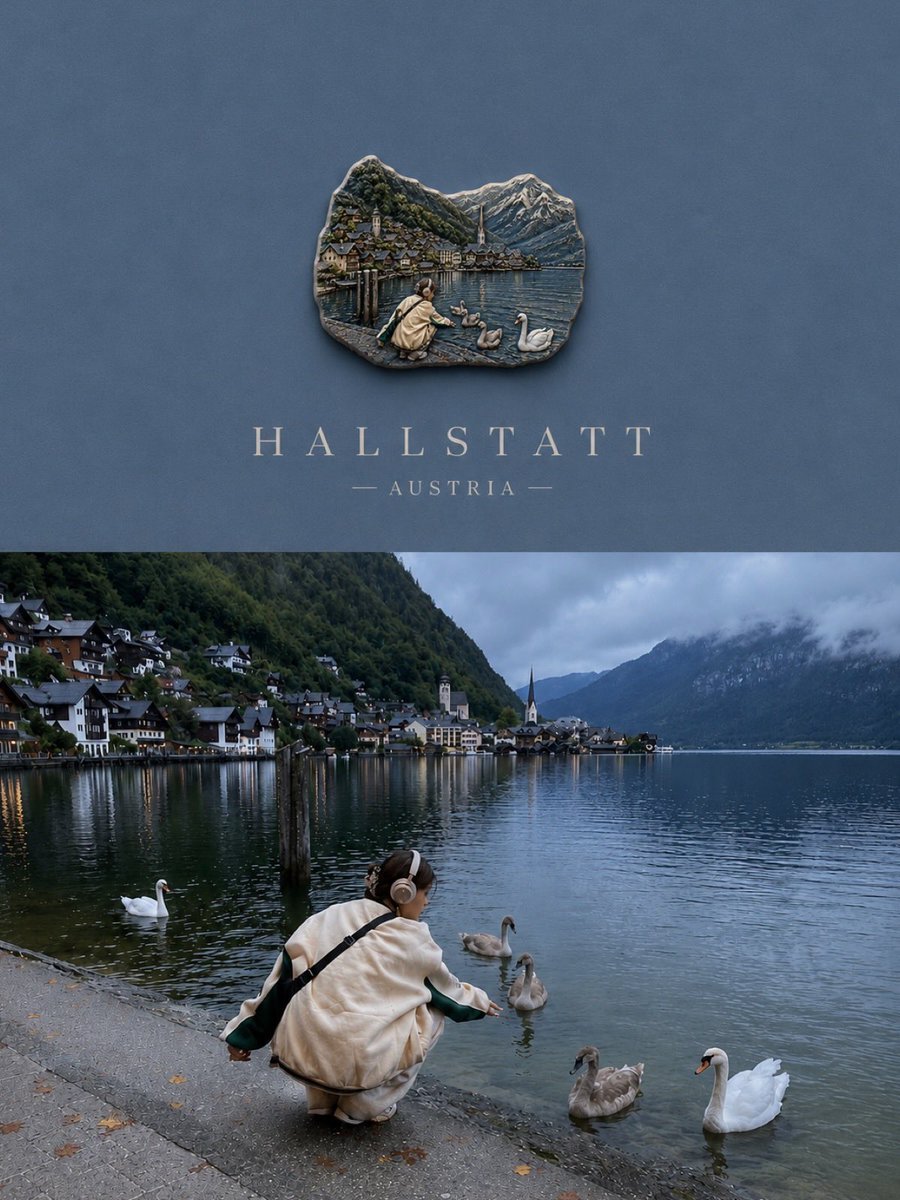
Luxury Travel Poster Split Layout
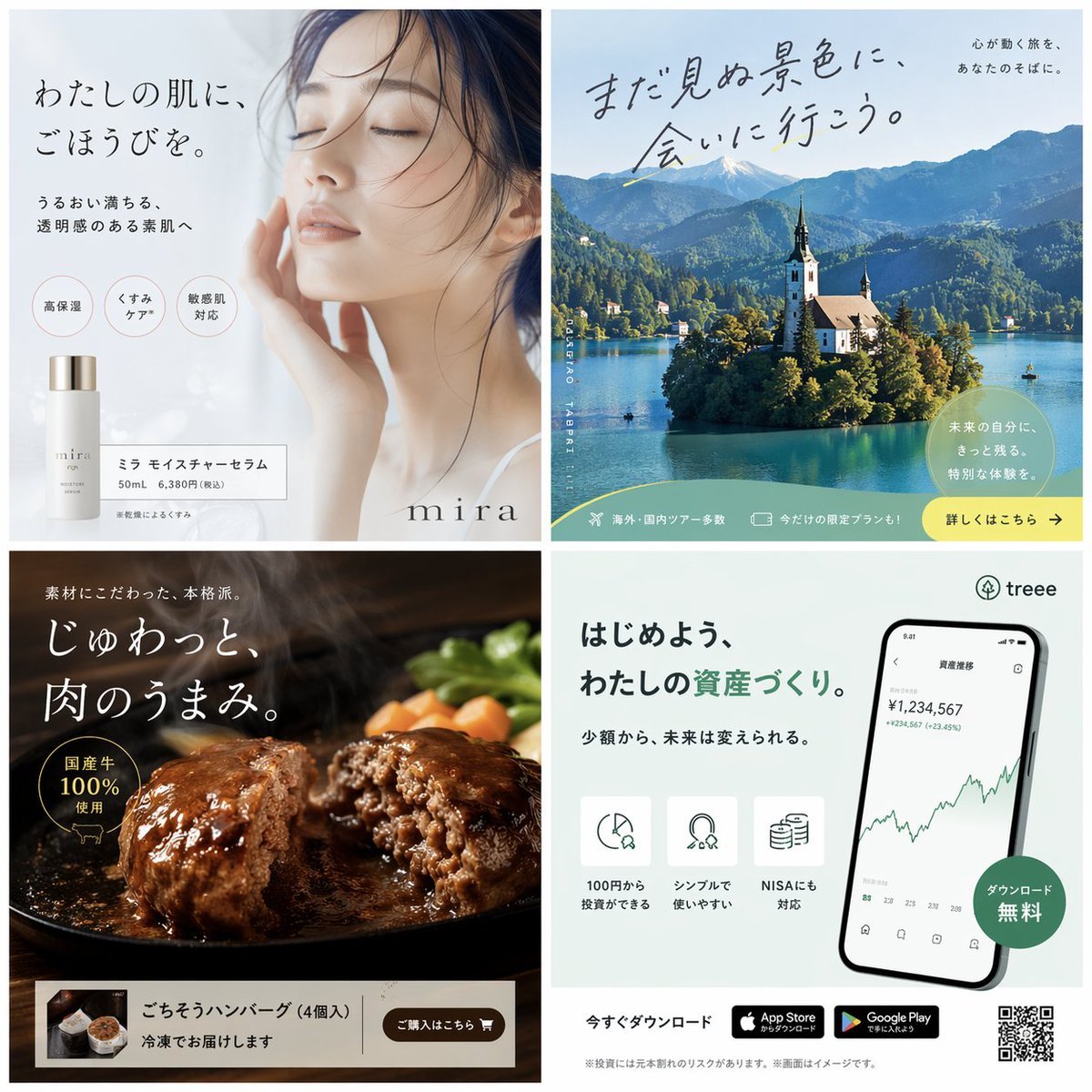
Panel Japanese Advertising Banner Grid
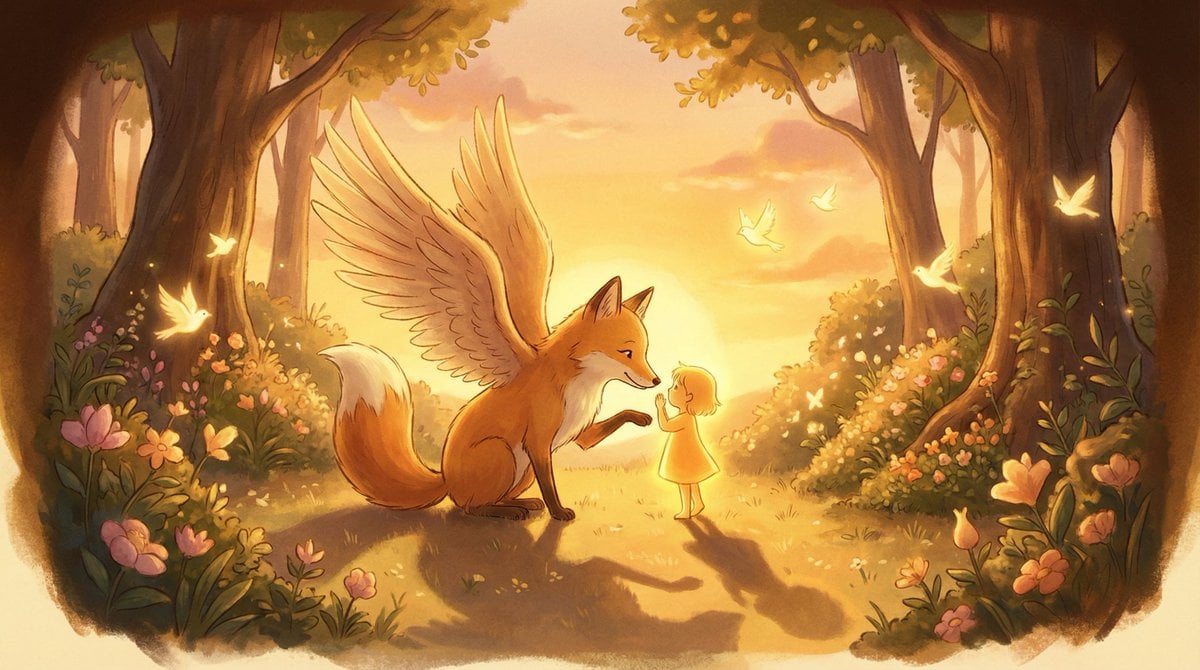
Golden Hour Storybook Rendering Template
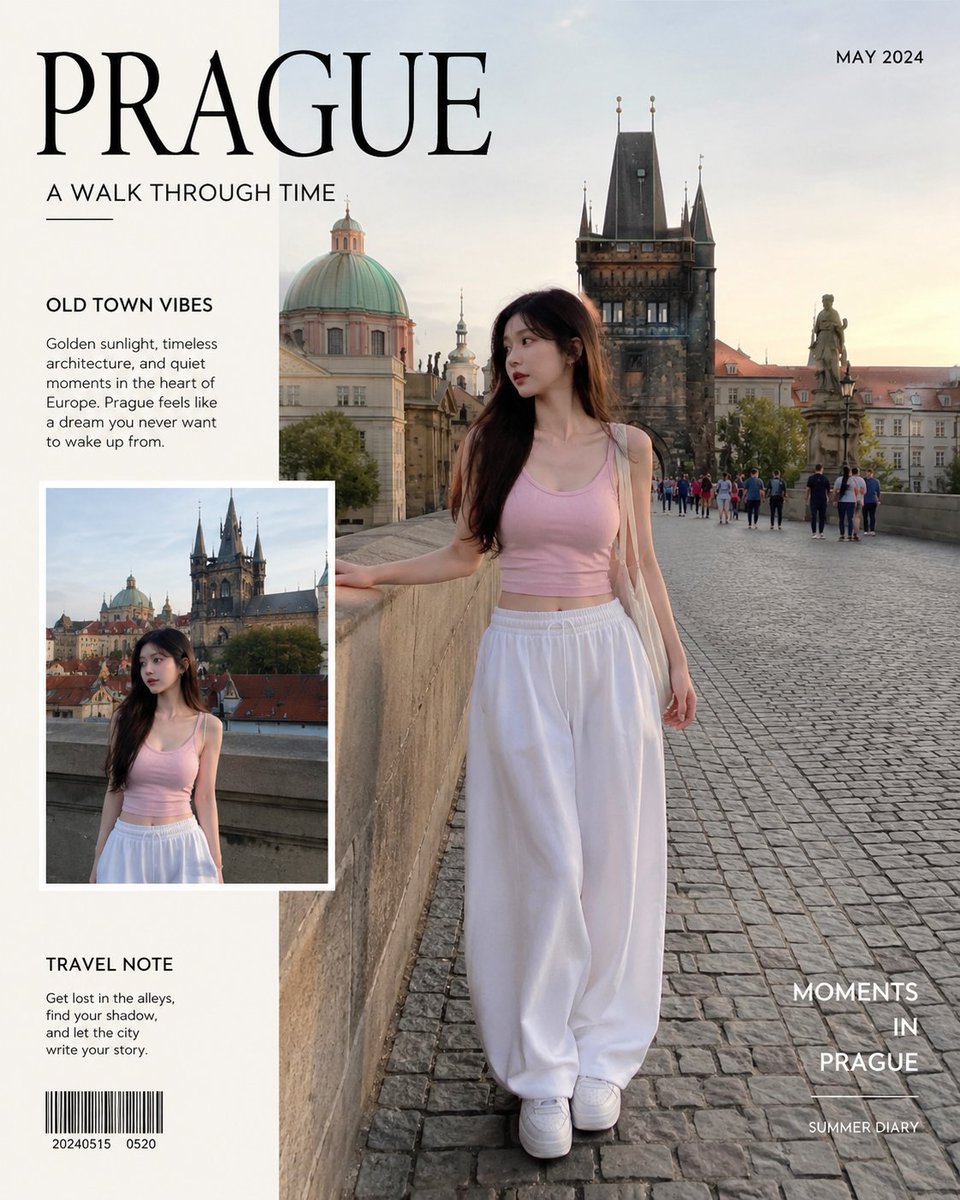
Realistic iPhone Travel Photo
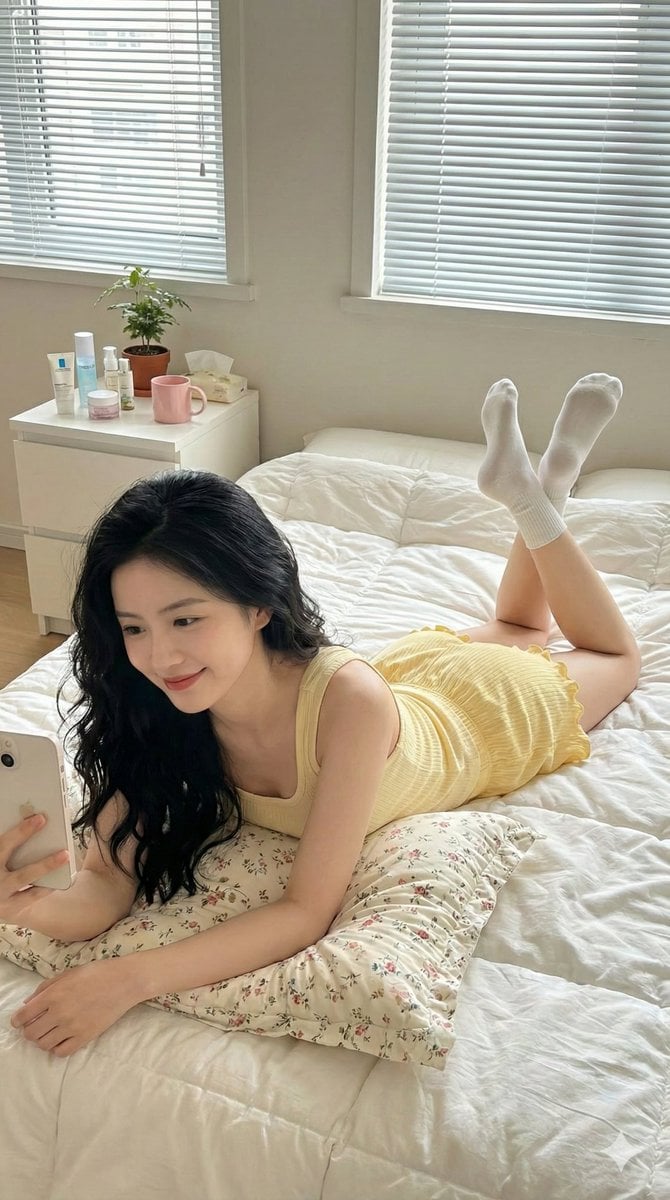
Lazy Bedroom Selfie Prompt (Lying Prone)
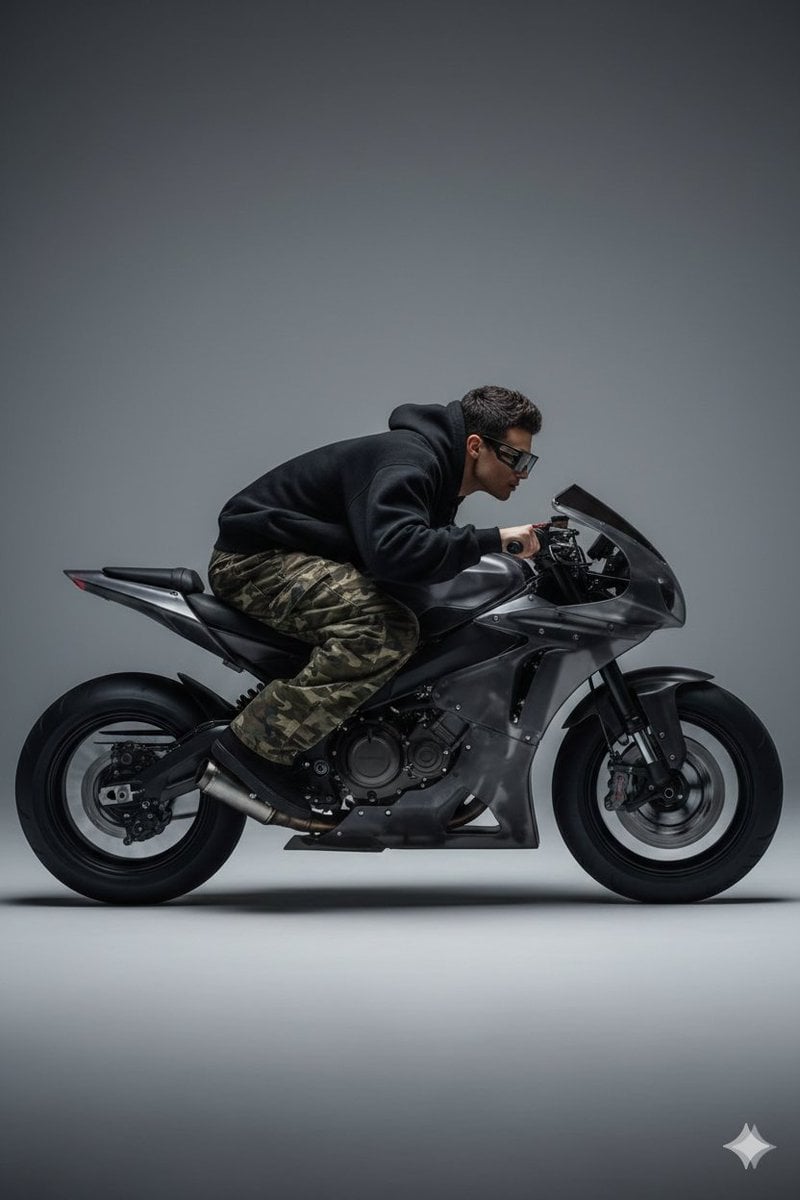
Y2K Style Translucent Motorbike Product Design
Browse template categories
Stage Performance Singer Close-up questions
How do I use the Stage Performance Singer Close-up template?
Add your photo if the template asks for one, edit the prompt if you like — the template's model and format are already selected — and press Generate. Your version opens in PicX Studio.
Can I customize the Stage Performance Singer Close-up template?
Yes. You can change the subject, setting, lighting, mood, format, and available model controls before creating your image.
Is the Stage Performance Singer Close-up template free?
Opening and editing this template is free. Generating uses credits, shown on the Generate button when you are signed in.
Which AI model should I use?
Start with GPT Image 2, which is the model associated with this template. You can compare another compatible model for a different finish.
Looking for something else? Browse all templates.

Your photo, any look
Thousands of ready templates for every top image and video model, from one credit balance.