
Bunraku Courtesan Stage Performance
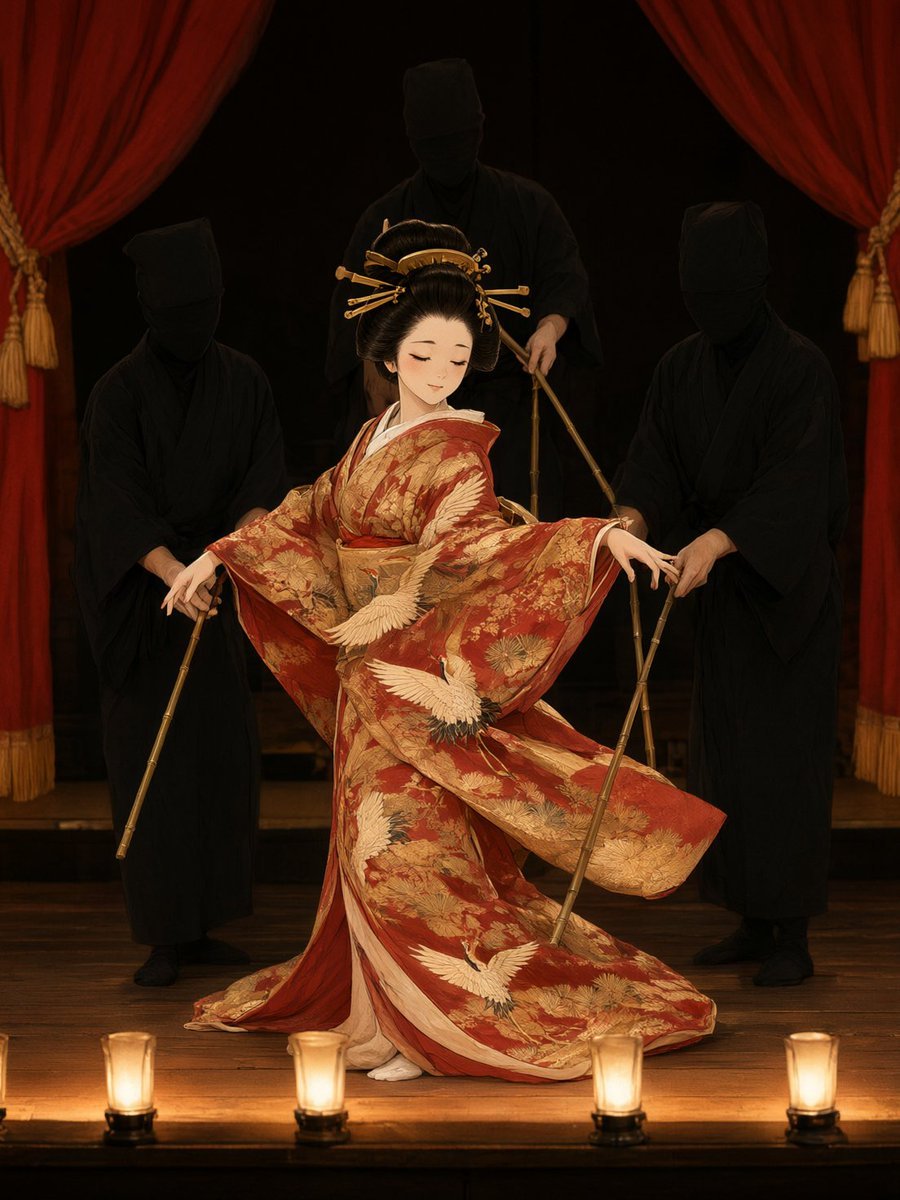
A detailed prompt for generating a dramatic Japanese bunraku theater scene with an ornate kimono puppet, three black-clad puppeteers, red curtains, and warm stage lighting.
- Prompt included
- Model and format preset
- Free template
The prompt behind this image
Copy the exact prompt behind Bunraku Courtesan Stage Performance, or open it in the studio and make it yours.
Create a cinematic vertical image of a traditional Japanese bunraku-style puppet theater performance on a dark wooden stage. Center the composition on {argument name="performer character" default="an elegant young Japanese courtesan puppet"} in a graceful dance pose, eyes closed and head slightly bowed, wearing an ornate {argument name="kimono color and pattern" default="deep red and antique gold kimono with embroidered white cranes, pine branches, floral brocade, and long flowing sleeves"}. Her black hair is arranged in a glossy traditional updo with gold hairpins and comb ornaments. Show exactly three puppeteers behind and beside her, all dressed entirely in matte black robes and black head coverings with their faces obscured: one on the left holding a control rod, one taller figure centered behind her holding upper control rods, and one on the right guiding her arm with bamboo rods. The puppet’s sleeves and hem should sweep outward as if caught mid-motion, revealing pale inner layers and small white tabi feet. Frame the stage with heavy {argument name="curtain color" default="deep red velvet curtains"} on both sides, tied back with gold tassel cords. Place exactly four warm cylindrical footlights along the front edge of the stage, evenly spaced and glowing amber. Use a theatrical chiaroscuro mood with a nearly black background, warm spotlight on the puppet, subtle shadows on the puppeteers, polished dark wood floorboards, rich fabric texture, delicate embroidery, and highly detailed painterly realism inspired by classical Japanese theater posters. No modern objects, no extra puppeteers, no text, no watermark.
How to use Bunraku Courtesan Stage Performance in 3 steps
- 1Upload ImagePNG, JPG or paste
Add your photo
Upload the photo the template builds on. The prompt, model and format are already set.
- 2…a portrait of your subject in softgolden-hour light, 85mm…
Personalize
Edit the subject and creative details for your destination.
- 3Generate
Generate
Press Generate — your image is created in PicX Studio, so you can compare it with the original and refine one variable at a time.
More like this
Templates with the same subject, style or setup. Open one to see its prompt.
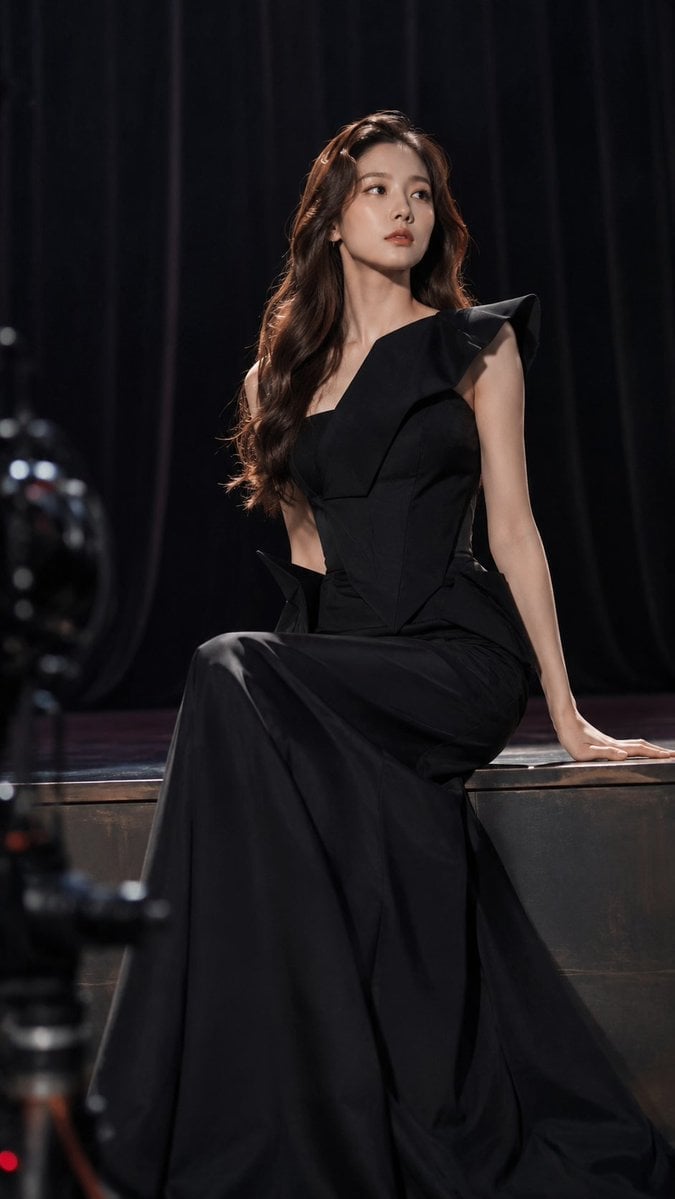
Dark Luxury Stage Fashion Editorial Portrait
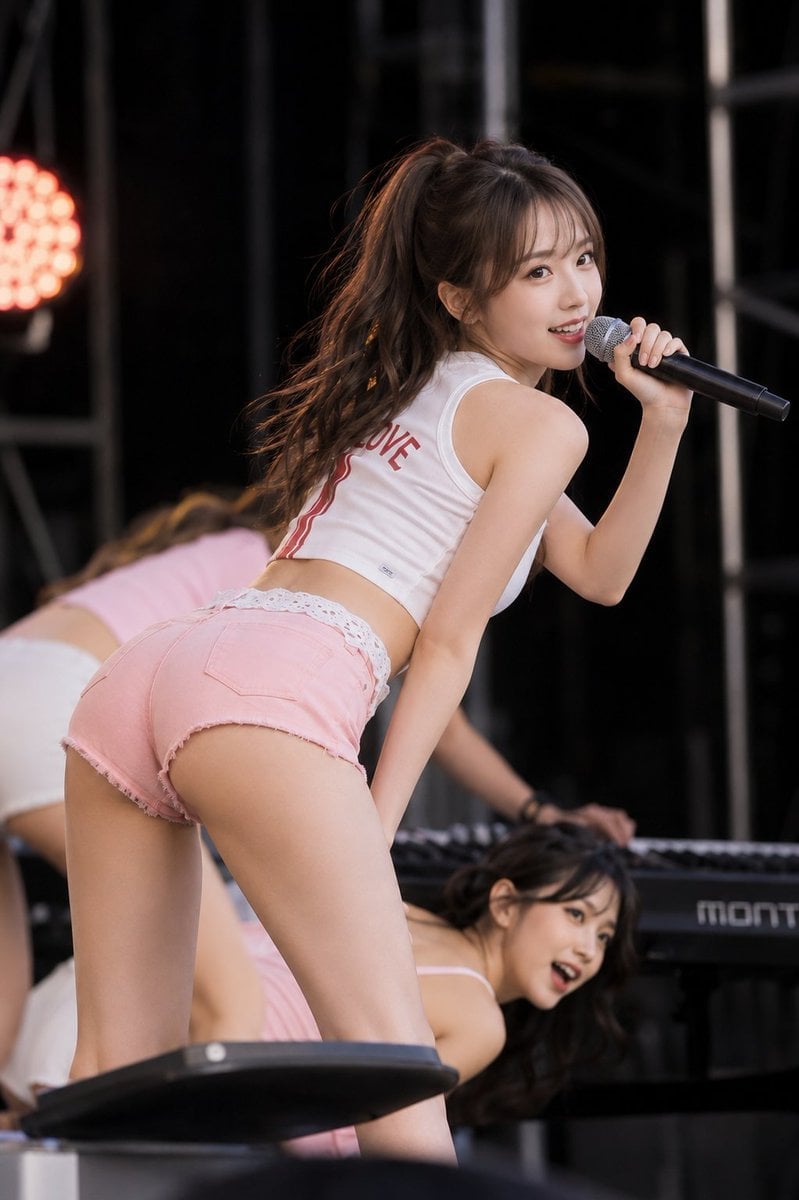
Stage Performance Singer Close-up
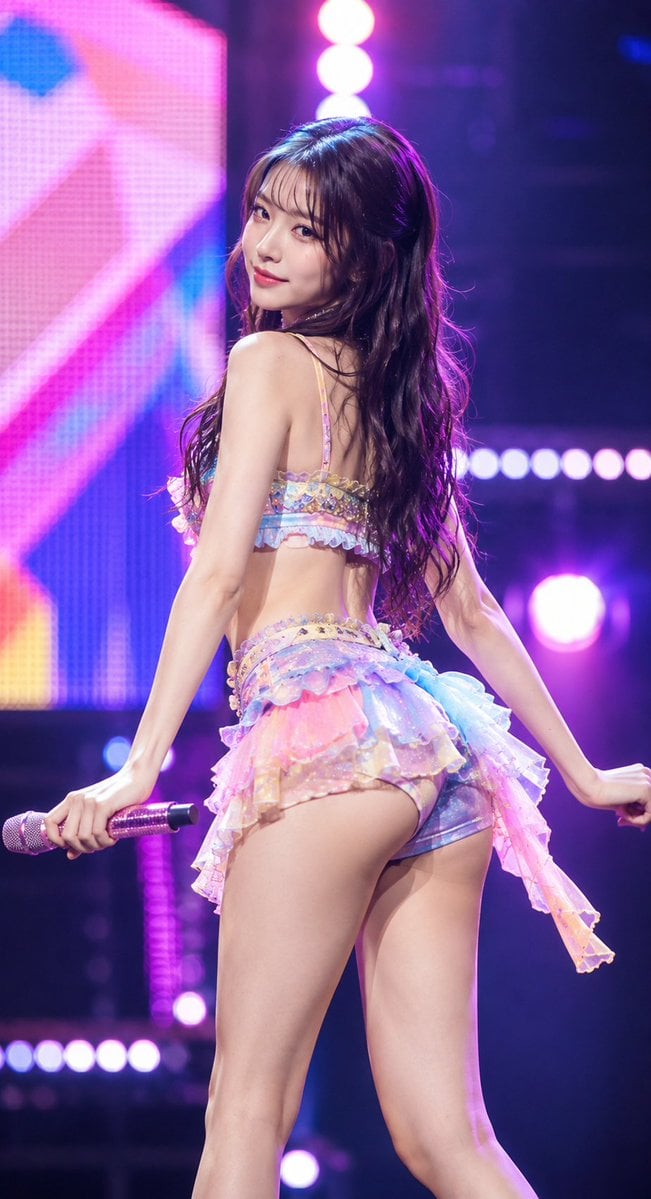
Idol Stage Performance Portrait
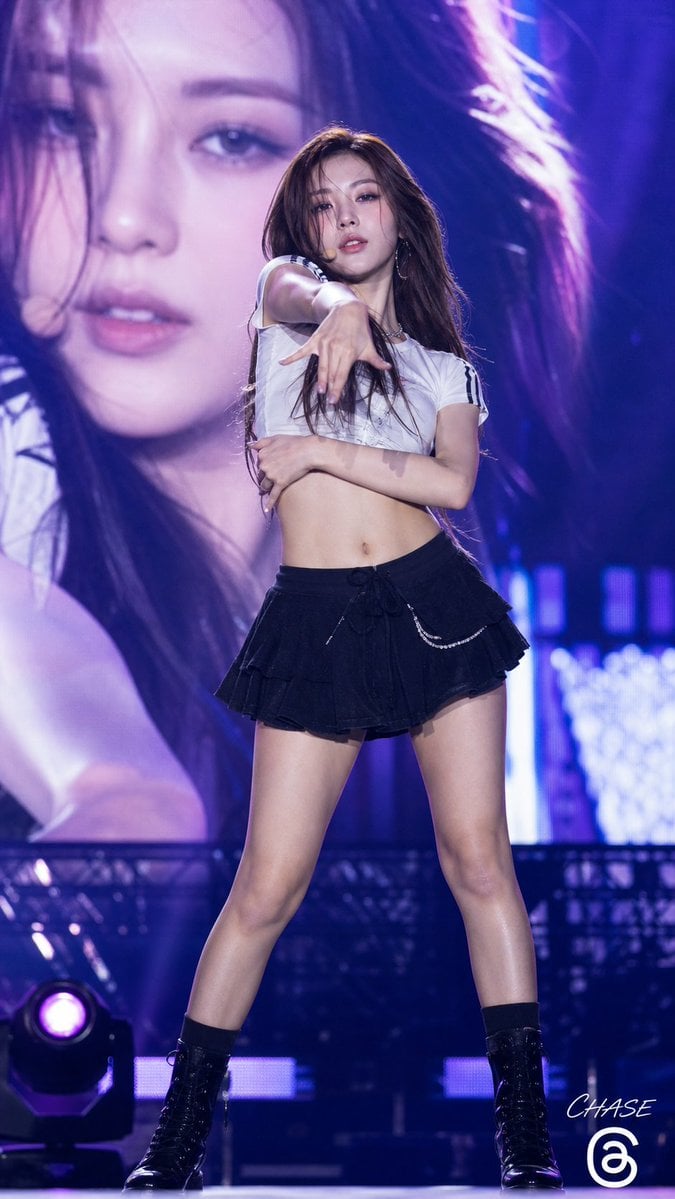
K-POP Idol Stage Performance Portrait
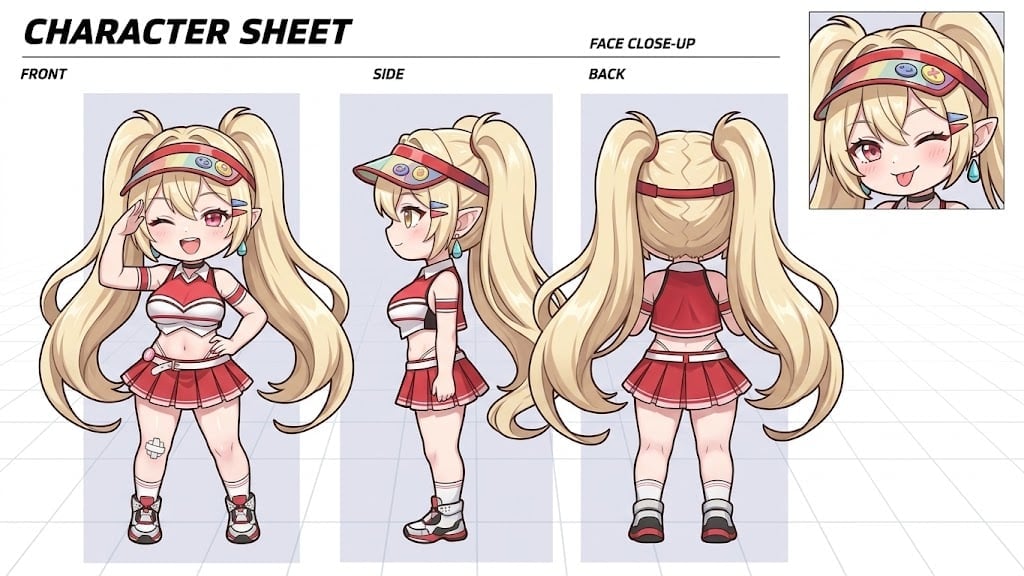
Dynamic Cheerleader Performance Shot
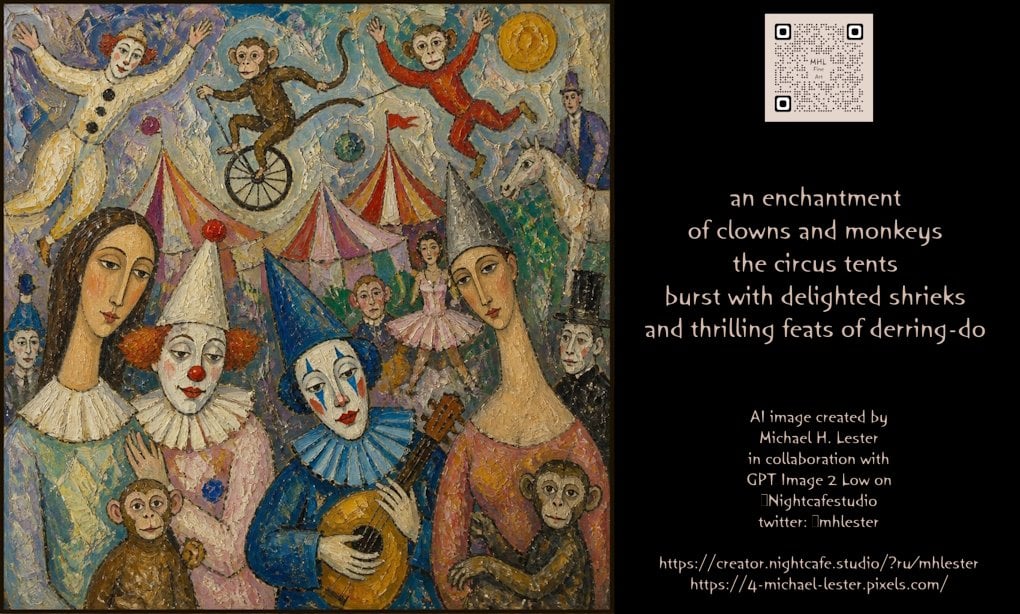
Whimsical Circus Show Performance
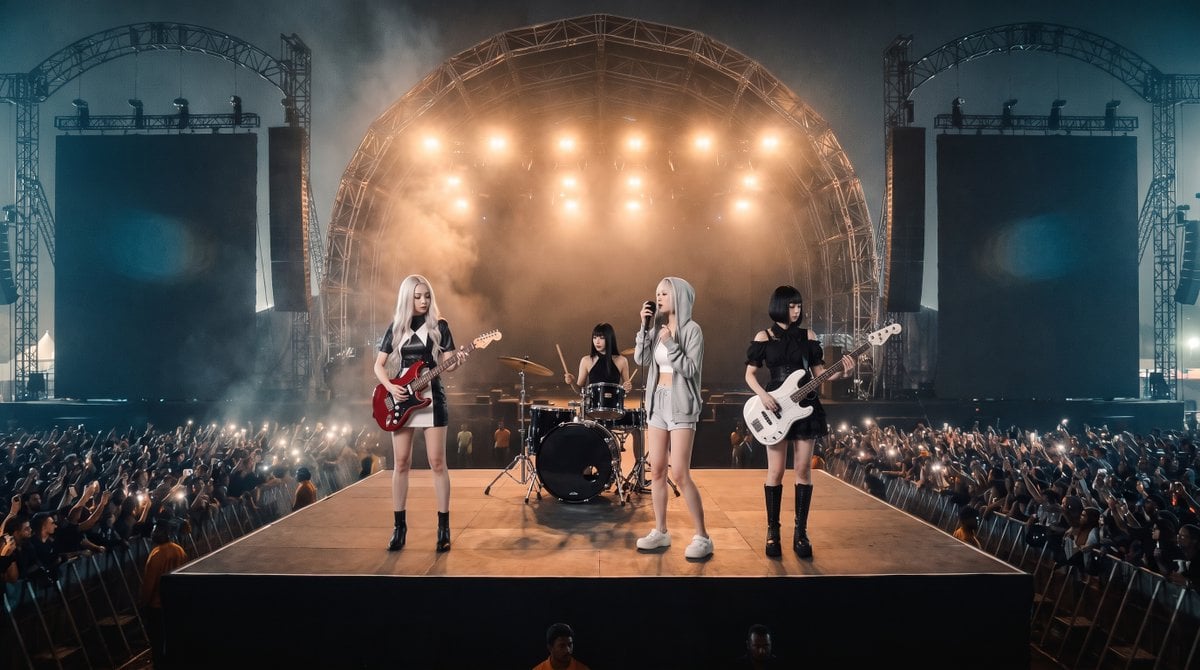
Photorealistic Festival Band Performance
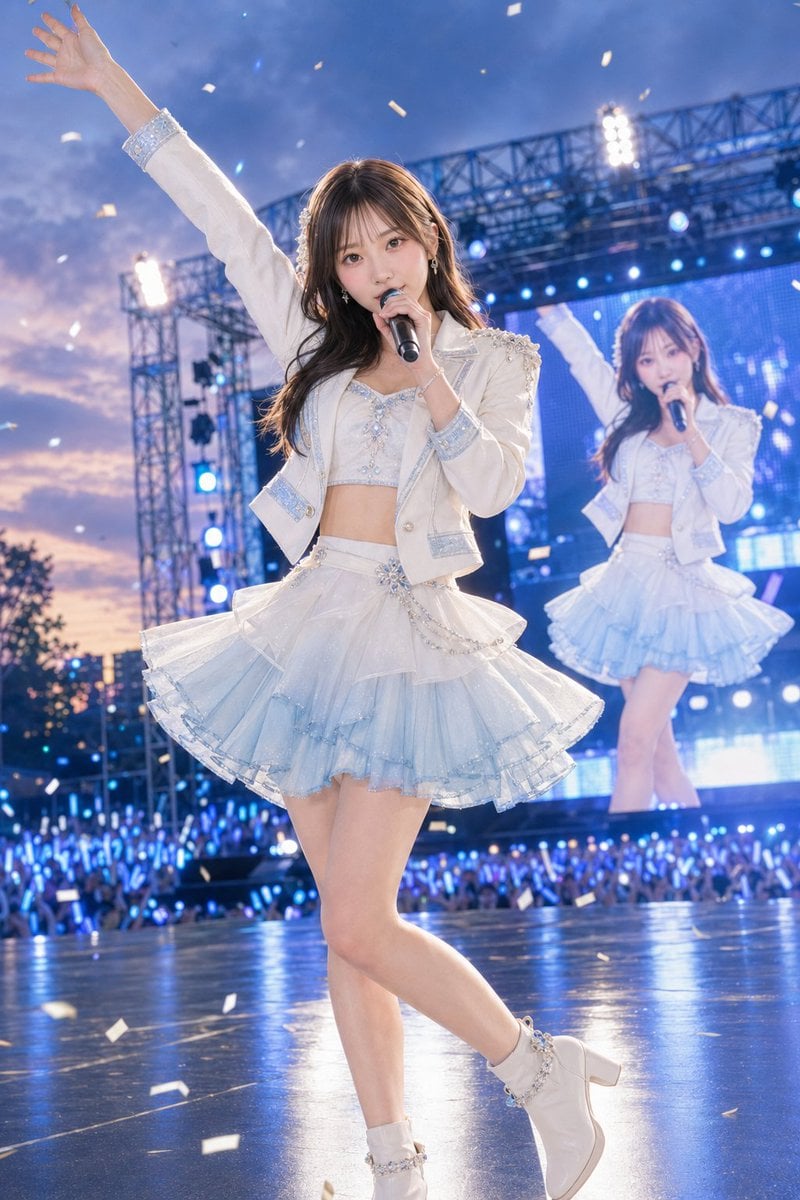
Outdoor Idol Concert Performance
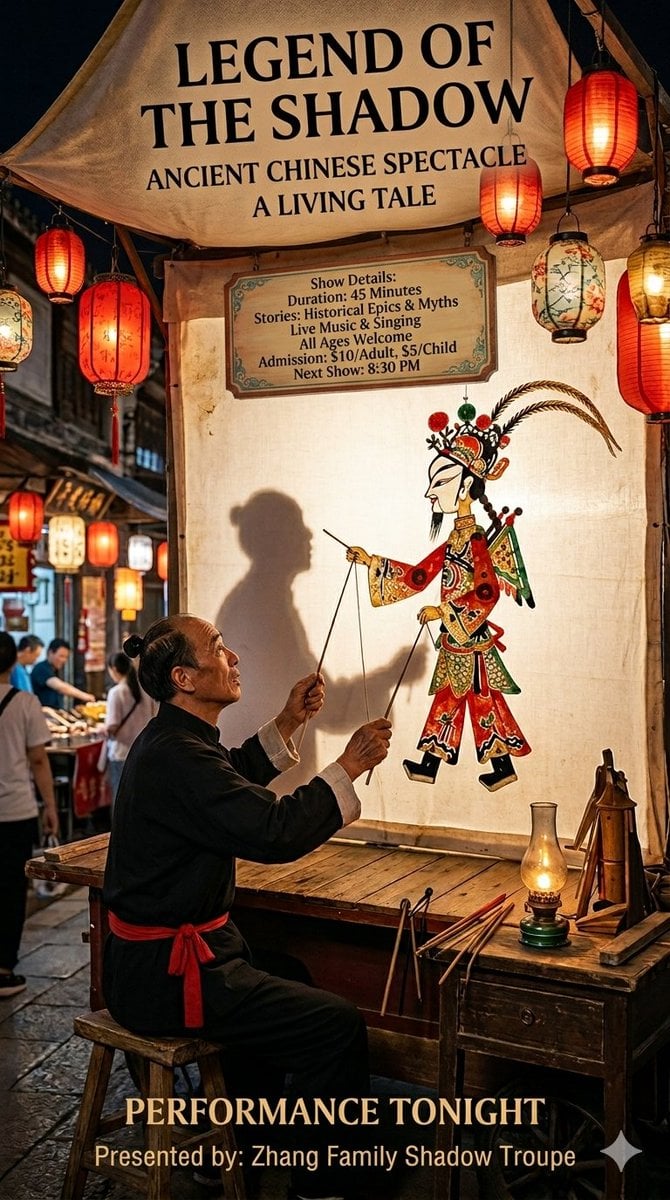
Traditional Shadow Puppet Performance
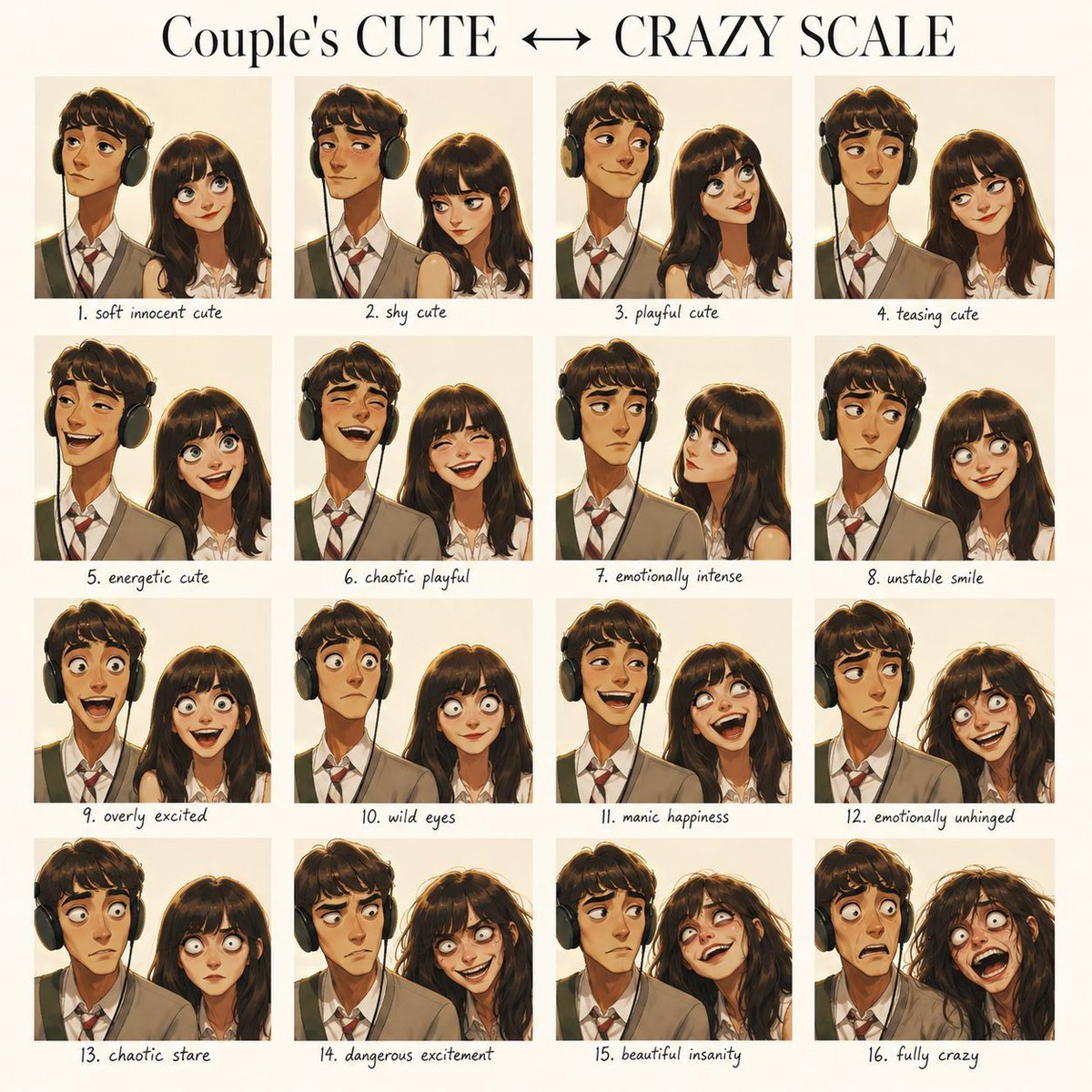
Emotional Expression Performance Grid
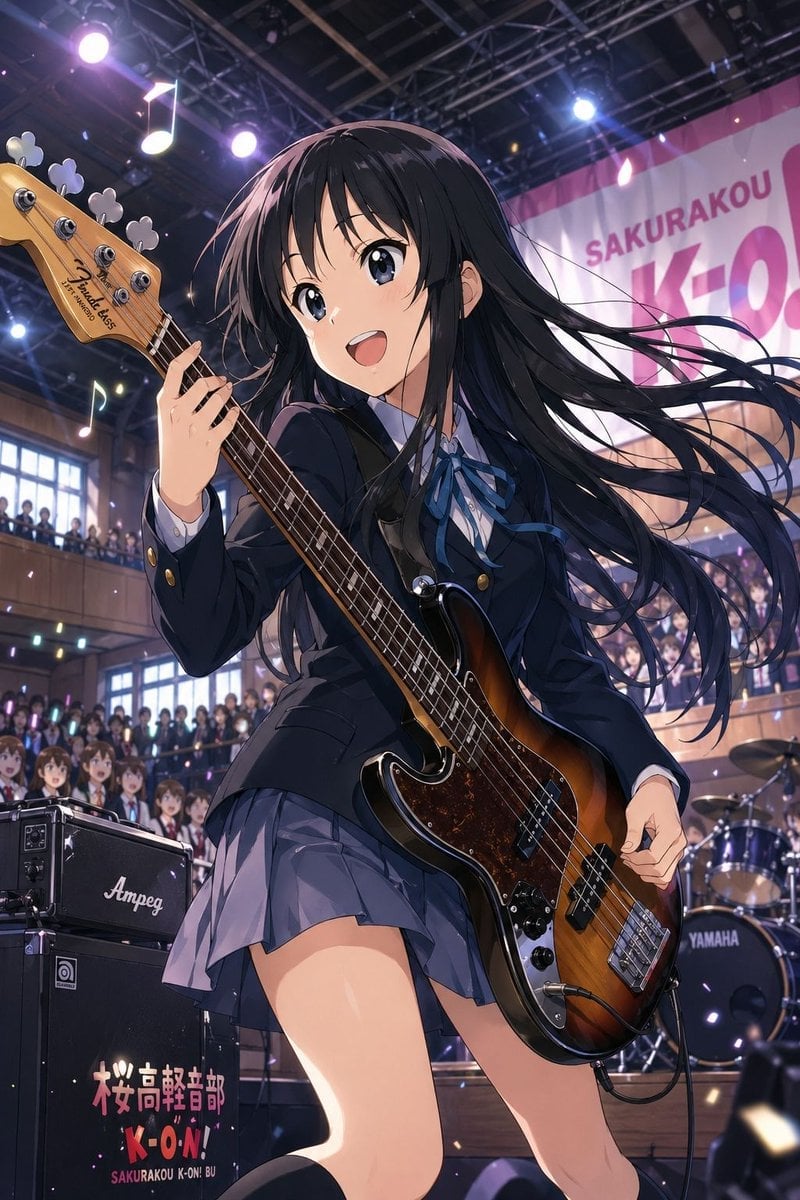
Anime School Festival Bass Performance

Indoor Arena Cheerleader Performance
Make it yours
Bunraku Courtesan Stage Performance works as-is. These are the safest ways to change it without losing the look.
Change one field
Copy a single group, rewrite it, and generate again so you can see what that field is doing.
Keep the frame, change the subject
Hold the composition and light of Bunraku Courtesan Stage Performance, then swap wardrobe, props or the person for a new take.
| If the result… | Why | Fix |
|---|---|---|
| The result drifts from the preview | Too many fields changed at once. | Reuse Bunraku Courtesan Stage Performance as-is first, then change one group — subject, light, or setting. |
| The model over-stylizes the scene | The prose prompt leaves finish and camera underspecified. | Add one camera or lighting sentence and stay on GPT Image 2. |
More GPT Image 2 templates
Other prompts made for GPT Image 2.

Six VTuber Japanese Logo Sheet

Realistic Portrait of Woman and Deer

The Vista Modular Condo Poster

AI Model Routing Comparison Infographic

2.5D Anime Art Board

Isometric Productivity Desk Scene

New York Double Exposure Poster

Four-Panel AI Landscape Comparison

Japanese Tatami Lifestyle Magazine Cover

NESCAFÉ Coffee Map Poster
More image prompts
Fresh picks from across the catalog.
ID verification character with visible passport
Mystical Crystal Music Stand Image Prompt

Surreal Coffee Ad Poster
Cinematic Fashion Portrait in Tropical Greenhouse

Anime Style Snowman Building Scene Prompt
Edgy Asian Fashion Studio Portrait
Retro Space Shooter VFX Sprite Sheet
High-Fashion Studio Portrait
Photorealistic Ada Wong Cosplay Selfie
Seedance - 83 Year Old Rave (maxescu)
Browse template categories
Bunraku Courtesan Stage Performance questions
How do I use the Bunraku Courtesan Stage Performance template?
Add your photo if the template asks for one, edit the prompt if you like — the template's model and format are already selected — and press Generate. Your version opens in PicX Studio.
Can I customize the Bunraku Courtesan Stage Performance template?
Yes. You can change the subject, setting, lighting, mood, format, and available model controls before creating your image.
Is the Bunraku Courtesan Stage Performance template free?
Opening and editing this template is free. Generating uses credits, shown on the Generate button when you are signed in.
Which AI model should I use?
Start with GPT Image 2, which is the model associated with this template. You can compare another compatible model for a different finish.
Looking for something else? Browse all templates.

Your photo, any look
Thousands of ready templates for every top image and video model, from one credit balance.