
Indoor Arena Cheerleader Performance
Generates a realistic sports-event photo of an adult cheerleading squad performing on a basketball court in a packed arena.

- Prompt included
- Model and format preset
- Free template
The prompt behind this image
Copy the exact prompt behind Indoor Arena Cheerleader Performance, or open it in the studio and make it yours.
Create a realistic high-resolution sports event photograph of {argument name="team name" default="BEARS"} cheerleaders performing during a basketball game inside a large indoor arena. Show exactly 7 adult female cheerleaders: 2 central foreground cheerleaders standing very close together with their backs and shoulders angled toward the camera, wearing matching navy, white, and red cropped cheer tops and pleated mini skirts; 2 main jumpers at the far left and far right with arms raised in a V pose, one leg bent behind or lifted, white sneakers and white socks; 1 background cheerleader near center-left mid-jump; 1 partial cheerleader cropped at the far left edge; and 1 small distant cheerleader standing near the back of the court. The uniforms should be navy blue with red and white trim, pleated skirts, white athletic shoes, and red-white-blue hair bows, with the word {argument name="uniform text" default="BEARS"} clearly printed on the front of the visible tops. Set the scene on a glossy wooden basketball court with court lines and reflections, crowded stadium seating, overhead steel trusses, bright arena lights, and blue advertising boards in the background. Use dynamic action photography, wide-angle perspective, shallow depth of field, natural indoor lighting, crisp fabric detail, energetic game-day atmosphere, and realistic motion poses. Keep all performers clearly adult, avoid logos other than the customizable team text, and do not add extra people in the foreground.
How to use Indoor Arena Cheerleader Performance in 3 steps
- 1Upload ImagePNG, JPG or paste
Add your photo
Upload the photo the template builds on. The prompt, model and format are already set.
- 2…a portrait of your subject in softgolden-hour light, 85mm…
Personalize
Edit the subject and creative details for your destination.
- 3Generate
Generate
Press Generate — your image is created in PicX Studio, so you can compare it with the original and refine one variable at a time.
More like this
Templates with the same subject, style or setup. Open one to see its prompt.
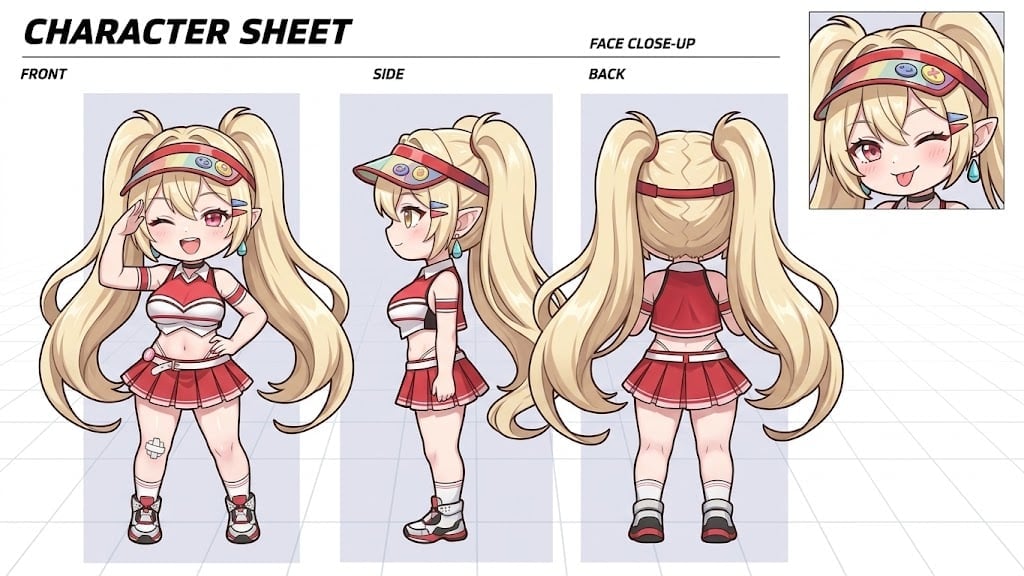
Dynamic Cheerleader Performance Shot
Leather Chair Soft Indoor Mirror Selfie
Nano Banana Pet Portrait Dog
Surreal Brahms Piano Concerto Arena
Stage Performance Singer Close-up
Idol Stage Performance Portrait
3D School Gym Boss Arena
Candid Indoor Smartphone Portrait
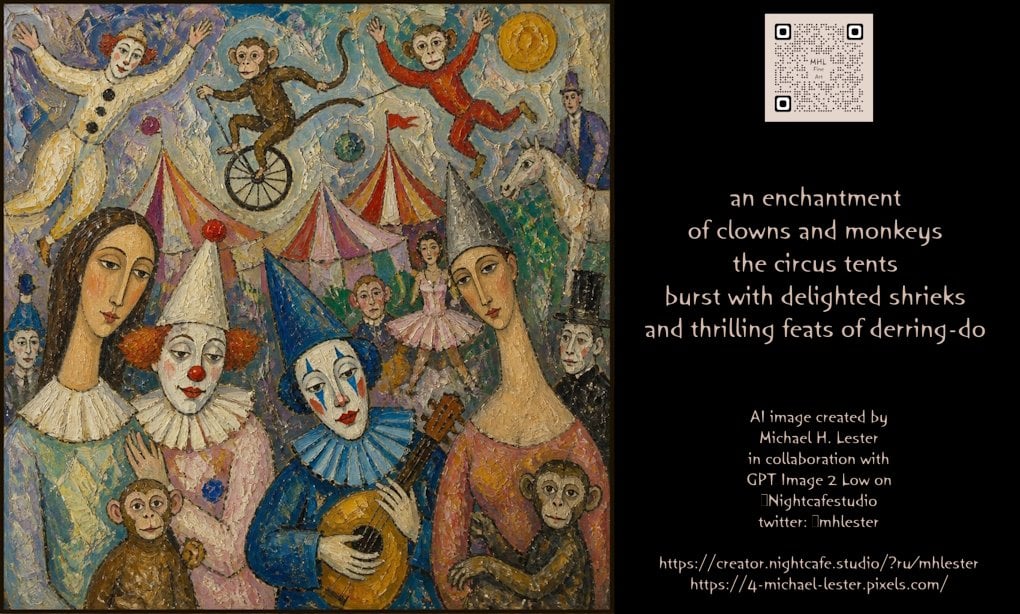
Whimsical Circus Show Performance
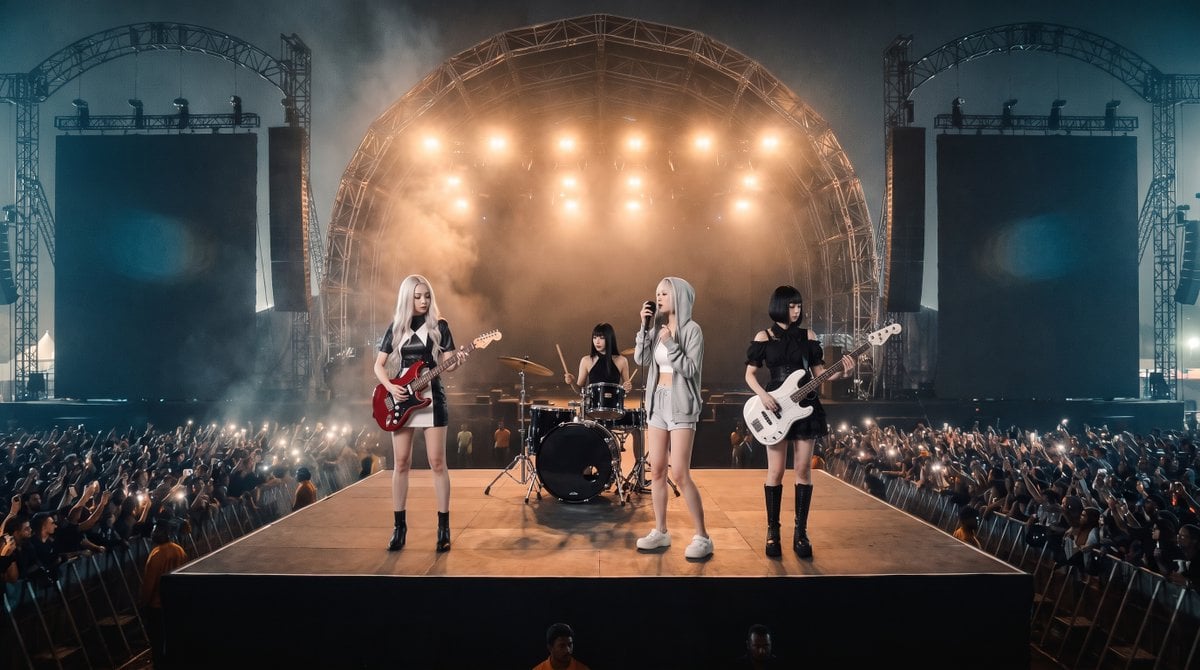
Photorealistic Festival Band Performance
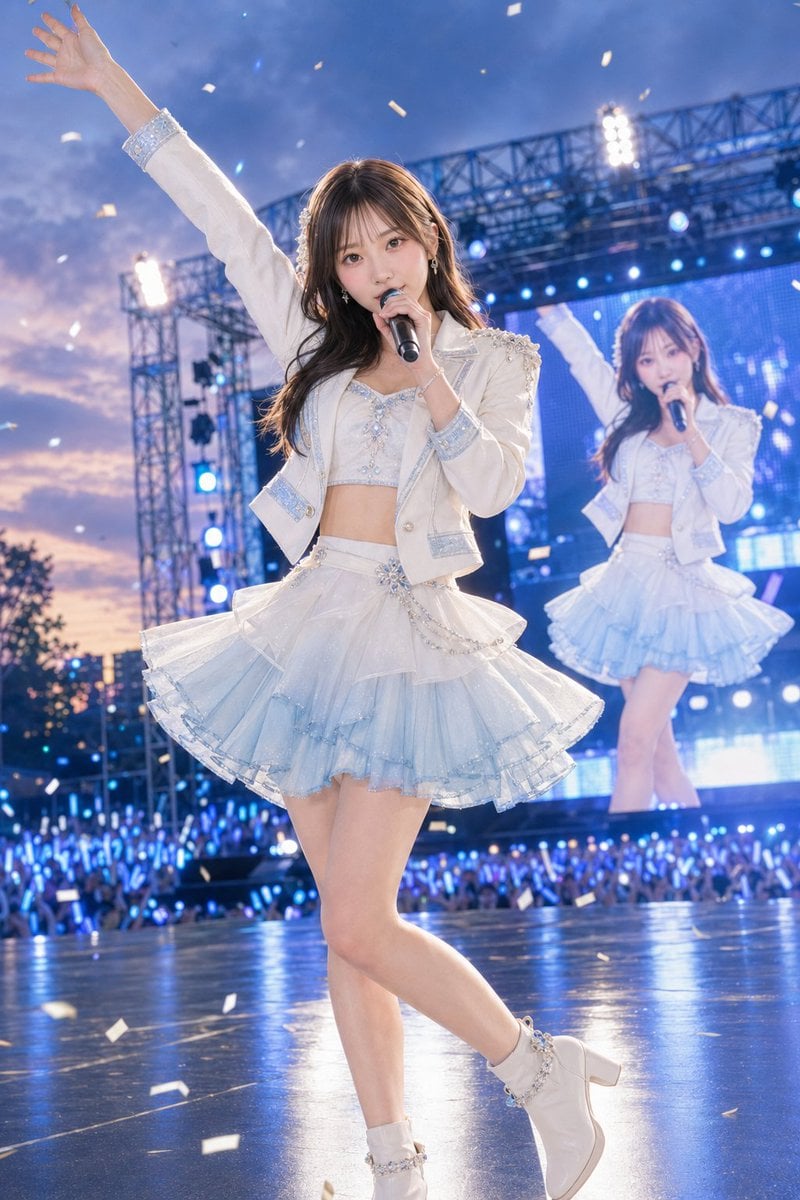
Outdoor Idol Concert Performance
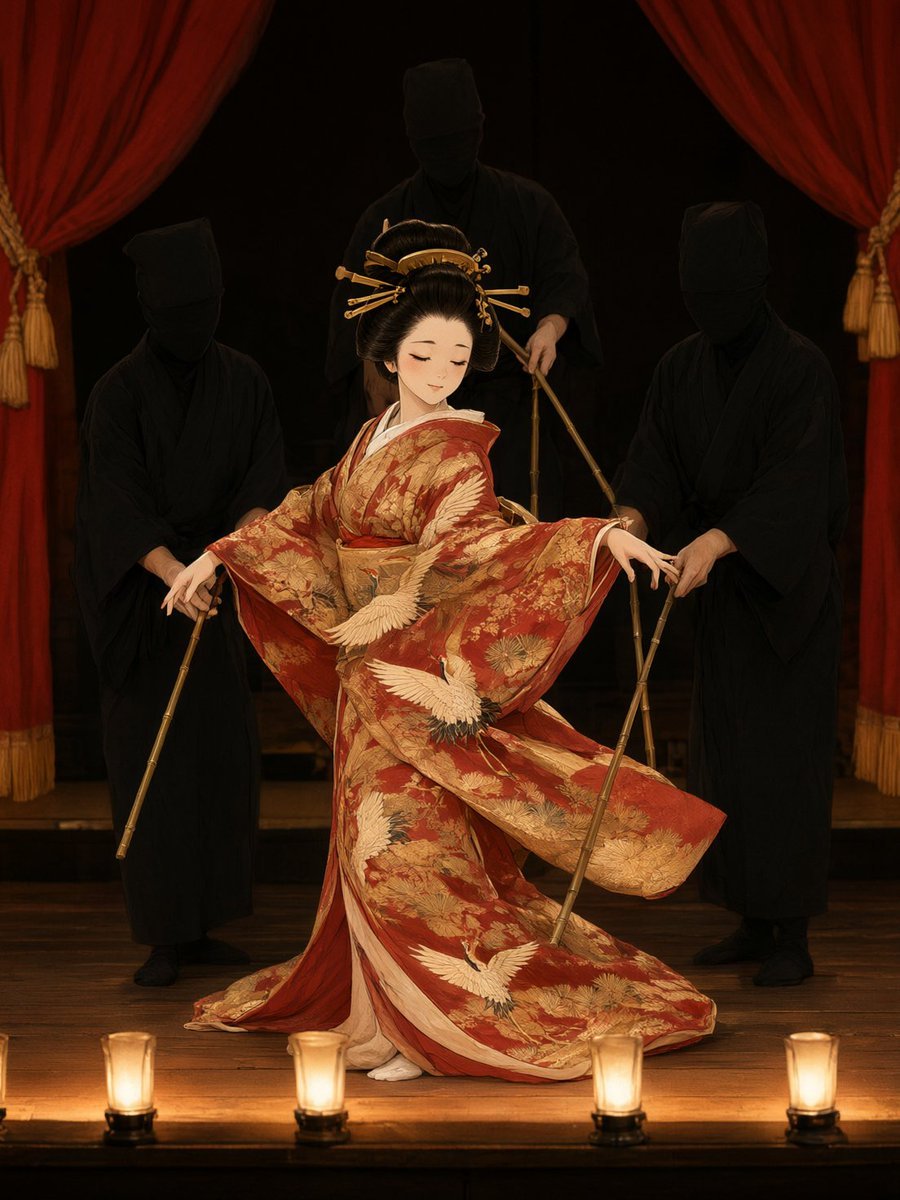
Bunraku Courtesan Stage Performance
Make it yours
Indoor Arena Cheerleader Performance works as-is. These are the safest ways to change it without losing the look.
Change one field
Copy a single group, rewrite it, and generate again so you can see what that field is doing.
Keep the frame, change the subject
Hold the composition and light of Indoor Arena Cheerleader Performance, then swap wardrobe, props or the person for a new take.
| If the result… | Why | Fix |
|---|---|---|
| The result drifts from the preview | Too many fields changed at once. | Reuse Indoor Arena Cheerleader Performance as-is first, then change one group — subject, light, or setting. |
| The model over-stylizes the scene | The prose prompt leaves finish and camera underspecified. | Add one camera or lighting sentence and stay on GPT Image 2. |
More GPT Image 2 templates
Other prompts made for GPT Image 2.

Six VTuber Japanese Logo Sheet

Realistic Portrait of Woman and Deer

The Vista Modular Condo Poster

AI Model Routing Comparison Infographic

2.5D Anime Art Board

Isometric Productivity Desk Scene

New York Double Exposure Poster

Four-Panel AI Landscape Comparison

Japanese Tatami Lifestyle Magazine Cover

NESCAFÉ Coffee Map Poster
More image prompts
Fresh picks from across the catalog.
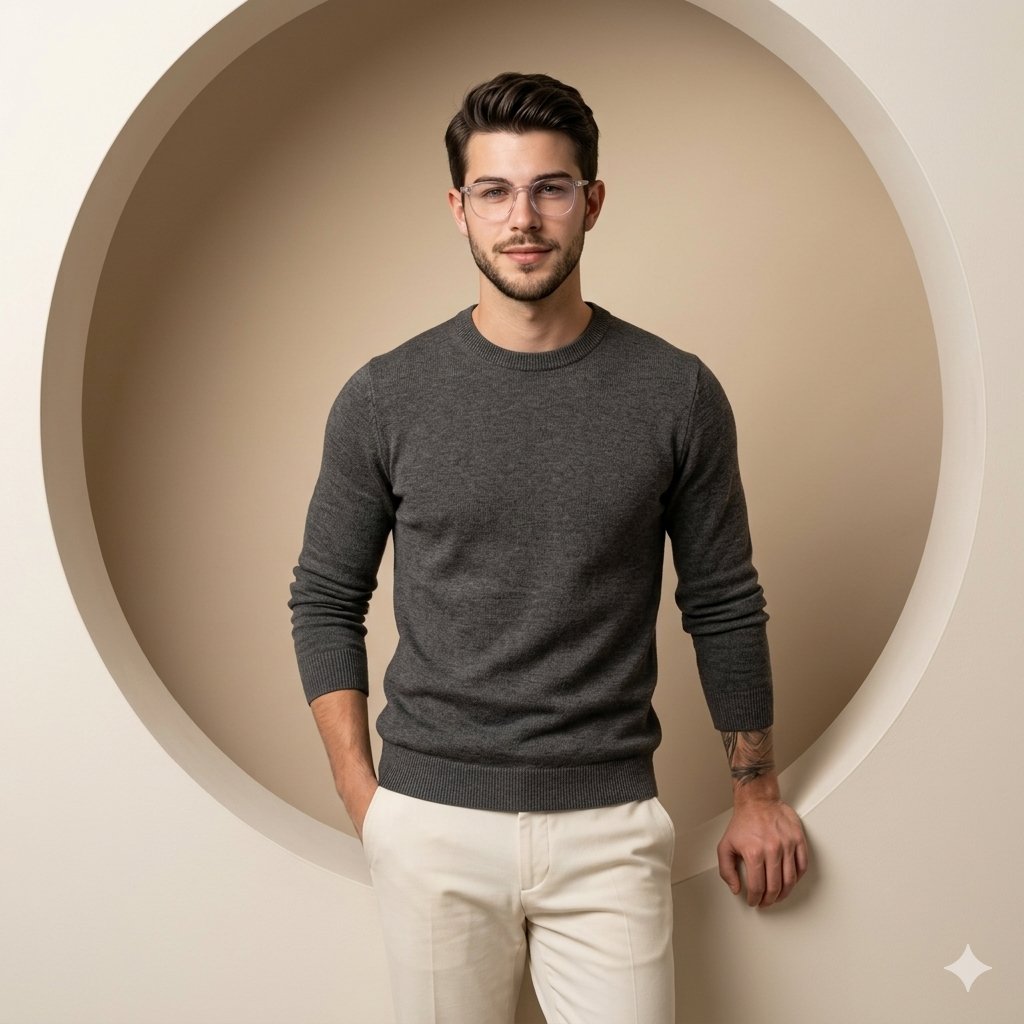
Nano Banana Pro on Gemini
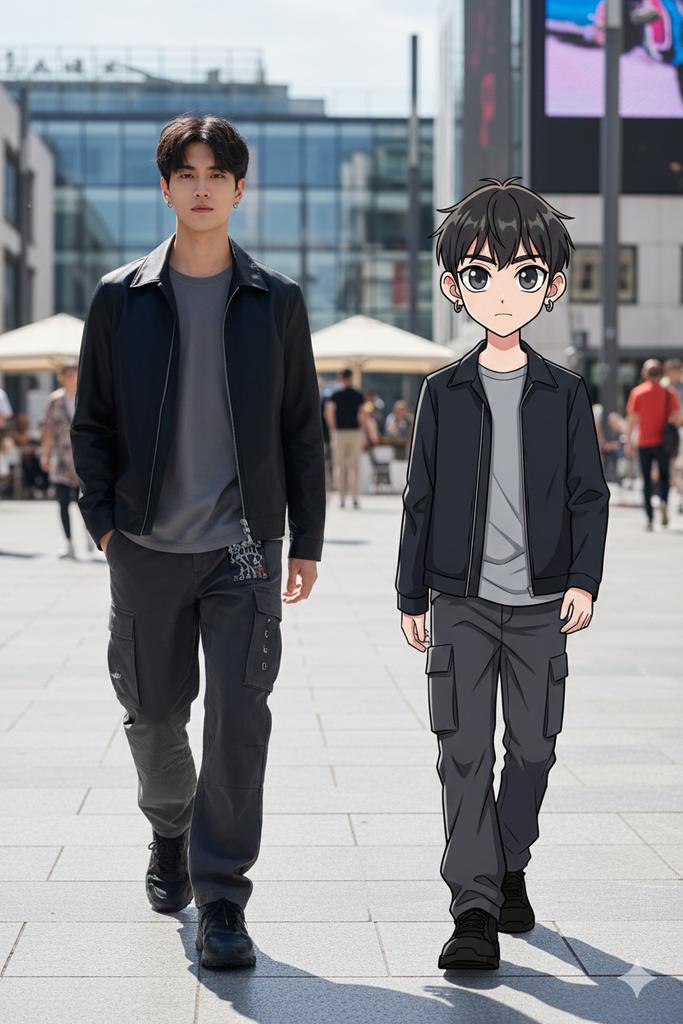
64K Street Candid with Cartoon Twin and Custom Branding
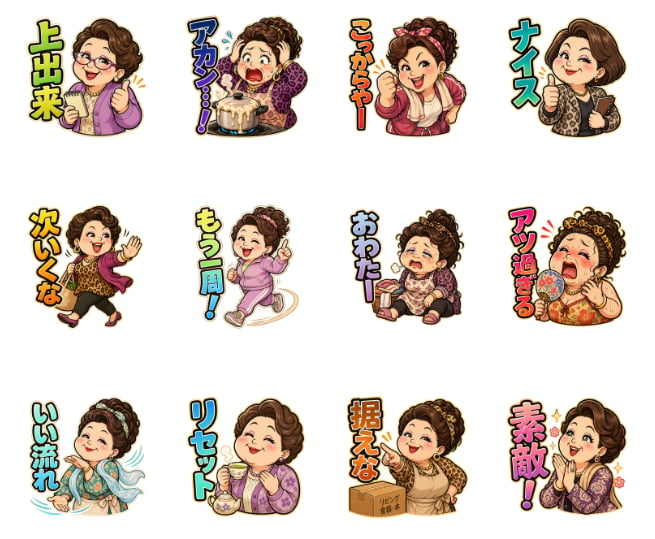
Pachinko Auntie LINE Sticker Sheet
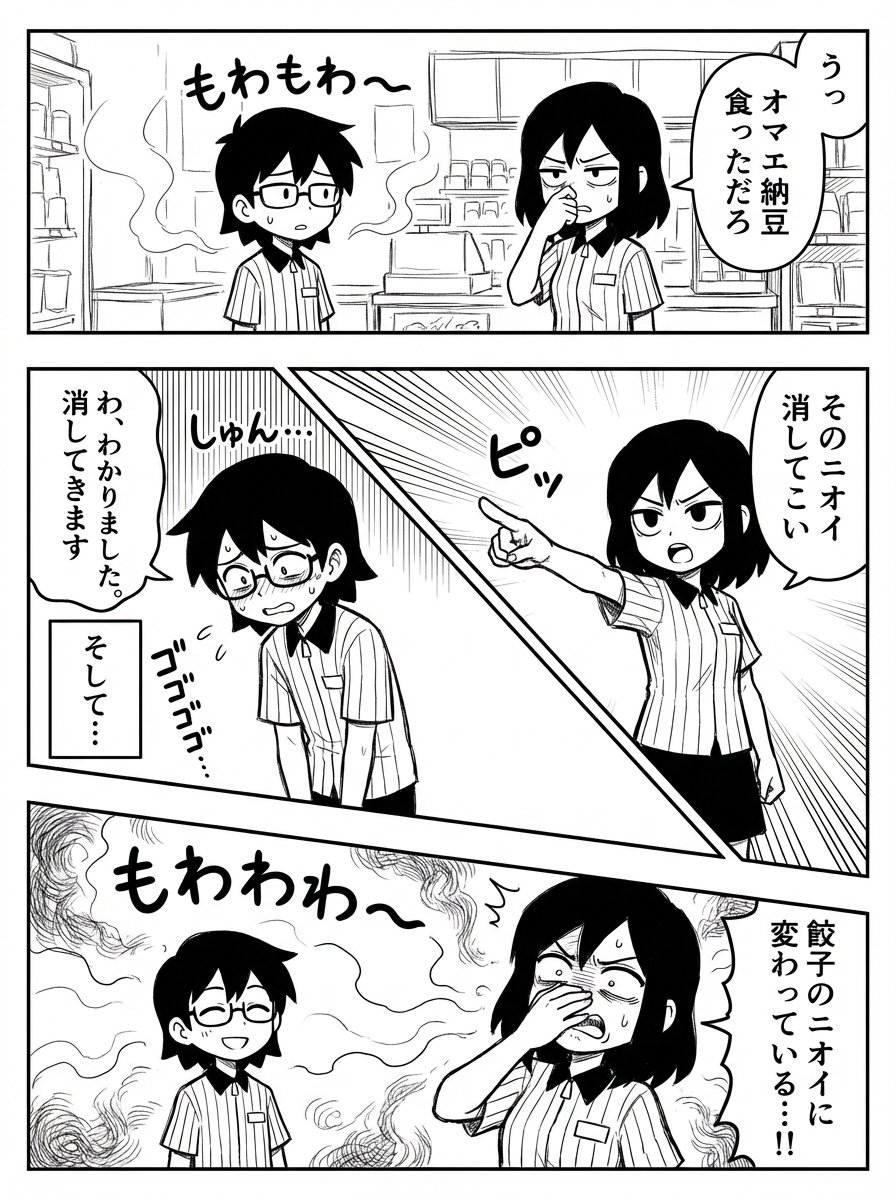
Manual Manga Panel Generation Prompt
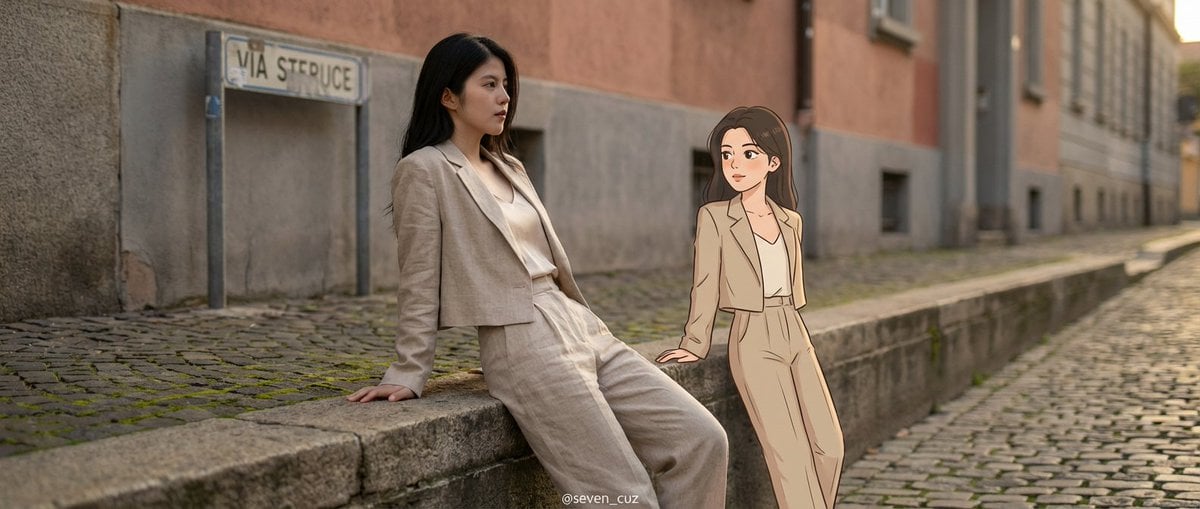
Mixed-Media Crossover Portrait (Real and Cartoon)
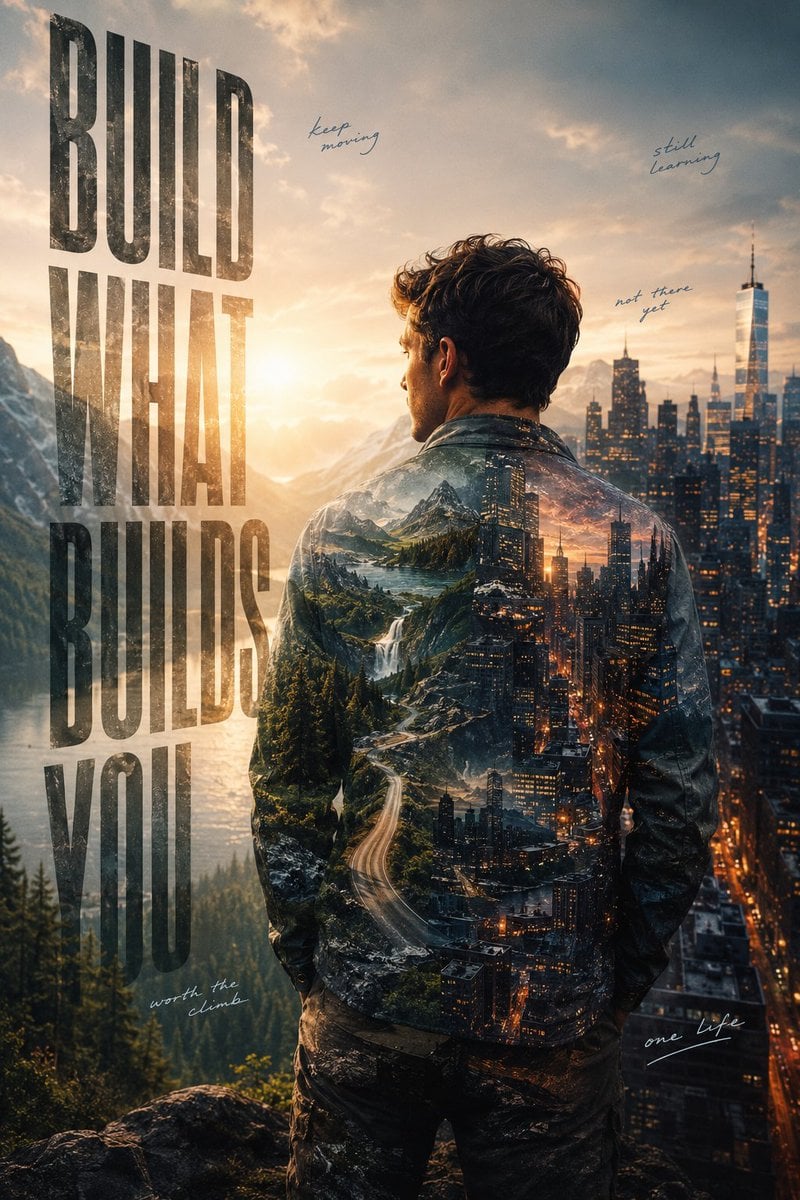
Ambition Visual Metaphor Poster
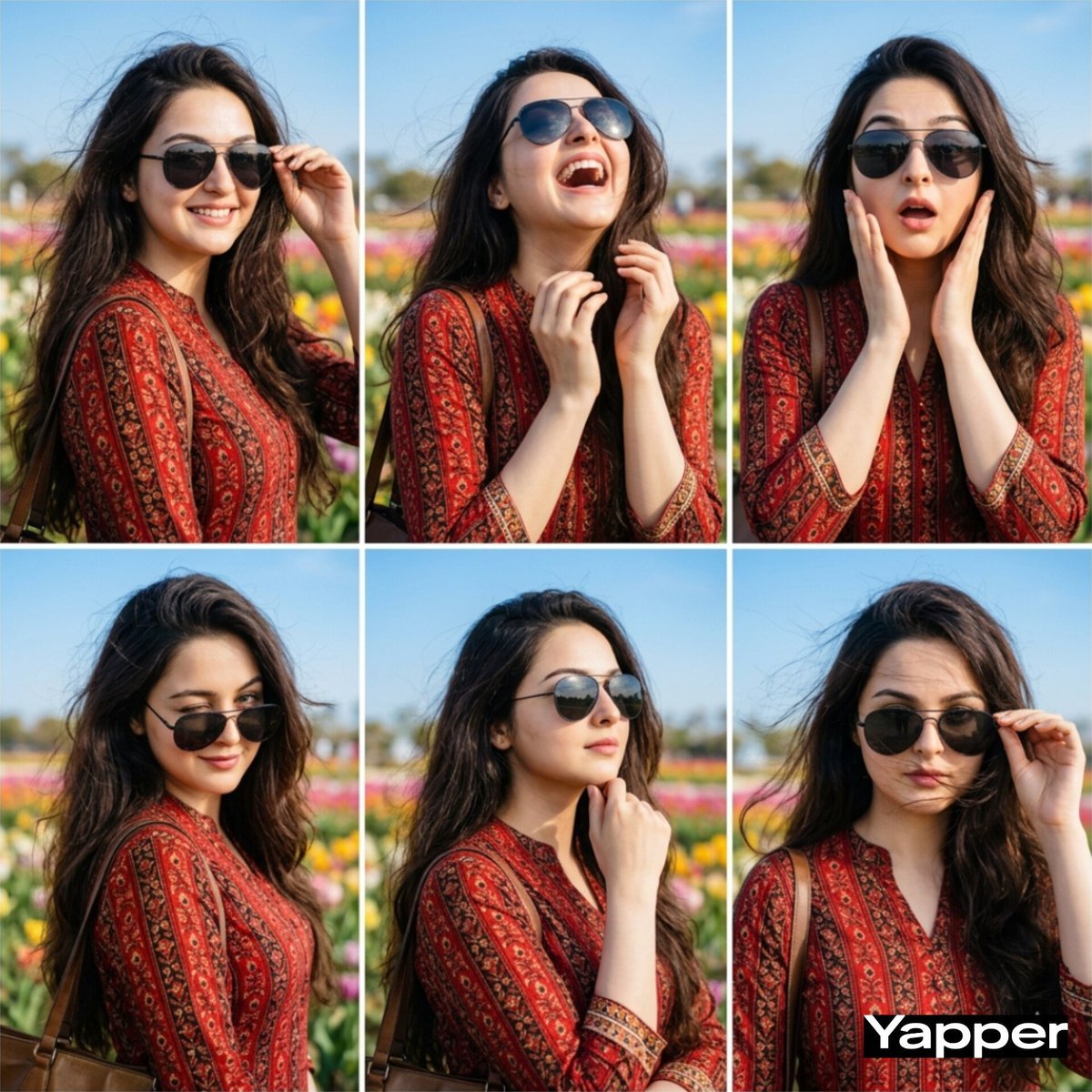
Stylish Six-Portrait Collage Prompt
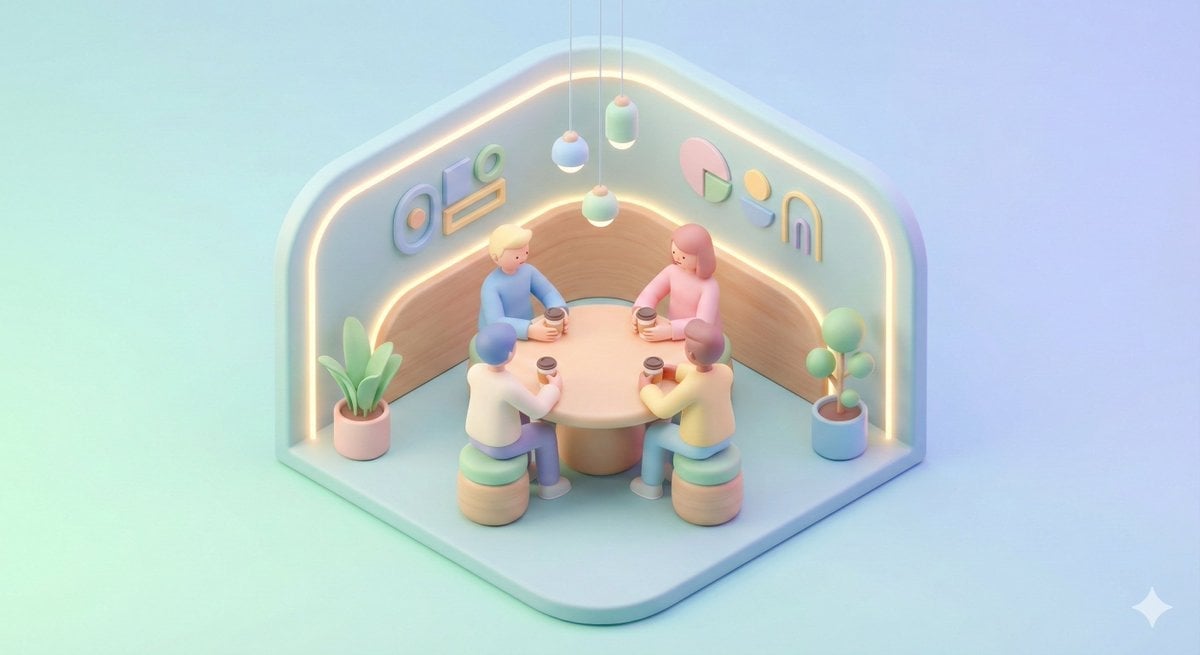
Minimal Isometric 3D Perspective
Polaroid of Japanese Class Graduation Photo

Text Replacement Prompt for Image Editing
Browse template categories
Indoor Arena Cheerleader Performance questions
How do I use the Indoor Arena Cheerleader Performance template?
Add your photo if the template asks for one, edit the prompt if you like — the template's model and format are already selected — and press Generate. Your version opens in PicX Studio.
Can I customize the Indoor Arena Cheerleader Performance template?
Yes. You can change the subject, setting, lighting, mood, format, and available model controls before creating your image.
Is the Indoor Arena Cheerleader Performance template free?
Opening and editing this template is free. Generating uses credits, shown on the Generate button when you are signed in.
Which AI model should I use?
Start with GPT Image 2, which is the model associated with this template. You can compare another compatible model for a different finish.
Looking for something else? Browse all templates.

Your photo, any look
Thousands of ready templates for every top image and video model, from one credit balance.