
Dynamic Cheerleader Performance Shot
A high-energy prompt for a group of three cheerleaders performing on a baseball field, featuring specific character positions and a low-angle Dutch camera style.
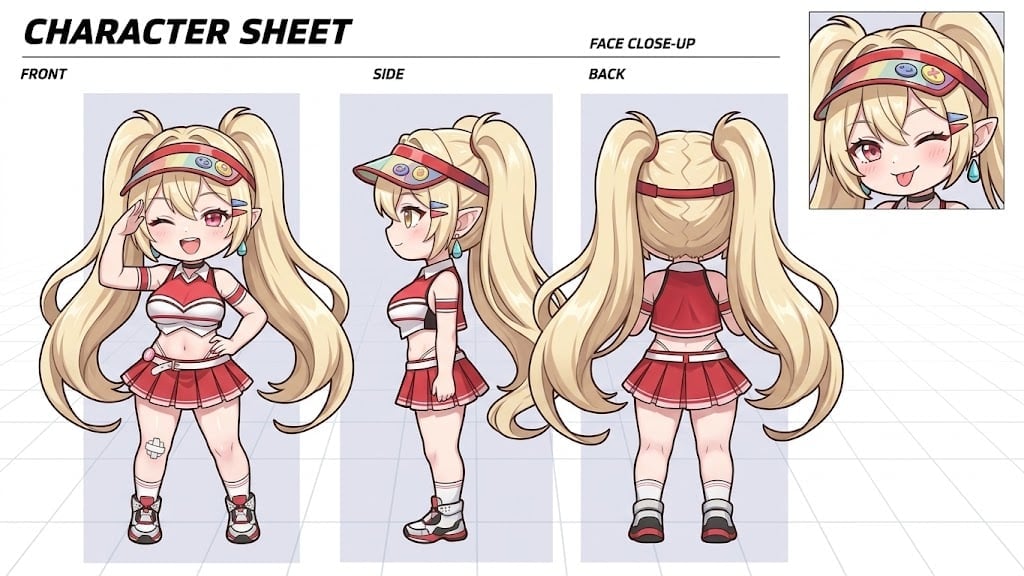
- Prompt included
- Model and format preset
- Free template
The prompt behind this image
Copy the exact prompt behind Dynamic Cheerleader Performance Shot, or open it in the studio and make it yours.
画像サイズ:「9:16」で下記の要素を盛り込んだイメージを作成してください。 3人のチアリーダー「{argument name="キャラクターA" default="ベイ"}」「{argument name="キャラクターB" default="ポリ"}」「{argument name="キャラクターC" default="クレイ"}」のチアリーディングのパフォーマンスシーンを作成してください。 ## 位置関係 - 「クレイ」を中心とします。 - 「クレイ」の右側に「ポリ」が位置します。 - 「クレイ」の左側に「ベイ」が位置します。 ## 場所 - {argument name="場所" default="野球場のグラウンド"} ## アクション - ダイナミックな躍動感あふれるチアリーディングアクション - 「クレイ」は、空高くジャンプして、トータッチをしている ## カメラ - ダッチアングル - ローアングル ## 重要 - 「クレイ」が、3人の中心に位置している状態を意識して描いてください
How to use Dynamic Cheerleader Performance Shot in 3 steps
- 1
Open
The prompt is already in the box next to the preview, with the template's model and format selected.
- 2…a portrait of your subject in softgolden-hour light, 85mm…
Personalize
Edit the subject and creative details for your destination.
- 3Generate
Generate
Press Generate — your image is created in PicX Studio, so you can compare it with the original and refine one variable at a time.
More like this
Templates with the same subject, style or setup. Open one to see its prompt.
Victory Aura Superhero Neon Poster

Argentina Vamos Diagonal Fan Poster

Indoor Arena Cheerleader Performance

Seedance 2.0 - Anime Girl Fight
Seedance - Anime Fighting Game Finisher
Stage Performance Singer Close-up
Idol Stage Performance Portrait
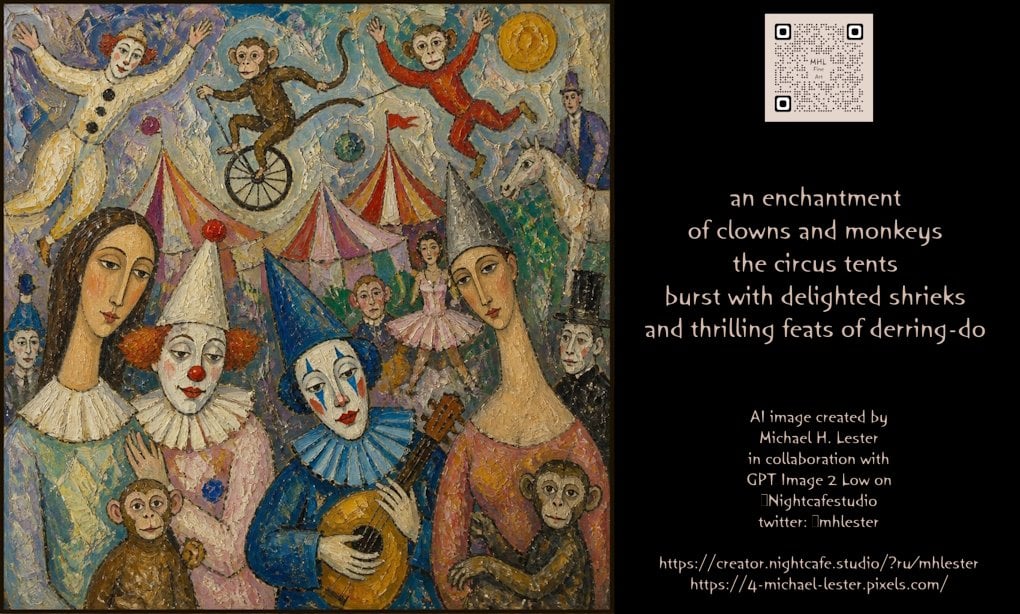
Whimsical Circus Show Performance
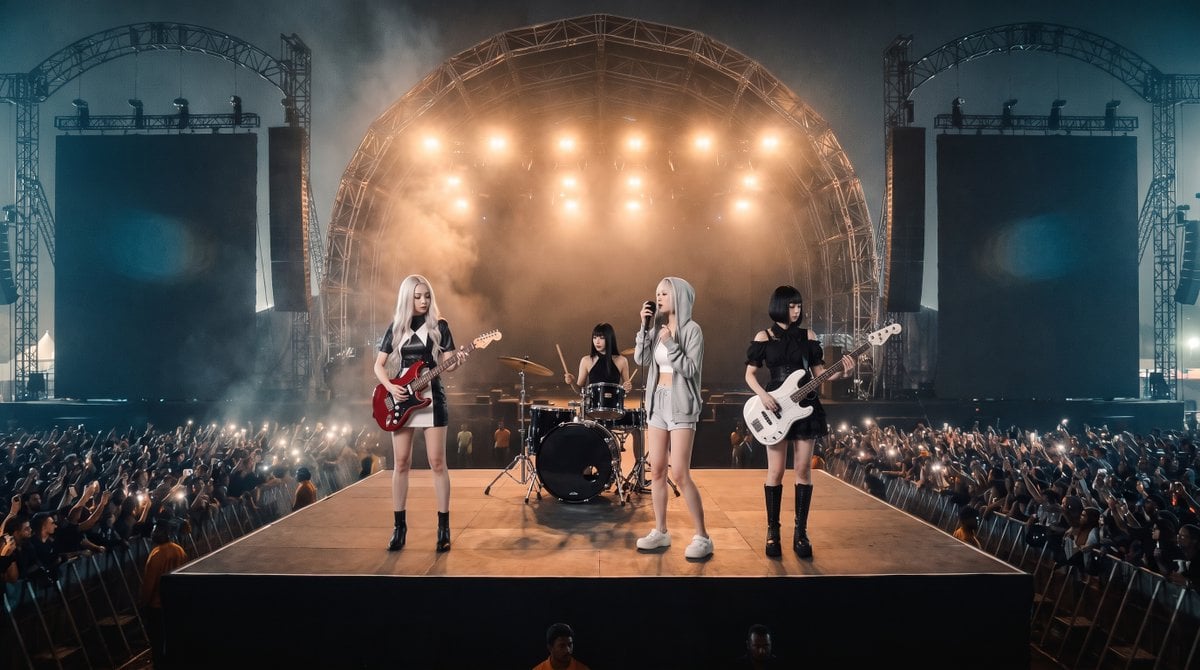
Photorealistic Festival Band Performance
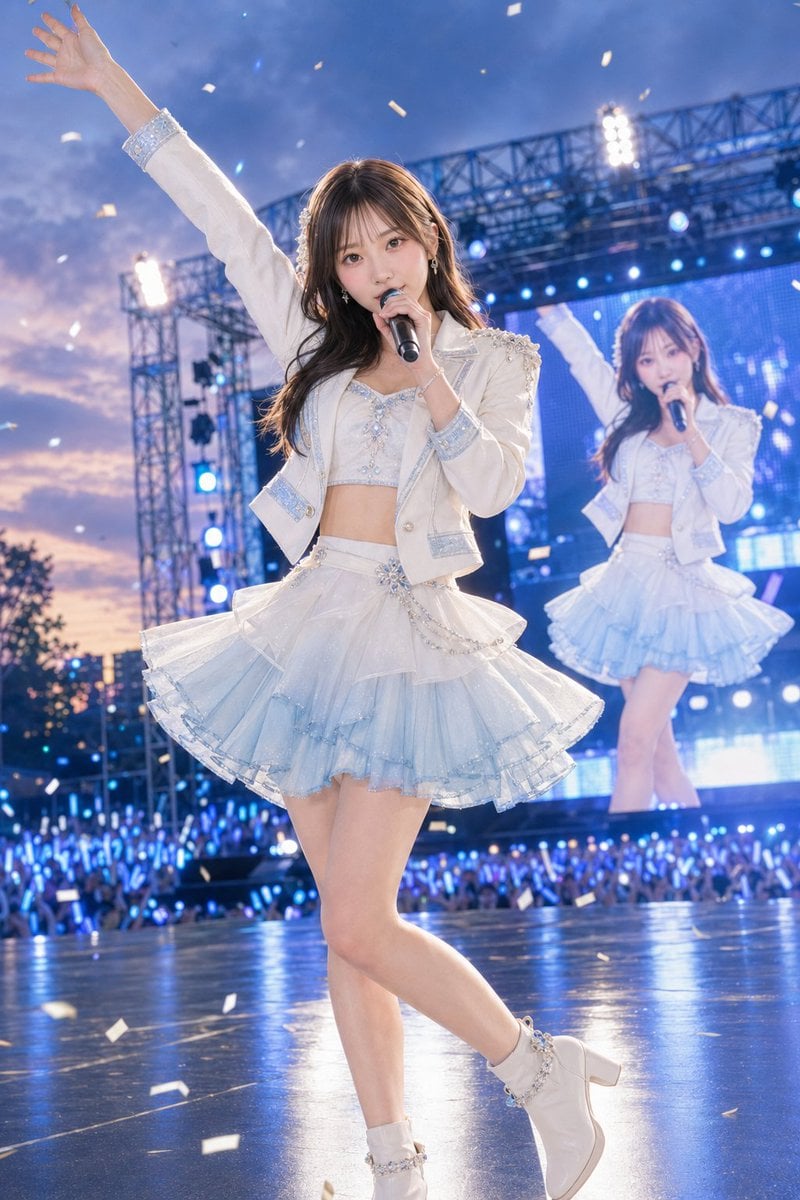
Outdoor Idol Concert Performance
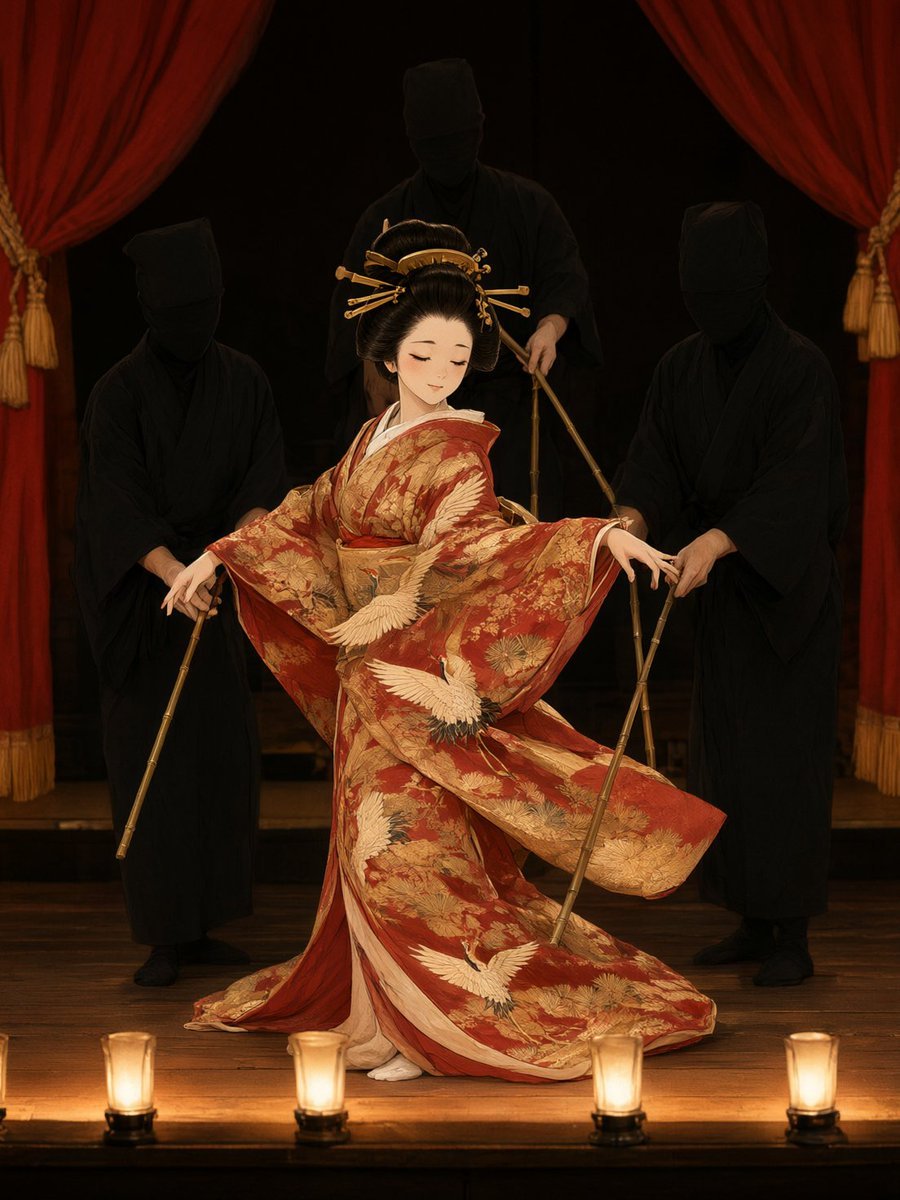
Bunraku Courtesan Stage Performance
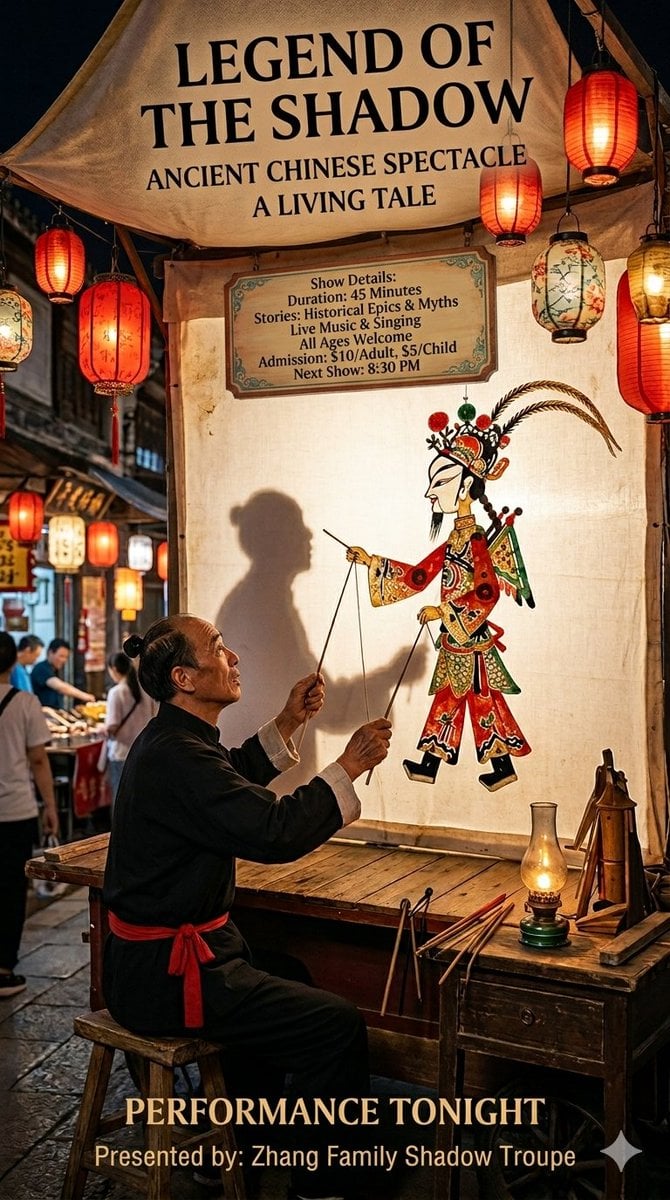
Traditional Shadow Puppet Performance
Make it yours
Dynamic Cheerleader Performance Shot works as-is. These are the safest ways to change it without losing the look.
Change one field
Copy a single group, rewrite it, and generate again so you can see what that field is doing.
Keep the frame, change the subject
Hold the composition and light of Dynamic Cheerleader Performance Shot, then swap wardrobe, props or the person for a new take.
| If the result… | Why | Fix |
|---|---|---|
| The result drifts from the preview | Too many fields changed at once. | Reuse Dynamic Cheerleader Performance Shot as-is first, then change one group — subject, light, or setting. |
| The model over-stylizes the scene | The prose prompt leaves finish and camera underspecified. | Add one camera or lighting sentence and stay on GPT Image 2. |
More GPT Image 2 templates
Other prompts made for GPT Image 2.

Six VTuber Japanese Logo Sheet

Realistic Portrait of Woman and Deer

The Vista Modular Condo Poster

AI Model Routing Comparison Infographic

2.5D Anime Art Board

Isometric Productivity Desk Scene

New York Double Exposure Poster

Four-Panel AI Landscape Comparison

Japanese Tatami Lifestyle Magazine Cover

NESCAFÉ Coffee Map Poster
More image prompts
Fresh picks from across the catalog.
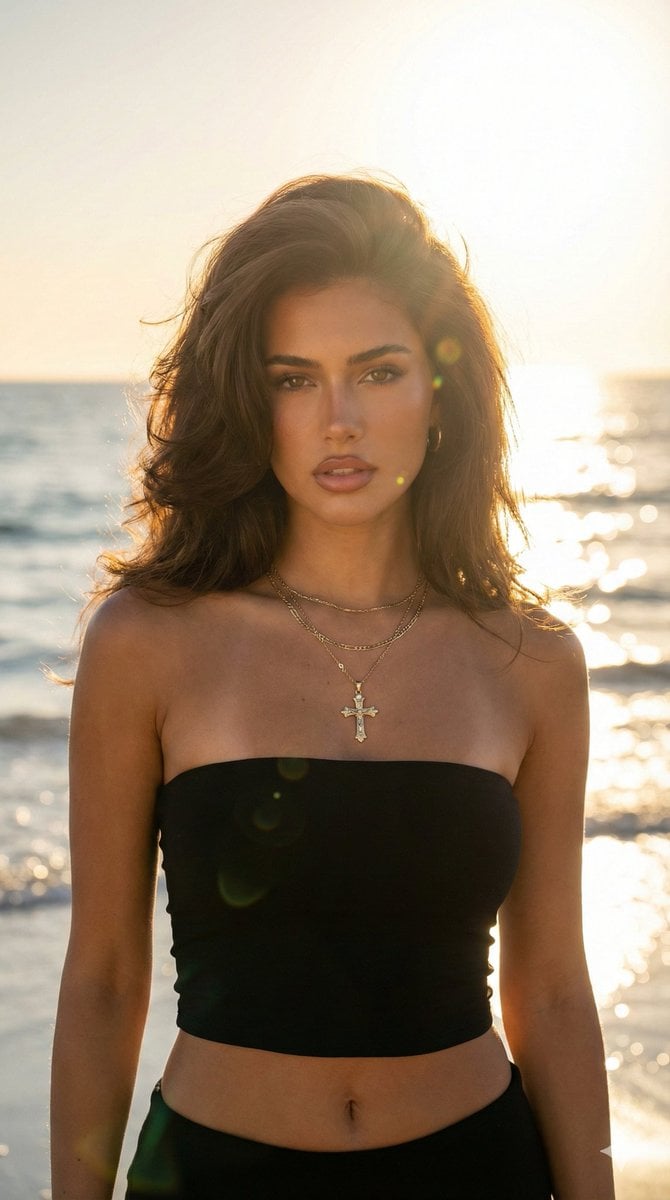
Golden Hour Beach Portrait (90s Supermodel)
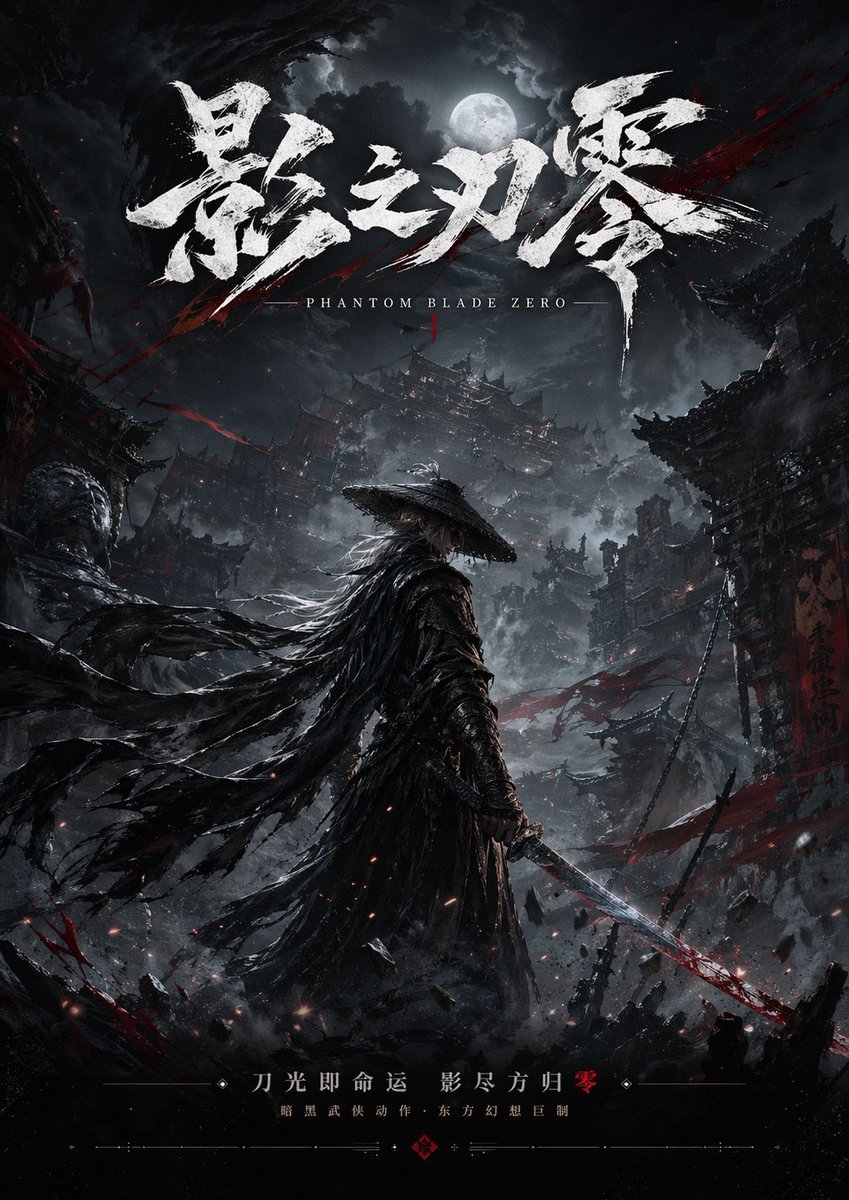
Dark Wuxia Game Poster

Flashy VTuber Debut Stream Thumbnail
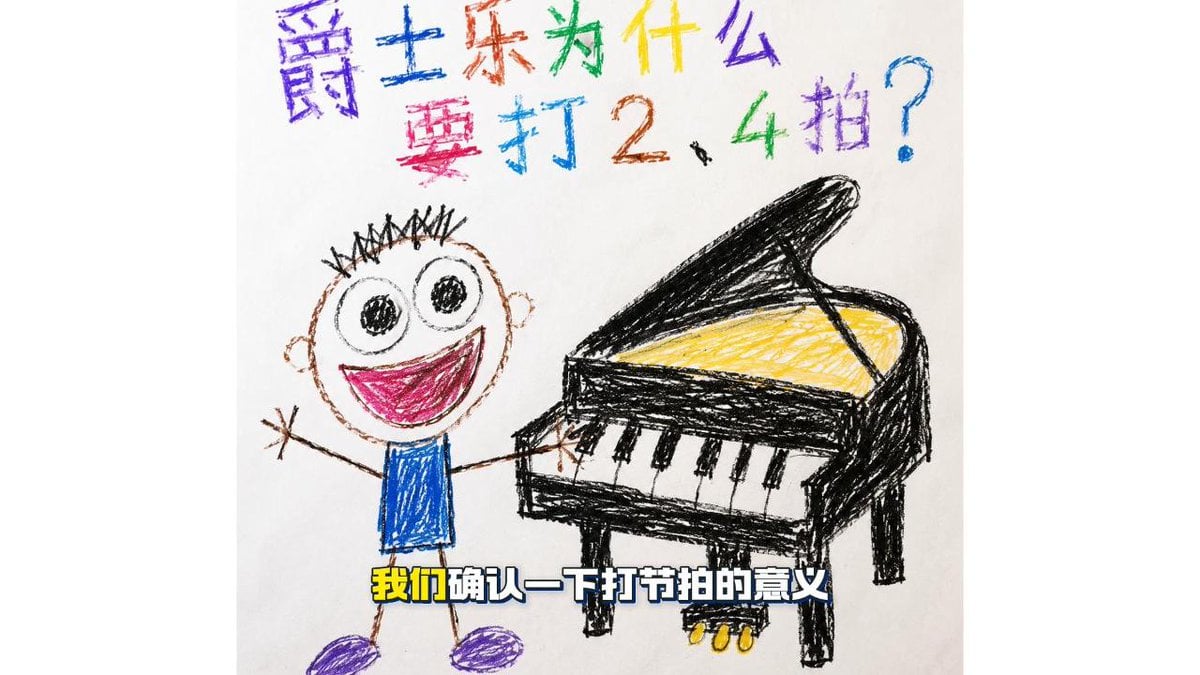
Childlike Jazz Beat Crayon Lesson

Élara Magazine Luxury Fragrance Cover
Structured Minimalist Winter Portrait Prompt
Surrealist Koi Fish Illustration
JSON Prompt for Cinematic Portrait of Zhao Lusi
Elegant Graphic Design Birthday Collage
Golden Hour Fashion Editorial Portrait
Browse template categories
Dynamic Cheerleader Performance Shot questions
How do I use the Dynamic Cheerleader Performance Shot template?
Add your photo if the template asks for one, edit the prompt if you like — the template's model and format are already selected — and press Generate. Your version opens in PicX Studio.
Can I customize the Dynamic Cheerleader Performance Shot template?
Yes. You can change the subject, setting, lighting, mood, format, and available model controls before creating your image.
Is the Dynamic Cheerleader Performance Shot template free?
Opening and editing this template is free. Generating uses credits, shown on the Generate button when you are signed in.
Which AI model should I use?
Start with GPT Image 2, which is the model associated with this template. You can compare another compatible model for a different finish.
Looking for something else? Browse all templates.

Your photo, any look
Thousands of ready templates for every top image and video model, from one credit balance.