How do I use the K-Pop Idols Gym Mirror Selfie template?
Choose the primary action to open PicX Studio with the available template settings. Review the model and format, personalize the creative direction, and generate when ready.
A prompt for generating a realistic medium shot of K-pop idols Karina and Winter (aespa) taking a mirror selfie in a gym, detailing their appearance, outfits, and the gym environment with bright LED lighting. Change the subject, setting, or lighting one variable at a time.

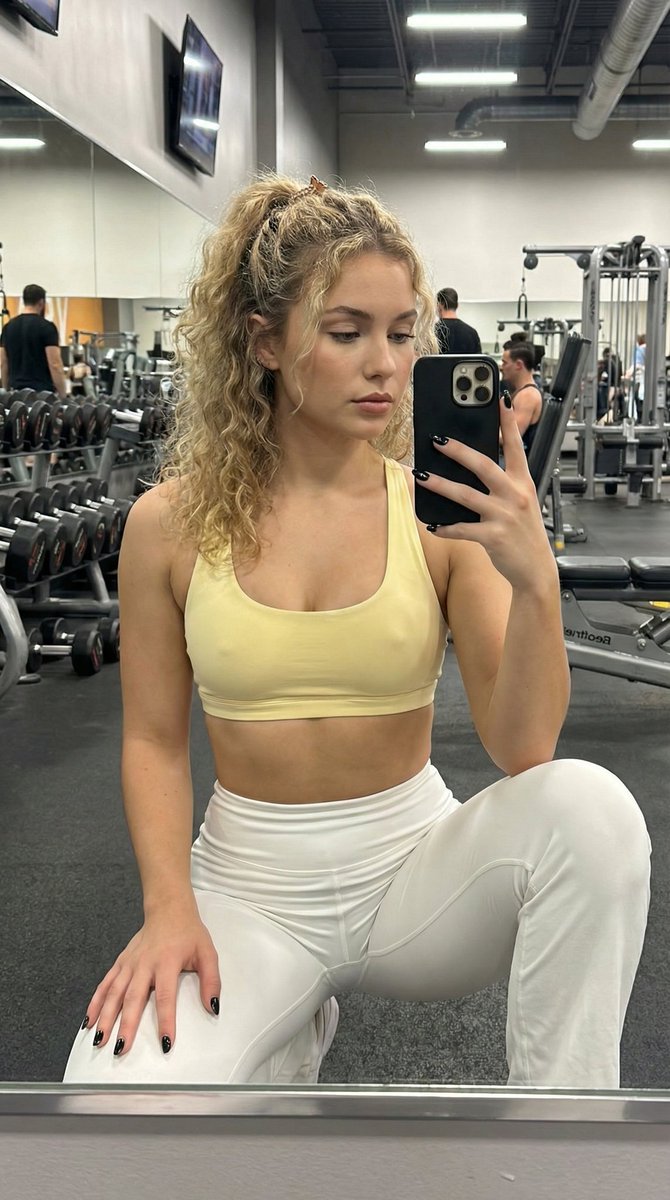
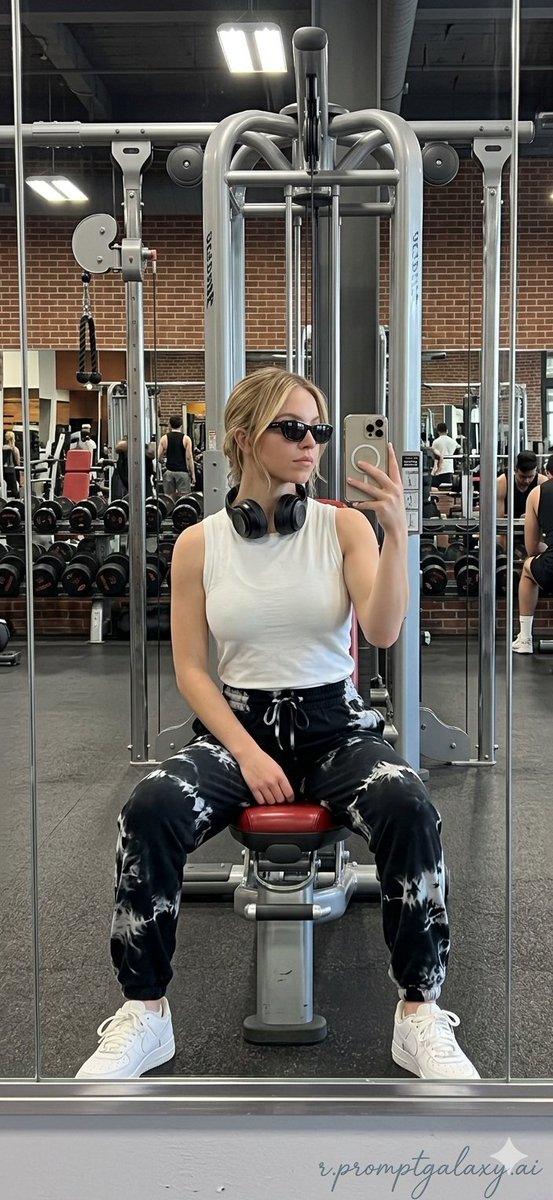
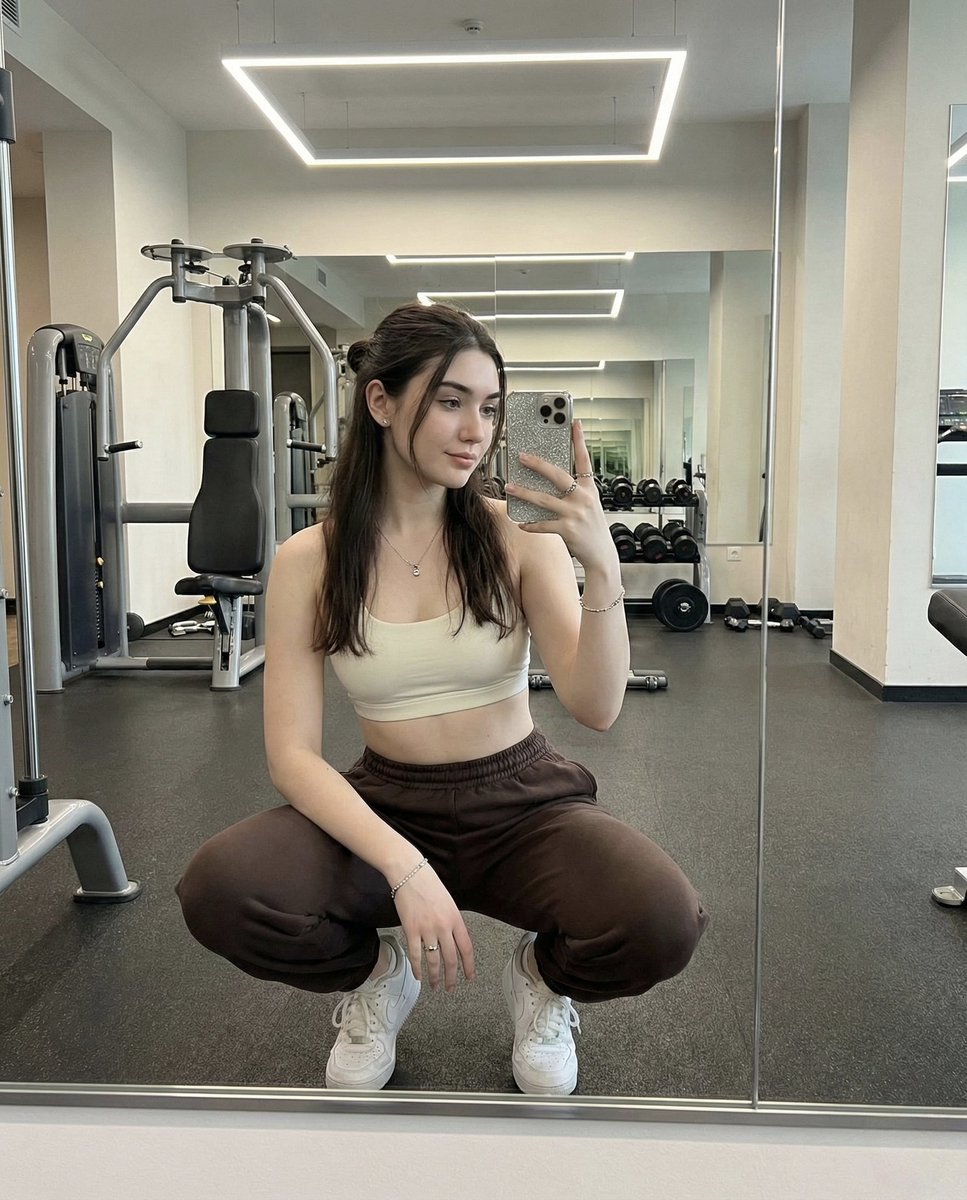
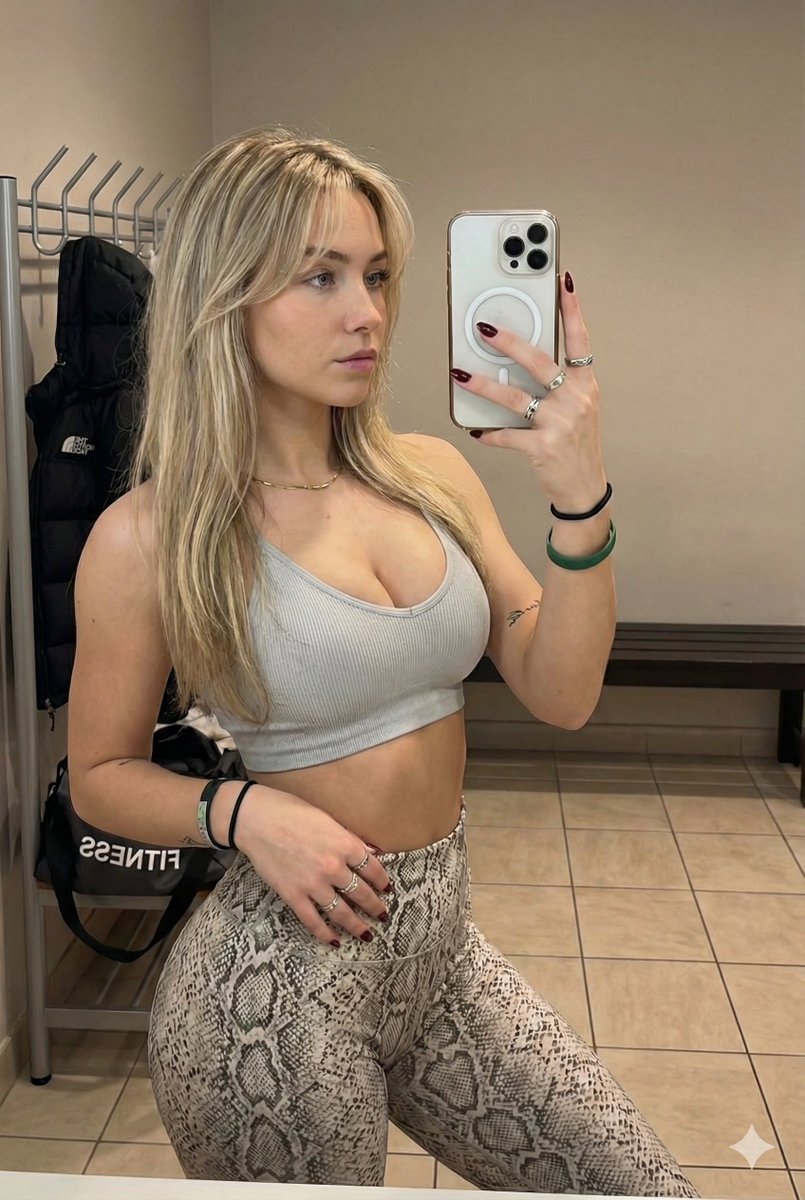
A realistic medium shot in a gym with mirrored walls featuring Karina and Winter from aespa. On the left, Karina has a sharp, AI-like visual with a slender physique and pale fair skin, her dark blue-black hair tied in a ponytail, wearing a white Alo Yoga ribbed sports bra and biker shorts set, smiling while looking down with minimal makeup. On the right, Winter has a petite, toned body and very fair skin, her bob-cut blonde hair pinned back in a messy bun, distinct soft features, wearing a royal blue deep V-neck sports bra and shorts set, smiling at her phone while taking a mirror selfie. The background is filled with weight racks, benches, and gym equipment, illuminated by bright overhead LED strips. --ar 9:16
Choose the primary action to open PicX Studio with the available template settings. Review the model and format, personalize the creative direction, and generate when ready.
Yes. You can change the subject, setting, lighting, mood, format, and available model controls before creating your image.
This template is free to open and customize. Generation usage is shown in PicX Studio before you create.
Start with Nano Banana 2, which is the model associated with this template. You can compare another compatible model for a different finish.
Follow a topic to a crawlable collection of related PicX Studio templates.
43,474 public templates available. Verified via the PicX Studio public templates API; refreshed hourly.
Prompt stories that include this template.


![nano-banana-grwm-mirror-selfie-pink — Nano Banana 2
Prompt (JSON):
{
"type": "image_prompt",
"description": {
"subject": {
"main": "[NAME] com o](/_next/image?url=https%3A%2F%2Fcdn.picxstudio.com%2Fuploads%2Ftweet_img_10a_612da6f9-cf6d-417e-bdd5-cc1300d1d830.jpg&w=828&q=100)









![Naive doodle-style subject illustration — A doodle-style {argument name="subject" default="[subject]"}, naive lines, humorous shape exaggeration](https://pbs.twimg.com/media/G6Wl2YxbsAARB2b.jpg)














![Stone-Carved Statue Prompt for Nano Banana Pro — A tiny stone-carved statue of {argument name="姓名" default="[NAME]"}, with chisel marks and uneven surfaces, sit](https://pbs.twimg.com/media/G-guzz1asAAzWAC.jpg)


![Clay-Style Soft Minimal 3D Illustration Template — Illustrate {argument name="subject" default="[SUBJECT]"} in a minimal clay-style 3D look, with soft…](https://pbs.twimg.com/media/G_LpCaBa4AA2YgX.jpg)