
Anime Cat Girl Character Sheet
Creates a wide anime production character sheet with front, side, back, and close-up views plus Japanese profile and design annotations.
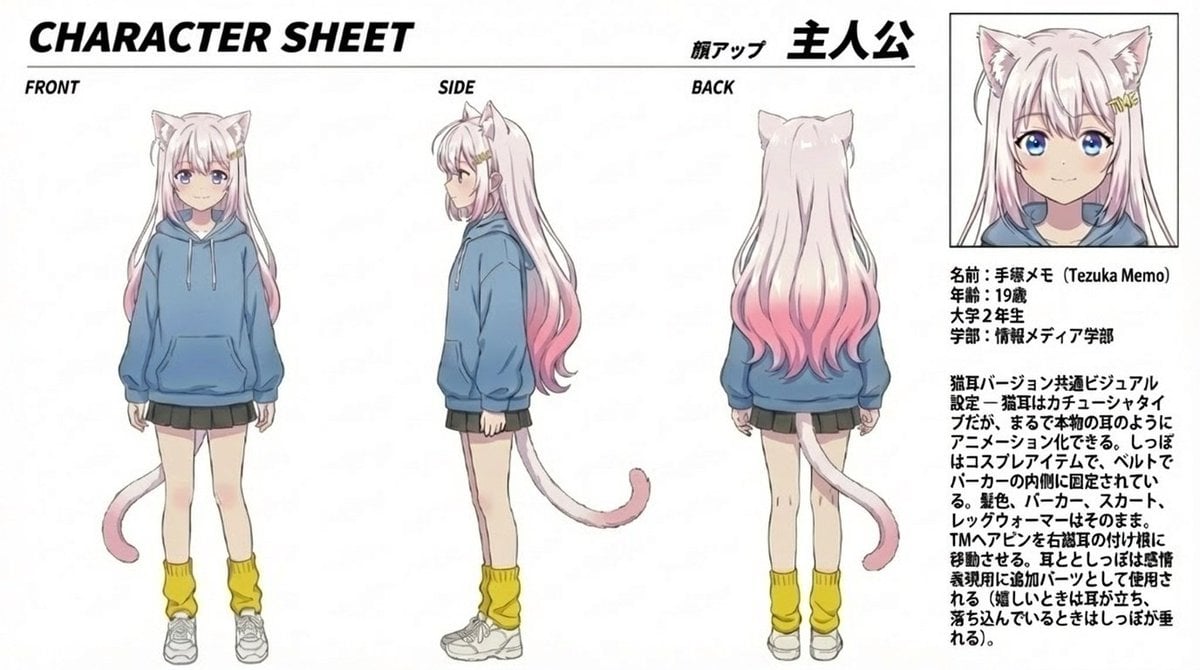
- Prompt included
- Model and format preset
- Free template
The prompt behind this image
Copy the exact prompt behind Anime Cat Girl Character Sheet, or open it in the studio and make it yours.
Goal: Create a clean anime character sheet for {argument name="character name" default="手塚メモ (Tezuka Memo)"}, a cat-version college girl protagonist, with Japanese annotation text and multiple turnaround views. Canvas: Wide horizontal white page, approximately 16:9, thin black framing lines, crisp print-layout look. Use black bold typography and a manga/anime production-sheet style. Keep the background plain white with no scenery. Layout: Top-left large italic bold title reads CHARACTER SHEET. Along the upper center/right include Japanese heading text with a small label meaning face close-up and a large protagonist label. Arrange exactly 4 visible character depictions: 1 full-body front view on the left labeled FRONT, 1 full-body side view in the center labeled SIDE, 1 full-body back view right of center labeled BACK, and 1 boxed portrait close-up in the upper-right. The close-up portrait sits inside a thin black rectangular box. Beneath the portrait, place a compact Japanese profile block and a longer Japanese design-note paragraph. Character details: Draw a slim 19-year-old anime college girl with very long pale pink hair that fades into deeper pink at the ends, cat ears on top of her head, and a pale pink cat tail. Her face is intentionally obscured by a soft square blur/mosaic in all visible face views. She wears exactly 5 main outfit pieces: an oversized blue hoodie with drawstrings and front pouch pocket, a short dark pleated skirt, yellow loose leg warmers, white sneakers, and cat-ear/cat-tail cosplay accessories. In the side and back views, show the tail extending from behind the hoodie/skirt area and curling outward with a darker pink tip. Hair should be long and slightly wavy, reaching the lower back, with the pink gradient most visible near the ends. Text content: Use English labels for the view names: FRONT, SIDE, BACK. Use the title CHARACTER SHEET. Include Japanese character-sheet text in the right column. Profile block default text: {argument name="profile block" default="名前:手塚メモ (Tezuka Memo)\n年齢:19歳\n大学2年生\n学部:情報メディア学部"}. Design-note paragraph default text: {argument name="design notes" default="猫耳バージョン共通ビジュアル設定。猫耳はカチューシャタイプだが、まるで本物の耳のようにアニメーション化できる。しっぽはコスプレアイテムで、ベルトでパーカーの内側に固定されている。髪色、パーカー、スカート、レッグウォーマーはそのまま。TMAアドンを有機猫の付け根に移動させる。耳としっぽは感情表現用に追加パーツとして使用される(嬉しいときは耳が立ち、落ち込んでいるときはしっぽが垂れる)。"} Visual style: Soft cel-shaded anime illustration, delicate line art, pastel colors, slightly desaturated blue hoodie, pale skin, light pink hair, production-reference sheet quality. Text should look like printed black Japanese and English type, with the main title heavy and italic. Maintain a balanced layout with large empty white margins. Constraints: Show exactly 4 character depictions and exactly 5 main outfit pieces listed above. Do not add extra poses, props, background scenery, speech bubbles, logos, watermarks, or additional characters.
How to use Anime Cat Girl Character Sheet in 3 steps
- 1Upload ImagePNG, JPG or paste
Add your photo
Upload the photo the template builds on. The prompt, model and format are already set.
- 2…a portrait of your subject in softgolden-hour light, 85mm…
Personalize
Edit the subject and creative details for your destination.
- 3Generate
Generate
Press Generate — your image is created in PicX Studio, so you can compare it with the original and refine one variable at a time.
More like this
Templates with the same subject, style or setup. Open one to see its prompt.

Anime Catgirl in Chinese Ink Landscape

Anime Lantern Girl Character Sheet

Anime Character Charm Analysis Sheet

Teen Girl Alpine Lake Mountain View

Cat-Eared Kimono Girl

Framed Quilling Anime Girl

Anime Character Sheet Reference Prompt

Gothic Girl Character Turnaround Sheet

Anime Girl Generation Grid
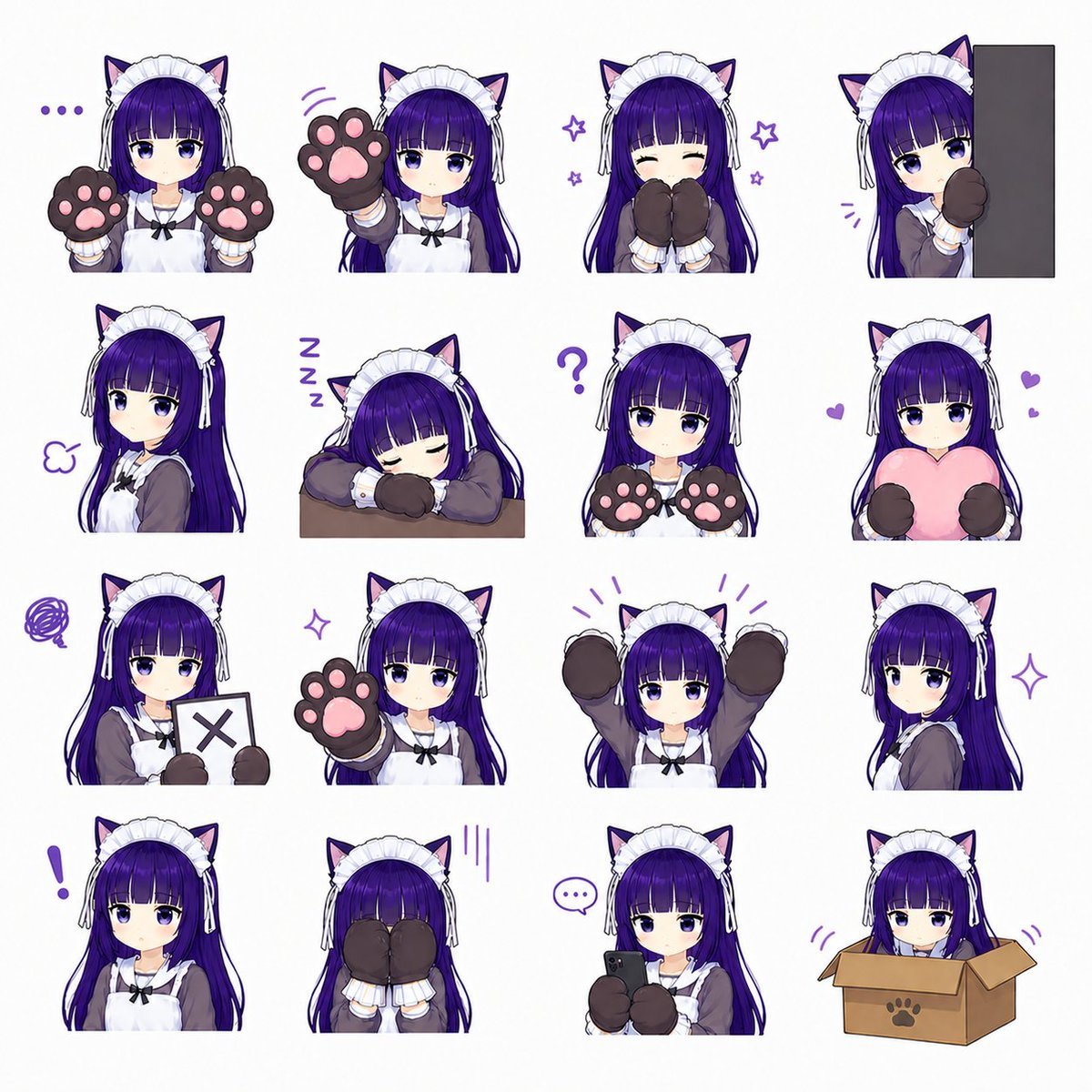
Cat-Eared Maid Emote Sticker Sheet
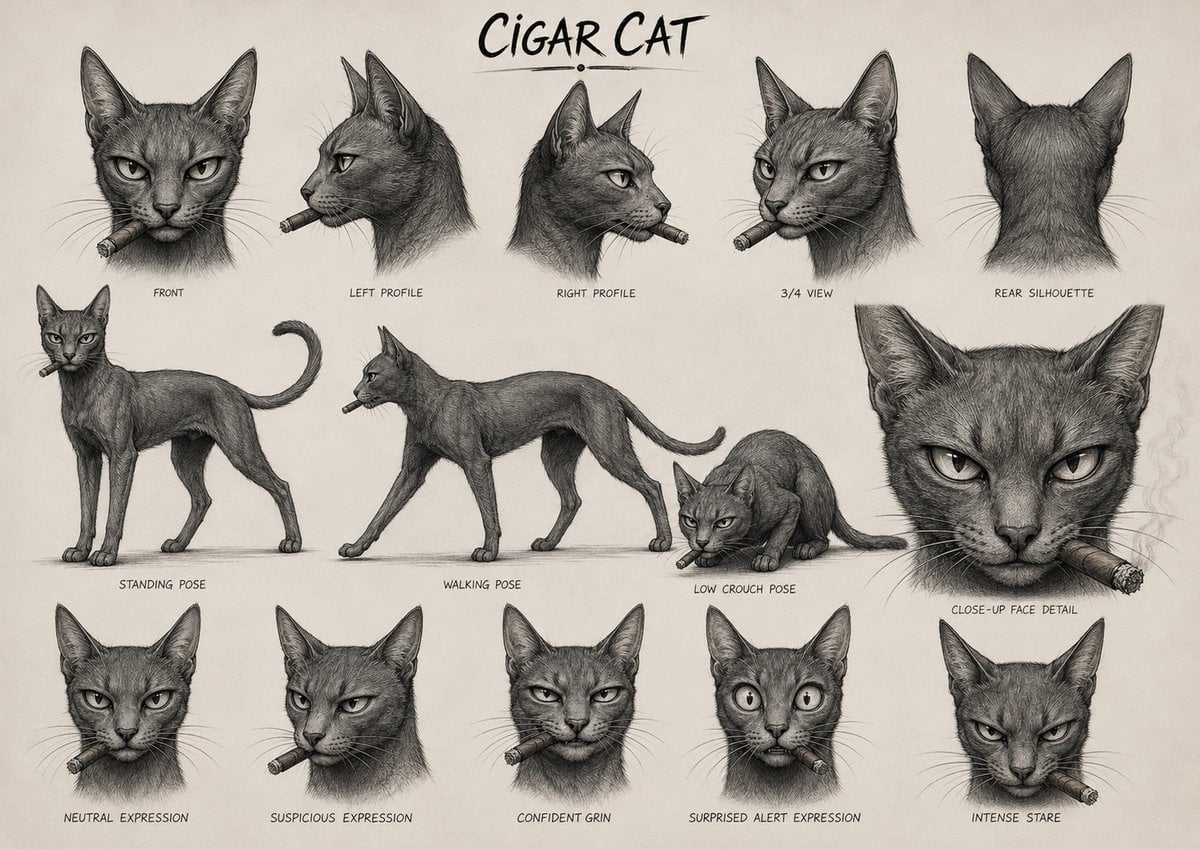
Cigar Cat Character Sheet

Chaotic Anime Schoolgirl Fan Collage
Make it yours
Anime Cat Girl Character Sheet works as-is. These are the safest ways to change it without losing the look.
Change one field
Copy a single group, rewrite it, and generate again so you can see what that field is doing.
Keep the frame, change the subject
Hold the composition and light of Anime Cat Girl Character Sheet, then swap wardrobe, props or the person for a new take.
| If the result… | Why | Fix |
|---|---|---|
| The result drifts from the preview | Too many fields changed at once. | Reuse Anime Cat Girl Character Sheet as-is first, then change one group — subject, light, or setting. |
| The model over-stylizes the scene | The prose prompt leaves finish and camera underspecified. | Add one camera or lighting sentence and stay on GPT Image 2. |
More GPT Image 2 templates
Other prompts made for GPT Image 2.

Six VTuber Japanese Logo Sheet

Realistic Portrait of Woman and Deer

The Vista Modular Condo Poster

AI Model Routing Comparison Infographic

2.5D Anime Art Board

Isometric Productivity Desk Scene

New York Double Exposure Poster

Four-Panel AI Landscape Comparison

Japanese Tatami Lifestyle Magazine Cover

NESCAFÉ Coffee Map Poster
More image prompts
Fresh picks from across the catalog.

Professional Footballer Locker Room Poster
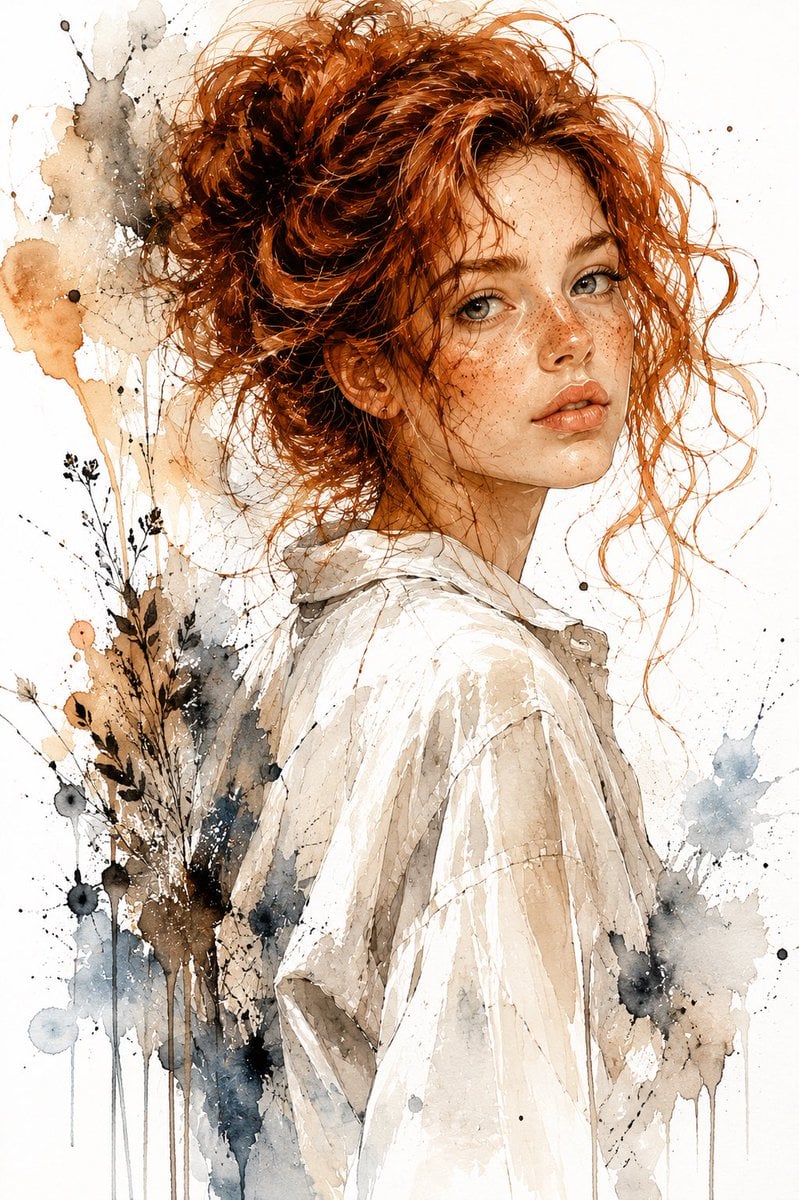
Watercolor and Ink Woman Portrait
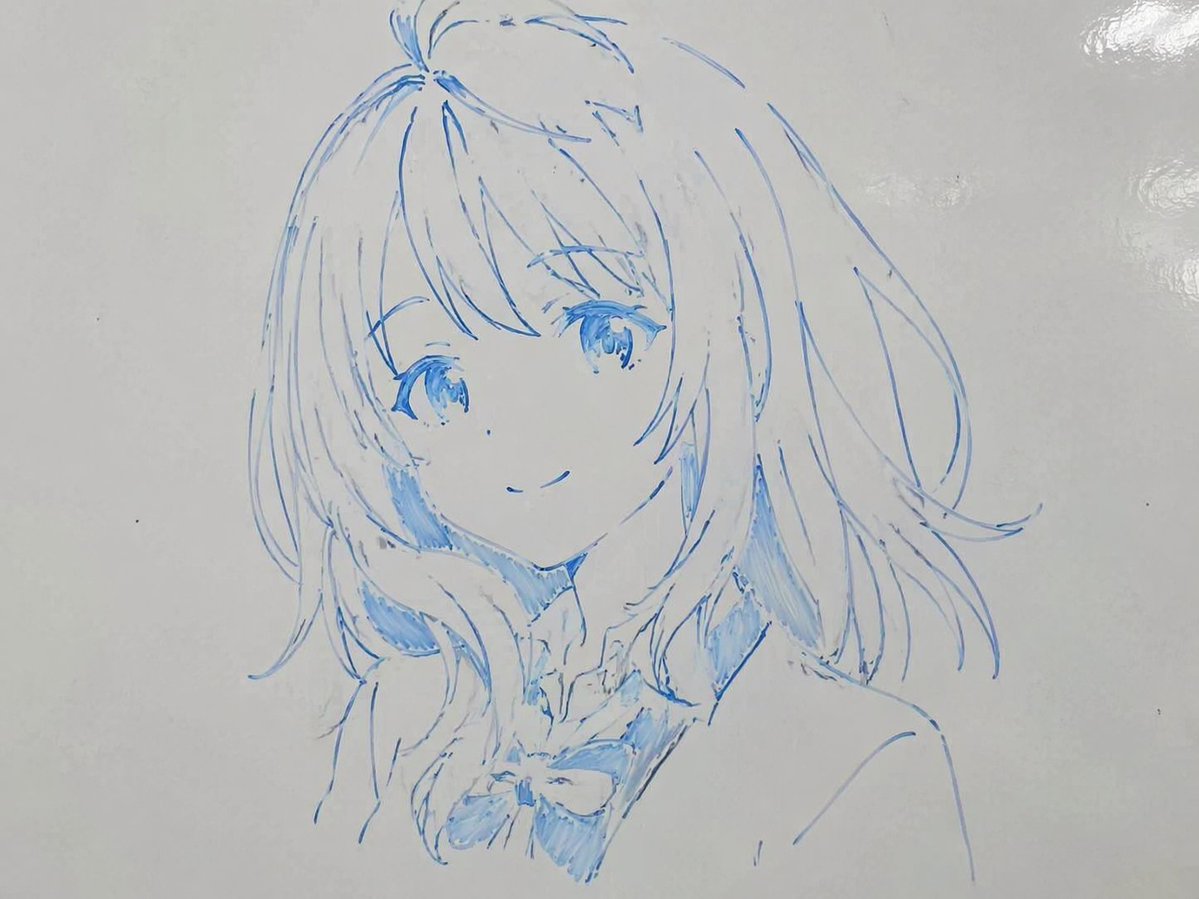
Whiteboard Marker Anime Sketch
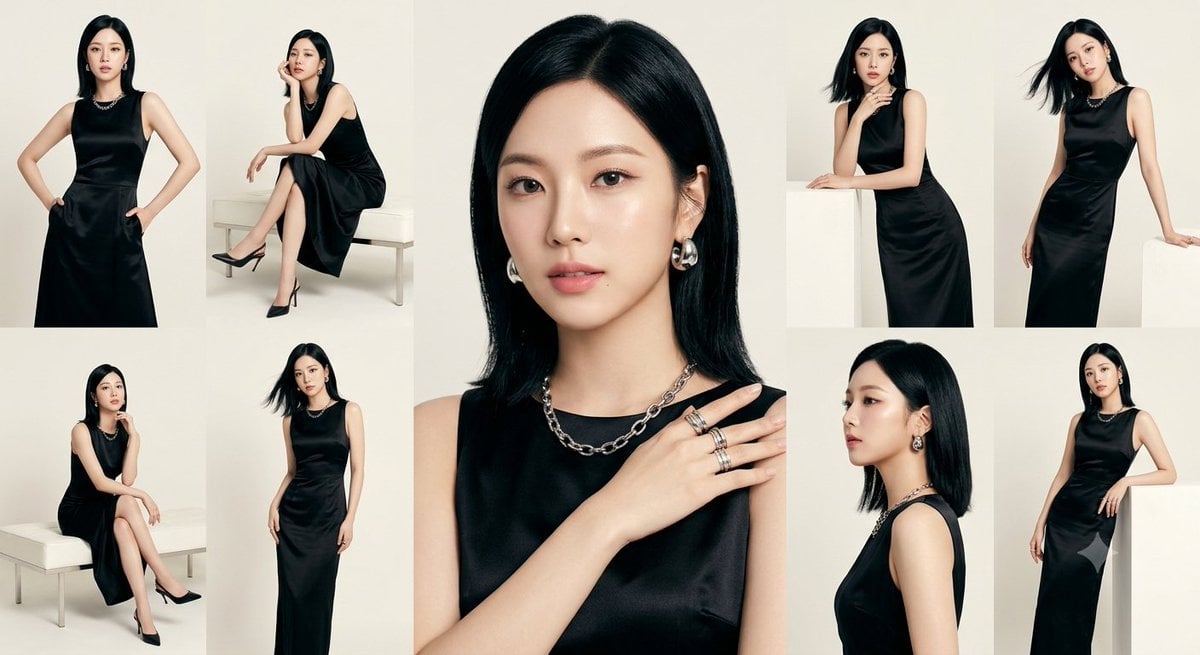
Anonymous Black Dress Fashion Collage

Anime Boy at Night Window
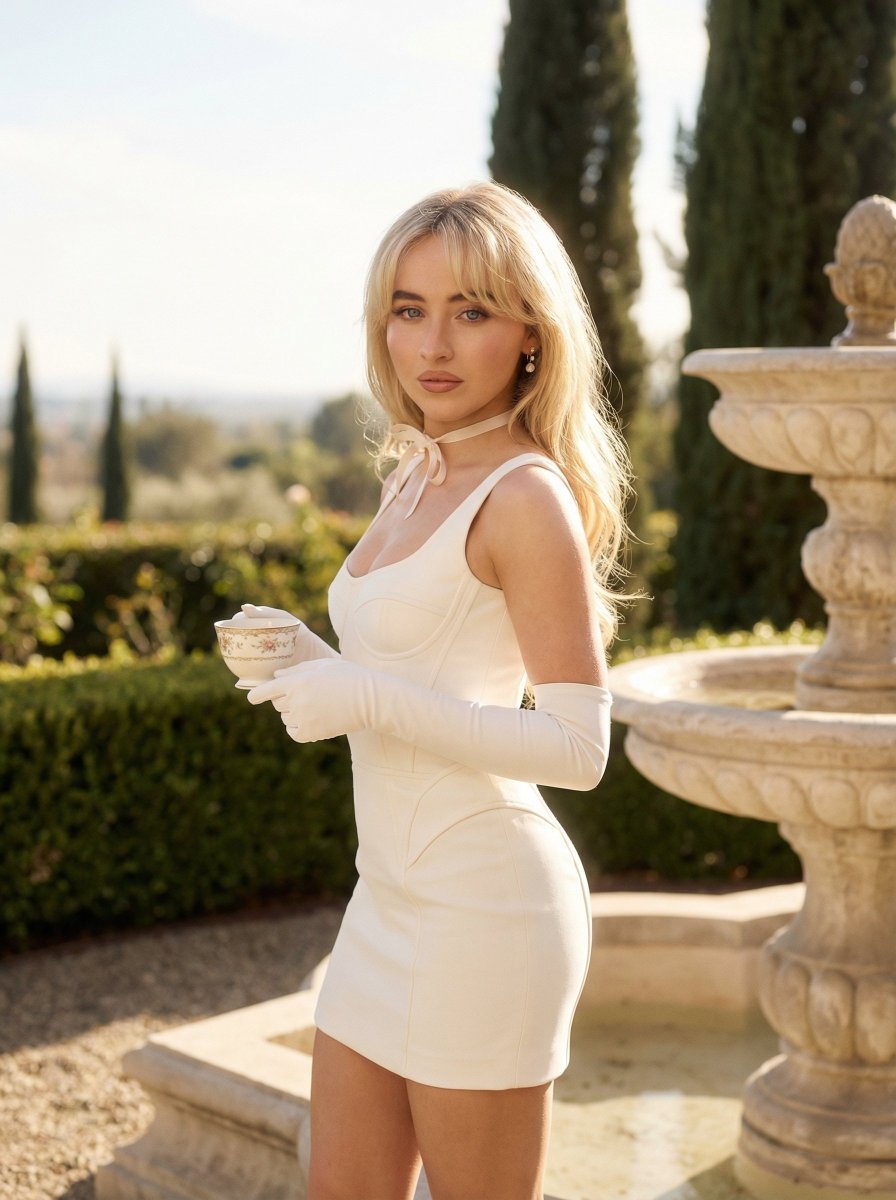
Quiet Luxury Outdoor Editorial Portrait
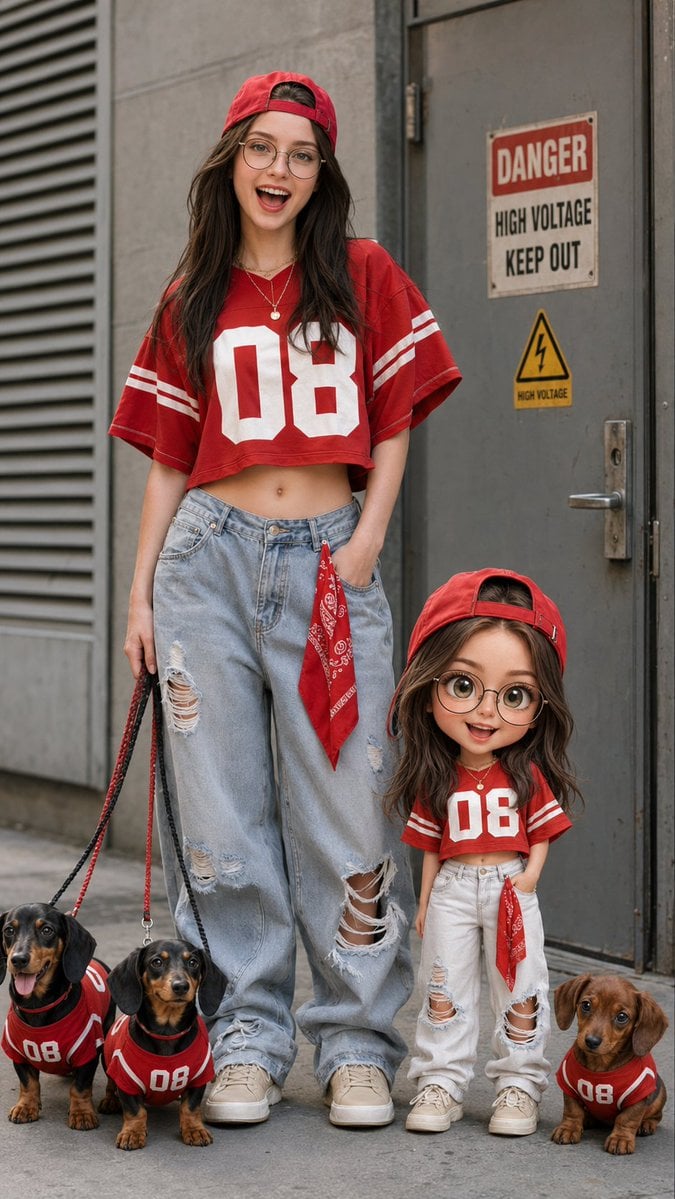
Urban Street Fashion with Chibi Version
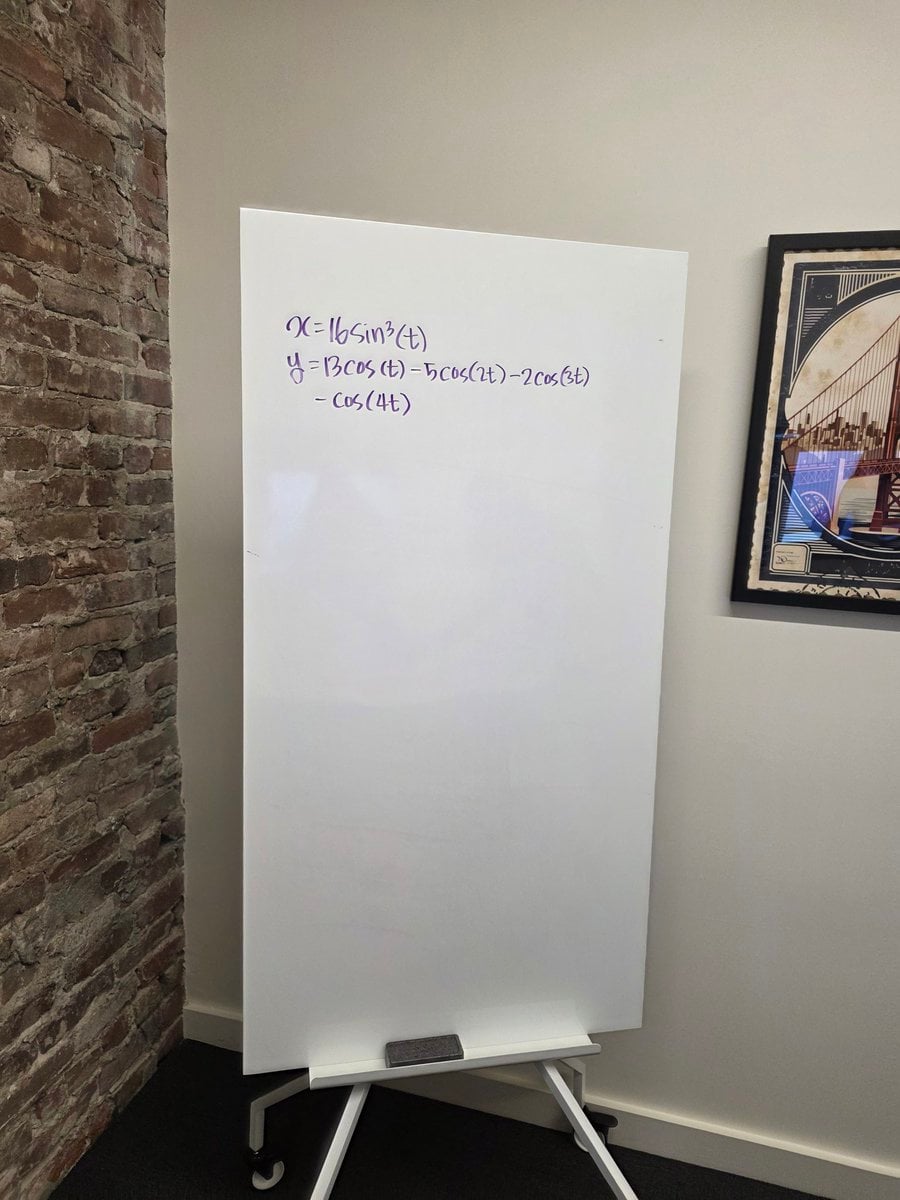
Formula graph on whiteboard
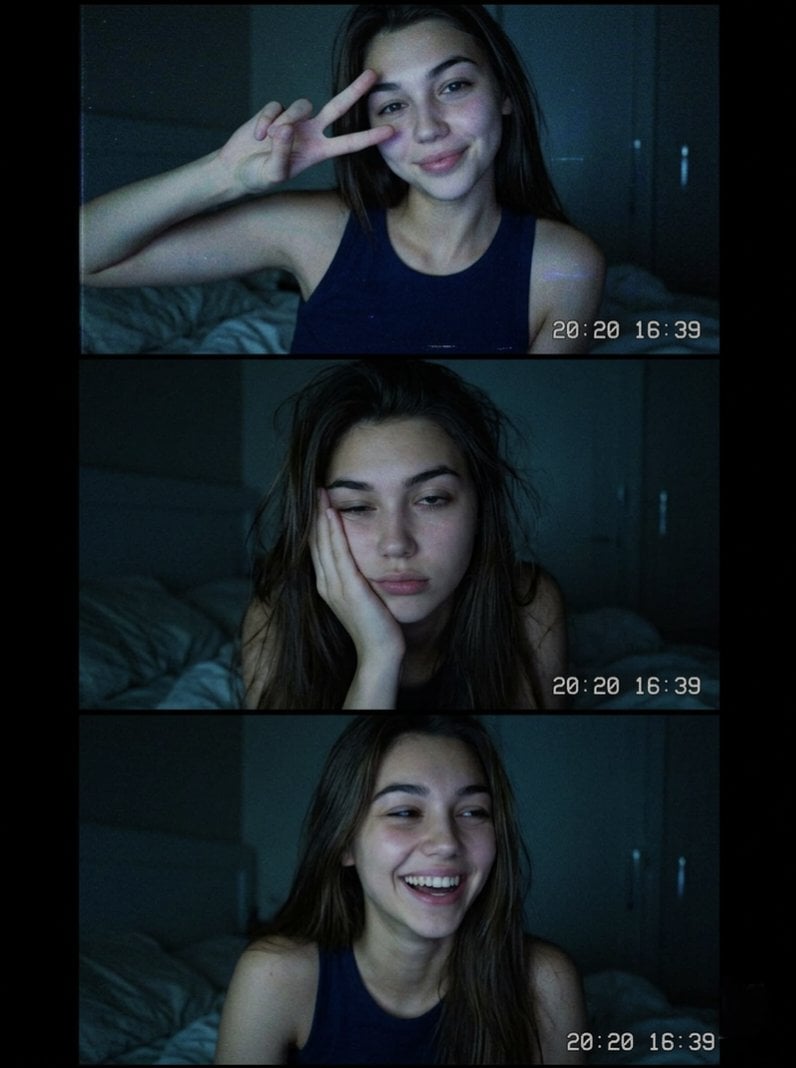
Vintage Webcam Photo Collage
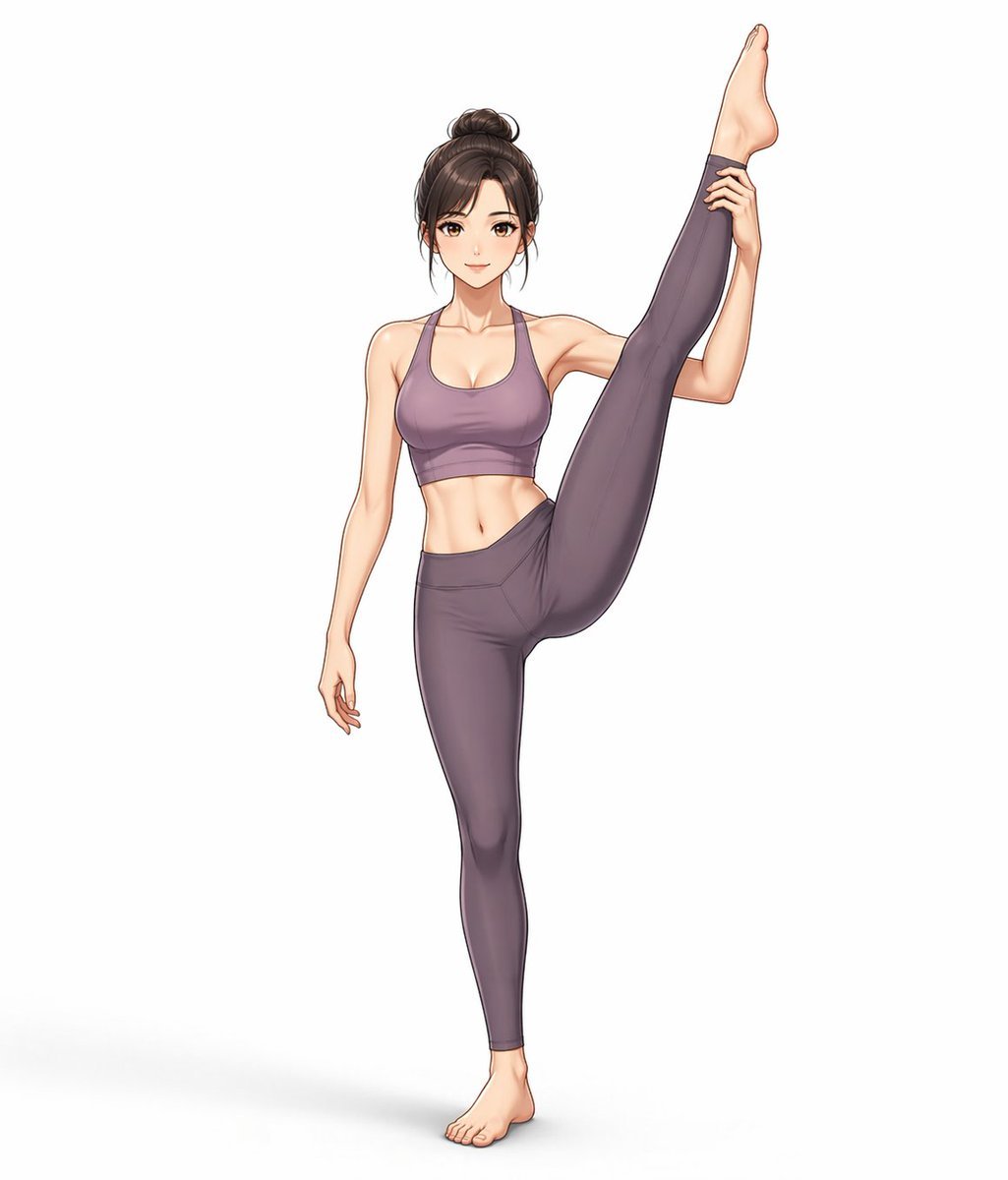
Yoga Wear Anime Illustration
Browse template categories
Anime Cat Girl Character Sheet questions
How do I use the Anime Cat Girl Character Sheet template?
Add your photo if the template asks for one, edit the prompt if you like — the template's model and format are already selected — and press Generate. Your version opens in PicX Studio.
Can I customize the Anime Cat Girl Character Sheet template?
Yes. You can change the subject, setting, lighting, mood, format, and available model controls before creating your image.
Is the Anime Cat Girl Character Sheet template free?
Opening and editing this template is free. Generating uses credits, shown on the Generate button when you are signed in.
Which AI model should I use?
Start with GPT Image 2, which is the model associated with this template. You can compare another compatible model for a different finish.
Looking for something else? Browse all templates.

Your photo, any look
Thousands of ready templates for every top image and video model, from one credit balance.