Luxury Peach Lip Campaign 3x3 Grid
{
"generation_request": {
"meta_data": {
"tool": "NanoBanana Pro",
"task_type": "luxury_beauty_lip_campaign_3x3_grid",
"language": "en",
"priority": "highest",
"version": "v1.0_BAGEL_LABS_PEACH_LUXURY_GRID"
},
"input": {
"mode": "image_to_image",
"reference_image_usage": "very_high",
"preserve_grid_layout": true,
"preserve_beauty_campaign_structure": true
},
"output_settings": {
"aspect_ratio": "1:1",
"orientation": "square",
"resolution_target": "ultra_high_res",
"num_images": 1,
"layout": {
"type": "grid",
"rows": 3,
"cols": 3,
"gutter": "thin",
"outer_border": "none"
},
"render_style": "photoreal_luxury_beauty_editorial",
"sharpness": "editorial_crisp",
"grain": "none",
"color_grade": "soft_peach_luxury",
"dynamic_range": "clean_soft_luminous",
"skin_rendering": "real_texture_refined"
},
"brand_direction": {
"brand_name": "BAGEL LABS",
"style": "modern minimal luxury beauty branding",
"packaging": "sleek peach-nude glossy lip balm tube with refined premium typography"
},
"subject": {
"model": {
"type": "adult woman",
"look": "luxury beauty campaign model with soft glamorous styling",
"hair": "polished voluminous soft blonde waves",
"makeup": "clean luminous skin, refined brows, fresh peach-nude blush, peach glossy lips, soft defined eyes",
"expression": "fresh, confident, soft, elegant, inviting"
},
"product": {
"type": "peach gloss balm",
"shade": "soft peach nude",
"finish": "creamy glossy luminous",
"packaging_color": "peach nude",
"branding": "BAGEL LABS"
}
},
"scene": {
"background": "minimal clean luxury beauty studio background in soft peach, nude, warm ivory, and blush-neutral tones",
"lighting": "soft diffused beauty lighting, luminous skin highlights, premium campaign finish",
"mood": "fresh, luxurious, feminine, modern, polished"
},
"composition": {
"panel_1": "playful beauty portrait, model smiling softly while holding the peach BAGEL LABS lip product near her lips",
"panel_2": "clean close portrait with the model presenting the product in a chic modern pose",
"panel_3": "macro close-up of glossy peach lips with luxurious creamy texture",
"panel_4": "editorial beauty close-up with the product gently touching the lower lip, luminous skin and refined makeup",
"panel_5": "hero product shot of the peach BAGEL LABS tube surrounded by tiny elegant bagels and soft peach-toned cream details instead of flowers",
"panel_6": "relaxed reclining portrait with a different angle and a more fashion-forward luxury pose",
"panel_7": "extreme lip close-up applying peach gloss balm with smooth creamy shine",
"pan


![Isometric Brand Store Diorama — Present a clear, 45° top-down isometric miniature 3D cartoon diorama of the [BRAND], with soft refin…](/_next/image?url=https%3A%2F%2Fcdn.picxstudio.com%2Fuploads%2Fmeigen_18578a8c7cb6_25c7ccef-837d-4949-99fb-d6321dc5c72c.jpg&w=828&q=100)




![A detailed transparent gashapon capsule diorama, held between fingers — A detailed transparent gashapon capsule diorama, held between fingers, featuring [NAME]](https://images.meigen.ai/tweets/2005694004202201118/0.jpg)

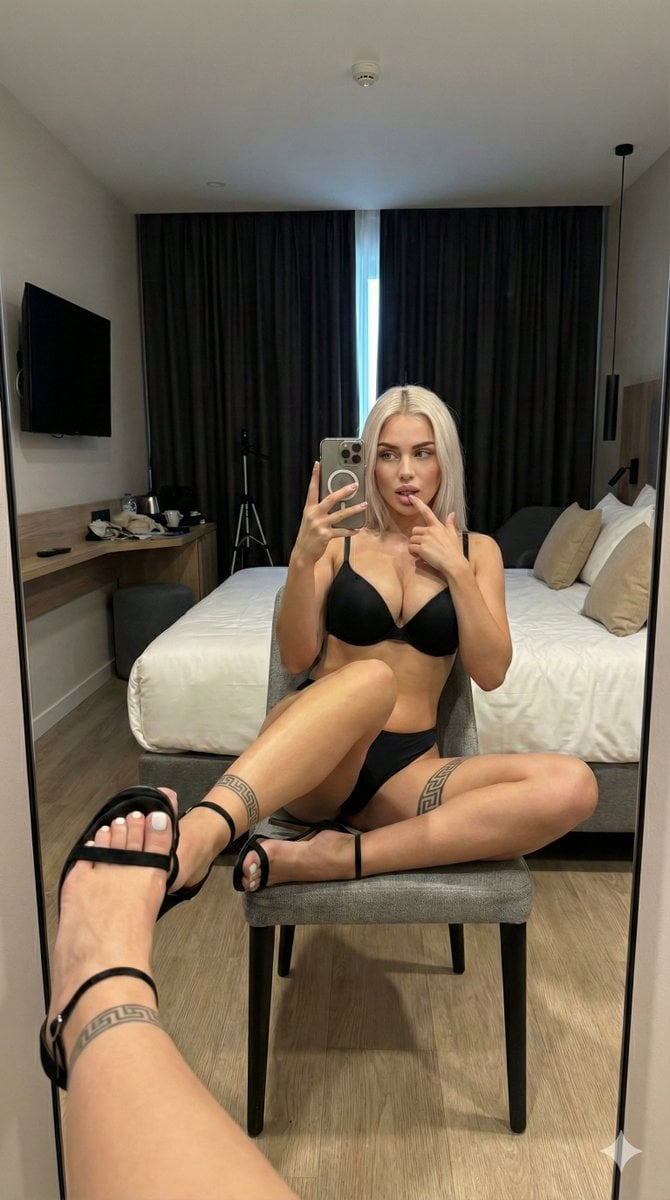








![Naive doodle-style subject illustration — A doodle-style {argument name="subject" default="[subject]"}, naive lines, humorous shape exaggeration](https://pbs.twimg.com/media/G6Wl2YxbsAARB2b.jpg)

























![Raw High-Contrast Mirror Selfie (iPhone Ultra-Wide) — (Vertical 9:16 smartphone aspect ratio). A raw, high-contrast [Candid Mirror Documentation] captured with](https://pbs.twimg.com/media/G_Ci0ozWMAQBspT.jpg)