How do I use the Kennedy Claire Walsh 90s Film Aesthetic Portrait template?
Choose the primary action to open PicX Studio with the available template settings. Review the model and format, personalize the creative direction, and generate when ready.
A prompt for generating a moody, late-night portrait of Kennedy Claire Walsh using a film-style flash, emphasizing a 90s aesthetic, specific wardrobe details, and natural features. Change the subject, setting, or lighting one variable at a time.

The picture captures a moody, late-night aesthetic using a film-style flash. Here are some key highlights of her look: Outfit: She is wearing a classic, minimalist combination of a cream-colored cropped tank top and high-waisted blue jeans. Accessories: Subtle but elegant gold jewelry, including small hoop earrings and a thin gold chain, paired with a statement dark ring. Hair & Makeup: Her hair is styled in a messy, "undone" ponytail with loose face-framing strands. Her makeup is soft and dewy, emphasizing her striking blue eyes and natural features. Setting: The bedroom background and the direct camera flash give the photo a raw, authentic "90s film" feel. Would you like me to help you create some Instagram captions for a photo like this, or perhaps suggest a similar outfit for a photoshoot?
Choose the primary action to open PicX Studio with the available template settings. Review the model and format, personalize the creative direction, and generate when ready.
Yes. You can change the subject, setting, lighting, mood, format, and available model controls before creating your image.
This template is free to open and customize. Generation usage is shown in PicX Studio before you create.
Start with Nano Banana 2, which is the model associated with this template. You can compare another compatible model for a different finish.
© 2026 PicX Studio. All rights reserved.

Follow a topic to a crawlable collection of related PicX Studio templates.
43,474 public templates available. Verified via the PicX Studio public templates API; refreshed hourly.













![118-google-nano-banana-pro-skincare-product- — A professional skincare shot of a [product container] with [cap/lid], labeled [brand, product, descriptor, volume](/_next/image?url=https%3A%2F%2Fcdn.picxstudio.com%2Fuploads%2Fpost118_img0_332898b8-29ea-42a9-87ab-9ed746a3f944.jpg&w=828&q=100)




![69-untitled — FORMAT: 15s / 145 BPM / 14 SHOTS
SUBJECT: @[image1]
WARDROBE: Clean modern outfit
ENVIRONMENT: Street / indoor transitions
MOOD: Discovery → contr](/_next/image?url=https%3A%2F%2Fcdn.picxstudio.com%2Fuploads%2Fpost69_img0_d45faecf-38c3-4bcb-81a4-f6eb1cf42bb2.jpg&w=828&q=100)




![Naive doodle-style subject illustration — A doodle-style {argument name="subject" default="[subject]"}, naive lines, humorous shape exaggeration](https://pbs.twimg.com/media/G6Wl2YxbsAARB2b.jpg)











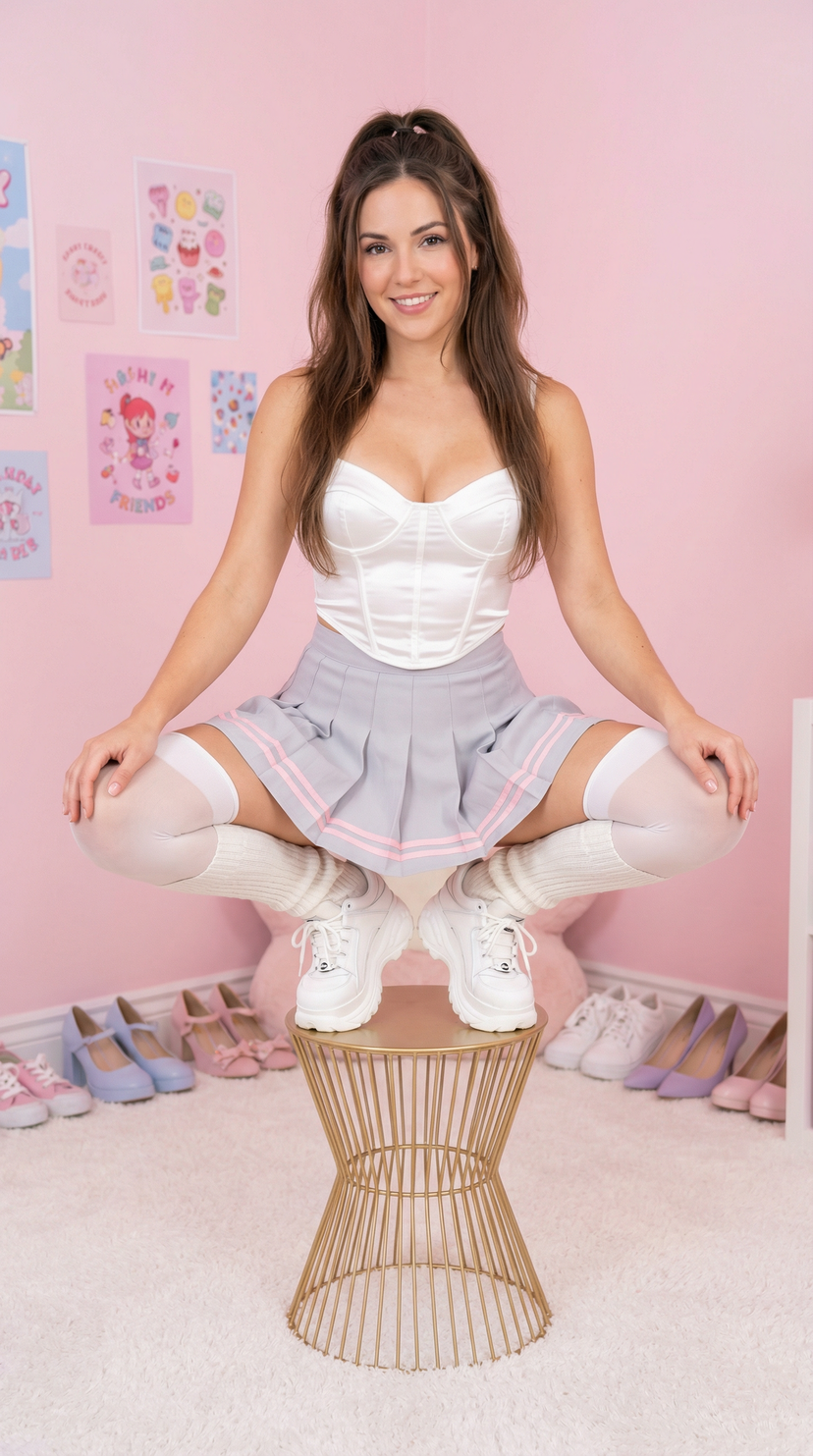

![Abandoned Object Photorealistic Image Generator — A photorealistic image of an abandoned {argument name="subject" default="[SUBJECT]"} in {argument name="color"](https://pbs.twimg.com/media/G96tX4ibQAAMPfh.jpg)



![Photorealistic Crystal Logo Generation — Photorealistic natural crystal formation emerging from the ground [in a dark cave] mid-growth in the exact same shape a](https://pbs.twimg.com/media/HAfbZhqXAAAQyzM.jpg)