How do I use the Epic Athlete/Artist Poster Design Prompt template?
Choose the primary action to open PicX Studio with the available template settings. Review the model and format, personalize the creative direction, and generate when ready.
A detailed prompt for generating a high-resolution, vertical poster design featuring a heroic subject (athlete or artist) in a dramatic, expansive environment, utilizing cinematic lighting and a refined ink illustration style fused with watercolor gradients (Carne Griffiths × Conrad Roset aesthetic). Change the subject, setting, or lighting one variable at a time.

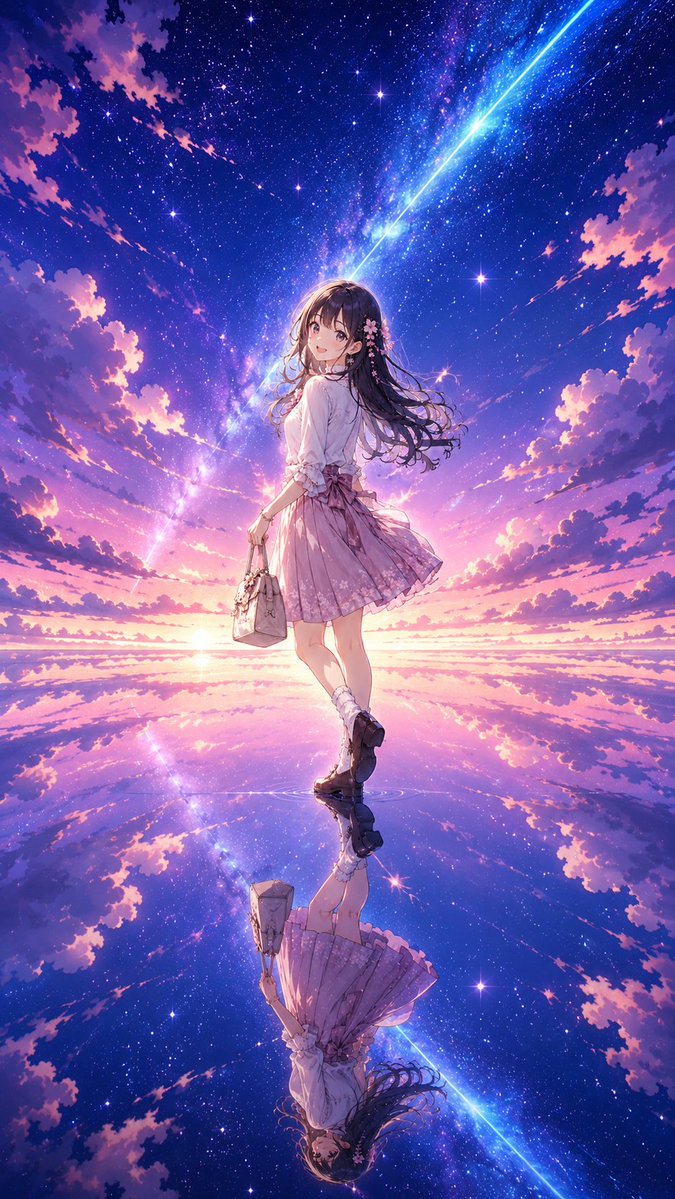
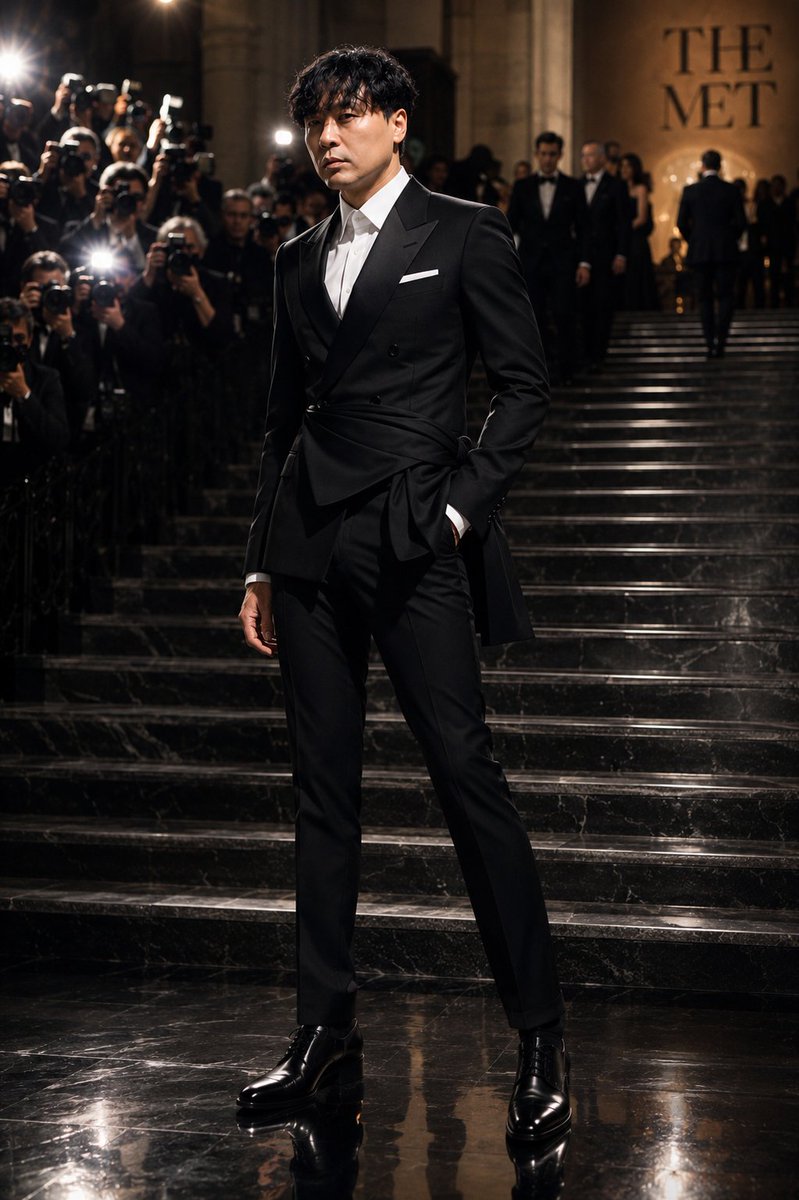
Poster design, vertical portrait format, exact size 1800 × 2300 pixels. Hero subject: {argument name="artist name" default="[ ARTIST NAME ]"} Full-body, standing on a hill, perfectly centered composition, dominant key visual. Powerful silhouette against the sky, confident stance, wind interacting with clothing and hair. Environment: ({argument name="detailed landscape" default="dramatic mountains / surreal sky / storm clouds / abstract color atmosphere / sunset horizon"}). Foreground depth, midground atmosphere, expansive cinematic background. Strong sense of scale and elevation. Lighting: cinematic lighting, dramatic rim light, volumetric light rays, atmospheric perspective, high dynamic range. Golden hour or high-contrast dramatic sky (tone: EPIC, POETIC, INTENSE, DREAMLIKE). Style: intricate, highly detailed, breathtaking, precise lineart, refined ink illustration, watercolor gradients, layered pigment washes. Vibrant yet controlled color palette. Fine textures, delicate splatter effects, soft ink bleeding. Aesthetic fusion of Carne Griffiths × Conrad Roset. Elegant composition, gallery-quality art print finish. Ultra high resolution, razor-sharp details, professional poster design, print-ready quality. No watermark, no typography, no blur, no distortion, no cropped limbs, no extra people.
Choose the primary action to open PicX Studio with the available template settings. Review the model and format, personalize the creative direction, and generate when ready.
Yes. You can change the subject, setting, lighting, mood, format, and available model controls before creating your image.
This template is free to open and customize. Generation usage is shown in PicX Studio before you create.
Start with Nano Banana 2, which is the model associated with this template. You can compare another compatible model for a different finish.
© 2026 PicX Studio. All rights reserved.

Follow a topic to a crawlable collection of related PicX Studio templates.
43,474 public templates available. Verified via the PicX Studio public templates API; refreshed hourly.
![Japan Travel Brochure Poster — Create a vertical vintage travel-brochure infographic poster titled “[COUNTRY/DESTINATION]: [TAGLINE]”, using a warm parchment-pa](/_next/image?url=https%3A%2F%2Fcdn.picxstudio.com%2Fuploads%2Fp0_982bf820-bb34-4c43-8a6d-42d799d7282b.jpg&w=828&q=100)






![Cartoon TV Show Poster Pack — A bold Cartoon Network-style promotional poster for [SHOW], featuring the main characters in a flat 2D illustrated style with thic](/_next/image?url=https%3A%2F%2Fcdn.picxstudio.com%2Fuploads%2Fimg0_107064d3-b797-488a-a32e-d75dea9d3b4c.jpg&w=828&q=100)
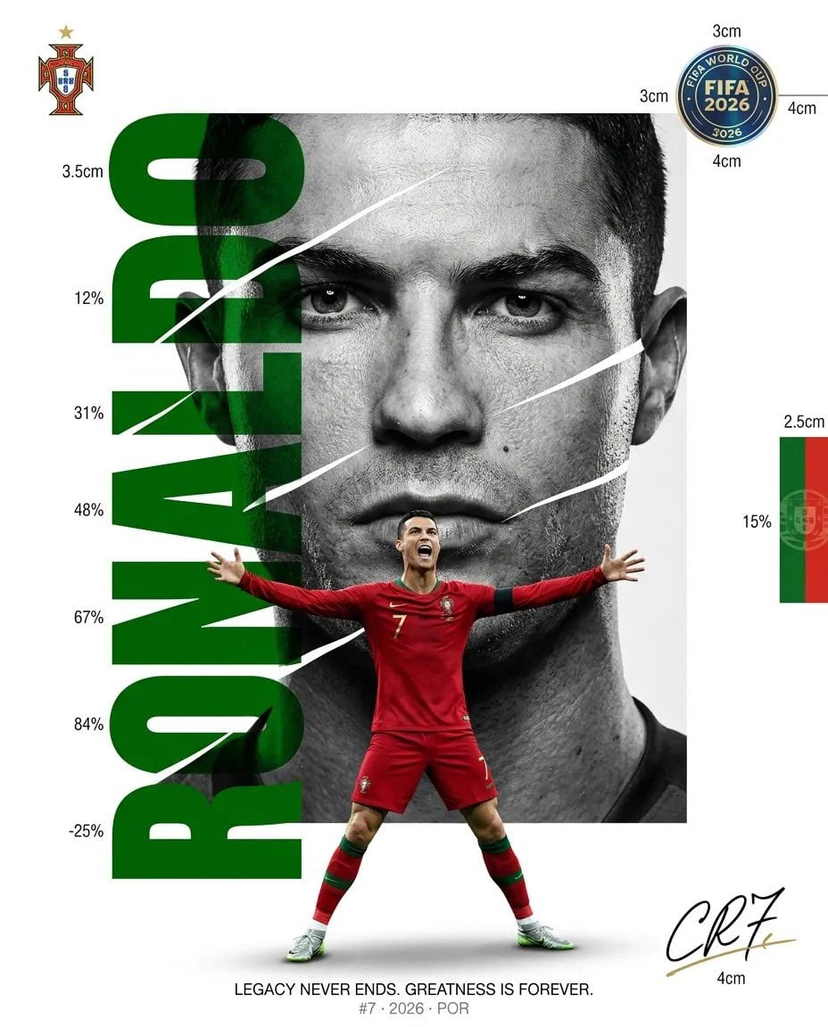
![vertical-football-star-campaign-poster — Create a vertical 9:16 high-resolution football star campaign poster.
Player: [Player Name]
Player concept: [football](/_next/image?url=https%3A%2F%2Fcdn.picxstudio.com%2Fuploads%2Fmeigen_996a192156cb_45d1d198-bb81-4272-be3f-df0eda9f0a74.jpg&w=828&q=100)



![clean-minimalist-player-editorial-poster — A professional sports graphic design poster of [Player Name], designed in a clean, modern, and minimalist editorial s](/_next/image?url=https%3A%2F%2Fcdn.picxstudio.com%2Fuploads%2Fmeigen_5524a0a10196_94b81982-ef58-45e9-8d49-9b017a7f26cb.jpg&w=828&q=100)
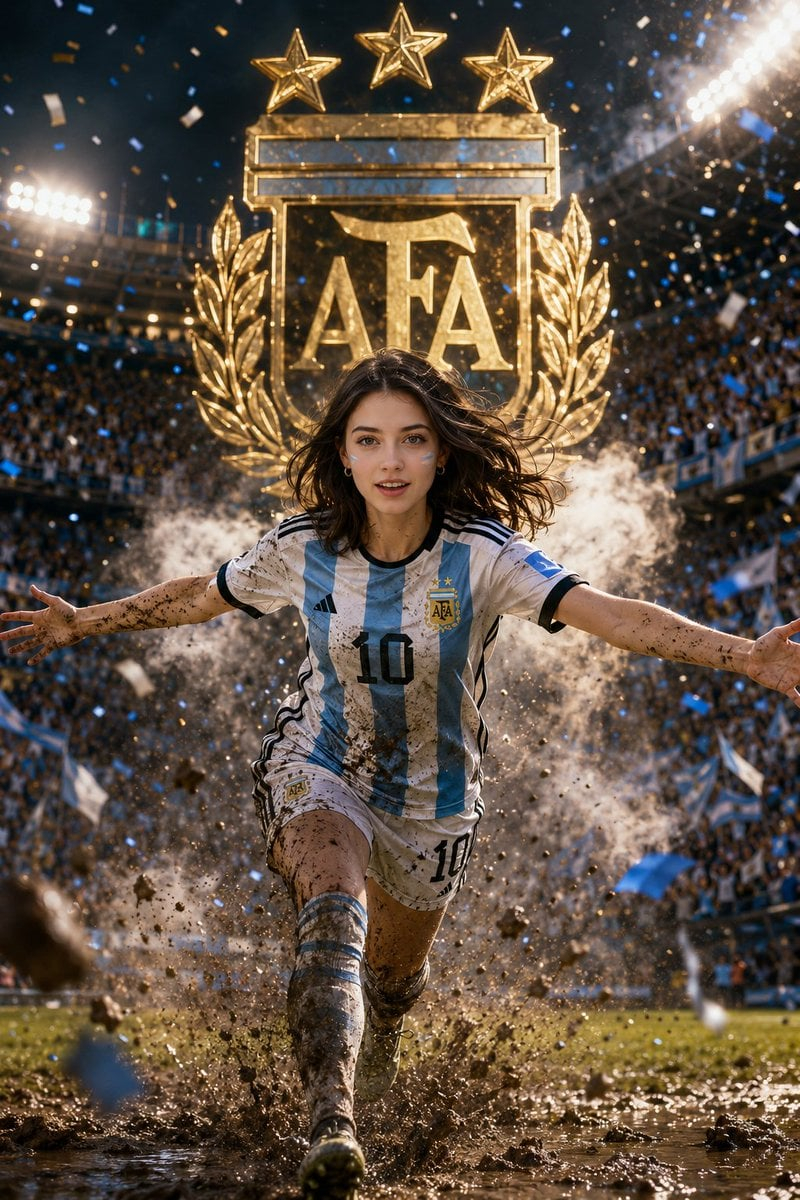
![campaign-smoke-national-symbols-world-cup — A hyper-realistic cinematic campaign poster for [Country]. Thick [Color One] and [Color Two] smoke e…](/_next/image?url=https%3A%2F%2Fcdn.picxstudio.com%2Fuploads%2Fmeigen_ce5bae0e0712_50be07ac-9537-419b-9c47-694fe49ef3d8.jpg&w=828&q=100)








![Naive doodle-style subject illustration — A doodle-style {argument name="subject" default="[subject]"}, naive lines, humorous shape exaggeration](https://pbs.twimg.com/media/G6Wl2YxbsAARB2b.jpg)
















![Commercial Cosmetic Product Photography Prompt — A centrally placed pink cosmetic jar labeled “LANEIGE Lip Sleeping Mask [Berry] 3 g” sits on top of a large spi](https://pbs.twimg.com/media/HDhRyeEaIAAW8dL.jpg)

![Atmospheric Underwater Photography Template — A {argument name="mood" default="[MOOD]"} underwater photograph of a {argument name="subject" default="[SUBJECT]"}](https://cms-assets.youmind.com/media/1778662246753_yx6ttg_HIIePwBWAAAapaw.jpg)

![Miniature Realism Prompt for Restoration Scene — Tiny [{argument name="subject" default="WORKERS"}] sitting, resting, or packing up beside a perfectl…](https://pbs.twimg.com/media/G9BA7DDb0AEJkiH.jpg)