
Skate Ramp 90s Graffiti
Curated retro template in the classic / retro / money pack.
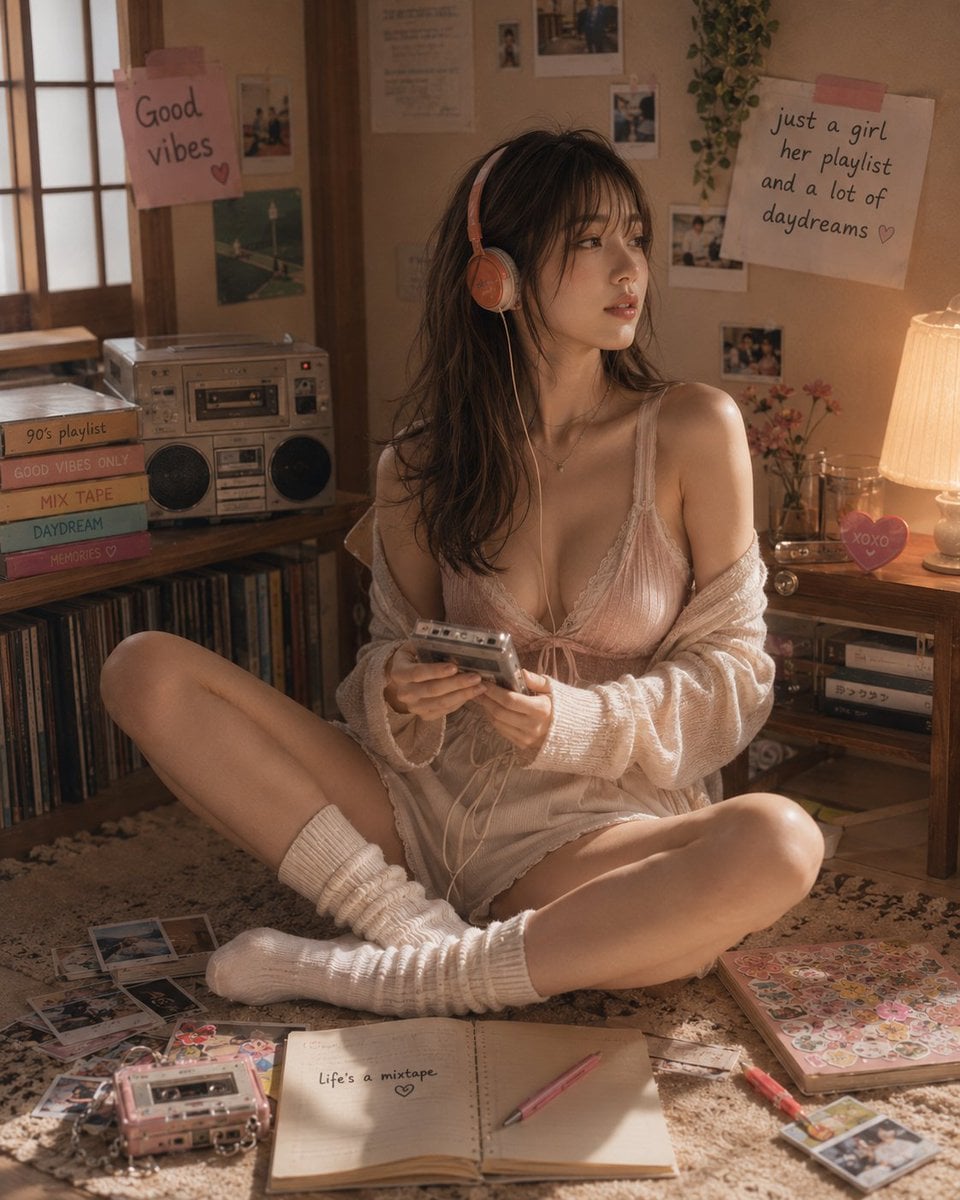
- Prompt included
- Model and format preset
- Free template
The prompt behind this image
Copy the exact prompt behind Skate Ramp 90s Graffiti, or open it in the studio and make it yours.
1990s skate ramp with graffiti, baggy clothes skater mid-air, fisheye, VHS noise, classic street retro sports, 4:5
How to use Skate Ramp 90s Graffiti in 3 steps
- 1
Open
The prompt is already in the box next to the preview, with the template's model and format selected.
- 2…a portrait of your subject in softgolden-hour light, 85mm…
Personalize
Edit the subject and creative details for your destination.
- 3Generate
Generate
Press Generate — your image is created in PicX Studio, so you can compare it with the original and refine one variable at a time.
More like this
Templates with the same subject, style or setup. Open one to see its prompt.

Make it yours
Skate Ramp 90s Graffiti works as-is. These are the safest ways to change it without losing the look.
Change one field
Copy a single group, rewrite it, and generate again so you can see what that field is doing.
Keep the frame, change the subject
Hold the composition and light of Skate Ramp 90s Graffiti, then swap wardrobe, props or the person for a new take.
| If the result… | Why | Fix |
|---|---|---|
| The result drifts from the preview | Too many fields changed at once. | Reuse Skate Ramp 90s Graffiti as-is first, then change one group — subject, light, or setting. |
| The model over-stylizes the scene | The prose prompt leaves finish and camera underspecified. | Add one camera or lighting sentence and stay on PicX Studio. |
More image prompts
Fresh picks from across the catalog.
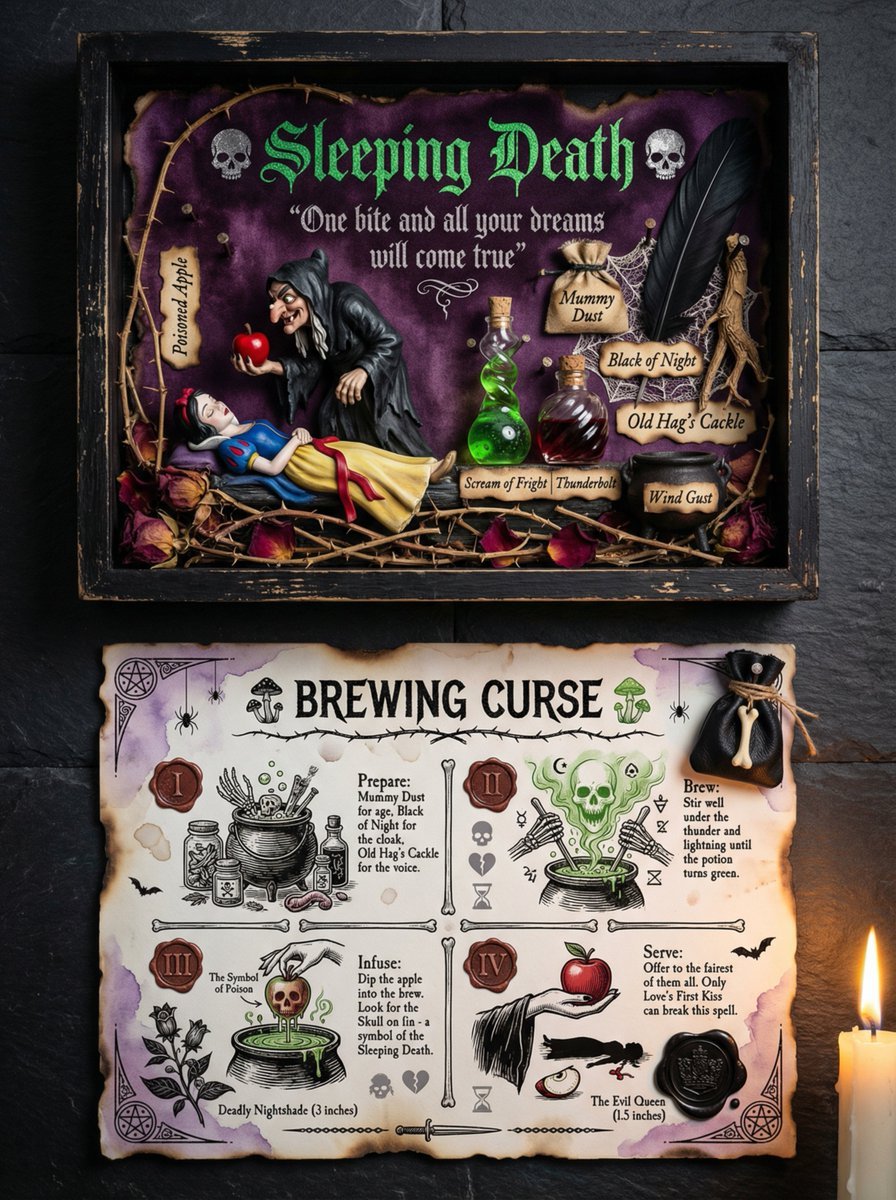
Themed Worldview Visual Construction Engine Prompt

Augmented Reality Spotify Player Visual Prompt
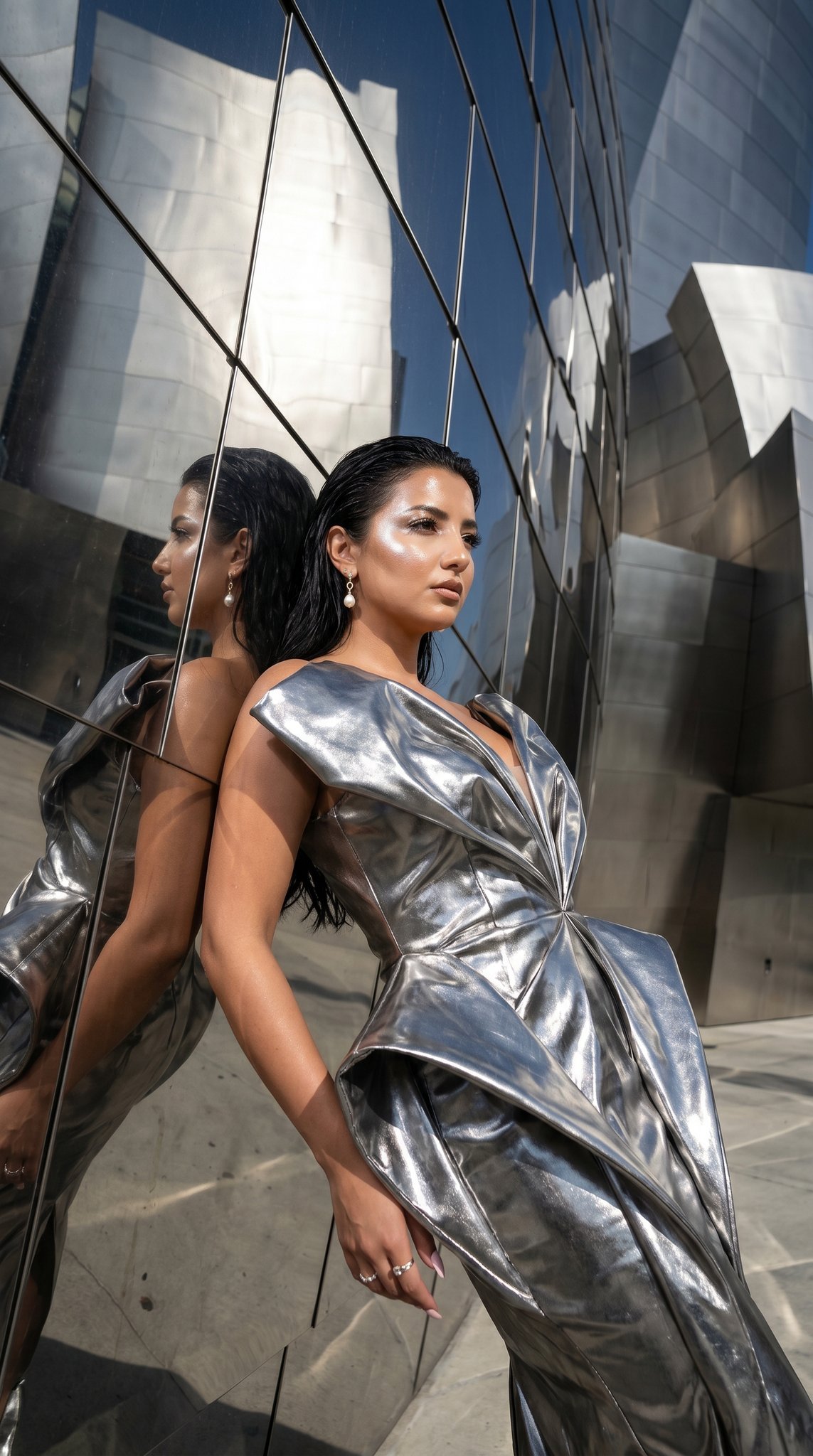
11 Walt Disney Concert Hall — California Series
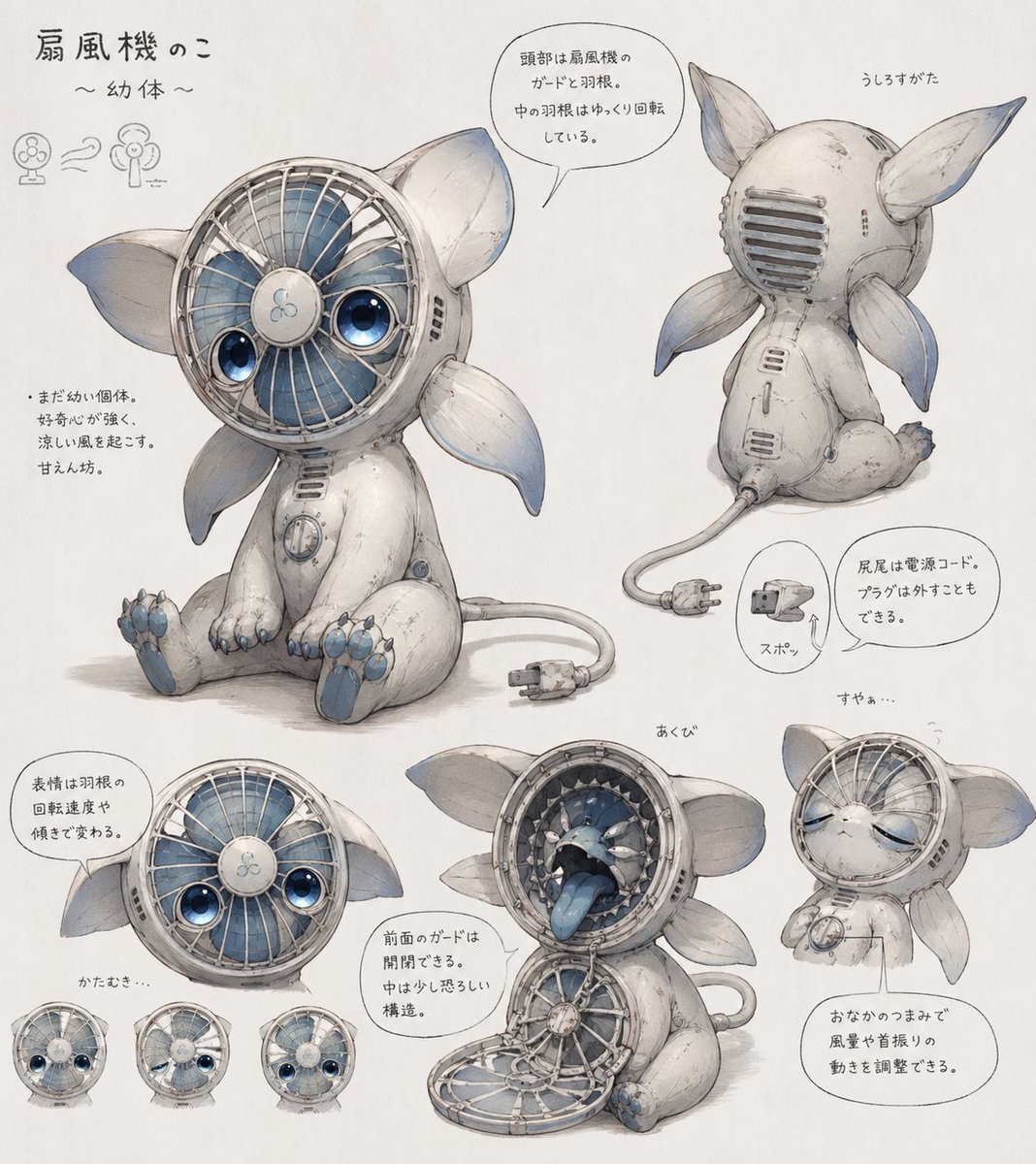
Fan Creature Concept Sheet
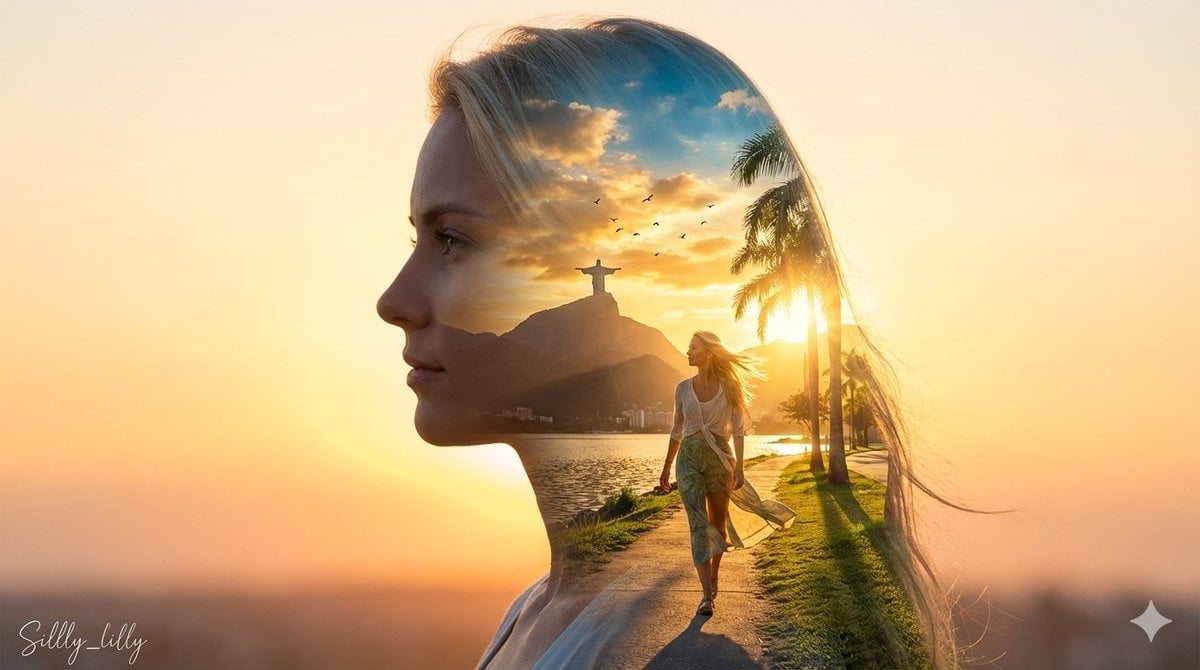
Cinematic Double Exposure Portrait (Rio de Janeiro)
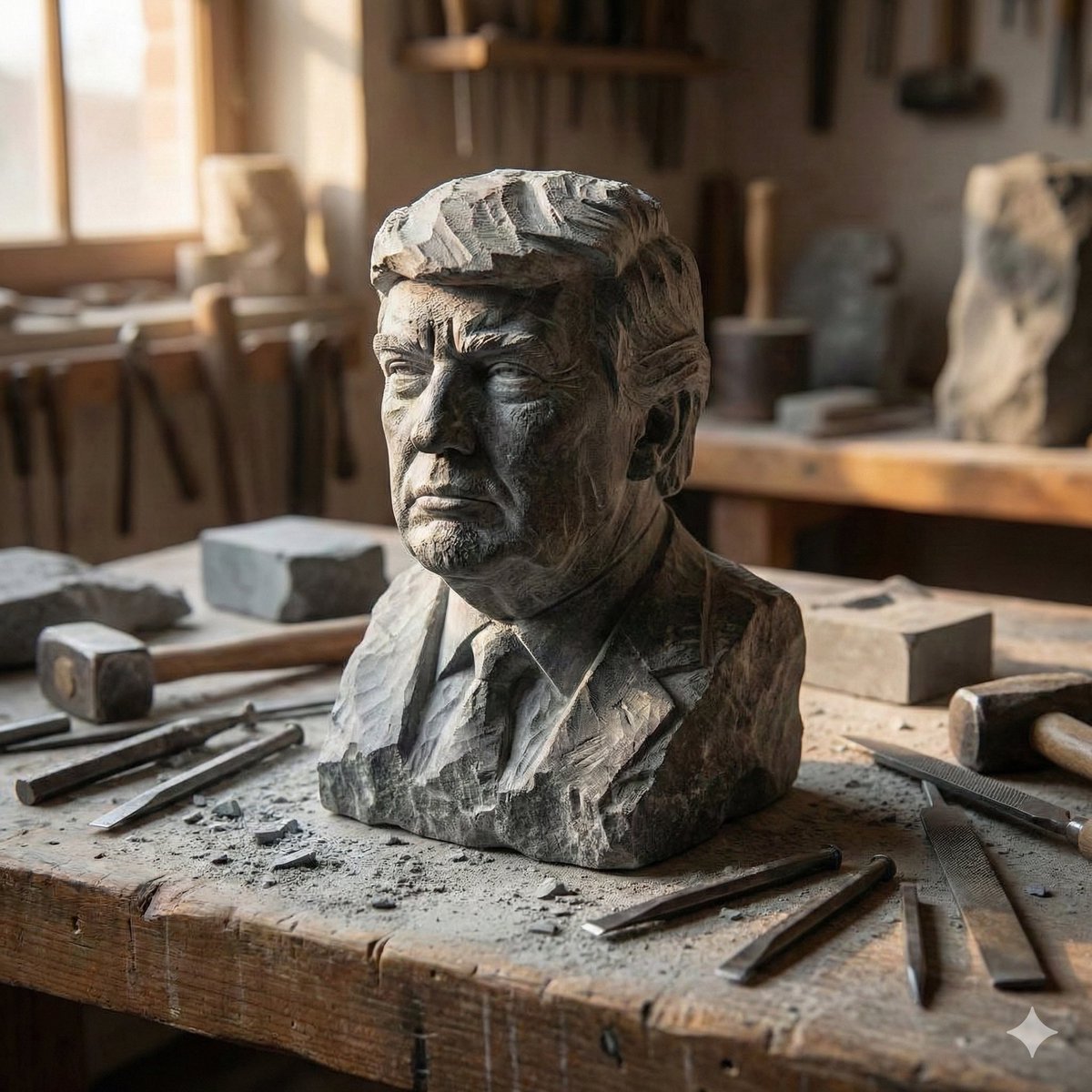
Stone-Carved Statue Prompt for Nano Banana Pro

Cinematic Profile Portrait Prompt with Backlighting and Bokeh
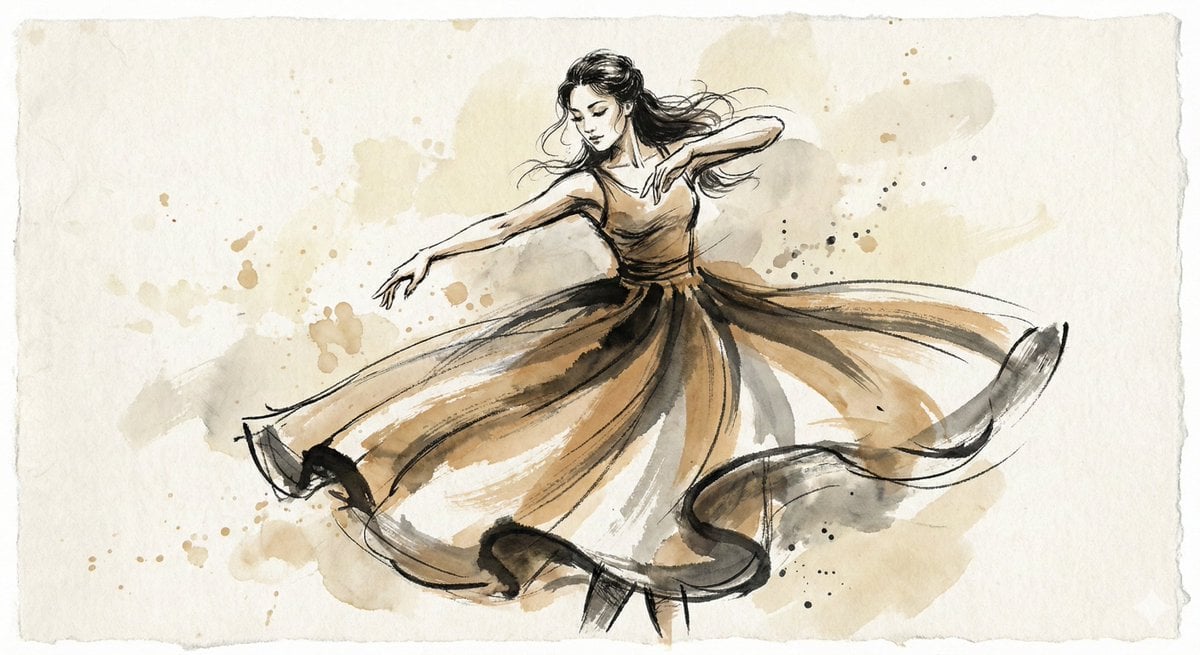
Ink and Wash Illustration Generator
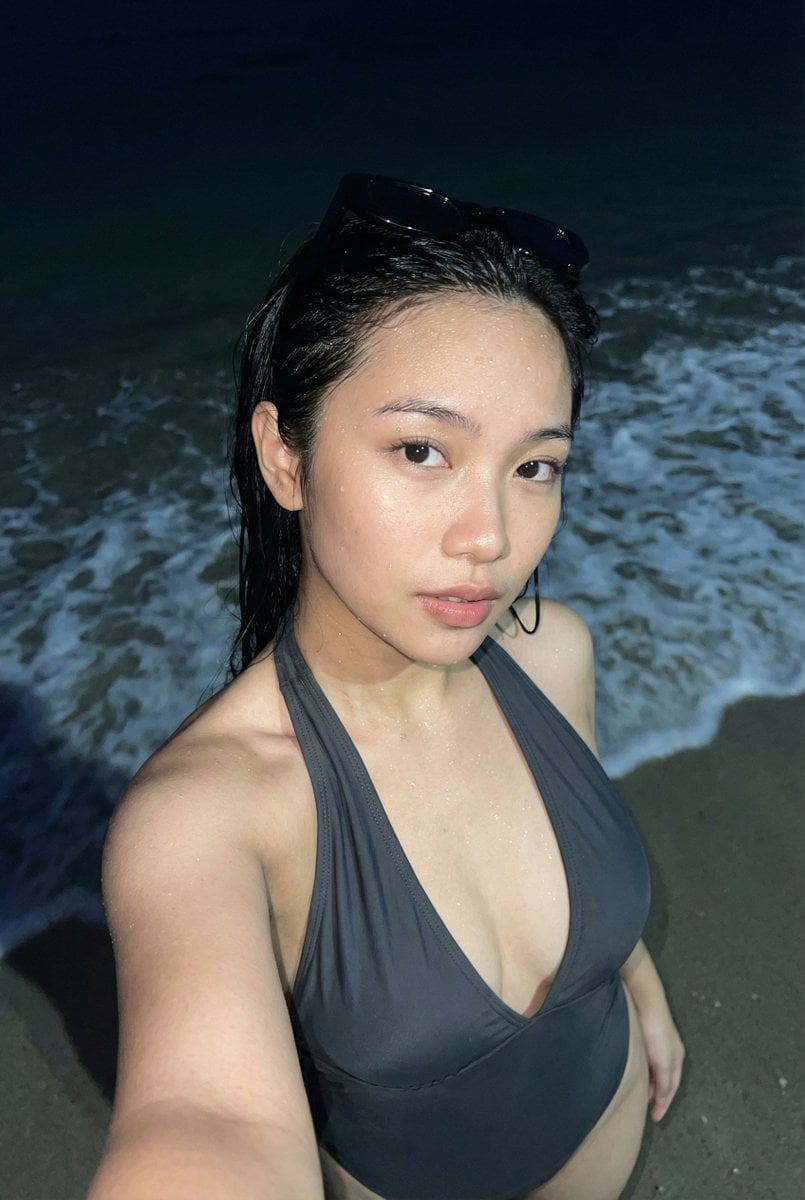
Realistic Smartphone Flash Selfie at Night Beach
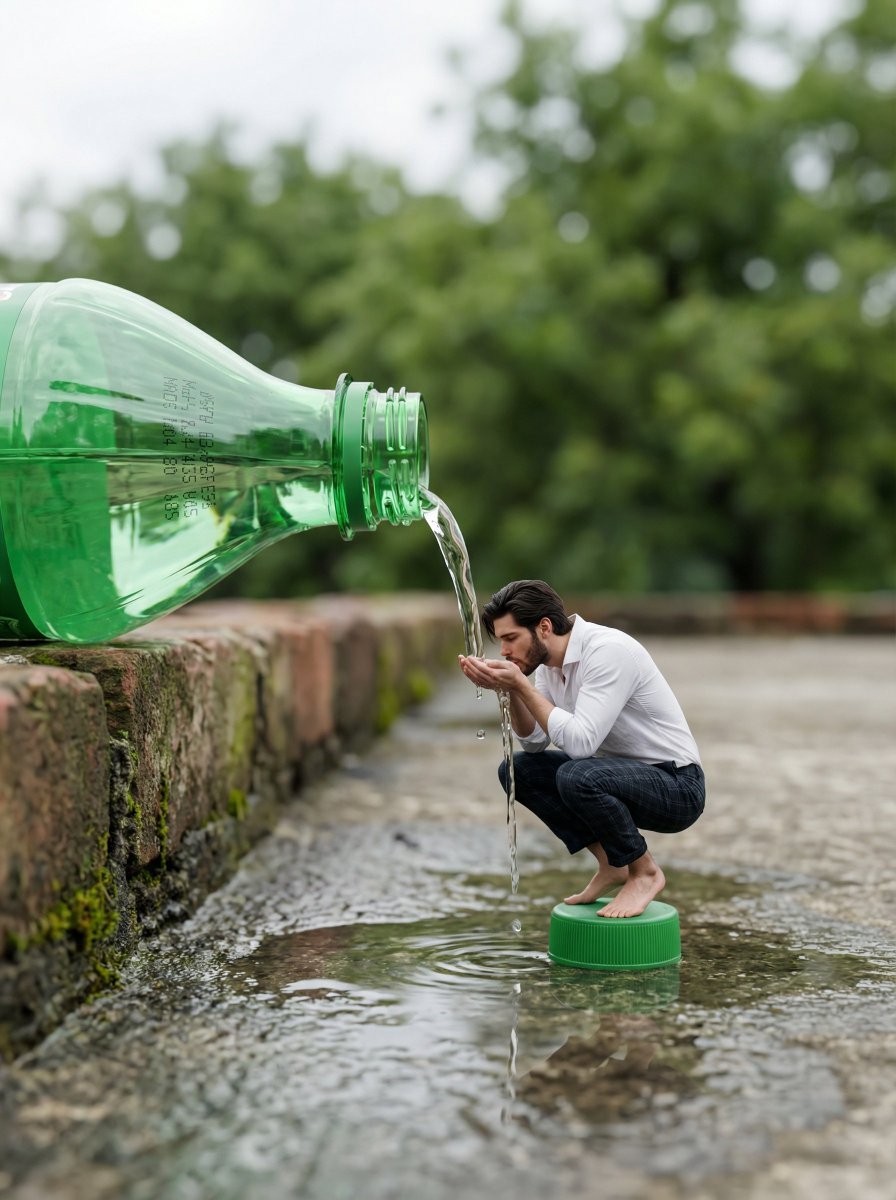
Surreal Whimsical Scale Contrast Scene Prompt
Browse template categories
Skate Ramp 90s Graffiti questions
How do I use the Skate Ramp 90s Graffiti template?
Add your photo if the template asks for one, edit the prompt if you like — the template's model and format are already selected — and press Generate. Your version opens in PicX Studio.
Can I customize the Skate Ramp 90s Graffiti template?
Yes. You can change the subject, setting, lighting, mood, format, and available model controls before creating your image.
Is the Skate Ramp 90s Graffiti template free?
Opening and editing this template is free. Generating uses credits, shown on the Generate button when you are signed in.
Which AI model should I use?
Choose a compatible model in PicX Studio based on the style, speed, and output controls your project needs.
Looking for something else? Browse all templates.

Your photo, any look
Thousands of ready templates for every top image and video model, from one credit balance.