
11 Walt Disney Concert Hall — California Series
Nano Banana 2 Scene 11: Walt Disney Concert Hall
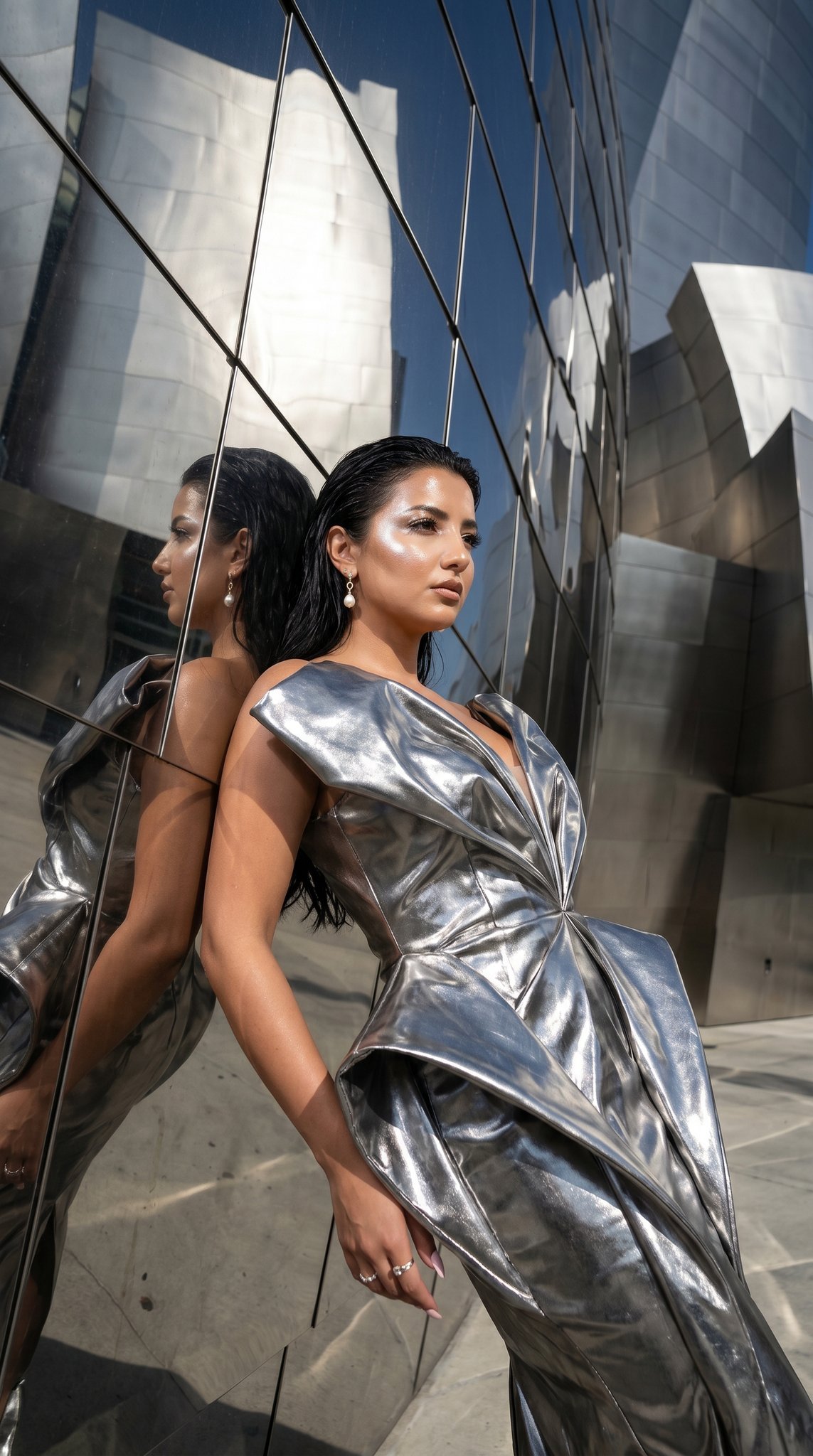
- Prompt included
- Model and format preset
- Free template
The prompt behind this image
Copy the exact prompt behind 11 Walt Disney Concert Hall — California Series, or open it in the studio and make it yours.
Walt Disney Concert Hall reflective steel architecture. Outfit: metallic silver sculptural dress. Scene: Walt Disney Concert Hall exterior with flowing steel curves, dramatic sunlight and shadows. Lighting: strong architectural light with high contrast reflections. Mood: iconic, avant-garde, powerful. Color palette: silver steel, white, sky blue. Aspect ratio: 4:5. Must-have: Disney Concert Hall architecture, sculptural dress, dramatic lighting, same identity, perfect anatomy, no text. Avoid: casual outfit, bad anatomy, extra limbs, text, logo, watermark.
How to use 11 Walt Disney Concert Hall — California Series in 3 steps
- 1
Open
The prompt is already in the box next to the preview, with the template's model and format selected.
- 2…a portrait of your subject in softgolden-hour light, 85mm…
Personalize
Edit the subject and creative details for your destination.
- 3Generate
Generate
Press Generate — your image is created in PicX Studio, so you can compare it with the original and refine one variable at a time.
More like this
Templates with the same subject, style or setup. Open one to see its prompt.
11 Walt Disney Concert Hall — California Series

24 The Getty Center — California Series
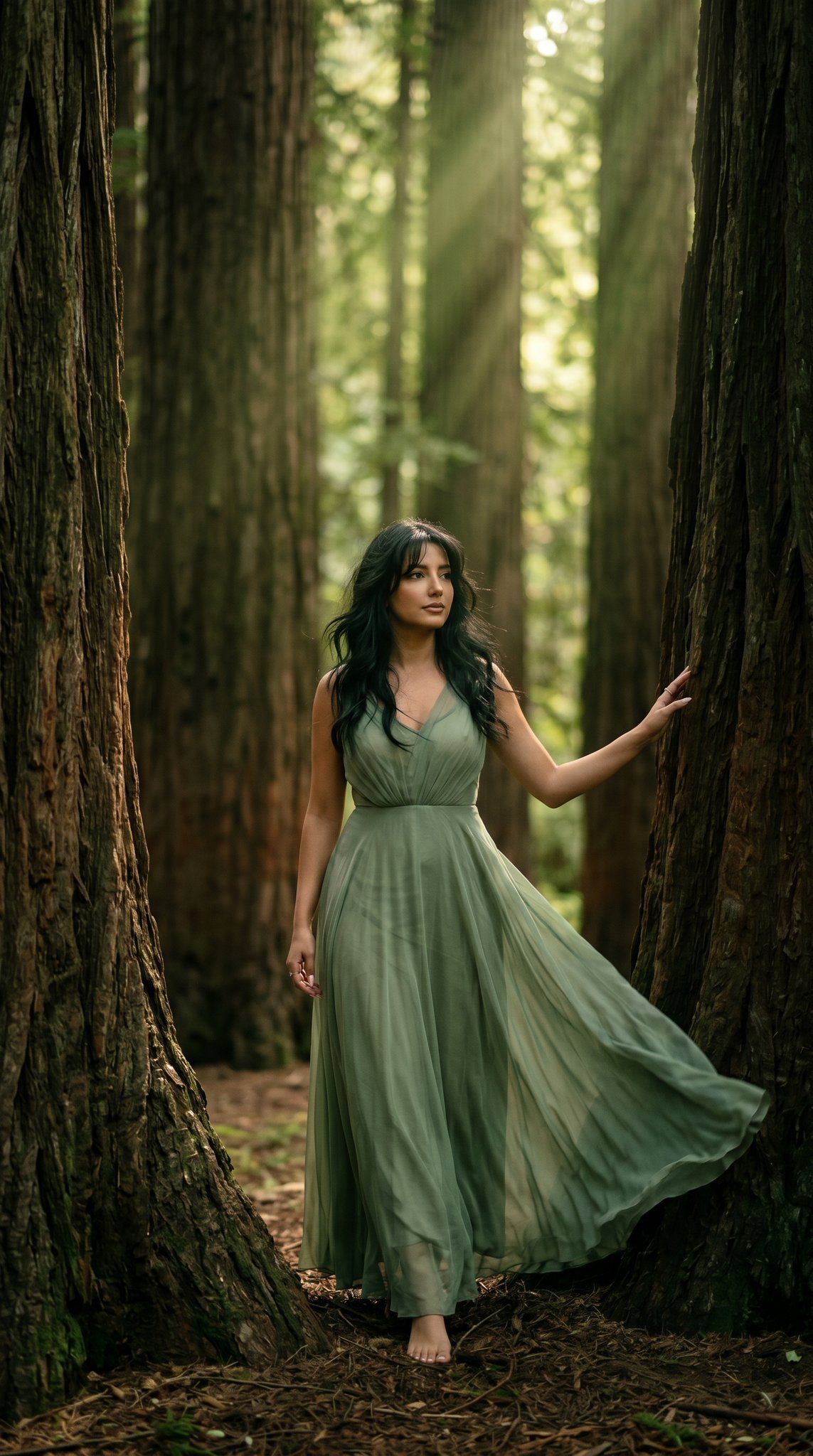
23 California Redwood Forest — California Series

21 Glass Floor Skyscraper — California Series

19 Luxury Helicopter Travel — California Series
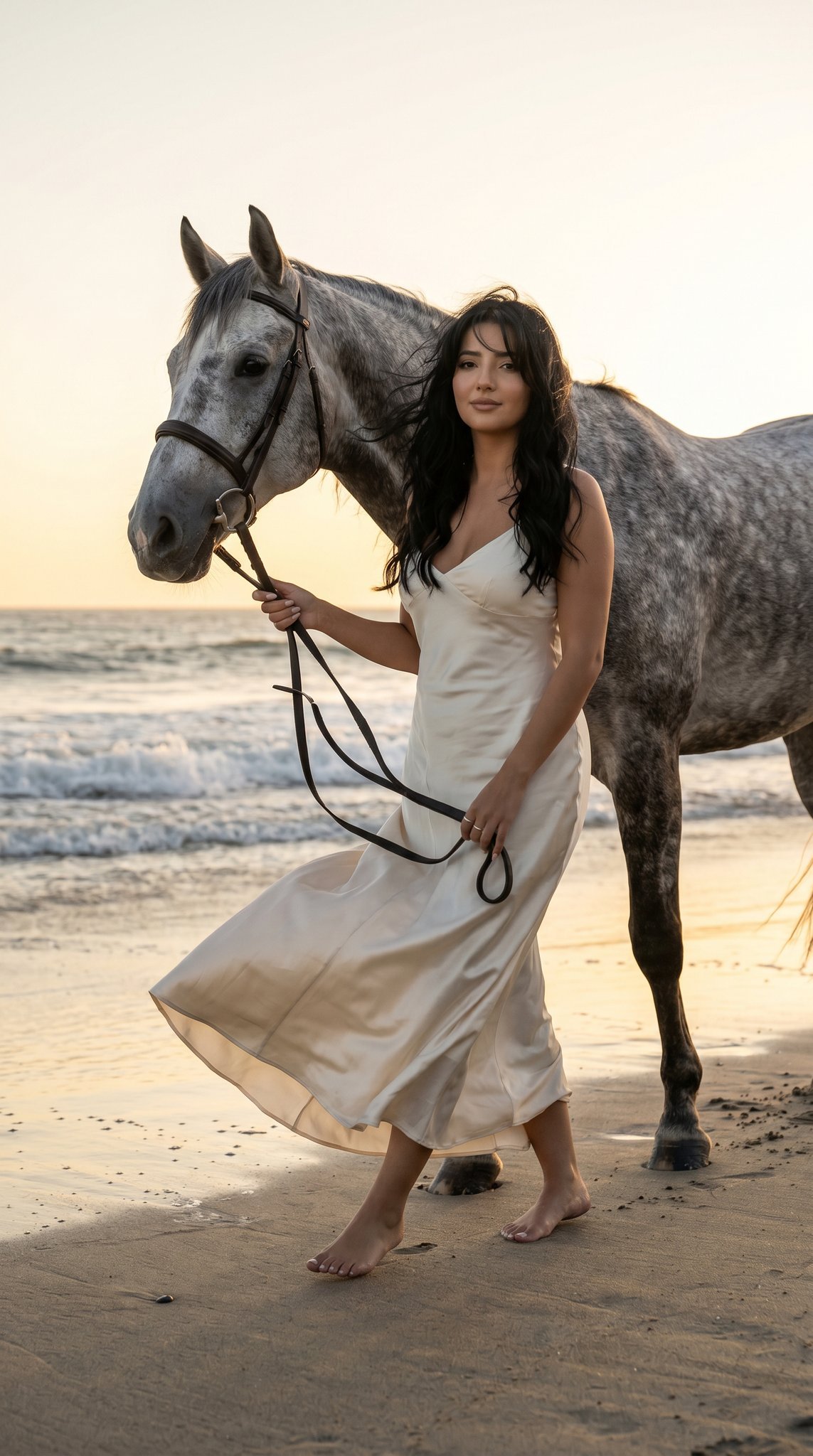
16 Malibu Beach Horse — California Series
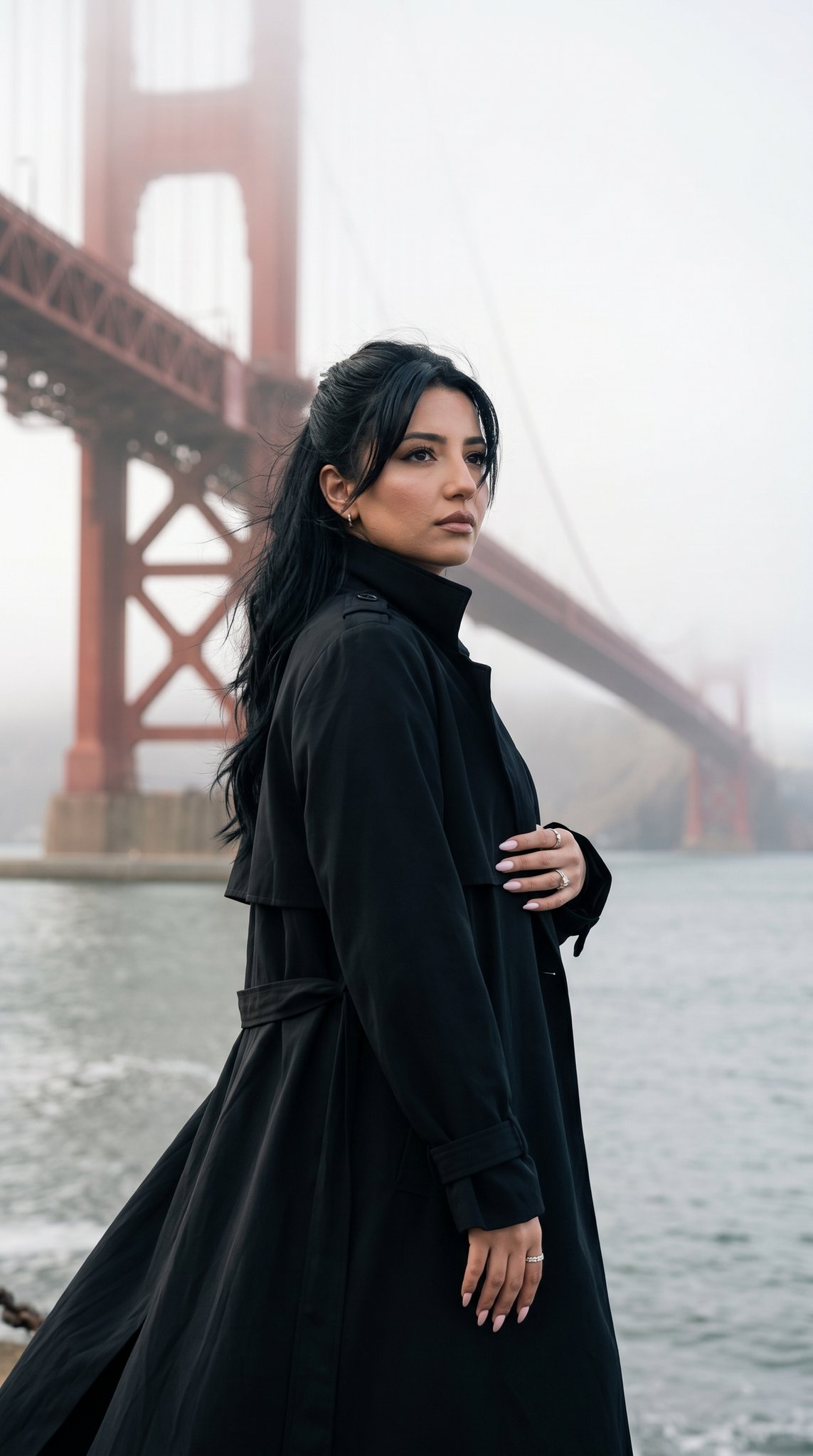
15 Golden Gate Bridge — California Series
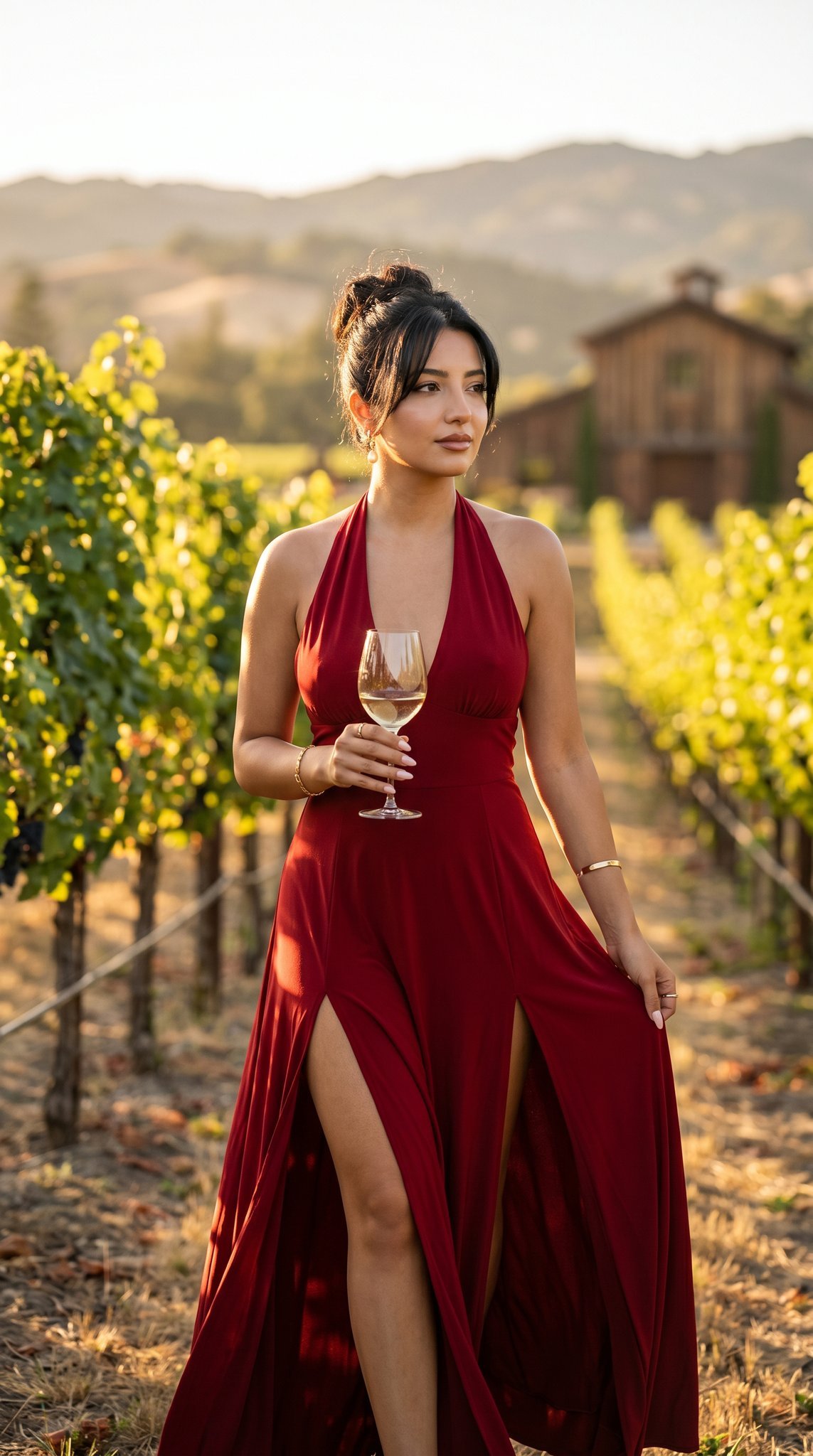
14 Napa Valley Vineyard — California Series
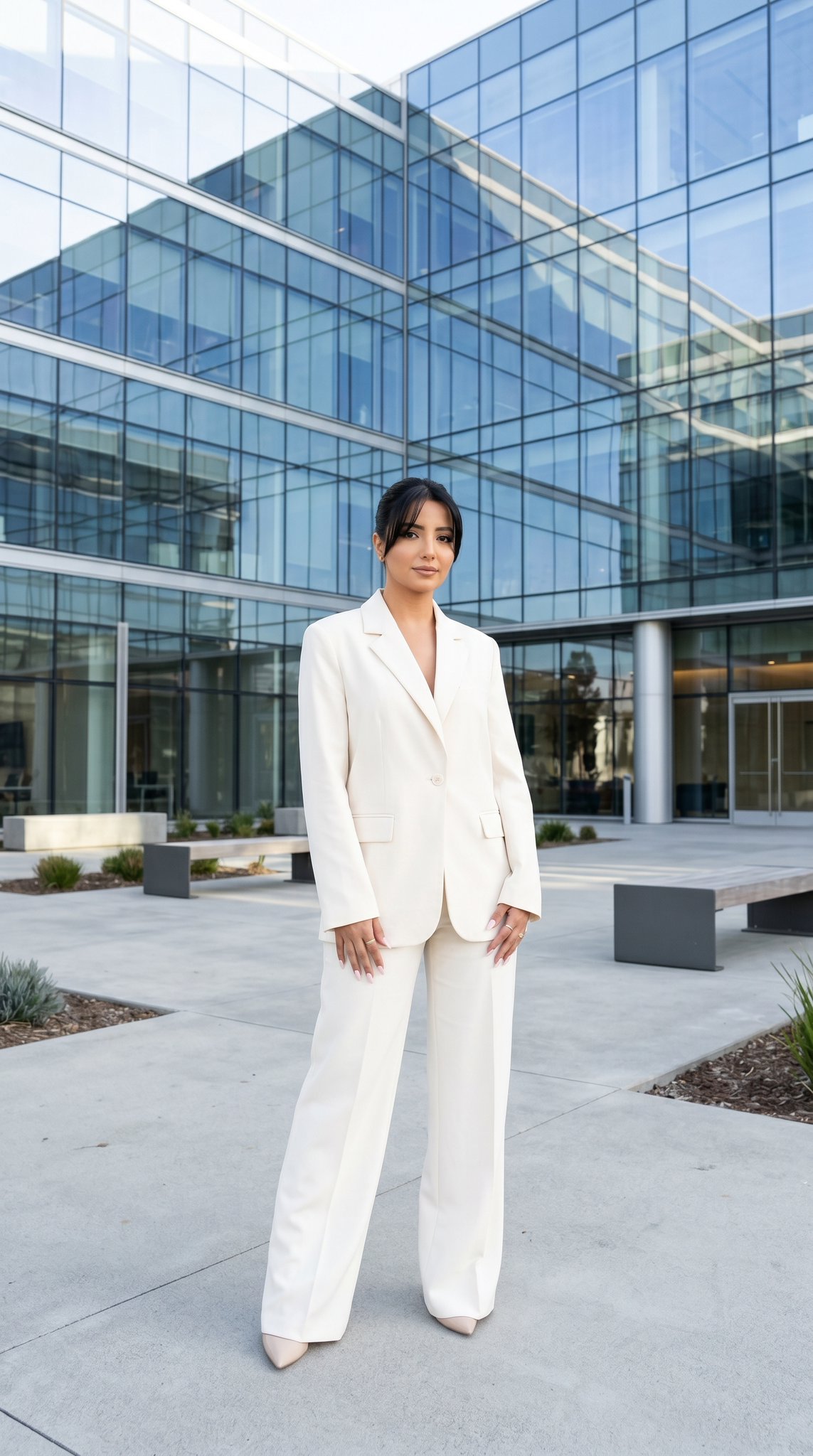
10 Modern Glass HQ Building — California Series
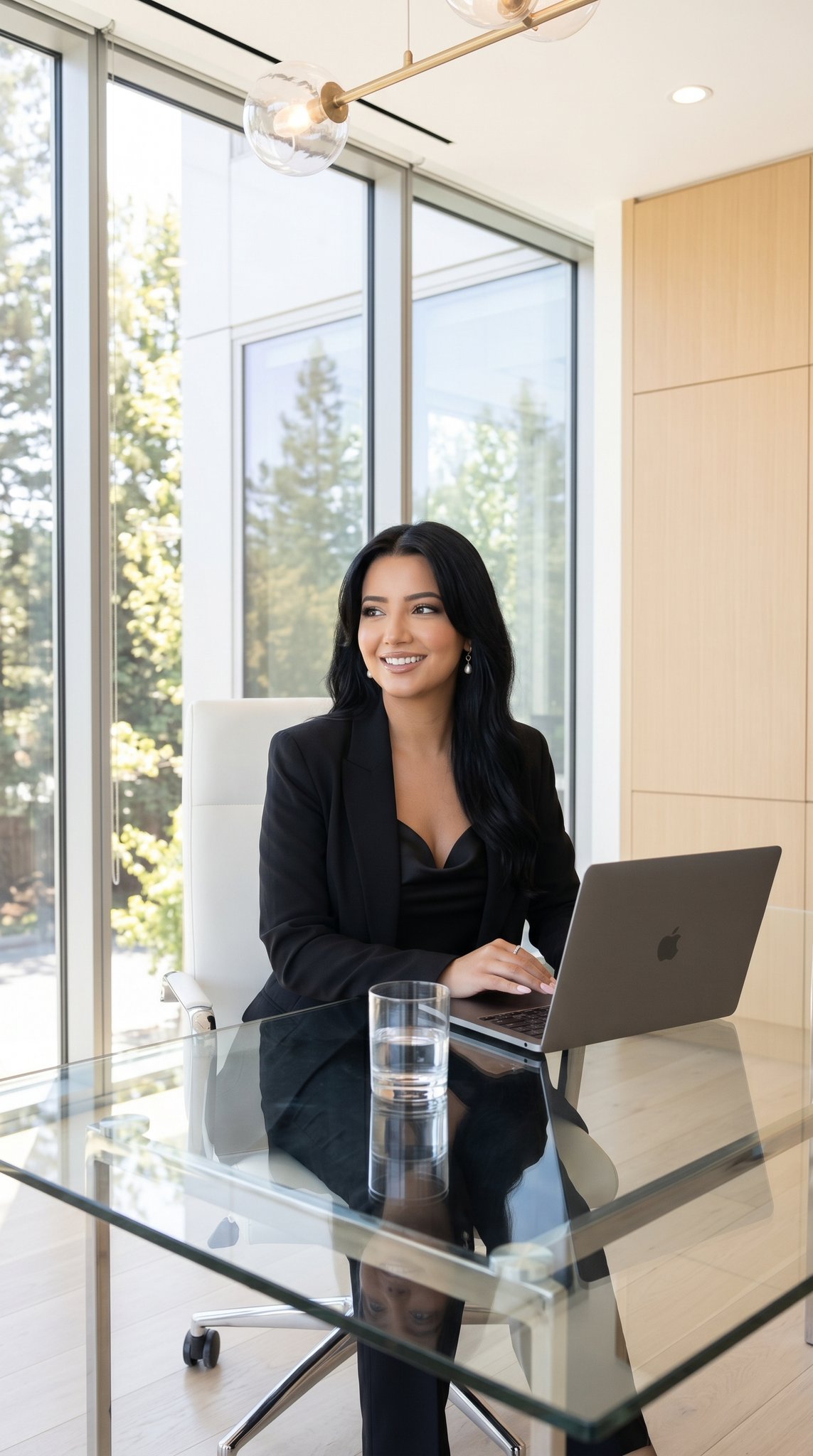
09 Silicon Valley Startup — California Series

08 Rodeo Drive Luxury Exit — California Series
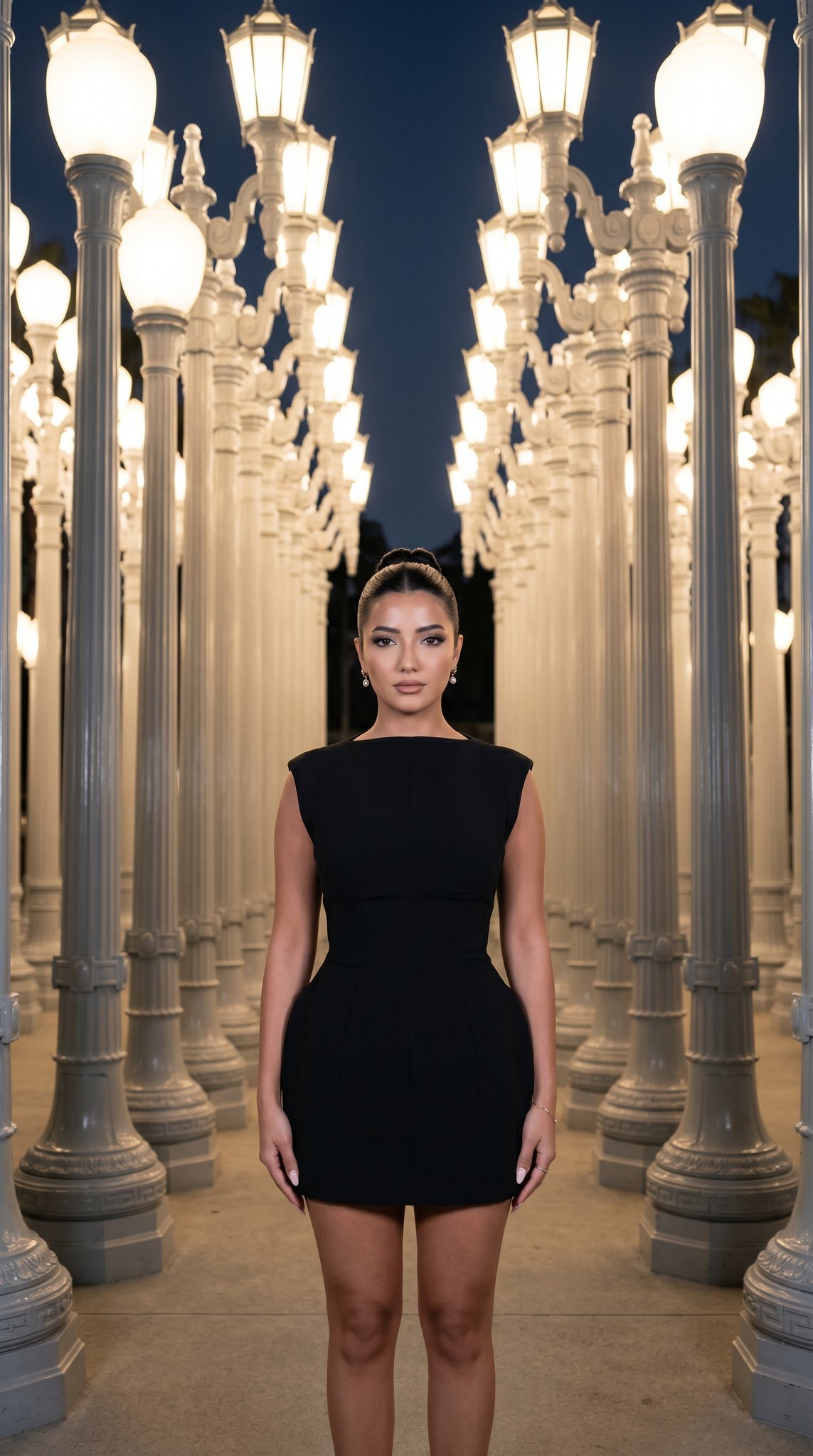
07 LACMA Urban Light — California Series
Make it yours
11 Walt Disney Concert Hall — California Series works as-is. These are the safest ways to change it without losing the look.
Change one field
Copy a single group, rewrite it, and generate again so you can see what that field is doing.
Keep the frame, change the subject
Hold the composition and light of 11 Walt Disney Concert Hall — California Series, then swap wardrobe, props or the person for a new take.
| If the result… | Why | Fix |
|---|---|---|
| The result drifts from the preview | Too many fields changed at once. | Reuse 11 Walt Disney Concert Hall — California Series as-is first, then change one group — subject, light, or setting. |
| The model over-stylizes the scene | The prose prompt leaves finish and camera underspecified. | Add one camera or lighting sentence and stay on Nano Banana. |
More Nano Banana templates
Other prompts made for Nano Banana.










More image prompts
Fresh picks from across the catalog.
Nano Banana Pro brand hero image (duplicate prompt)
Mirror Selfie in Ornate Lounge

Emoji-Based Creative Image Generation

Vibrant Fusion Street Food Scene
Futuristic Mumbai Sunset Skyline
Desert Motocross Action Shot
Mobile App UI Screenshots
Edo-period castle town scene
Sunset Window Silhouette
Ultra Analog Film Candid Romance Scene
Browse template categories
11 Walt Disney Concert Hall — California Series questions
How do I use the 11 Walt Disney Concert Hall — California Series template?
Add your photo if the template asks for one, edit the prompt if you like — the template's model and format are already selected — and press Generate. Your version opens in PicX Studio.
Can I customize the 11 Walt Disney Concert Hall — California Series template?
Yes. You can change the subject, setting, lighting, mood, format, and available model controls before creating your image.
Is the 11 Walt Disney Concert Hall — California Series template free?
Opening and editing this template is free. Generating uses credits, shown on the Generate button when you are signed in.
Which AI model should I use?
Start with Nano Banana, which is the model associated with this template. You can compare another compatible model for a different finish.
Looking for something else? Browse all templates.

Your photo, any look
Thousands of ready templates for every top image and video model, from one credit balance.