
Vibrant Fusion Street Food Scene
A detailed prompt for creating a lush, photorealistic night market scene featuring fusion street foods like biryani, momos, and cocktails.
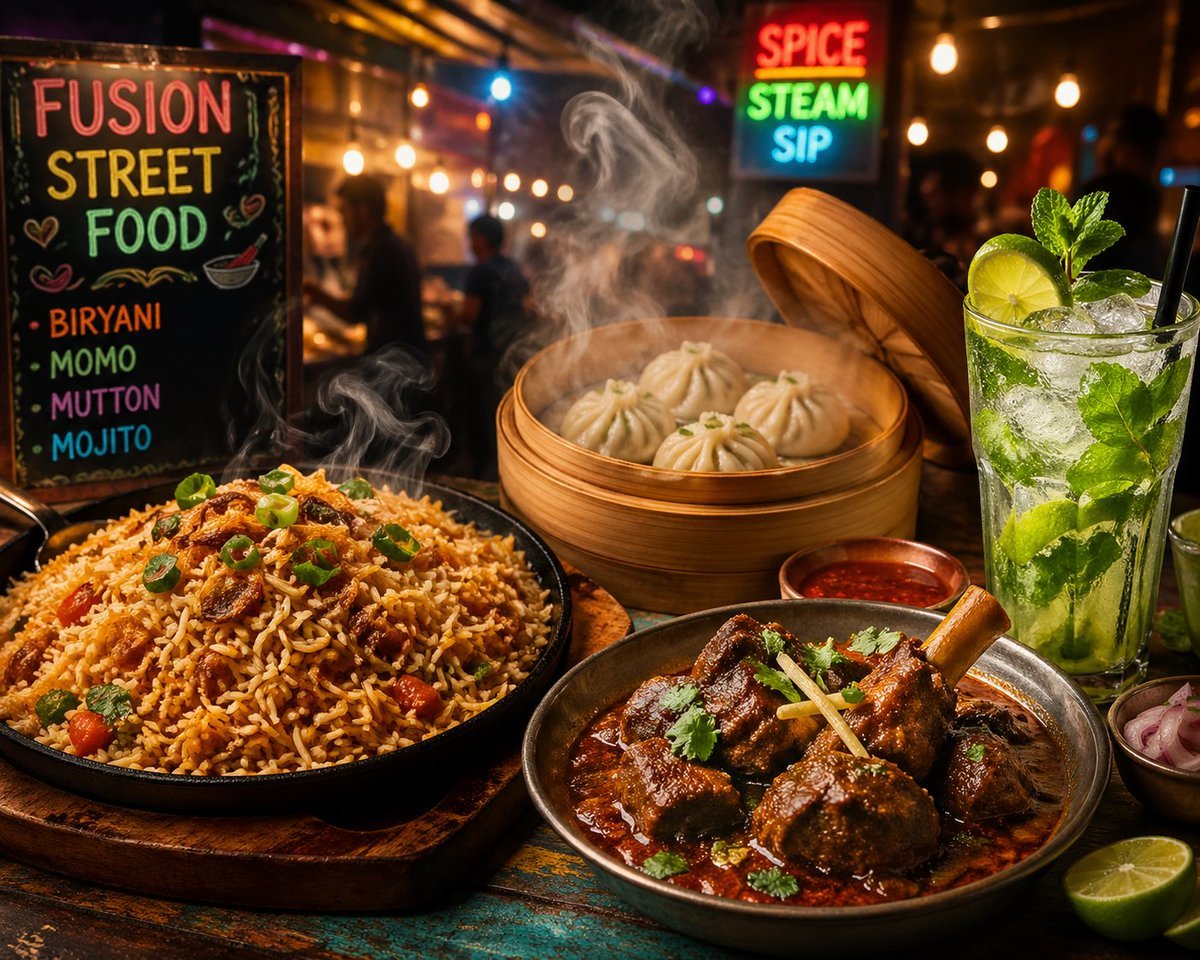
- Prompt included
- Model and format preset
- Free template
The prompt behind this image
Copy the exact prompt behind Vibrant Fusion Street Food Scene, or open it in the studio and make it yours.
1. A vibrant fusion street-food scene where a sizzling plate of smoky fried rice biryani blends aromatic spices with golden grains, beside a rich, slow-cooked mutton dish glistening with gravy. Steaming hot momos sit in a bamboo basket, releasing curls of fragrant steam, while a chilled mint mojito sparkles with ice, fresh mint leaves, and lime slices. The setting is a lively night market under warm lights, with colors, textures, and aromas colliding into a bold, modern culinary fusion aesthetic. 2. An eye-catching food scene featuring a delicious spread of fast food and refreshing drinks: a juicy pizza with melted cheese, a stacked burger with crispy lettuce and sauce, a bowl of steaming noodles, golden crispy fries, a chilled mojito with mint and lime, and fresh slices of juicy watermelon. The setting is vibrant and colorful, with soft lighting, high detail, and a modern aesthetic, arranged beautifully on a wooden table, top-down view, ultra-realistic, 4K quality.
How to use Vibrant Fusion Street Food Scene in 3 steps
- 1
Open
The prompt is already in the box next to the preview, with the template's model and format selected.
- 2…a portrait of your subject in softgolden-hour light, 85mm…
Personalize
Edit the subject and creative details for your destination.
- 3Generate
Generate
Press Generate — your image is created in PicX Studio, so you can compare it with the original and refine one variable at a time.
More like this
Templates with the same subject, style or setup. Open one to see its prompt.

Two Tickets, One Night

Meet Me When It Rains

Two Hearts. One Scooter.

1986 Street Couple

1985 Street Scene

FLORAVERSE BOTANICAL FUSION

Stylized Fashion Portrait Bold Color Contrast Editorial

Cinematic Street Fashion Portrait Motion Blur Crowd

Blue Hour Editorial Fashion Portrait
Golden Hour Street Motion Portrait

Clay Miniature Landmark Travel Diorama

Cozy Food Flat Lay Doodle Labels
Make it yours
Vibrant Fusion Street Food Scene works as-is. These are the safest ways to change it without losing the look.
Change one field
Copy a single group, rewrite it, and generate again so you can see what that field is doing.
Keep the frame, change the subject
Hold the composition and light of Vibrant Fusion Street Food Scene, then swap wardrobe, props or the person for a new take.
| If the result… | Why | Fix |
|---|---|---|
| The result drifts from the preview | Too many fields changed at once. | Reuse Vibrant Fusion Street Food Scene as-is first, then change one group — subject, light, or setting. |
| The model over-stylizes the scene | The prose prompt leaves finish and camera underspecified. | Add one camera or lighting sentence and stay on GPT Image 2. |
More GPT Image 2 templates
Other prompts made for GPT Image 2.

Six VTuber Japanese Logo Sheet

Realistic Portrait of Woman and Deer

The Vista Modular Condo Poster

AI Model Routing Comparison Infographic

2.5D Anime Art Board

Isometric Productivity Desk Scene

New York Double Exposure Poster

Four-Panel AI Landscape Comparison

Japanese Tatami Lifestyle Magazine Cover

NESCAFÉ Coffee Map Poster
More image prompts
Fresh picks from across the catalog.
Image-to-Snow Sculpture Conversion Prompt for Nano Banana Pro
Cozy Pixel Farm Island Village
Black-and-White Surreal Editorial Portrait Prompt
Children's Book Style Colored Pencil and Watercolor Illustration
Milk Tea Commercial Storyboard
Cyber Cat Prompt Comparison
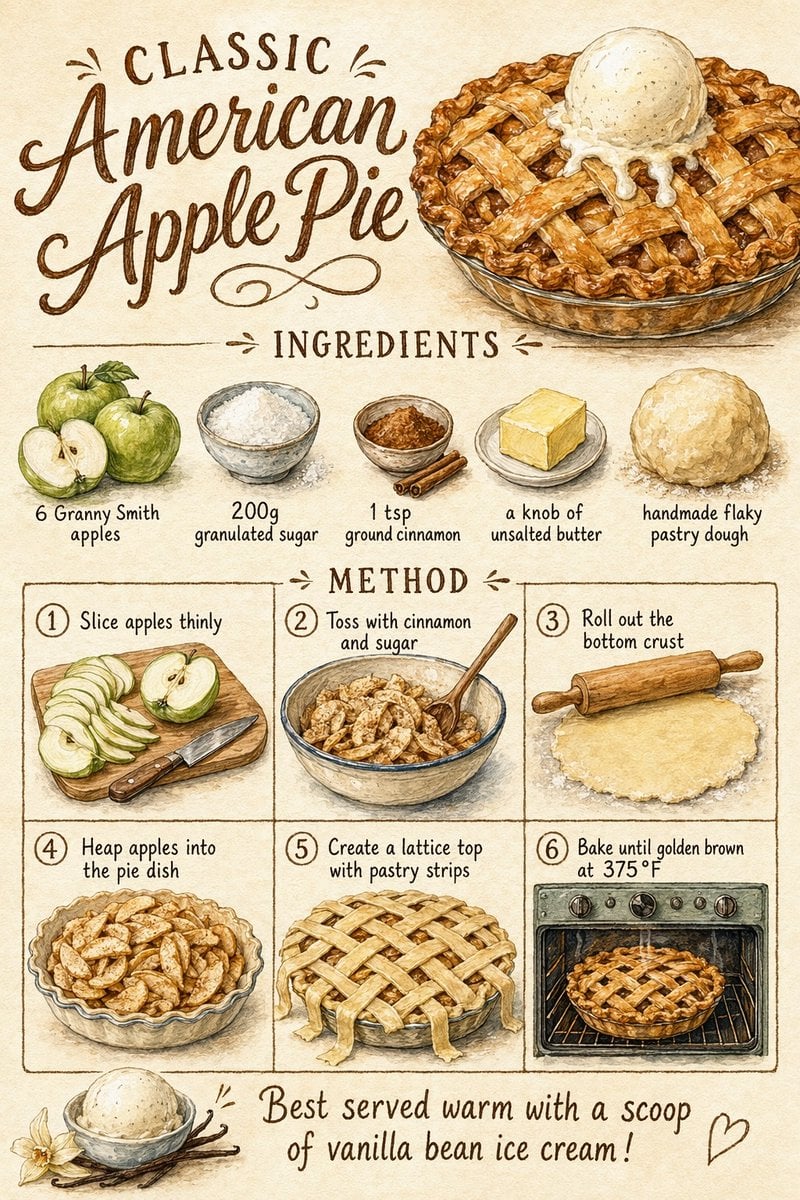
Vintage Apple Pie Recipe Poster
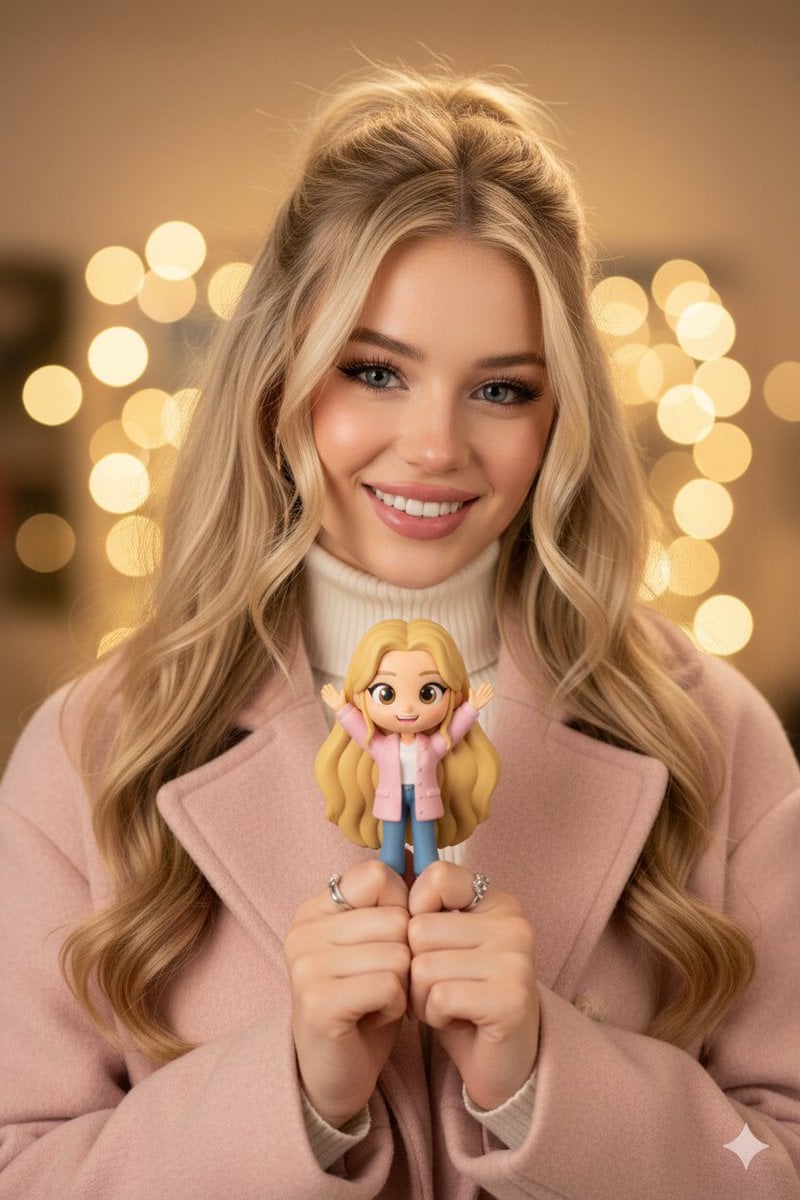
Hyper-realistic Portrait with Chibi Figurine Prompt
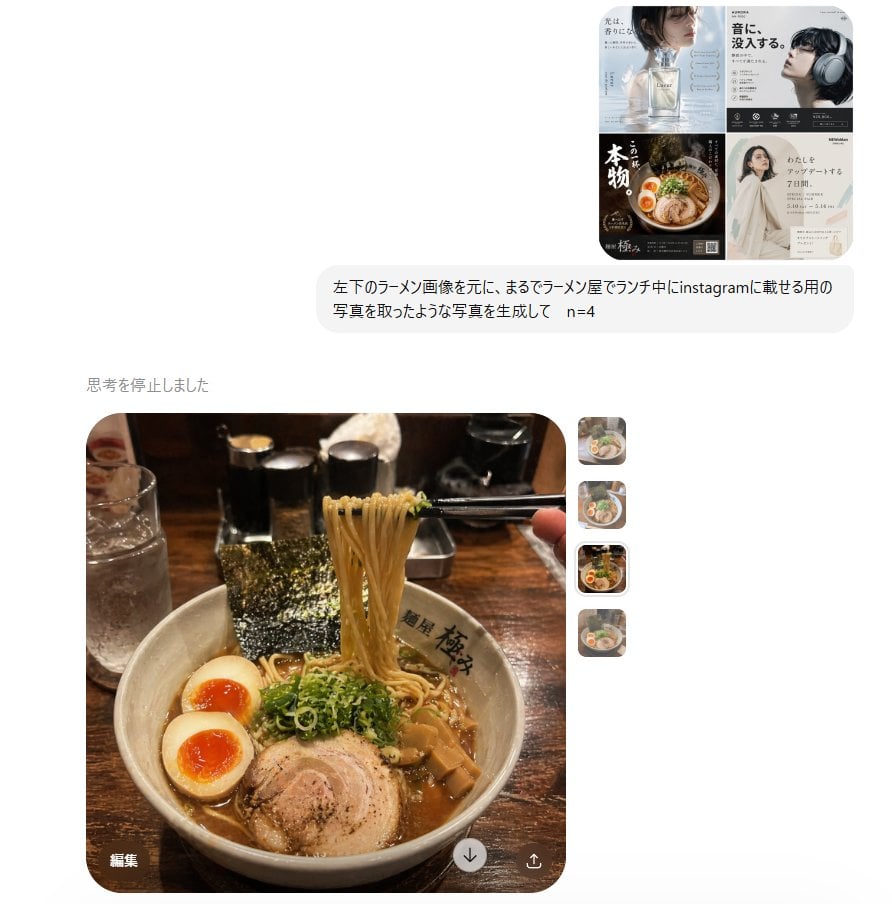
Instagram Style Ramen Photography
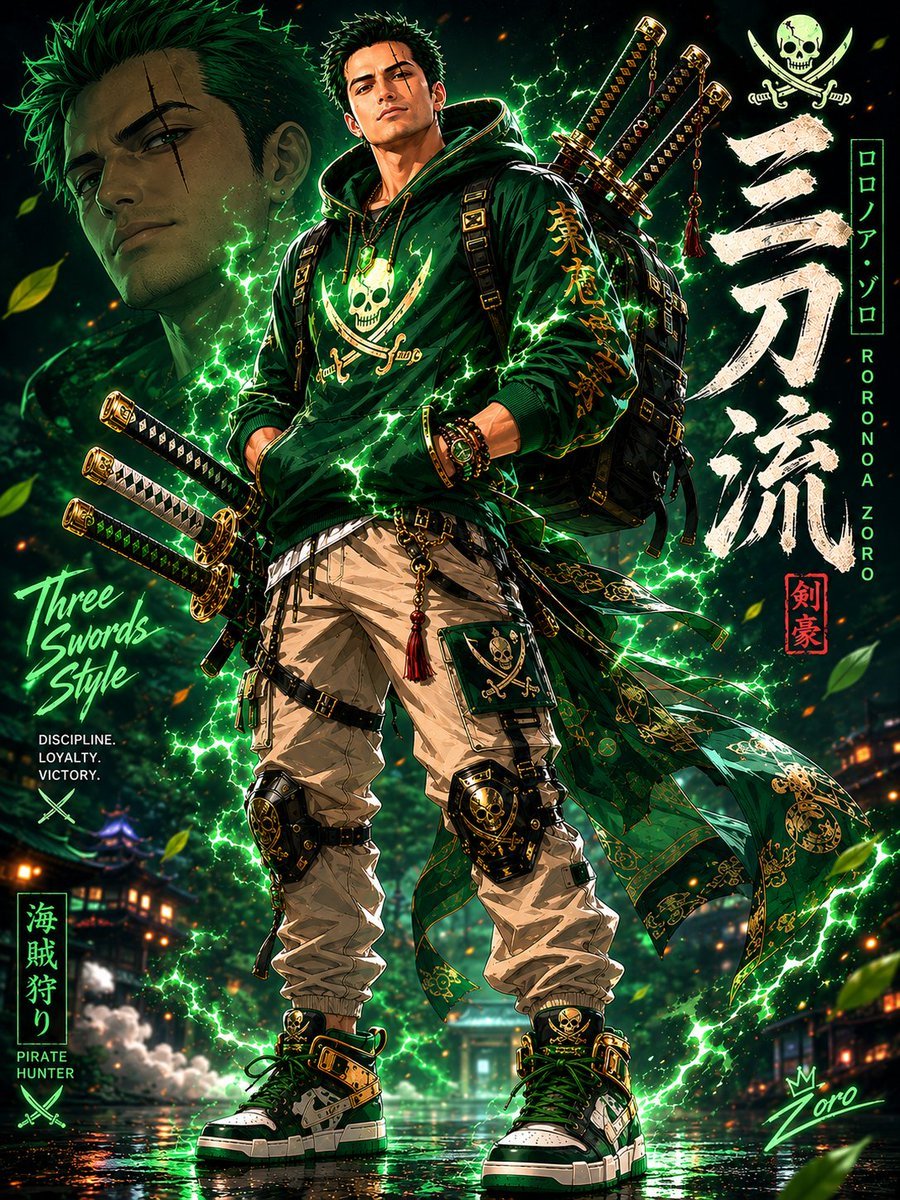
Modern Streetwear Anime Swordsman
Browse template categories
Vibrant Fusion Street Food Scene questions
How do I use the Vibrant Fusion Street Food Scene template?
Add your photo if the template asks for one, edit the prompt if you like — the template's model and format are already selected — and press Generate. Your version opens in PicX Studio.
Can I customize the Vibrant Fusion Street Food Scene template?
Yes. You can change the subject, setting, lighting, mood, format, and available model controls before creating your image.
Is the Vibrant Fusion Street Food Scene template free?
Opening and editing this template is free. Generating uses credits, shown on the Generate button when you are signed in.
Which AI model should I use?
Start with GPT Image 2, which is the model associated with this template. You can compare another compatible model for a different finish.
Looking for something else? Browse all templates.

Your photo, any look
Thousands of ready templates for every top image and video model, from one credit balance.