How do I use the Pastel Chic Studio Portrait template?
Choose the primary action to open PicX Studio with the available template settings. Review the model and format, personalize the creative direction, and generate when ready.

Use the Pastel Chic Studio Portrait AI image template on PicX Studio. Free template, no signup required.
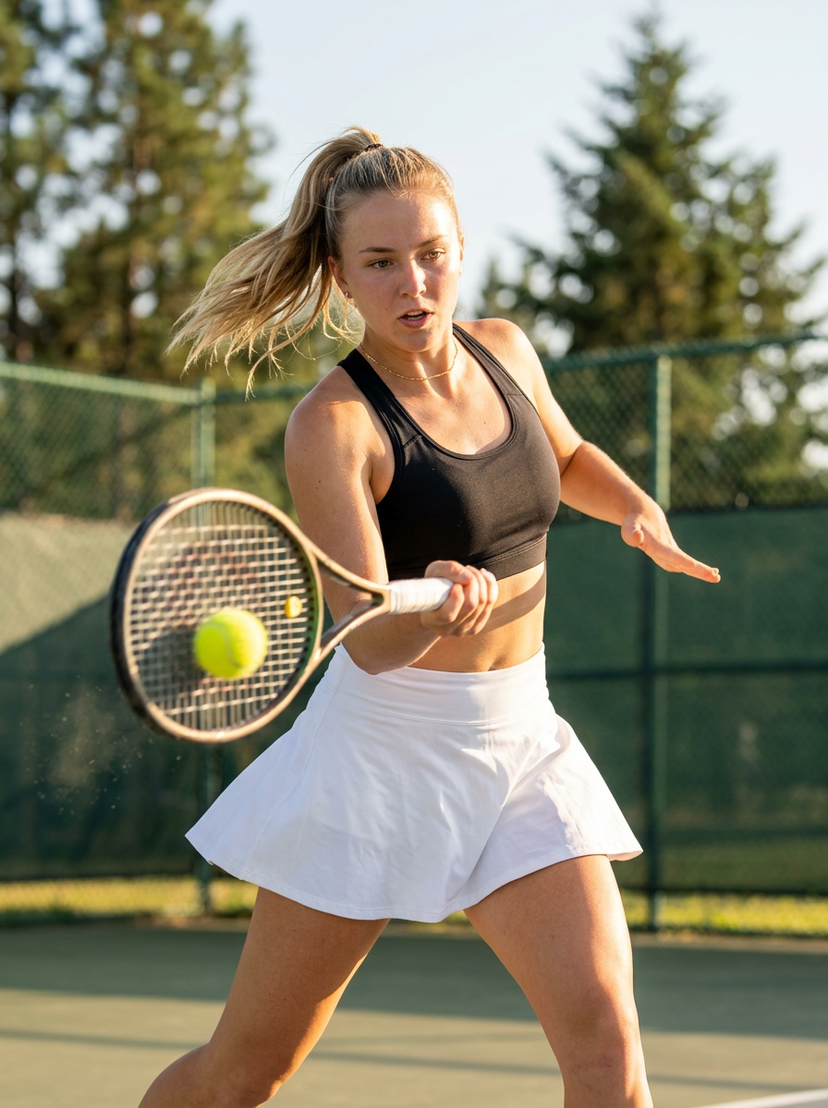
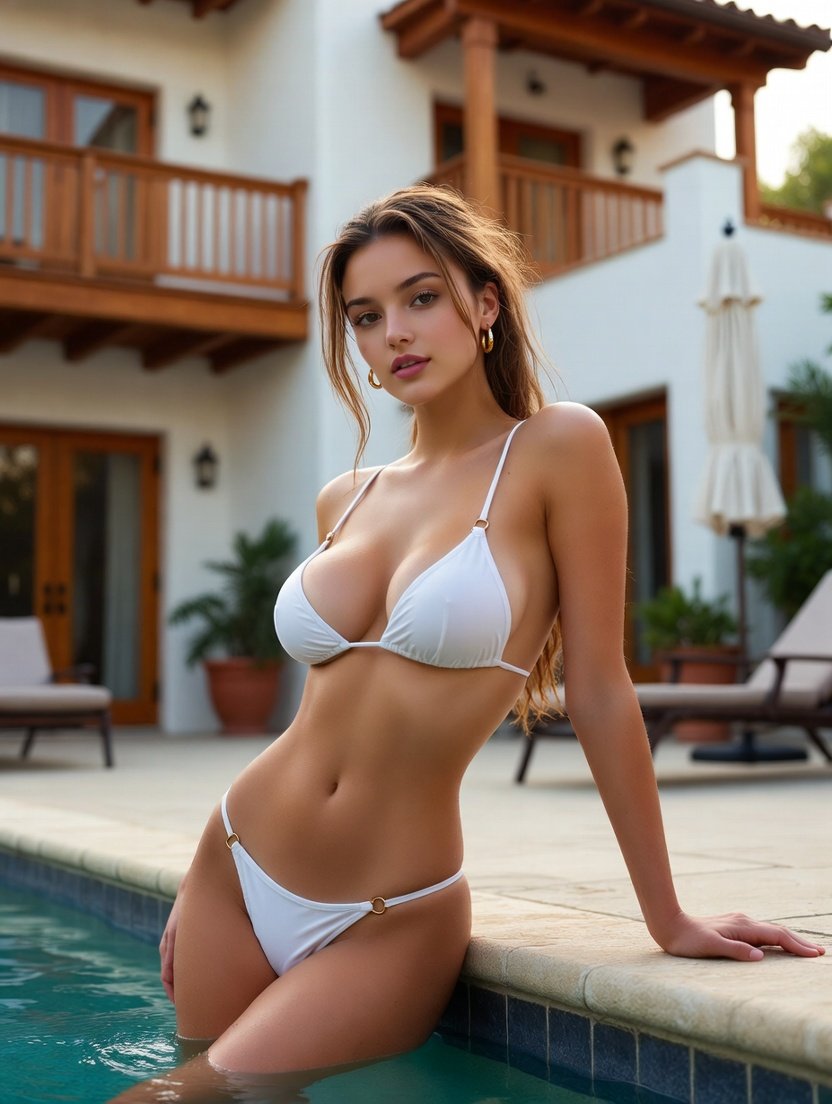
{ "subject": { "description": "young adult woman in dynamic squat pose, leaning slightly forward with hands resting naturally on her thighs, positioned on a small golden wireframe stool", "age": "early 30s", "expression": "smiling warmly with teeth visible", "hair": { "color": "brunette", "style": "long, soft half-up ponytail secured with a small clip, natural and slightly voluminous" }, "clothing": { "top": { "type": "satin corset-style top", "color": "stylish white", "details": "structured seams, elegant detailing, satin fabric" }, "bottom": { "type": "short pleated skirt", "color": "light gray with subtle pink accents", "details": "pleated design, fitted" }, "footwear": { "type": "chunky platform sneakers", "color": "white", "details": "platform soles" }, "leggings": { "type": "thigh-high stockings layered with knitted leg warmers", "color": "white", "details": "stockings with soft lace edges, cozy knit texture" } }, "face": { "preserve_original": false, "makeup": "natural and refined, soft pink tones, light blush, glossy lips" } }, "accessories": { "prop": { "type": "small golden wireframe stool", "details": "delicate wireframe structure, metallic gold finish" } }, "photography": { "camera_style": "professional high-end fashion photography, ultra-photorealistic", "angle": "eye-level front view", "shot_type": "medium full-body framing", "texture": "sharp focus, ultra-detailed textures, realistic skin pores and fabric sheen" }, "background": { "setting": "cozy pastel pink room", "elements": [ "soft white carpet underfoot", "scattered stylish shoes in white and pink tones", "playful cute-style posters in pastel aesthetic on walls" ], "atmosphere": "vibrant soft fashion look, saturated but balanced colors", "lighting": "bright high-key even lighting, clean and diffused, no harsh shadows" } }
Treat Pastel Chic Studio Portrait as a focused AI image concept rather than a finished brief. Read the preview for composition, choose the intended destination, and then personalize one creative variable at a time.
Use the primary action to load the template settings in PicX Studio.
Adjust the subject and creative details for your destination.
Create the image, compare the result with the preview, and refine one variable at a time.
A continuous mix — similar concepts first, woven with same-model prompts and fresh picks from the catalog.
Choose the primary action to open PicX Studio with the available template settings. Review the model and format, personalize the creative direction, and generate when ready.
Yes. You can change the subject, setting, lighting, mood, format, and available model controls before creating your image.
This template is free to open and customize. Generation usage is shown in PicX Studio before you create.
Choose a compatible model in PicX Studio based on the style, speed, and output controls your project needs.
Follow a topic to a crawlable collection of related PicX Studio templates.
39,157 public templates available. Verified via the PicX Studio public templates API; refreshed hourly.
A continuous mix — similar concepts first, woven with same-model prompts and fresh picks from the catalog.