How do I use the Low-Light Phone Selfie with Screen Glow template?
Choose the primary action to open PicX Studio with the available template settings. Review the model and format, personalize the creative direction, and generate when ready.
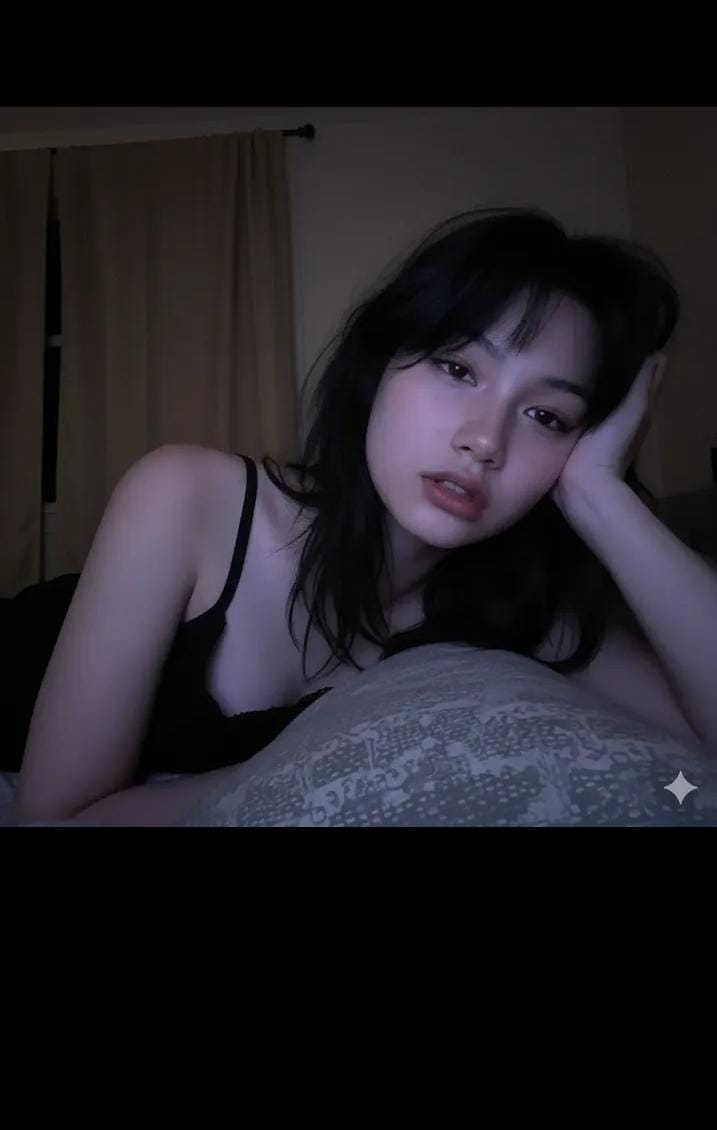
A detailed text prompt for Nano Banana Pro to generate a vertical, realistic, low-light phone selfie in a dim bedroom, emphasizing the cool bluish-purple screen glow on the face and a sleepy, lo-fi aesthetic, requiring the use of a reference face. Change the subject, setting, or lighting one variable at a time.

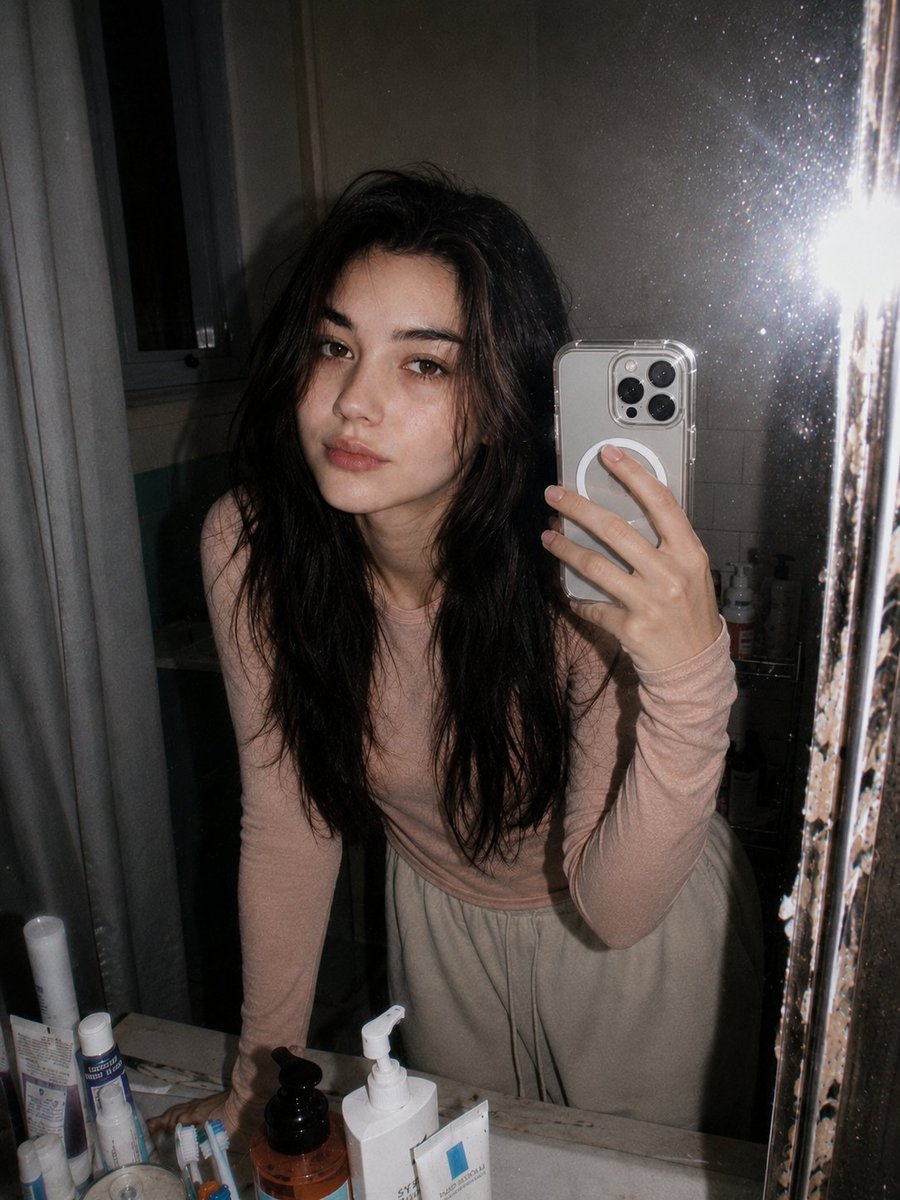
Vertical, realistic low-light phone selfie in a dim bedroom at night. Same face as reference (no changes). Cool bluish-purple screen glow lighting on a pale face; background mostly dark with beige blackout curtains on the left. Sleepy, cozy, late-night lo-fi vibe. Close-up, slightly low angle. Subject lying on stomach, propped on a grey pillow with subtle pattern. Messy black bedhead hair with wispy bangs. Soft, dreamy/blank stare, mouth slightly open. Hand near face, index finger touching lowerlip. Wearing a black sleeveless camisole; thin lace strap visible, left shoulder bare. Soft focus, visible grain/noise, high contrast between lit face and dark background. Negative Prompt: bright daylight, sunshine, studio/flash lighting, warm/orange tones, outdoor, sharp focus, professional camera, 4k clean, smooth skin, heavy makeup, cartoon, anime, 3D render, deformed hands, extra/missing fingers, out-of-focus face.
Choose the primary action to open PicX Studio with the available template settings. Review the model and format, personalize the creative direction, and generate when ready.
Yes. You can change the subject, setting, lighting, mood, format, and available model controls before creating your image.
This template is free to open and customize. Generation usage is shown in PicX Studio before you create.
Start with Nano Banana 2, which is the model associated with this template. You can compare another compatible model for a different finish.
© 2026 PicX Studio. All rights reserved.

Follow a topic to a crawlable collection of related PicX Studio templates.
43,474 public templates available. Verified via the PicX Studio public templates API; refreshed hourly.








![Naive doodle-style subject illustration — A doodle-style {argument name="subject" default="[subject]"}, naive lines, humorous shape exaggeration](https://pbs.twimg.com/media/G6Wl2YxbsAARB2b.jpg)
















![Instagram Feed Generation Prompt (Aesthetic Cohesion Test) — Create a 9-image Instagram feed for this product in [the same aesthetic]. Use different locations,](https://pbs.twimg.com/media/HCHGfWAXcAAtwmD.jpg)