
Accidental iPhone Front Camera Selfie
A candid, low-light smartphone selfie designed to look like an accidental iPhone shot, featuring motion blur and digital grain for a nostalgic aesthetic.
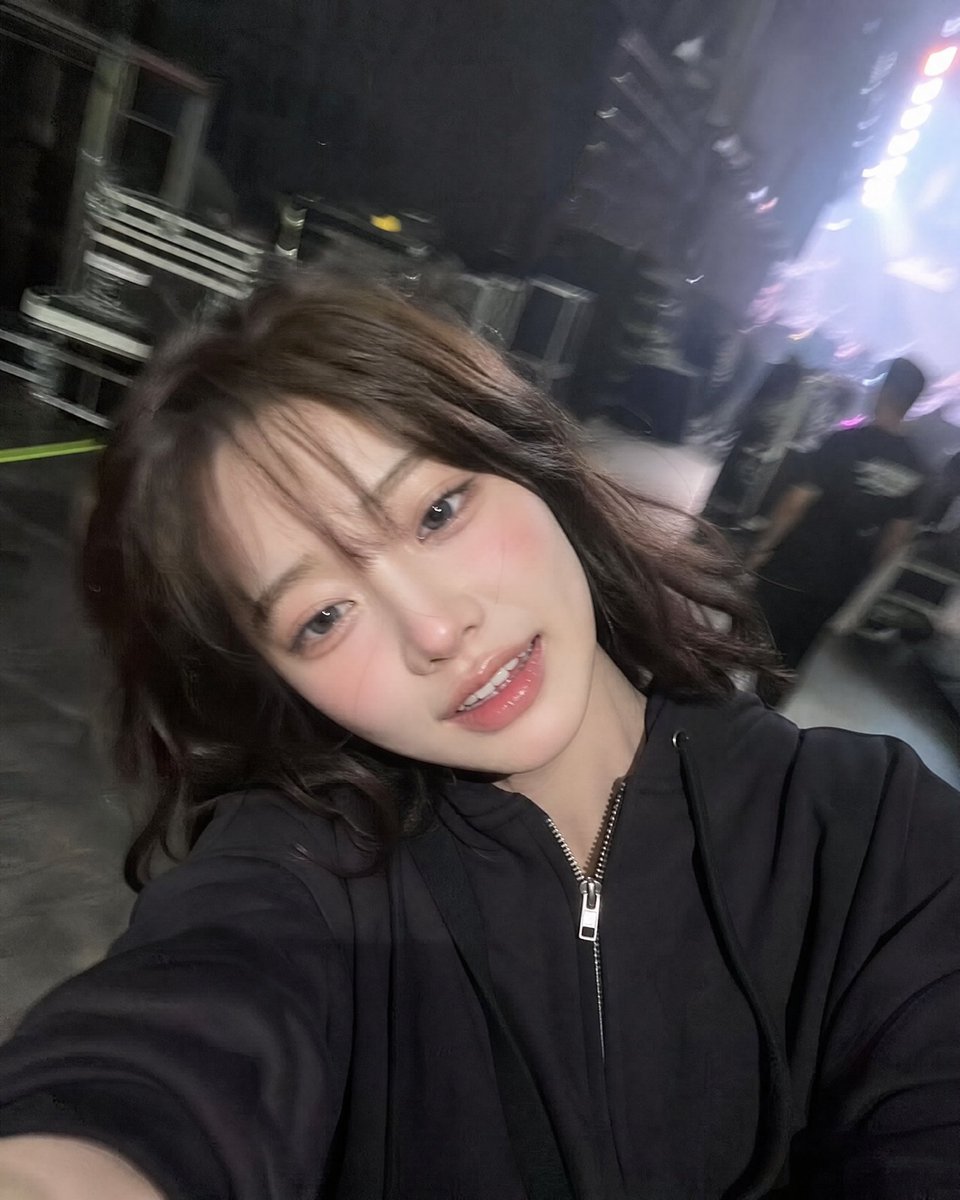
- Prompt included
- Model and format preset
- Free template
The prompt behind this image
Copy the exact prompt behind Accidental iPhone Front Camera Selfie, or open it in the studio and make it yours.
Ultra-realistic accidental iPhone front-camera selfie of the same woman from the reference image, preserving exact identity, facial features, hairstyle, and proportions. {argument name="setting" default="Backstage at a live concert"}, captured candidly while walking through a corridor. She turns slightly with a {argument name="expression" default="relaxed, tired post-performance smile and soft laugh"}, messy wind-blown hair, natural unposed expression. Shot feels accidental: arm extended, phone too close, tilted framing, off-center crop, slight motion blur on hair and arm. Authentic iPhone front-camera look with low-light grain, slight overexposure from stage lights, lens bloom, mild focus inconsistency, and natural smartphone processing. Background softly blurred: {argument name="background details" default="backstage hallway, LED lights, equipment cases, staff silhouettes, arena glow"}. 3:4 aspect ratio.
How to use Accidental iPhone Front Camera Selfie in 3 steps
- 1Upload ImagePNG, JPG or paste
Add your photo
Upload the photo the template builds on. The prompt, model and format are already set.
- 2…a portrait of your subject in softgolden-hour light, 85mm…
Personalize
Edit the subject and creative details for your destination.
- 3Generate
Generate
Press Generate — your image is created in PicX Studio, so you can compare it with the original and refine one variable at a time.
More like this
Templates with the same subject, style or setup. Open one to see its prompt.
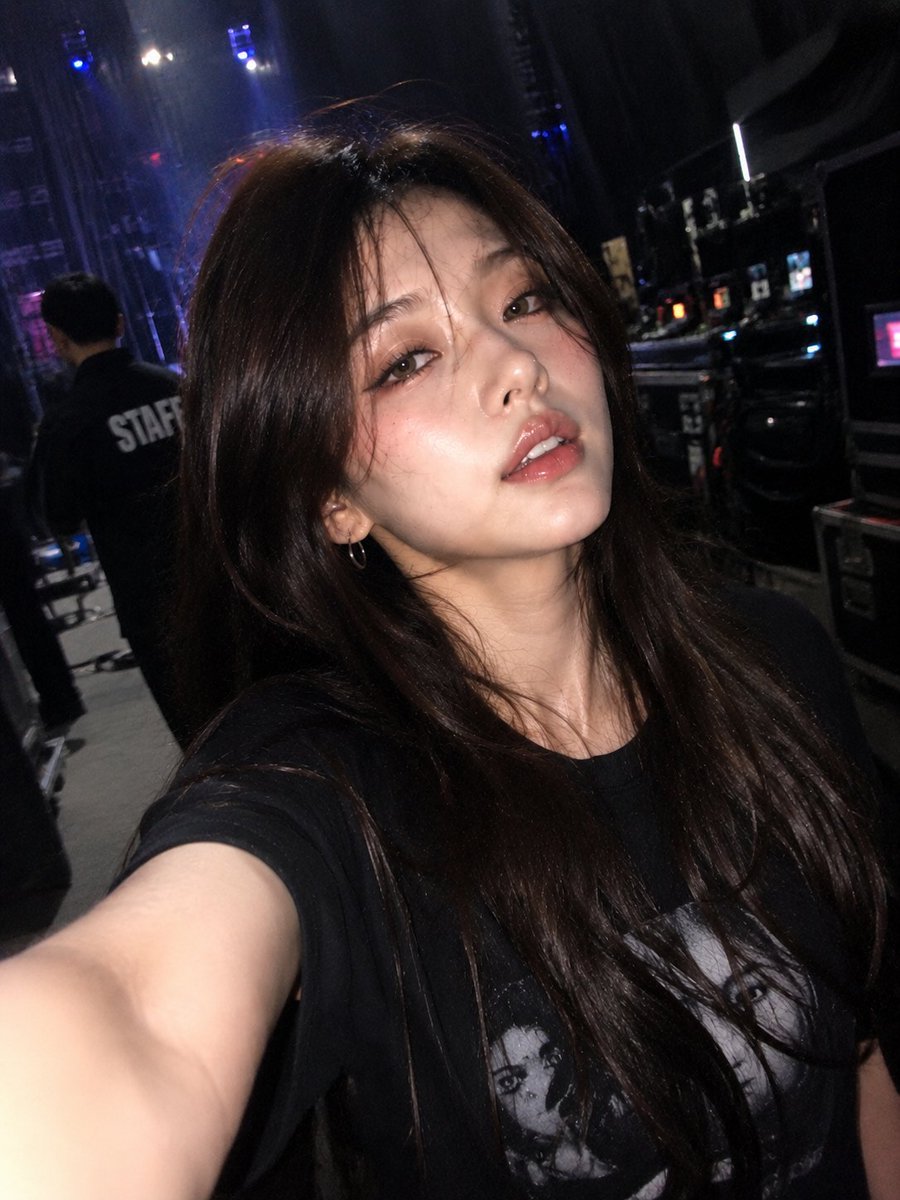
Accidental iPhone Front Camera Selfie

Accidental iPhone Camera Selfie

4x4 Grid - Candid Nostalgic Vacation Selfies

Nano Banana - Peace Sign Bedroom Selfie

Accidental iPhone Selfie Extraction

Candid Store Front-Camera Photo
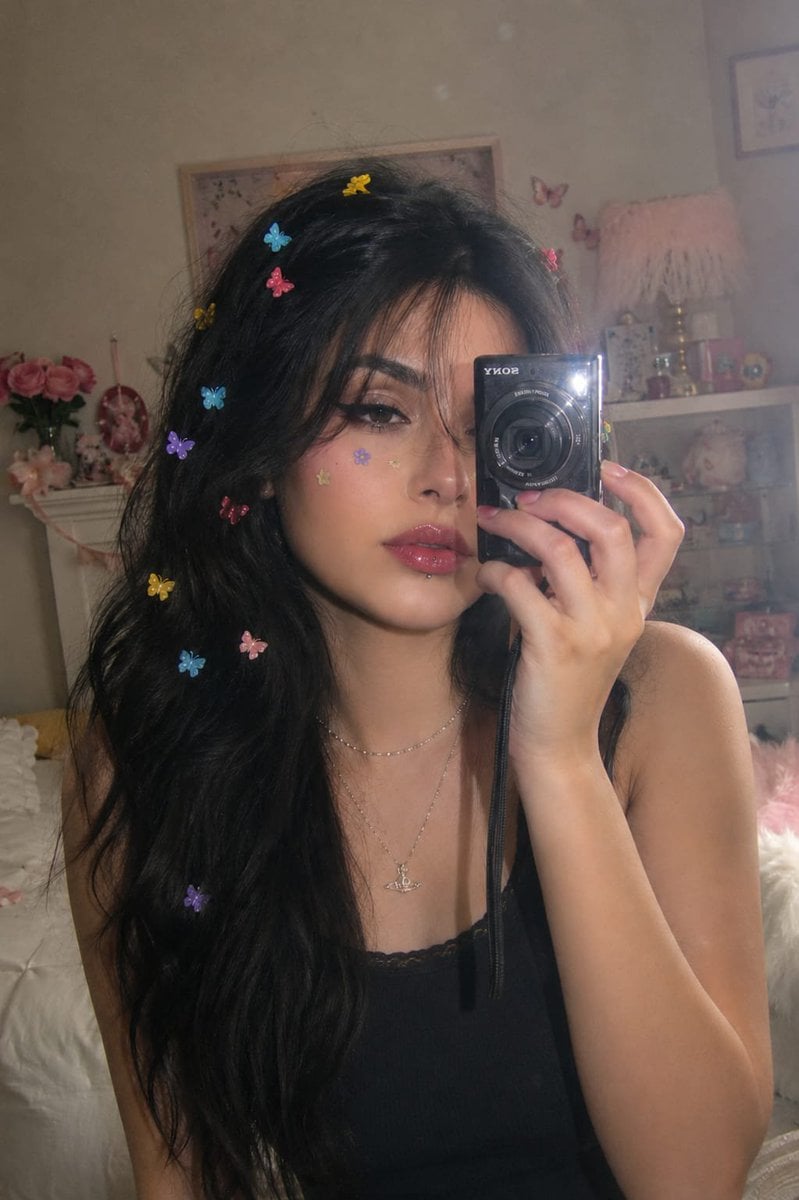
Dreamy Y2K Digital Camera Mirror Selfie
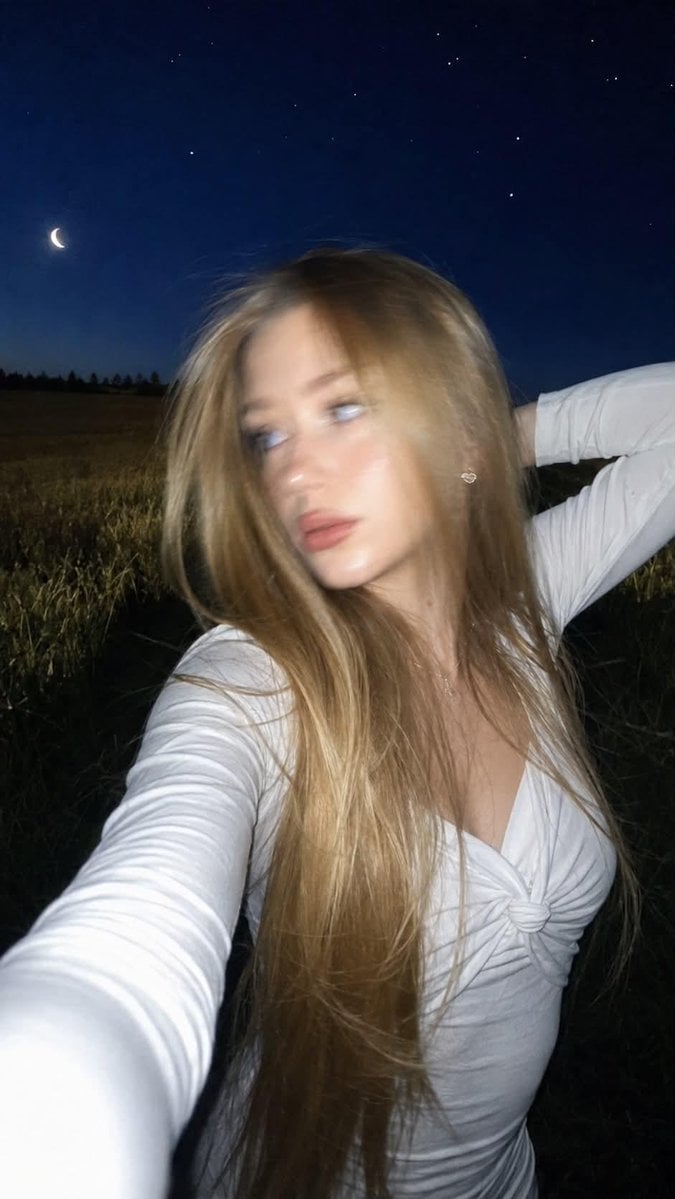
Night Flash iPhone Selfie with Motion Blur

Rooftop Fisheye — Cat-Ear Balaclava at Golden Hour

Felt & Knit 3D Character — Photo-Exact Face, Pixar-Quality Plush Figurine

Eid al-Adha Cute Chaos — Fisheye Selfie with Farm Selfie, Mosque & Animals

Cat Photobomb Selfie — 0.5x Wide Angle Café Chaos
Make it yours
Accidental iPhone Front Camera Selfie works as-is. These are the safest ways to change it without losing the look.
Change one field
Copy a single group, rewrite it, and generate again so you can see what that field is doing.
Keep the frame, change the subject
Hold the composition and light of Accidental iPhone Front Camera Selfie, then swap wardrobe, props or the person for a new take.
| If the result… | Why | Fix |
|---|---|---|
| The result drifts from the preview | Too many fields changed at once. | Reuse Accidental iPhone Front Camera Selfie as-is first, then change one group — subject, light, or setting. |
| The model over-stylizes the scene | The prose prompt leaves finish and camera underspecified. | Add one camera or lighting sentence and stay on GPT Image 2. |
More GPT Image 2 templates
Other prompts made for GPT Image 2.

Six VTuber Japanese Logo Sheet

Realistic Portrait of Woman and Deer

The Vista Modular Condo Poster

AI Model Routing Comparison Infographic

2.5D Anime Art Board

Isometric Productivity Desk Scene

New York Double Exposure Poster

Four-Panel AI Landscape Comparison

Japanese Tatami Lifestyle Magazine Cover

NESCAFÉ Coffee Map Poster
More image prompts
Fresh picks from across the catalog.
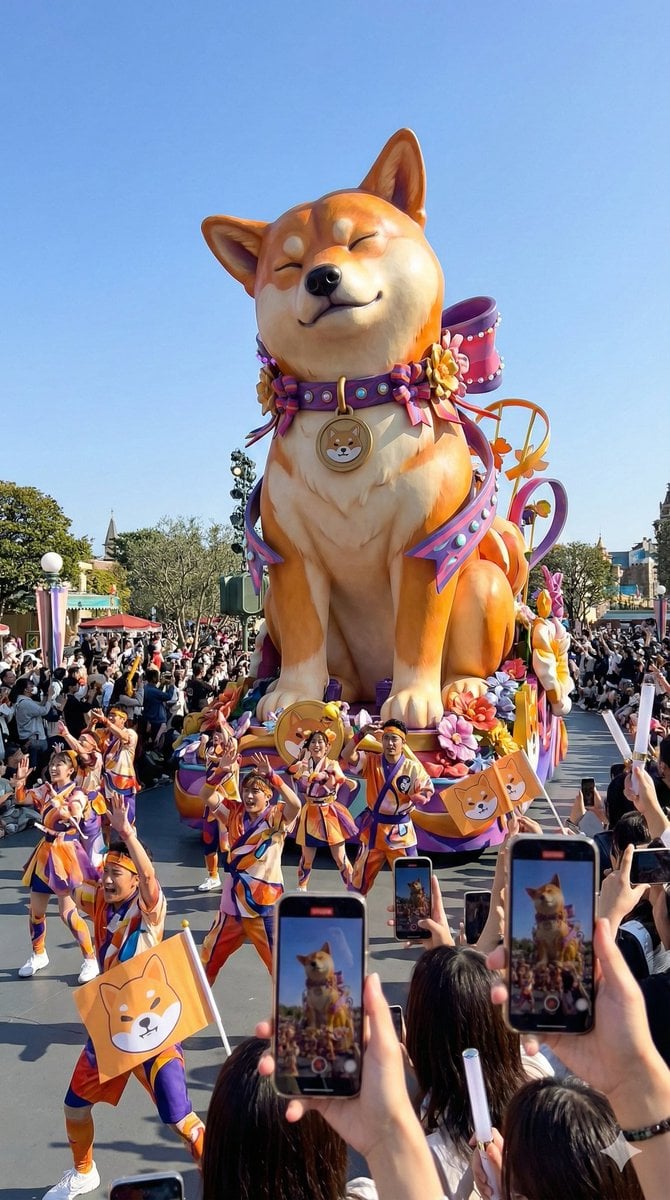
Theme Park Parade Float Generation Prompt for Nano banana Pro
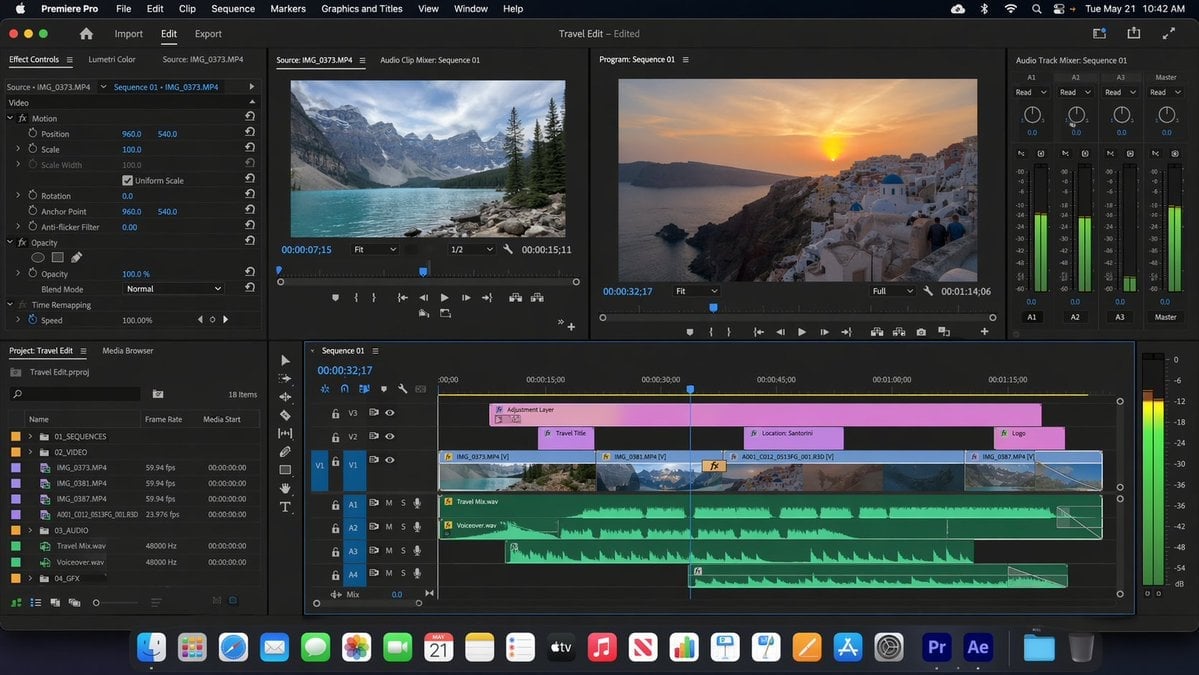
Software UI Desktop Screenshot

LLM Prompt for Website Generation

Upscale and Detail Enhancement
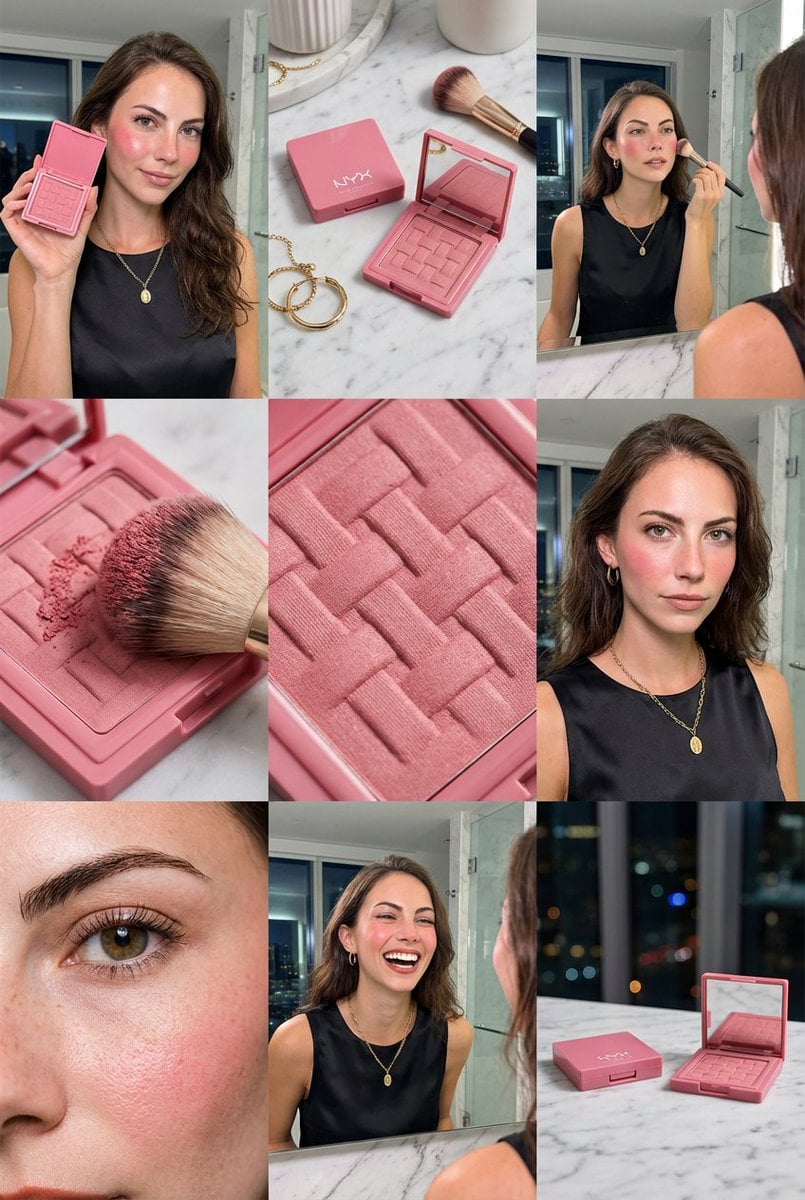
3x3 Grid Makeup Product Advertisement
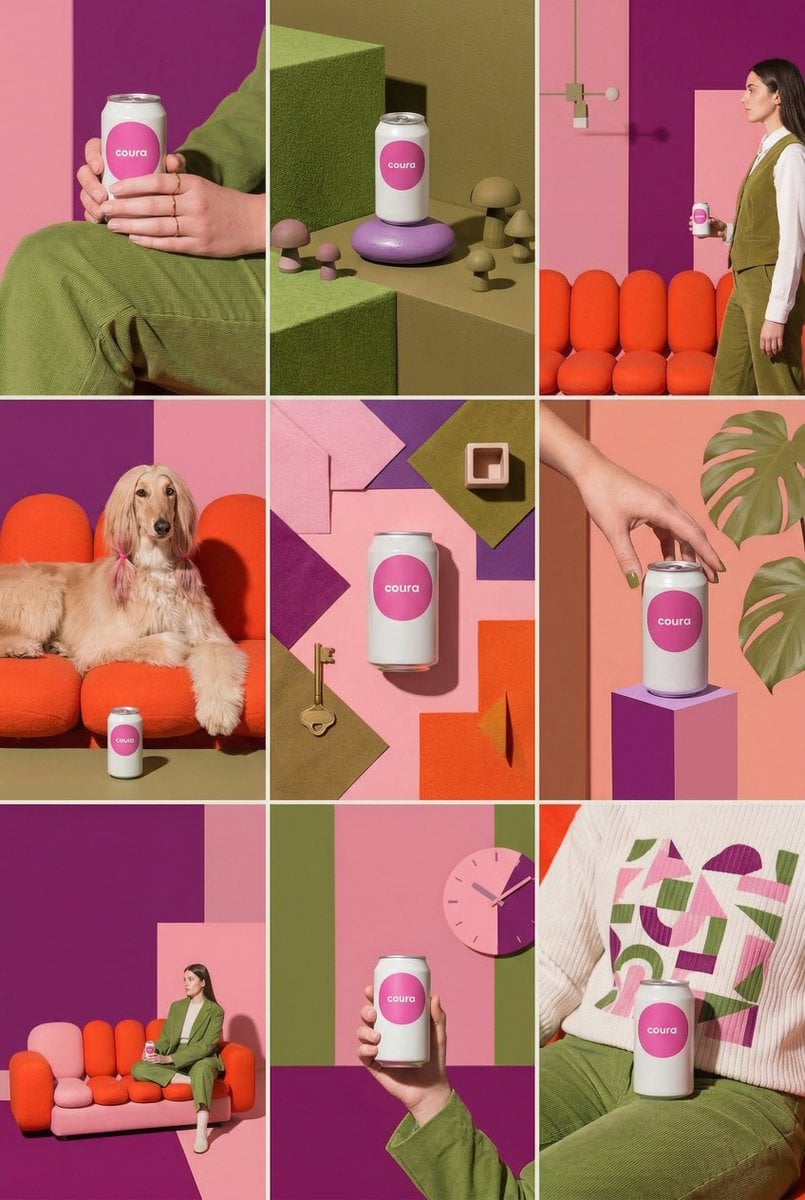
Instagram Feed Generation Prompt (Aesthetic Cohesion Test)
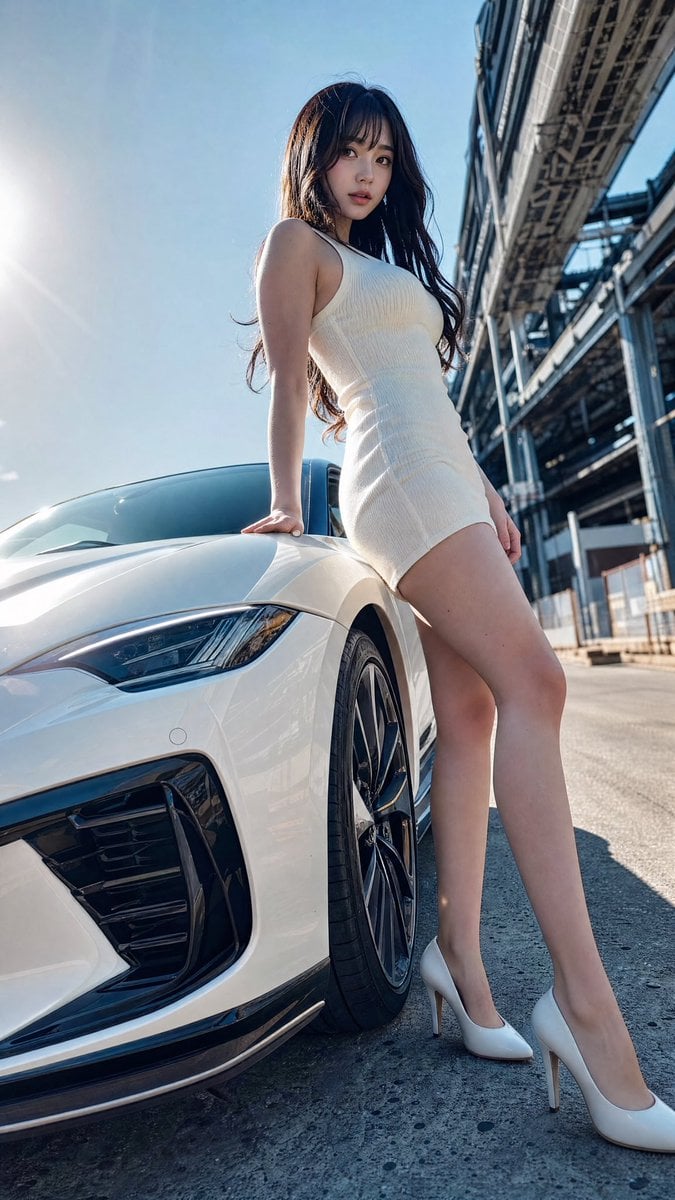
Sports Car Advertisement with Japanese Girl
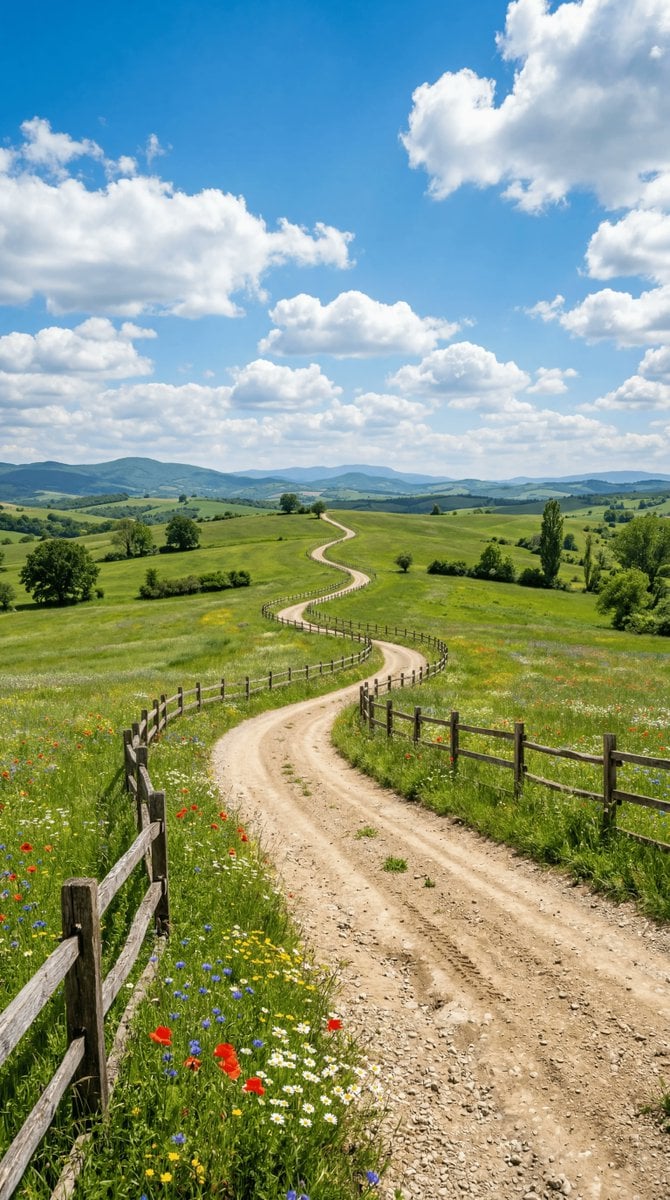
Wide-angle landscape prompt of a dirt road

Stylish Man on Balcony with Identity Lock
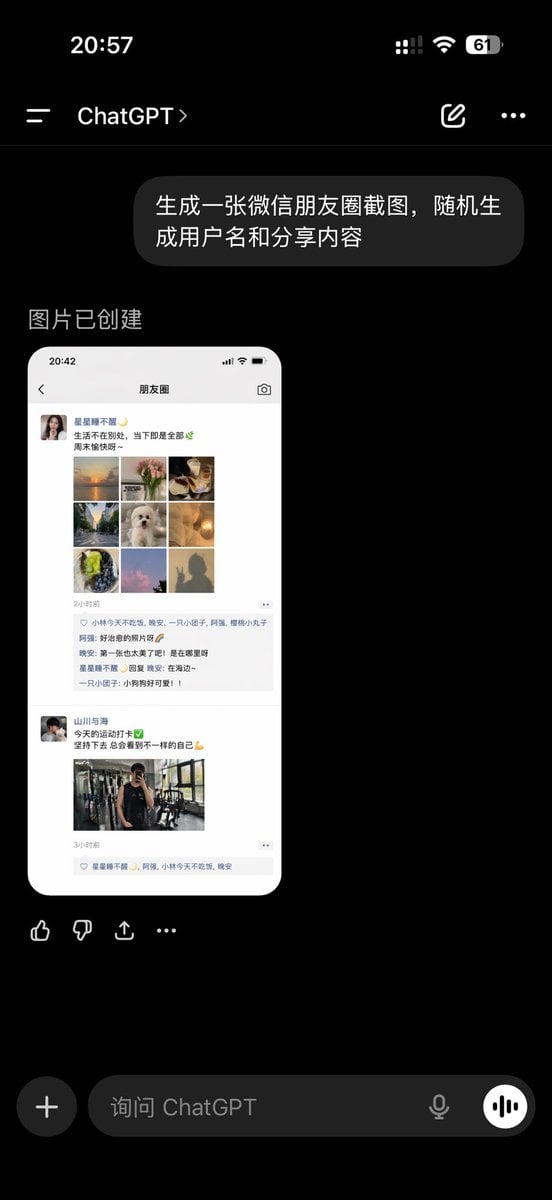
ChatGPT App Showing WeChat Moments Screenshot
Browse template categories
Accidental iPhone Front Camera Selfie questions
How do I use the Accidental iPhone Front Camera Selfie template?
Add your photo if the template asks for one, edit the prompt if you like — the template's model and format are already selected — and press Generate. Your version opens in PicX Studio.
Can I customize the Accidental iPhone Front Camera Selfie template?
Yes. You can change the subject, setting, lighting, mood, format, and available model controls before creating your image.
Is the Accidental iPhone Front Camera Selfie template free?
Opening and editing this template is free. Generating uses credits, shown on the Generate button when you are signed in.
Which AI model should I use?
Start with GPT Image 2, which is the model associated with this template. You can compare another compatible model for a different finish.
Looking for something else? Browse all templates.

Your photo, any look
Thousands of ready templates for every top image and video model, from one credit balance.