
Split-Identity Cinematic Movie Poster Prompt with Face Lock
A complex, highly specific prompt for generating a cinematic movie poster with a split-identity theme (human vs.
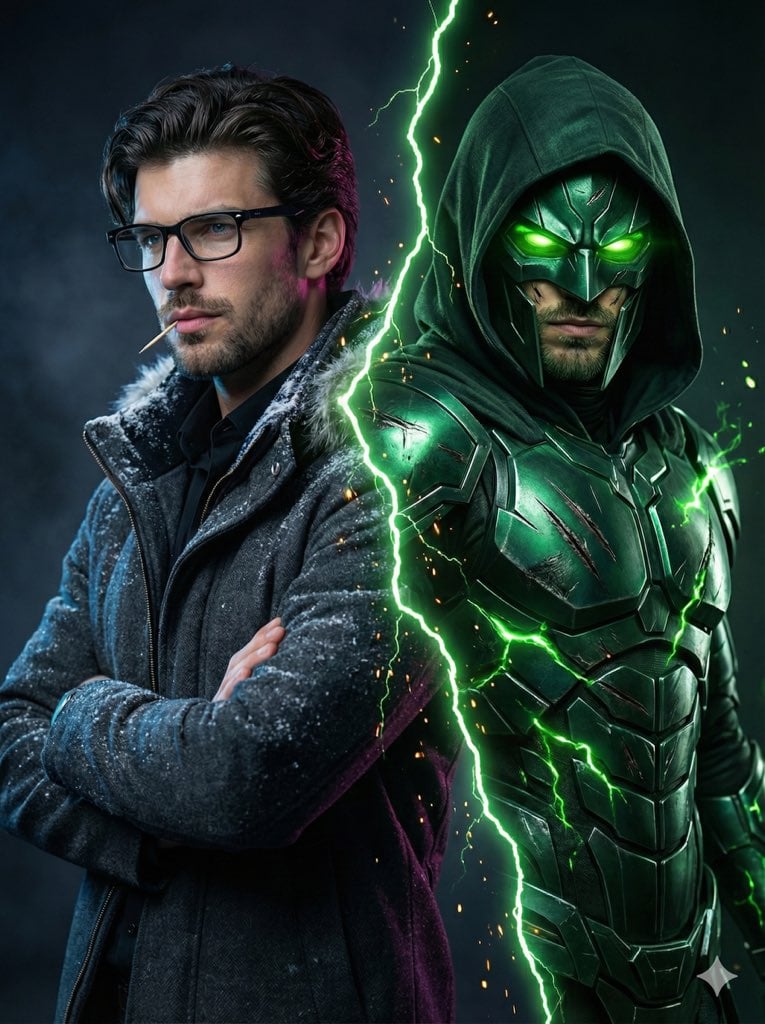
- Prompt included
- Model and format preset
- Free template
The prompt behind this image
Copy the exact prompt behind Split-Identity Cinematic Movie Poster Prompt with Face Lock, or open it in the studio and make it yours.
Ultra-realistic 8K cinematic poster-style photograph ASPECT RATIO: 3:4 vertical IMPORTANT – FACE LOCK Keep my face exactly the same as the uploaded photo. Do NOT change, smooth, beautify, or regenerate the face. Maintain 100% identity accuracy: same eyes, nose, lips, jawline, beard, hairline, age, skin texture, pores, and natural asymmetry. No AI face, no cartoon, no anime, no stylization. Create a Marvel-style split-identity movie poster of an 18-year-old slim, skinny young man with narrow shoulders and a lean build. The image is split by a jagged glowing green lightning crack that cuts from the top-center down to the lower right, emitting faint energy particles and sparks. LEFT SIDE – REAL HUMAN The man stands in a new powerful pose: He is standing sideways, one shoulder closer to the camera, arms crossed loosely across his chest, head turned toward the viewer. Expression: calm, cold confidence. He is wearing black rectangular eyeglasses, a short trimmed beard and mustache, and a toothpick held casually between his lips. Lighting: cool blue key light from one side with soft magenta rim light from behind, creating cinematic edge highlights. Skin is hyper-realistic with visible pores, tiny imperfections, and natural texture. Background: dark cinematic studio interior with soft blurred light panels and haze. RIGHT SIDE – VILLAIN FORM The same person appears as a dark emerald metallic armored villain, wearing a hooded cloak, with a sharp angular mask, glowing toxic-green eyes, battle-worn scratches, and brushed metal textures. Green energy flows from cracks in the armor and connects visually to the glowing tear line. CAMERA & STYLE DSLR movie-poster framing Ultra-sharp focus Cinematic depth Hollywood superhero aesthetic No CGI look, no plastic skin.
How to use Split-Identity Cinematic Movie Poster Prompt with Face Lock in 3 steps
- 1Upload ImagePNG, JPG or paste
Add your photo
Upload the photo the template builds on. The prompt, model and format are already set.
- 2…a portrait of your subject in softgolden-hour light, 85mm…
Personalize
Edit the subject and creative details for your destination.
- 3Generate
Generate
Press Generate — your image is created in PicX Studio, so you can compare it with the original and refine one variable at a time.
More like this
Templates with the same subject, style or setup. Open one to see its prompt.

Nano Banana Pro Identity Lock — Composition + Face Reference
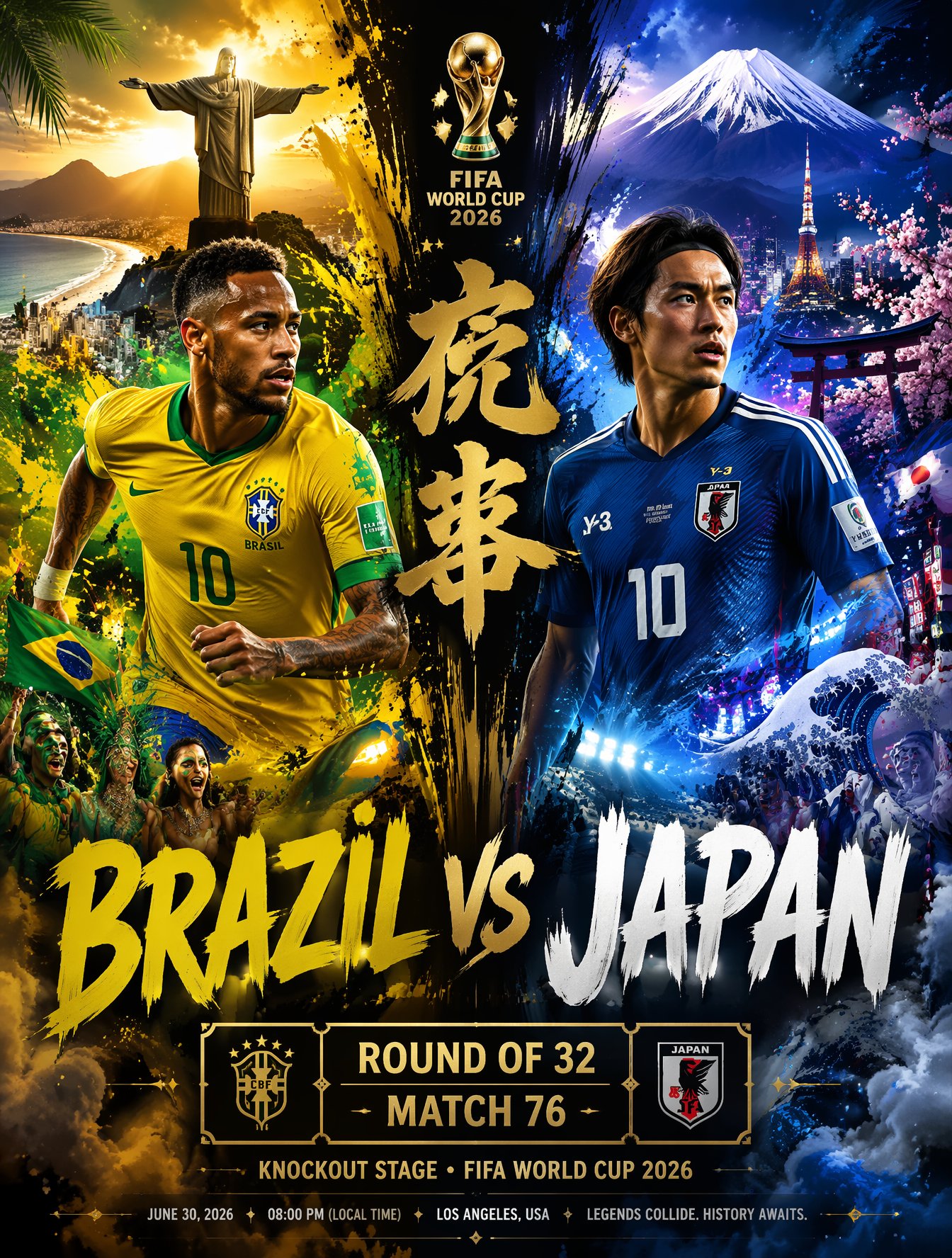
Brazil Versus Japan Knockout Split Rivalry Poster

Gpt2 Youtube Thumbnail Wuxia Movie Character Posters
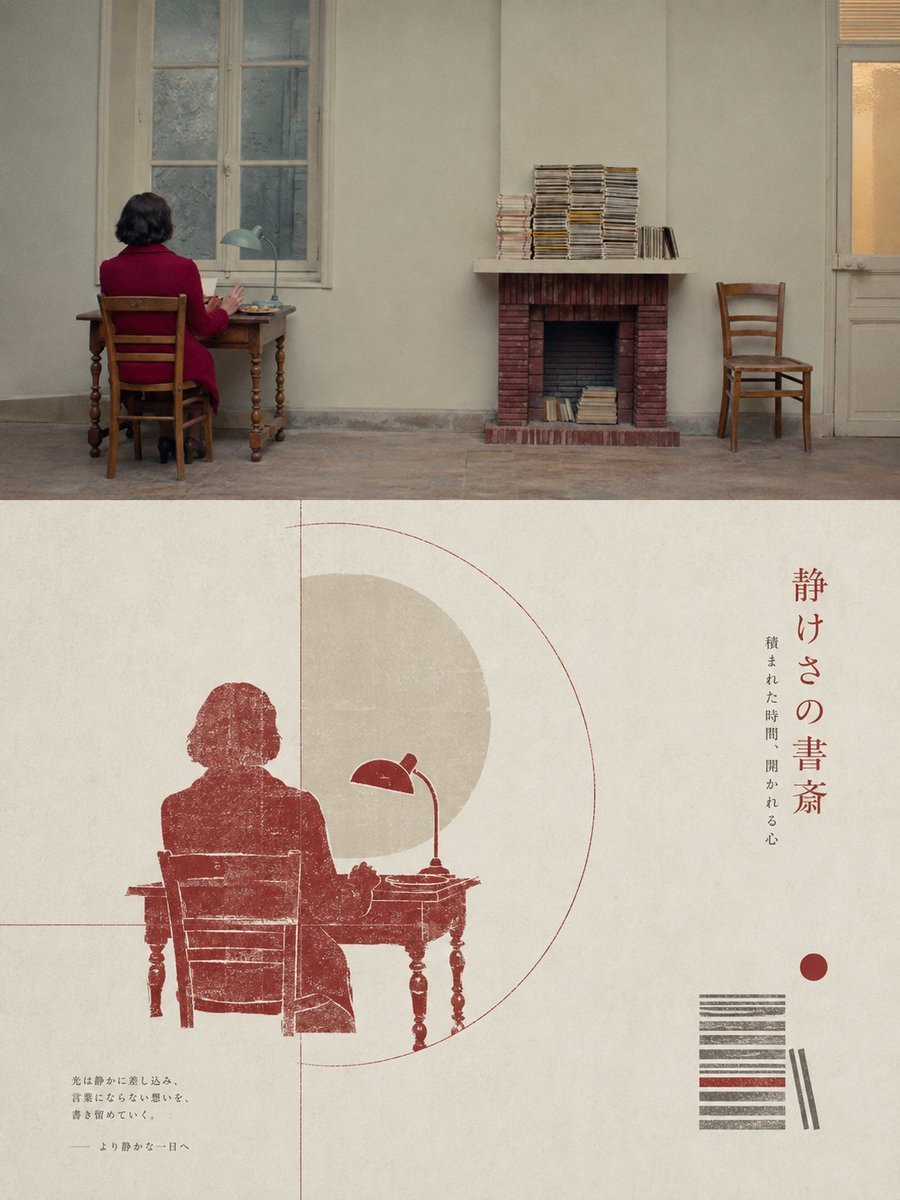
Geometric Split Poster Design
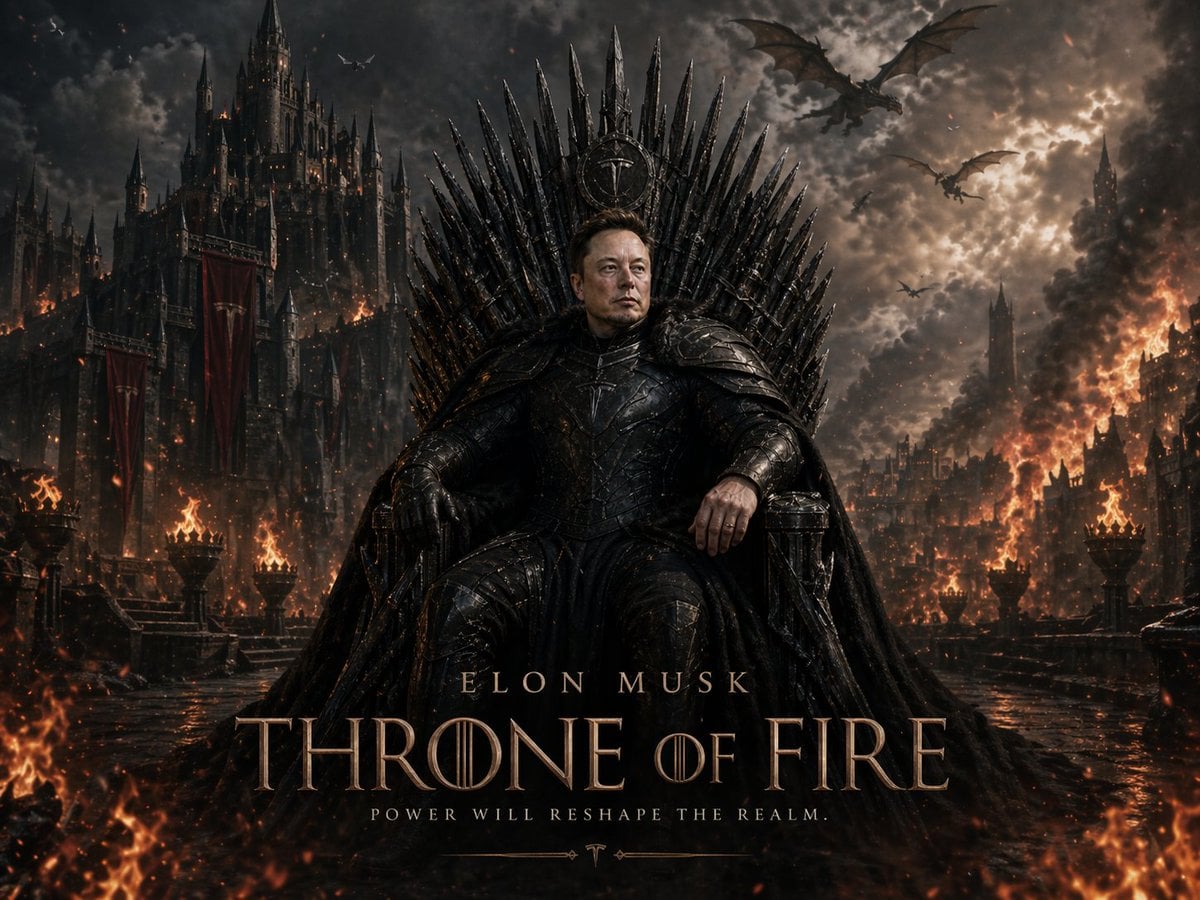
Sci-Fi AI Battle Movie Poster

Japan Travel Brochure Poster
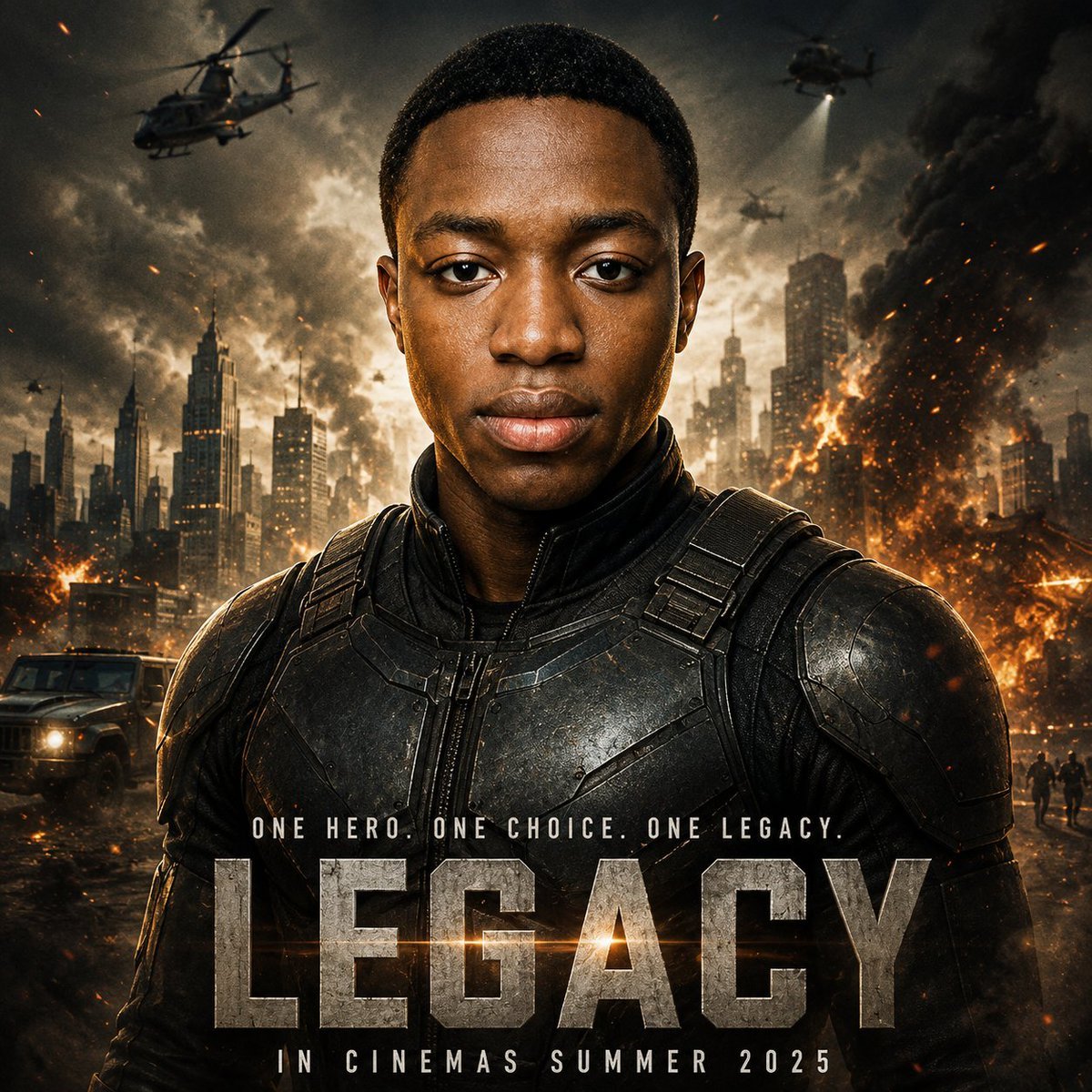
Cinematic Hero Movie Poster
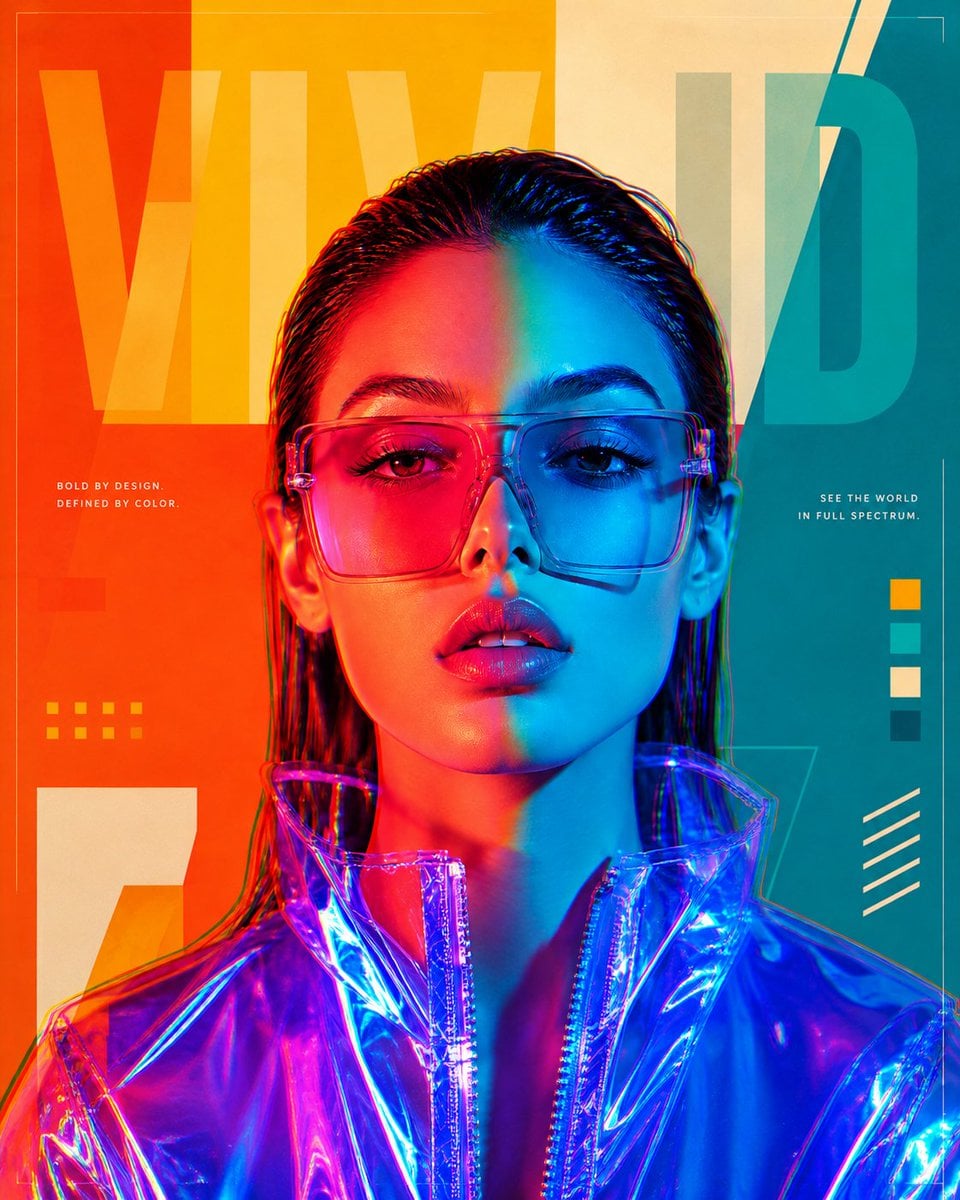
Futuristic Split-Lighting Editorial Poster
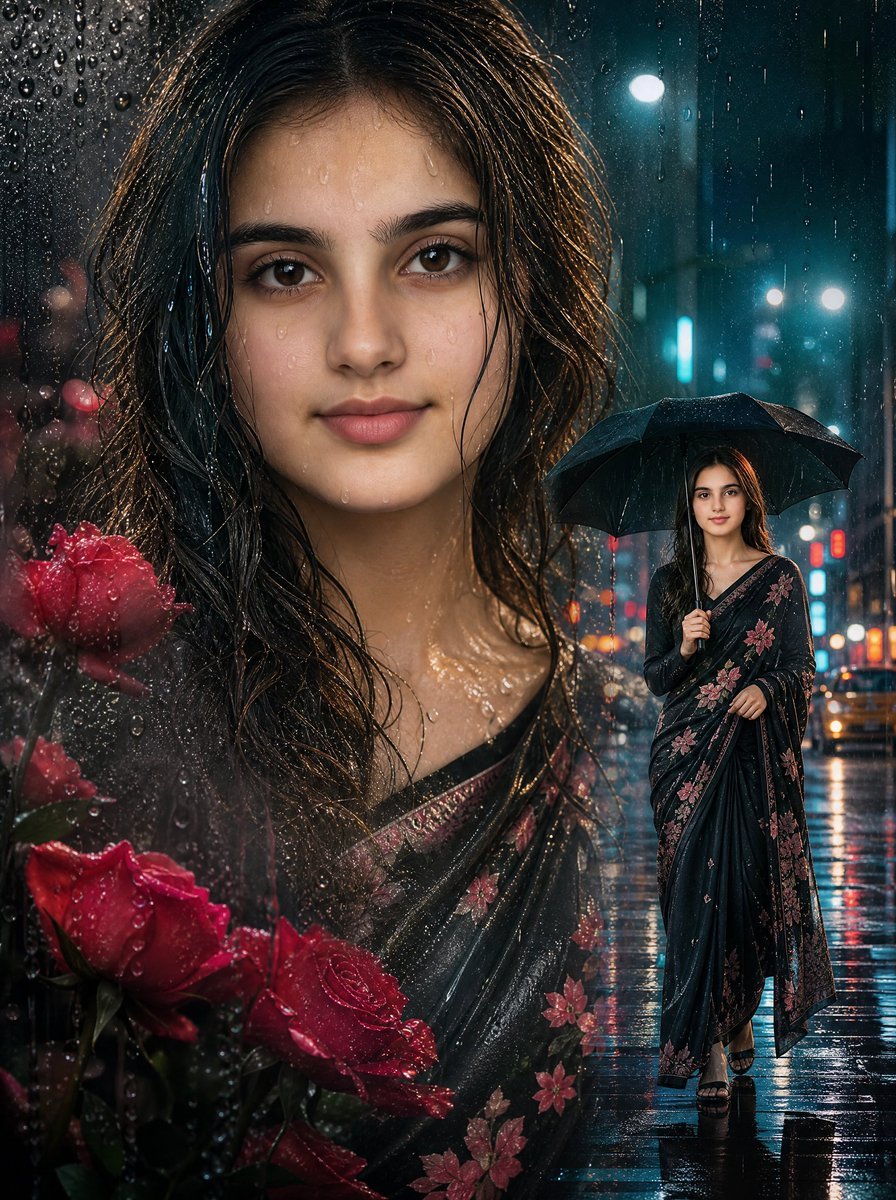
Rainy Double Exposure Movie Poster
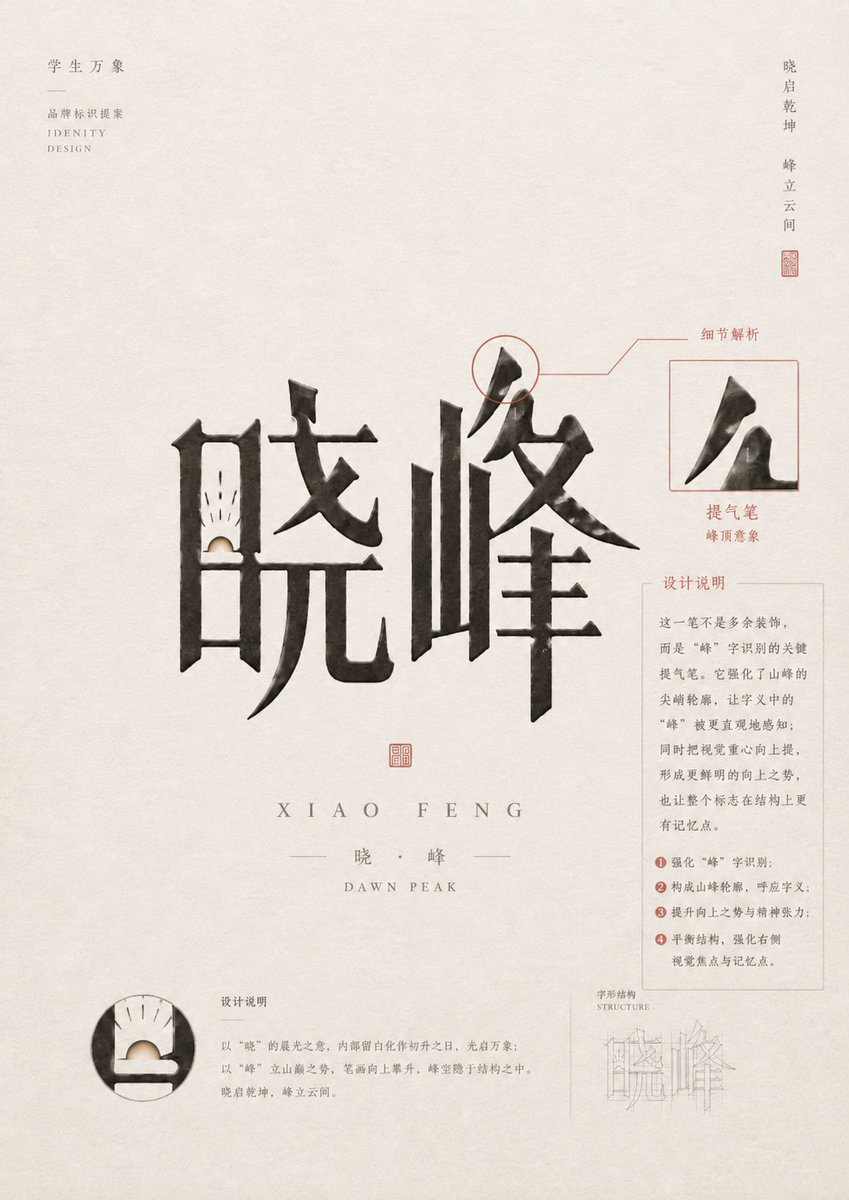
Chinese Calligraphy Identity Poster
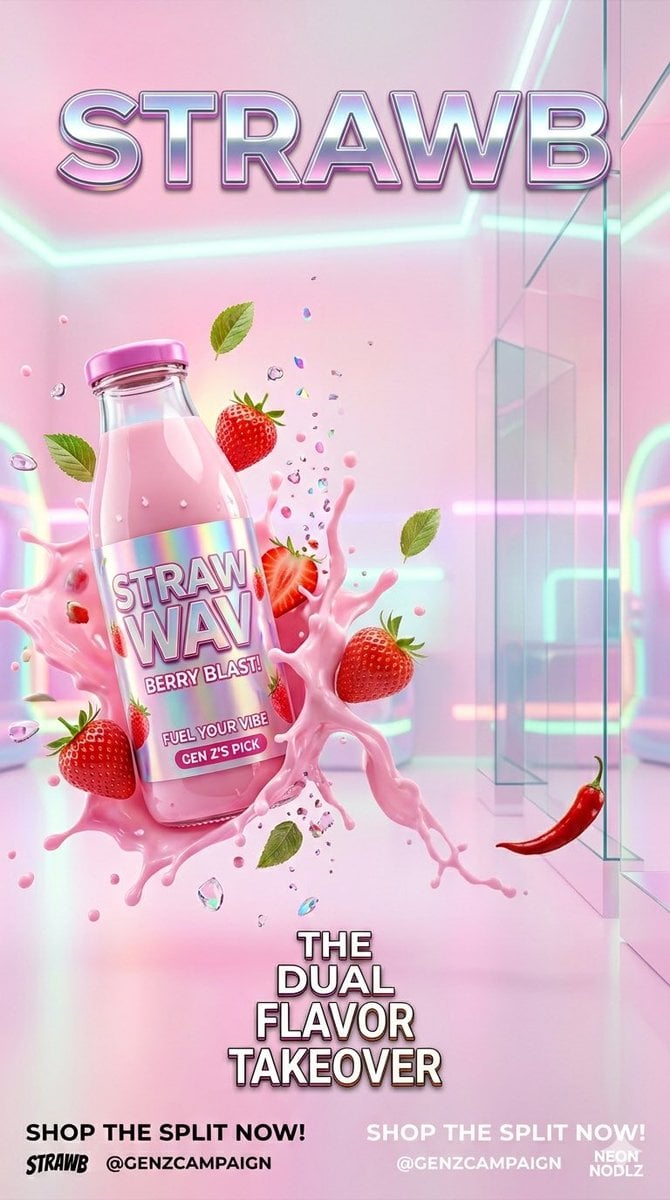
Gen Z Split Screen Advertising Poster
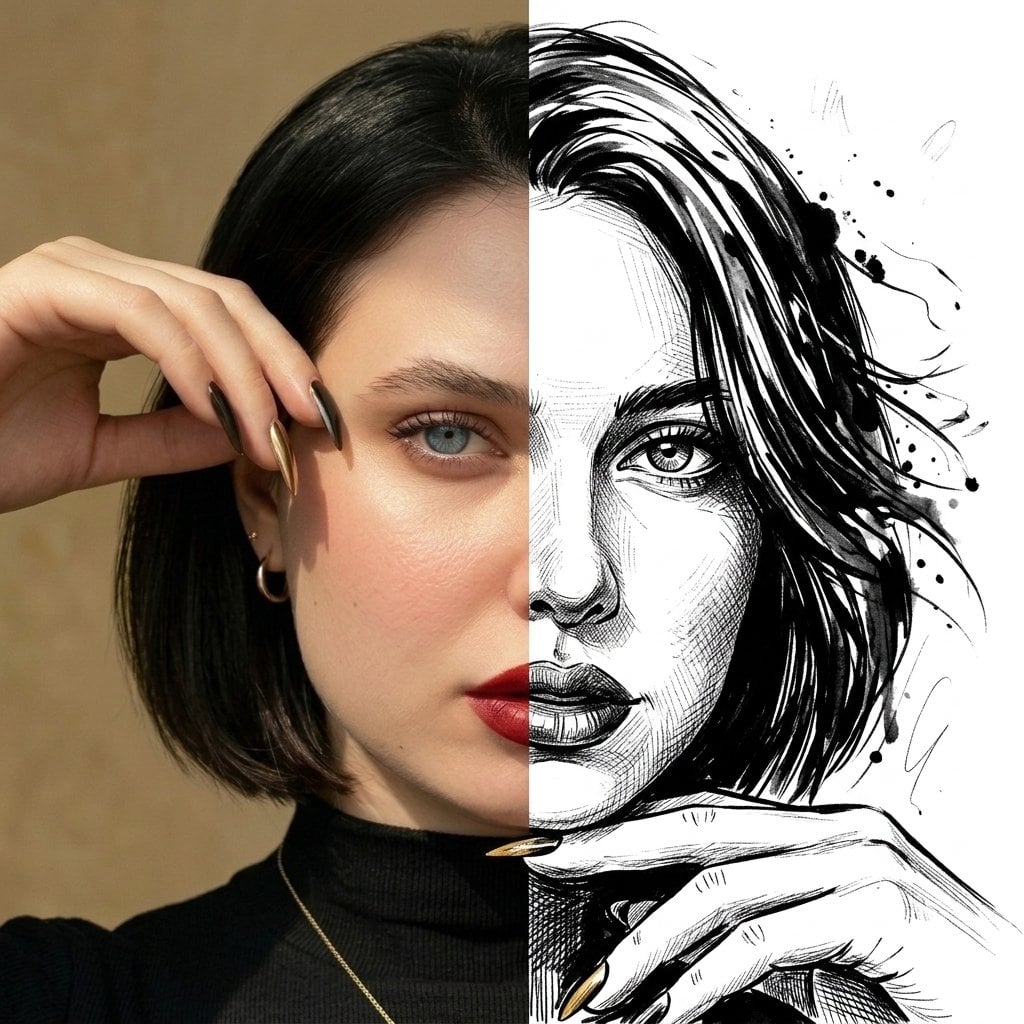
Split Face Photo and Ink Illustration
Make it yours
Split-Identity Cinematic Movie Poster Prompt with Face Lock works as-is. These are the safest ways to change it without losing the look.
Change one field
Copy a single group, rewrite it, and generate again so you can see what that field is doing.
Keep the frame, change the subject
Hold the composition and light of Split-Identity Cinematic Movie Poster Prompt with Face Lock, then swap wardrobe, props or the person for a new take.
| If the result… | Why | Fix |
|---|---|---|
| The result drifts from the preview | Too many fields changed at once. | Reuse Split-Identity Cinematic Movie Poster Prompt with Face Lock as-is first, then change one group — subject, light, or setting. |
| The model over-stylizes the scene | The prose prompt leaves finish and camera underspecified. | Add one camera or lighting sentence and stay on Nano Banana 2. |
More Nano Banana 2 templates
Other prompts made for Nano Banana 2.

Photorealistic Leaf Shaped Like a Dragon

K-Pop Idol Portrait Grid for Rapid Selection

Poetic Rain Forest Portrait During Golden Hour

Urban Street Portrait with Cartoon Inner Self Duo

Candid Nighttime Photo with Cat Prompt

High-Concept 3D Diorama Generation Prompt

Cinematic Futuristic Studio Portrait Template

Skincare Editorial Photography Collage Prompt

Hyper-Realistic Commercial Product Photography (Splash Effect)

Hyper-Realistic Nightclub Portrait Prompt
More image prompts
Fresh picks from across the catalog.
Bullet Time Businessman Seedance 2 0
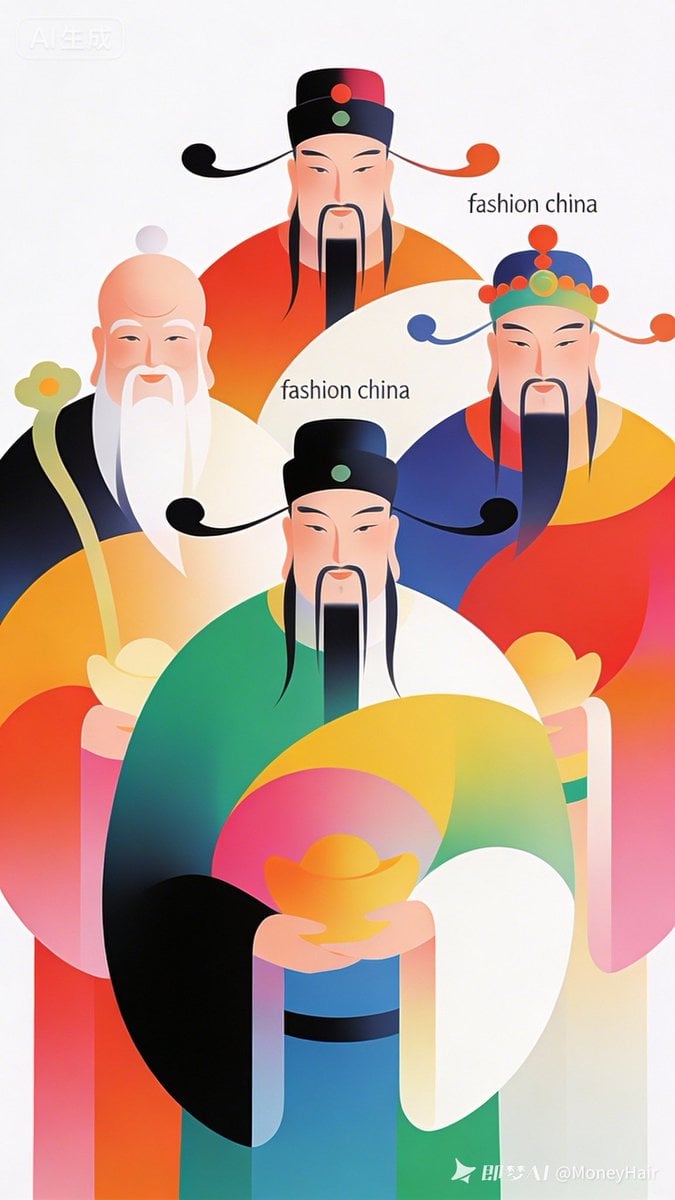
Vector Illustration for Five Gods of Wealth Red Packet Cover
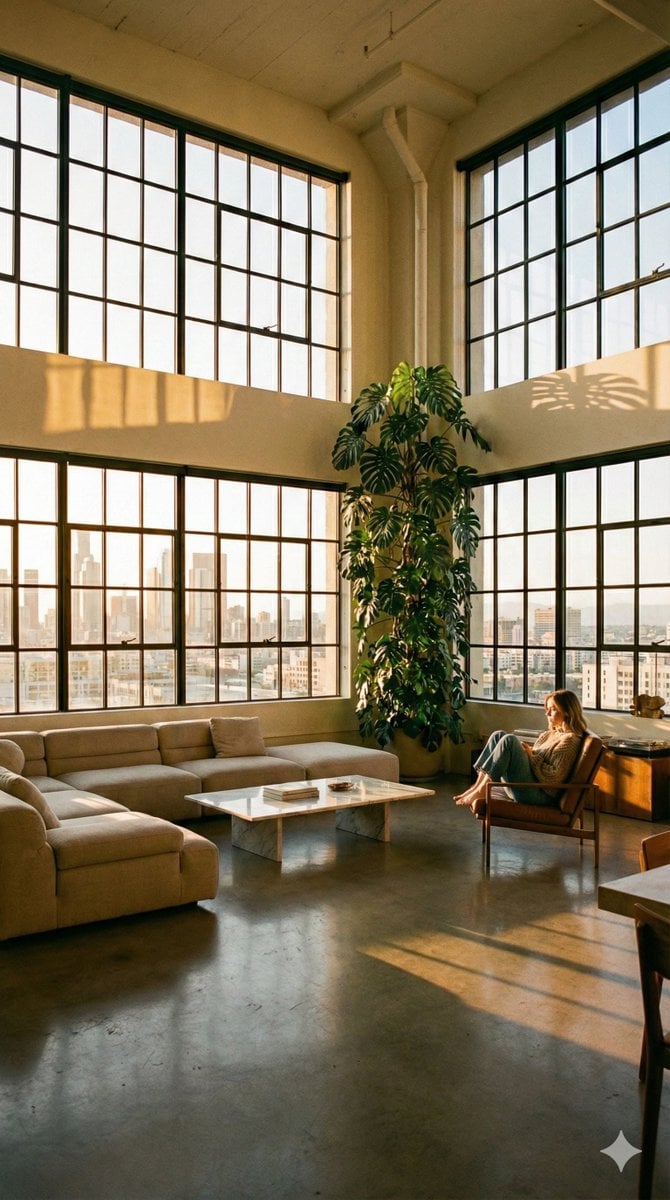
Modern Minimalist Loft Architecture Photography
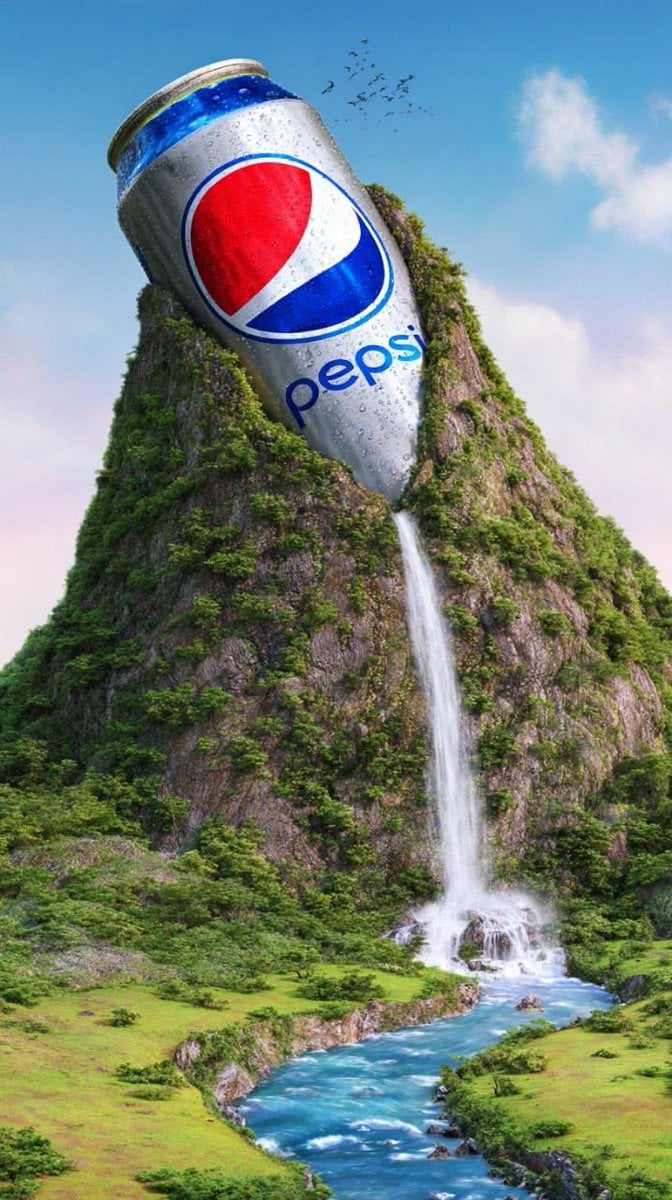
Surreal Giant Aluminum Can Waterfall Prompt for Nano Banana 2
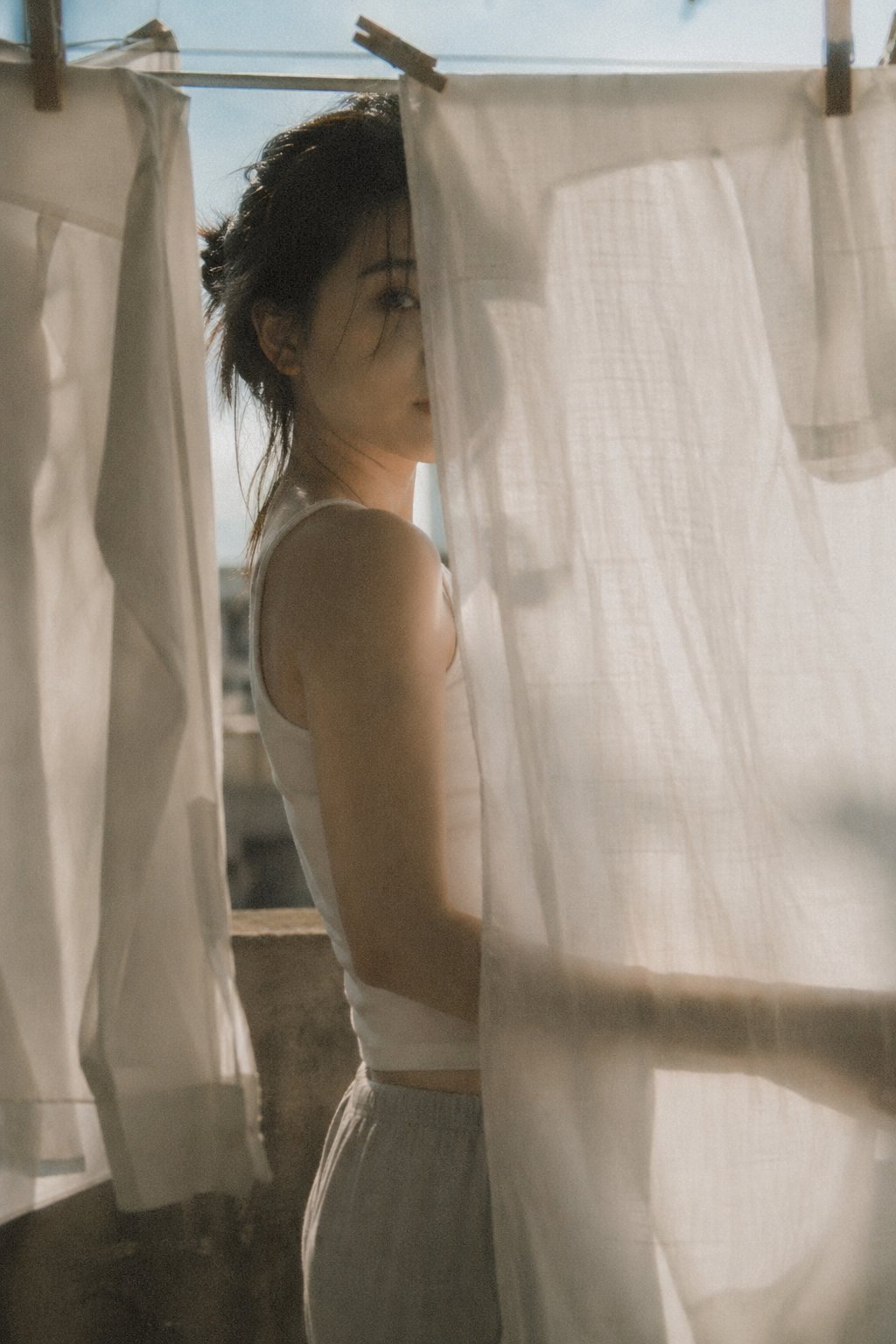
X Bubblebrain Soft Backlight By Gpt Image 2
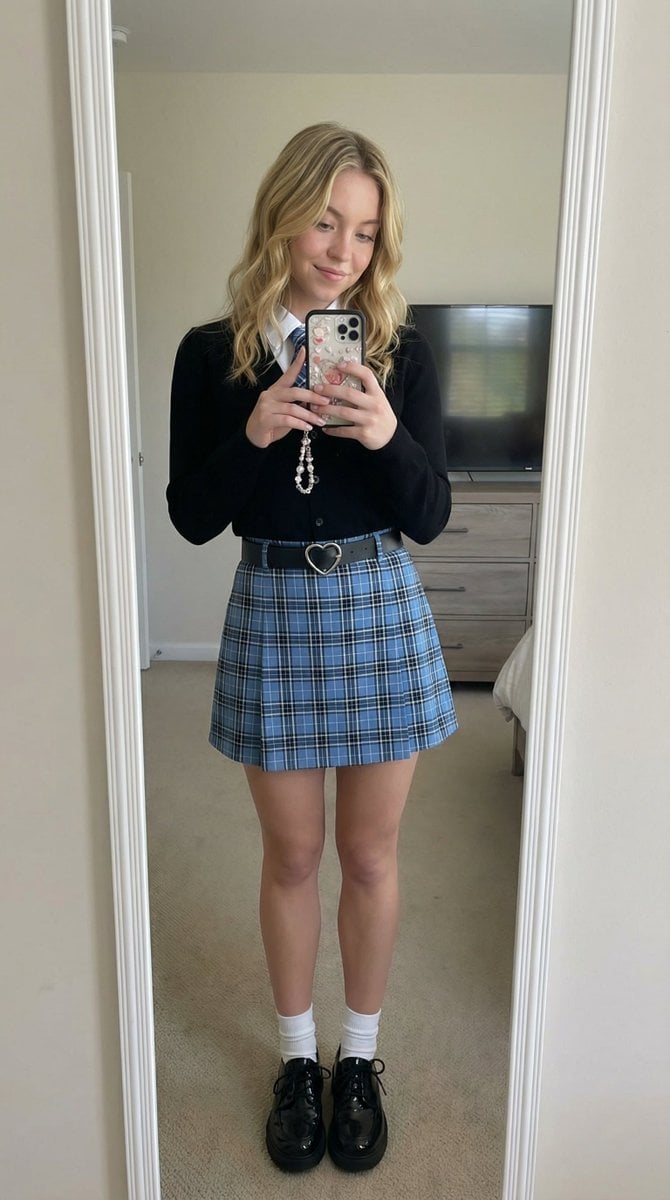
Mirror Selfie with Strict Identity Lock in Preppy School Outfit
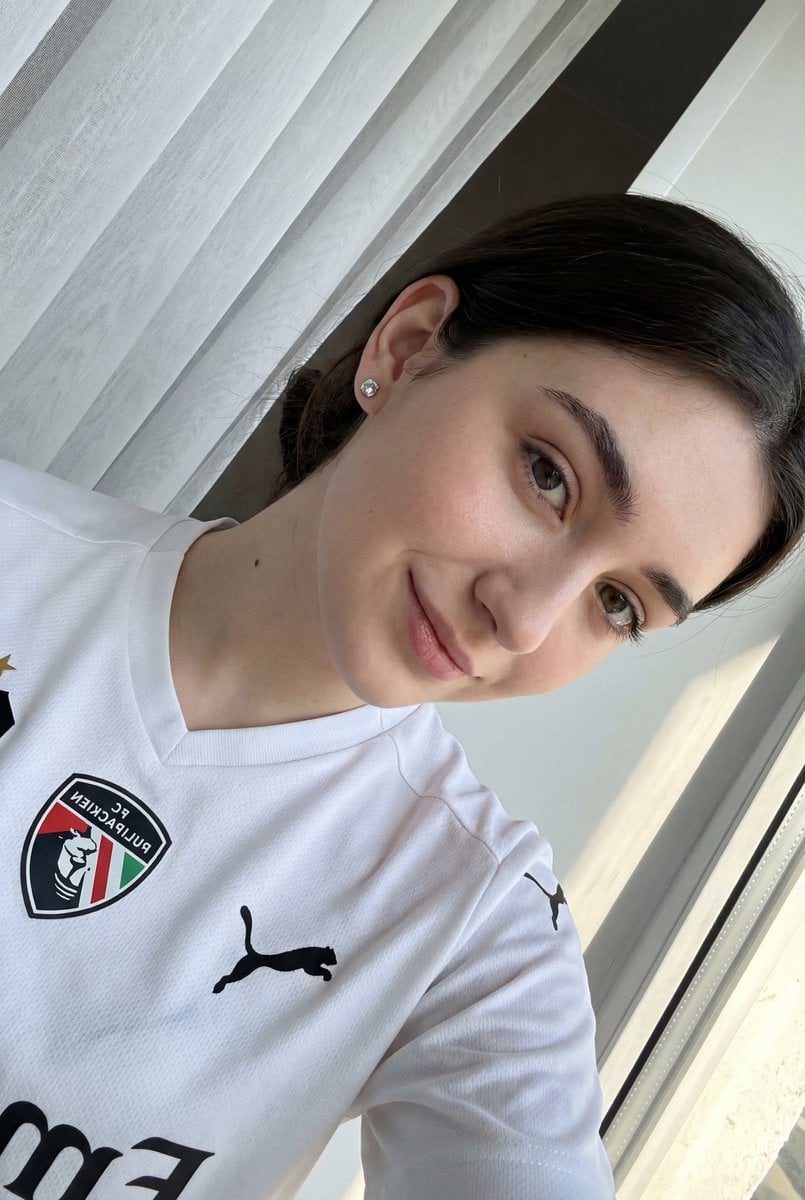
Detailed JSON prompt for a casual portrait of a young woman in a sports jersey
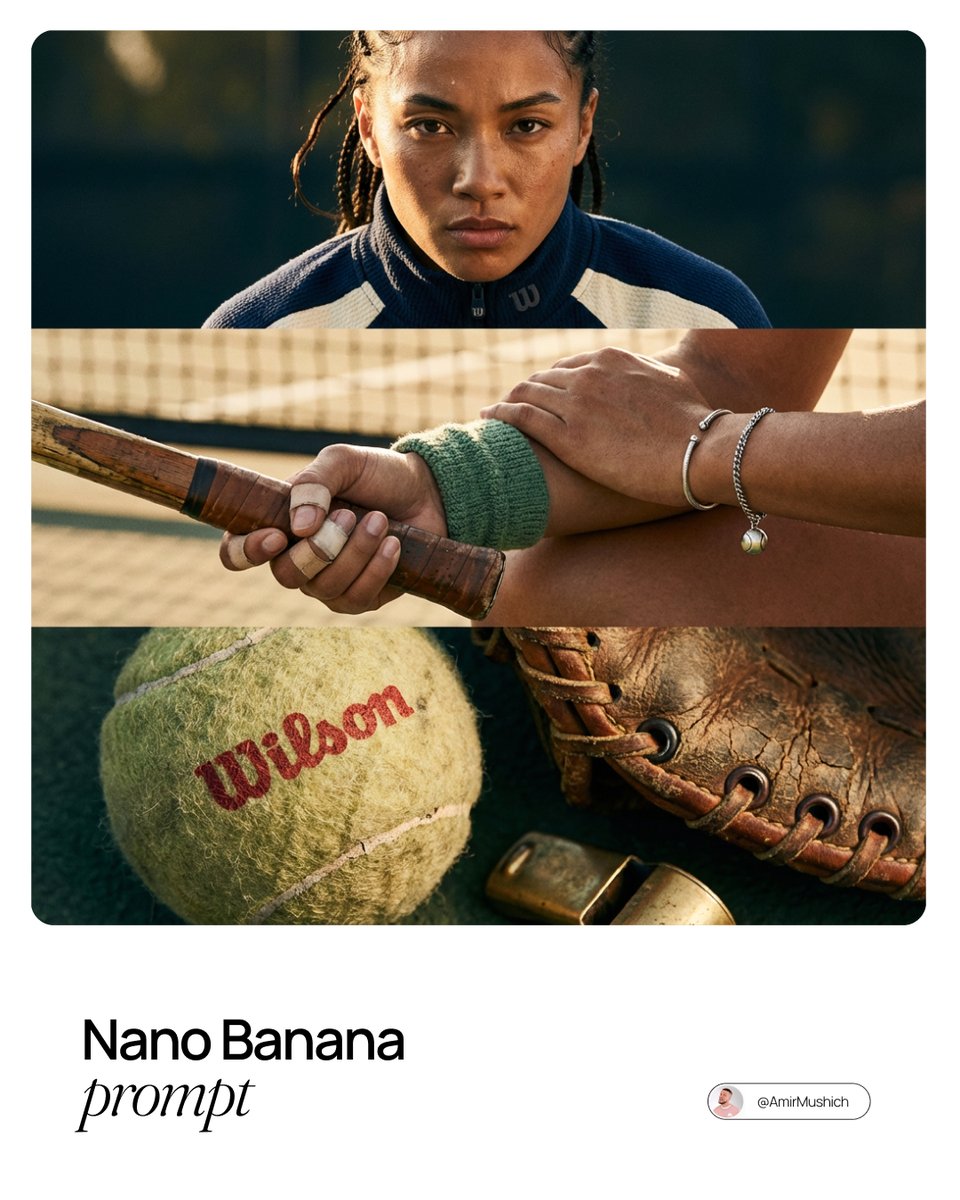
Smart Prompt for High-End Editorial Fashion Triptych Campaign
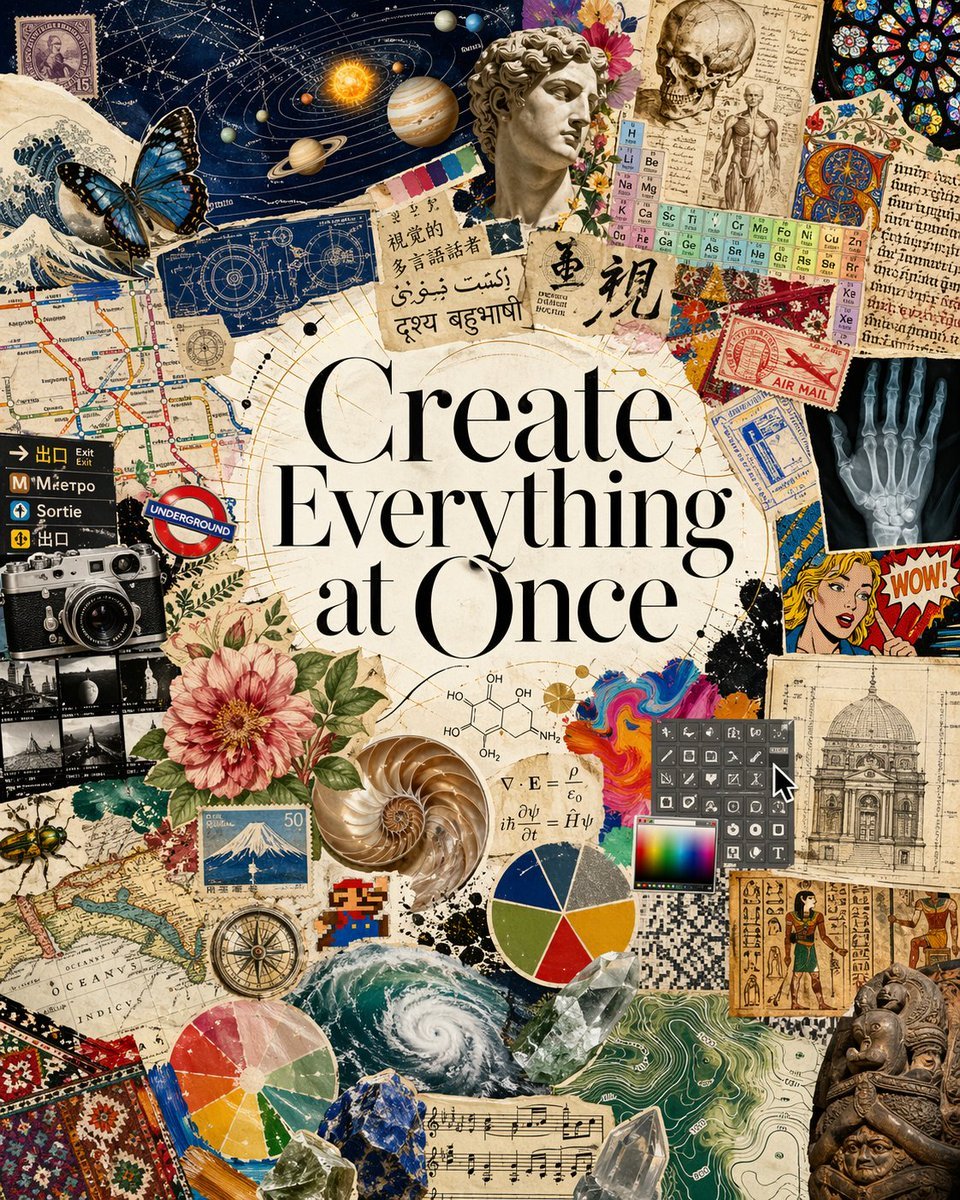
Visual Polyglot Magazine Collage
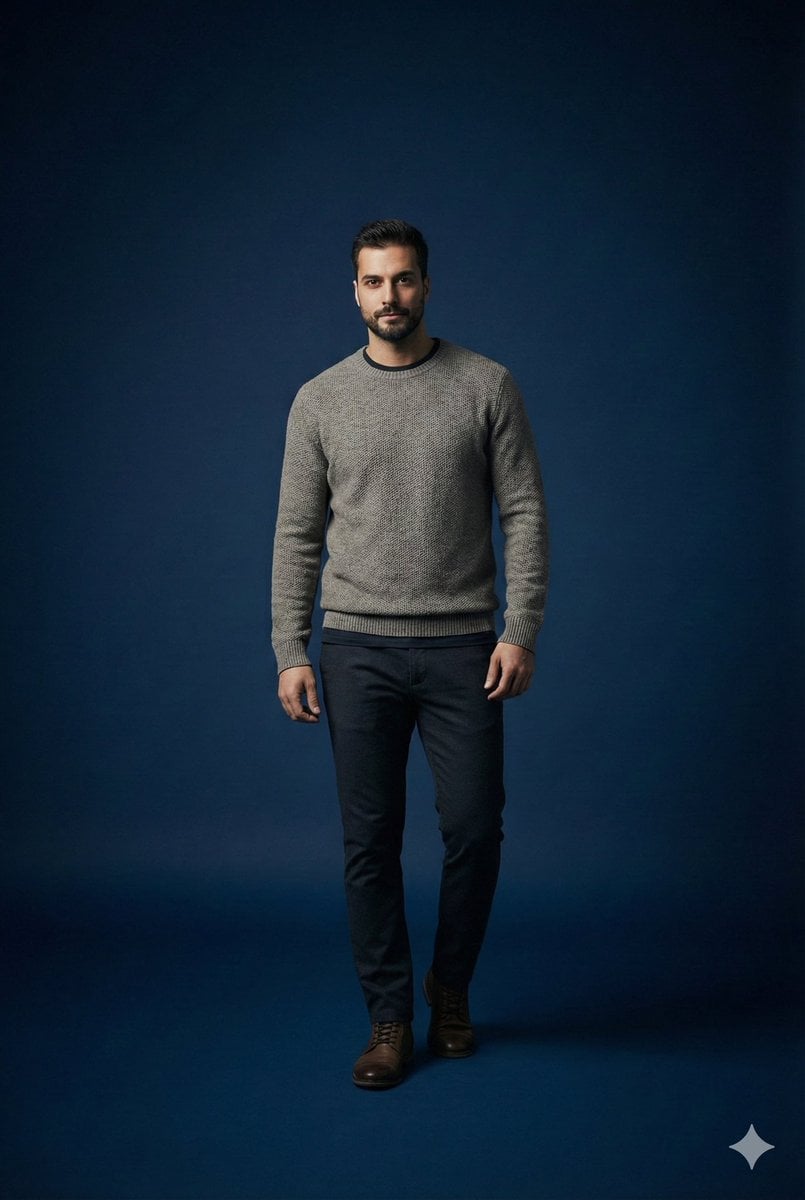
Studio portrait parameter-style prompt for a male subject
Featured in prompt roundups
Hand-picked collections that include this template.
Browse template categories
Split-Identity Cinematic Movie Poster Prompt with Face Lock questions
How do I use the Split-Identity Cinematic Movie Poster Prompt with Face Lock template?
Add your photo if the template asks for one, edit the prompt if you like — the template's model and format are already selected — and press Generate. Your version opens in PicX Studio.
Can I customize the Split-Identity Cinematic Movie Poster Prompt with Face Lock template?
Yes. You can change the subject, setting, lighting, mood, format, and available model controls before creating your image.
Is the Split-Identity Cinematic Movie Poster Prompt with Face Lock template free?
Opening and editing this template is free. Generating uses credits, shown on the Generate button when you are signed in.
Which AI model should I use?
Start with Nano Banana 2, which is the model associated with this template. You can compare another compatible model for a different finish.
Looking for something else? Browse all templates.

Your photo, any look
Thousands of ready templates for every top image and video model, from one credit balance.