High-Fashion Latex Bodysuit Portraits with Luxury Cars
{
"prompt": [
{
"subject": {
"type": "young woman",
"identity": "Lisa inspired",
"build": "slim, athletic",
"pose": "crouching dynamically near the front wheel, one hand resting on the edge of the tire, intense direct gaze into camera"
},
"hair": {
"color": "black, Use uploaded reference image, keep exact natural hair color unchanged",
"length": "short",
"texture": "straight, sleek with blunt full bangs matching reference image exactly",
"accessories": "none"
},
"face": {
"features": "Use uploaded reference image, keep identity exact — large striking eyes, sharp jawline, confident edgy aura, preserve exact facial structure, proportions, and skin texture without alteration",
"jewelry": "none"
},
"outfit": {
"type": "futuristic latex bodysuit",
"color": "electric blue",
"material": "high-gloss latex, reflective, skin-tight fit"
},
"setting": {
"type": "industrial warehouse garage",
"background": {
"vehicle": "bright yellow McLaren 720S front wheel close-up",
"wall": "large intricate golden dragon mural"
},
"lighting": "strong cinematic sunlight streaming from the right, high contrast highlights and shadows",
"time_of_day": "daylight"
},
"photography": {
"style": "photorealistic 8k",
"aspect_ratio": "9:16",
"focus": "sharp subject focus, detailed reflections on latex and car surface",
"mood": "bold, edgy, high-fashion performance aesthetic"
},
"negative_prompt": "blurry, low detail, distorted anatomy, unnatural skin, watermark, text, logo, dull lighting"
},
{
"subject": {
"type": "young woman",
"identity": "Jisoo inspired",
"build": "slim",
"pose": "sitting gracefully on car hood, legs crossed, direct poised gaze into camera"
},
"hair": {
"color": "black, Use uploaded reference image, keep exact natural hair color unchanged",
"length": "long",
"texture": "smooth, flowing, matching reference image exactly",
"accessories": "none"
},
"face": {
"features": "Use uploaded reference image, keep identity exact — elegant symmetrical features, expressive eyes, fair skin, preserve exact facial structure and proportions without alteration",
"jewelry": "none"
},
"outfit": {
"type": "latex bodysuit",
"color": "ruby red",
"material": "glossy latex, form-fitting, reflective"
},
"setting": {
"type": "industrial warehouse garage",
"background": {
"vehicle": "sleek black Ferrari hood",
"wall": "large intricate golden dragon mural"
},
"lighting": "cinematic sunlight from right, clean highlights and shadow depth",
"time_of_day": "daylight"
},
"photography": {
"style": "photorealistic 8k",
"aspect_ratio": "9:16",
"focus": "sharp focus on subject with reflective surfaces emphasized",
"mood": "elegant, powerful, high-fashion luxury aesthetic"
},
"negative_prompt": "blurry, low detail, distorted anatomy, unnatural skin, watermark, text, logo, cluttered background"
},
{
"subject": {
"type": "young woman",
"identity": "Rosé inspired",
"build": "slim",
"pose": "standing beside front bumper, one hand resting on headlight, soft over-shoulde










![Naive doodle-style subject illustration — A doodle-style {argument name="subject" default="[subject]"}, naive lines, humorous shape exaggeration](https://pbs.twimg.com/media/G6Wl2YxbsAARB2b.jpg)













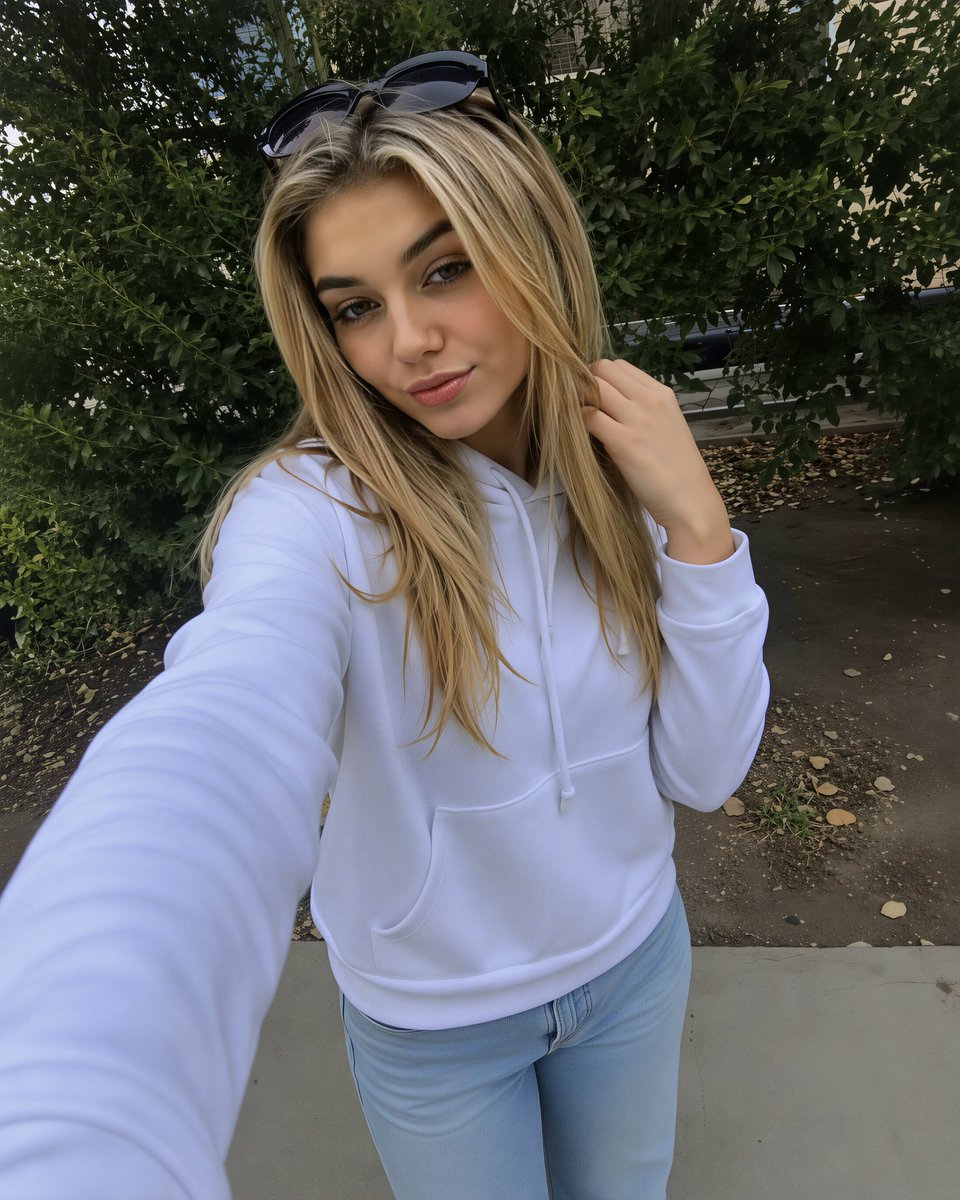




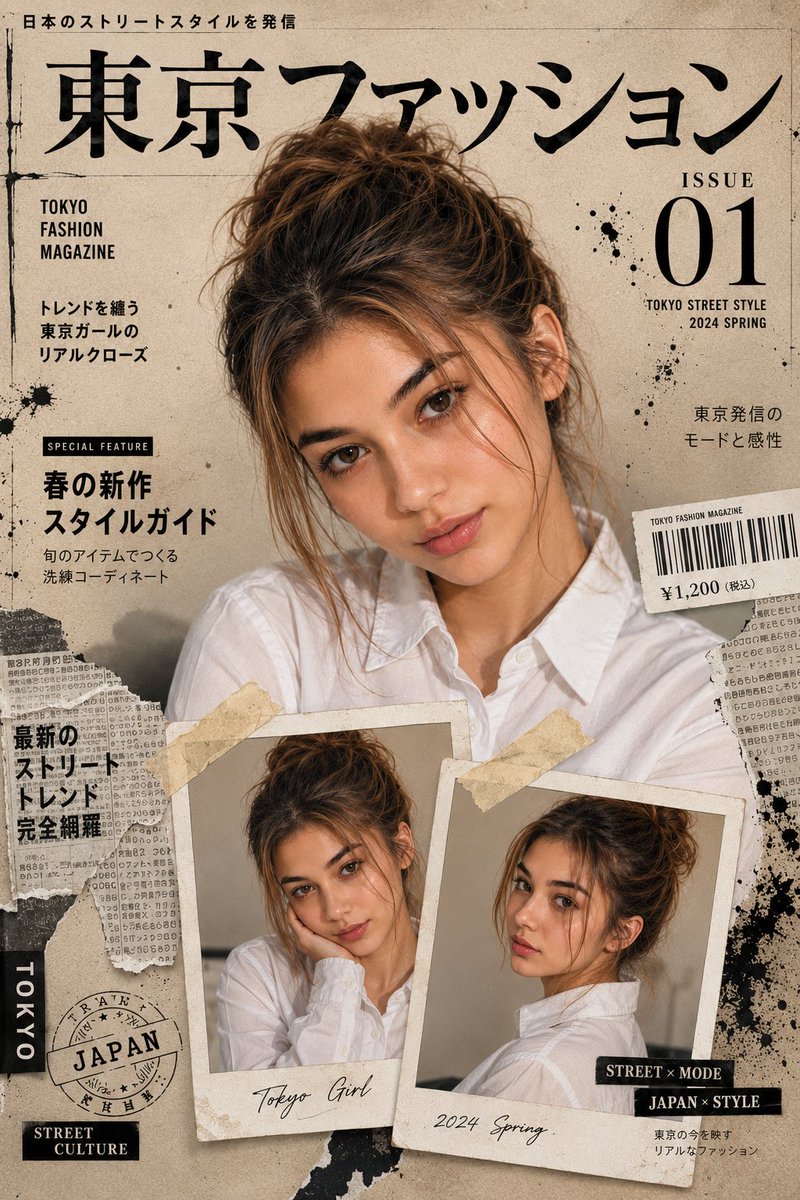
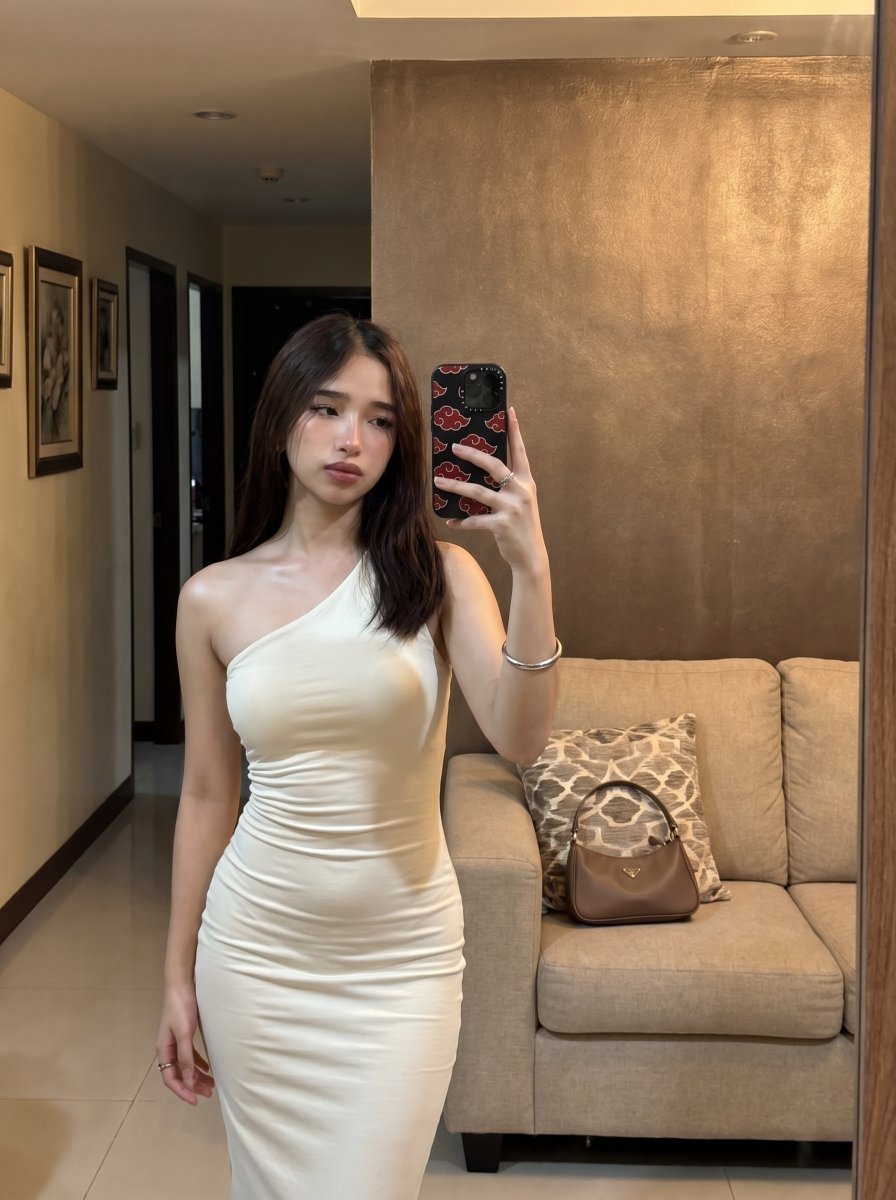





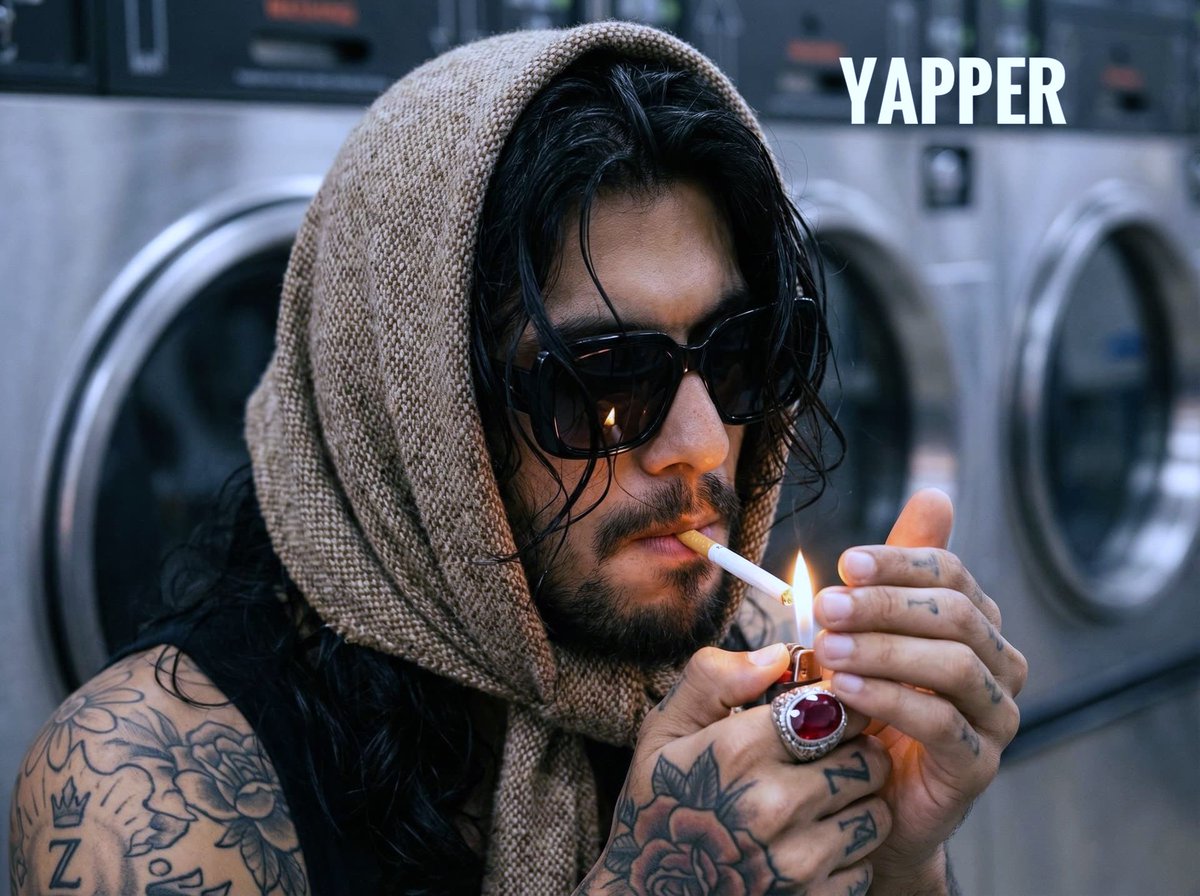



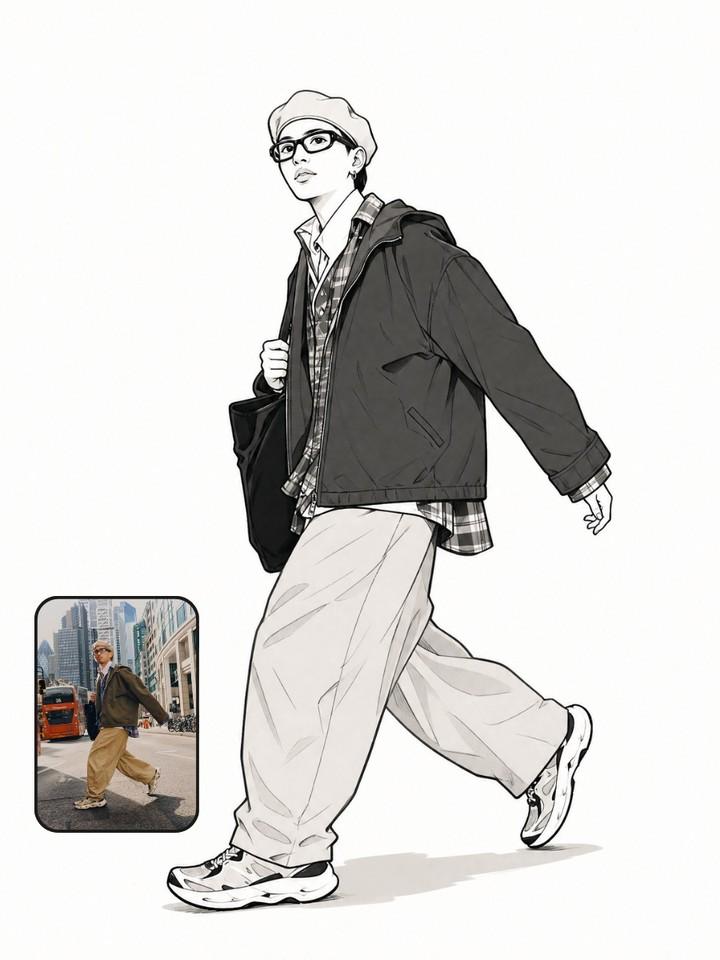


![Low-Angle Sentimental Sky Poster — [INPUT]
- reference image: {Portrait Photo}
- Date: {Today's Date https://t.co/DH3TMTrnLJ.dd}
- Today's Mood: { }
[Goal]](https://cms-assets.youmind.com/media/1778490950908_a8jctr_HH8zsxyakAARDKO.jpg)