
Chaotic Late Office Worker Poster
Generates a Chinese meme-style workplace survival poster showing a panicked employee clocking in late at an office turnstile.
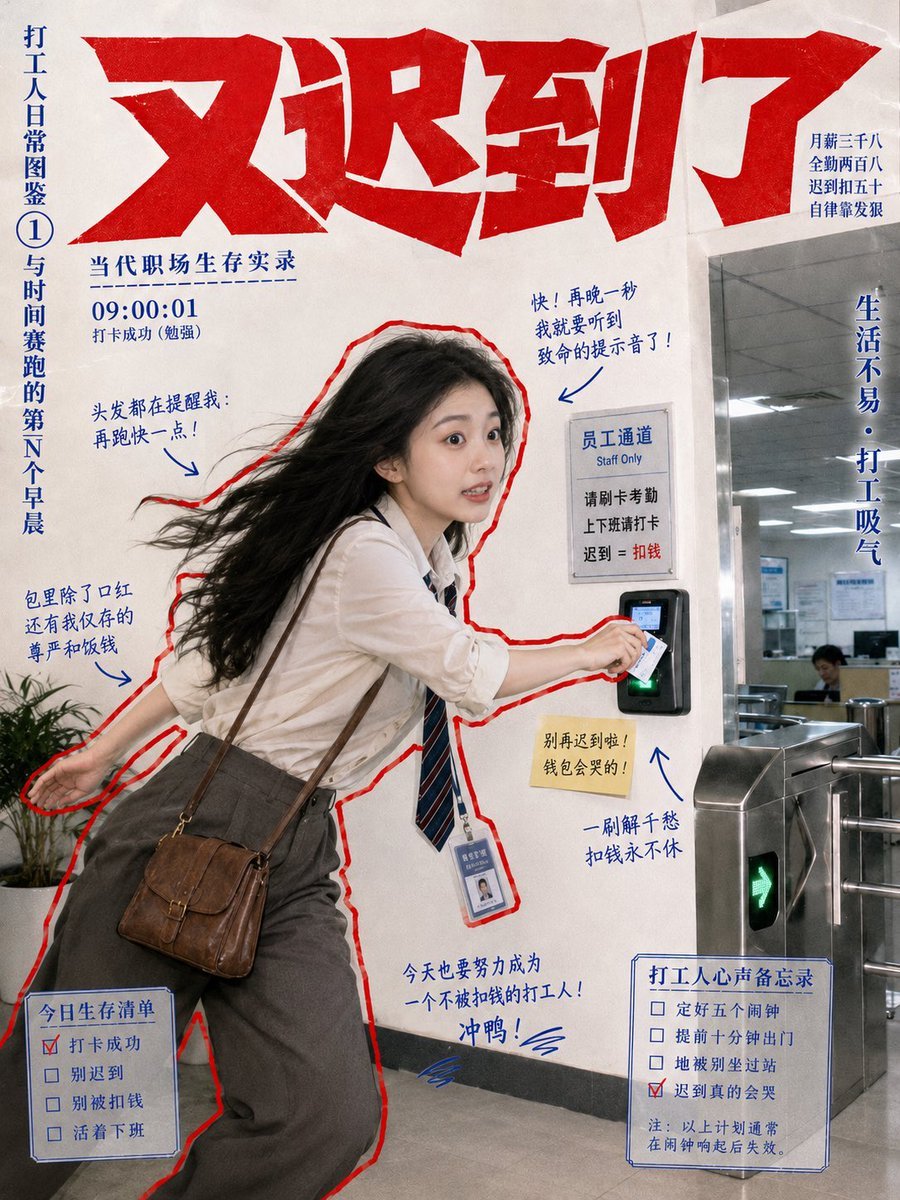
- Prompt included
- Model and format preset
- Free template
The prompt behind this image
Copy the exact prompt behind Chaotic Late Office Worker Poster, or open it in the studio and make it yours.
Goal: Create a chaotic Chinese social-media poster about an exhausted office worker clocking in at work, styled like a dramatic meme magazine cover / survival manual for salary workers. Canvas: Vertical 3:4 poster, off-white wrinkled paper background, documentary photo-collage look. Use bold red-and-blue print colors, slightly grainy texture, hand-drawn annotations, and a red cutout outline around the main person. Main subject: A young Chinese female office worker, {argument name="character age and gender" default="young Chinese woman in her 20s"}, mid-action at an office turnstile, leaning forward and tapping an access card or phone on a black biometric/card reader. She has long black hair flying backward as if running, wide anxious eyes, slightly open mouth, white button-up shirt, loosened navy striped tie, gray high-waisted trousers, brown leather shoulder bag, and an ID badge hanging from her neck. Pose: one hand stretched backward, the other reaching to scan in; she looks panicked but determined. Setting: Corporate office entrance with stainless steel turnstiles on the right, glass partition and fluorescent-lit office interior behind it, a small potted plant at lower left, gray floor, and a wall sign beside the reader. The access gate shows a green arrow light. Layout and text: Huge jagged red Chinese headline across the top reading {argument name="headline text" default="又迟到了"}. Under it, add a small blue subtitle reading {argument name="subtitle text" default="当代职场生存实录"}. On the far left, add a vertical blue side title reading {argument name="side title" default="打工人日常图鉴① 与时间赛跑的第N个早晨"}. Add a time stamp block near the upper left: “09:00:01” with smaller text indicating clock-in success and barely escaping disaster. Add a small top-right salary joke block in blue text: monthly salary three thousand, full attendance several hundred, late by fifty, self-discipline level zero. Add a vertical slogan on the right side meaning “Life is not easy; office workers sigh.” Annotations: Include exactly 6 blue handwritten callouts with arrows around the worker: 1) hair reminds me to run faster, 2) just one more second and I would hear the fatal late-arrival notification, 3) in the bag besides lipstick there are only my remaining dignity and money, 4) do not be late again or the wallet will cry, 5) once the card is scanned the soul never stops clocking in, 6) today I must become an office worker who does not lose money, charge! Use expressive handwritten Chinese-style lettering, but keep it legible. Checklist boxes: Include exactly 2 blue outlined checklist panels at the bottom. Left panel titled {argument name="left checklist title" default="今日生存清单"} with exactly 4 checkbox items: “clock in before work” checked in red, “do not be late” unchecked, “do not get fined” unchecked, “go home alive” unchecked. Right panel titled {argument name="right checklist title" default="打工人心声备忘录"} with exactly 4 checkbox items: “decide to set five alarms” unchecked, “arrive at the office entrance five minutes early” unchecked, “be ruthlessly stopped by the turnstile” unchecked, “really cry from being late” checked in red; include a tiny note below implying all above measurements usually become invalid after lying in bed for five more minutes. Additional signage: On the wall beside the scanner, add a printed staff-only sign with Chinese header and small English “Staff Only,” plus lines about swiping card attendance, late arrival equals deducted salary. Keep this sign rectangular and realistic. Visual style: Photorealistic main figure composited into a graphic poster, heavy red outline, dark blue handwritten notes, exaggerated tabloid typography, funny overworked-office-worker energy, slight paper creases, no polished corporate look, no watermark.
How to use Chaotic Late Office Worker Poster in 3 steps
- 1Upload ImagePNG, JPG or paste
Add your photo
Upload the photo the template builds on. The prompt, model and format are already set.
- 2…a portrait of your subject in softgolden-hour light, 85mm…
Personalize
Edit the subject and creative details for your destination.
- 3Generate
Generate
Press Generate — your image is created in PicX Studio, so you can compare it with the original and refine one variable at a time.
More like this
Templates with the same subject, style or setup. Open one to see its prompt.
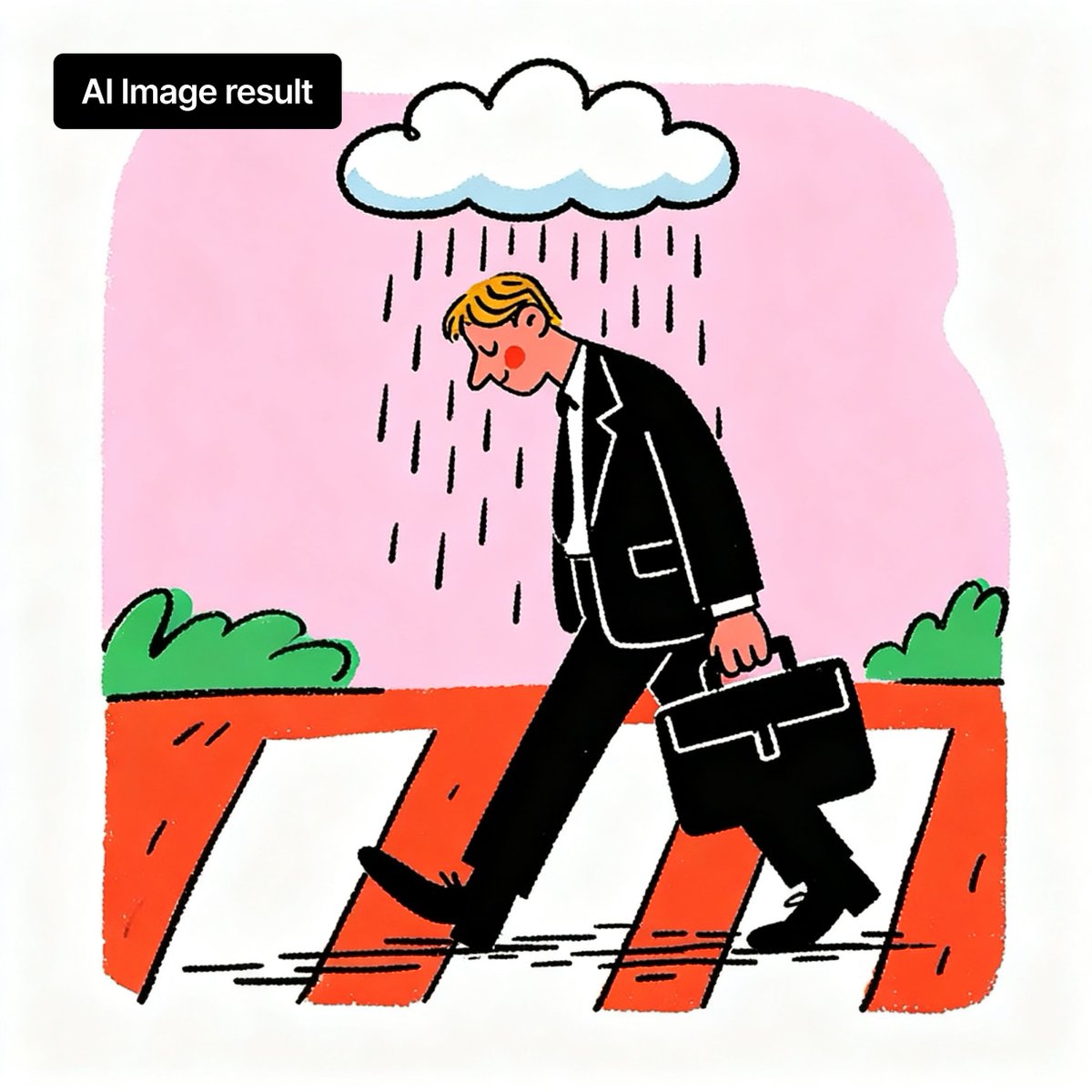
Branded Rainy Office Worker Illustration
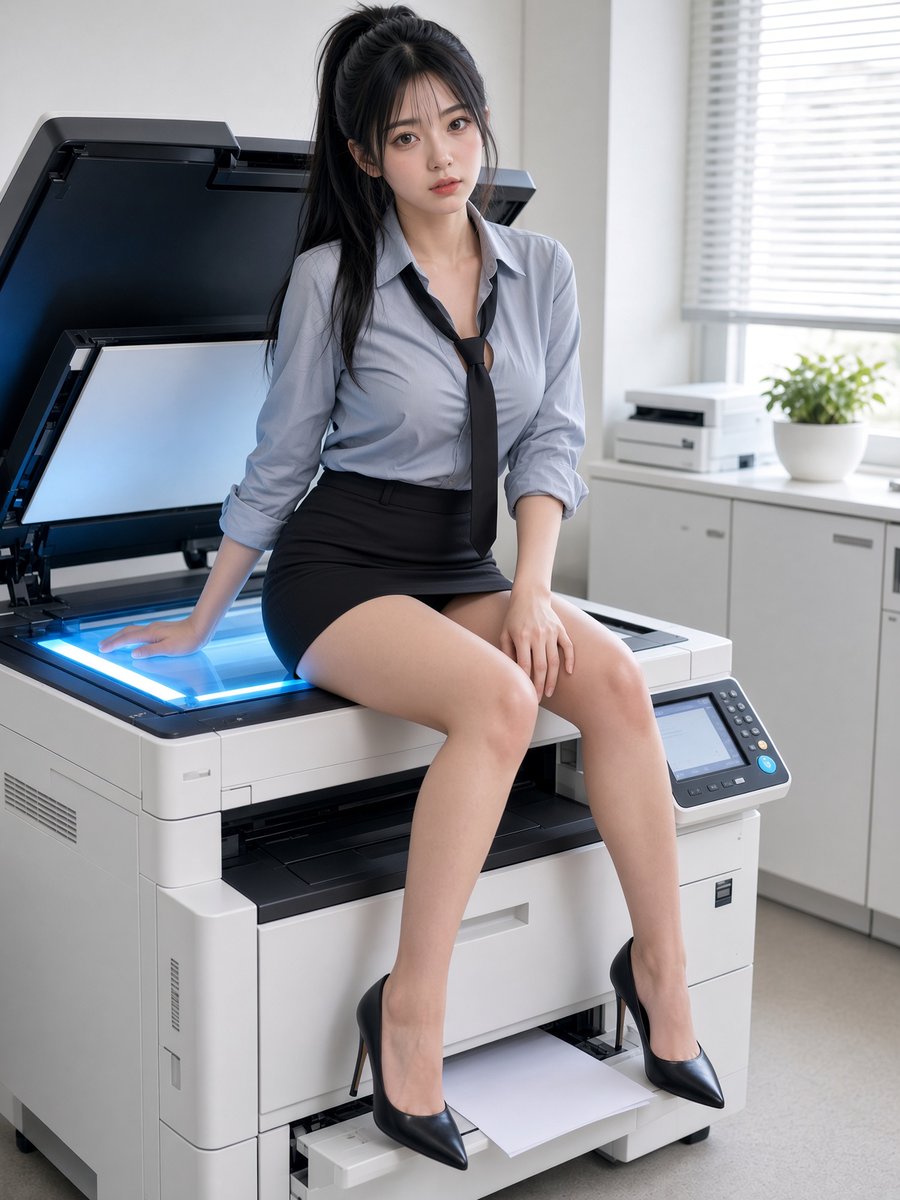
Office Worker Resting on Copier

Japan Travel Brochure Poster
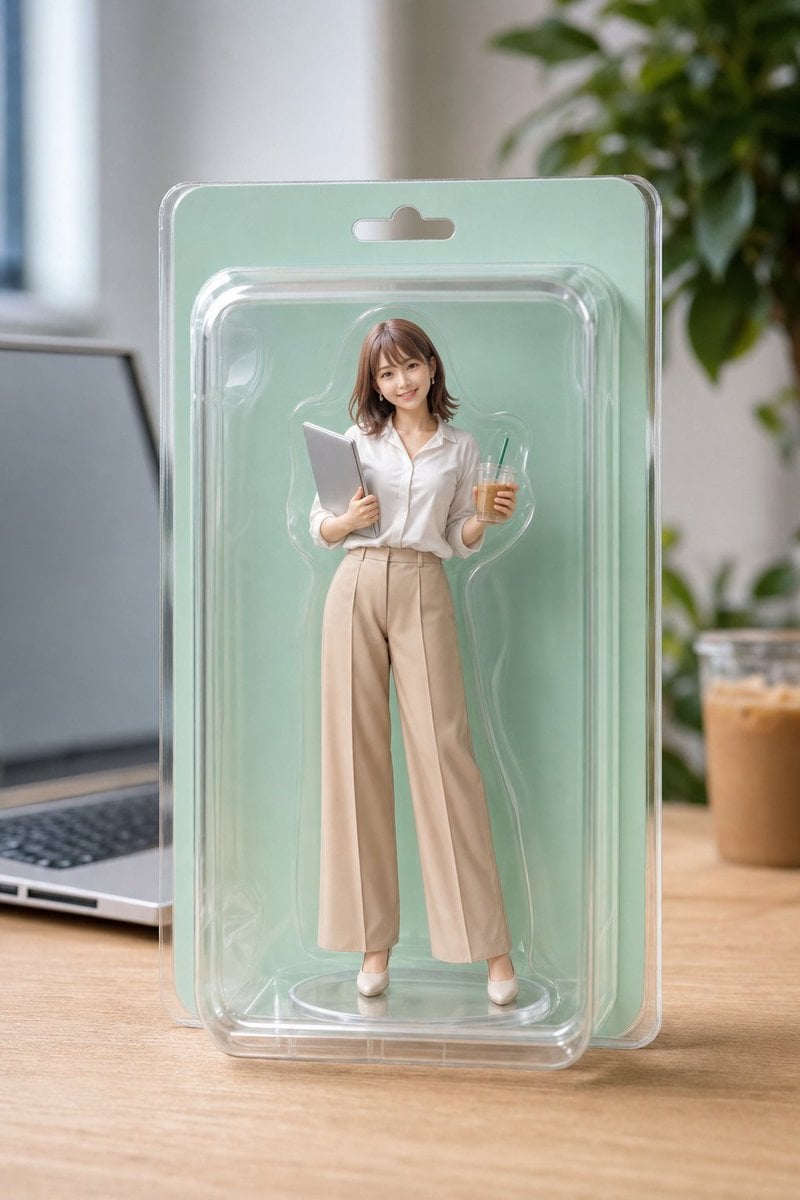
Office Worker Blister Pack Figure
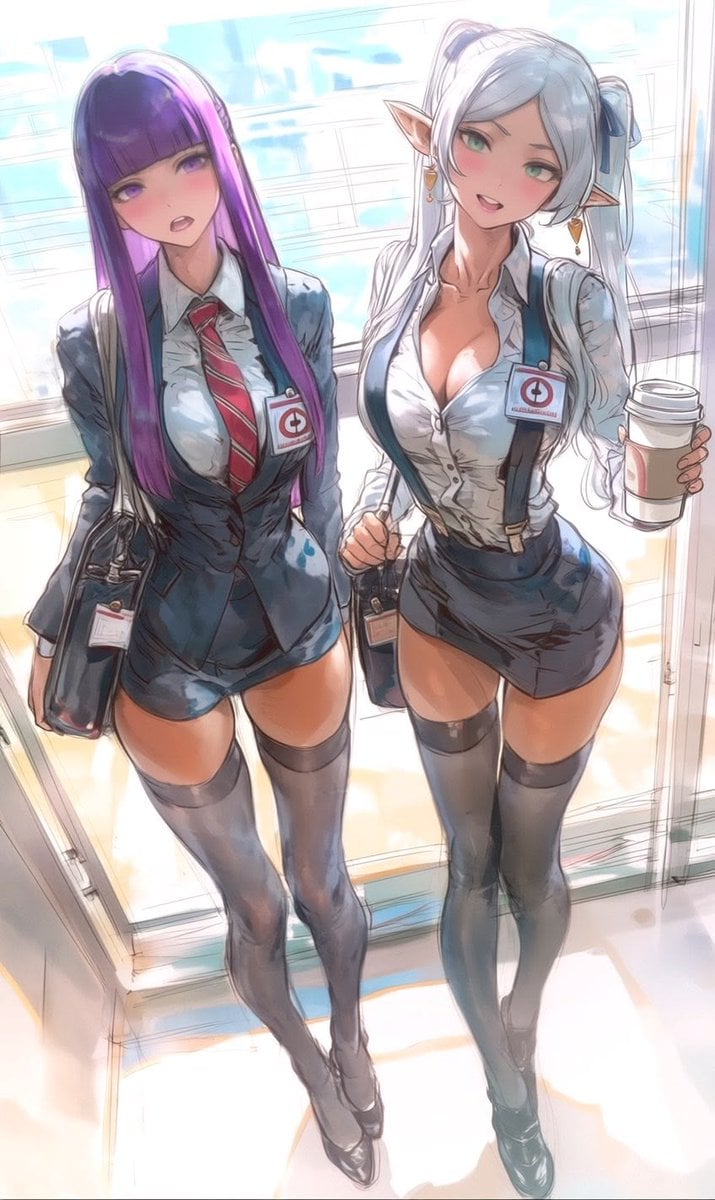
Two Anime Office Workers at Glass Doors
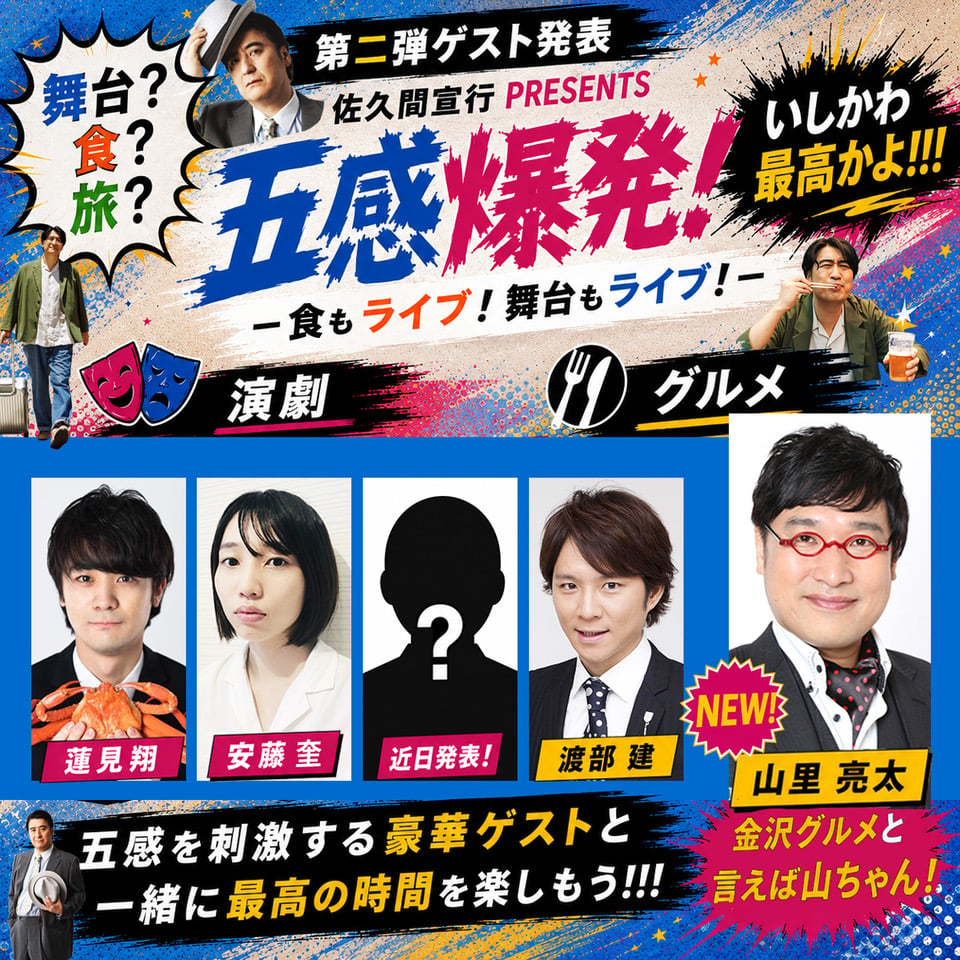
Chaotic Japanese Guest Announcement Poster

Cartoon TV Show Poster Pack

Trendy Cafe Drink Promo Poster

Urban Fashion Editorial Collage Streetwear Poster

Premium Fashion Editorial Cover Layout System

Polo Ralph Lauren Luxury American Heritage Fashion Campaign

Monochrome Halftone Editorial Fashion Poster
Make it yours
Chaotic Late Office Worker Poster works as-is. These are the safest ways to change it without losing the look.
Change one field
Copy a single group, rewrite it, and generate again so you can see what that field is doing.
Keep the frame, change the subject
Hold the composition and light of Chaotic Late Office Worker Poster, then swap wardrobe, props or the person for a new take.
| If the result… | Why | Fix |
|---|---|---|
| The result drifts from the preview | Too many fields changed at once. | Reuse Chaotic Late Office Worker Poster as-is first, then change one group — subject, light, or setting. |
| The model over-stylizes the scene | The prose prompt leaves finish and camera underspecified. | Add one camera or lighting sentence and stay on GPT Image 2. |
More GPT Image 2 templates
Other prompts made for GPT Image 2.

Six VTuber Japanese Logo Sheet

Realistic Portrait of Woman and Deer

The Vista Modular Condo Poster

AI Model Routing Comparison Infographic

2.5D Anime Art Board

Isometric Productivity Desk Scene

New York Double Exposure Poster

Four-Panel AI Landscape Comparison

Japanese Tatami Lifestyle Magazine Cover

NESCAFÉ Coffee Map Poster
More image prompts
Fresh picks from across the catalog.

Cinematic Desert Portrait Leaning on Car Hood
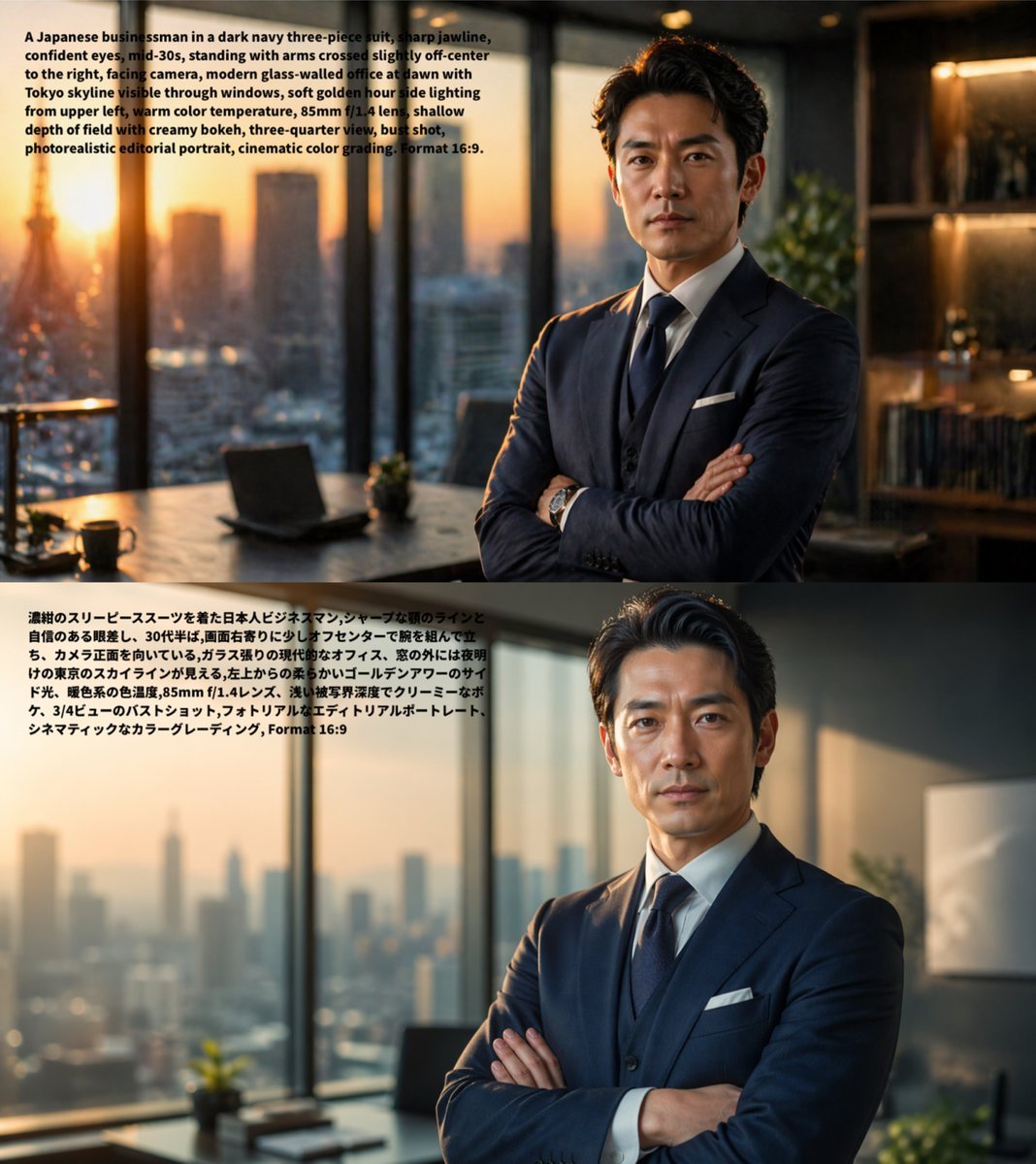
Bilingual Prompt Comparison Portrait

Kawaii Mochi 3D Toy Character

Live Stream UI Mockup with 3D Effects
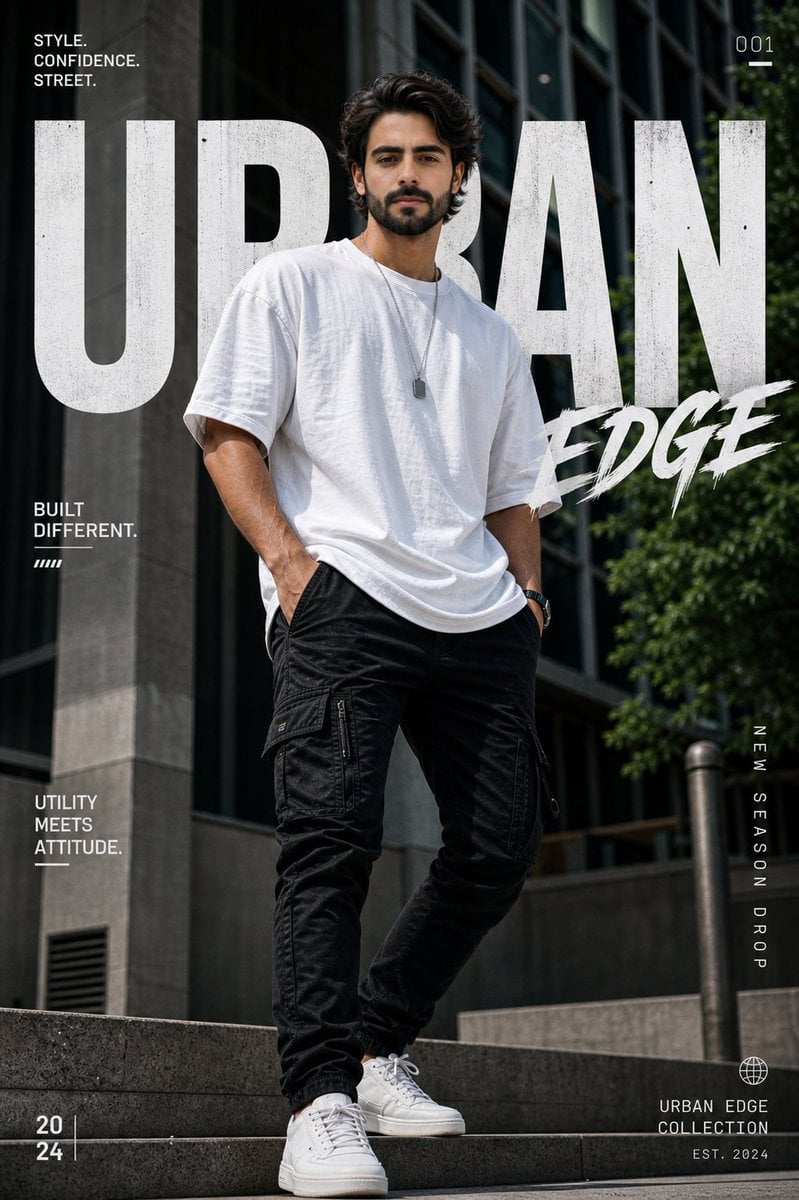
Urban Fashion Graphic Poster
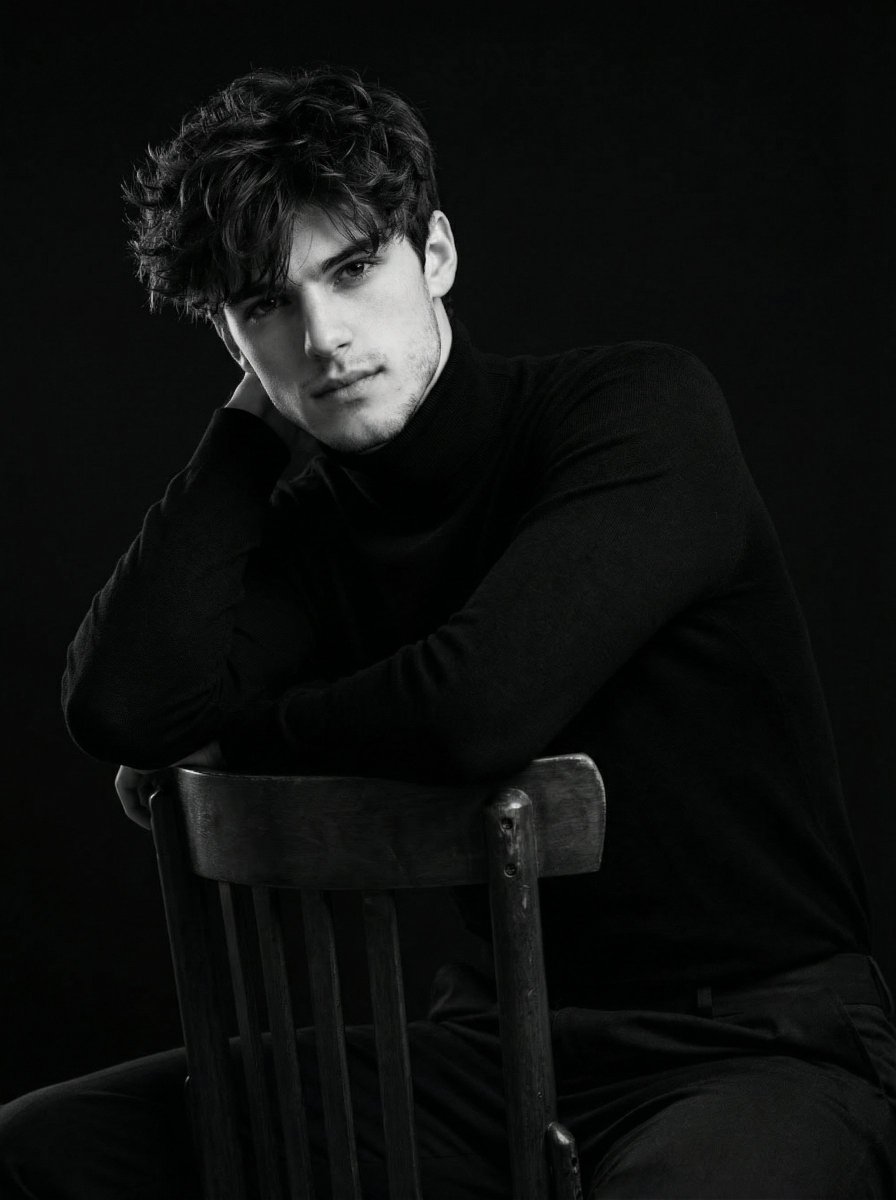
Ultra-Realistic Cinematic Black and White Portrait
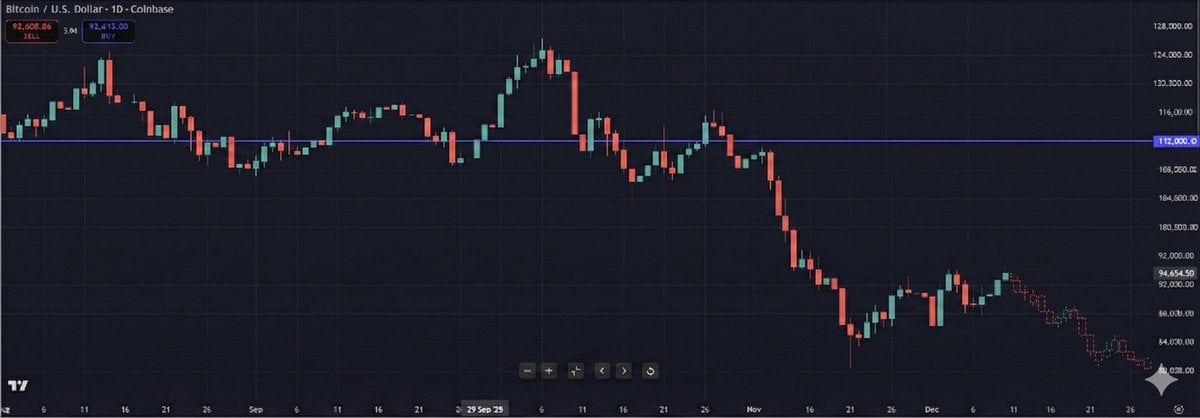
Predictive K-Line Chart Extension for Stock Trends

Vogue Fashion Magazine Cover
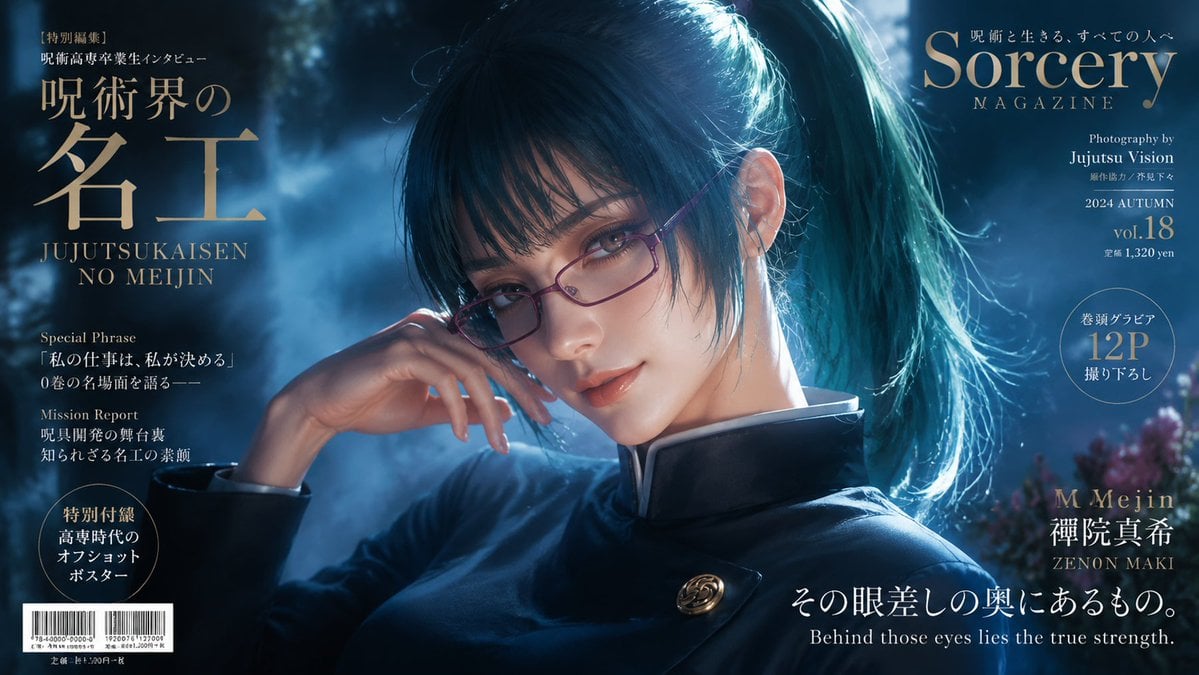
Sorcery Magazine Anime Cover

Ultra-Realistic Cinematic Honey Product Shot
Browse template categories
Chaotic Late Office Worker Poster questions
How do I use the Chaotic Late Office Worker Poster template?
Add your photo if the template asks for one, edit the prompt if you like — the template's model and format are already selected — and press Generate. Your version opens in PicX Studio.
Can I customize the Chaotic Late Office Worker Poster template?
Yes. You can change the subject, setting, lighting, mood, format, and available model controls before creating your image.
Is the Chaotic Late Office Worker Poster template free?
Opening and editing this template is free. Generating uses credits, shown on the Generate button when you are signed in.
Which AI model should I use?
Start with GPT Image 2, which is the model associated with this template. You can compare another compatible model for a different finish.
Looking for something else? Browse all templates.

Your photo, any look
Thousands of ready templates for every top image and video model, from one credit balance.