
Chaotic Japanese Guest Announcement Poster
A structured prompt for generating a loud Japanese variety-show style guest announcement poster with photo cutouts, brush typography, comic bursts, and dense promotional layout.
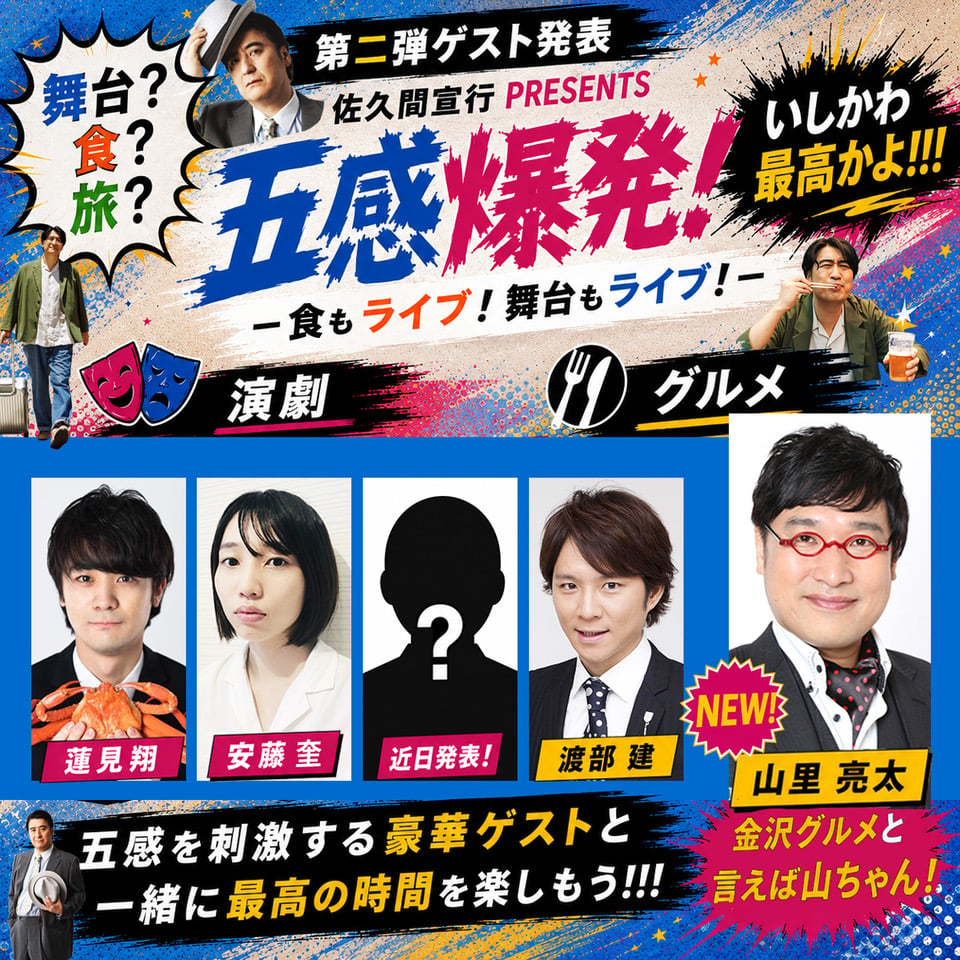
- Prompt included
- Model and format preset
- Premium template
The prompt behind this image
Copy the exact prompt behind Chaotic Japanese Guest Announcement Poster, or open it in the studio and make it yours.
Goal: Create a loud, deliberately over-the-top Japanese entertainment announcement poster with a cheap generated-AI feeling, like a promotional banner for a stage, food, and travel themed live event presented by {argument name="presenter name" default="佐久間宣行"}. Canvas: Square 1:1 poster, saturated blue background, dense comic-book texture, halftone dots, paint splatters, star confetti, rough brush strokes, torn-paper cream center panel, high-contrast black banners, hot pink and yellow accents. Layout: Top third is a chaotic headline area. Place a white jagged speech bubble on the upper left containing vertical colorful text from {argument name="left speech bubble text" default="舞台? 食? 旅?"}. Near the top center add a small cutout portrait of a serious middle-aged Japanese man in a suit tipping his hat. Across the top black brush banner, show the announcement line {argument name="announcement text" default="第二弾ゲスト発表 佐久間宣行 PRESENTS"}. The main headline dominates the center in huge hand-painted brush lettering, blue then magenta, reading {argument name="main headline" default="五感爆発!"}. Under it, add a smaller slogan in mixed black, orange, and blue text reading {argument name="subheadline" default="食もライブ!舞台もライブ!"}. On the upper right, place a black ink-burst speech bubble with bold yellow and white lettering saying that Ishikawa is the best, with exclamation marks. Middle band: Add two black brush category ribbons. Left ribbon has two theater masks, one pink and one blue, and the label for theater. Right ribbon has a white fork-and-spoon circle icon and the label for gourmet food. Include two small cutout full-body/half-body photos: one casual man standing near the lower left edge holding a suitcase, and one smiling man at upper right eating while holding a clear drink cup. Guest grid: Use exactly 5 guest slots in the lower half. Four are vertical rectangular portrait cards aligned left-to-right on a blue field, plus one larger portrait card on the far right. The 5 visible guests are: 1) young Japanese man in a black suit holding an orange crab, with a magenta nameplate; 2) young Japanese woman with straight black bob hair in a white outfit, with a magenta nameplate; 3) anonymous black silhouette head with a large white question mark and a magenta nameplate saying it will be announced soon; 4) young Japanese man in a suit and tie, with a yellow nameplate; 5) larger middle-aged Japanese man with black hair, red round glasses, black jacket, white shirt, and black scarf with red dots, with a yellow nameplate. Add a bright jagged pink-and-yellow “NEW!” burst overlapping between the fourth and fifth guest cards. Bottom section: Add a wide black brush-stroke banner across the bottom with large white Japanese-style copy, emphasizing a few words in yellow. Put a small suited man holding a hat at the lower left of this banner. On the bottom right, add a hot-pink comic burst with yellow Japanese-style text calling out the gourmet segment. Visual style: Maximalist Japanese variety-show poster design, intentionally gaudy and cluttered, inconsistent font weights, exaggerated brush typography, strong drop shadows, rough cutout photo collage, comic halftones, ink splashes, neon accents, and uneven spacing. Make it look like a first-pass AI-generated promo graphic rather than polished professional design. Constraints: Use exactly 5 guest portrait cards, exactly 2 category ribbons, exactly 2 food/theater icons on the category ribbons, exactly 1 left speech bubble, exactly 1 right ink-burst bubble, exactly 1 NEW burst, and exactly 1 large main headline. Avoid minimalist design, avoid clean empty space, avoid English-only typography, and do not add a watermark.
How to use Chaotic Japanese Guest Announcement Poster in 3 steps
- 1Upload ImagePNG, JPG or paste
Add your photo
Upload the photo the template builds on. The prompt, model and format are already set.
- 2…a portrait of your subject in softgolden-hour light, 85mm…
Personalize
Edit the subject and creative details for your destination.
- 3Generate
Generate
Press Generate — your image is created in PicX Studio, so you can compare it with the original and refine one variable at a time.
More like this
Templates with the same subject, style or setup. Open one to see its prompt.

Minecraft Japanese Research Lab Exploration

Japan Travel Brochure Poster

Cartoon TV Show Poster Pack

Trendy Cafe Drink Promo Poster

Urban Fashion Editorial Collage Streetwear Poster

Japanese Architectural Concrete Studio Fashion Campaign

Premium Fashion Editorial Cover Layout System

Polo Ralph Lauren Luxury American Heritage Fashion Campaign

Monochrome Halftone Editorial Fashion Poster

Retro Mirror Luxury Fashion Campaign Poster

Luxury Fashion Campaign Typography Poster System

Premium Fashion Editorial Campaign Poster System
Make it yours
Chaotic Japanese Guest Announcement Poster works as-is. These are the safest ways to change it without losing the look.
Change one field
Copy a single group, rewrite it, and generate again so you can see what that field is doing.
Keep the frame, change the subject
Hold the composition and light of Chaotic Japanese Guest Announcement Poster, then swap wardrobe, props or the person for a new take.
| If the result… | Why | Fix |
|---|---|---|
| The result drifts from the preview | Too many fields changed at once. | Reuse Chaotic Japanese Guest Announcement Poster as-is first, then change one group — subject, light, or setting. |
| The model over-stylizes the scene | The prose prompt leaves finish and camera underspecified. | Add one camera or lighting sentence and stay on GPT Image 2. |
More GPT Image 2 templates
Other prompts made for GPT Image 2.

Six VTuber Japanese Logo Sheet

Realistic Portrait of Woman and Deer

The Vista Modular Condo Poster

AI Model Routing Comparison Infographic

2.5D Anime Art Board

Isometric Productivity Desk Scene

New York Double Exposure Poster

Four-Panel AI Landscape Comparison

Japanese Tatami Lifestyle Magazine Cover

NESCAFÉ Coffee Map Poster
More image prompts
Fresh picks from across the catalog.
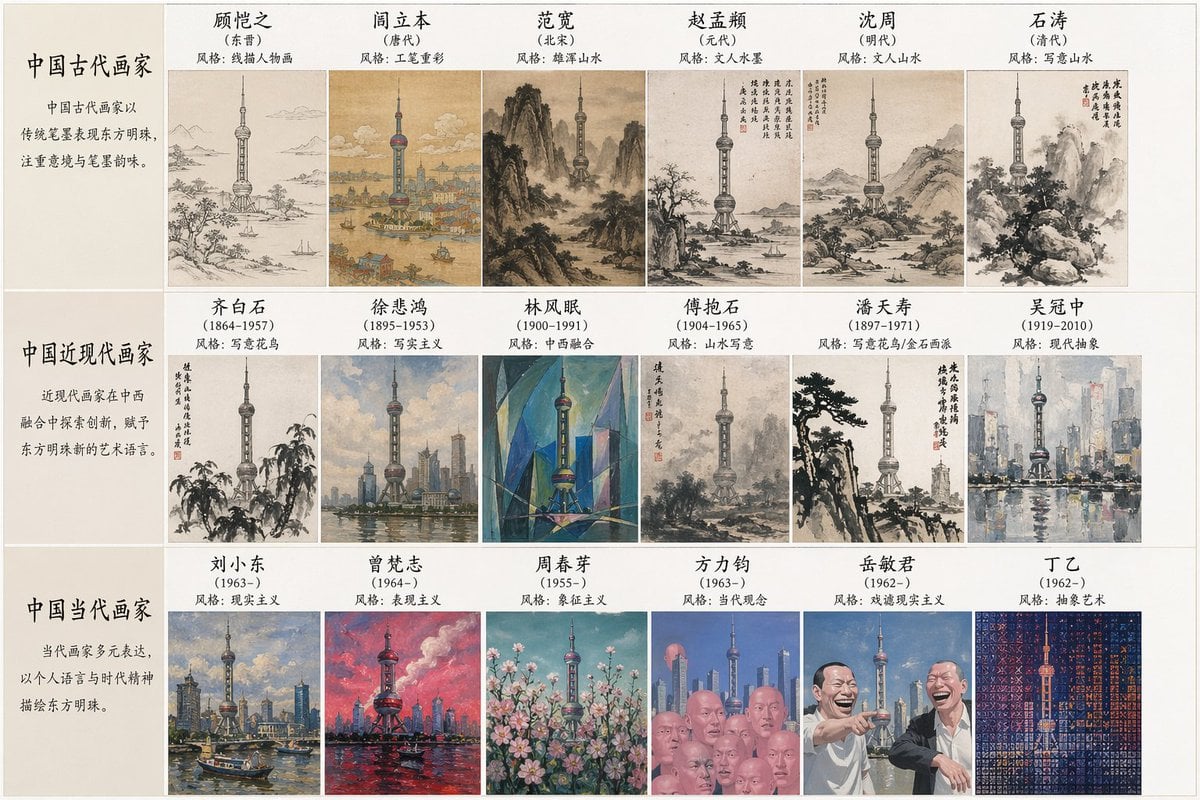
Artistic Style Synthesis for Landmarks

Luxury Ride and Mountain Vibes Editorial
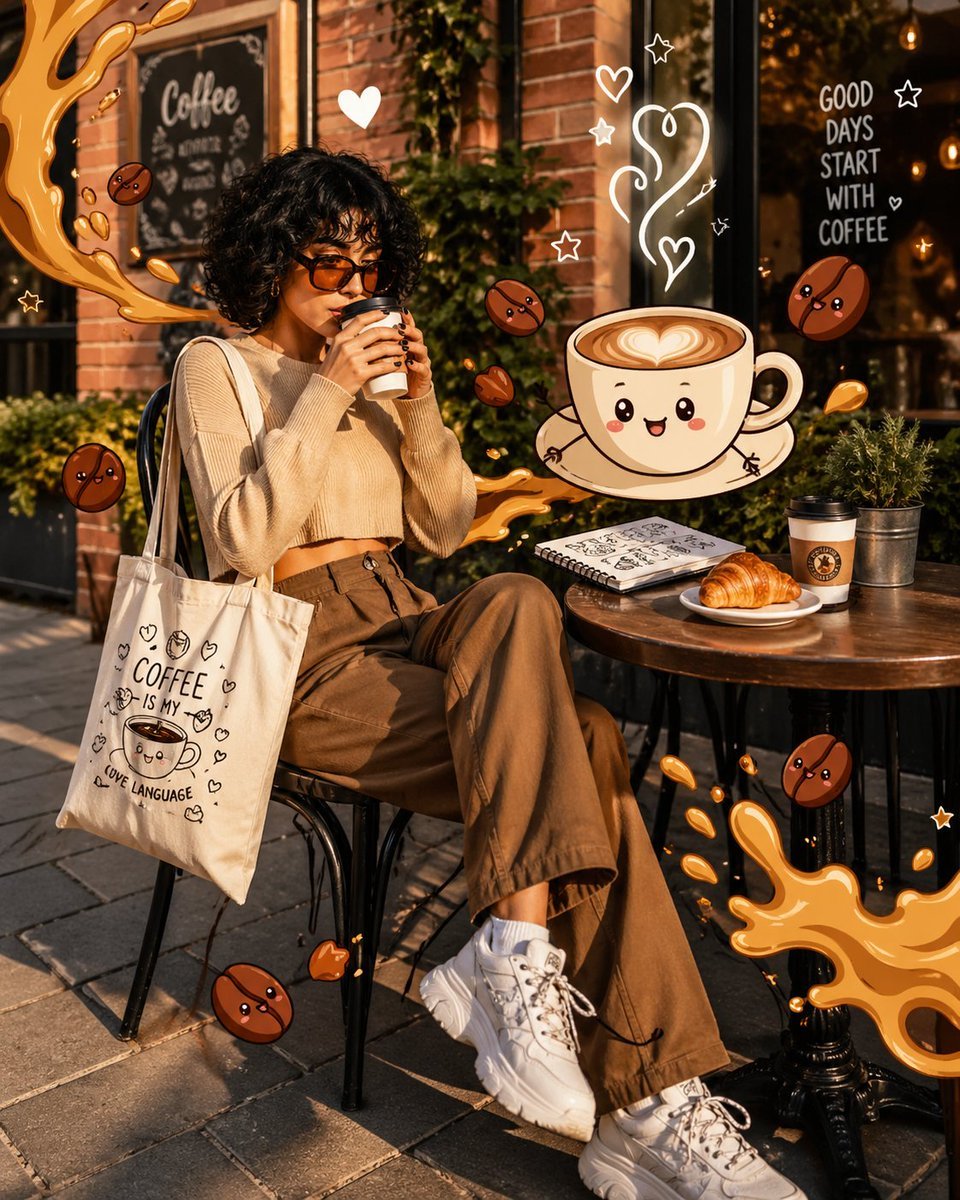
Mixed Reality Café Illustration
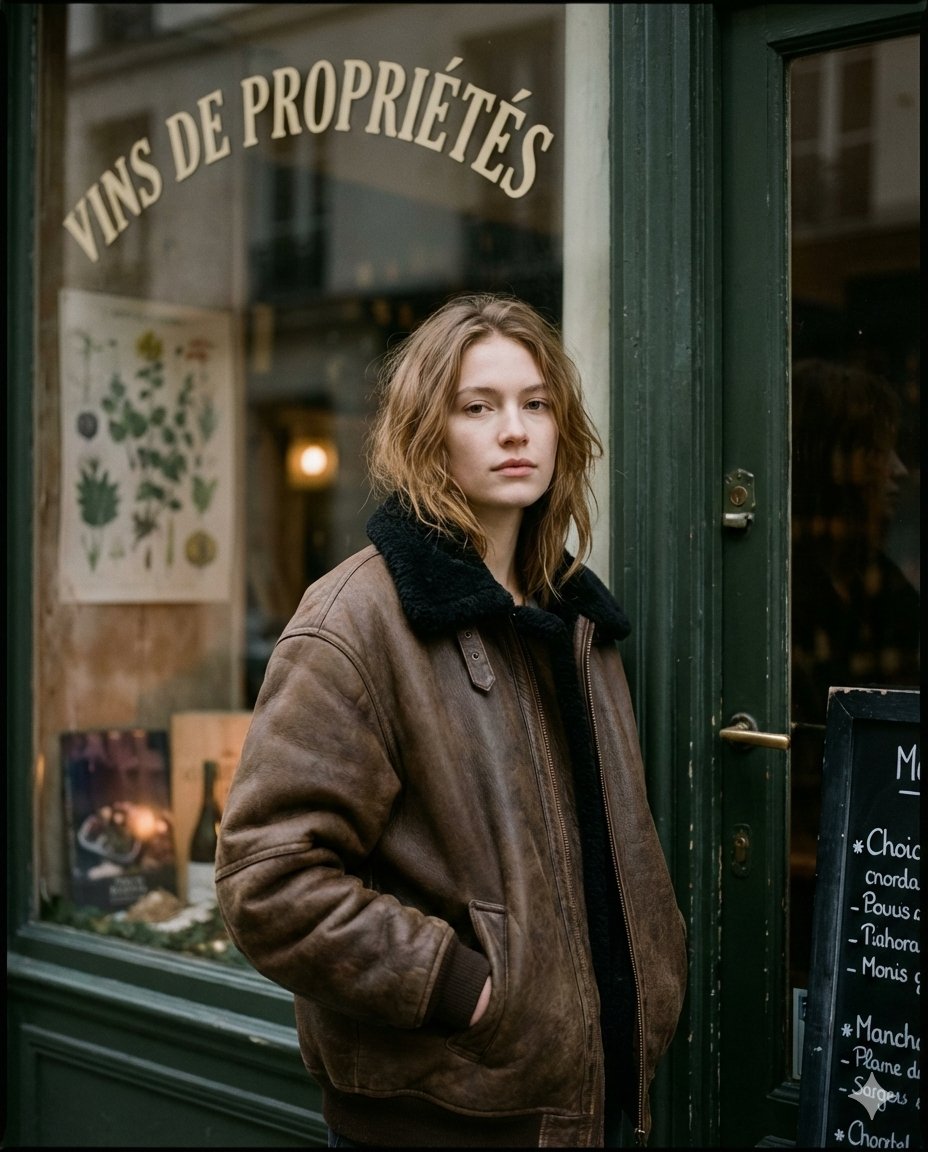
Moody Paris Street Editorial Portrait
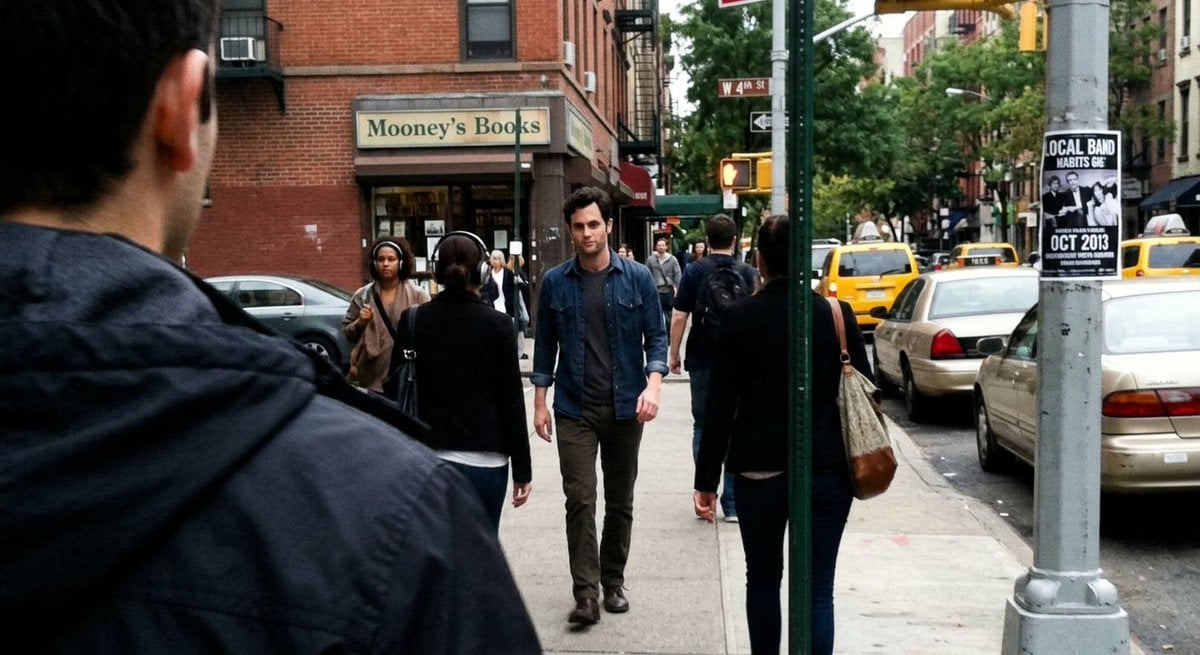
Fleeing Joe Goldberg Photo
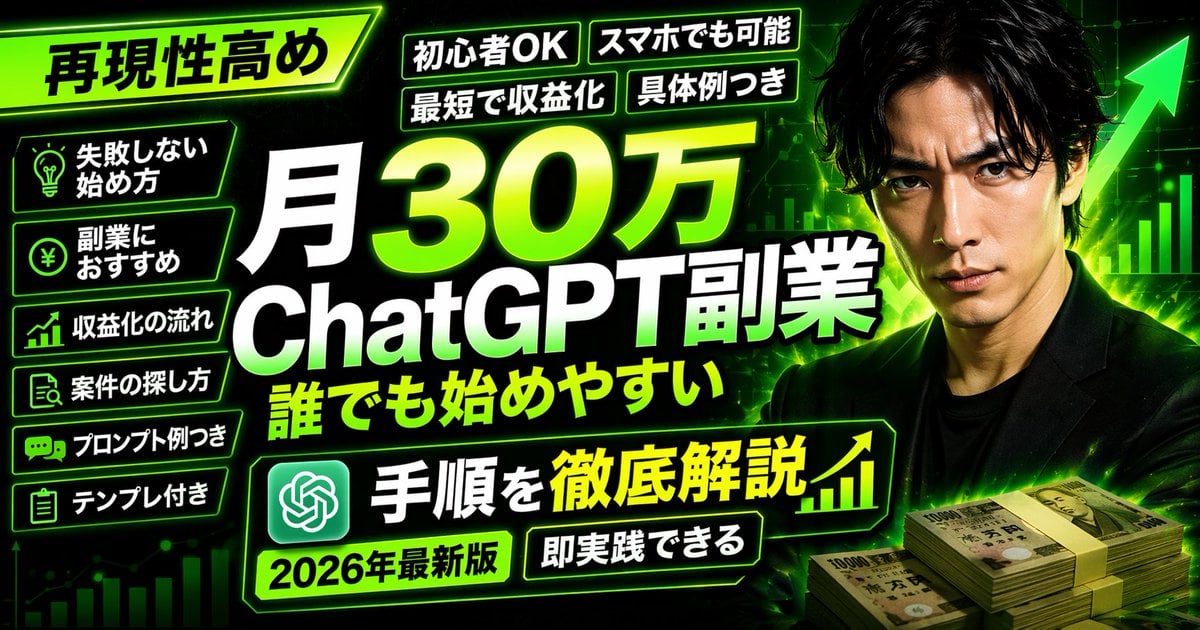
Neon Business Info-Product Thumbnail
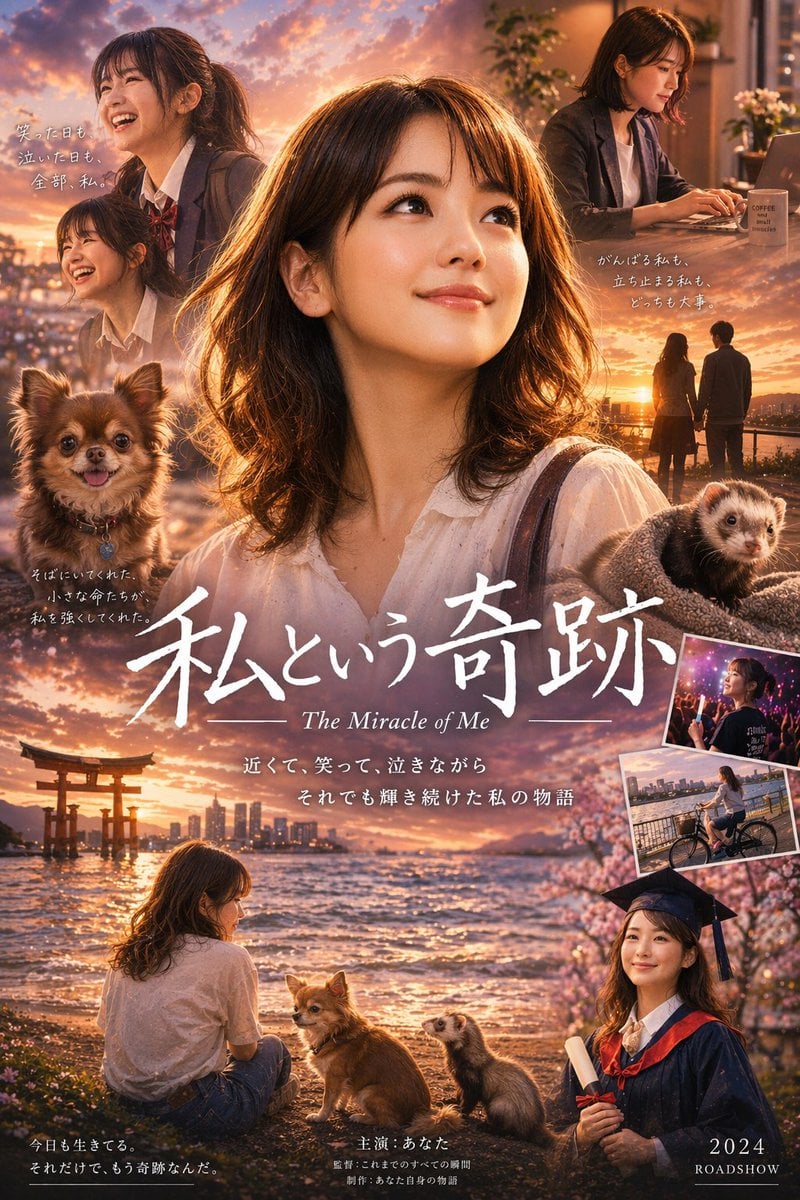
Japanese Drama Collage Film Poster
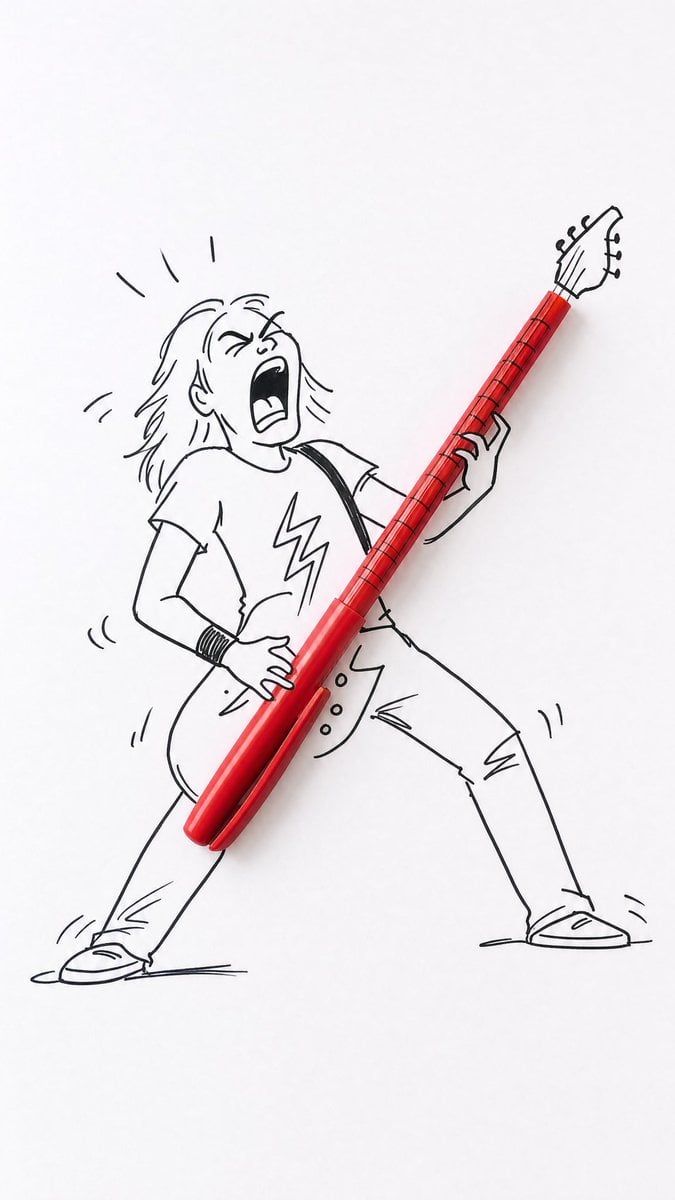
Real Object and Doodle Composite Art
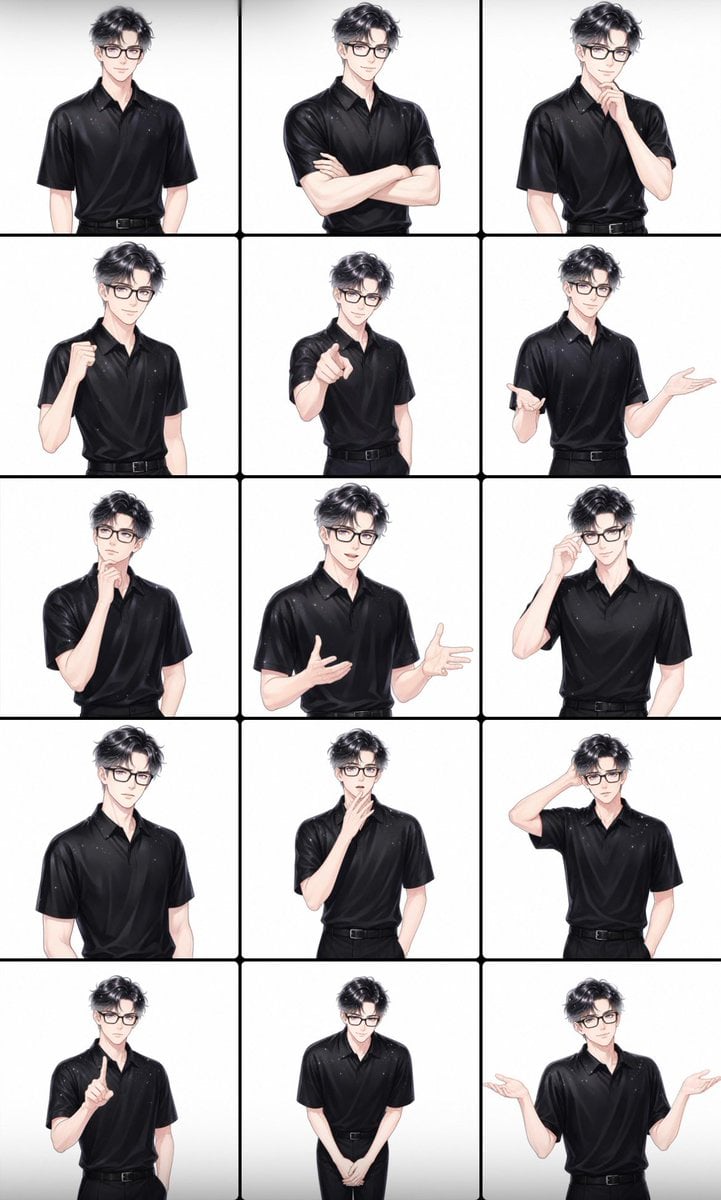
Male Presenter Avatar Pose Sheet
Seedance 2 0 Bullet Time Selfie Modular
Browse template categories
Chaotic Japanese Guest Announcement Poster questions
How do I use the Chaotic Japanese Guest Announcement Poster template?
Add your photo if the template asks for one, edit the prompt if you like — the template's model and format are already selected — and press Generate. Your version opens in PicX Studio.
Can I customize the Chaotic Japanese Guest Announcement Poster template?
Yes. You can change the subject, setting, lighting, mood, format, and available model controls before creating your image.
Is the Chaotic Japanese Guest Announcement Poster template free?
Opening and editing this template is free. Generating uses credits, shown on the Generate button when you are signed in.
Which AI model should I use?
Start with GPT Image 2, which is the model associated with this template. You can compare another compatible model for a different finish.
Looking for something else? Browse all templates.

Your photo, any look
Thousands of ready templates for every top image and video model, from one credit balance.