
Branded Rainy Office Worker Illustration
Creates a new on-brand hand-drawn editorial illustration from a reference style, useful for reusable visual identity examples.
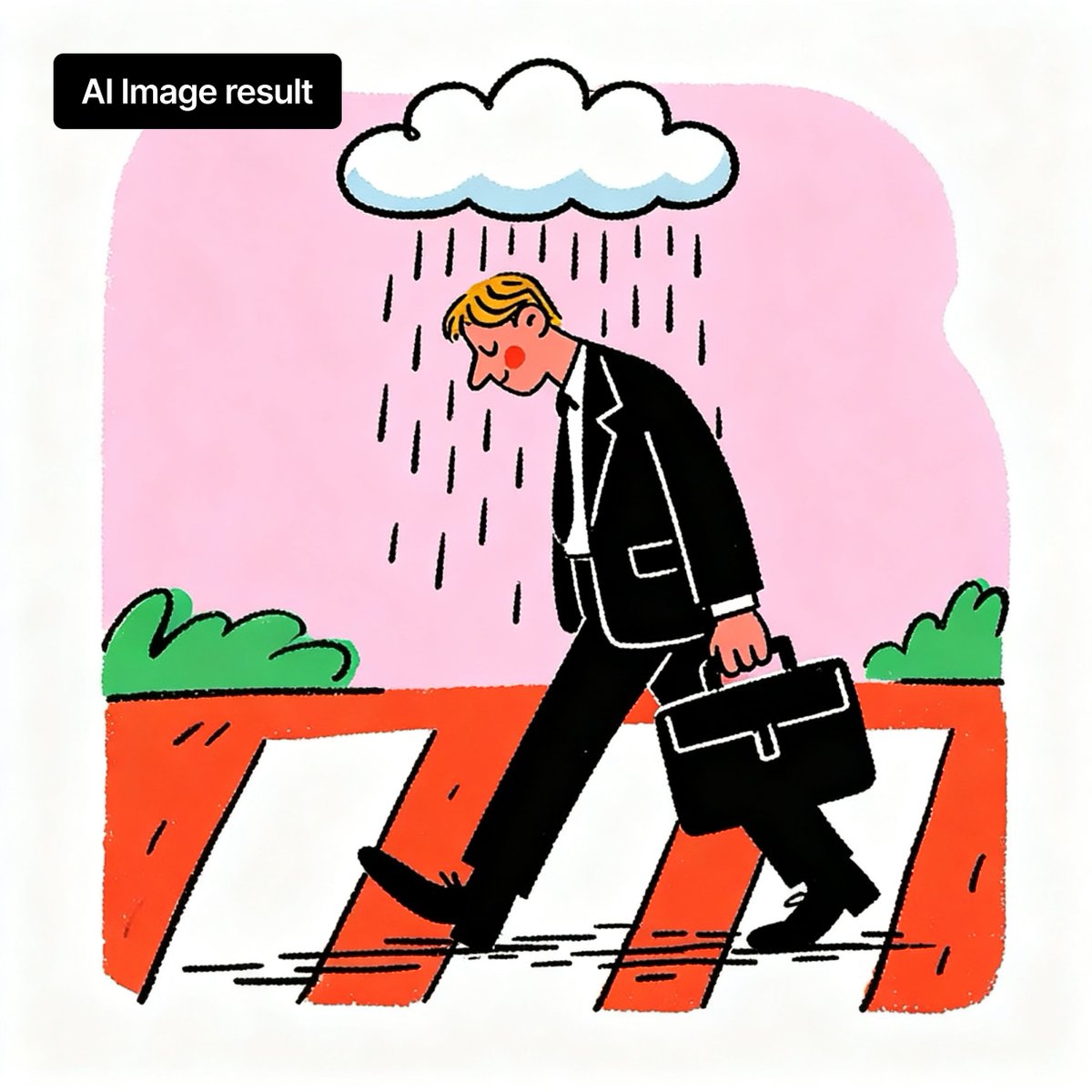
- Prompt included
- Model and format preset
- Free template
The prompt behind this image
Copy the exact prompt behind Branded Rainy Office Worker Illustration, or open it in the studio and make it yours.
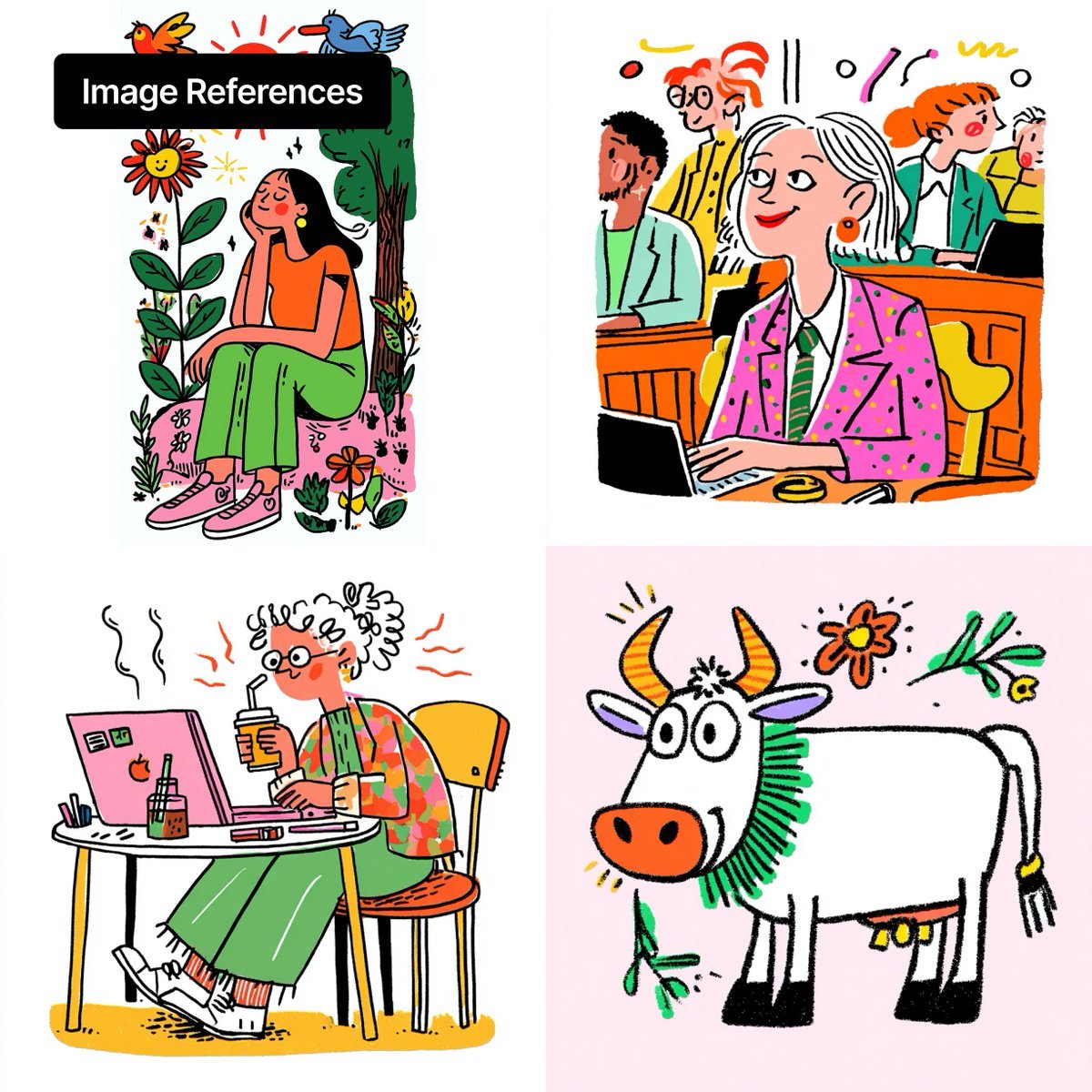
Using REFERENCE_0 as the visual style reference, create a new single-panel square illustration in the same playful hand-drawn editorial style: thick black outlines, flat bright colors, slightly rough marker texture, simple shapes, and lots of white margin. Replace the collage with one central scene: a sad office worker walking left across a zebra crossing in the rain, holding a black briefcase, wearing a black suit and tie. Add exactly 1 large white rain cloud above him, vertical rain strokes falling only around him, a soft irregular pink background block, an orange road/crosswalk area with white crossing stripes, and exactly 2 small green bushes in the background, one on each side. Keep the composition minimal and poster-like. Add a black rounded rectangle label at the top left with white bold text reading {argument name="label text" default="AI Image result"}. Optional customization: the main subject may be changed to {argument name="main subject" default="sad office worker"}, the weather mood to {argument name="weather mood" default="rain cloud"}, and the background color block to {argument name="background color" default="soft pink"}. Do not reuse the four-panel layout or the original characters/animals; only reuse the visual brand style.
Reference images included
Branded Rainy Office Worker Illustration needs input media to work. They load alongside the prompt when you open it in the studio.
How to use Branded Rainy Office Worker Illustration in 3 steps
- 1Upload ImagePNG, JPG or paste
Add your photo
Upload the photo the template builds on. The prompt, model and format are already set.
- 2…a portrait of your subject in softgolden-hour light, 85mm…
Personalize
Edit the subject and creative details for your destination.
- 3Generate
Generate
Press Generate — your image is created in PicX Studio, so you can compare it with the original and refine one variable at a time.
More like this
Templates with the same subject, style or setup. Open one to see its prompt.
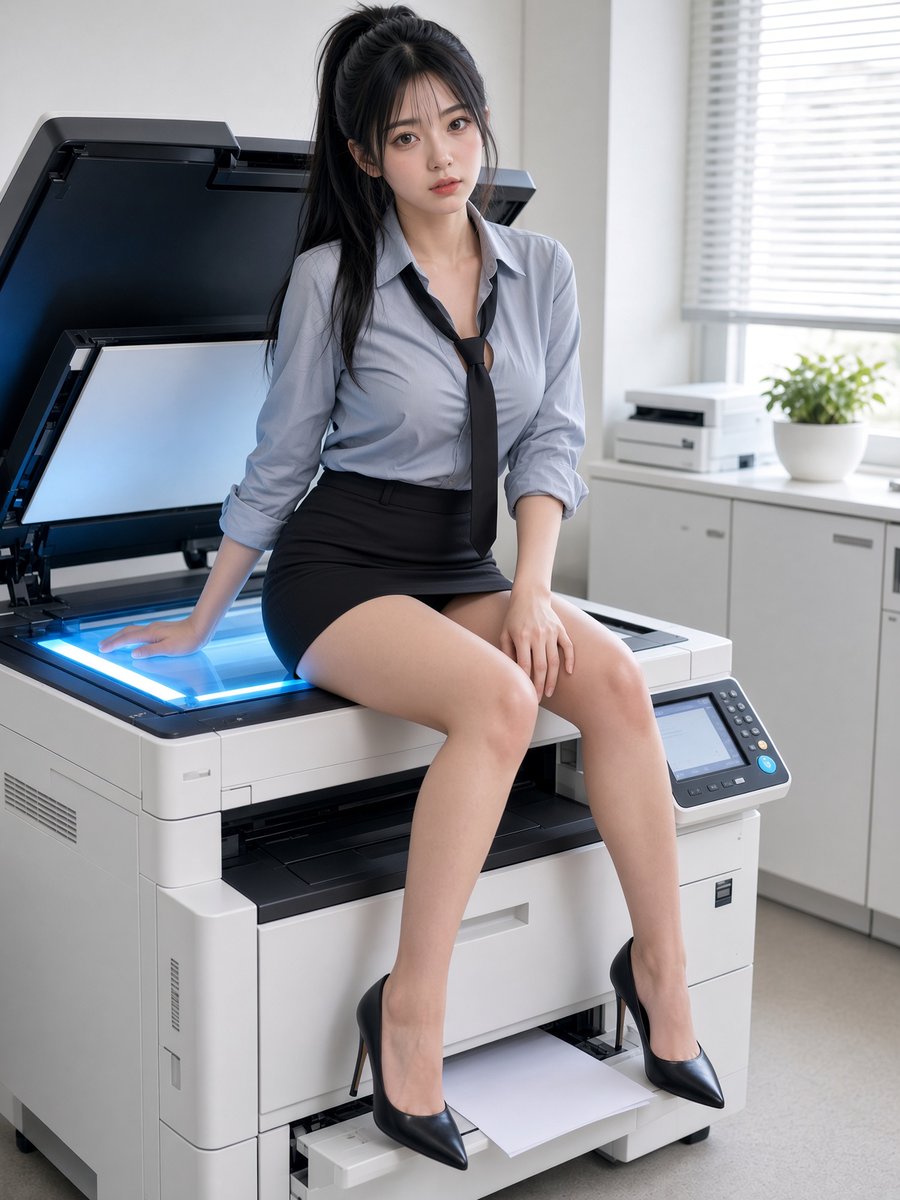
Office Worker Resting on Copier
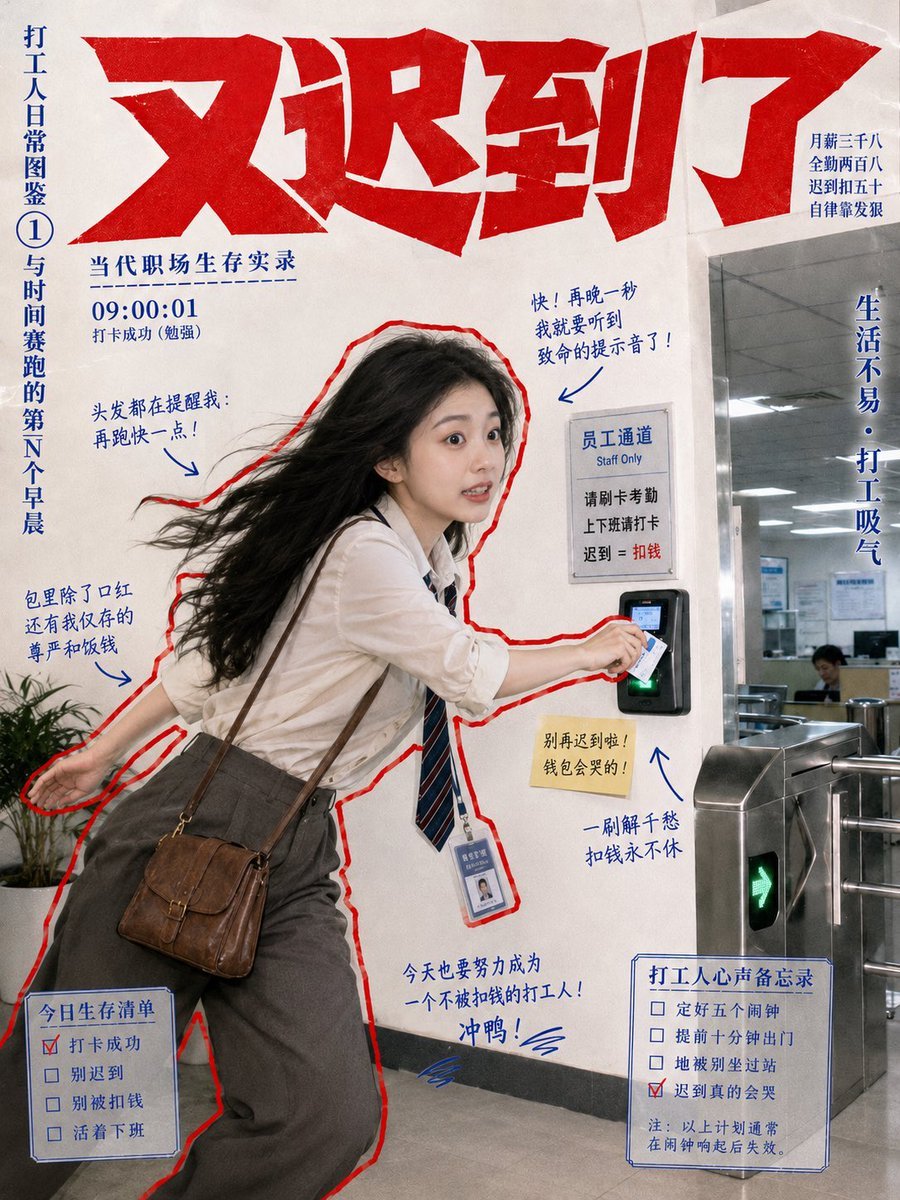
Chaotic Late Office Worker Poster
Office Worker Blister Pack Figure
Two Anime Office Workers at Glass Doors

Quiet Minimalist Anime Style Guide

Real Illustration Split Portrait Transition
Quiet Minimalist Anime Style Guide

Watercolor Café Cheesecake Editorial Illustration
Real Illustration Split Portrait Transition

Bold Side Profile Superhero Poster

Hero Portrait Comic Multi-Panel Poster

Spider-Verse Painterly Portrait Poster
Make it yours
Branded Rainy Office Worker Illustration works as-is. These are the safest ways to change it without losing the look.
Change one field
Copy a single group, rewrite it, and generate again so you can see what that field is doing.
Keep the frame, change the subject
Hold the composition and light of Branded Rainy Office Worker Illustration, then swap wardrobe, props or the person for a new take.
| If the result… | Why | Fix |
|---|---|---|
| The result drifts from the preview | Too many fields changed at once. | Reuse Branded Rainy Office Worker Illustration as-is first, then change one group — subject, light, or setting. |
| The model over-stylizes the scene | The prose prompt leaves finish and camera underspecified. | Add one camera or lighting sentence and stay on GPT Image 2. |
More GPT Image 2 templates
Other prompts made for GPT Image 2.

Six VTuber Japanese Logo Sheet

Realistic Portrait of Woman and Deer

The Vista Modular Condo Poster

AI Model Routing Comparison Infographic

2.5D Anime Art Board

Isometric Productivity Desk Scene

New York Double Exposure Poster

Four-Panel AI Landscape Comparison

Japanese Tatami Lifestyle Magazine Cover

NESCAFÉ Coffee Map Poster
More image prompts
Fresh picks from across the catalog.
Fantasy Auto-Battler Spritesheet
Forest Spring Tomatoes

Hyper-Realistic Two-Panel iPhone Portrait Prompt
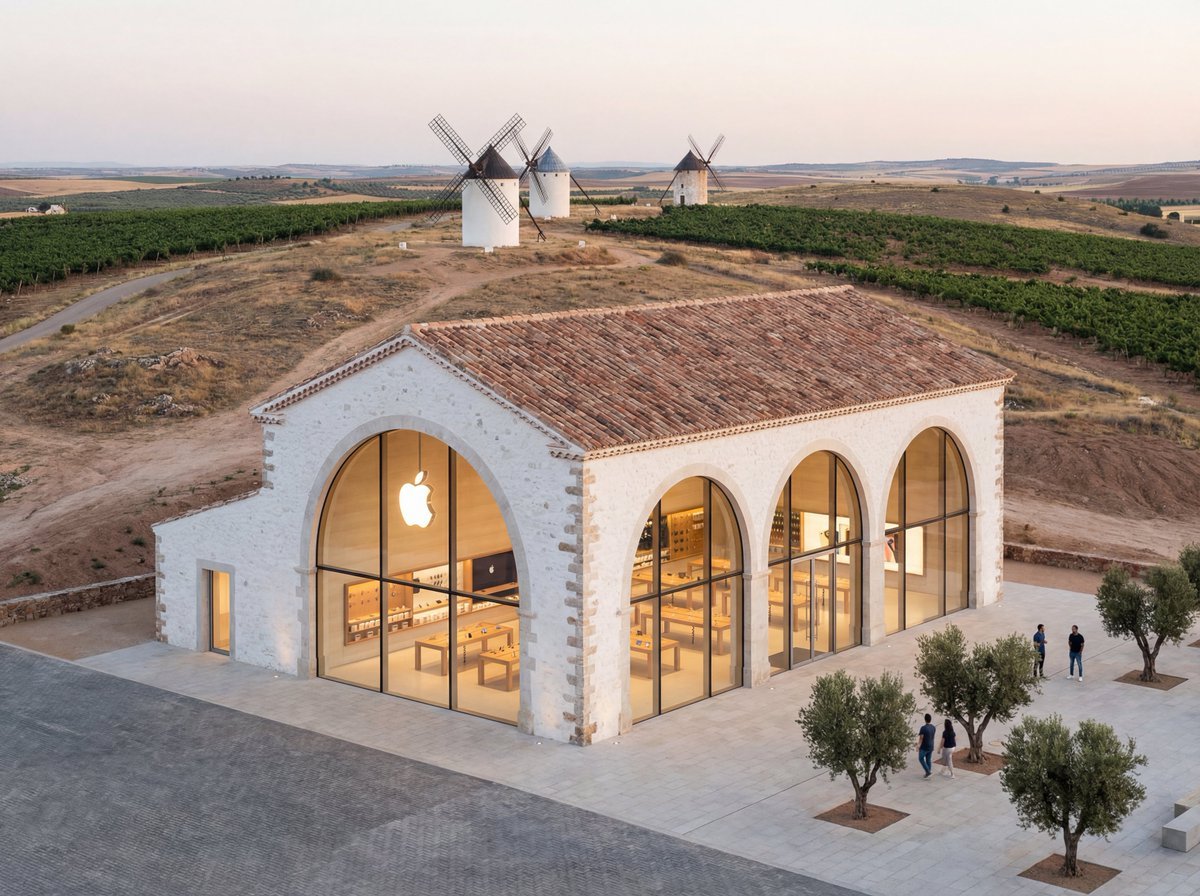
Apple Store in La Mancha Comparison
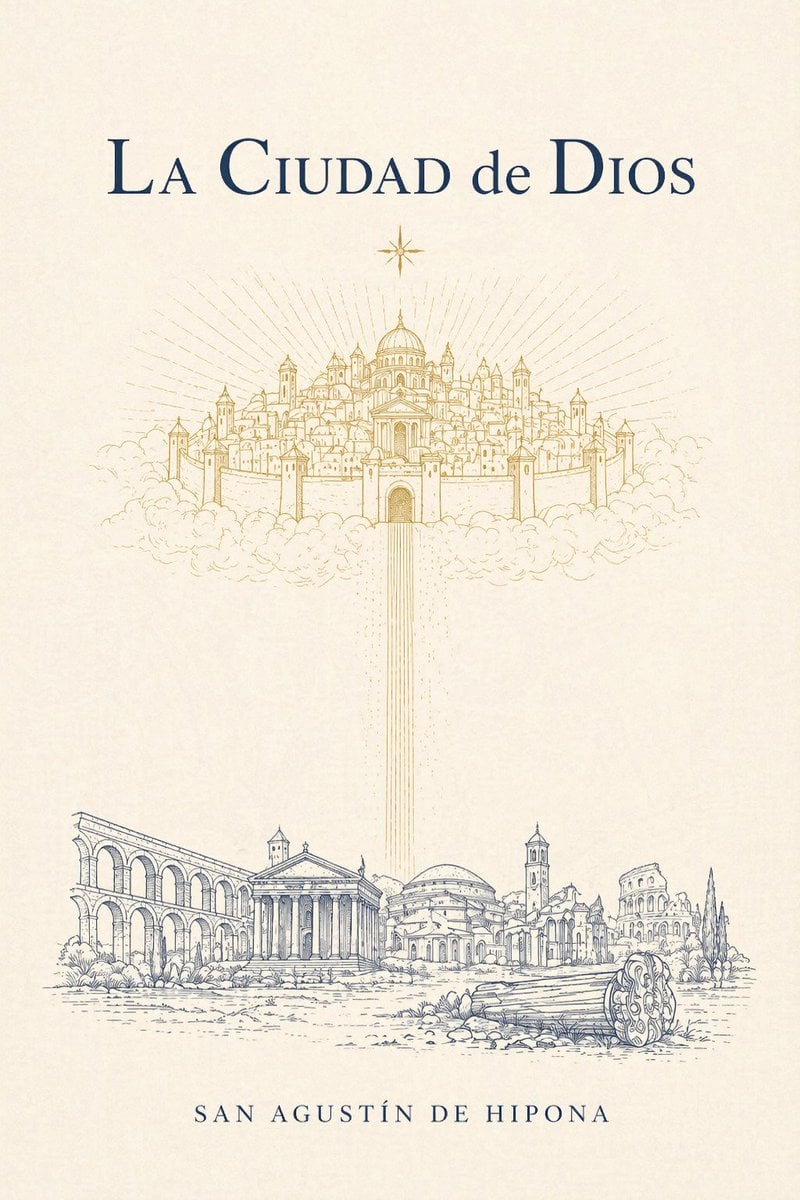
Classical Cover for The City of God
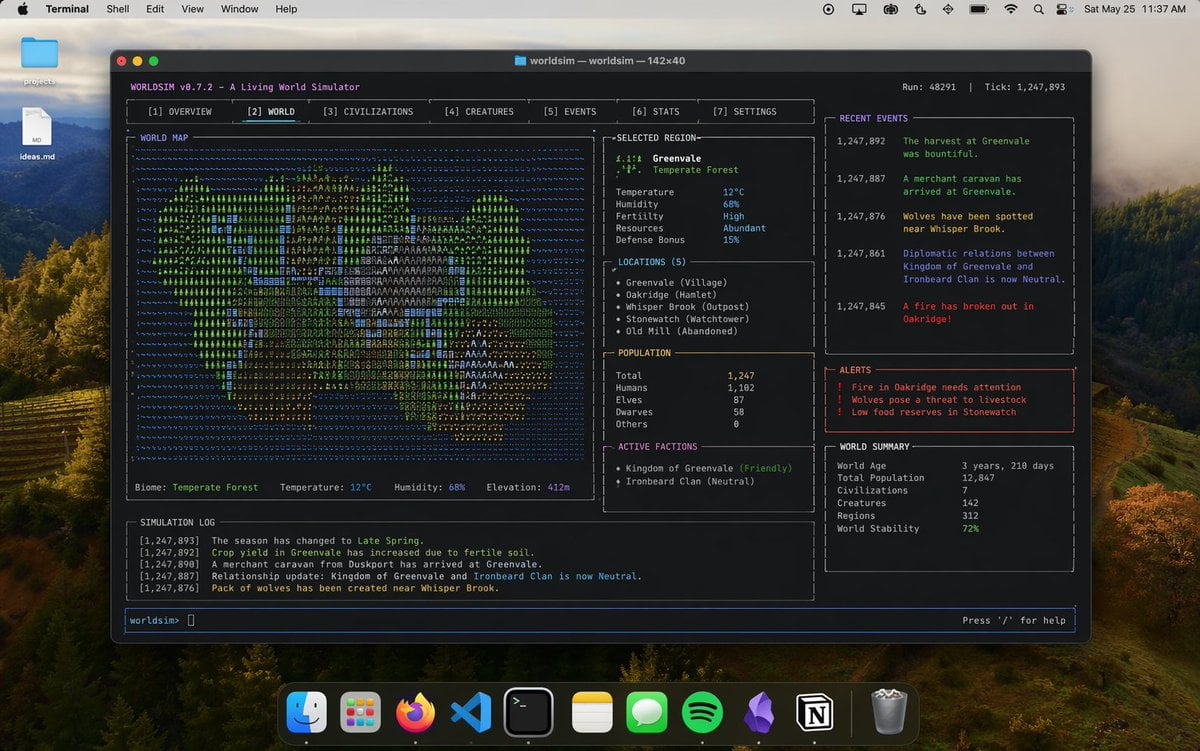
Mac Terminal World Sim UI
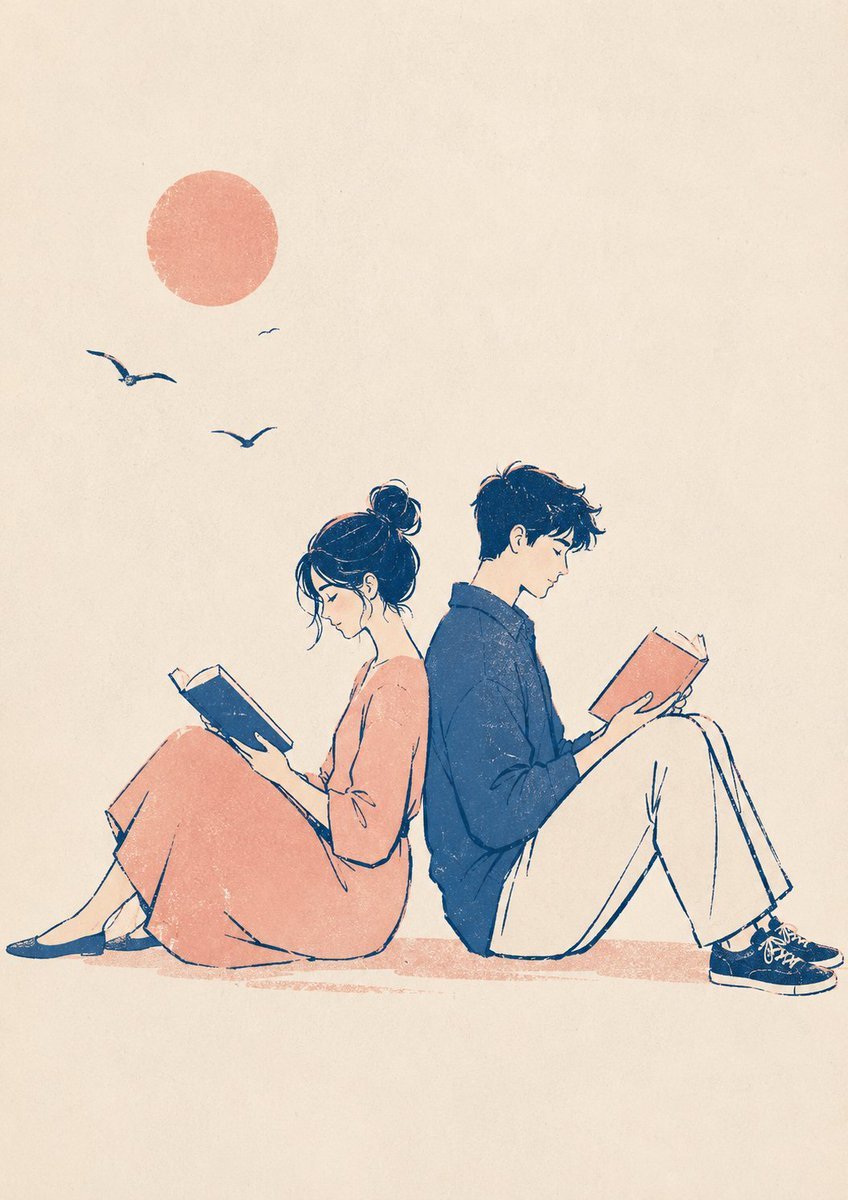
Printmaking Style Couple Illustration

Ultra-realistic cinematic portrait through a rain-soaked café window
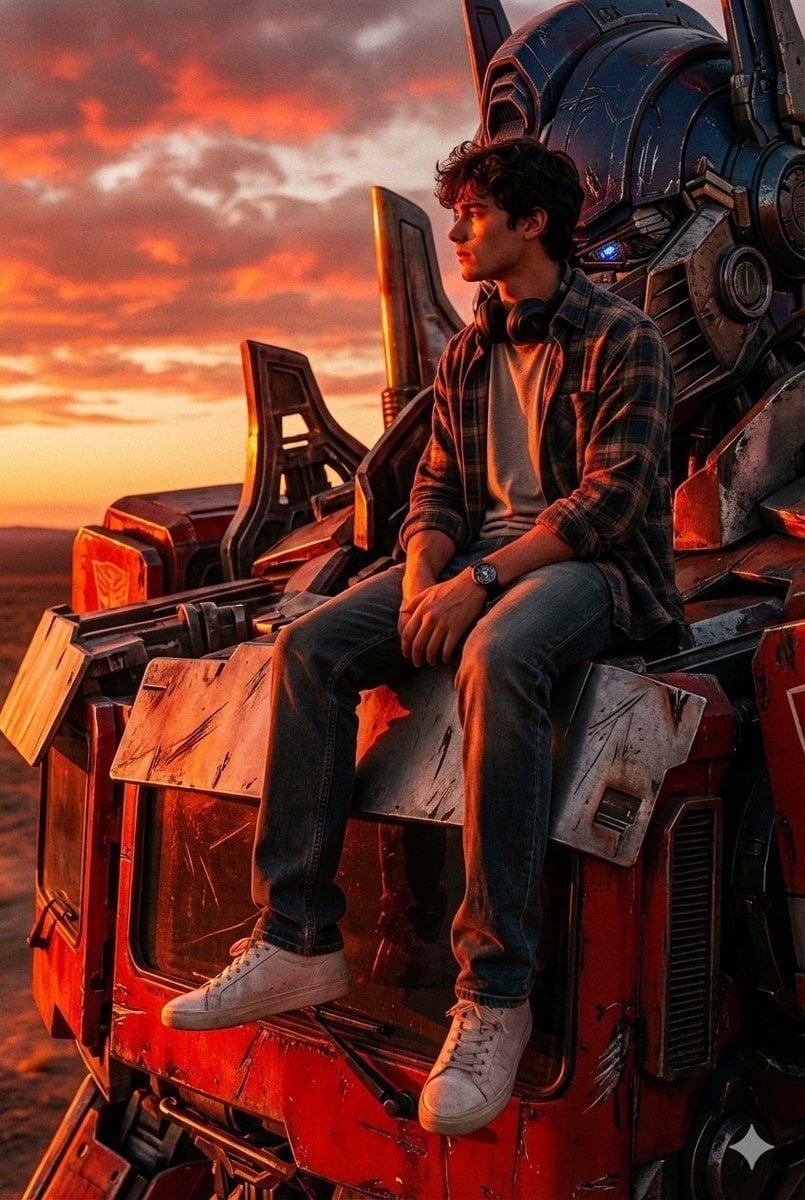
Colossal Optimus Prime and Human Cinematic Photo Prompt

Urban Portrait of Young Man by Brick Wall
Browse template categories
Branded Rainy Office Worker Illustration questions
How do I use the Branded Rainy Office Worker Illustration template?
Add your photo if the template asks for one, edit the prompt if you like — the template's model and format are already selected — and press Generate. Your version opens in PicX Studio.
Can I customize the Branded Rainy Office Worker Illustration template?
Yes. You can change the subject, setting, lighting, mood, format, and available model controls before creating your image.
Is the Branded Rainy Office Worker Illustration template free?
Opening and editing this template is free. Generating uses credits, shown on the Generate button when you are signed in.
Which AI model should I use?
Start with GPT Image 2, which is the model associated with this template. You can compare another compatible model for a different finish.
Looking for something else? Browse all templates.

Your photo, any look
Thousands of ready templates for every top image and video model, from one credit balance.