
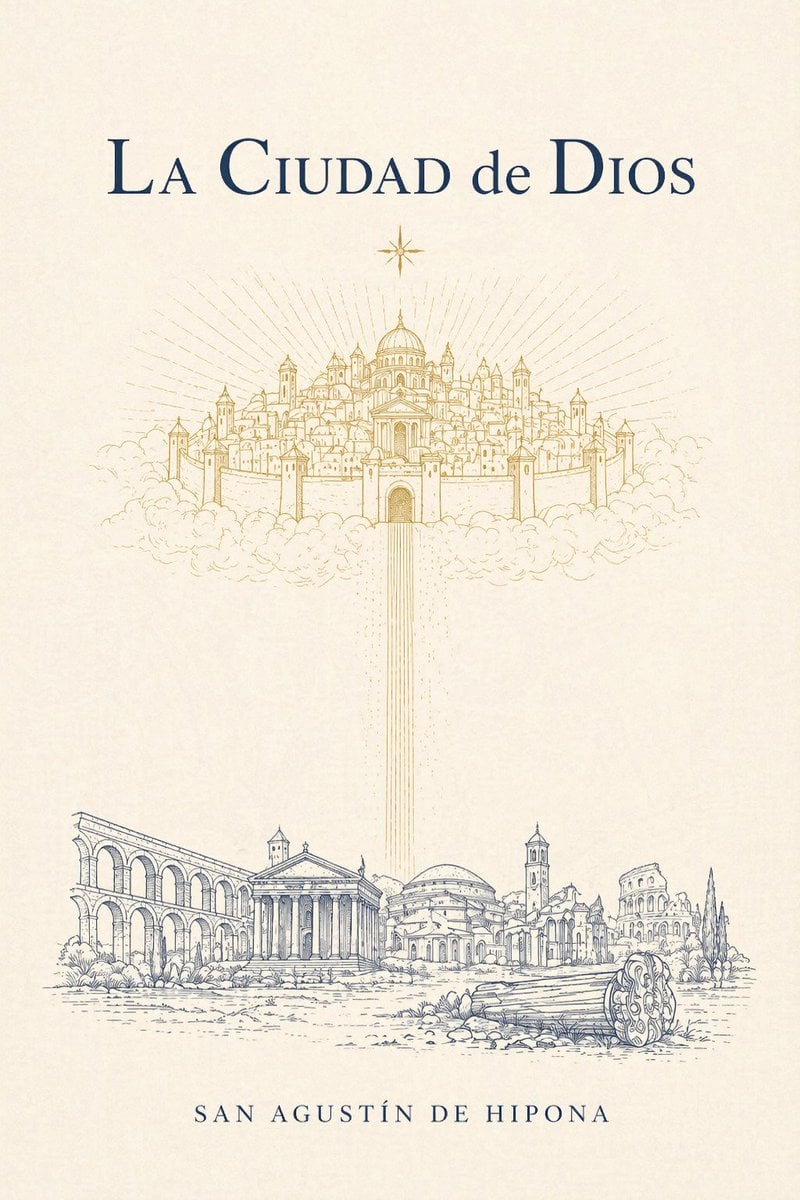
Classical Cover for The City of God
This prompt generates a refined literary book cover with celestial gold line art above Roman ruins, ideal for classic theology, philosophy, or historical works.
- Prompt included
- Model and format preset
- Free template
The prompt behind this image
Copy the exact prompt behind Classical Cover for The City of God, or open it in the studio and make it yours.
A minimalist, elegant vintage book cover design on warm ivory textured paper for {argument name="book title" default="La Ciudad de Dios"}. Center the title near the top in large classical serif typography, dark navy blue, with refined spacing and a literary feel. Directly below it, place 1 small eight-point star in gold. In the upper middle, illustrate a heavenly walled city floating on clouds, drawn as delicate gold line art: a symmetrical sacred city with 1 central domed cathedral, many clustered towers, spires, walls, and gates, surrounded by soft clouds, with radiant sunburst lines spreading outward behind it. From the central gate of the celestial city, send down 1 vertical column of thin golden light beams toward the lower half of the cover. In the bottom third, depict an earthly ancient Roman landscape in fine blue-gray ink line art: 5 main architectural ruins and monuments arranged horizontally, including a long arcade on the left, a classical temple with columns near left-center, a domed building in the middle, a bell tower and surrounding ruins near right-center, and a colosseum-like ruin on the far right, plus a broken fallen column drum in the right foreground and sparse shrubs and ground texture. Keep the composition airy, symmetrical, and contemplative, with abundant negative space between heaven and earth. Place the author name {argument name="author name" default="SAN AGUSTÍN DE HIPONA"} centered at the bottom in spaced small caps serif, dark navy blue. Use only 3 visible text elements total: the title, the author name, and no subtitle. Palette limited to ivory, gold, and dark navy blue, with precise engraved linework and a sacred, timeless, classical theological mood.
How to use Classical Cover for The City of God in 3 steps
- 1Upload ImagePNG, JPG or paste
Add your photo
Upload the photo the template builds on. The prompt, model and format are already set.
- 2…a portrait of your subject in softgolden-hour light, 85mm…
Personalize
Edit the subject and creative details for your destination.
- 3Generate
Generate
Press Generate — your image is created in PicX Studio, so you can compare it with the original and refine one variable at a time.
More like this
Templates with the same subject, style or setup. Open one to see its prompt.

Cozy Knit Sweater Window Portrait

Minimalist Hand-Drawn Doodle Portrait
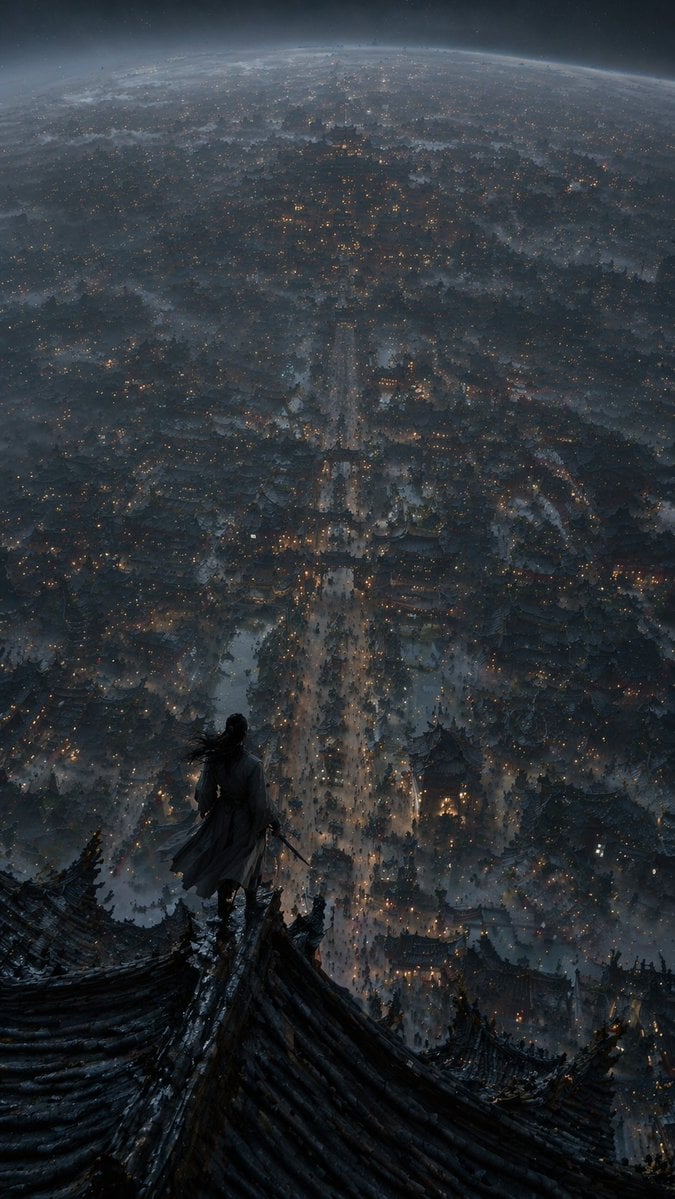
Xianxia Cityscape from God's-Eye View

Vector Illustration for Five Gods of Wealth Red Packet Cover

Nano Banana Pro 2.0 — 3x3 Travel Profile Grid
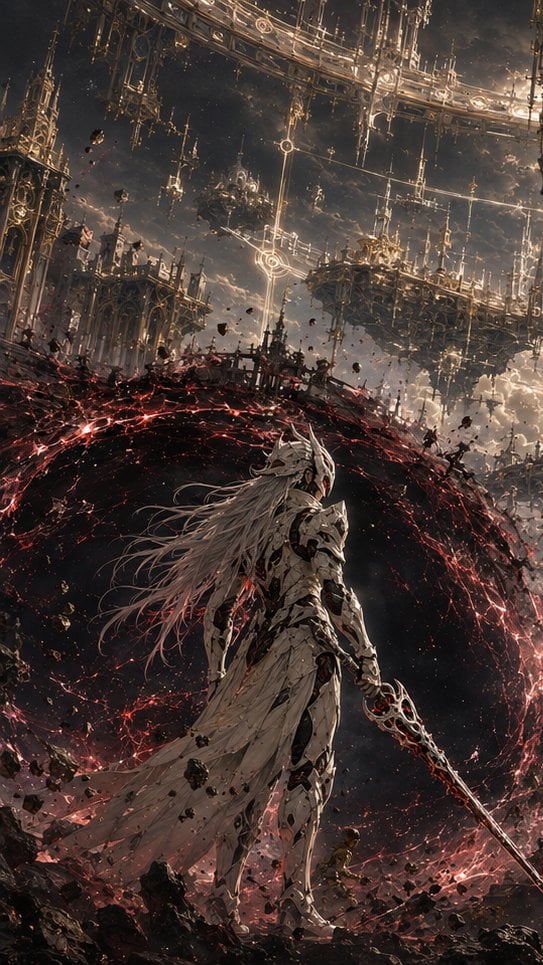
The God Kneels Narrative Scene

Painterly Coastal God Rays Illustration

Misty Jiangnan Classical Portrait

Classical Fat Cat Painting

Portrait face illuminated by dramatic cinematic volumetric god rays

Stylish Man in Modern City

Poseidon Sea God Warrior
Make it yours
Classical Cover for The City of God works as-is. These are the safest ways to change it without losing the look.
Change one field
Copy a single group, rewrite it, and generate again so you can see what that field is doing.
Keep the frame, change the subject
Hold the composition and light of Classical Cover for The City of God, then swap wardrobe, props or the person for a new take.
| If the result… | Why | Fix |
|---|---|---|
| The result drifts from the preview | Too many fields changed at once. | Reuse Classical Cover for The City of God as-is first, then change one group — subject, light, or setting. |
| The model over-stylizes the scene | The prose prompt leaves finish and camera underspecified. | Add one camera or lighting sentence and stay on GPT Image 2. |
More GPT Image 2 templates
Other prompts made for GPT Image 2.

Six VTuber Japanese Logo Sheet

Realistic Portrait of Woman and Deer

The Vista Modular Condo Poster

AI Model Routing Comparison Infographic

2.5D Anime Art Board

Isometric Productivity Desk Scene

New York Double Exposure Poster

Four-Panel AI Landscape Comparison

NESCAFÉ Coffee Map Poster

Brutalist Cogito Chinese Typography Poster
More image prompts
Fresh picks from across the catalog.

Graphic Novel Ink Splatter Portrait

Abstract Subject Emerging from Ink and Water

Doraemon Watercolor Silhouette Dreamscapes

Aesthetic Social Media Link-in-Bio Grid

WhatsApp Group Profile Avatar

Commercial Product Photography (CGI Advertising Composite)
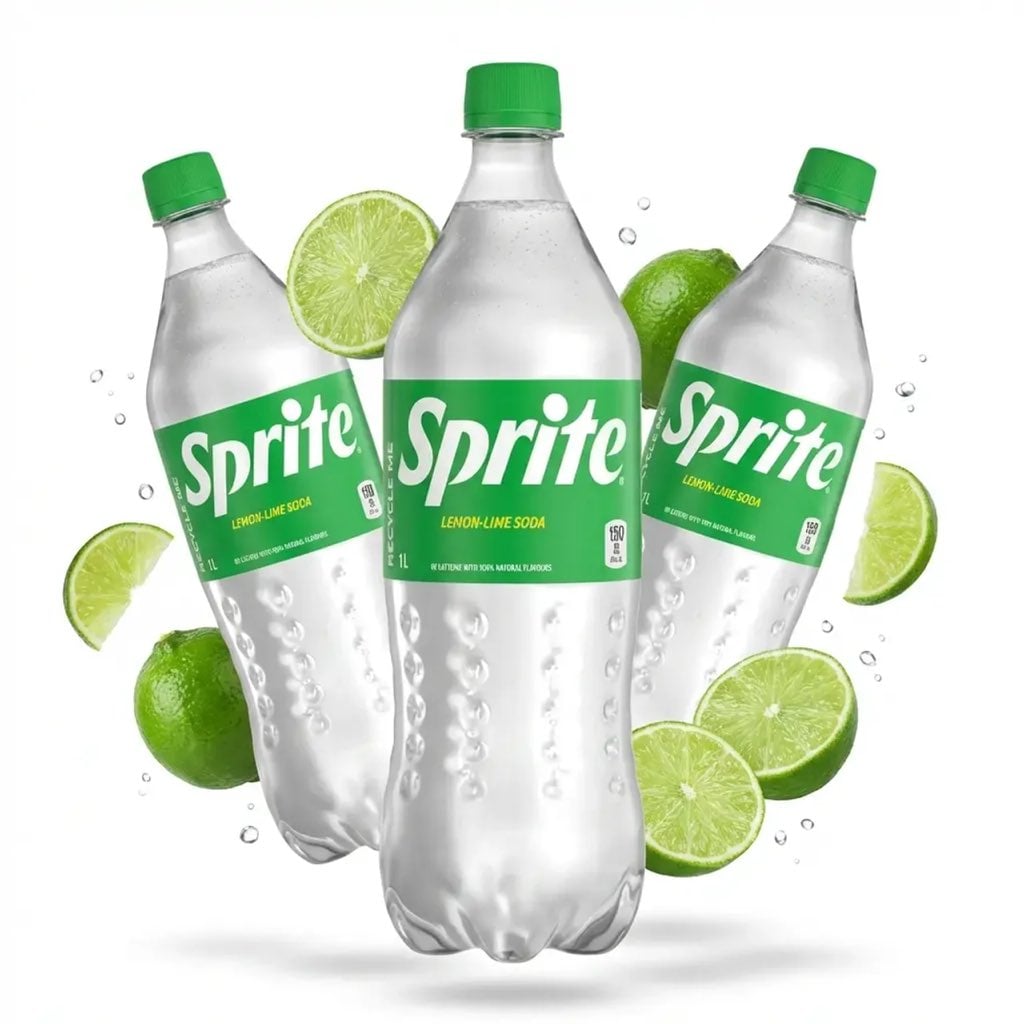
Floating Product Photography Ad
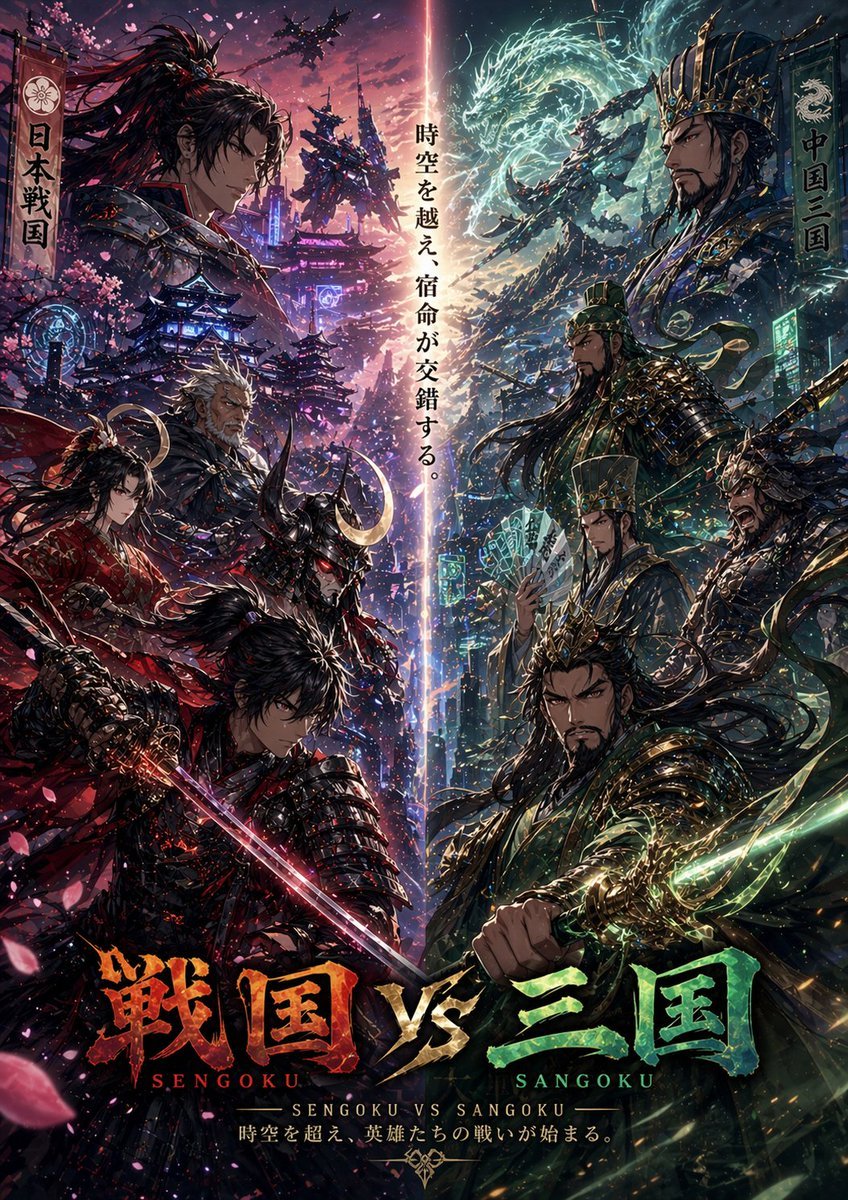
Sengoku vs Sangoku Crossover Poster
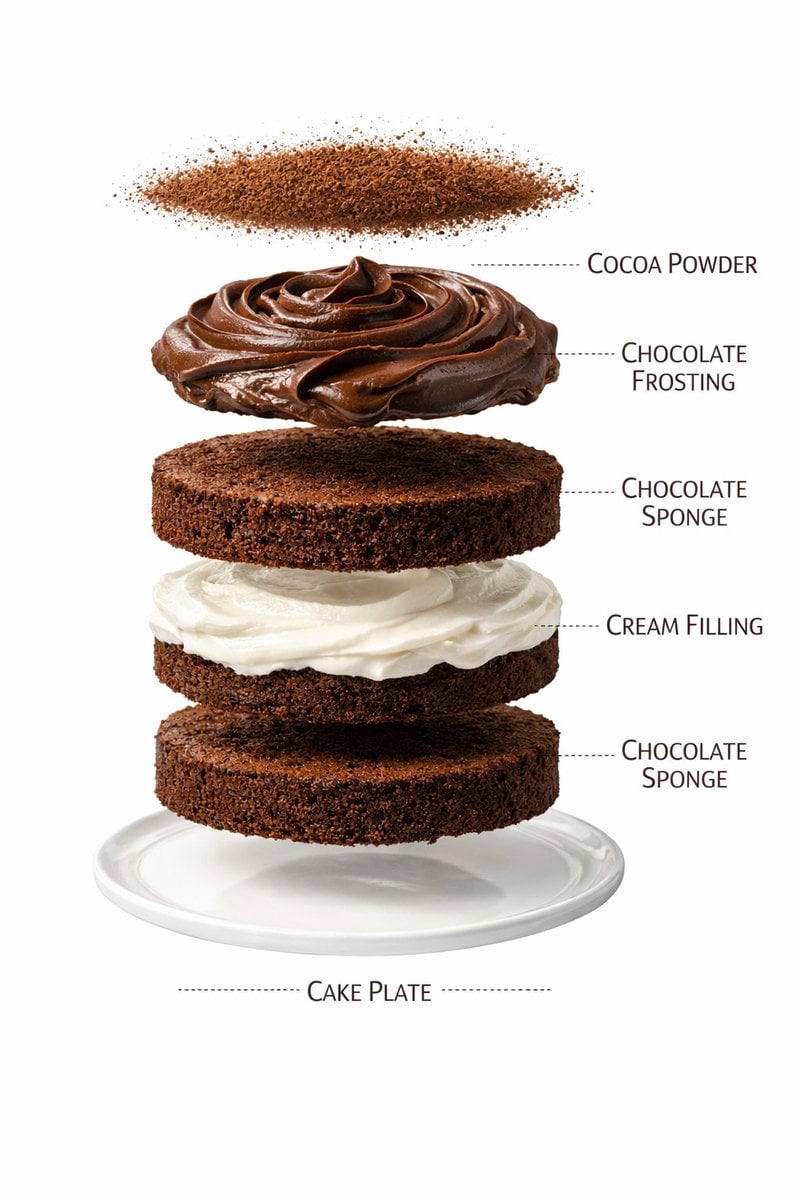
Ultra-Realistic Chocolate Cake Food Photography with Motion Prompt
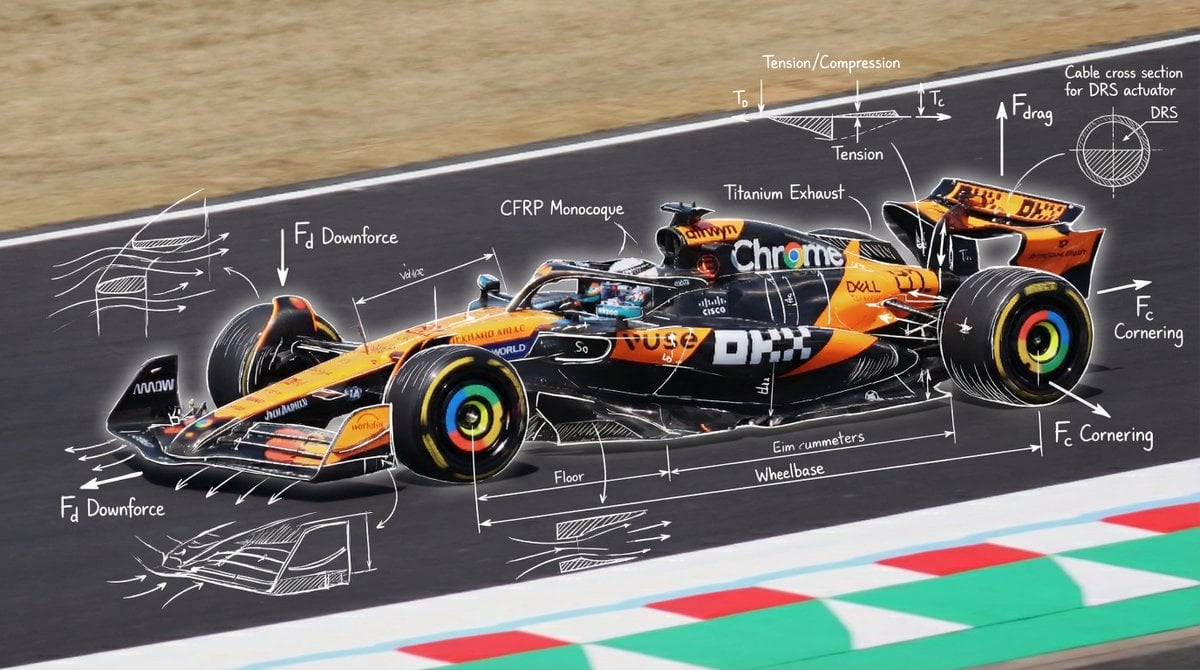
Engineering annotations overlay
Browse template categories
Classical Cover for The City of God questions
How do I use the Classical Cover for The City of God template?
Add your photo if the template asks for one, edit the prompt if you like — the template's model and format are already selected — and press Generate. Your version opens in PicX Studio.
Can I customize the Classical Cover for The City of God template?
Yes. You can change the subject, setting, lighting, mood, format, and available model controls before creating your image.
Is the Classical Cover for The City of God template free?
Opening and editing this template is free. Generating uses credits, shown on the Generate button when you are signed in.
Which AI model should I use?
Start with GPT Image 2, which is the model associated with this template. You can compare another compatible model for a different finish.
Looking for something else? Browse all templates.

Your photo, any look
Thousands of ready templates for every top image and video model, from one credit balance.