
Isometric Presenter Pose Sheet
Creates a wide isometric vector sheet of a businesswoman presenting, walking, and using podiums for corporate presentation visuals.
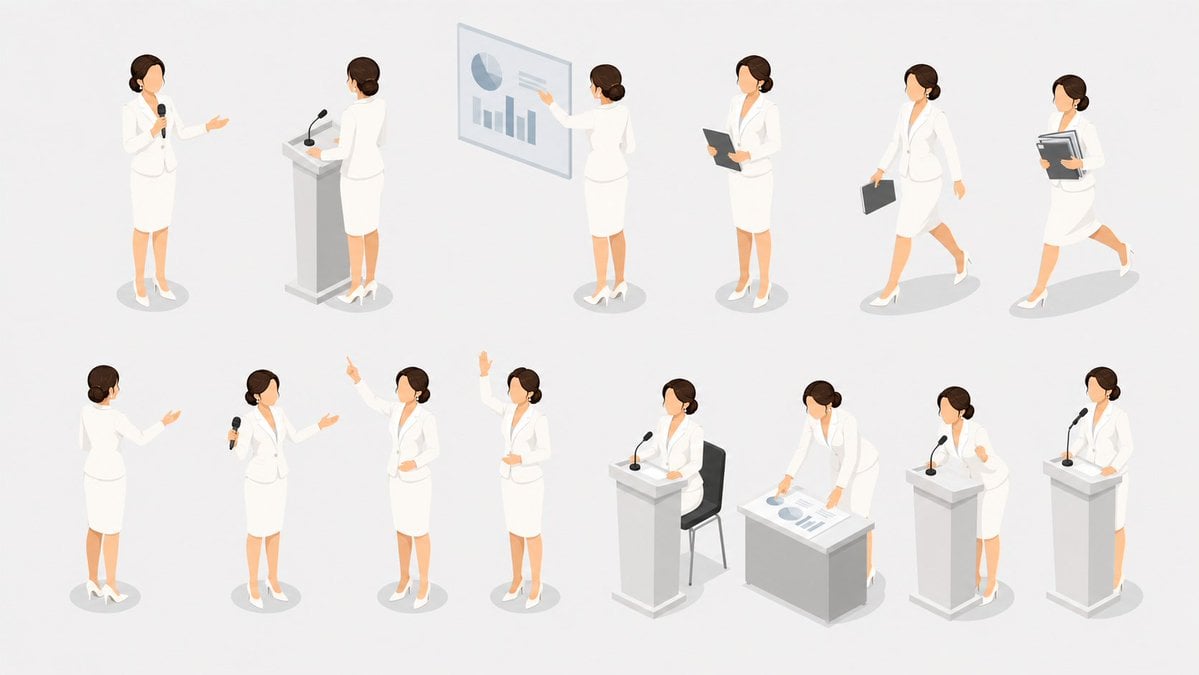
- Prompt included
- Model and format preset
- Free template
The prompt behind this image
Copy the exact prompt behind Isometric Presenter Pose Sheet, or open it in the studio and make it yours.
Goal: Create a clean isometric character pose sheet showing {argument name="character role" default="a professional female presenter"} in multiple presentation and business-meeting situations. Canvas: Wide horizontal 16:9 canvas with a light gray-white background, no borders, no title text, no watermark. Use generous spacing so each vignette reads as a separate pose. Visual style: Minimal modern isometric vector illustration, soft shadows under every figure and object, muted corporate palette, smooth flat shading, subtle gradients, crisp edges. The character should have fair skin, dark brown hair in a low bun, simplified faceless features, and wear {argument name="outfit" default="a white skirt suit with white high heels"}. Props should be light gray and white with small blue-gray chart accents. Layout: Arrange exactly 12 discrete isometric vignettes in two rows of six, evenly spaced across the canvas. Keep the scale consistent and show the character from varied isometric angles. Vignettes, exactly 12: 1. Front-facing woman standing and speaking into a handheld black microphone, one arm gesturing outward. 2. Rear-view woman standing behind a white podium with a gooseneck microphone. 3. Woman pointing at a transparent presentation board showing one pie chart and three vertical bar charts. 4. Woman standing with a dark tablet or clipboard held at chest height. 5. Woman walking while carrying a dark briefcase in one hand. 6. Woman walking quickly while holding a stack of folders and documents. 7. Rear three-quarter woman standing and gesturing to an unseen audience. 8. Woman holding a handheld microphone while presenting with an open-palmed gesture. 9. Woman standing confidently with one arm raised and index finger pointing upward. 10. Woman standing with one hand raised high as if asking or answering a question. 11. Woman seated at or standing behind a podium setup with a chair visible behind, speaking into a gooseneck microphone. 12. Woman leaning over a low table or desk with printed charts, reviewing or arranging presentation papers. Additional presentation furniture and props: Include exactly 3 separate white podiums with black gooseneck microphones, 1 transparent chart board, 1 low desk/table with papers, 1 chair, 1 handheld microphone in the first vignette, 1 handheld microphone in the eighth vignette, 1 tablet/clipboard, 1 briefcase, and 1 stack of documents. Avoid any readable text or logos.
How to use Isometric Presenter Pose Sheet in 3 steps
- 1Upload ImagePNG, JPG or paste
Add your photo
Upload the photo the template builds on. The prompt, model and format are already set.
- 2…a portrait of your subject in softgolden-hour light, 85mm…
Personalize
Edit the subject and creative details for your destination.
- 3Generate
Generate
Press Generate — your image is created in PicX Studio, so you can compare it with the original and refine one variable at a time.
More like this
Templates with the same subject, style or setup. Open one to see its prompt.
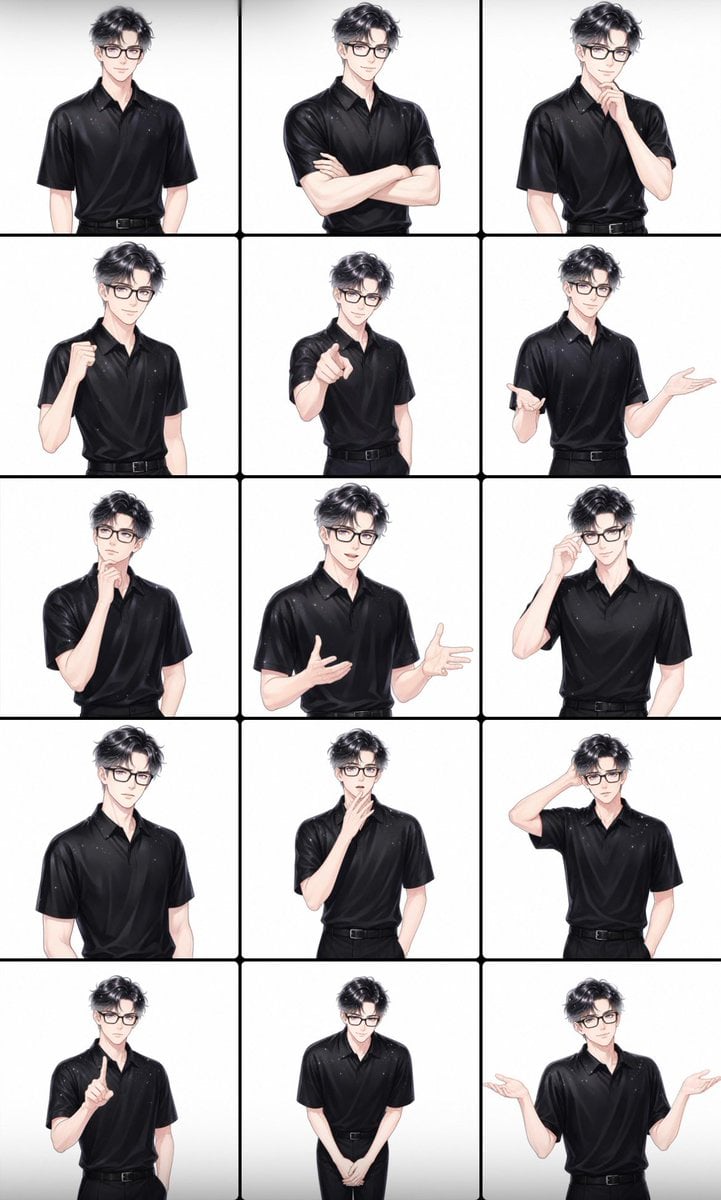
Male Presenter Avatar Pose Sheet
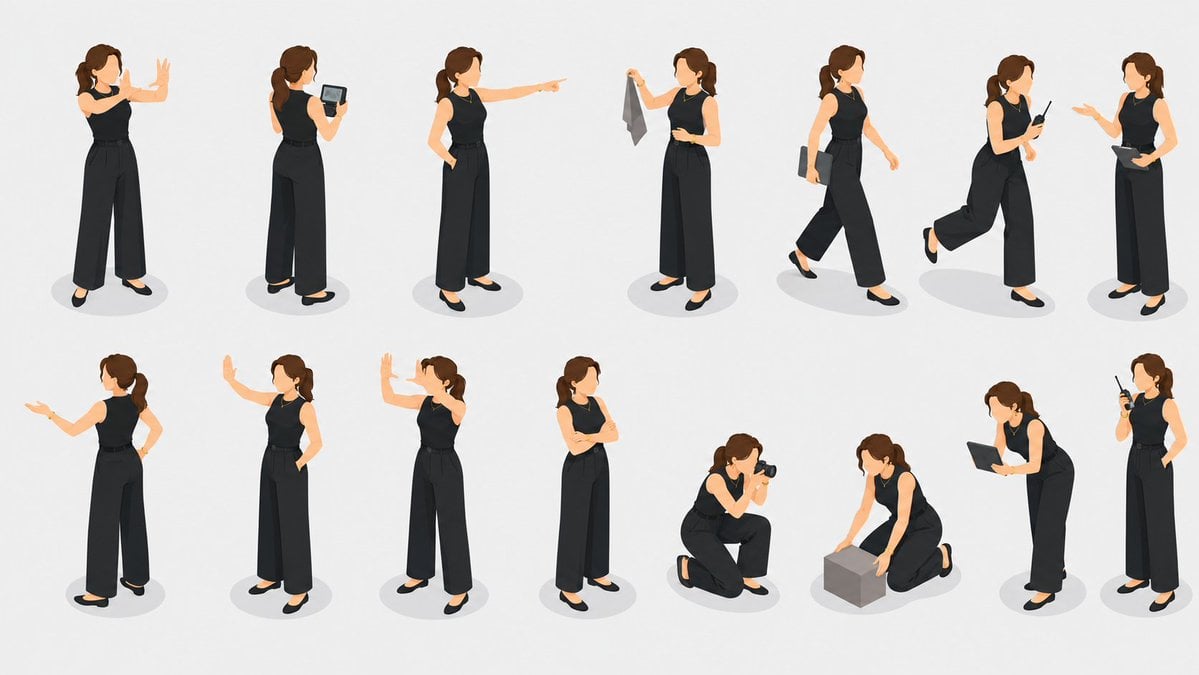
Isometric Businesswoman Pose Sheet
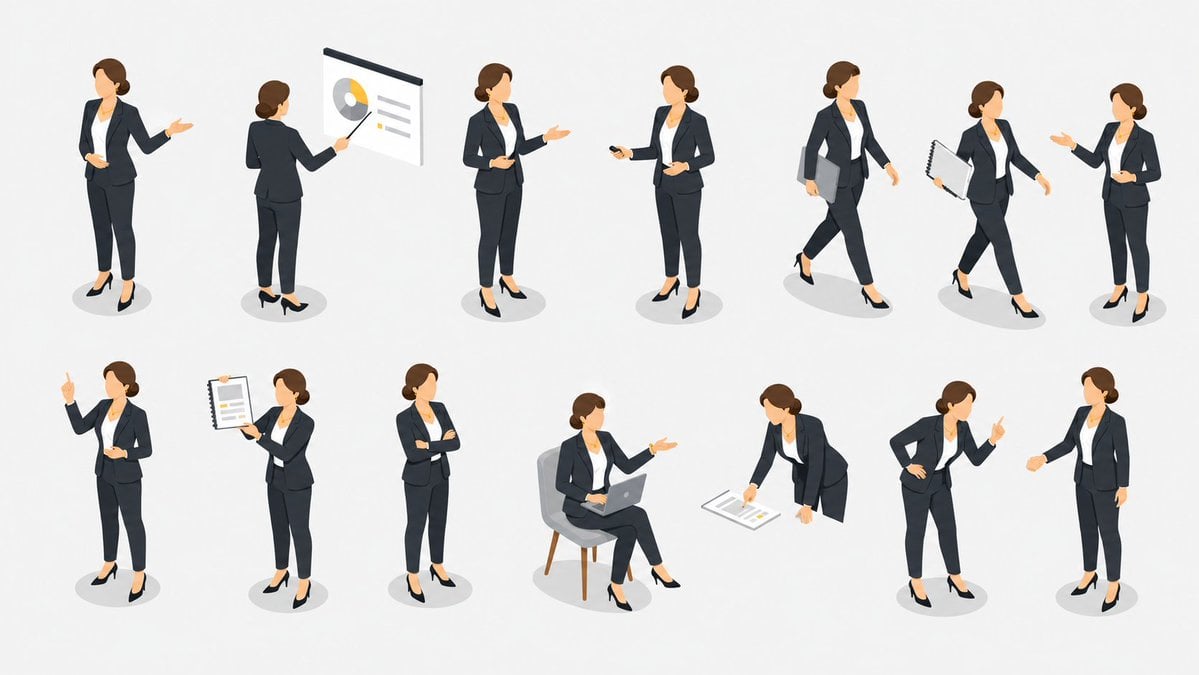
Isometric Business Presenter Pose Set

Isometric Process Educational Diorama

Isometric Brand Store Diorama

Isometric Vehicle Teardown Infographic Template
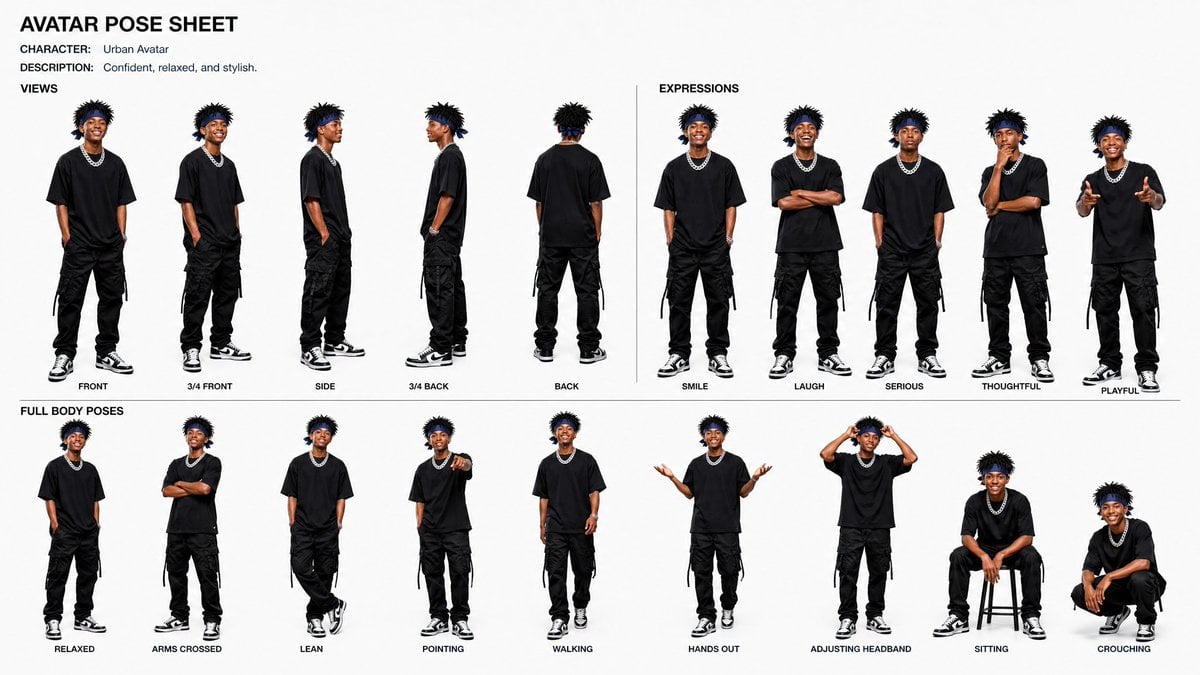
Avatar Character Pose Sheet
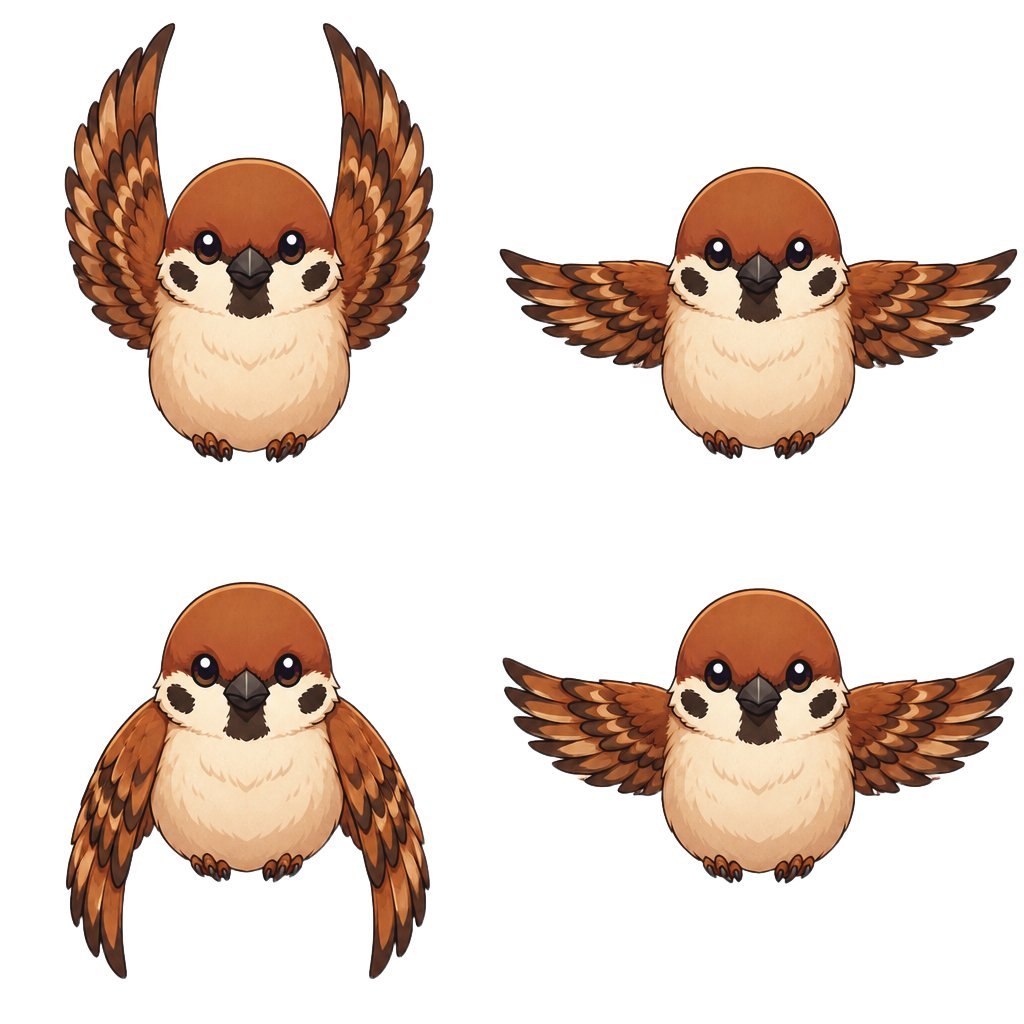
Chibi Sparrow Four-Pose Sheet
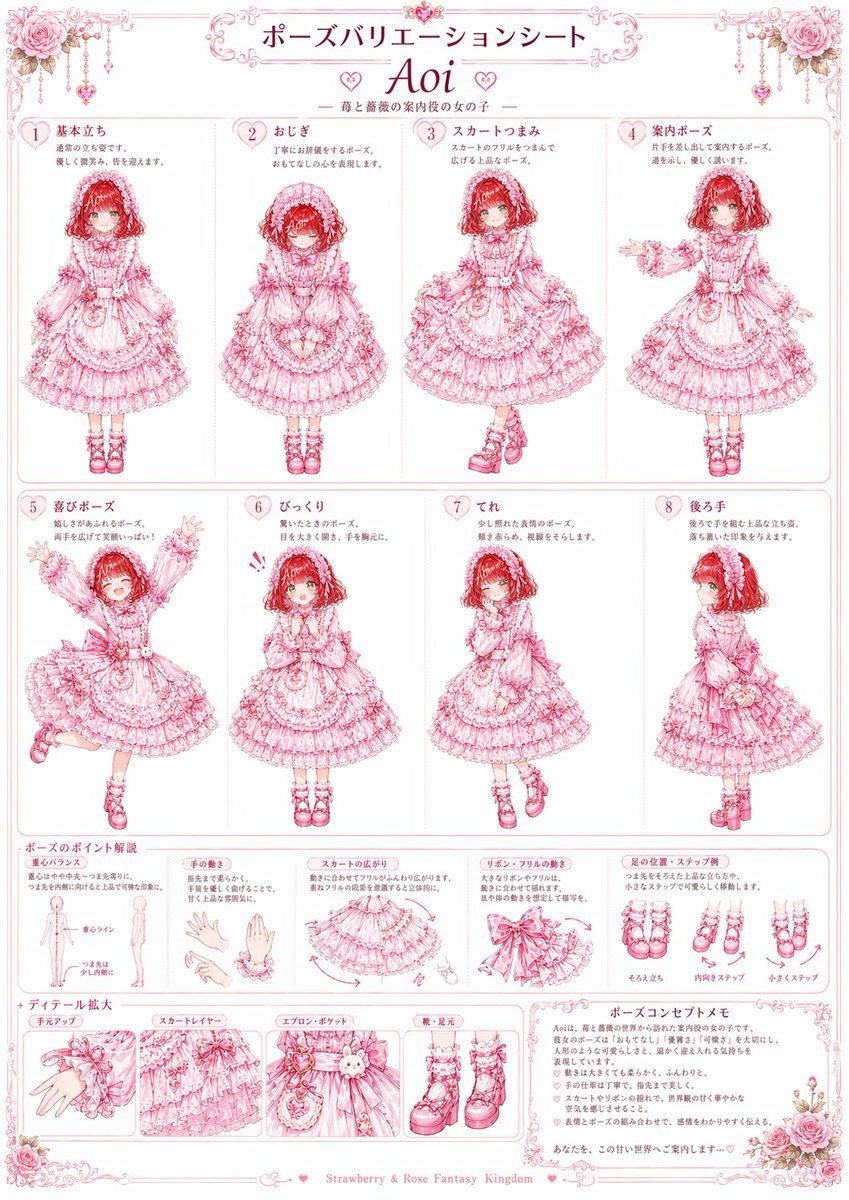
Pink Lolita Pose Variation Sheet
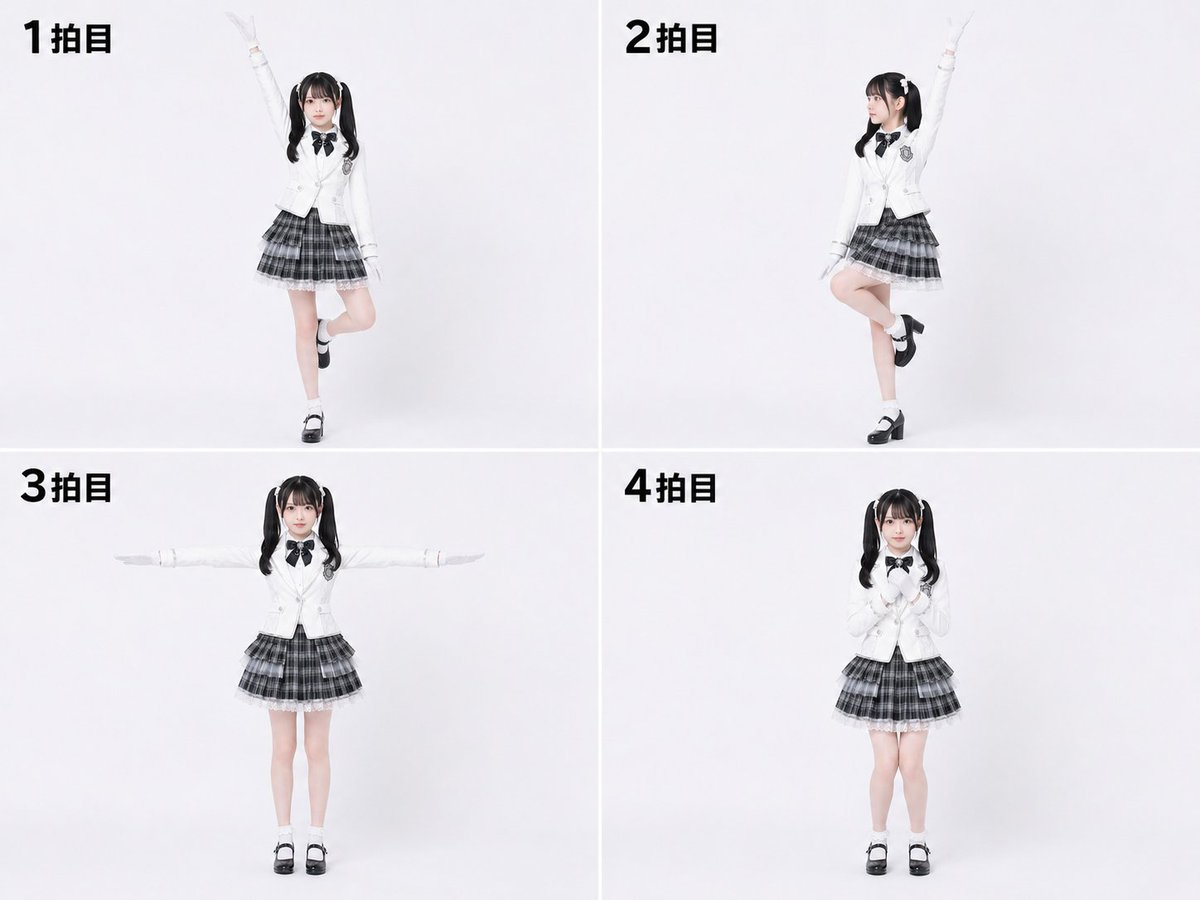
Labanotation to 4-Beat Pose Sheet
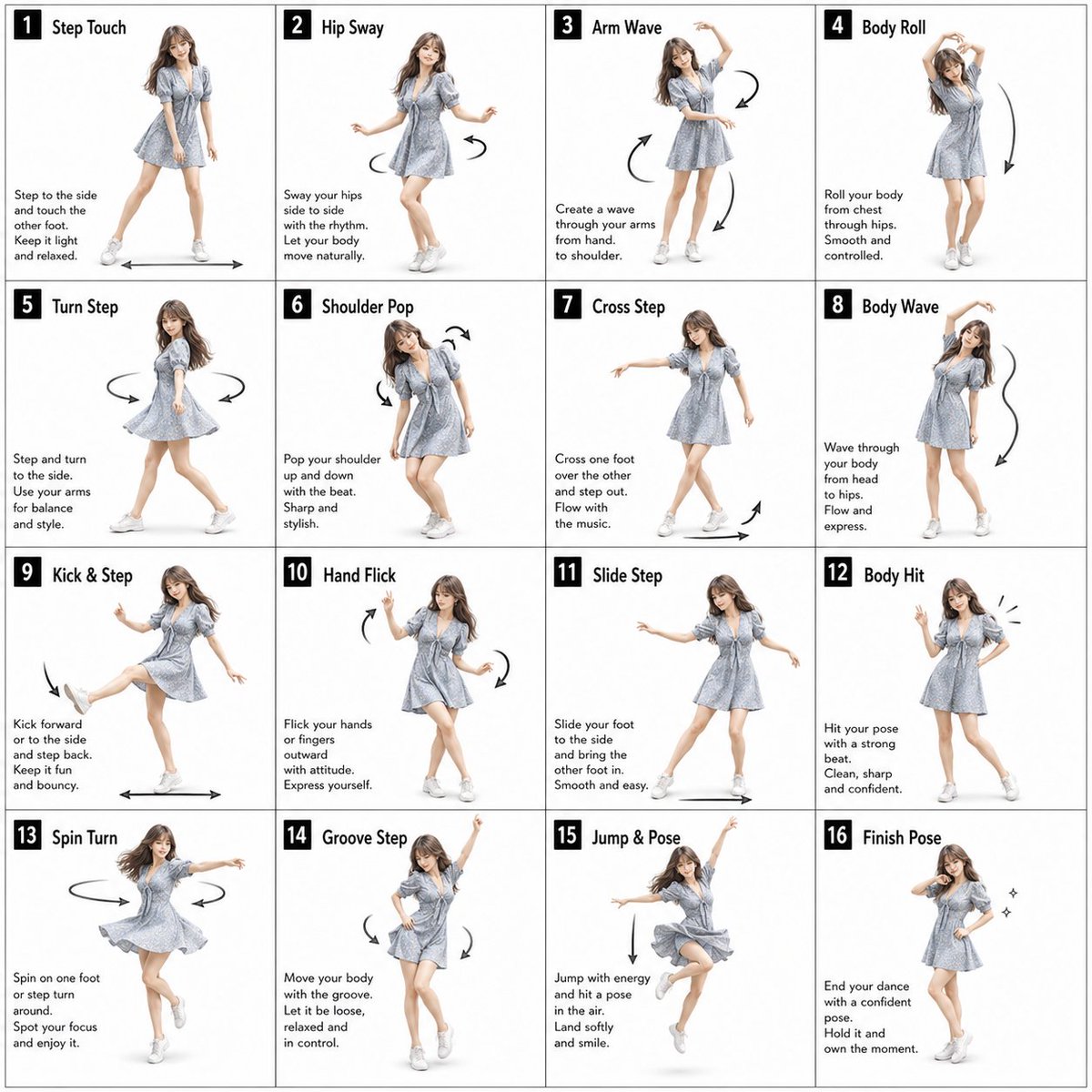
Pose Dance Instruction Sheet

Dancer Character - Four View Reference Sheet
Make it yours
Isometric Presenter Pose Sheet works as-is. These are the safest ways to change it without losing the look.
Change one field
Copy a single group, rewrite it, and generate again so you can see what that field is doing.
Keep the frame, change the subject
Hold the composition and light of Isometric Presenter Pose Sheet, then swap wardrobe, props or the person for a new take.
| If the result… | Why | Fix |
|---|---|---|
| The result drifts from the preview | Too many fields changed at once. | Reuse Isometric Presenter Pose Sheet as-is first, then change one group — subject, light, or setting. |
| The model over-stylizes the scene | The prose prompt leaves finish and camera underspecified. | Add one camera or lighting sentence and stay on GPT Image 2. |
More GPT Image 2 templates
Other prompts made for GPT Image 2.

Realistic Portrait of Woman and Deer

The Vista Modular Condo Poster

AI Model Routing Comparison Infographic

2.5D Anime Art Board

New York Double Exposure Poster

Four-Panel AI Landscape Comparison

Japanese Tatami Lifestyle Magazine Cover

NESCAFÉ Coffee Map Poster

Brutalist Cogito Chinese Typography Poster

Cinematic Luxury Terrace Portrait
More image prompts
Fresh picks from across the catalog.
Alien-human hybrid sorrow portrait
Twelve Angle Multi-View Face Grid

Soft Aesthetic Portrait with Sheep
Ultra-Detailed 3D Stylized Character Design Prompt
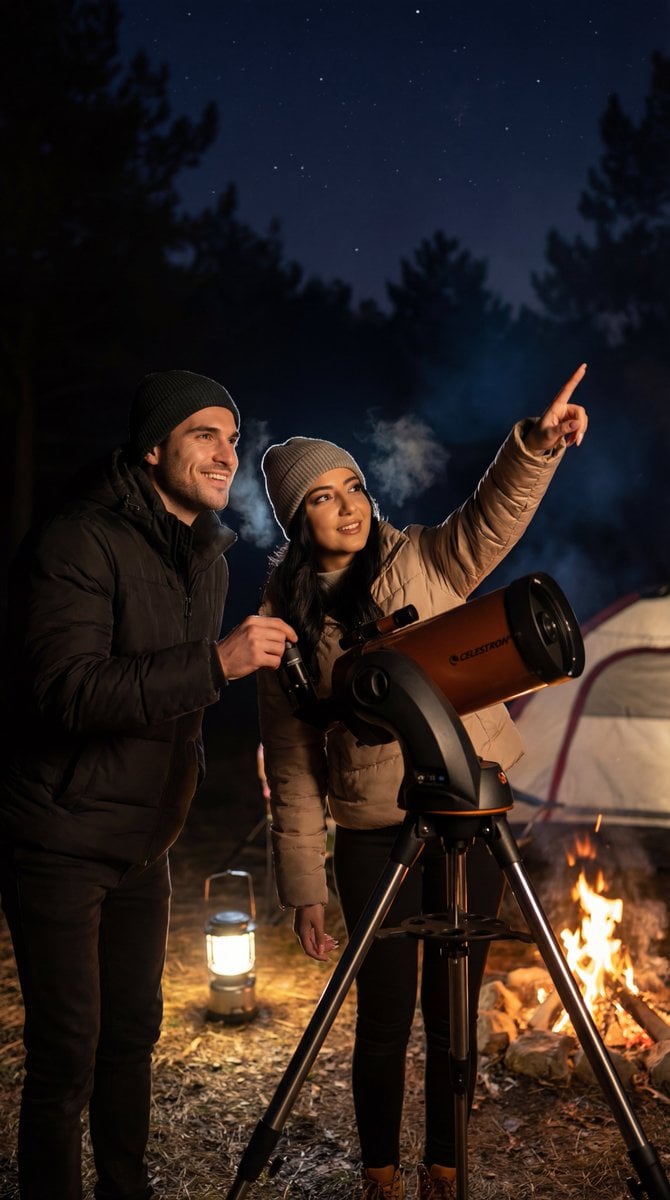
Ultra-Photorealistic Candid Film Still of Night Camping and Stargazing
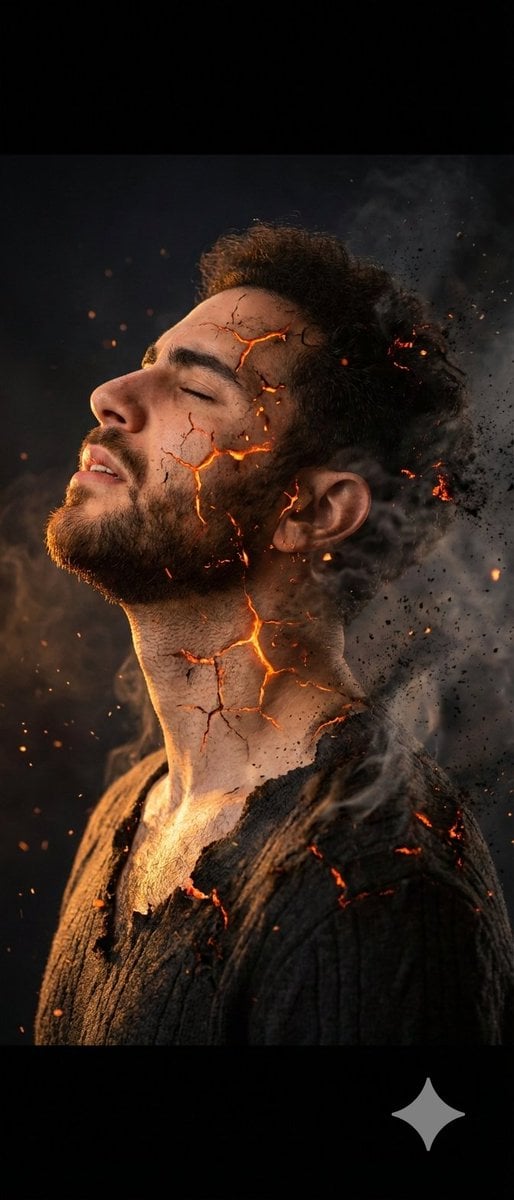
Side Profile Photo of Man in Pain with Molten Fissures
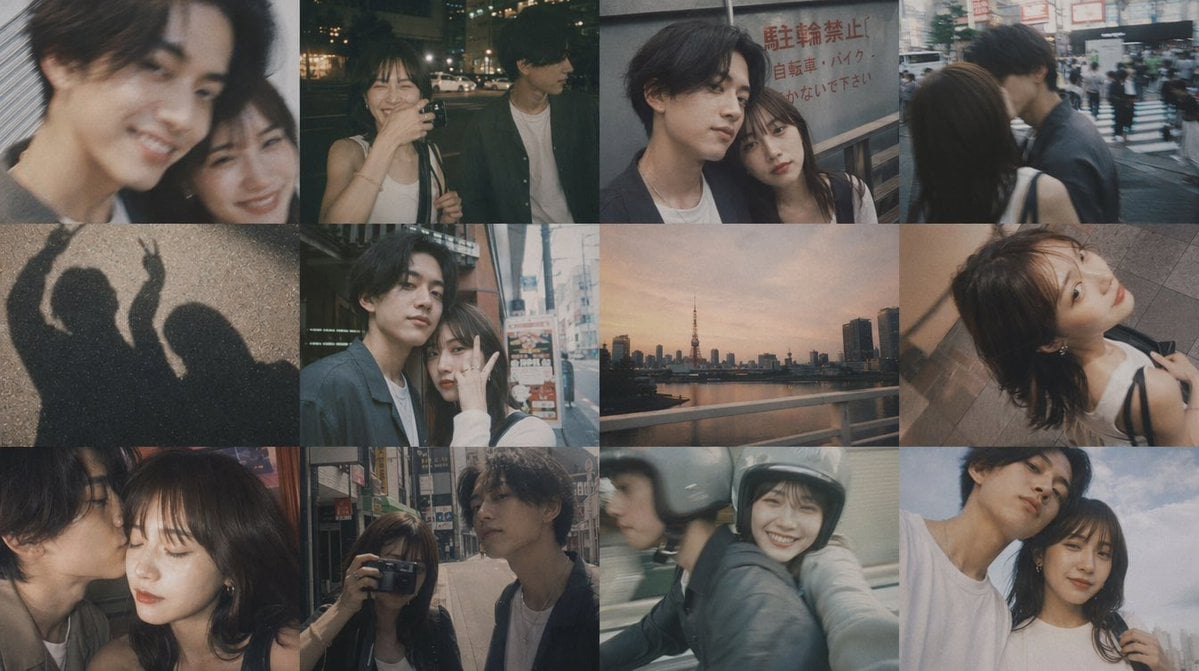
Romantic Tokyo Couple Photo Collage
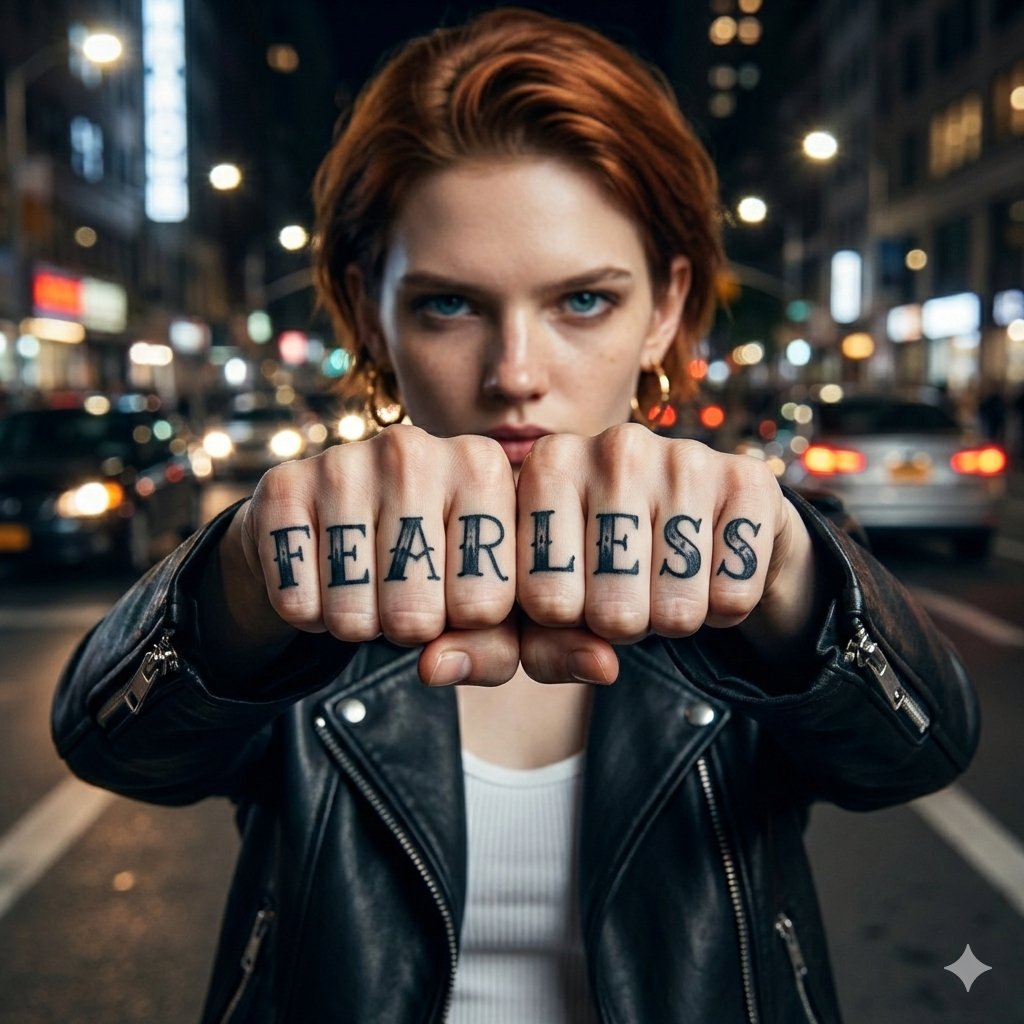
Hyper-realistic Portrait with Knuckle Tattoos
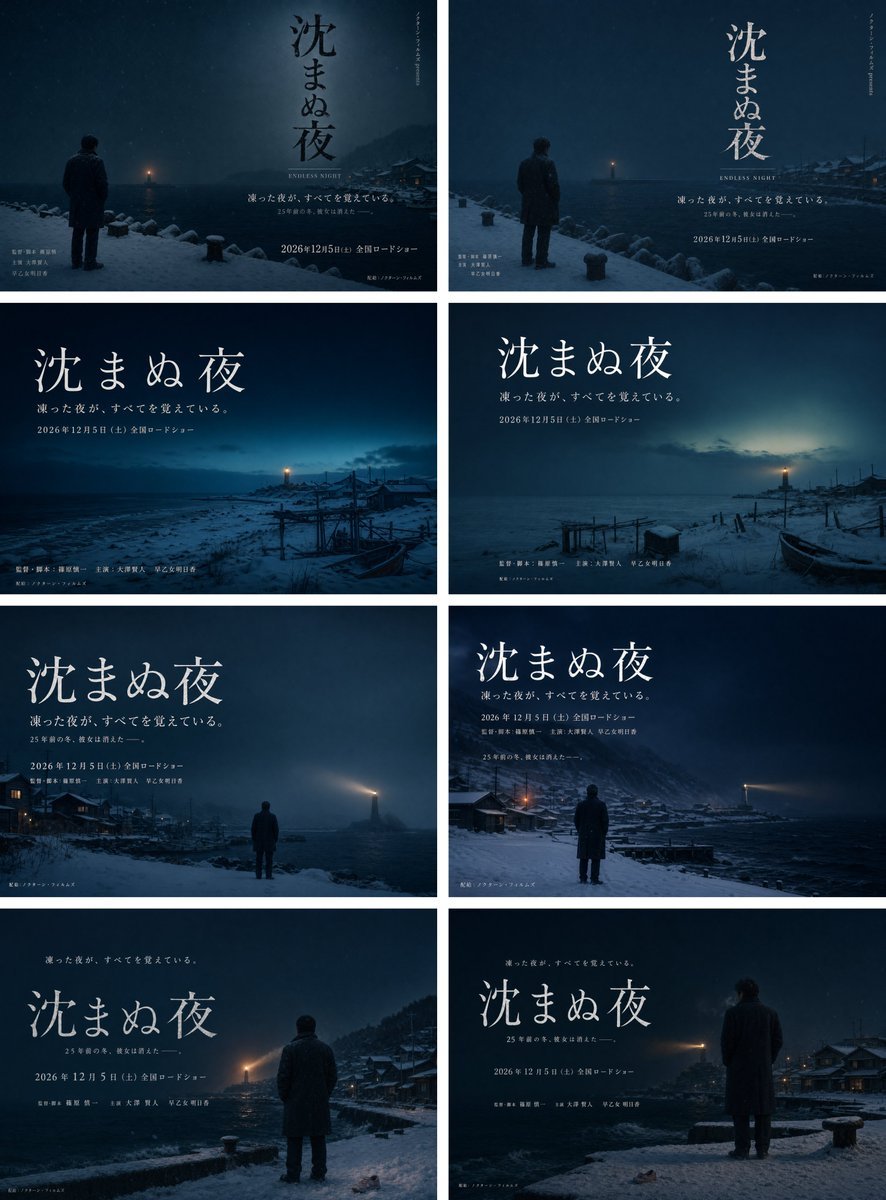
Snowy Japanese Film Poster Grid

Identity-Preserving Storybook Illustration (Group)
Browse template categories
Isometric Presenter Pose Sheet questions
How do I use the Isometric Presenter Pose Sheet template?
Add your photo if the template asks for one, edit the prompt if you like — the template's model and format are already selected — and press Generate. Your version opens in PicX Studio.
Can I customize the Isometric Presenter Pose Sheet template?
Yes. You can change the subject, setting, lighting, mood, format, and available model controls before creating your image.
Is the Isometric Presenter Pose Sheet template free?
Opening and editing this template is free. Generating uses credits, shown on the Generate button when you are signed in.
Which AI model should I use?
Start with GPT Image 2, which is the model associated with this template. You can compare another compatible model for a different finish.
Looking for something else? Browse all templates.

Your photo, any look
Thousands of ready templates for every top image and video model, from one credit balance.