
Labanotation to 4-Beat Pose Sheet
Generates a four-panel character pose sheet by interpreting a Labanotation dance score as sequential full-body poses.
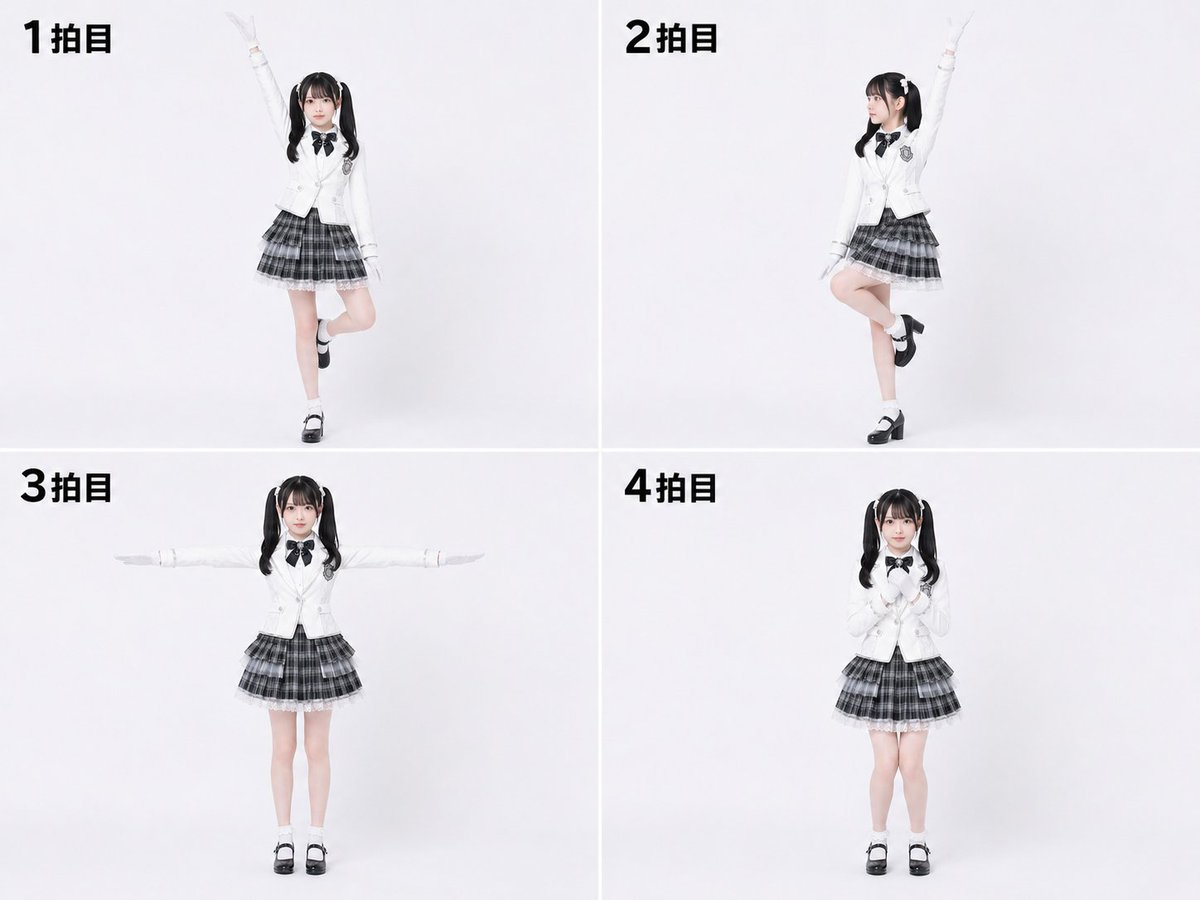
- Prompt included
- Model and format preset
- Free template
The prompt behind this image
Copy the exact prompt behind Labanotation to 4-Beat Pose Sheet, or open it in the studio and make it yours.
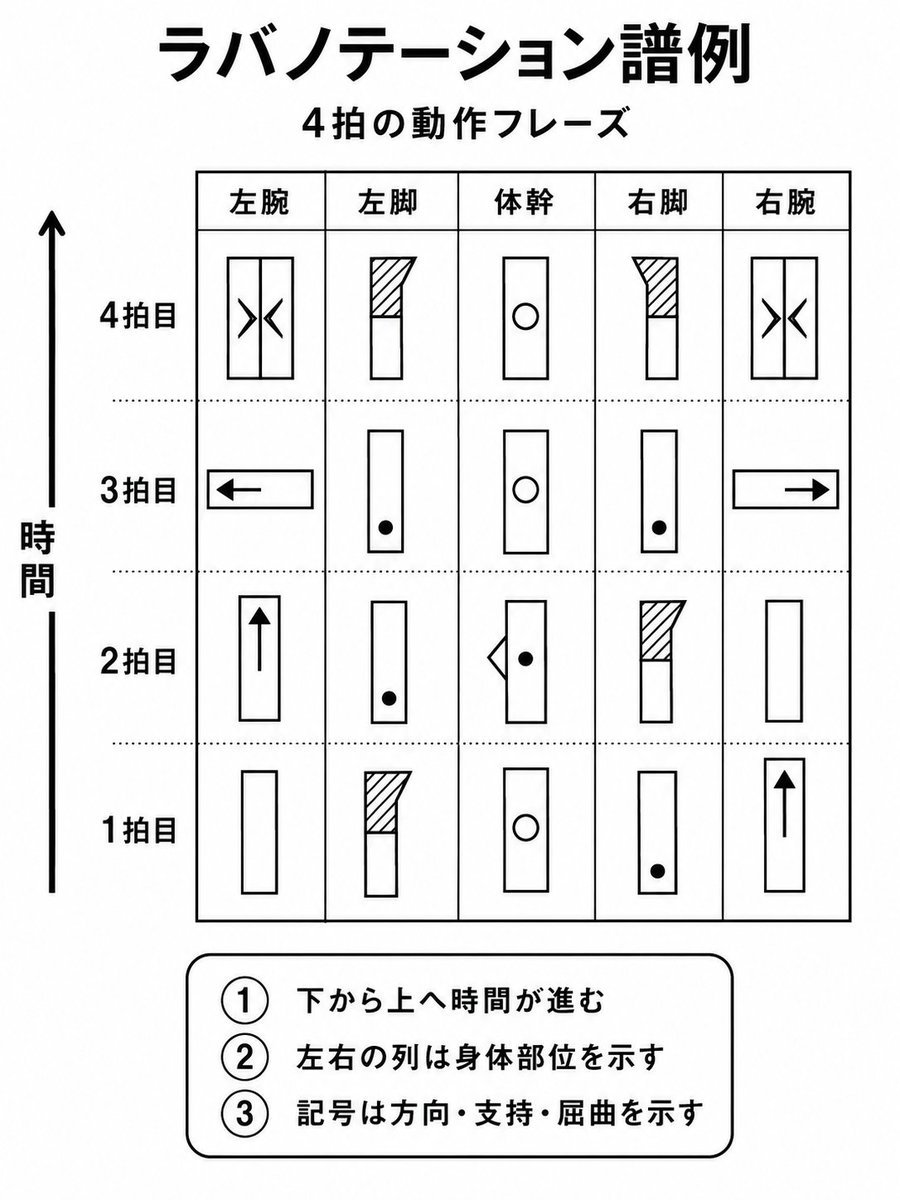
Using the provided reference image as a Labanotation-style dance score, interpret the 4-beat movement phrase and convert it into a pose-control character sheet. Create exactly 4 full-body panels arranged in a clean 2×2 grid on a plain white studio background, showing the same character performing the pose for each beat. Add bold Japanese beat labels in the upper-left of each panel: "1拍目", "2拍目", "3拍目", and "4拍目". Use a photorealistic young female model wearing a {argument name="outfit" default="white school-uniform blazer, black bow tie, gray plaid skirt, white socks, and black Mary Jane shoes"}, with {argument name="hairstyle" default="black twin tails"}. Translate the notation into these four poses: beat 1: standing on one leg with one arm raised straight upward and the opposite leg bent back; beat 2: one arm raised upward, body angled slightly, one knee lifted and crossed in front; beat 3: standing front-facing with both arms extended horizontally to the sides; beat 4: standing front-facing with both hands held together near the chest. Keep the character consistent across all four panels, use soft even lighting, minimal shadows, and a simple catalog-like dance reference layout.
Reference images included
Labanotation to 4-Beat Pose Sheet needs input media to work. They load alongside the prompt when you open it in the studio.
How to use Labanotation to 4-Beat Pose Sheet in 3 steps
- 1Upload ImagePNG, JPG or paste
Add your photo
Upload the photo the template builds on. The prompt, model and format are already set.
- 2…a portrait of your subject in softgolden-hour light, 85mm…
Personalize
Edit the subject and creative details for your destination.
- 3Generate
Generate
Press Generate — your image is created in PicX Studio, so you can compare it with the original and refine one variable at a time.
More like this
Templates with the same subject, style or setup. Open one to see its prompt.

Dancer Character - Four View Reference Sheet

Movement Sheet - Dance Reference (Seedance 2.0)
Avatar Character Pose Sheet
Chibi Sparrow Four-Pose Sheet
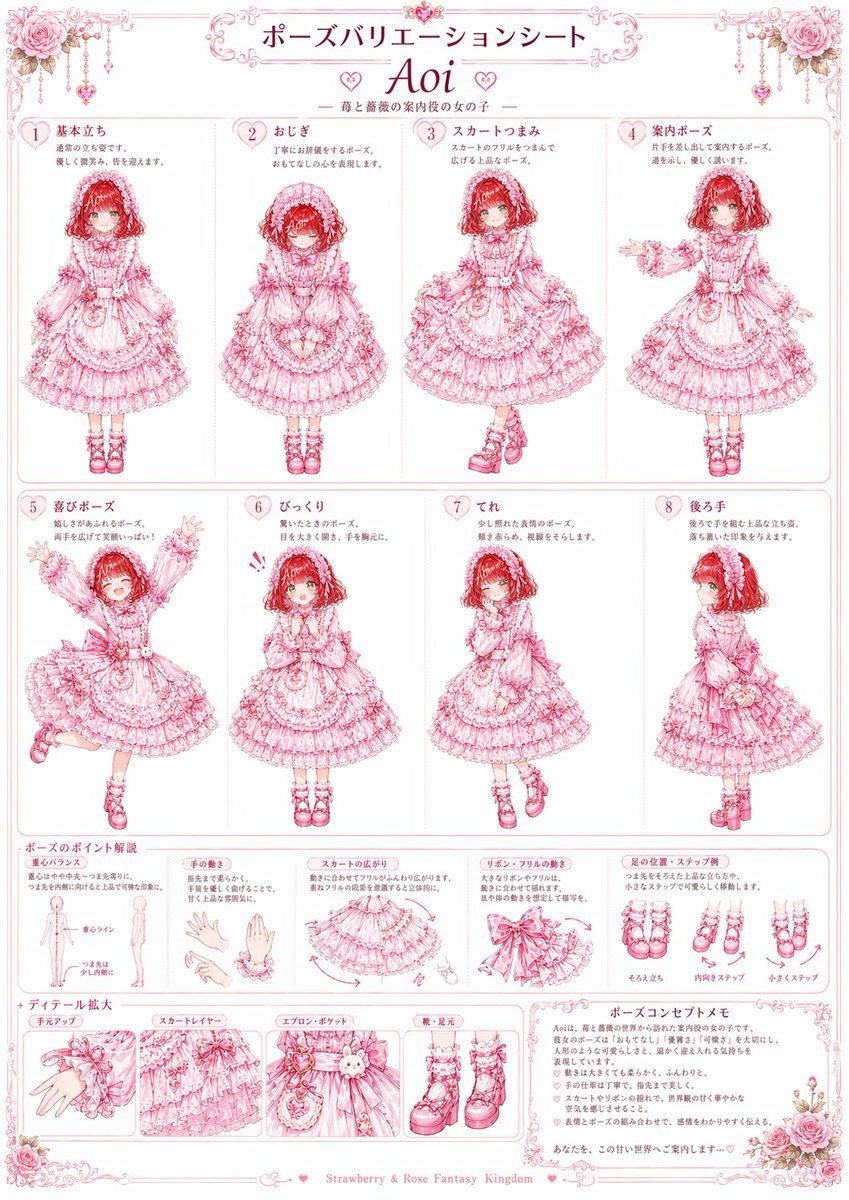
Pink Lolita Pose Variation Sheet
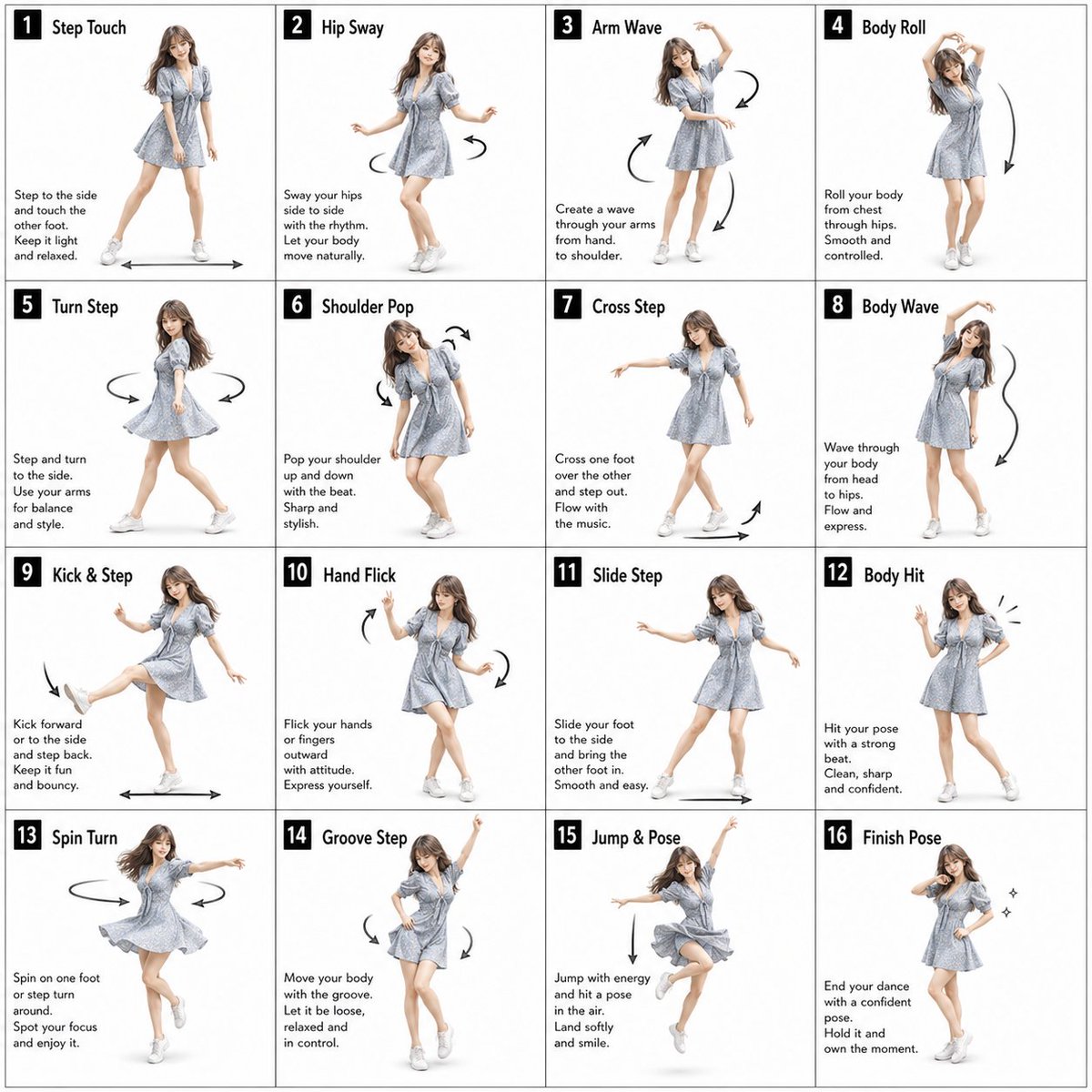
Pose Dance Instruction Sheet
Random Photo Pose Generator

Yoga Pose Editorial Collage
Childlike Jazz Beat Crayon Lesson
Consistent Character Illustration with Stylish Pose

Cyber Cat Maid Peace Pose

Hooded Ice Knight Pose Collage
Make it yours
Labanotation to 4-Beat Pose Sheet works as-is. These are the safest ways to change it without losing the look.
Change one field
Copy a single group, rewrite it, and generate again so you can see what that field is doing.
Keep the frame, change the subject
Hold the composition and light of Labanotation to 4-Beat Pose Sheet, then swap wardrobe, props or the person for a new take.
| If the result… | Why | Fix |
|---|---|---|
| The result drifts from the preview | Too many fields changed at once. | Reuse Labanotation to 4-Beat Pose Sheet as-is first, then change one group — subject, light, or setting. |
| The model over-stylizes the scene | The prose prompt leaves finish and camera underspecified. | Add one camera or lighting sentence and stay on GPT Image 2. |
More GPT Image 2 templates
Other prompts made for GPT Image 2.

Six VTuber Japanese Logo Sheet

Realistic Portrait of Woman and Deer

The Vista Modular Condo Poster

AI Model Routing Comparison Infographic

2.5D Anime Art Board

Isometric Productivity Desk Scene

New York Double Exposure Poster

Four-Panel AI Landscape Comparison

Japanese Tatami Lifestyle Magazine Cover

NESCAFÉ Coffee Map Poster
More image prompts
Fresh picks from across the catalog.

Bitter Melon Lemon Soda Poster
Surreal Pepsi Pouring Composite Prompt

Historical Event Map Illustrator
Six-Panel Cinematic Storyboard Sketch

Nano Banana Pro Style Transfer
Japanese LP Psychology 8-Step Infographic
Dramatic Water Emergence Portrait
Monstera Leaf Logo Design
Black and White Multiple Exposure Portrait

Snow Flower Hashira Diagnosis Poster
Browse template categories
Labanotation to 4-Beat Pose Sheet questions
How do I use the Labanotation to 4-Beat Pose Sheet template?
Add your photo if the template asks for one, edit the prompt if you like — the template's model and format are already selected — and press Generate. Your version opens in PicX Studio.
Can I customize the Labanotation to 4-Beat Pose Sheet template?
Yes. You can change the subject, setting, lighting, mood, format, and available model controls before creating your image.
Is the Labanotation to 4-Beat Pose Sheet template free?
Opening and editing this template is free. Generating uses credits, shown on the Generate button when you are signed in.
Which AI model should I use?
Start with GPT Image 2, which is the model associated with this template. You can compare another compatible model for a different finish.
Looking for something else? Browse all templates.

Your photo, any look
Thousands of ready templates for every top image and video model, from one credit balance.