
Moody Blue Hour Rooftop Portrait
An editorial-style prompt for capturing introspective cinematic portraits during the blue hour on a city rooftop, emphasizing natural textures and realistic lighting.
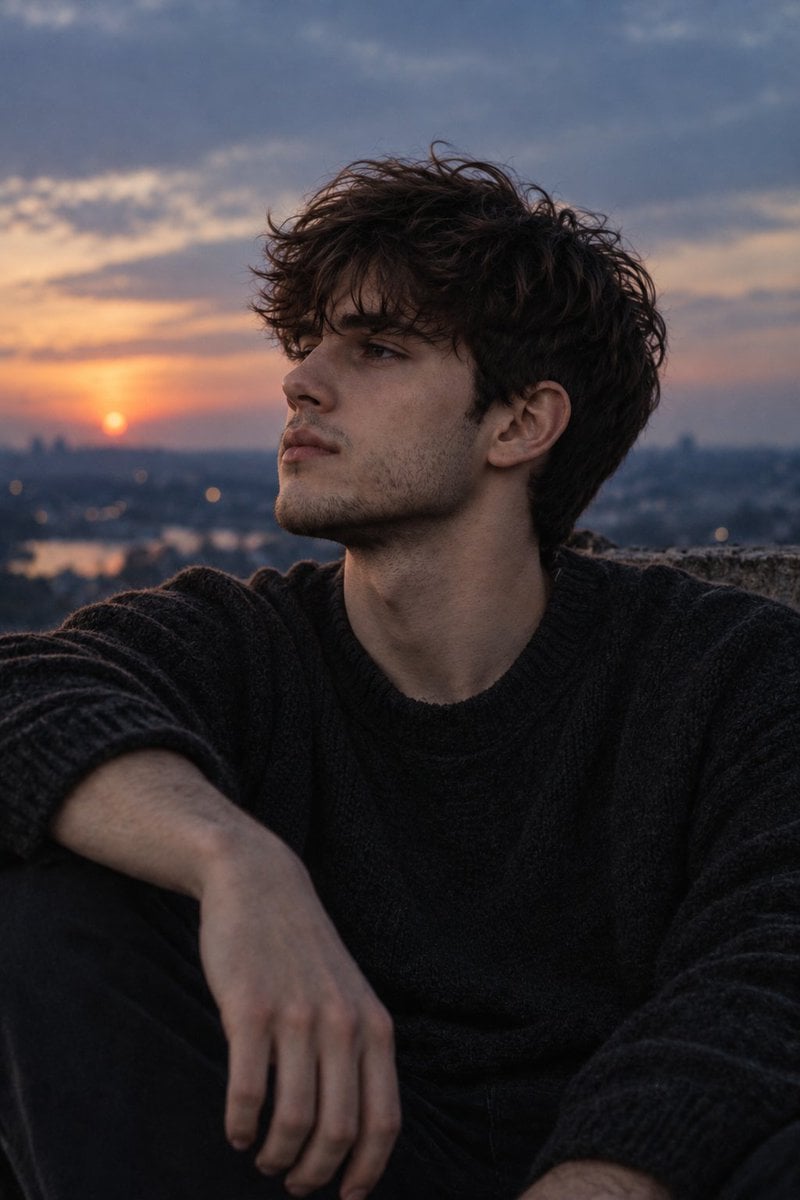
- Prompt included
- Model and format preset
- Free template
The prompt behind this image
Copy the exact prompt behind Moody Blue Hour Rooftop Portrait, or open it in the studio and make it yours.
Subject A young man with {argument name="hair style" default="tousled, naturally textured dark brown hair"}, light facial stubble, defined jawline, natural skin texture, strong cheekbones, straight nose, and relaxed facial features. Preserve the subject’s natural facial proportions and identity without beautification or facial reshaping. Style Photorealistic cinematic portrait photography, moody editorial aesthetic, subtle film grain, realistic skin texture, shallow depth of field, natural imperfections, soft cinematic color grading. Pose & Expression The man is standing outdoors with his upper body facing slightly toward the camera while his head is turned toward the left. His gaze is directed off-camera to the left, creating a thoughtful and introspective mood. Relaxed shoulders, neutral expression, lips naturally closed, head slightly angled downward. Composition & Camera Vertical portrait, head and upper torso prominently framed, medium close-up composition. Camera positioned approximately at eye level with a slightly compressed perspective. Subject placed near the center of the frame with enough background visible to establish the environment. Natural 35mm photography look, shallow depth of field. Lighting Soft natural blue-hour lighting mixed with the last warm tones of sunset. Gentle warm rim light along the hair and side of the face, subtle shadows across the features, realistic low-light exposure, soft highlights, no harsh artificial lighting. Background An {argument name="location" default="outdoor rooftop overlooking a distant city skyline"} during blue hour. Buildings and city lights are heavily blurred into soft circular bokeh. Deep blue and muted purple sky with warm orange and pink tones near the horizon. Slightly wet rooftop surface creating subtle reflections and atmospheric depth. Clothing Simple oversized {argument name="clothing" default="black crewneck sweatshirt"} with natural fabric texture and relaxed fit. Overall Mood Quiet, mysterious, cinematic, introspective, youthful and sophisticated. High-end fashion editorial photography, realistic colors, natural skin, authentic facial details, cinematic depth and atmosphere. Negative Prompt Over-smoothed skin, beauty filter, plastic skin, facial reshaping, altered nose, altered jawline, exaggerated cheekbones, oversized eyes, unrealistic hair, excessive sharpening, cartoon, CGI, artificial skin, distorted hands, extra fingers, oversaturated colors, harsh lighting, excessive HDR, low resolution.
How to use Moody Blue Hour Rooftop Portrait in 3 steps
- 1
Open
The prompt is already in the box next to the preview, with the template's model and format selected.
- 2…a portrait of your subject in softgolden-hour light, 85mm…
Personalize
Edit the subject and creative details for your destination.
- 3Generate
Generate
Press Generate — your image is created in PicX Studio, so you can compare it with the original and refine one variable at a time.
More like this
Templates with the same subject, style or setup. Open one to see its prompt.

Rooftop Fisheye — Cat-Ear Balaclava at Golden Hour

Rainy Café Window Moody Portrait

80s Golden Hour Cinema
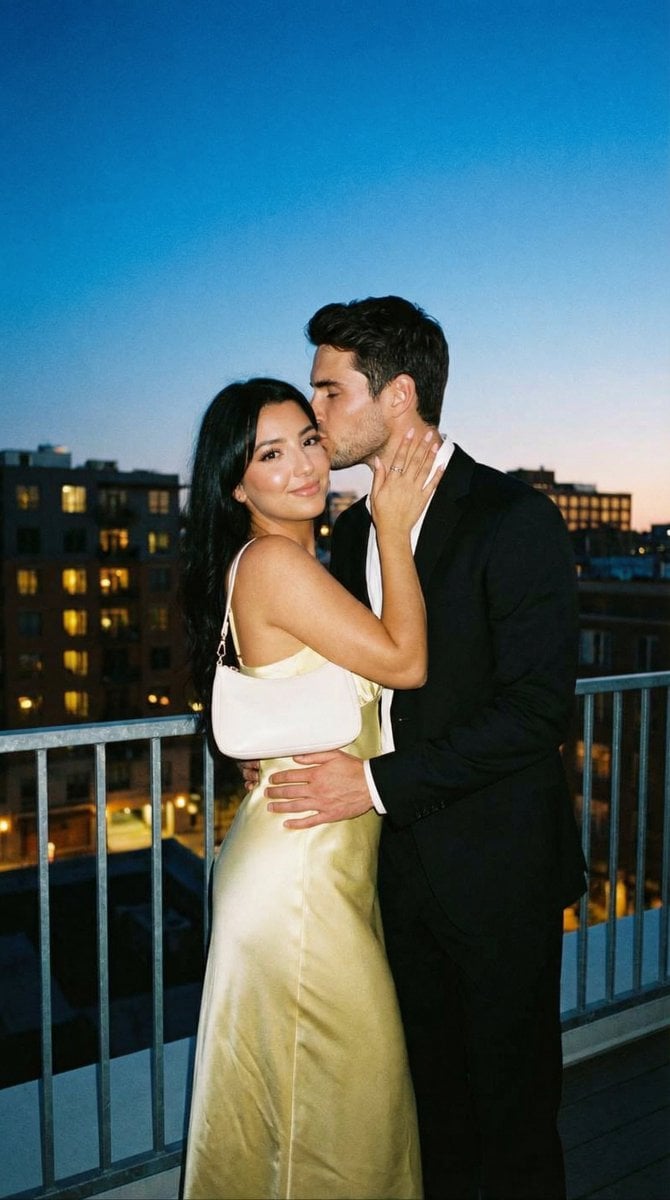
Candid Rooftop Kiss with Direct Flash at Blue Hour

Ive Yujin Fashion Portrait in Blue
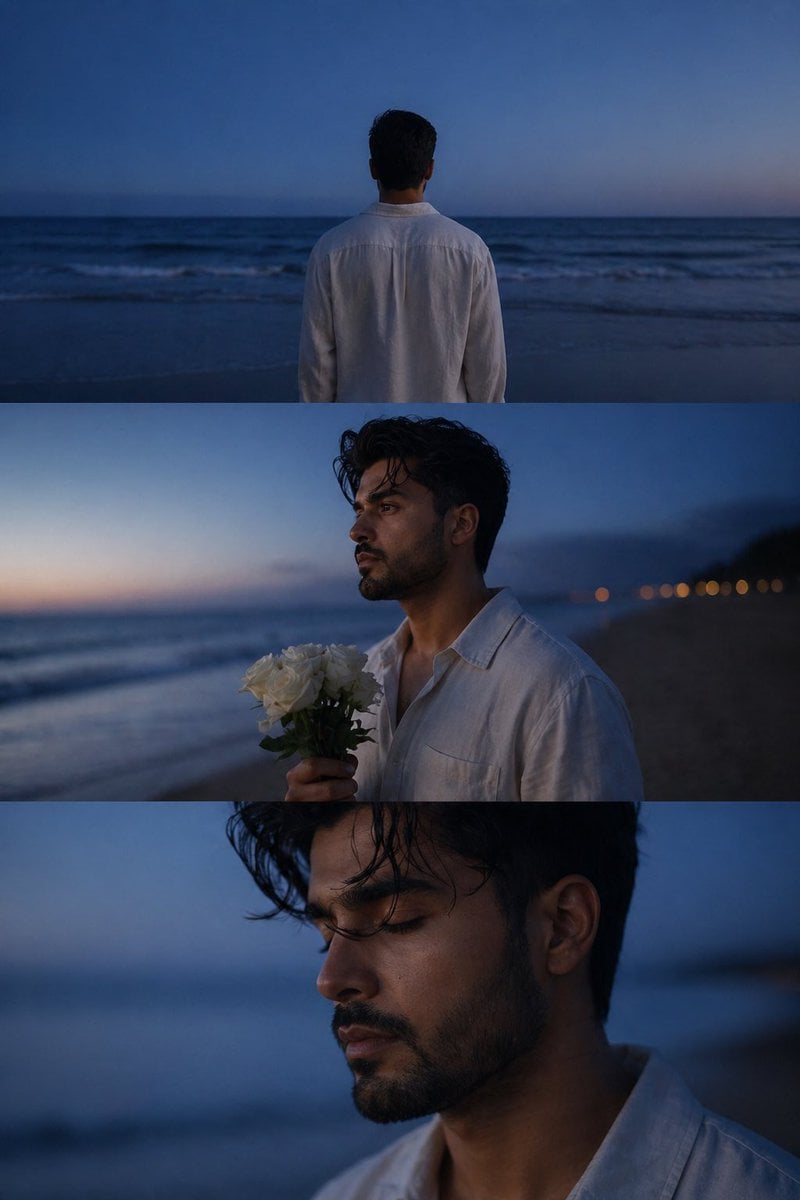
Melancholic blue hour portrait
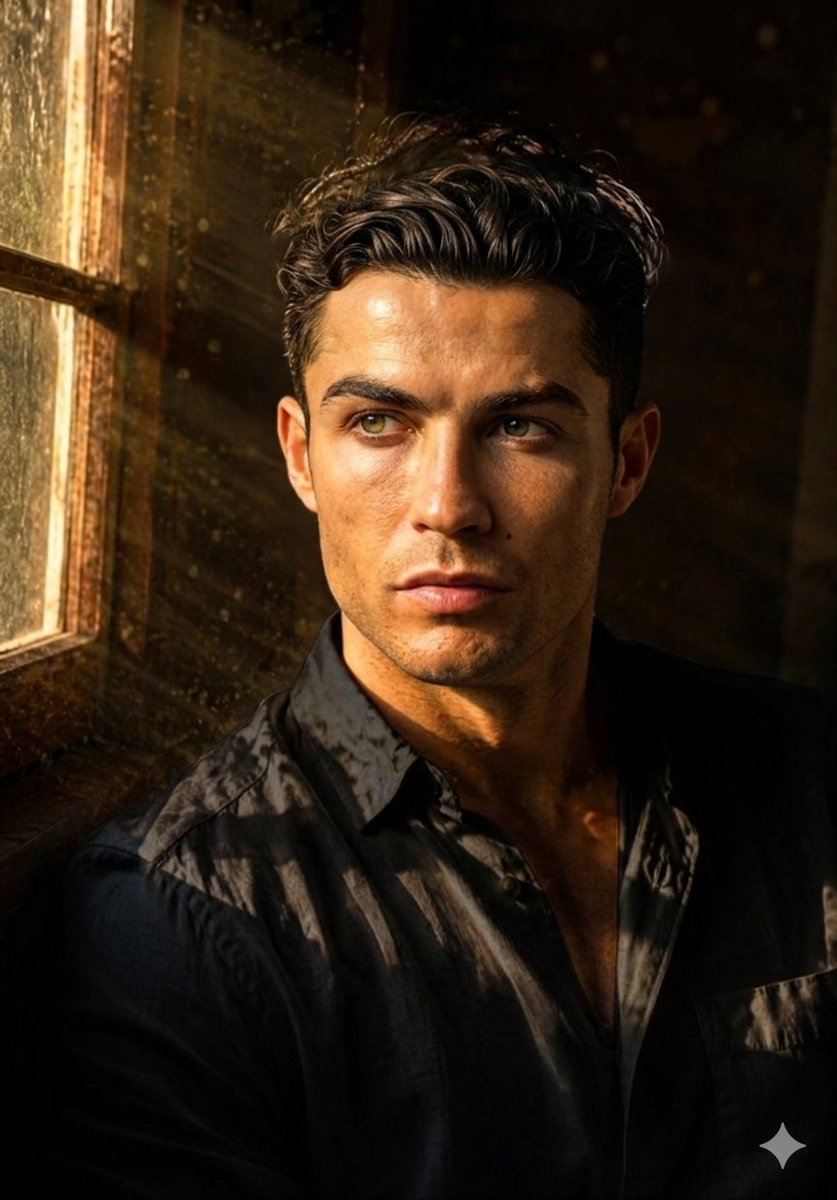
Moody Dual Portrait at Golden Hour
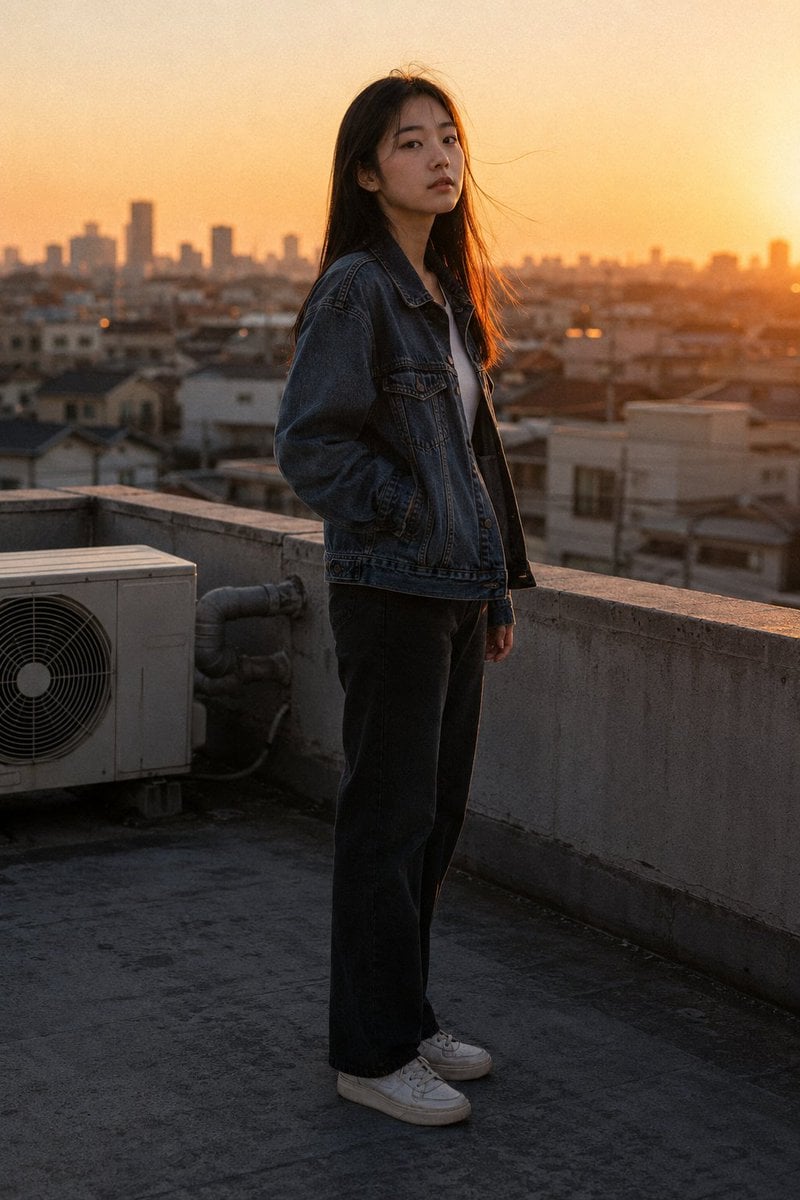
Golden Hour Rooftop Portrait

If We Met in 1985

Found Photograph: Us, 1970

80s Couple Studio Portrait

80s Bollywood Star
Make it yours
Moody Blue Hour Rooftop Portrait works as-is. These are the safest ways to change it without losing the look.
Change one field
Copy a single group, rewrite it, and generate again so you can see what that field is doing.
Keep the frame, change the subject
Hold the composition and light of Moody Blue Hour Rooftop Portrait, then swap wardrobe, props or the person for a new take.
| If the result… | Why | Fix |
|---|---|---|
| The result drifts from the preview | Too many fields changed at once. | Reuse Moody Blue Hour Rooftop Portrait as-is first, then change one group — subject, light, or setting. |
| The model over-stylizes the scene | The prose prompt leaves finish and camera underspecified. | Add one camera or lighting sentence and stay on GPT Image 2. |
More GPT Image 2 templates
Other prompts made for GPT Image 2.

Six VTuber Japanese Logo Sheet

Realistic Portrait of Woman and Deer

The Vista Modular Condo Poster

AI Model Routing Comparison Infographic

2.5D Anime Art Board

Isometric Productivity Desk Scene

New York Double Exposure Poster

Four-Panel AI Landscape Comparison

Japanese Tatami Lifestyle Magazine Cover

NESCAFÉ Coffee Map Poster
More image prompts
Fresh picks from across the catalog.
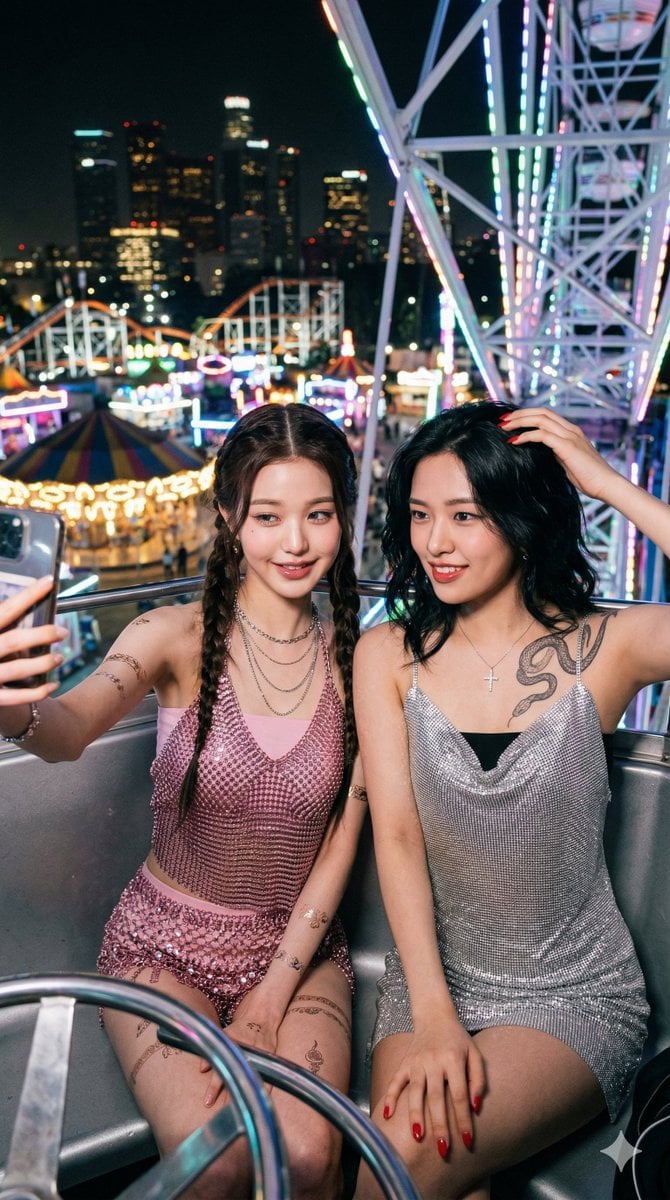
Photorealistic Night Selfie on a Ferris Wheel
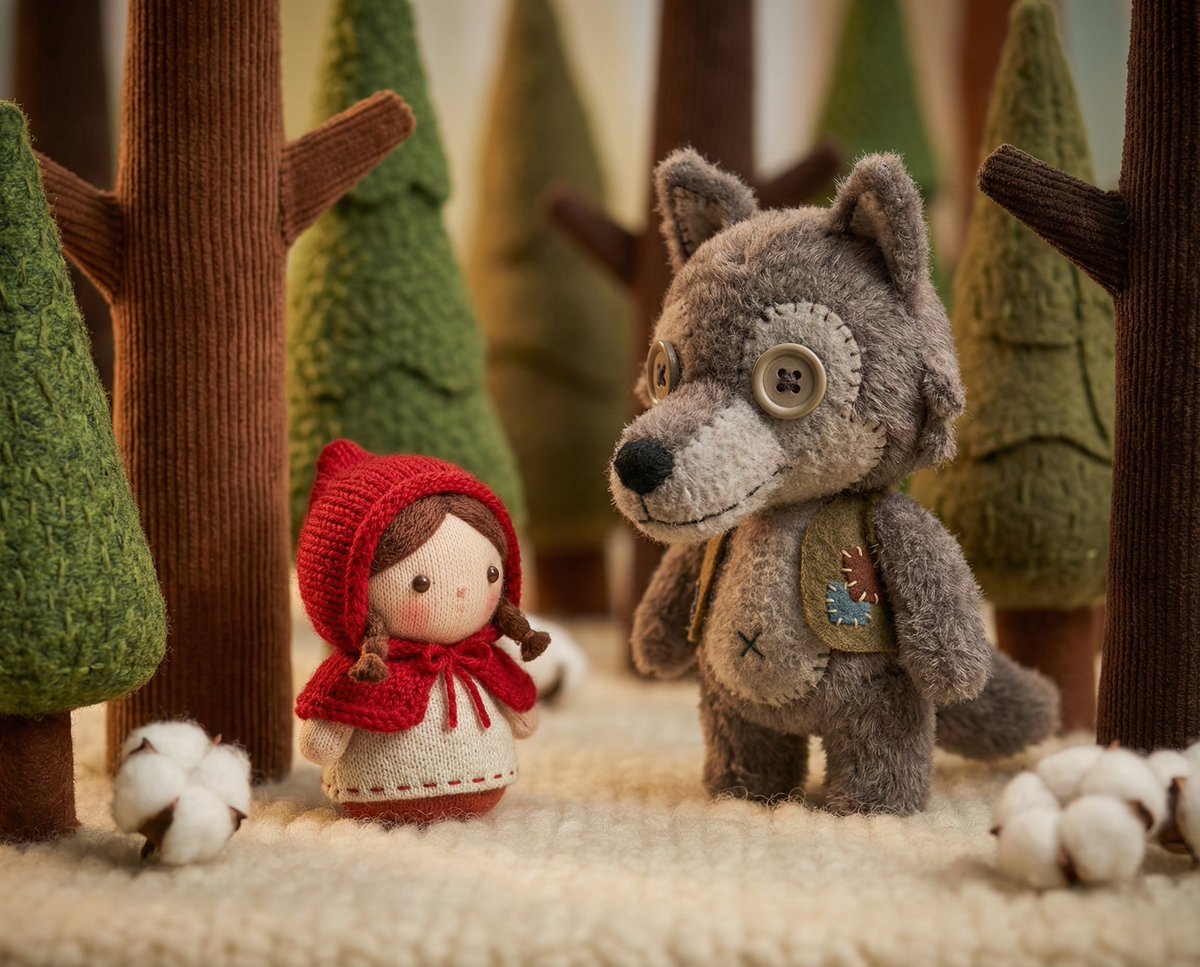
Whimsical Plush Toy Diorama of Little Red Riding Hood
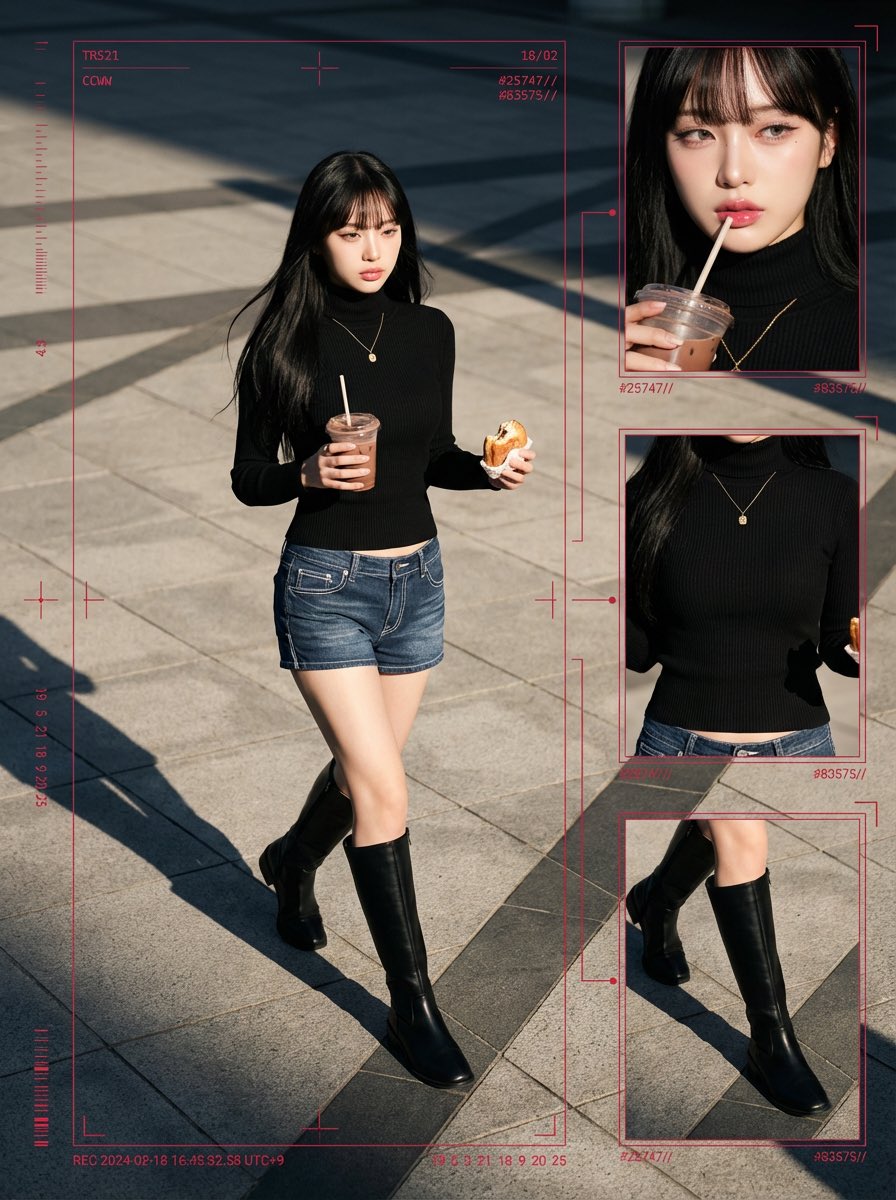
Cyber-Grunge Surveillance Fashion Editorial Prompt (Japanese Woman)
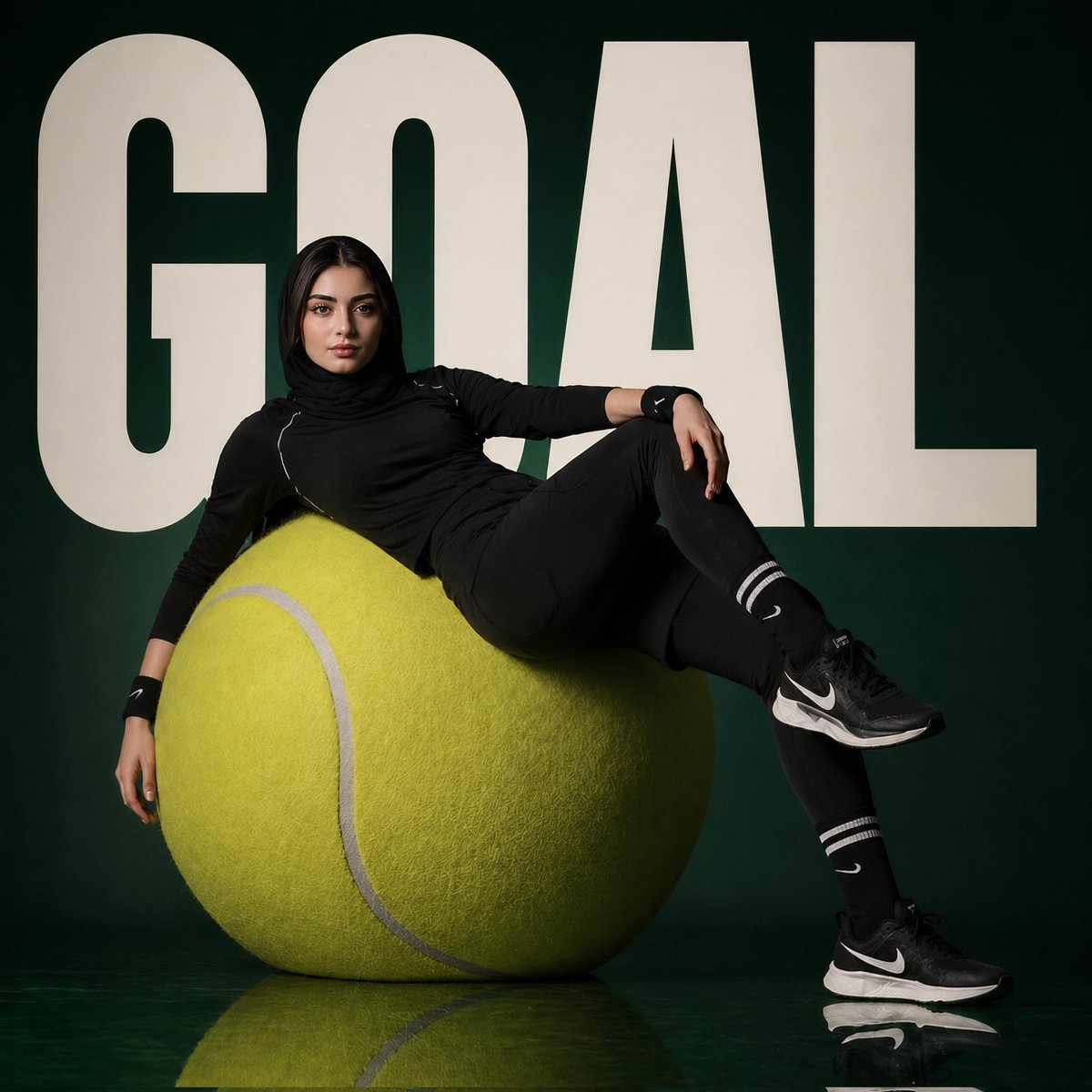
Athlete on Giant Tennis Ball
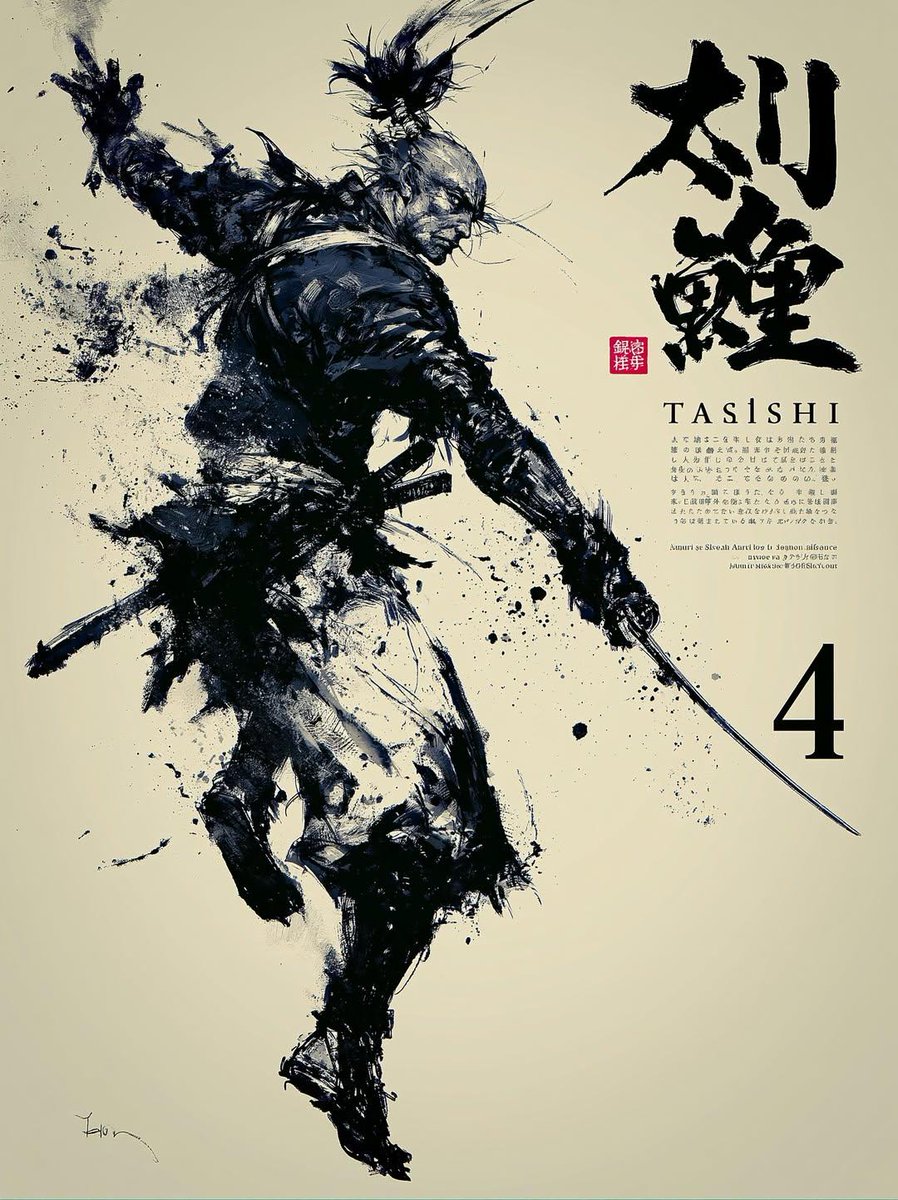
Sumi-e Samurai Poster Art

Minimalist Educational Infographic Template

Ultra Realistic Commercial Skincare Prod
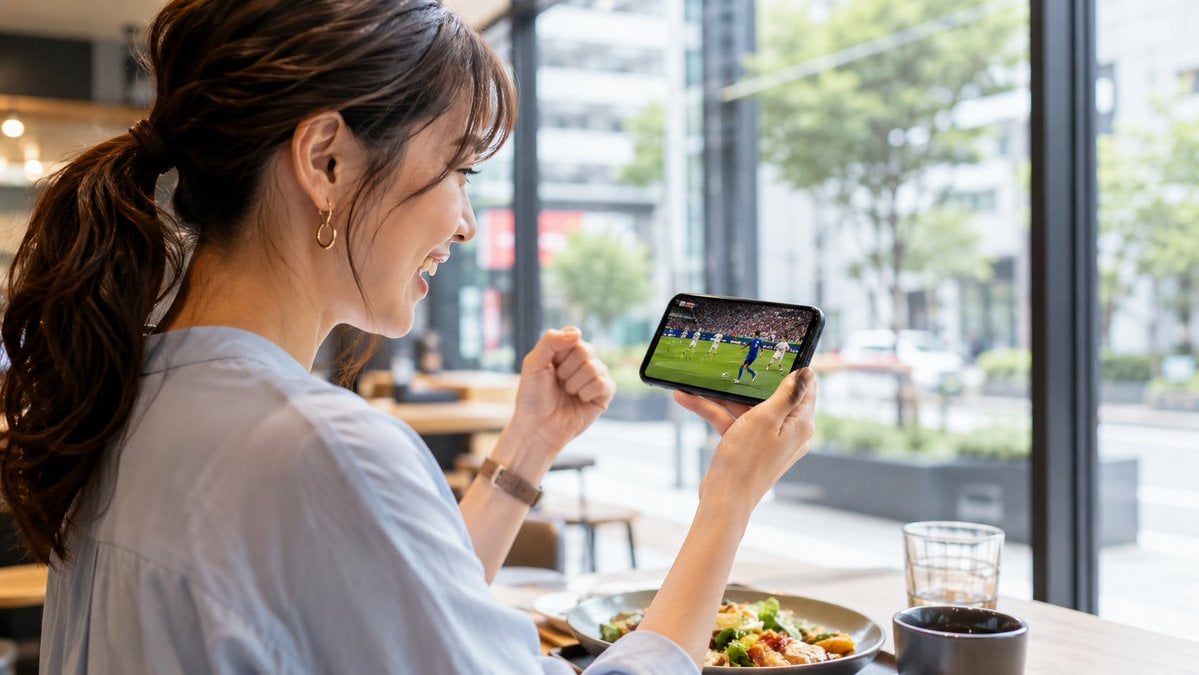
Sports Streaming Social Media Image
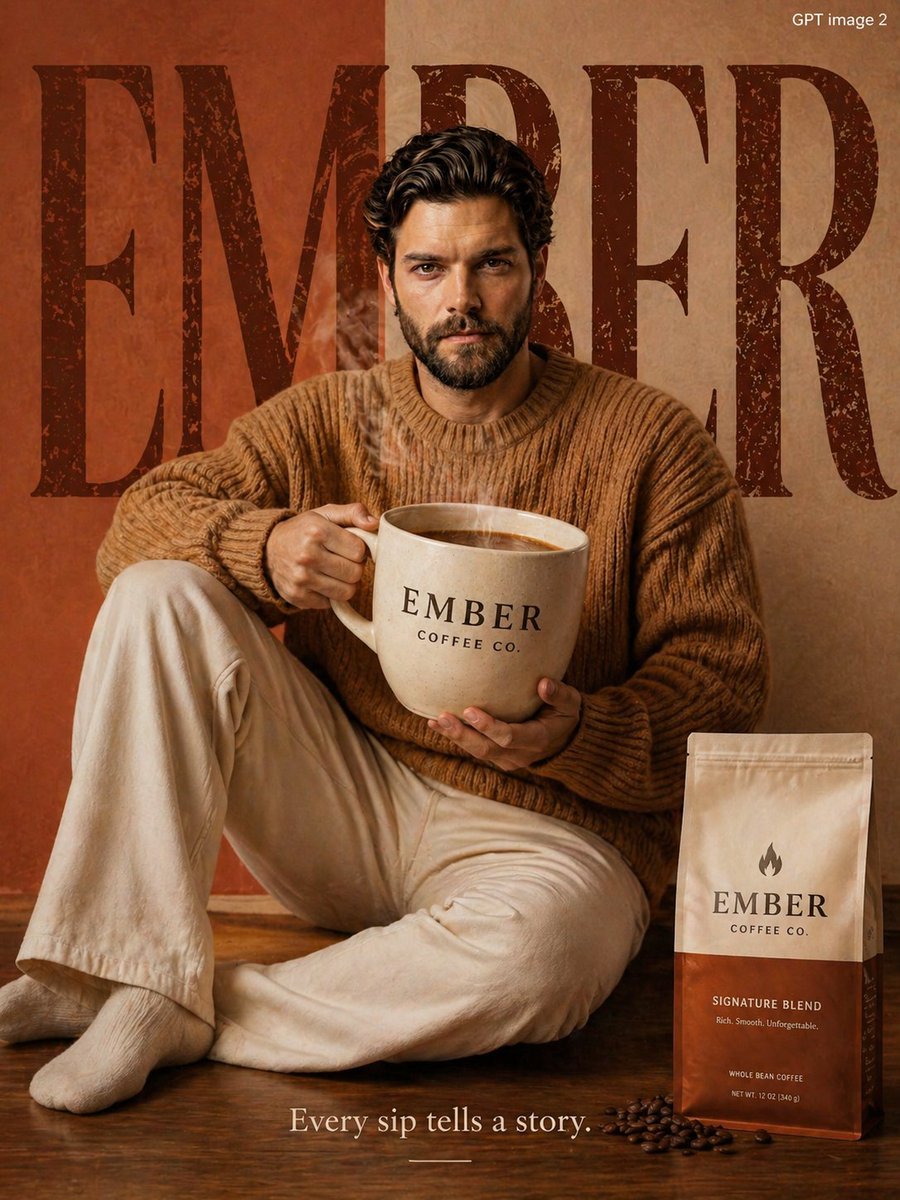
Premium Coffee Brand Advertisement

Deluxe Underwater Kingdom Board Game Box
Browse template categories
Moody Blue Hour Rooftop Portrait questions
How do I use the Moody Blue Hour Rooftop Portrait template?
Add your photo if the template asks for one, edit the prompt if you like — the template's model and format are already selected — and press Generate. Your version opens in PicX Studio.
Can I customize the Moody Blue Hour Rooftop Portrait template?
Yes. You can change the subject, setting, lighting, mood, format, and available model controls before creating your image.
Is the Moody Blue Hour Rooftop Portrait template free?
Opening and editing this template is free. Generating uses credits, shown on the Generate button when you are signed in.
Which AI model should I use?
Start with GPT Image 2, which is the model associated with this template. You can compare another compatible model for a different finish.
Looking for something else? Browse all templates.

Your photo, any look
Thousands of ready templates for every top image and video model, from one credit balance.