How do I use the Realistic White Dress Mirror Selfie template?
Choose the primary action to open PicX Studio with the available template settings. Review the model and format, personalize the creative direction, and generate when ready.
This prompt generates a photorealistic fashion mirror selfie in a warm apartment interior, useful for outfit shots, lifestyle content, and realism comparisons. Change the subject, setting, or lighting one variable at a time.
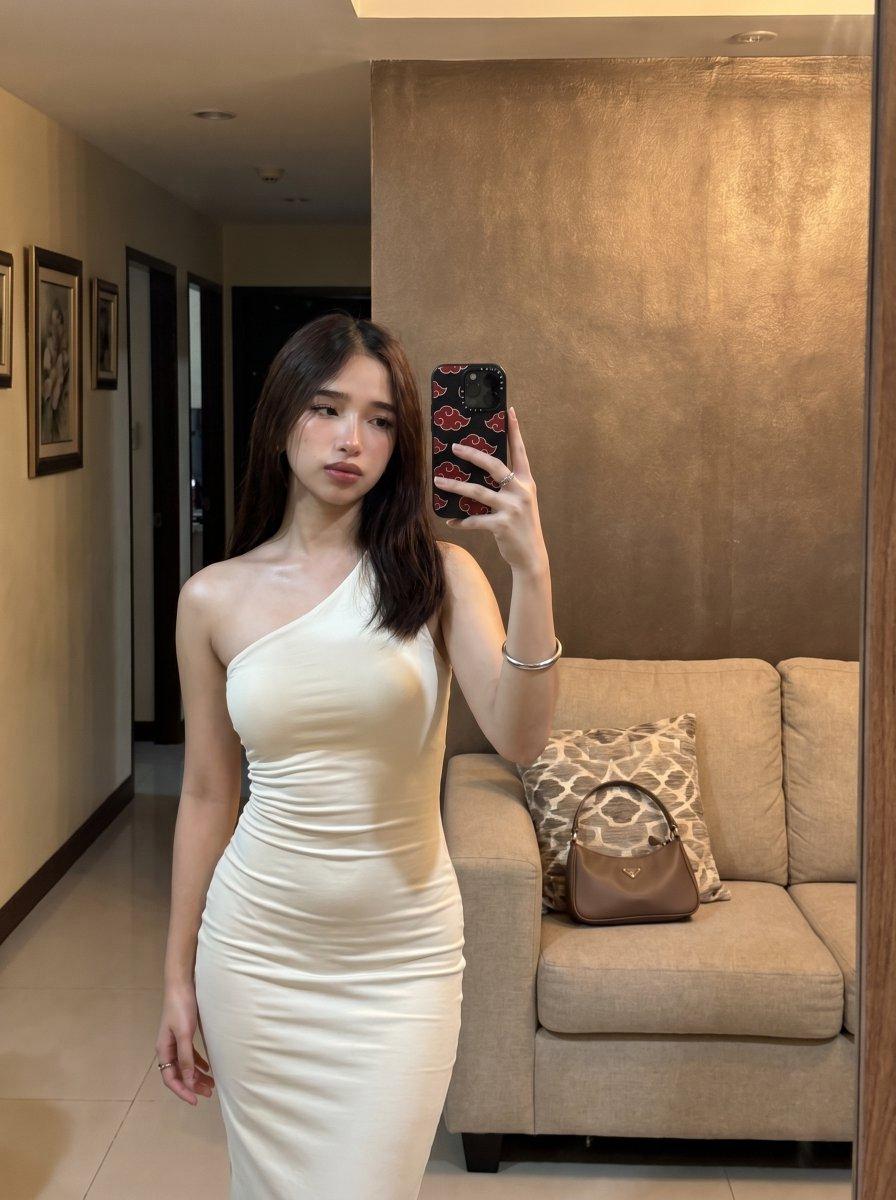
A realistic indoor mirror selfie of a slim young woman standing in a warmly lit modern apartment living room, wearing a fitted ivory-white one-shoulder bodycon midi dress with ruched gathering through the torso and hips. She has straight dark brown shoulder-length hair with a center part, minimal jewelry including 2 rings, a silver bangle bracelet, and small subtle earrings. Her face is obscured by the phone as she takes the photo with one hand raised, holding a smartphone in a black case decorated with red cloud motifs. She stands slightly angled with relaxed posture, one arm down by her side, showing a natural feminine silhouette. The scene is framed vertically like a casual social media outfit mirror selfie. Behind her is a beige fabric sofa with 1 patterned throw pillow in a gray geometric motif and 1 taupe-brown leather handbag placed on the seat. The background includes a textured bronze-brown accent wall, glossy cream tile floor, a dim hallway on the left with 3 framed wall artworks, and warm recessed ceiling lights. Soft ambient evening lighting, natural skin tones, realistic fabric tension and folds, subtle reflections in the mirror, clean upscale apartment aesthetic, high realism, photorealistic skin texture, smartphone camera perspective.
Choose the primary action to open PicX Studio with the available template settings. Review the model and format, personalize the creative direction, and generate when ready.
Yes. You can change the subject, setting, lighting, mood, format, and available model controls before creating your image.
This template is free to open and customize. Generation usage is shown in PicX Studio before you create.
Start with GPT Image 2, which is the model associated with this template. You can compare another compatible model for a different finish.
© 2026 PicX Studio. All rights reserved.

Follow a topic to a crawlable collection of related PicX Studio templates.
43,474 public templates available. Verified via the PicX Studio public templates API; refreshed hourly.


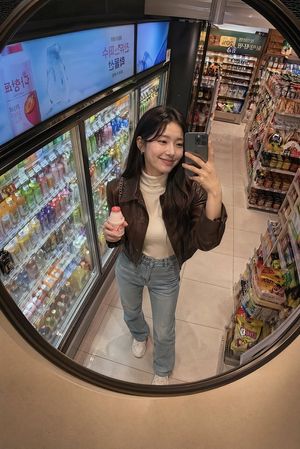




![nano-banana-grwm-mirror-selfie-pink — Nano Banana 2
Prompt (JSON):
{
"type": "image_prompt",
"description": {
"subject": {
"main": "[NAME] com o](/_next/image?url=https%3A%2F%2Fcdn.picxstudio.com%2Fuploads%2Ftweet_img_10a_612da6f9-cf6d-417e-bdd5-cc1300d1d830.jpg&w=828&q=100)










![Minimalist Flat Vector Travel Poster — Premium minimalist flat-vector travel poster for {argument name="city name" default="[CITY_NAME]"}, 3:4 vertical format.](https://cms-assets.youmind.com/media/1787917359711_3ug846_HQX205cbMAA6F6S-300x400.jpg)


























![Cinematic 3x3 Storyboard Grid — create a 3x3 grid storyboard showing a cinematic sequence of [your chosen subject] set the location on the street and night time](https://cms-assets.youmind.com/media/1777625672968_o9tvln_HHI66cmXEAAbIqJ.jpg)

![9-Panel Product Storyboard Grid Prompt — Create ONE final image.
A clean 3×3 [ratio] storyboard grid with nine equal [ratio] sized panels on [4:5] ratio.
Use](https://pbs.twimg.com/media/G_FaISRWkAAHtDT.jpg)