How do I use the Urban Heroine Glamour Portrait template?
Choose the primary action to open PicX Studio with the available template settings. Review the model and format, personalize the creative direction, and generate when ready.
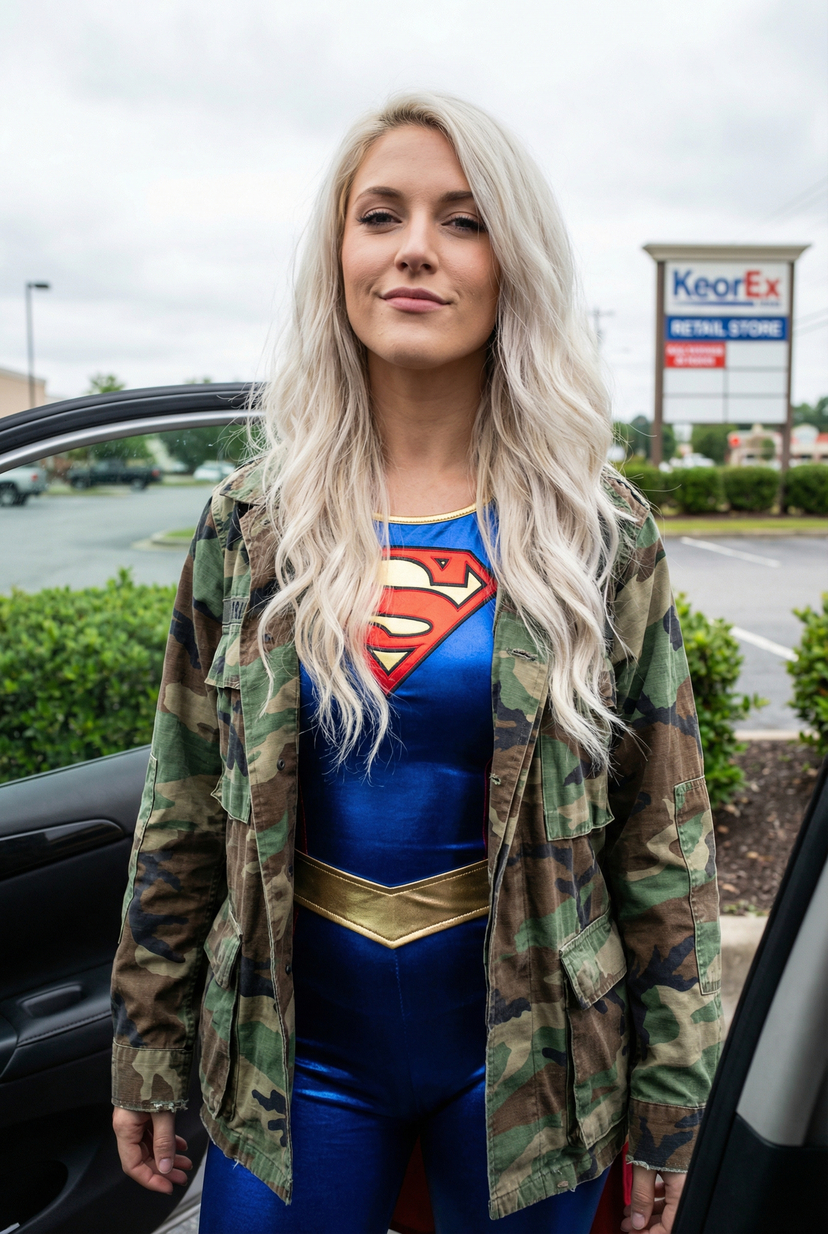
Use the Urban Heroine Glamour Portrait AI image template on PicX Studio. Free template, no signup required.
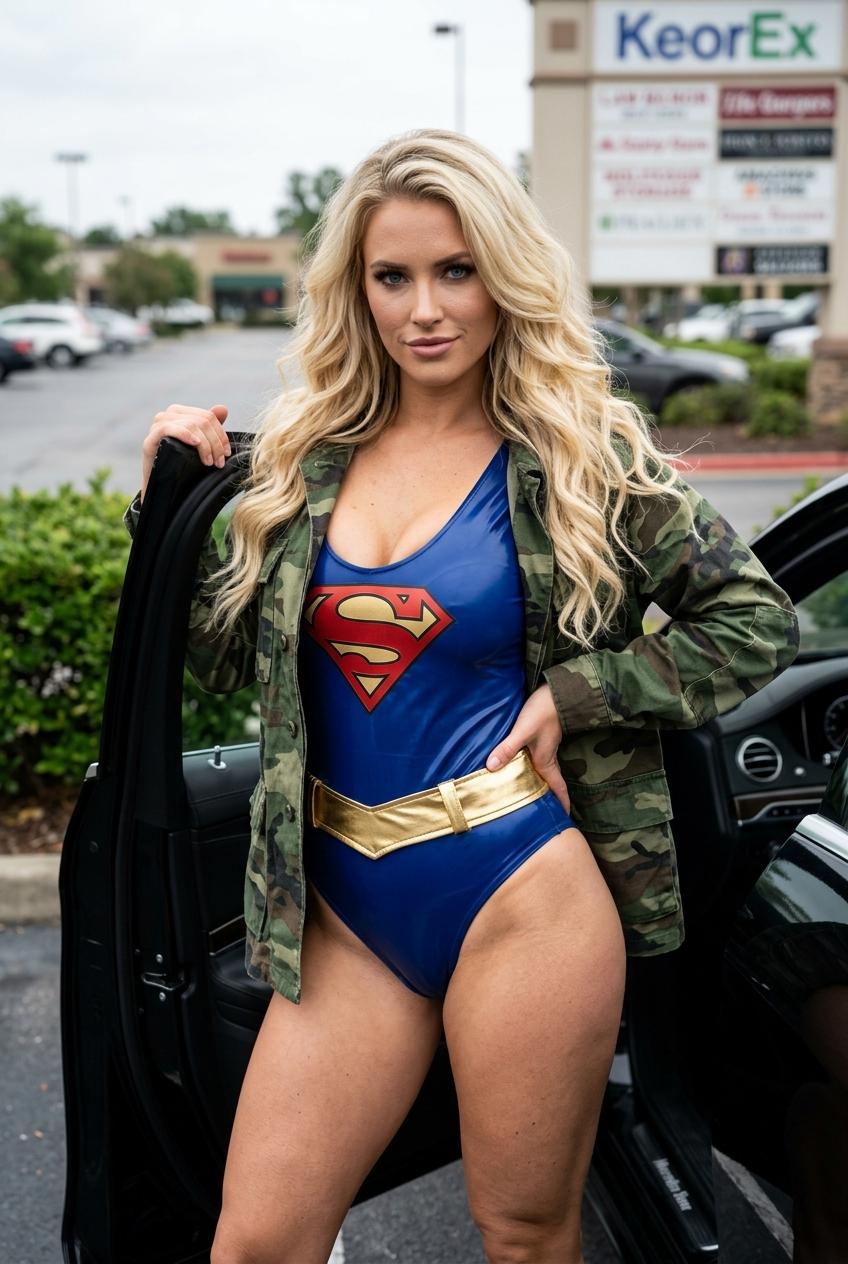
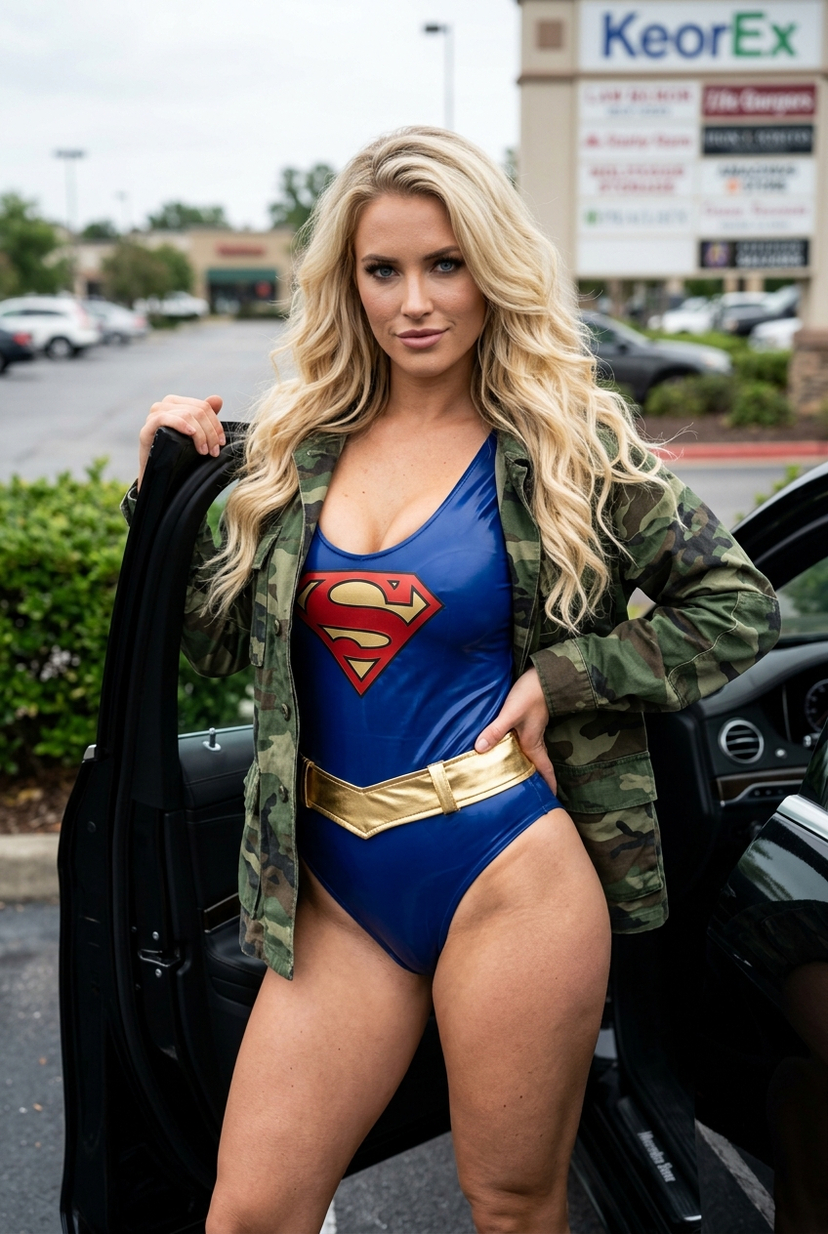
{ "prompt": "Stunning blonde woman with long wavy hair and striking blue eyes, standing next to an open car door in a parking lot, wearing a shiny blue and red Superman-style bodysuit with a large red and gold 'S' emblem with neckline on the chest and a gold belt, layered with an open camouflage utility jacket, seductive confident expression looking at the camera, soft natural daylight with cloudy sky, background shows a KeorEx store and green bushes, photorealistic, ultra-detailed skin texture, realistic shiny latex-like material on the bodysuit with reflections, cinematic glamour photography, 8k resolution", "negative_prompt": "blurry, low resolution, deformed body, extra limbs, bad anatomy, ugly face, cartoon, anime, overexposed, harsh shadows, text artifacts, watermark, other people, different outfit, matte fabric, plastic skin, distorted proportions", "parameters": { "style": "photorealistic glamour portrait", "aspect_ratio": "9:16", "lighting": "soft natural daylight", "detail_level": "ultra high", "resolution": "8k", "model_version": "latest photoreal checkpoint" }, "seed": null, "cfg_scale": 7.5, "steps": 50, "sampler": "DPM++ 2M Karras" }
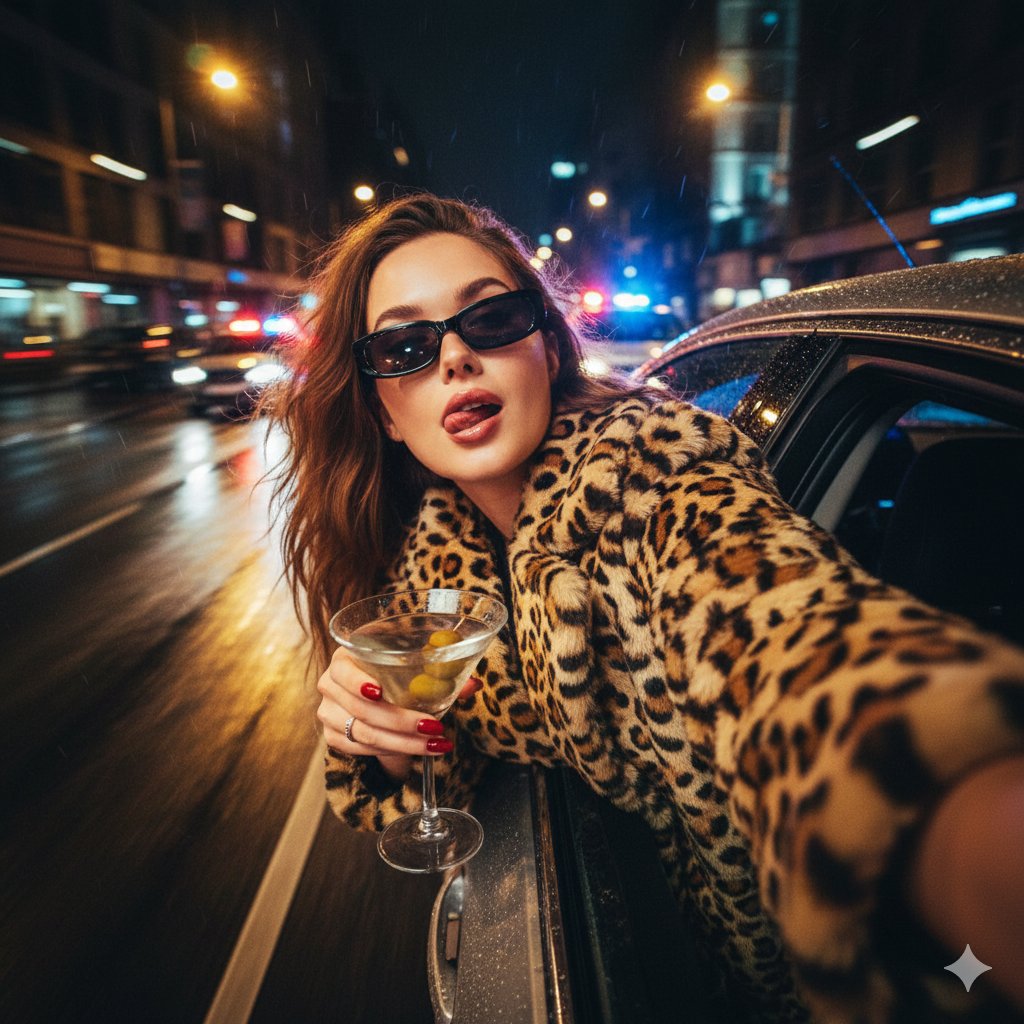
Use Urban Heroine Glamour Portrait to plan an AI image around themes such as new and popular. Match the preview's composition first, then personalize the subject, setting, and mood for your own project.
Use the primary action to load the template settings in PicX Studio.
Adjust the subject and creative details for your destination.
Create the image, compare the result with the preview, and refine one variable at a time.
A continuous mix — similar concepts first, woven with same-model prompts and fresh picks from the catalog.
Choose the primary action to open PicX Studio with the available template settings. Review the model and format, personalize the creative direction, and generate when ready.
Yes. You can change the subject, setting, lighting, mood, format, and available model controls before creating your image.
This template is free to open and customize. Generation usage is shown in PicX Studio before you create.
Choose a compatible model in PicX Studio based on the style, speed, and output controls your project needs.
Follow a topic to a crawlable collection of related PicX Studio templates.
39,155 public templates available. Verified via the PicX Studio public templates API; refreshed hourly.
A continuous mix — similar concepts first, woven with same-model prompts and fresh picks from the catalog.