
Neon AI Creator Poster
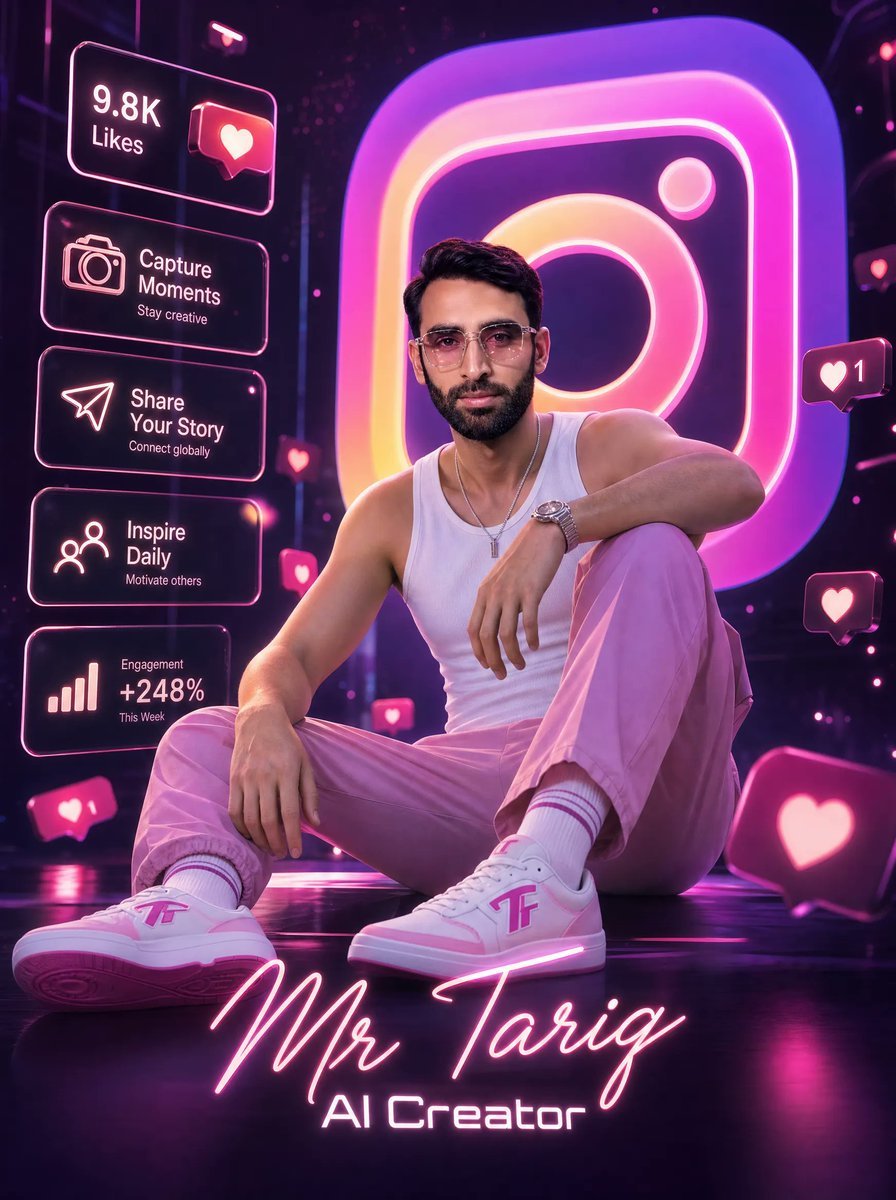
A cinematic 3D Instagram-themed creator poster for branding a stylish AI influencer or social media personality.
- Prompt included
- Model and format preset
- Free template
The prompt behind this image
Copy the exact prompt behind Neon AI Creator Poster, or open it in the studio and make it yours.
Goal: Create an ultra-detailed cinematic 3D digital social-media creator poster featuring {argument name="character name" default="Mr Tariq"} as a stylish young male AI creator seated confidently in a futuristic neon Instagram-themed studio. Canvas: Vertical poster, 3:4 aspect ratio, glossy high-resolution 3D render with dramatic depth of field, dark purple-black environment, reflective floor, magenta and pink neon rim lighting. Main subject: A fashionable young man sitting on the floor in a relaxed confident pose, one knee raised and one leg extended toward the viewer. He wears modern glasses implied by the style, a fitted white tank top, trendy {argument name="trouser color" default="pink"} trousers, white socks with pink stripes, a wristwatch, a thin necklace, and custom white-and-pink sneakers with a stylized pink logo on the side. His face is intentionally covered by a centered soft-edged square censor block in muted brown-pink, while the hair, ears, neck, arms, and outfit remain visible. Use realistic skin, athletic slim build, cinematic fashion-poster posing, and premium influencer branding. Background: Place a giant glowing Instagram-style app icon behind him, oversized and slightly blurred, with a gradient of hot pink, purple, orange, and yellow neon. Add floating social media reaction bubbles, glowing heart icons, and small pink notification particles throughout the dark studio. Left-side interface panels: Include exactly 5 translucent rounded rectangular neon UI cards stacked vertically on the left side, outlined in pink-white glow. Card 1: text “9.8K Likes” with a heart notification icon. Card 2: camera icon, text “Capture Moments”, subtext “Stay creative”. Card 3: paper-plane icon, text “Share Your Story”, subtext “Connect globally”. Card 4: people/network icon, text “Inspire Daily”, subtext “Motivate others”. Card 5: bar chart icon, text “Engagement +248%”, subtext “This Week”. Floating reaction elements: Include exactly 5 visible floating heart-notification bubbles outside the left UI stack: one small heart bubble near the center-left beside the subject, one small heart bubble near the upper-right side with the number “1”, one small heart bubble mid-right, one large heart bubble near the bottom-right foreground, and one small heart bubble near the lower-left foreground with the number “1”. Bottom typography: At the bottom center, write the creator name {argument name="bottom signature text" default="Mr Tariq"} in large glowing handwritten neon script, colored pink-white. Directly below it, write {argument name="subtitle text" default="AI Creator"} in a futuristic sans-serif neon font. Keep the typography crisp, centered, and integrated with the floor glow. Visual style: Hyper-real cinematic 3D, glossy neon cyber-studio, influencer marketing aesthetic, pink and purple color palette, volumetric light, reflections, bloom, shallow depth of field, sharp detailed clothing and shoes, high contrast, premium digital poster look. Constraints: Preserve all visible English text exactly as specified, keep the subject seated in the foreground, keep the giant Instagram icon dominant in the background, do not add extra UI cards, do not add watermarks or unrelated logos.
How to use Neon AI Creator Poster in 3 steps
- 1Upload ImagePNG, JPG or paste
Add your photo
Upload the photo the template builds on. The prompt, model and format are already set.
- 2…a portrait of your subject in softgolden-hour light, 85mm…
Personalize
Edit the subject and creative details for your destination.
- 3Generate
Generate
Press Generate — your image is created in PicX Studio, so you can compare it with the original and refine one variable at a time.
More like this
Templates with the same subject, style or setup. Open one to see its prompt.

Cartoon TV Show Poster Pack

Neon Glitch Cyber Symbiote Music Poster
Victory Aura Superhero Neon Poster
Synthwave Retro Superhero Music Poster
Victory Aura Football Poster
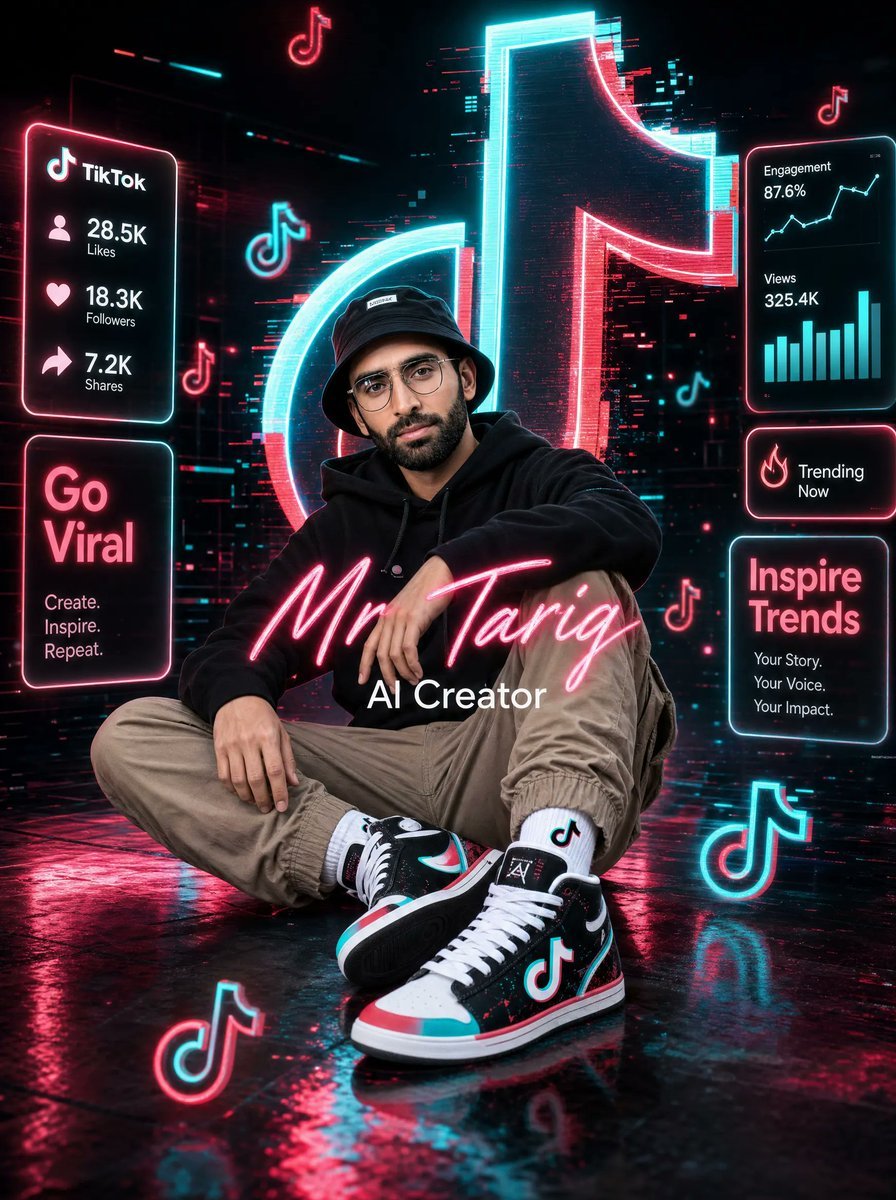
Neon TikTok AI Creator Poster
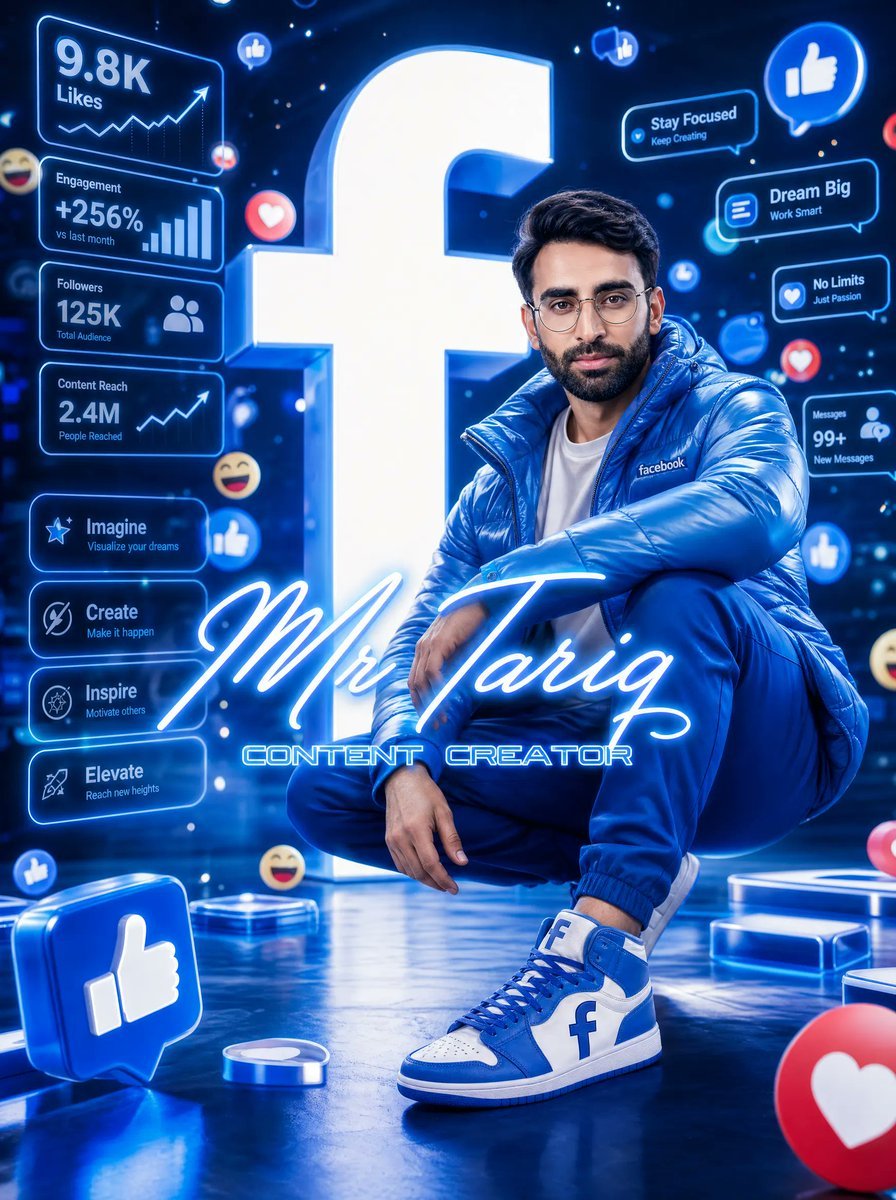
Neon Facebook Creator Poster
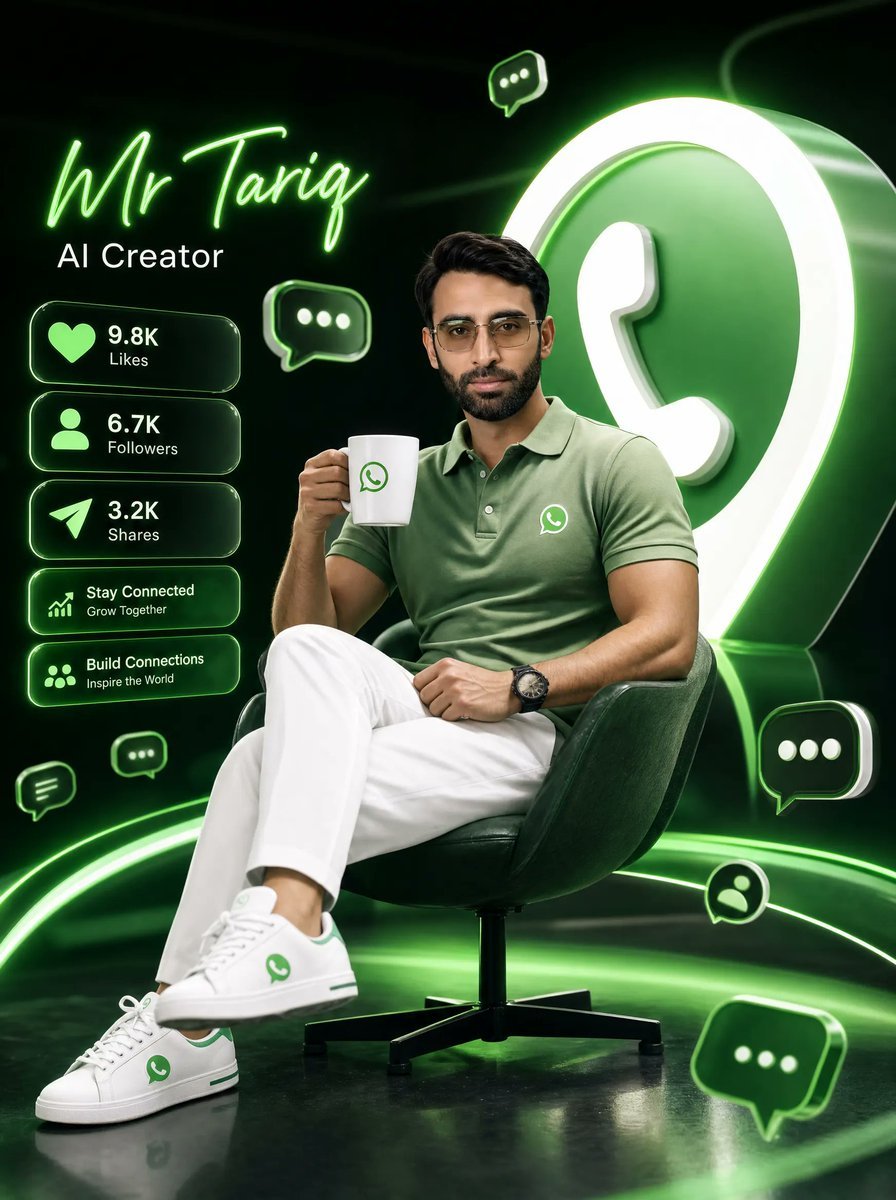
Neon WhatsApp AI Creator Poster

80s Neon Disco Night

Japan Travel Brochure Poster

Trendy Cafe Drink Promo Poster

Urban Fashion Editorial Collage Streetwear Poster
Make it yours
Neon AI Creator Poster works as-is. These are the safest ways to change it without losing the look.
Change one field
Copy a single group, rewrite it, and generate again so you can see what that field is doing.
Keep the frame, change the subject
Hold the composition and light of Neon AI Creator Poster, then swap wardrobe, props or the person for a new take.
| If the result… | Why | Fix |
|---|---|---|
| The result drifts from the preview | Too many fields changed at once. | Reuse Neon AI Creator Poster as-is first, then change one group — subject, light, or setting. |
| The model over-stylizes the scene | The prose prompt leaves finish and camera underspecified. | Add one camera or lighting sentence and stay on GPT Image 2. |
More GPT Image 2 templates
Other prompts made for GPT Image 2.

Six VTuber Japanese Logo Sheet

Realistic Portrait of Woman and Deer

The Vista Modular Condo Poster

AI Model Routing Comparison Infographic

2.5D Anime Art Board

Isometric Productivity Desk Scene

New York Double Exposure Poster

Four-Panel AI Landscape Comparison

Japanese Tatami Lifestyle Magazine Cover

NESCAFÉ Coffee Map Poster
More image prompts
Fresh picks from across the catalog.
Studio Legwear Photography
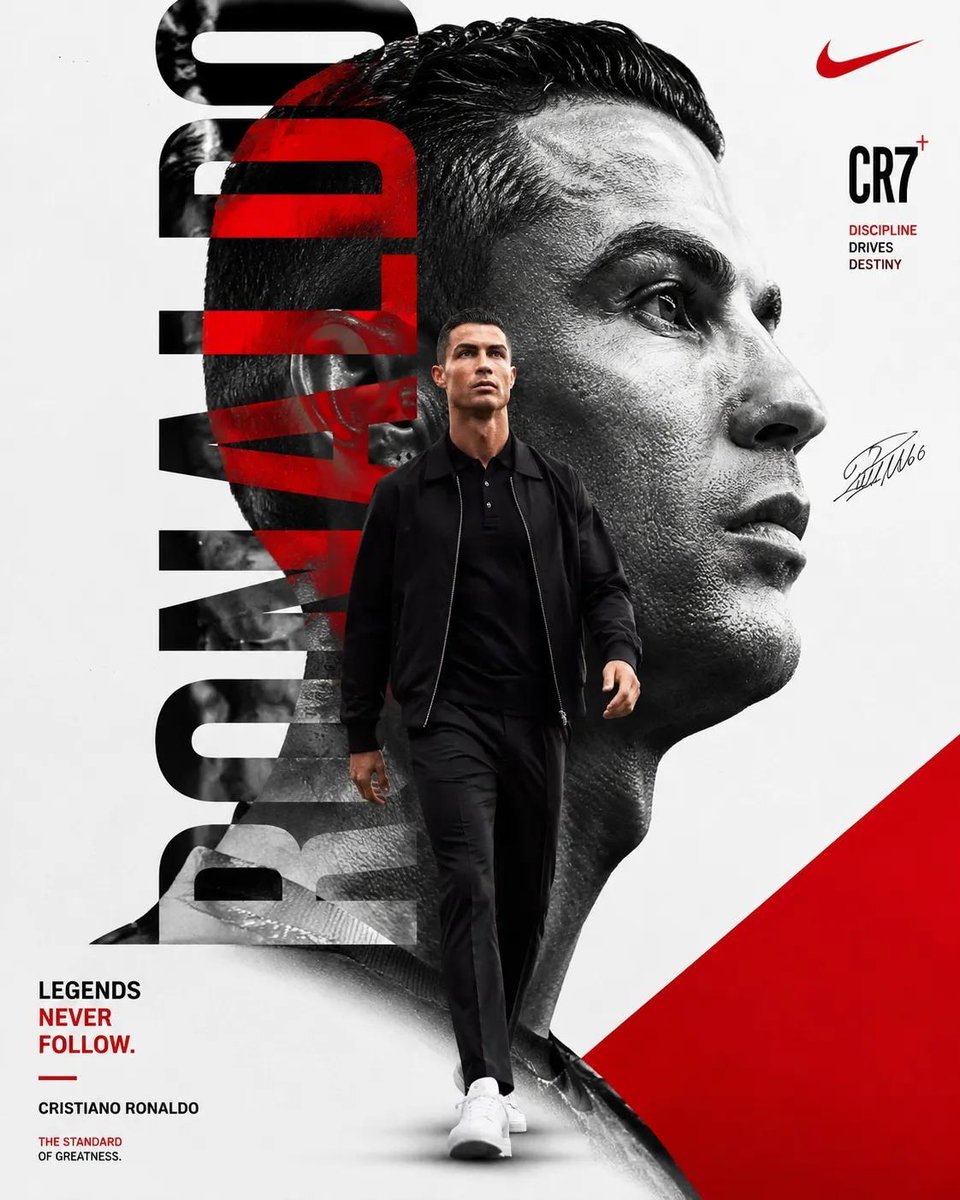
Minimalist Sports Poster Campaign
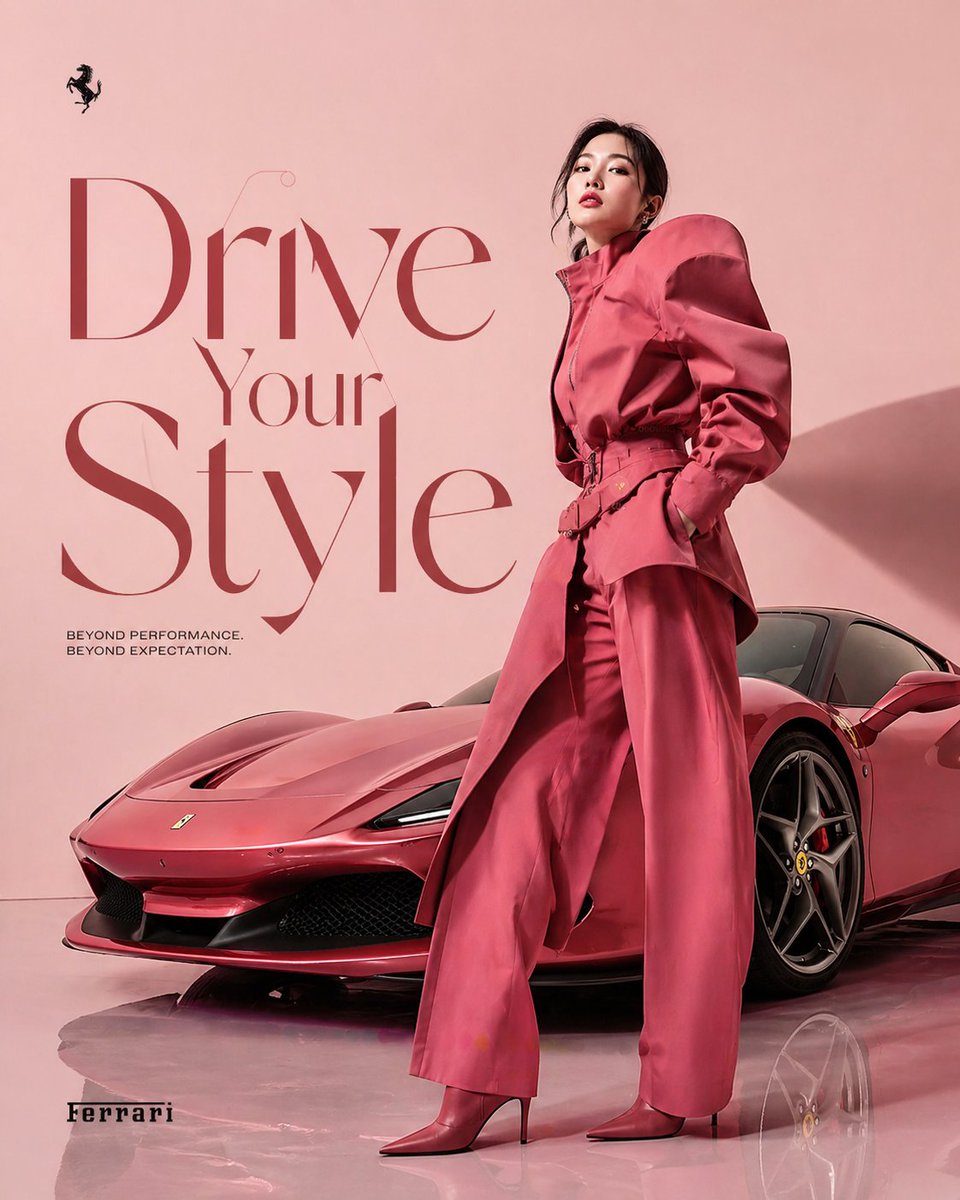
Korean Model and Luxury Car Advertisement
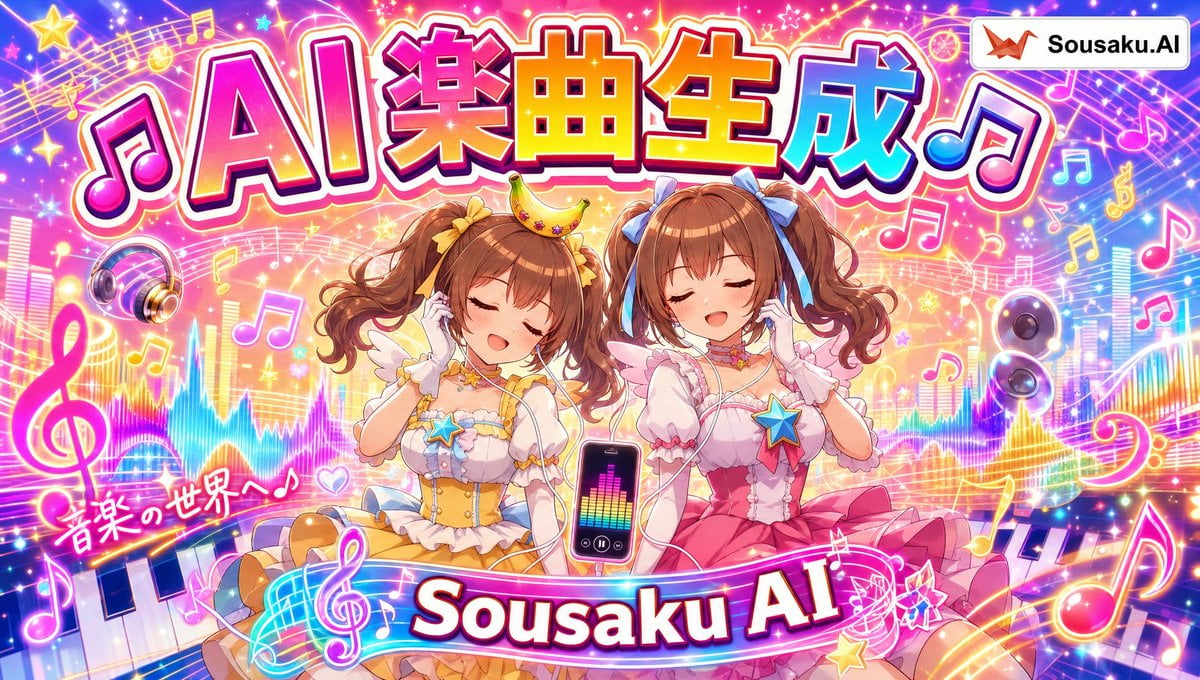
Magical Girl AI Music Thumbnail
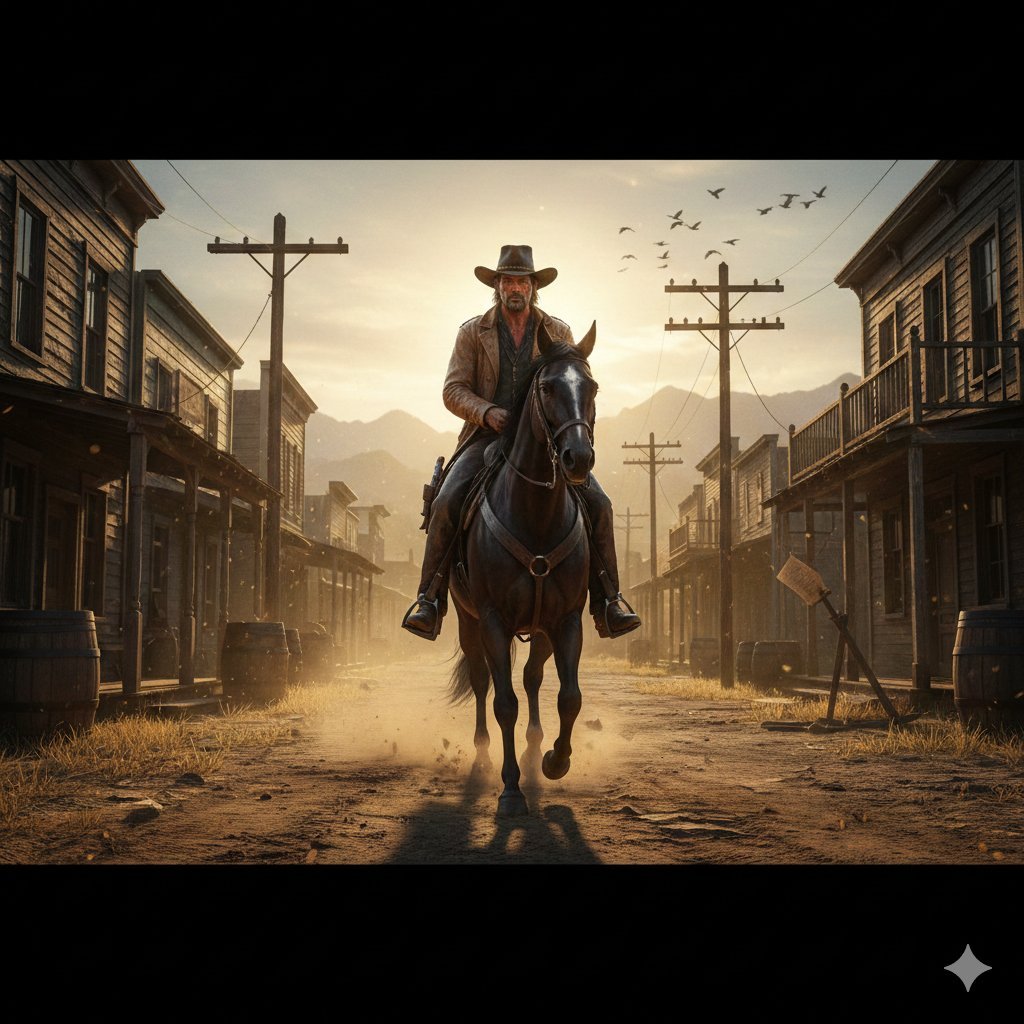
Gritty Western Gunslinger Scene Prompt
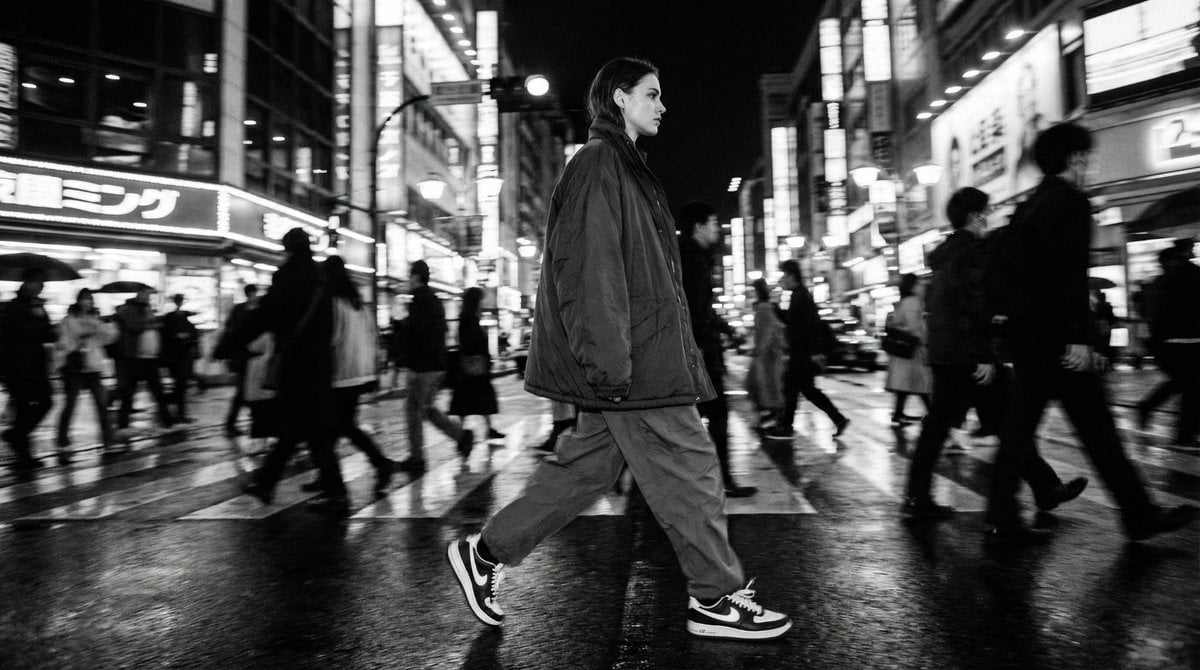
Template for Cinematic B&W Street Fashion Editorial
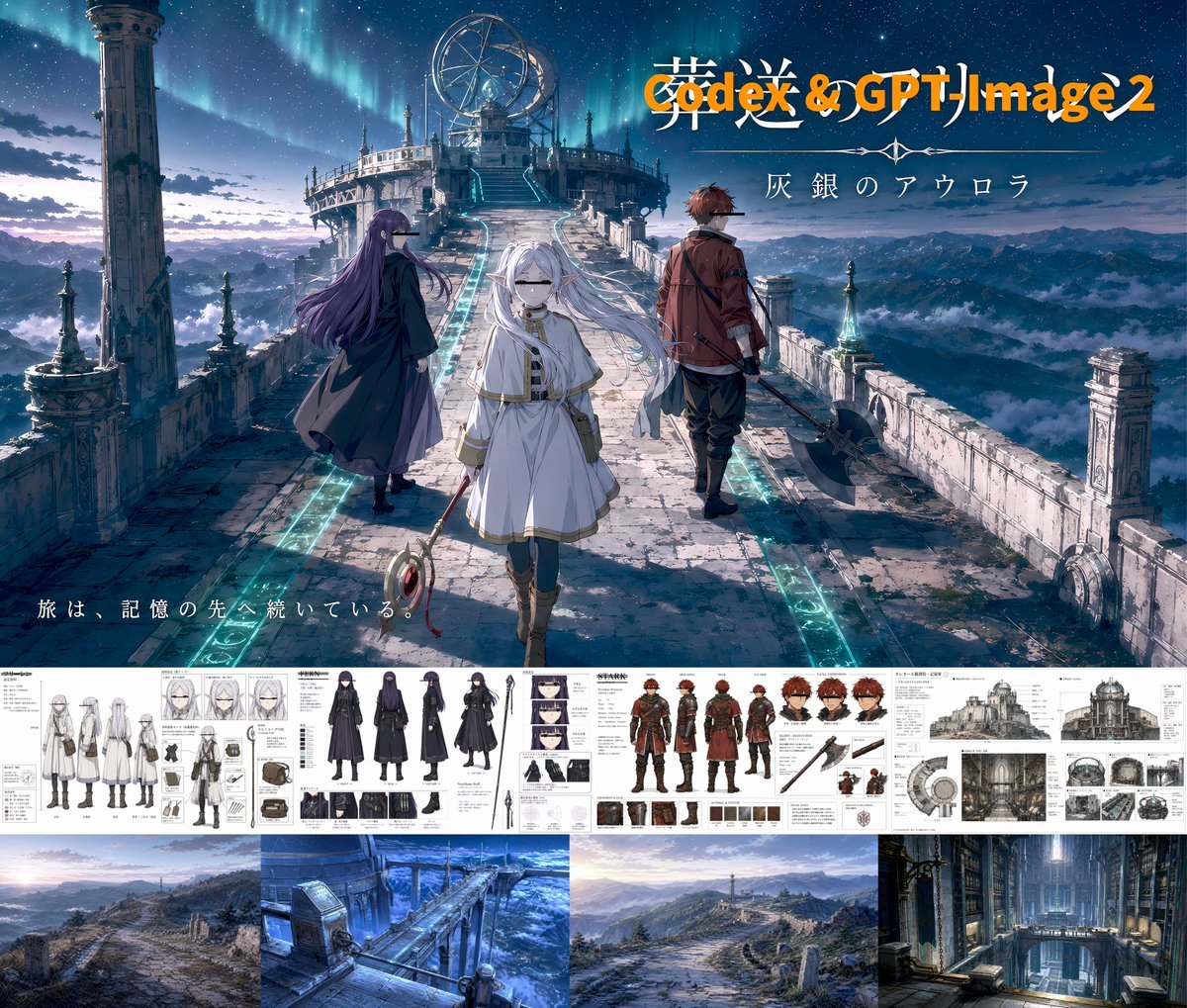
Anime Fantasy Key Visual Board
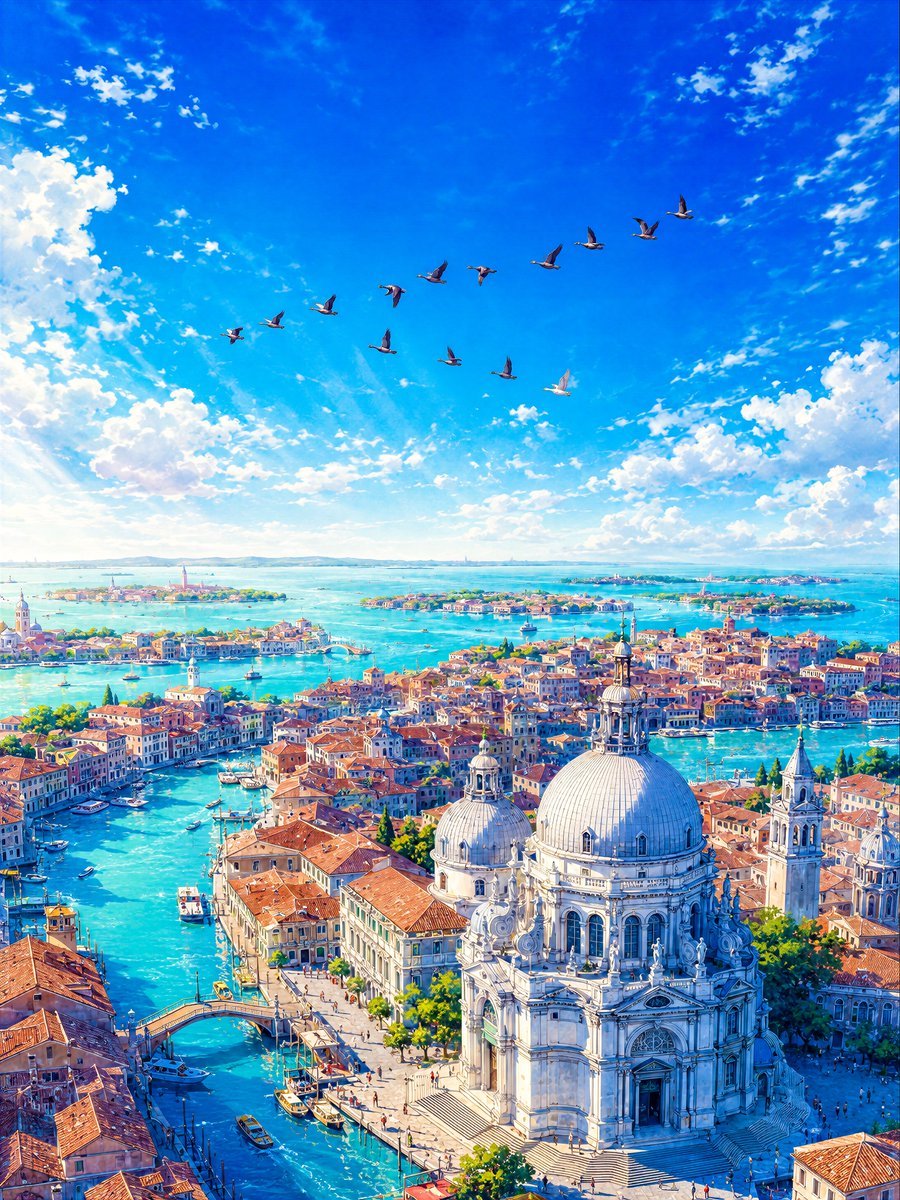
Aerial Lagoon Scenery with Geese
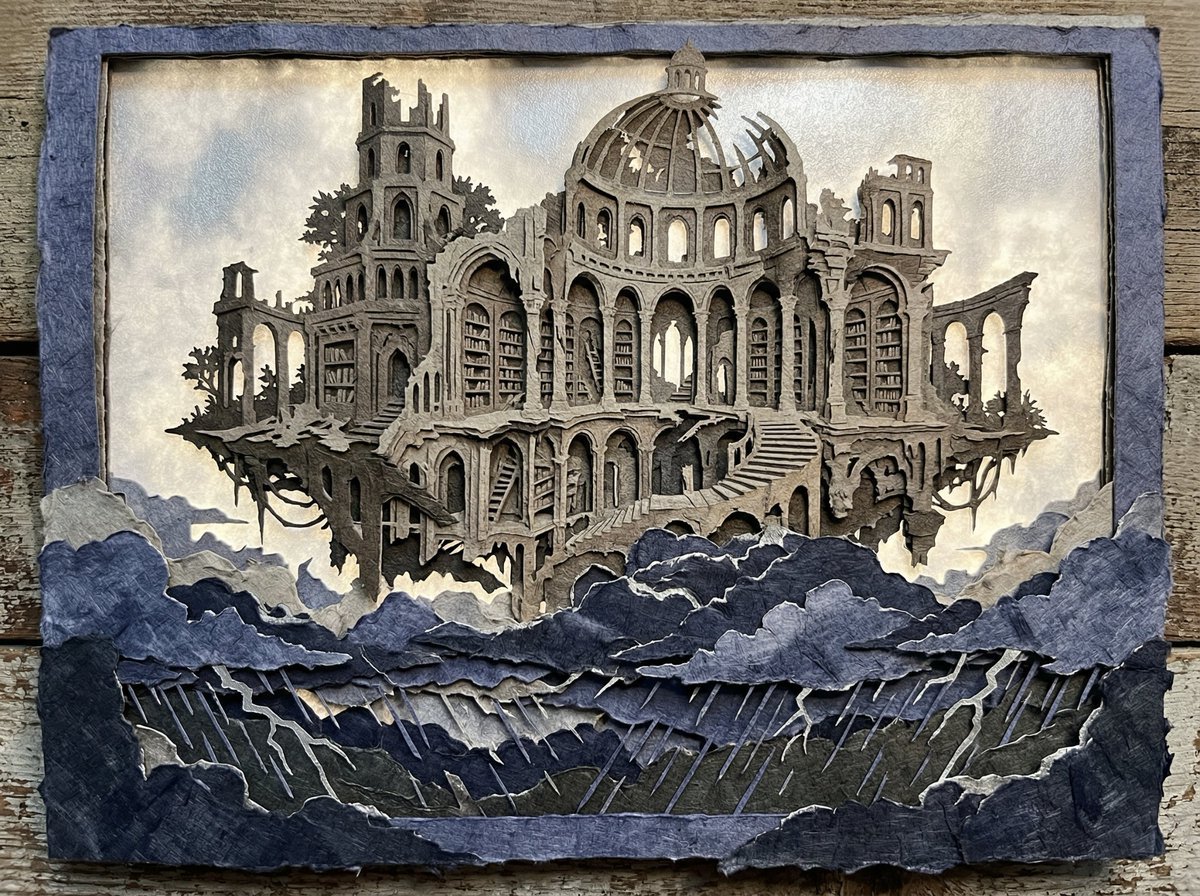
Intricate Paper Cut Silhouette of a Library
Character Prompt with Drinking Action for Anifusion/Nano Banana
Browse template categories
Neon AI Creator Poster questions
How do I use the Neon AI Creator Poster template?
Add your photo if the template asks for one, edit the prompt if you like — the template's model and format are already selected — and press Generate. Your version opens in PicX Studio.
Can I customize the Neon AI Creator Poster template?
Yes. You can change the subject, setting, lighting, mood, format, and available model controls before creating your image.
Is the Neon AI Creator Poster template free?
Opening and editing this template is free. Generating uses credits, shown on the Generate button when you are signed in.
Which AI model should I use?
Start with GPT Image 2, which is the model associated with this template. You can compare another compatible model for a different finish.
Looking for something else? Browse all templates.

Your photo, any look
Thousands of ready templates for every top image and video model, from one credit balance.