
Side-by-Side AI Photo Recreation Comparison
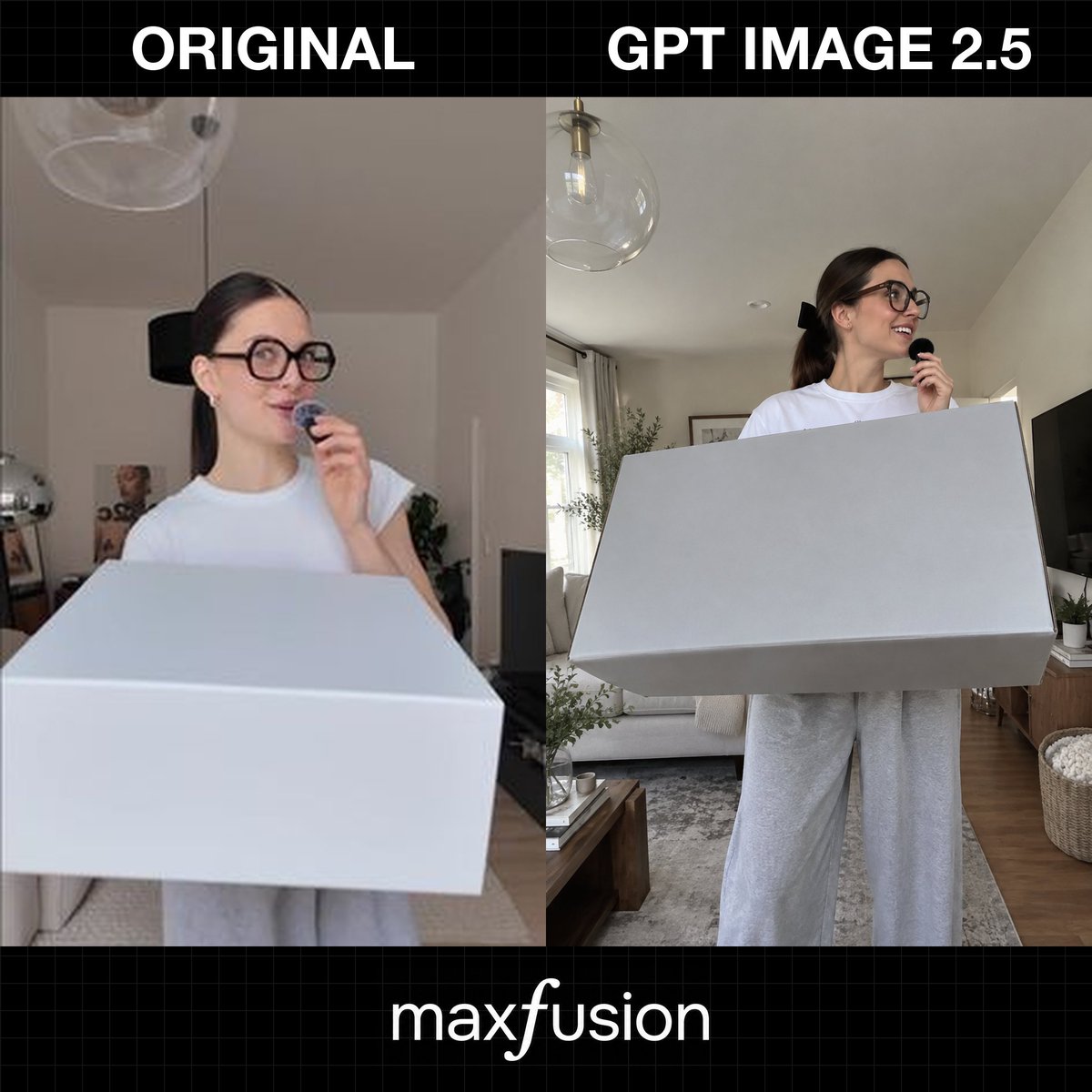
Generates a square comparison graphic contrasting an original casual UGC-style photo with a sharper GPT Image 2.5-style recreation.
- Prompt included
- Model and format preset
- Free template
The prompt behind this image
Copy the exact prompt behind Side-by-Side AI Photo Recreation Comparison, or open it in the studio and make it yours.
Goal: Create a square social-media comparison graphic showing a photo recreation quality test, with two side-by-side image panels and bold labels. Canvas: 1:1 square image, black background with a subtle dark gray grid pattern. Leave a top black header band and a bottom black footer band. Layout: Two large vertical photo panels fill the middle, separated by a straight vertical split. The left panel is labeled {argument name="left header text" default="ORIGINAL"} in huge bold white all-caps text centered above it. The right panel is labeled {argument name="right header text" default="GPT IMAGE 2.5"} in huge bold white all-caps text centered above it. At the bottom center, place the white lowercase brand text {argument name="footer brand text" default="maxfusion"}, with a slightly stylized italic-looking “f”. Panel content: The two panels show the same scene concept: a young woman in a bright living room holding a tiny black microphone near her mouth while standing behind or holding an oversized plain white rectangular box. Count exactly 2 human figures total, one in each panel; count exactly 2 large white boxes total, one in each panel; count exactly 2 small black handheld microphones total, one in each panel; count exactly 3 visible text labels total: “ORIGINAL”, “GPT IMAGE 2.5”, and “maxfusion”. Left panel details: Low-resolution, slightly blurry casual UGC phone-photo look. A young woman with dark brown hair pulled back, oversized round black glasses, a white short-sleeve T-shirt, and light gray sweatpants stands indoors. She looks slightly upward and to the right with a playful smile while holding the small microphone near her lips. A very large white rectangular box dominates the foreground, cropped at the bottom and extending across almost the full width. Background includes a neutral apartment interior with a ceiling light/glass pendant, pale walls, a doorway, faint decor, and soft indoor lighting. Right panel details: Sharper, more polished AI-generated recreation of the same moment. The woman is clearer and more realistic, with {argument name="hair color" default="dark brown"} hair tied back in a ponytail with a black bow, oversized black glasses, a white T-shirt, and loose gray sweatpants. She smiles and looks to the right while holding the microphone. The oversized white rectangular box is held across her torso and angled in perspective, with crisp edges and light gray shadows. Background is a bright modern living room with a sofa, rug, wooden floor, coffee table, curtains, window light, potted plants, framed wall art, a TV on the right, a woven basket, and a clear glass globe pendant lamp overhead. Visual style: Photorealistic comparison collage, clean editorial layout, black grid tech-demo aesthetic, high contrast white typography, realistic indoor lighting, no extra logos or watermarks beyond the specified footer text.
How to use Side-by-Side AI Photo Recreation Comparison in 3 steps
- 1Upload ImagePNG, JPG or paste
Add your photo
Upload the photo the template builds on. The prompt, model and format are already set.
- 2…a portrait of your subject in softgolden-hour light, 85mm…
Personalize
Edit the subject and creative details for your destination.
- 3Generate
Generate
Press Generate — your image is created in PicX Studio, so you can compare it with the original and refine one variable at a time.
More like this
Templates with the same subject, style or setup. Open one to see its prompt.

Dancer Character - Four View Reference Sheet
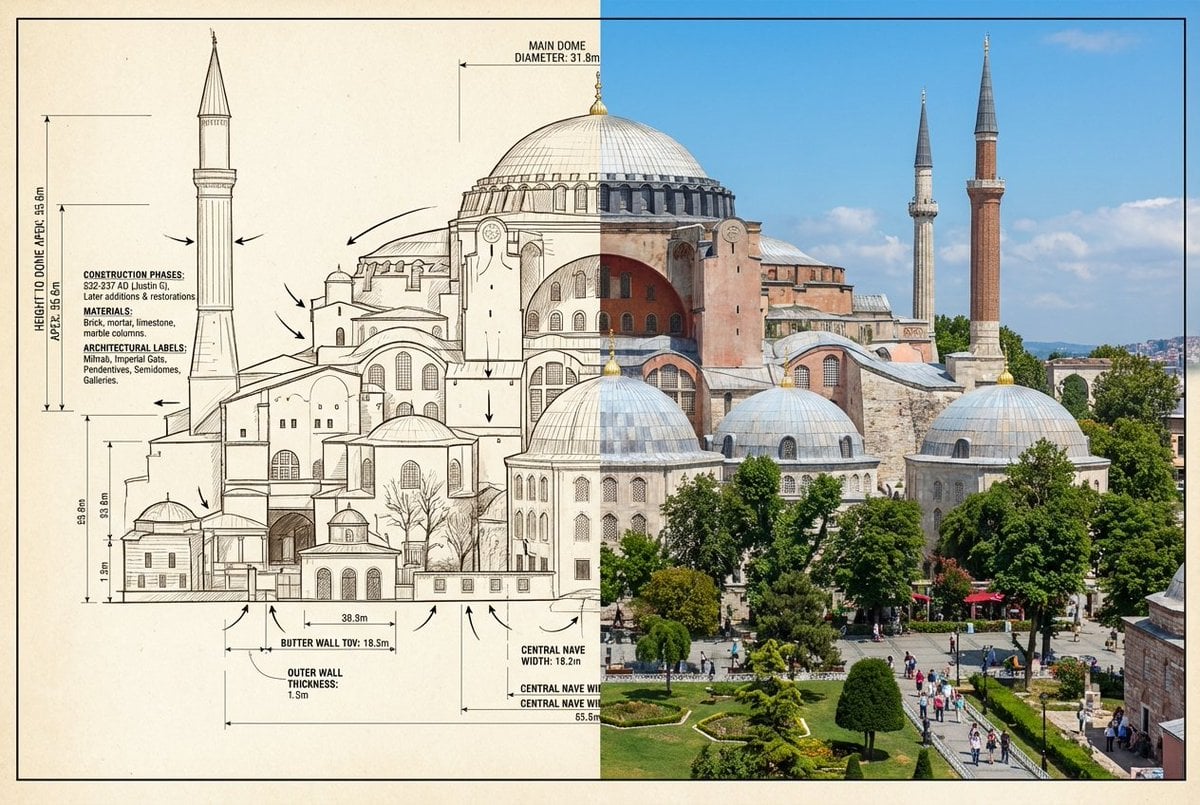
Side-by-Side Architectural Comparison of Hagia Sophia

Skin Comparison Portrait — Nano Banana Pro
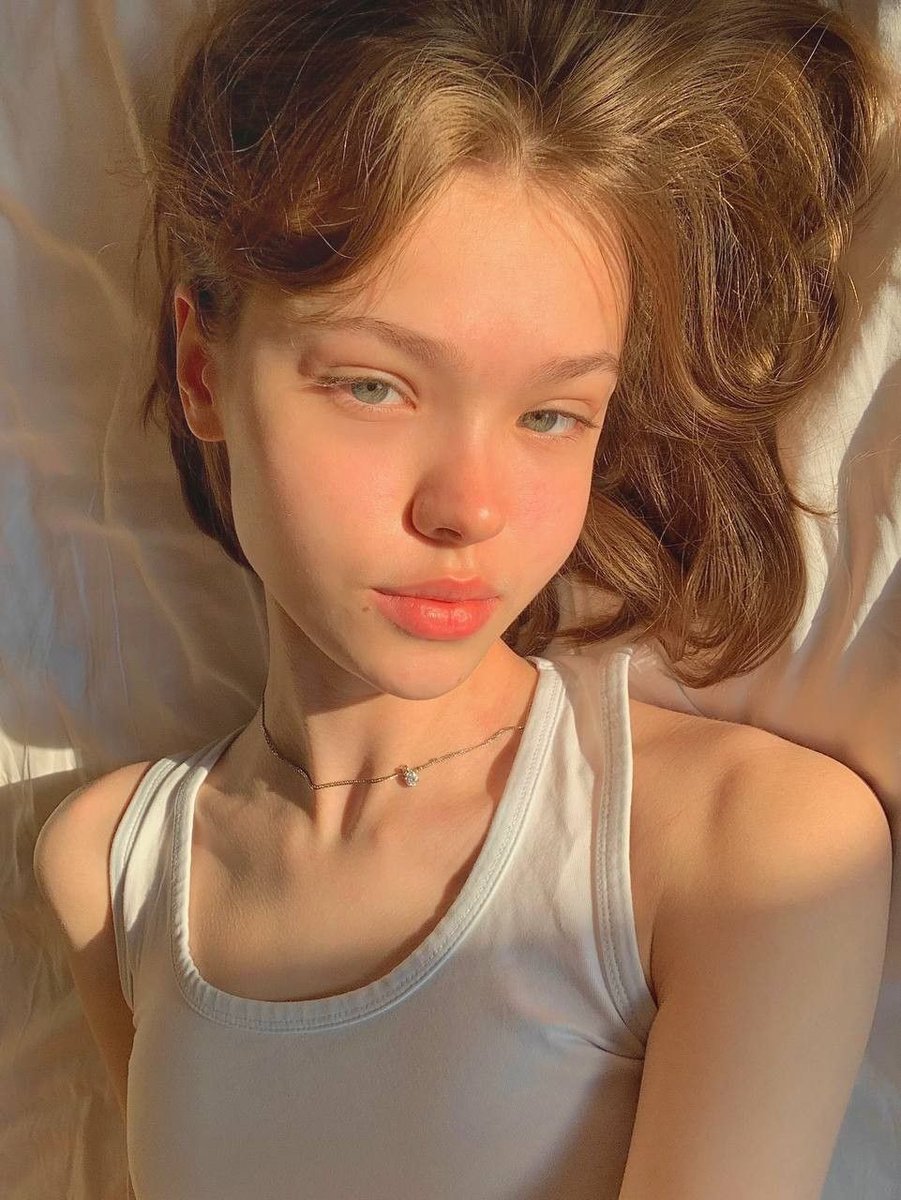
Identity Swap Image Recreation
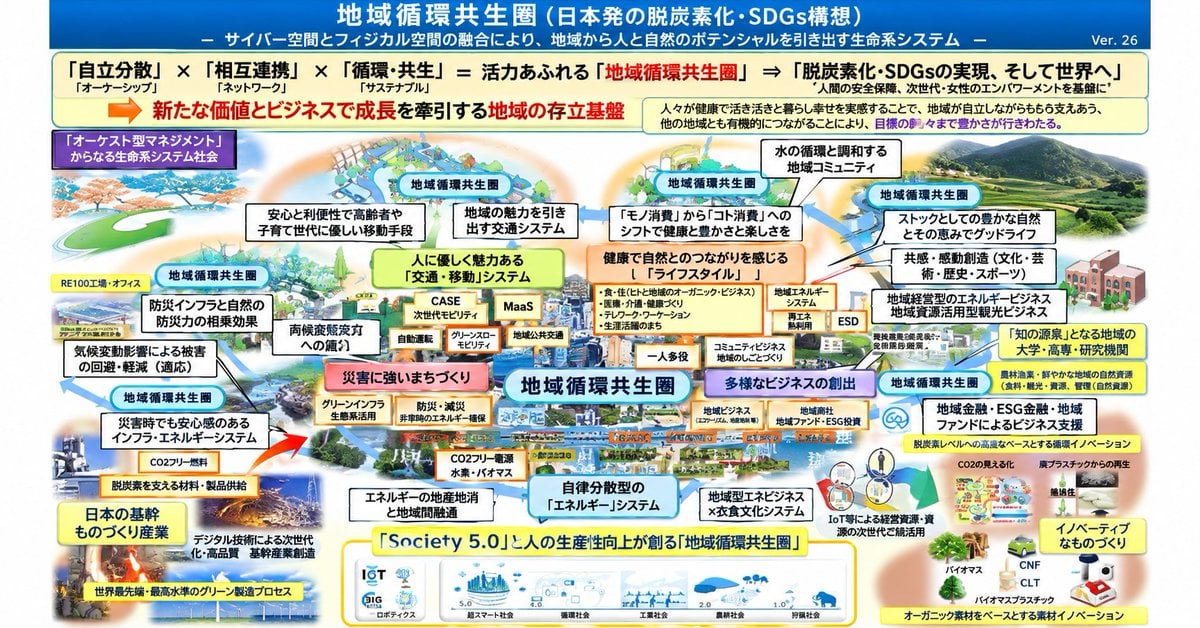
Faithful Japanese Policy Infographic Recreation

Multiple dark purple berries erupting from inside the can
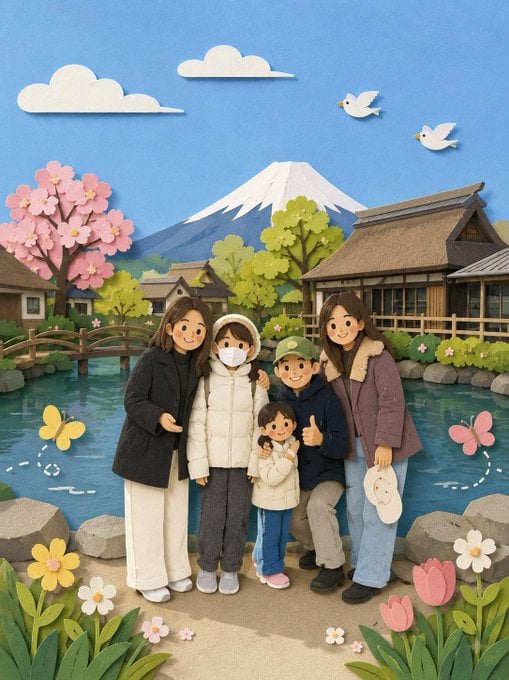
Adorable Paper Craft Style Recreation

Sparkling Seaside Anime Album Cover

Anime Girl Inside Iridescent Dream Droplet

AI Model Routing Comparison Infographic

Four-Panel AI Landscape Comparison

Arctic Warship Style Comparison
Make it yours
Side-by-Side AI Photo Recreation Comparison works as-is. These are the safest ways to change it without losing the look.
Change one field
Copy a single group, rewrite it, and generate again so you can see what that field is doing.
Keep the frame, change the subject
Hold the composition and light of Side-by-Side AI Photo Recreation Comparison, then swap wardrobe, props or the person for a new take.
| If the result… | Why | Fix |
|---|---|---|
| The result drifts from the preview | Too many fields changed at once. | Reuse Side-by-Side AI Photo Recreation Comparison as-is first, then change one group — subject, light, or setting. |
| The model over-stylizes the scene | The prose prompt leaves finish and camera underspecified. | Add one camera or lighting sentence and stay on GPT Image 2. |
More GPT Image 2 templates
Other prompts made for GPT Image 2.

Six VTuber Japanese Logo Sheet

Realistic Portrait of Woman and Deer

The Vista Modular Condo Poster

2.5D Anime Art Board

Isometric Productivity Desk Scene

New York Double Exposure Poster

Japanese Tatami Lifestyle Magazine Cover

NESCAFÉ Coffee Map Poster

Brutalist Cogito Chinese Typography Poster

Cinematic Luxury Terrace Portrait
More image prompts
Fresh picks from across the catalog.
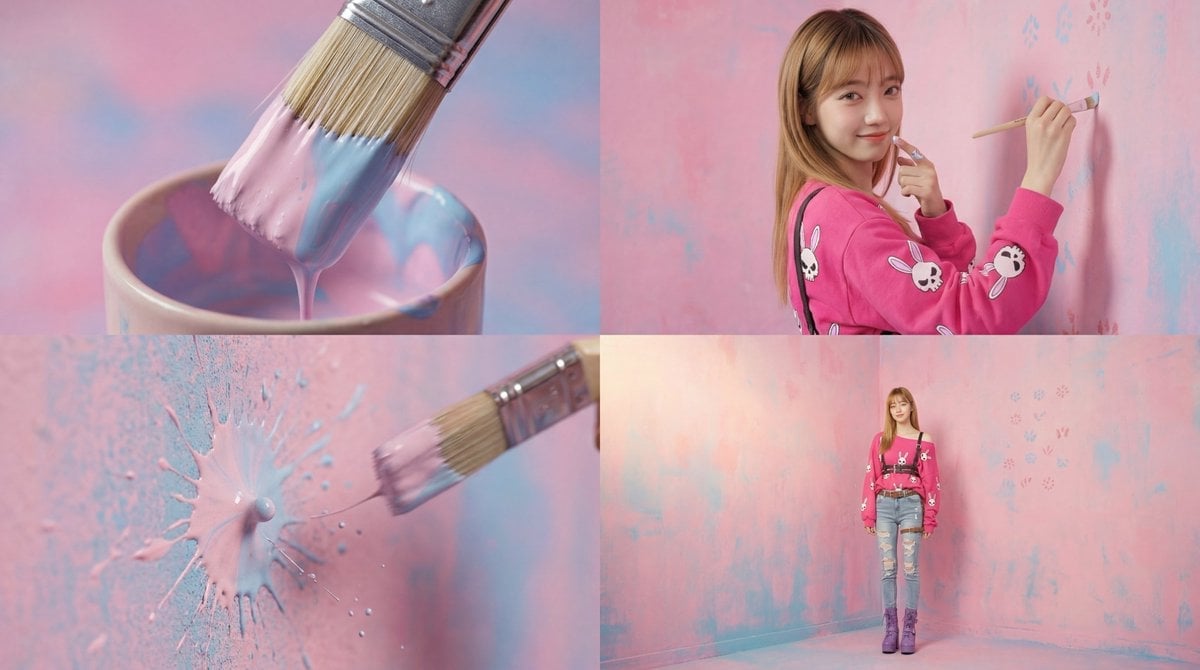
Cinematic 4-Cut Video Prompt of Woman Painting
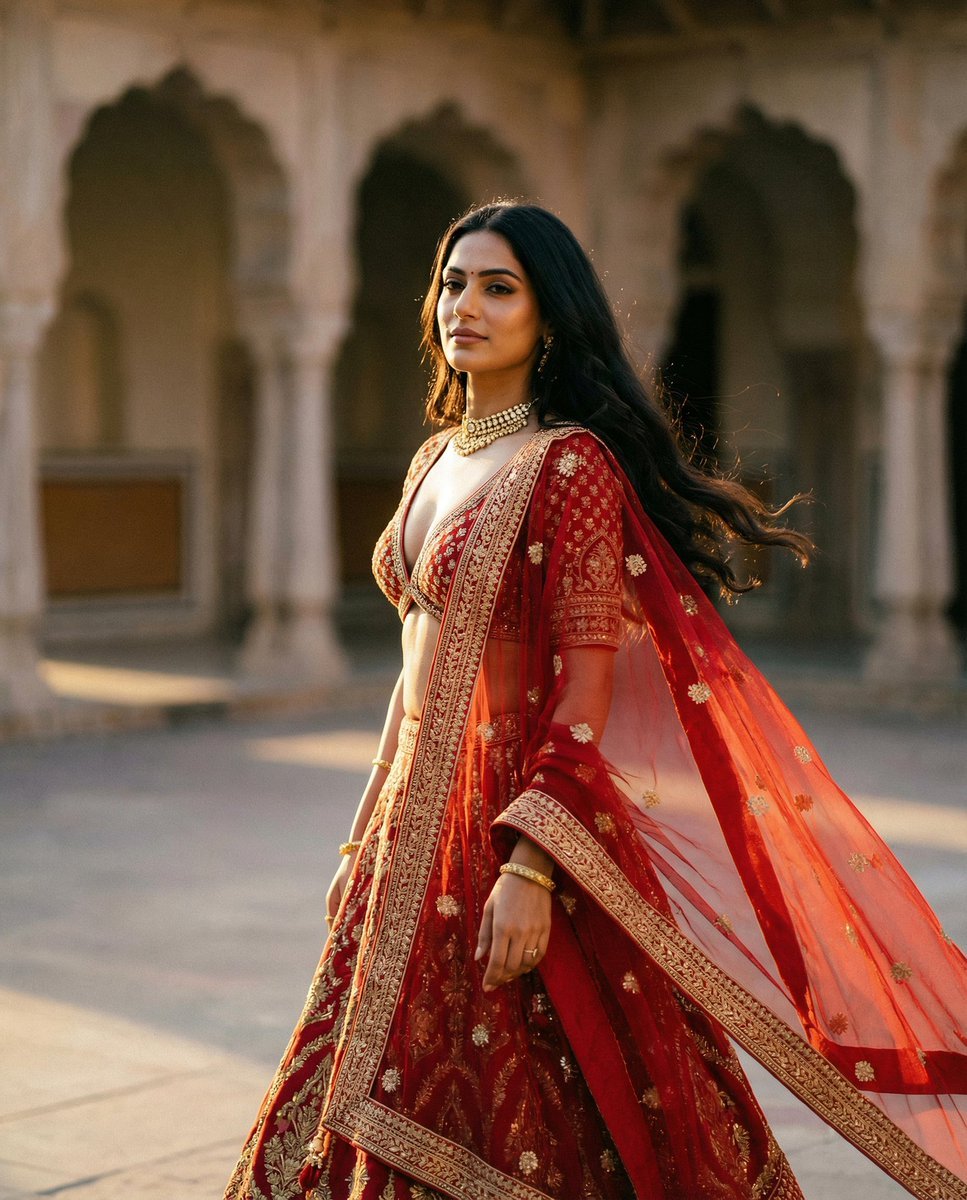
Cinematic Indian Royal Bridal Portrait
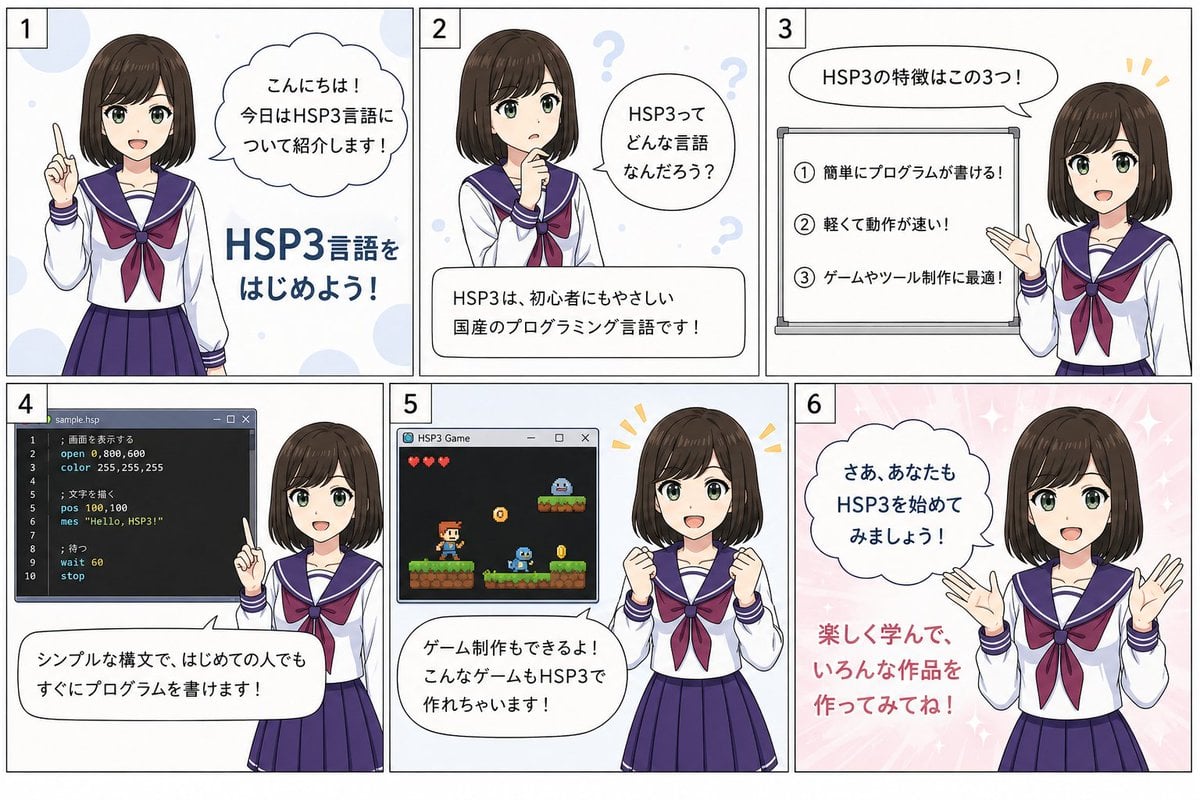
HSP3 Manga Introduction Comic
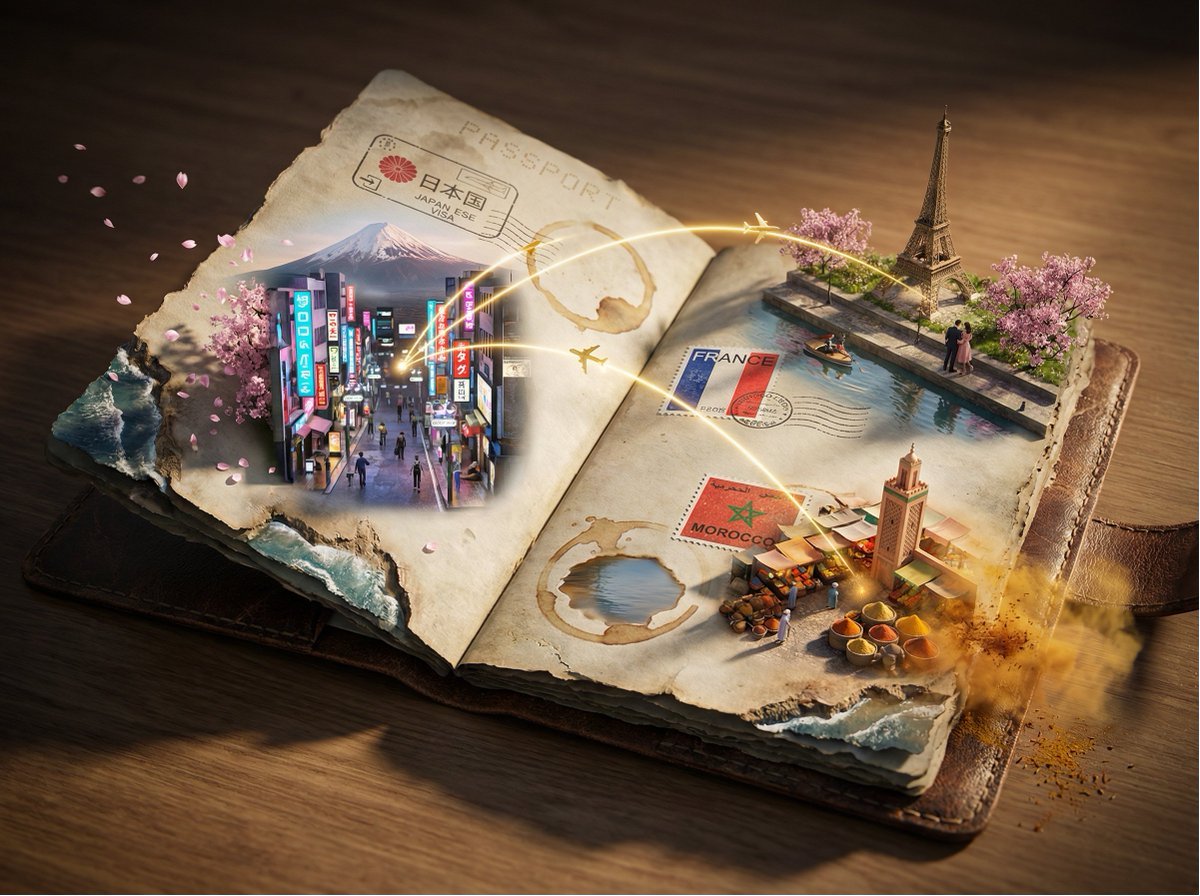
Passport Journey 3D Atlas
untitled
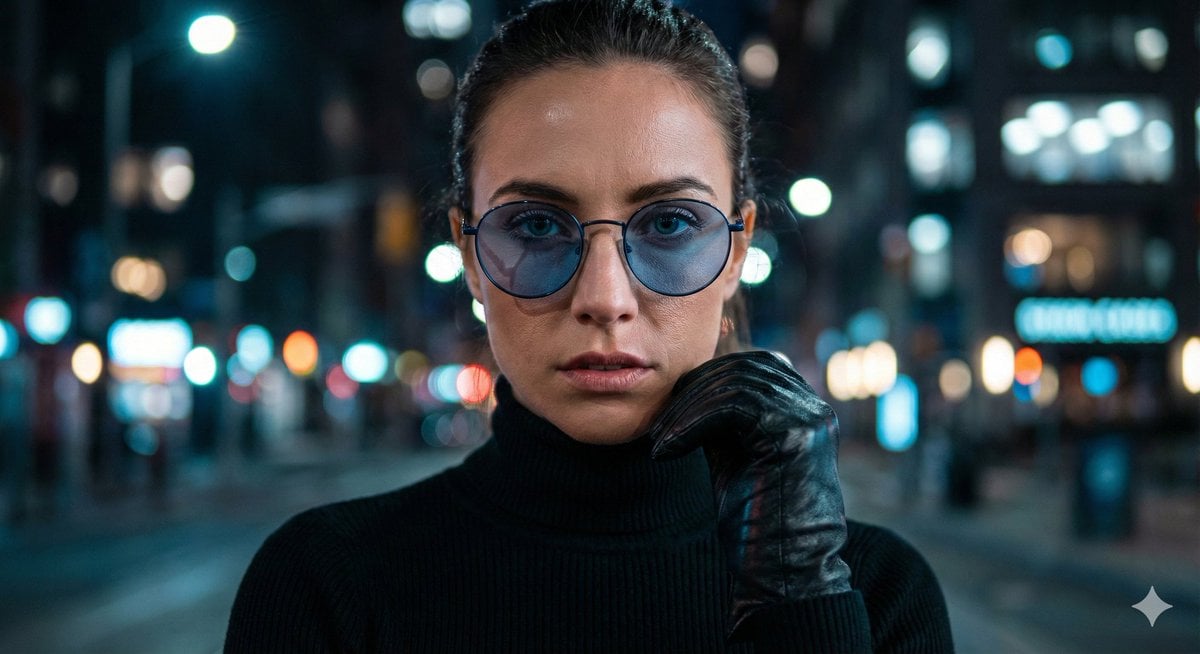
Cinematic Close-Up Portrait Prompt with Dark Luxury Aesthetic
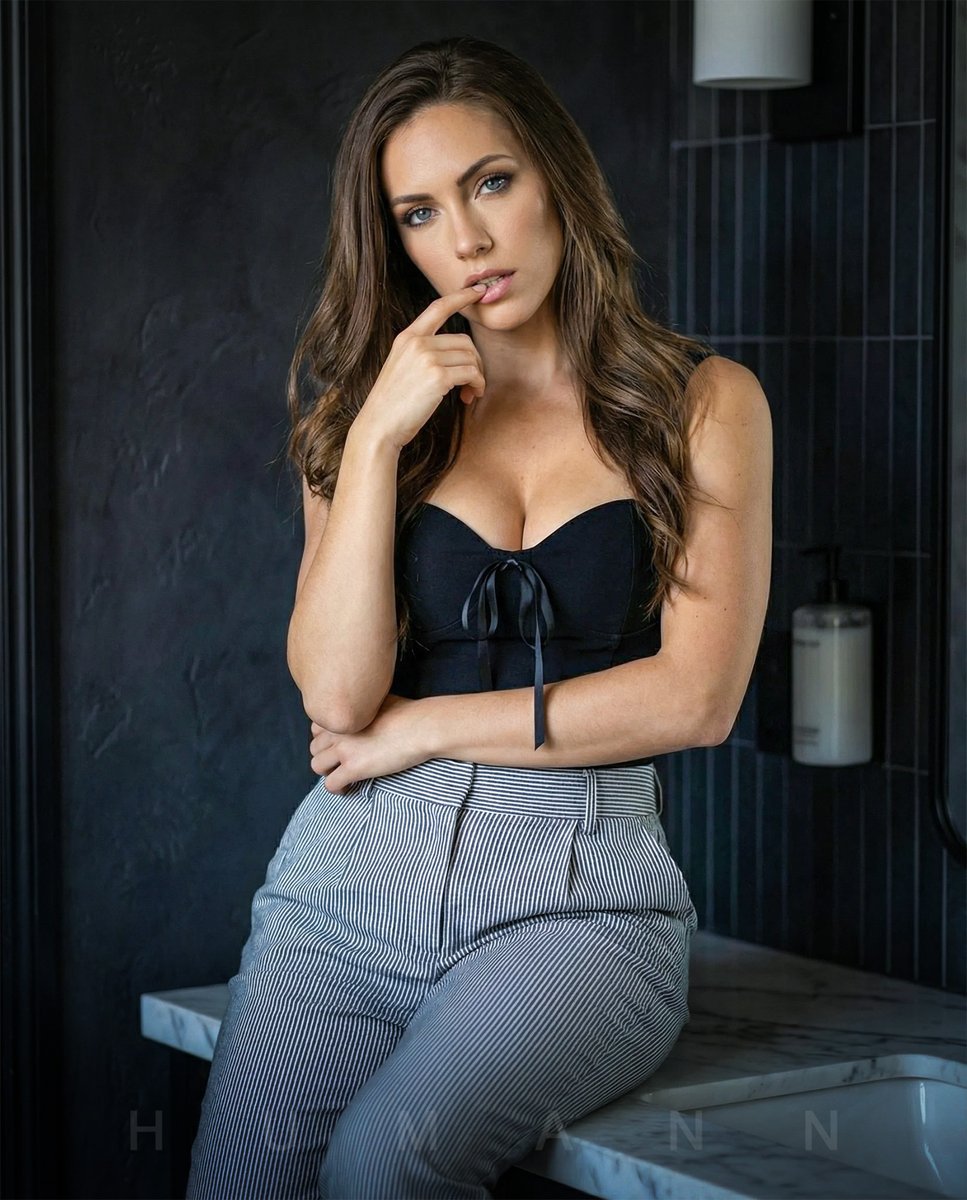
High-End Interior Portrait on a Marble Vanity
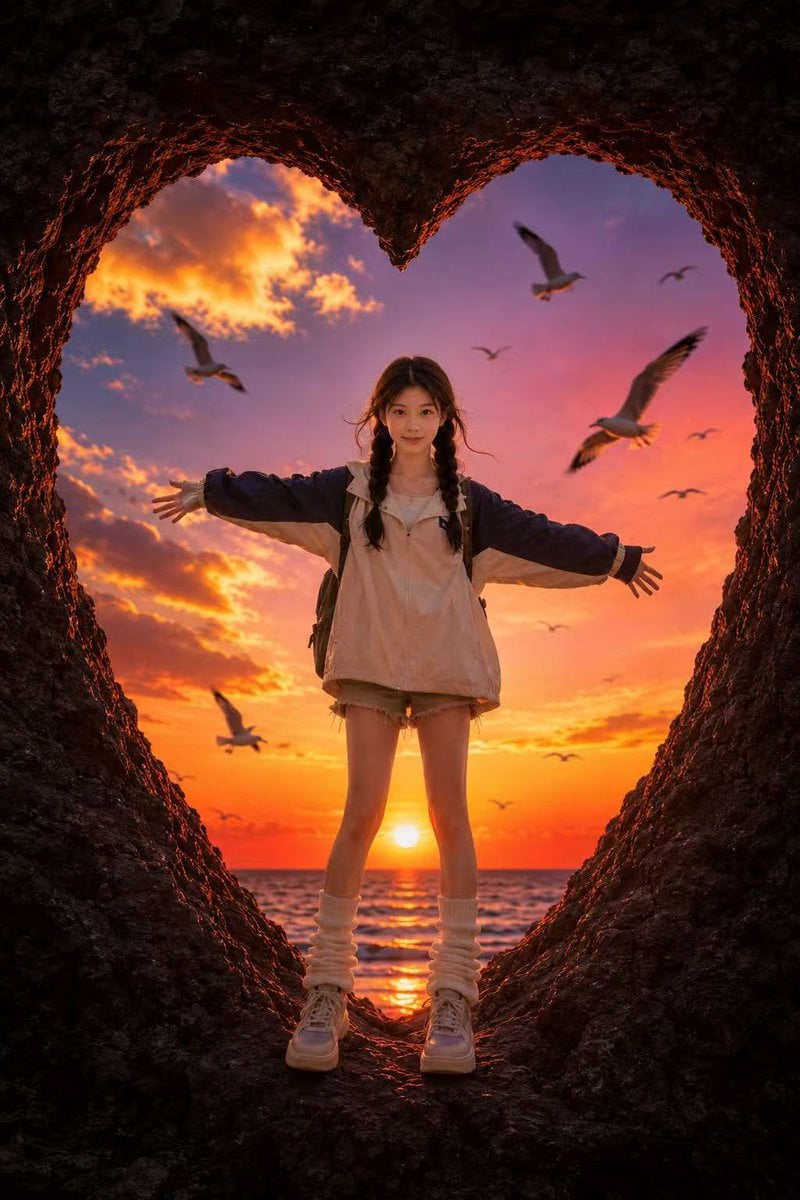
Heart-Shaped Sunset Cave Portrait
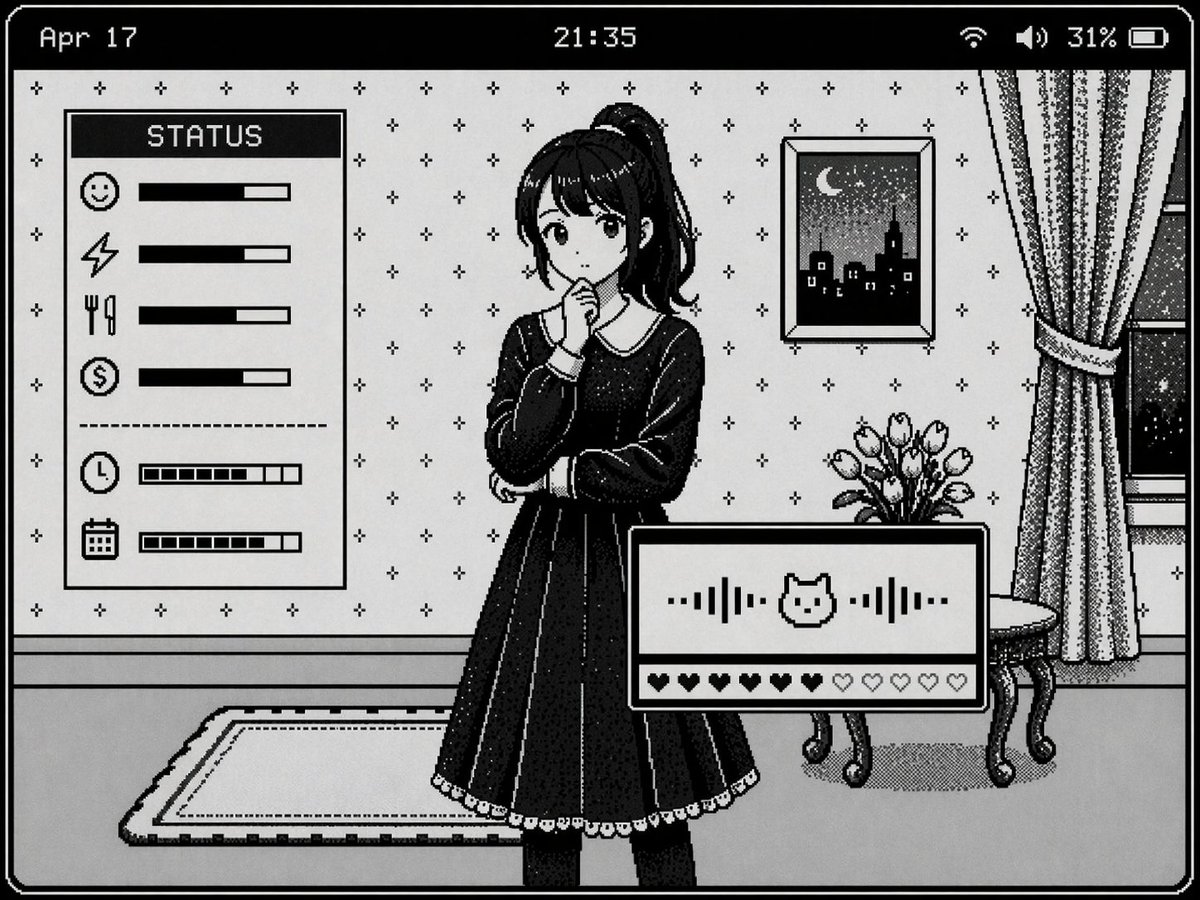
Retro Pixel Art UI Mockup
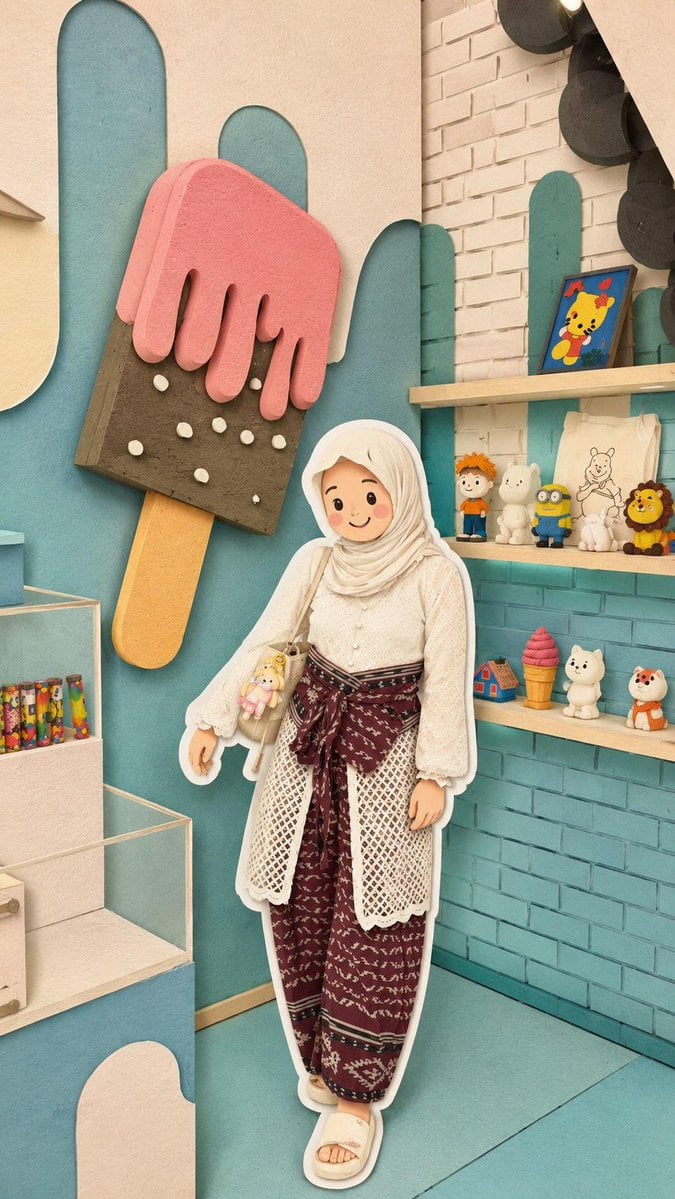
Kawaii Style Muslim Character Lifestyle Photography
Browse template categories
Side-by-Side AI Photo Recreation Comparison questions
How do I use the Side-by-Side AI Photo Recreation Comparison template?
Add your photo if the template asks for one, edit the prompt if you like — the template's model and format are already selected — and press Generate. Your version opens in PicX Studio.
Can I customize the Side-by-Side AI Photo Recreation Comparison template?
Yes. You can change the subject, setting, lighting, mood, format, and available model controls before creating your image.
Is the Side-by-Side AI Photo Recreation Comparison template free?
Opening and editing this template is free. Generating uses credits, shown on the Generate button when you are signed in.
Which AI model should I use?
Start with GPT Image 2, which is the model associated with this template. You can compare another compatible model for a different finish.
Looking for something else? Browse all templates.

Your photo, any look
Thousands of ready templates for every top image and video model, from one credit balance.