
Photorealistic Vice City Cover Recreation
Creates a high-definition realistic neon Miami collage cover inspired by the GTA Vice City box art layout.
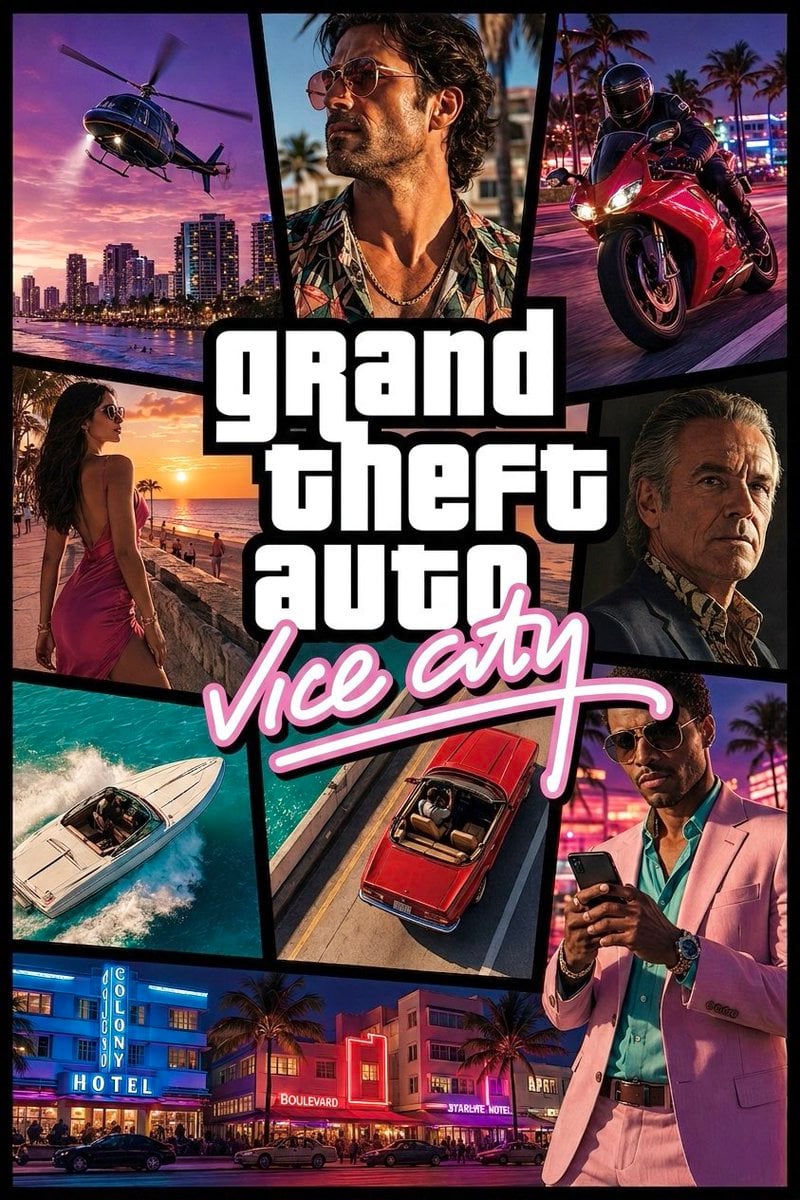
- Prompt included
- Model and format preset
- Free template
The prompt behind this image
Copy the exact prompt behind Photorealistic Vice City Cover Recreation, or open it in the studio and make it yours.
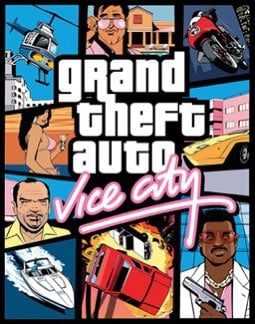
Using REFERENCE_0 as the layout and brand-style reference, create a high-definition, realistic cinematic recreation of the GTA Vice City cover rather than the original comic illustration. Preserve the overall collage-panel concept, thick black dividers, central stacked white block logo text, and pink cursive subtitle, but render everything as glossy photorealistic key art with neon Miami/Vice City atmosphere. Goal: Make an HD cover/poster for {argument name="game title" default="grand theft auto"} with the subtitle {argument name="subtitle text" default="vice city"}. Layout: Keep exactly 9 visual panels around the central logo: 1 helicopter over a sunset city waterfront, 2 close-up of a stylish man in sunglasses and tropical shirt, 3 red sport motorcycle speeding through neon streets, 4 woman in a pink dress walking by the beach at sunset, 5 older serious man portrait in a dark suit, 6 white speedboat cutting through turquoise water, 7 overhead red convertible driving on a road, 8 fashionable man in a pink suit looking at a phone, 9 bottom-wide neon Art Deco hotel street scene. Use angular comic-cover panel borders in black, similar to the reference. Style: Photorealistic, high contrast, saturated tropical colors, cinematic lighting, 1980s Miami nightlife, palm trees, neon signs, warm sunsets, glossy vehicles, dramatic portraits, sharp HD detail. Text: Place the central logo in large bold white stacked block letters with a heavy black outline reading {argument name="main logo text" default="grand theft auto"}. Put the subtitle underneath in bright pink handwritten neon script with a long underline, reading {argument name="subtitle text" default="vice city"}. Constraints: Do not copy the original illustration exactly; reinterpret it as a realistic modern homage. Keep the same overall cover composition and energy, with no extra logos, no watermark, and no additional small text beyond visible environmental signage such as {argument name="hotel sign text" default="COLONY HOTEL"}.
Reference images included
Photorealistic Vice City Cover Recreation needs input media to work. They load alongside the prompt when you open it in the studio.
How to use Photorealistic Vice City Cover Recreation in 3 steps
- 1Upload ImagePNG, JPG or paste
Add your photo
Upload the photo the template builds on. The prompt, model and format are already set.
- 2…a portrait of your subject in softgolden-hour light, 85mm…
Personalize
Edit the subject and creative details for your destination.
- 3Generate
Generate
Press Generate — your image is created in PicX Studio, so you can compare it with the original and refine one variable at a time.
More like this
Templates with the same subject, style or setup. Open one to see its prompt.

Cozy Knit Sweater Window Portrait

Face-Locked City Skyline Double Exposure

Minimalist Hand-Drawn Doodle Portrait

Gen Z Triple Selfie Collage — Y2K Flash Photography

Mountain Lake Sunset Landscape

Cinematic Destination Letter Panel Poster

Spider-Man Rooftop Golden Hour Cinematic Photo

Face-Locked Train Window Lifestyle Portrait

Face-Locked Cream Half-Zip Street Walk

Luxury Toothpaste Commercial Storyboard

Unfinished Sketch Comes Alive Portrait

Open Travel Journal Overhead Still Life
Make it yours
Photorealistic Vice City Cover Recreation works as-is. These are the safest ways to change it without losing the look.
Change one field
Copy a single group, rewrite it, and generate again so you can see what that field is doing.
Keep the frame, change the subject
Hold the composition and light of Photorealistic Vice City Cover Recreation, then swap wardrobe, props or the person for a new take.
| If the result… | Why | Fix |
|---|---|---|
| The result drifts from the preview | Too many fields changed at once. | Reuse Photorealistic Vice City Cover Recreation as-is first, then change one group — subject, light, or setting. |
| The model over-stylizes the scene | The prose prompt leaves finish and camera underspecified. | Add one camera or lighting sentence and stay on GPT Image 2. |
More GPT Image 2 templates
Other prompts made for GPT Image 2.

Six VTuber Japanese Logo Sheet

Realistic Portrait of Woman and Deer

The Vista Modular Condo Poster

AI Model Routing Comparison Infographic

2.5D Anime Art Board

Isometric Productivity Desk Scene

New York Double Exposure Poster

Four-Panel AI Landscape Comparison

Japanese Tatami Lifestyle Magazine Cover

NESCAFÉ Coffee Map Poster
More image prompts
Fresh picks from across the catalog.
Transforming into a Skater Girl
Post-Apocalyptic Taxi Survivor
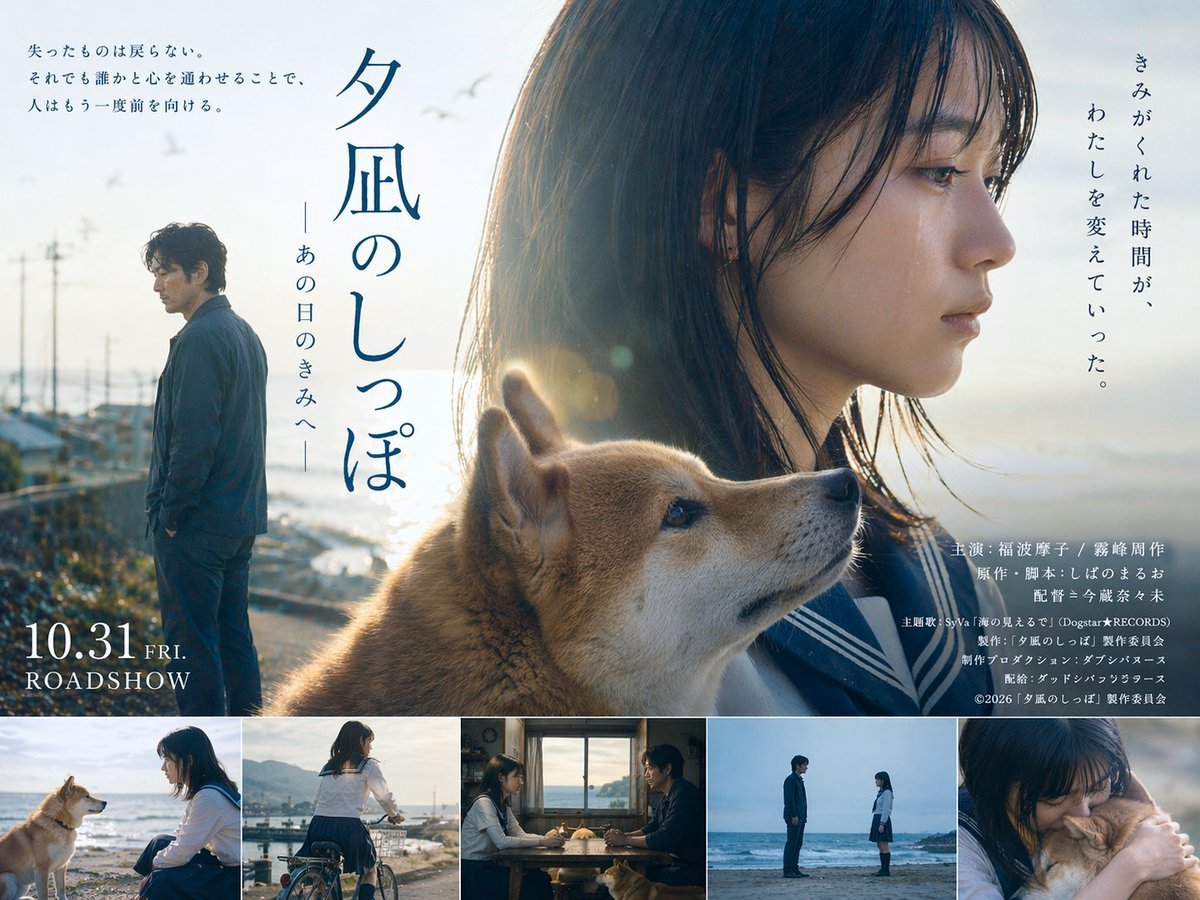
Japanese Drama Movie Poster Layout
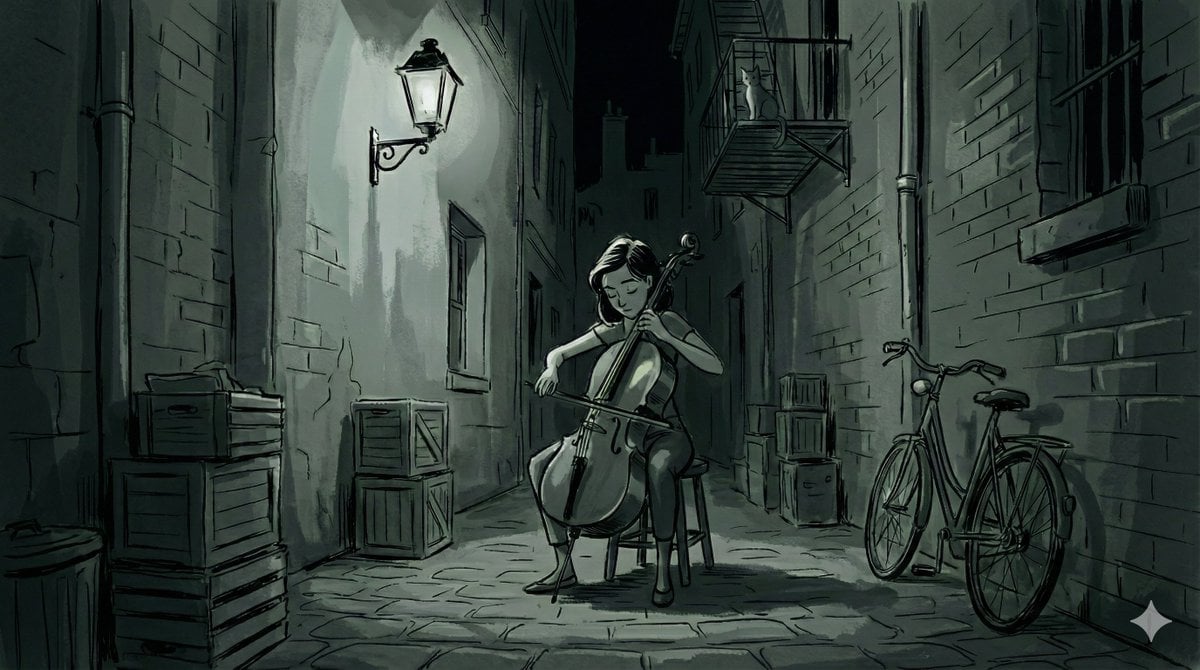
Nano Banana Pro Style Variations
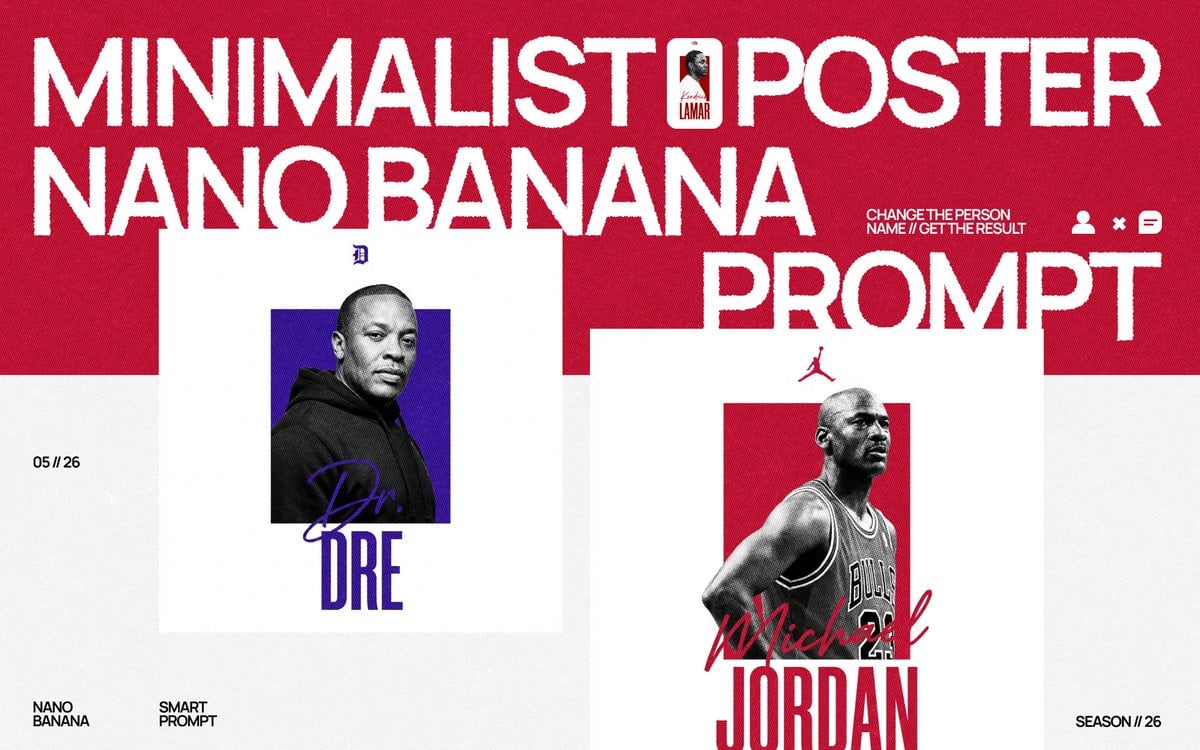
Minimalist Nano Banana Poster Layout

High-Contrast Black and White Portrait Prompt
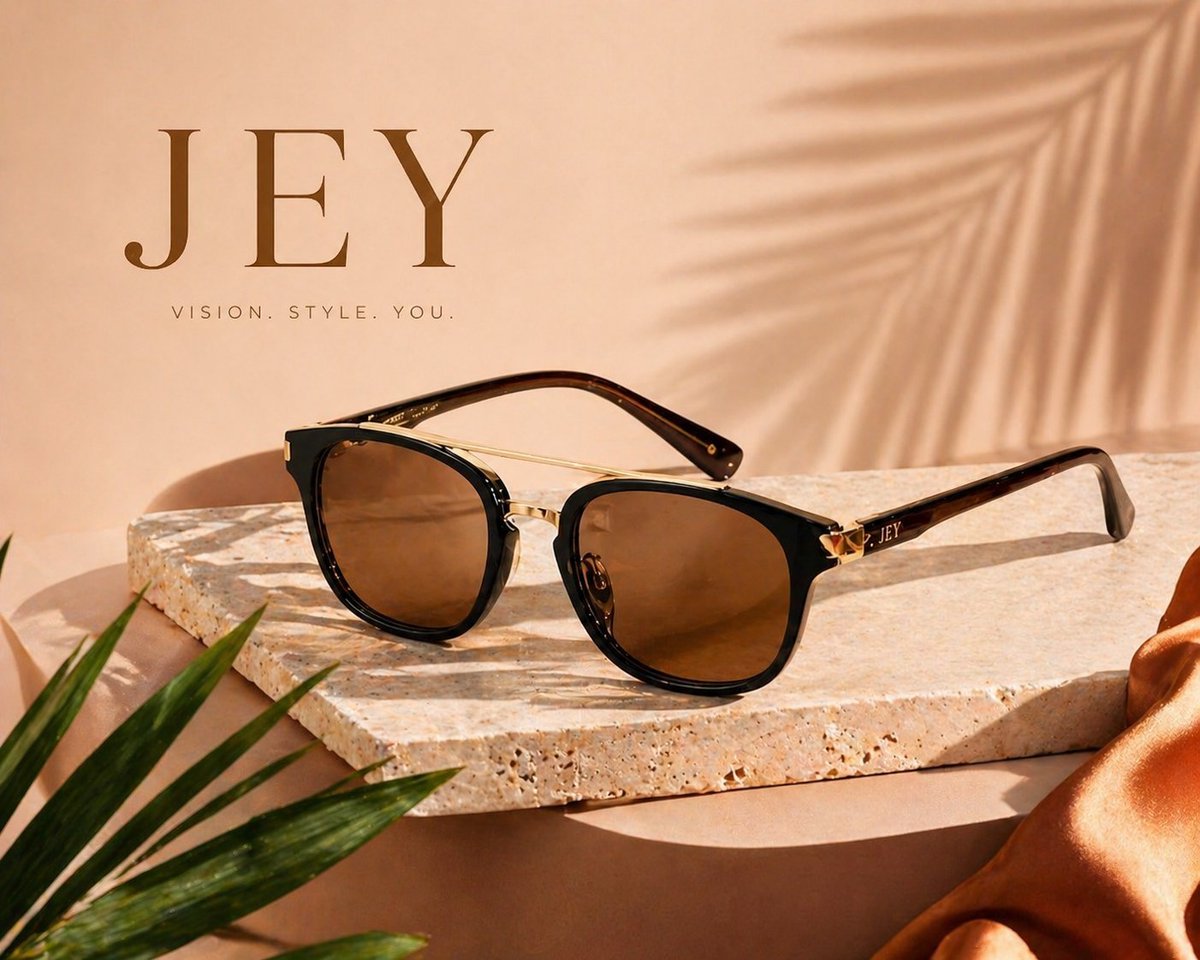
Commercial Product Advertising Illustration
Vibrant Jet Ski Selfie with Strict Identity Lock
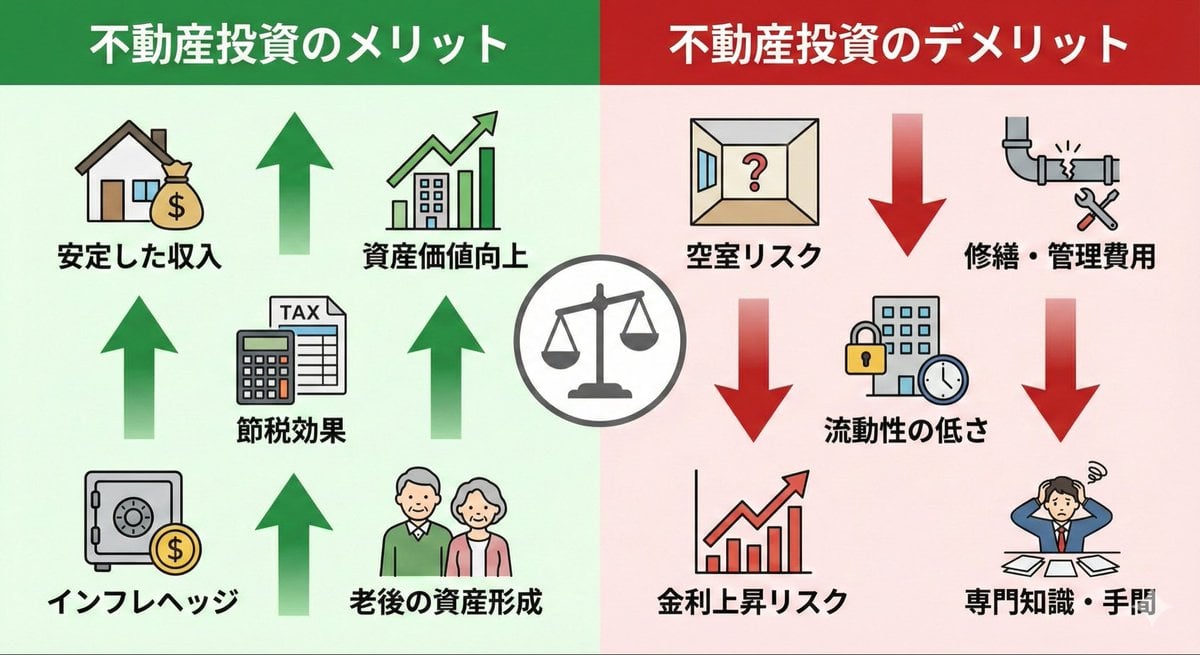
Pros and cons of real estate investment infographic
Detailed JSON Prompt for Lifestyle Portrait Photography
Browse template categories
Photorealistic Vice City Cover Recreation questions
How do I use the Photorealistic Vice City Cover Recreation template?
Add your photo if the template asks for one, edit the prompt if you like — the template's model and format are already selected — and press Generate. Your version opens in PicX Studio.
Can I customize the Photorealistic Vice City Cover Recreation template?
Yes. You can change the subject, setting, lighting, mood, format, and available model controls before creating your image.
Is the Photorealistic Vice City Cover Recreation template free?
Opening and editing this template is free. Generating uses credits, shown on the Generate button when you are signed in.
Which AI model should I use?
Start with GPT Image 2, which is the model associated with this template. You can compare another compatible model for a different finish.
Looking for something else? Browse all templates.

Your photo, any look
Thousands of ready templates for every top image and video model, from one credit balance.