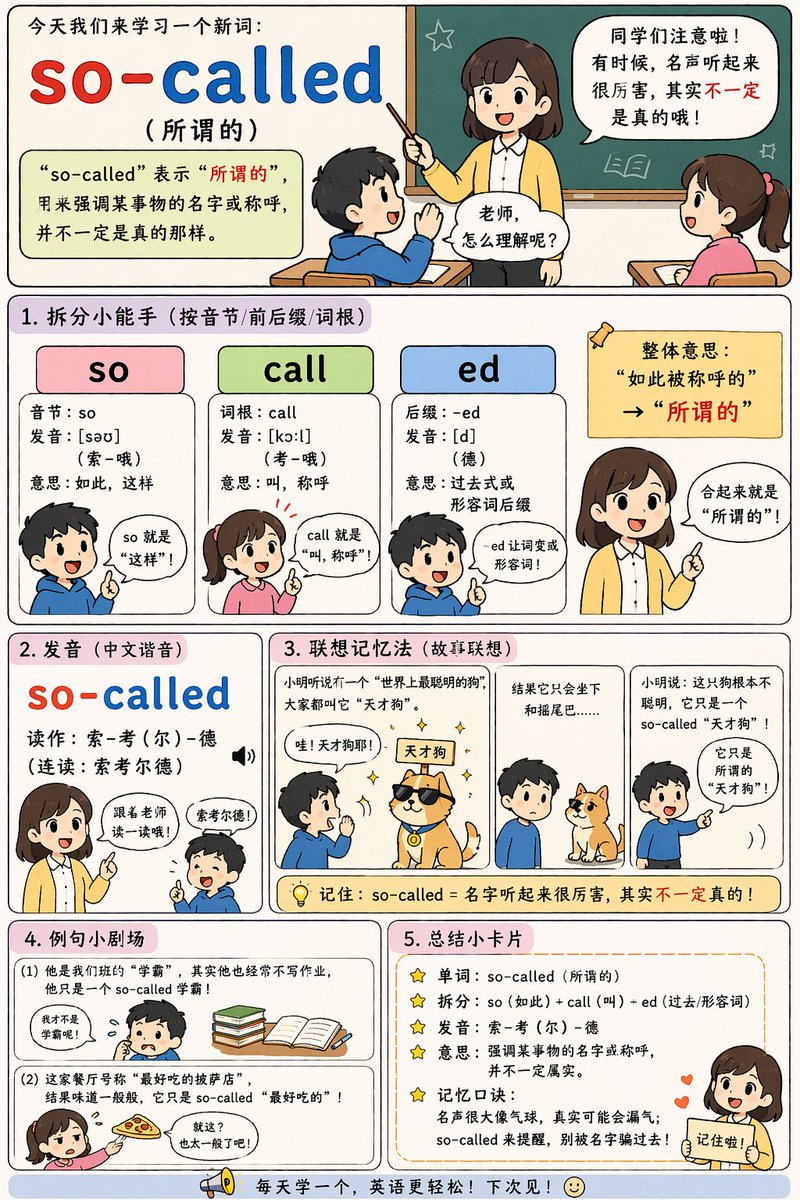
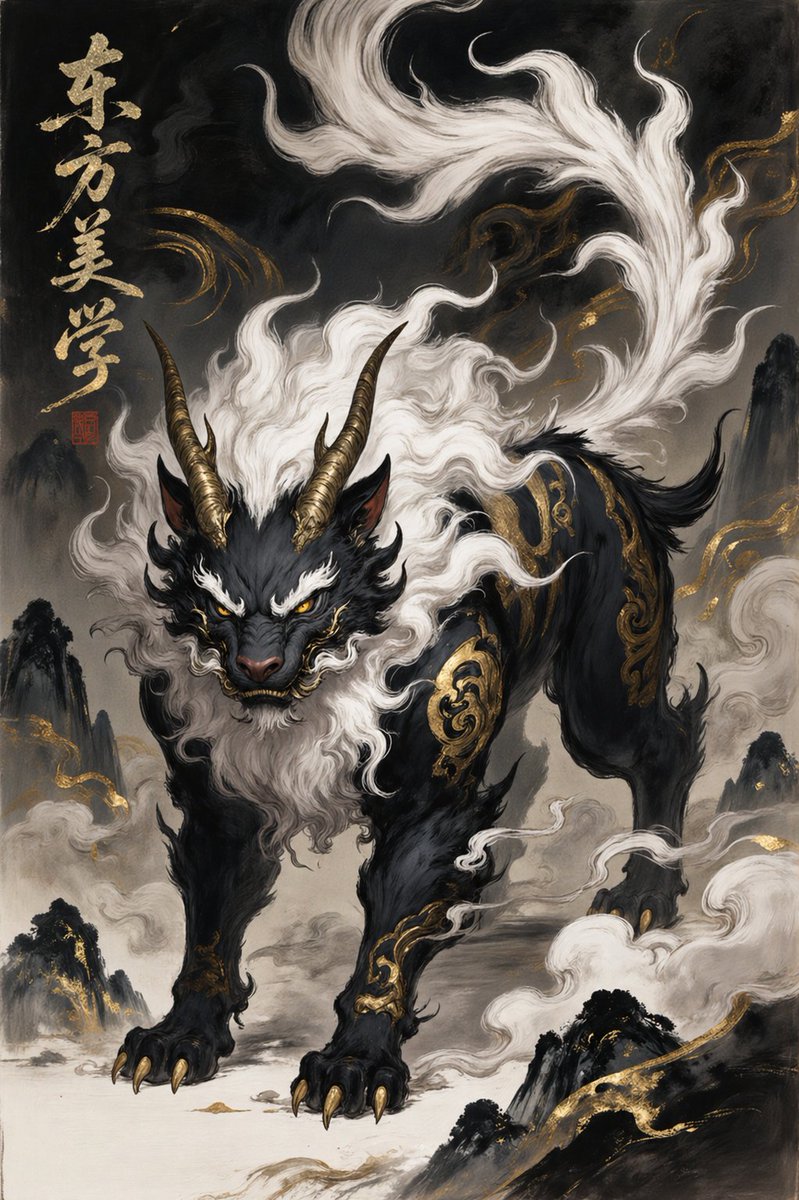
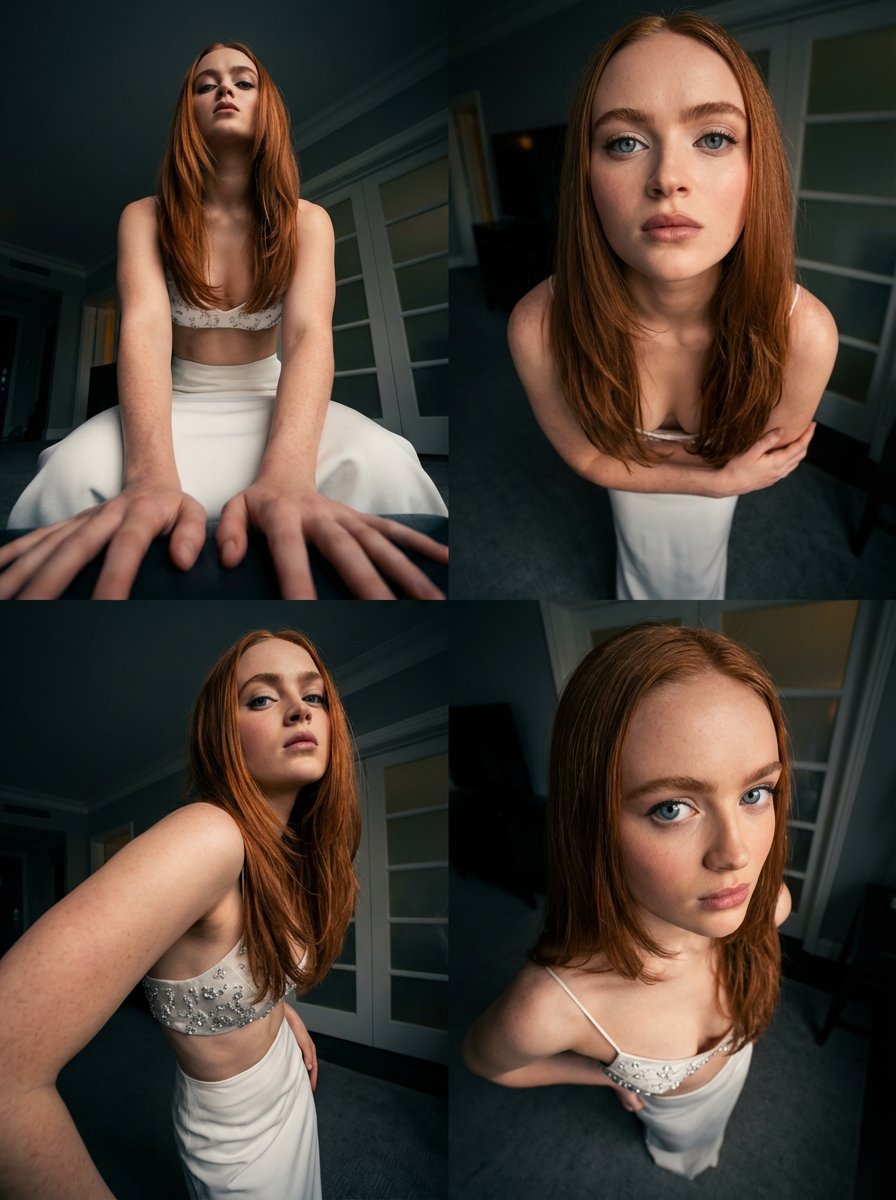
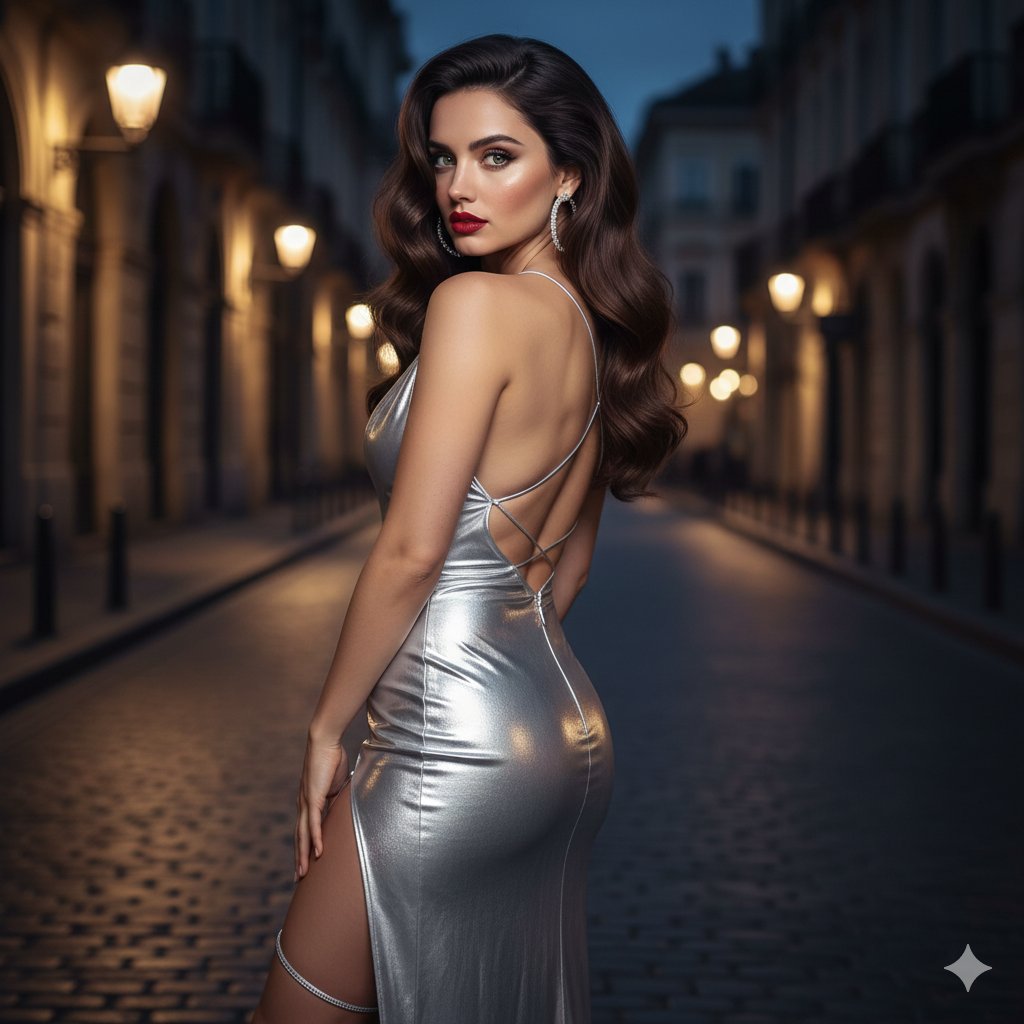
How do I use the Minimalist Anime Magazine Cover Typography template?
Choose the primary action to open PicX Studio with the available template settings. Review the model and format, personalize the creative direction, and generate when ready.
Model: GPT IMAGE 2 on CHATGPT. Change the subject, setting, or lighting one variable at a time.
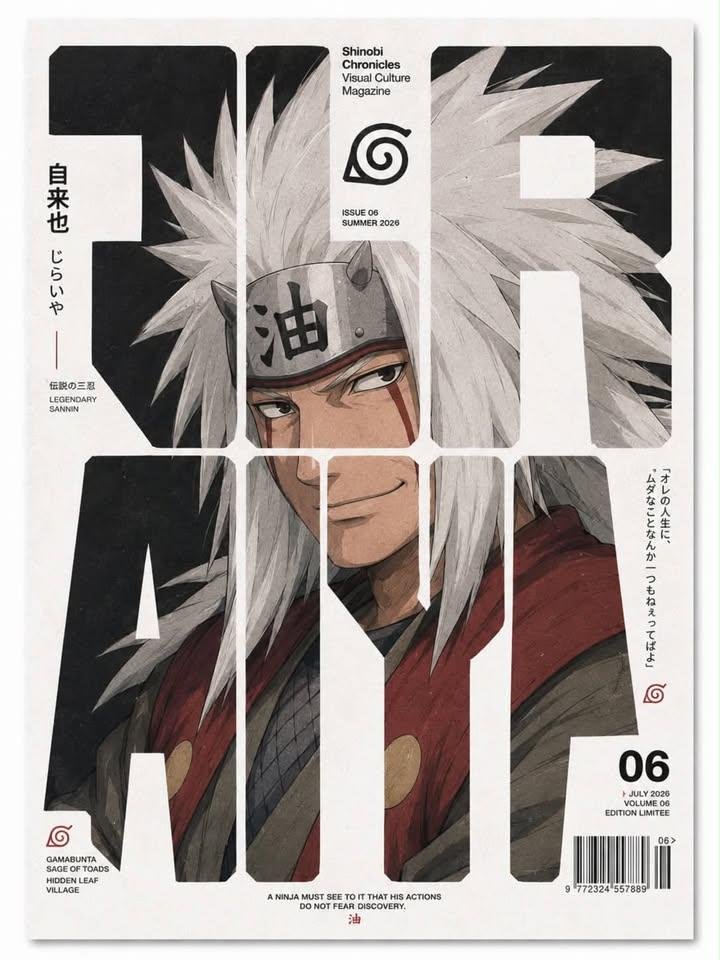
Create a premium minimalist editorial magazine cover featuring [CHARACTER] from [SERIES]. The portrait should be a highly detailed anime illustration with painterly textures, soft cinematic lighting, realistic shading, sharp facial features, and an intense expression. The character fills the entire page while being partially revealed through oversized bold geometric sans-serif typography spanning the cover, with the face perfectly aligned across the letter cutouts. Use a clean black-and-white editorial layout with generous negative space, thick white dividers, rounded grid intersections, modern Swiss-inspired typography, magazine branding at the top, issue number, barcode, Japanese vertical text, English captions, small logos, quotes, publication details, and subtle print paper texture. High-end fashion magazine aesthetic, luxury graphic design, balanced composition, muted color palette matching the character, ultra-sharp, premium print quality, contemporary visual culture publication, 4:5 aspect ratio.
Choose the primary action to open PicX Studio with the available template settings. Review the model and format, personalize the creative direction, and generate when ready.
Yes. You can change the subject, setting, lighting, mood, format, and available model controls before creating your image.
This template is free to open and customize. Generation usage is shown in PicX Studio before you create.
Start with GPT IMAGE 2 on CHATGPT, which is the model associated with this template. You can compare another compatible model for a different finish.
Follow a topic to a crawlable collection of related PicX Studio templates.
43,449 public templates available. Verified via the PicX Studio public templates API; refreshed hourly.






![79-cinematic-sport-logo-render-in-midjourne — 3d render of [logo name/ shape,...] made out of clear glass, glowing and sparkling with light reflections, on a bl](/_next/image?url=https%3A%2F%2Fcdn.picxstudio.com%2Fuploads%2Fpost79_img0_a5057526-9cc7-4a02-805f-4faa62dd929b.jpg&w=828&q=100)







![75-cinematic-sport-in-midjourney-v7 — [close-up] of [an athlete performing a key action] in [sport-specific environment],
with dramatic lighting, high-speed ph](/_next/image?url=https%3A%2F%2Fcdn.picxstudio.com%2Fuploads%2Fpost75_img0_29c96604-31bd-49f1-88dd-2396ed946239.jpg&w=828&q=100)
![Surreal Minimalist Dark Collage Poster — Surreal minimalist collage poster on a solid dark [COLOR] background, featuring a torn black-and-white photograph of [H](/_next/image?url=https%3A%2F%2Fcdn.picxstudio.com%2Fuploads%2FHNWY8ZlbEAAUKX2_cd5f1d72-b9f6-4579-9162-90818474d127.jpg&w=828&q=100)