
Handmade Christmas Wreath Generator with Custom Ornament
A detailed prompt for Nano Banana Pro (Lovart model) that generates a high-quality, handmade-style Christmas wreath.

- Prompt included
- Model and format preset
- Free template
The prompt behind this image
Copy the exact prompt behind Handmade Christmas Wreath Generator with Custom Ornament, or open it in the studio and make it yours.
[AI instruction: Converting an image into an ornament] Carefully analyze the provided **[input image]**. Color extraction: Extract the main color palette and mood from the [input image] and apply it to the overall theme of the wreath (ribbons, flowers, balls). Motif creation: Identify the main character or object in the [input image] and reinterpret it as a cute, handmade Christmas ornament (e.g., a felt plush, wood carving, or icing-cookie style). Place this custom ornament prominently on the wreath. [Main subject] A beautiful, high-quality Christmas wreath hung on a simple white wall (or held by hand). It features a combination of luxurious materials. The design is dense, ornate, and voluminous. [Themed decorations (based on the input image)] Centerpiece/charm: The main theme of the [input image] is transformed into an appealing 3D ornament attached to the wreath. It should look like a high-quality handmade item (felted wool, painted wood, ceramic, etc.) that fits perfectly with the wreath's style. Palette: The flowers, berries, and ornaments strictly follow the color scheme of the [input image]. [Base material (reference style)] Resembles the texture of a luxury wreath. Natural materials: Abundant pinecones (gold-dusted or natural), fluffy cotton bolls, dried leaves, evergreen sprigs, holly berries. Accents: Velvet or burlap ribbon, elegant typography (such as "{argument name="typography" default="メリークリスマス"}" or "{argument name="typography 2" default="ノエル"}"), and stylish paper tags accented with gold/silver glitter. [Mood and quality] Soft, bright natural light. Shallow depth of field to emphasize texture. Photorealistic and 8K, expressing a cozy holiday-season mood and macro-level material detail.
How to use Handmade Christmas Wreath Generator with Custom Ornament in 3 steps
- 1Upload ImagePNG, JPG or paste
Add your photo
Upload the photo the template builds on. The prompt, model and format are already set.
- 2…a portrait of your subject in softgolden-hour light, 85mm…
Personalize
Edit the subject and creative details for your destination.
- 3Generate
Generate
Press Generate — your image is created in PicX Studio, so you can compare it with the original and refine one variable at a time.
More like this
Templates with the same subject, style or setup. Open one to see its prompt.

Christmas Ornament Portrait Glossy Glass Resin Finish with Hand Painted Details Holiday Lighting

Felt & Knit 3D Character — Photo-Exact Face, Pixar-Quality Plush Figurine

Stop Motion Finale Fireworks

Stop Motion Garden Maze

Stop Motion Rooftop Concert

Stop Motion Bicycle Coast
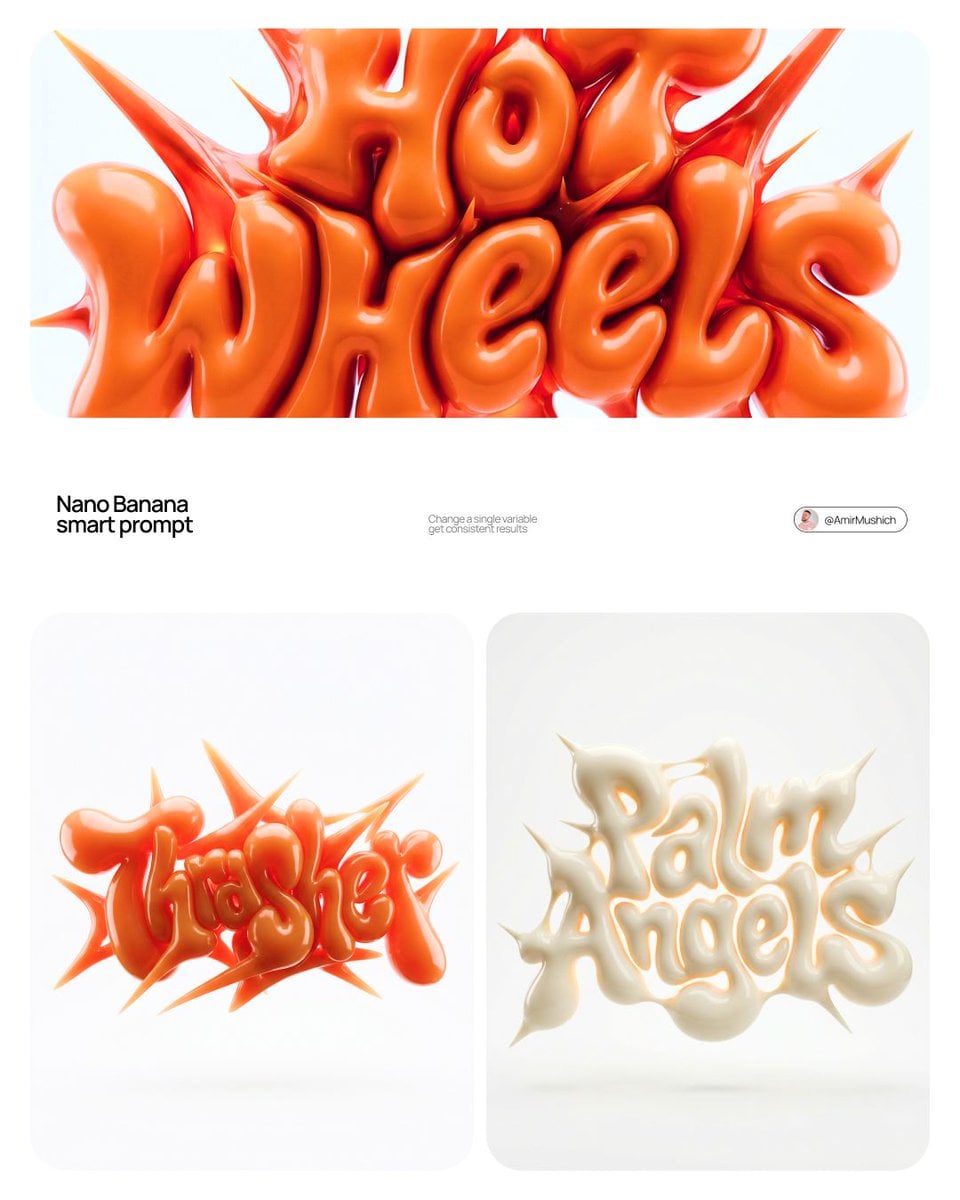
Stop Motion Castle Gate

Stop Motion Kitchen Chaos

Stop Motion Carnival Ride
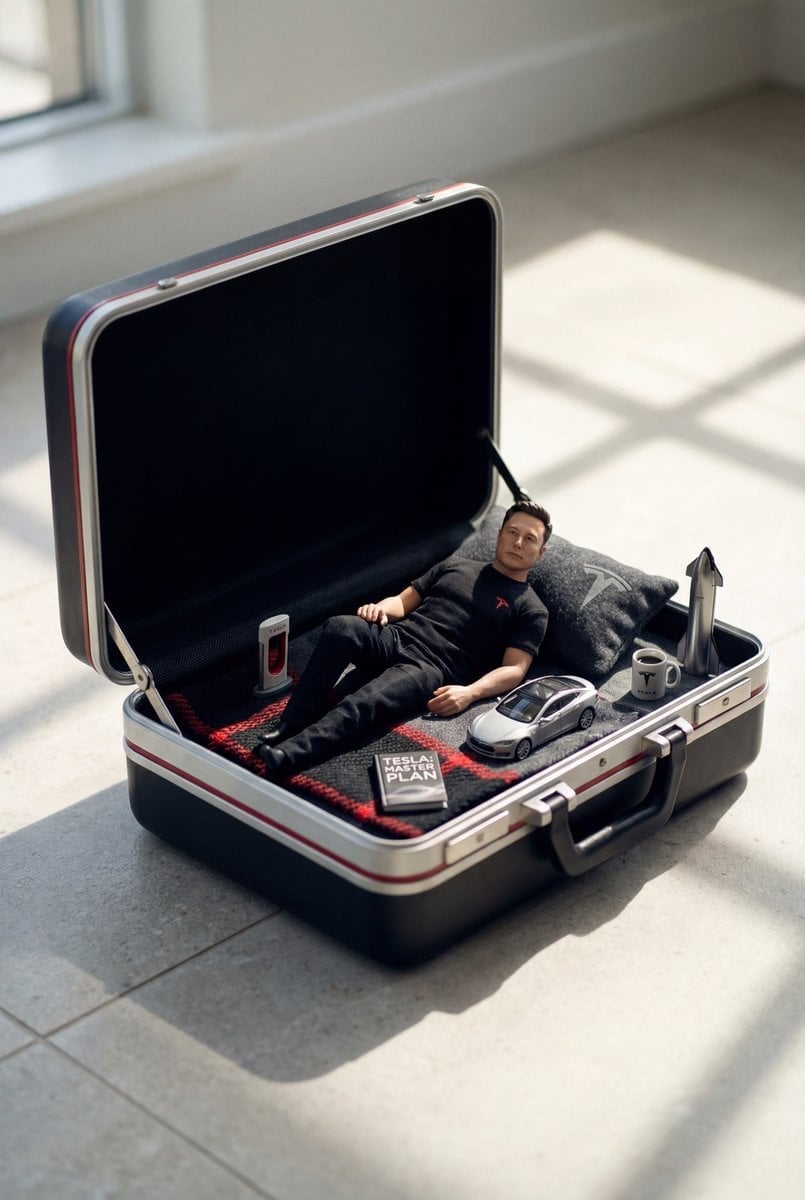
Stop Motion Rainy Bus Stop

Stop Motion Space Dock

Stop Motion Cafe Morning
Make it yours
Handmade Christmas Wreath Generator with Custom Ornament works as-is. These are the safest ways to change it without losing the look.
Change one field
Copy a single group, rewrite it, and generate again so you can see what that field is doing.
Keep the frame, change the subject
Hold the composition and light of Handmade Christmas Wreath Generator with Custom Ornament, then swap wardrobe, props or the person for a new take.
| If the result… | Why | Fix |
|---|---|---|
| The result drifts from the preview | Too many fields changed at once. | Reuse Handmade Christmas Wreath Generator with Custom Ornament as-is first, then change one group — subject, light, or setting. |
| The model over-stylizes the scene | The prose prompt leaves finish and camera underspecified. | Add one camera or lighting sentence and stay on Nano Banana 2. |
More Nano Banana 2 templates
Other prompts made for Nano Banana 2.

Photorealistic Leaf Shaped Like a Dragon

K-Pop Idol Portrait Grid for Rapid Selection

Poetic Rain Forest Portrait During Golden Hour

Urban Street Portrait with Cartoon Inner Self Duo

Candid Nighttime Photo with Cat Prompt

High-Concept 3D Diorama Generation Prompt

Cinematic Futuristic Studio Portrait Template

Skincare Editorial Photography Collage Prompt

Hyper-Realistic Commercial Product Photography (Splash Effect)

Hyper-Realistic Nightclub Portrait Prompt
More image prompts
Fresh picks from across the catalog.
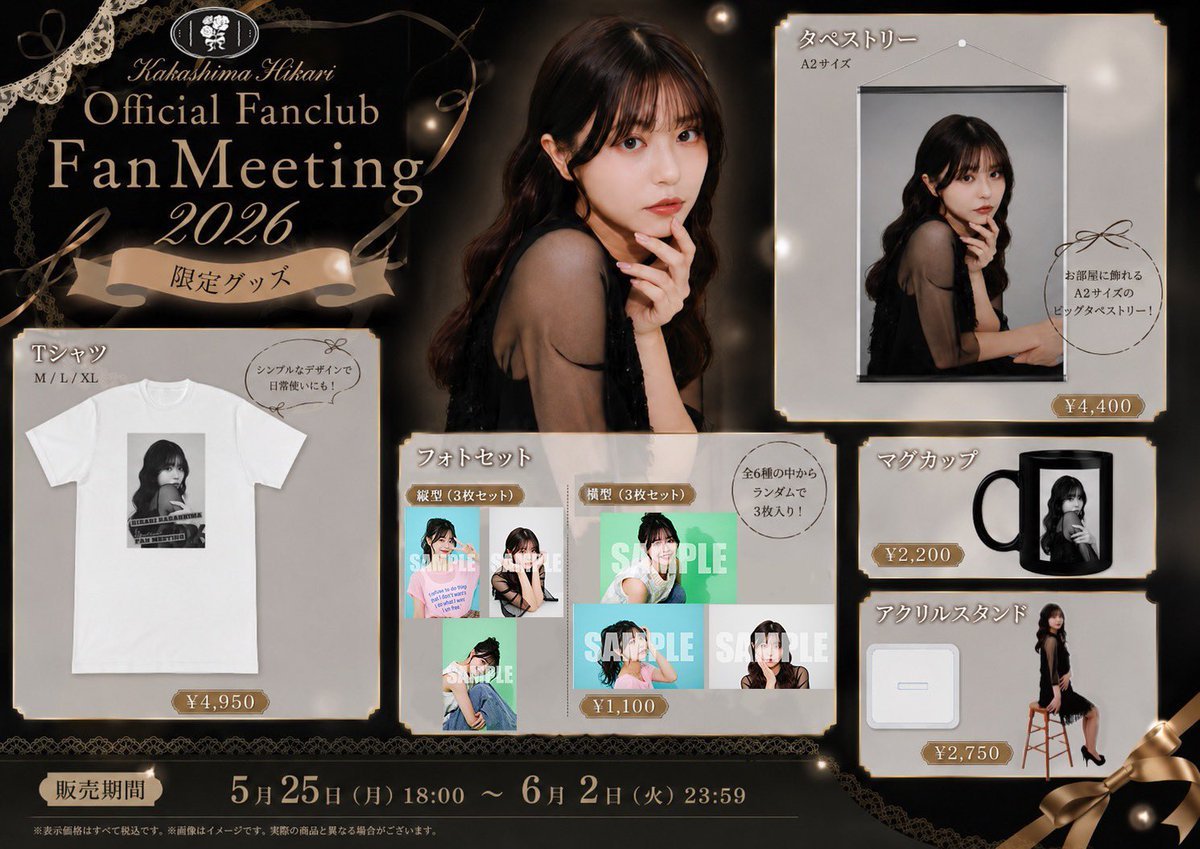
Elegant Fan Meeting Goods Flyer
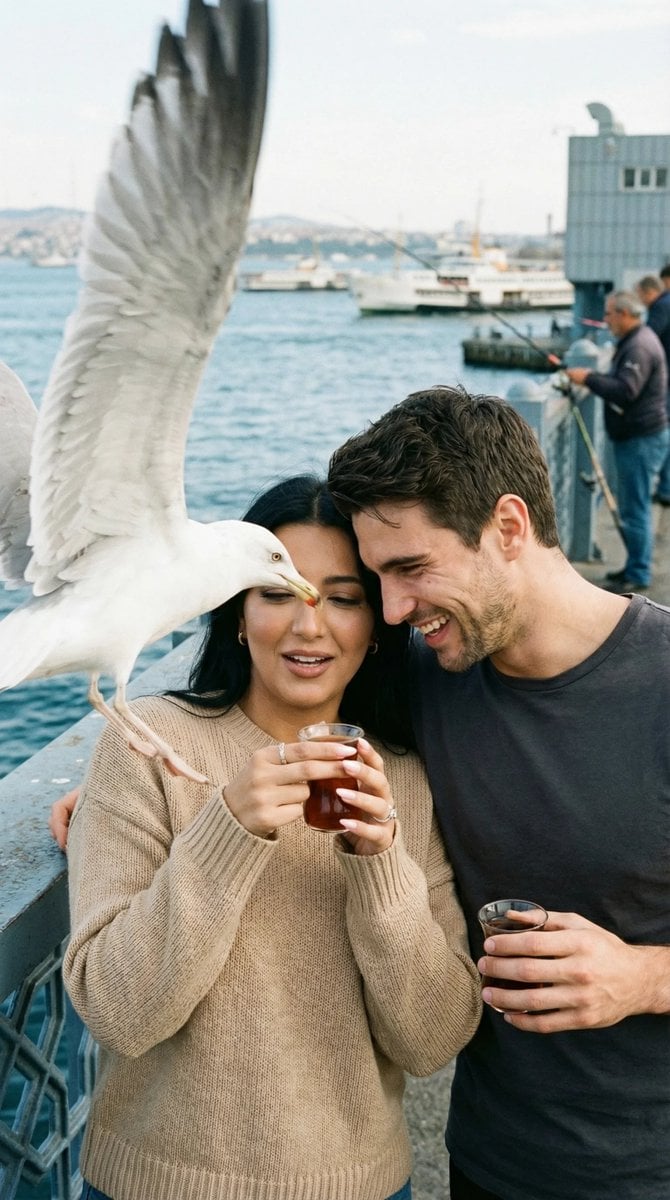
Photorealistic Candid Street Romance Prompt (Galata Bridge)
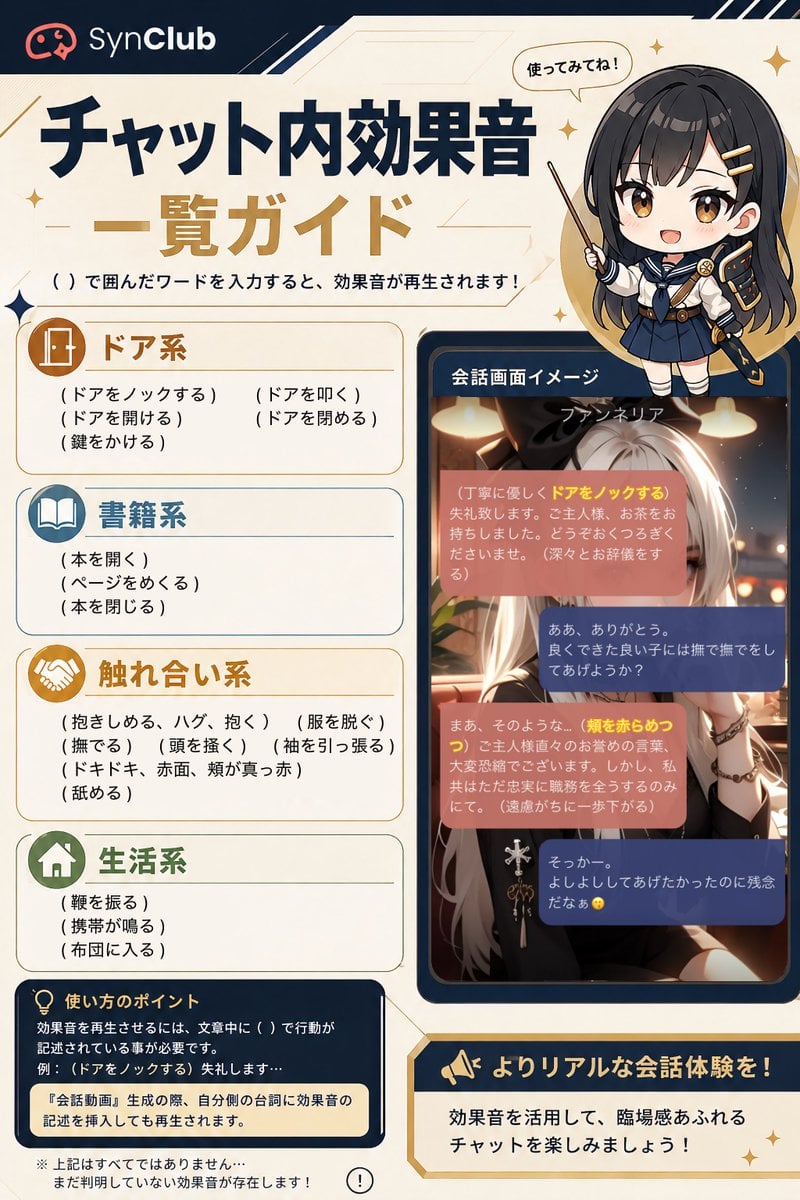
SynClub Chat Sound Effects Guide
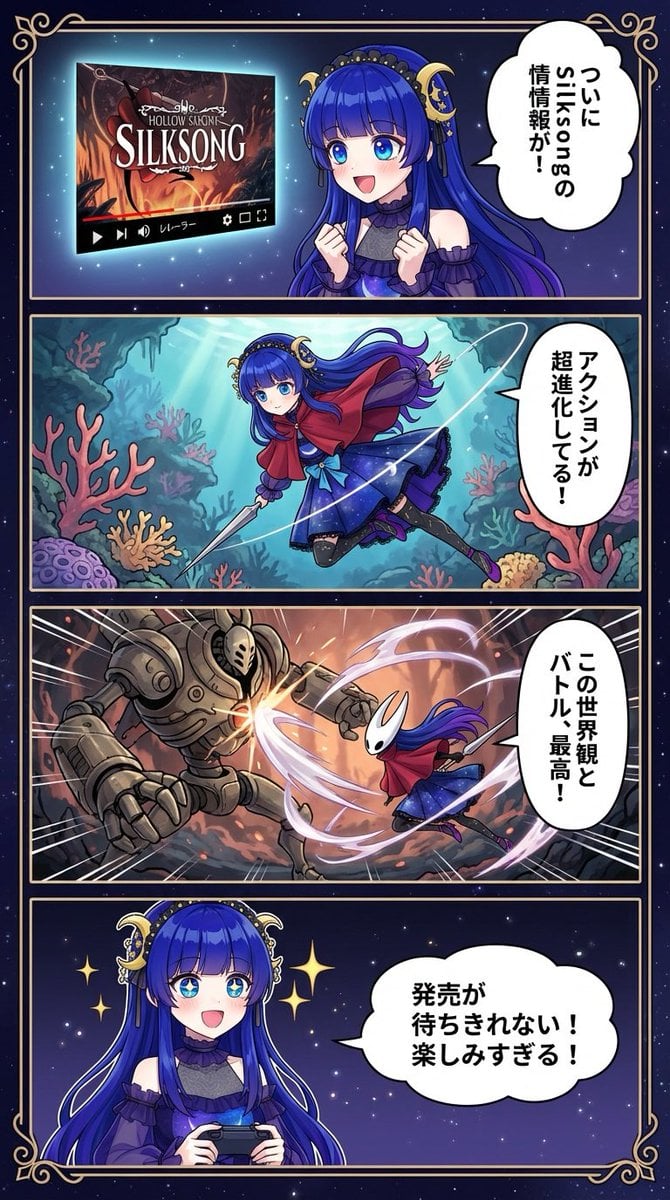
Silksong 4-panel comic from uploaded character

Beijing Cultural Heritage Poster
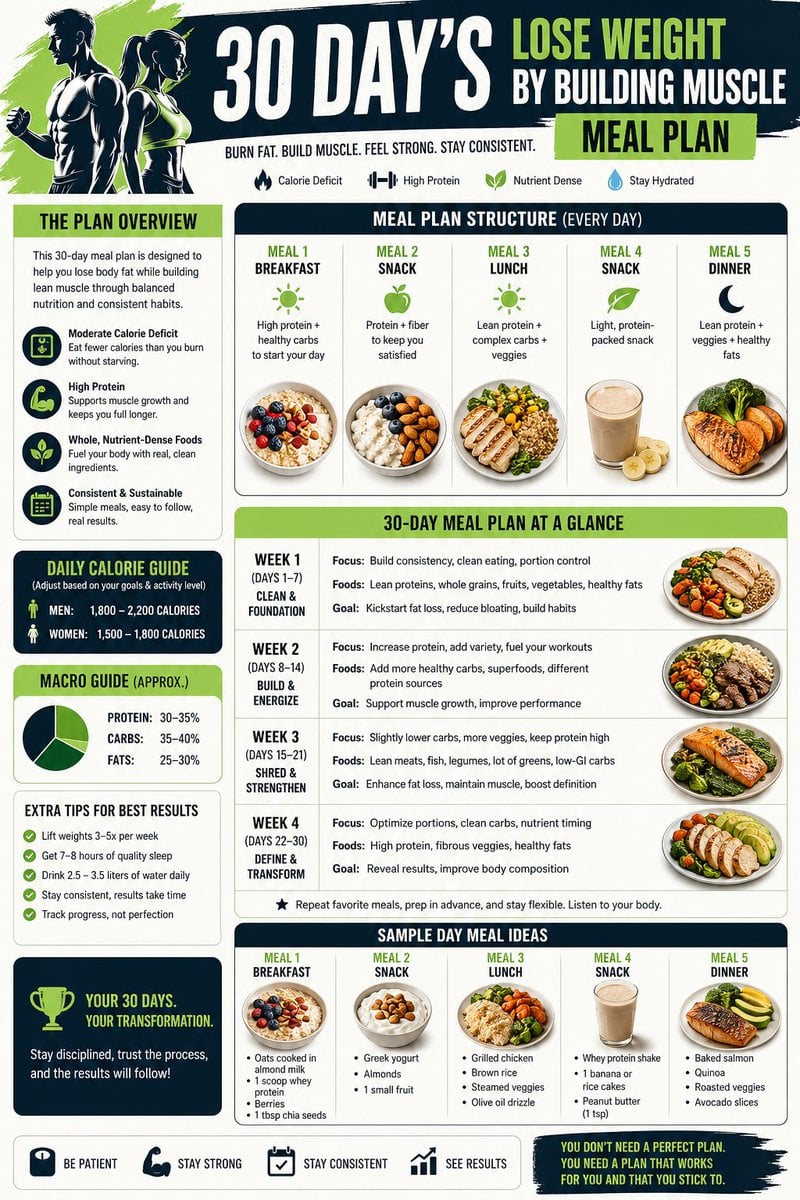
Health and Fitness Infographic Prompt
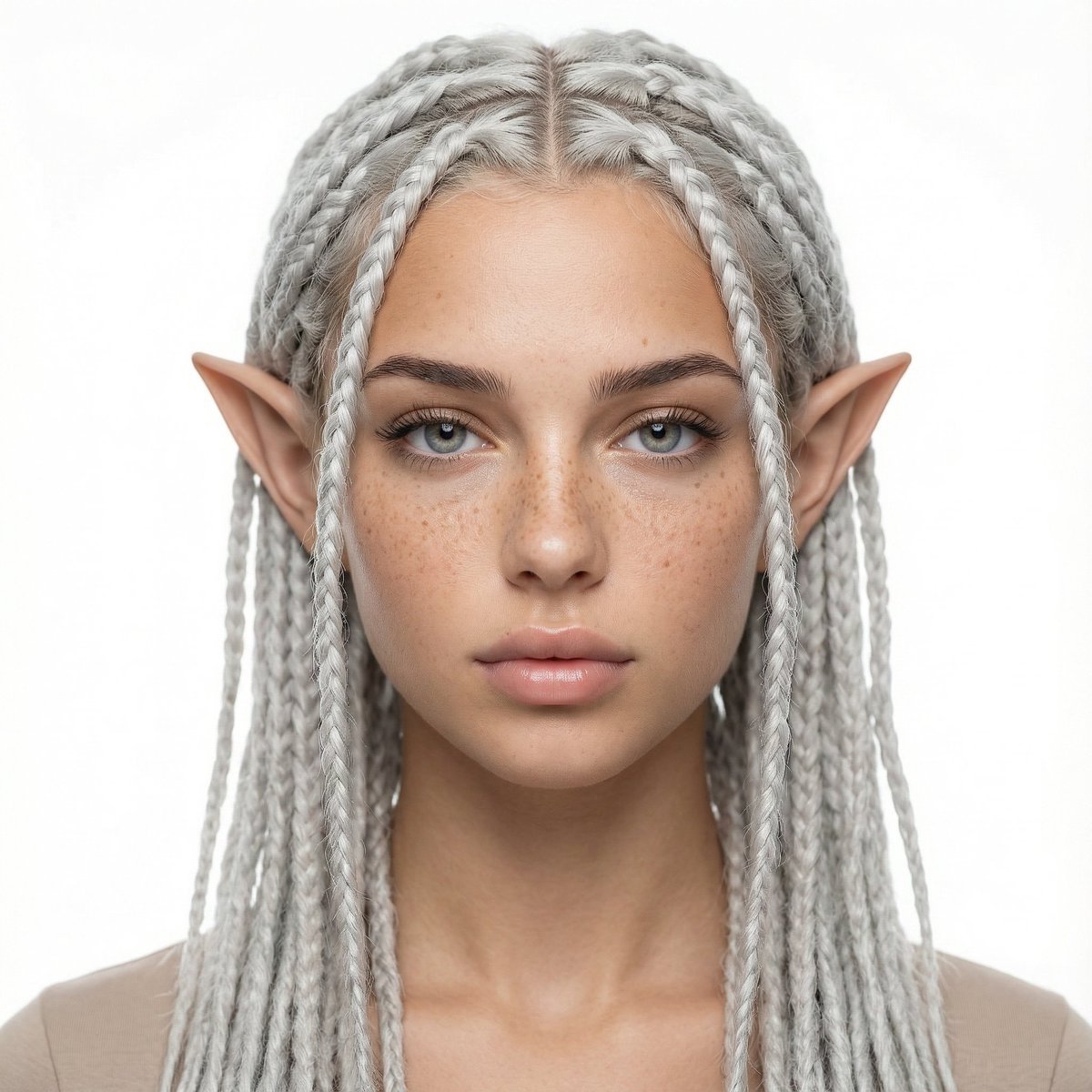
Avatar Girl Studio Portrait Transformation Prompt
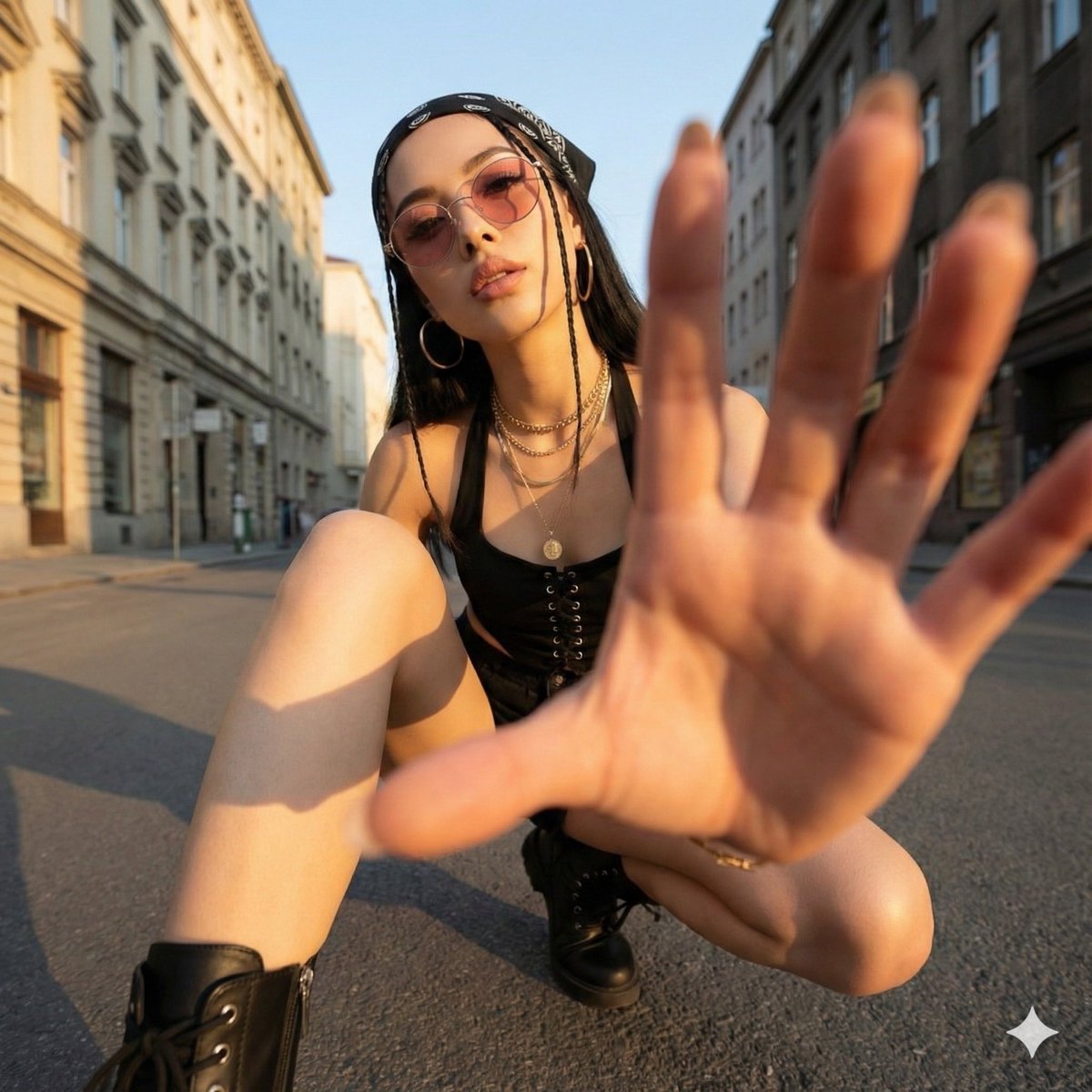
Ultra-Wide Angle Dynamic Pose Remake Prompt
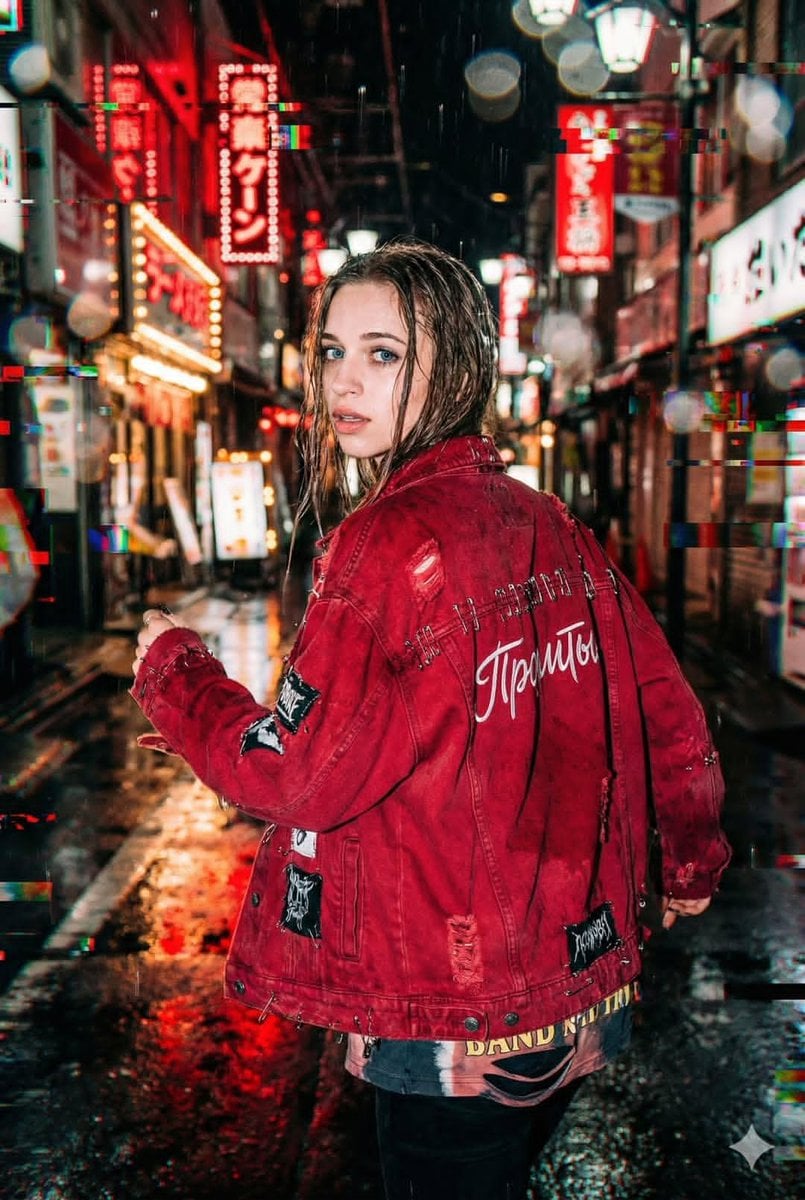
Neo-Tokyo Street Style Portrait Prompt with Glitch Effects

Cinematic Short Film Prompt for Art Creation
Browse template categories
Handmade Christmas Wreath Generator with Custom Ornament questions
How do I use the Handmade Christmas Wreath Generator with Custom Ornament template?
Add your photo if the template asks for one, edit the prompt if you like — the template's model and format are already selected — and press Generate. Your version opens in PicX Studio.
Can I customize the Handmade Christmas Wreath Generator with Custom Ornament template?
Yes. You can change the subject, setting, lighting, mood, format, and available model controls before creating your image.
Is the Handmade Christmas Wreath Generator with Custom Ornament template free?
Opening and editing this template is free. Generating uses credits, shown on the Generate button when you are signed in.
Which AI model should I use?
Start with Nano Banana 2, which is the model associated with this template. You can compare another compatible model for a different finish.
Looking for something else? Browse all templates.

Your photo, any look
Thousands of ready templates for every top image and video model, from one credit balance.