
Wukong Calligraphy Poster
A distressed mythic poster featuring monumental Chinese calligraphy and a small Monkey King warrior on a red cliff, suitable for cinematic fantasy key art.
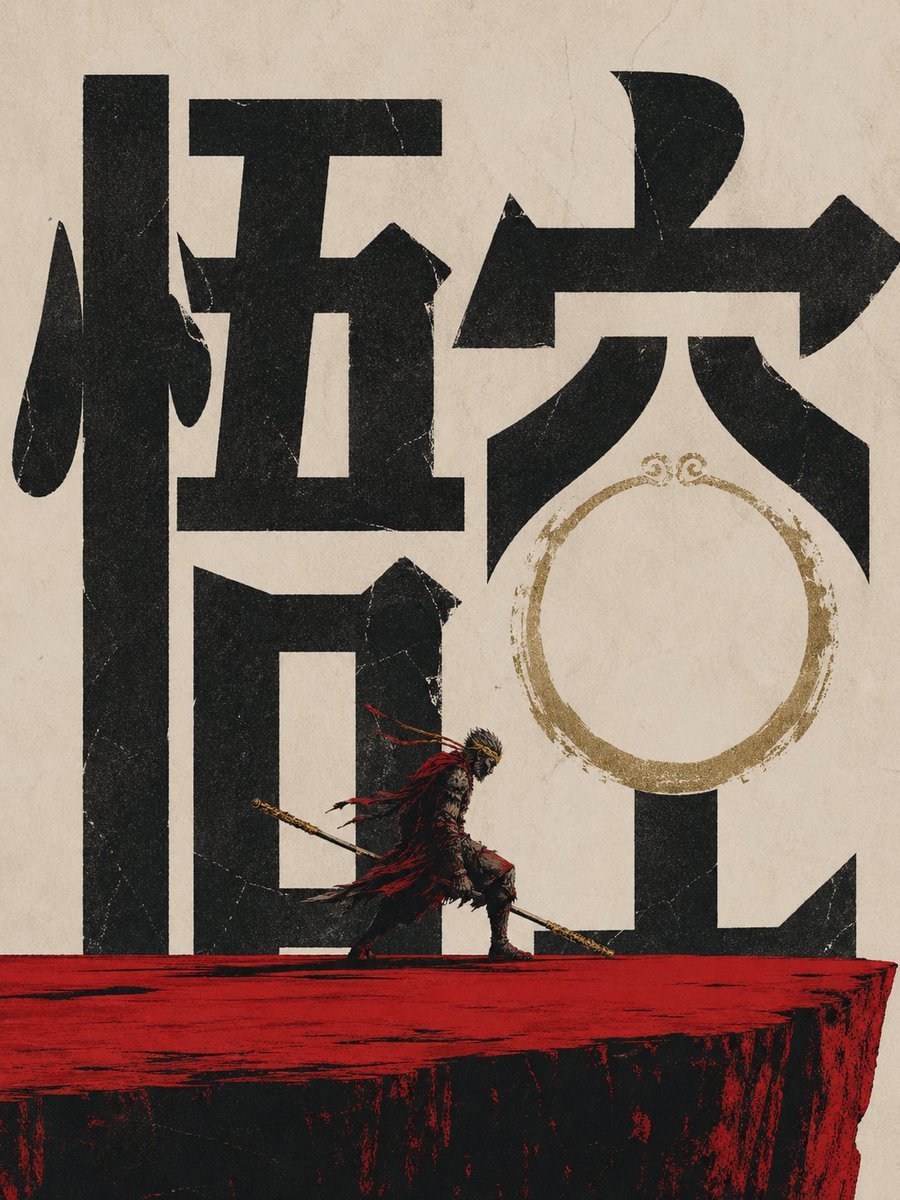
- Prompt included
- Model and format preset
- Free template
The prompt behind this image
Copy the exact prompt behind Wukong Calligraphy Poster, or open it in the studio and make it yours.
Create a dramatic vertical vintage Chinese mythic poster on aged beige rice paper with visible fibers, cracks, scratches, and distressed print texture. The composition is dominated by two enormous black Chinese calligraphy characters reading {argument name="main calligraphy text" default="悟空"}, rendered as bold blocky brush typography filling almost the entire background from edge to edge. Place a small heroic Monkey King warrior figure near the lower center, walking left to right across a rough horizontal red cliff or platform; he wears dark ornate armor with ragged flowing red cloth ribbons, a golden headband or crown, and carries a long golden staff angled downward across his body. Behind the right side of the calligraphy, add a worn circular gold ink ring motif, like a faded seal or halo, partially overlapping the negative space of the character. Use a limited palette of matte black, parchment beige, blood red, and tarnished gold, with high contrast, rough screen-printed edges, ink bleed, grunge speckles, and cinematic wuxia energy. Make the figure tiny compared with the monumental typography to emphasize scale and legend. No modern objects, no border, poster-style centered layout.
How to use Wukong Calligraphy Poster in 3 steps
- 1Upload ImagePNG, JPG or paste
Add your photo
Upload the photo the template builds on. The prompt, model and format are already set.
- 2…a portrait of your subject in softgolden-hour light, 85mm…
Personalize
Edit the subject and creative details for your destination.
- 3Generate
Generate
Press Generate — your image is created in PicX Studio, so you can compare it with the original and refine one variable at a time.
More like this
Templates with the same subject, style or setup. Open one to see its prompt.

Japan Travel Brochure Poster

Cartoon TV Show Poster Pack

Trendy Cafe Drink Promo Poster

Urban Fashion Editorial Collage Streetwear Poster

Premium Fashion Editorial Cover Layout System

Polo Ralph Lauren Luxury American Heritage Fashion Campaign

Monochrome Halftone Editorial Fashion Poster

Retro Mirror Luxury Fashion Campaign Poster

Luxury Fashion Campaign Typography Poster System

Premium Fashion Editorial Campaign Poster System

Ultra-Stylized High-Fashion Streetwear Poster

Urban Fashion Editorial Collage Poster
Make it yours
Wukong Calligraphy Poster works as-is. These are the safest ways to change it without losing the look.
Change one field
Copy a single group, rewrite it, and generate again so you can see what that field is doing.
Keep the frame, change the subject
Hold the composition and light of Wukong Calligraphy Poster, then swap wardrobe, props or the person for a new take.
| If the result… | Why | Fix |
|---|---|---|
| The result drifts from the preview | Too many fields changed at once. | Reuse Wukong Calligraphy Poster as-is first, then change one group — subject, light, or setting. |
| The model over-stylizes the scene | The prose prompt leaves finish and camera underspecified. | Add one camera or lighting sentence and stay on GPT Image 2. |
More GPT Image 2 templates
Other prompts made for GPT Image 2.

Six VTuber Japanese Logo Sheet

Realistic Portrait of Woman and Deer

The Vista Modular Condo Poster

AI Model Routing Comparison Infographic

2.5D Anime Art Board

Isometric Productivity Desk Scene

New York Double Exposure Poster

Four-Panel AI Landscape Comparison

Japanese Tatami Lifestyle Magazine Cover

NESCAFÉ Coffee Map Poster
More image prompts
Fresh picks from across the catalog.
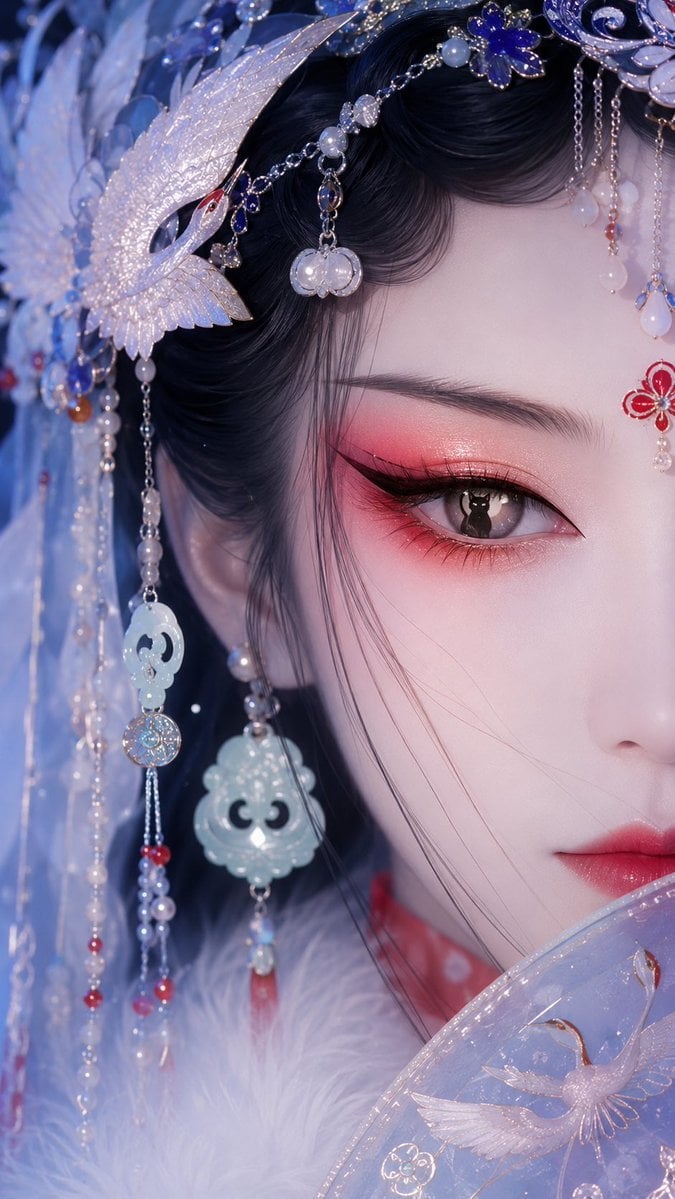
Oriental Opera Beauty Character Redesign
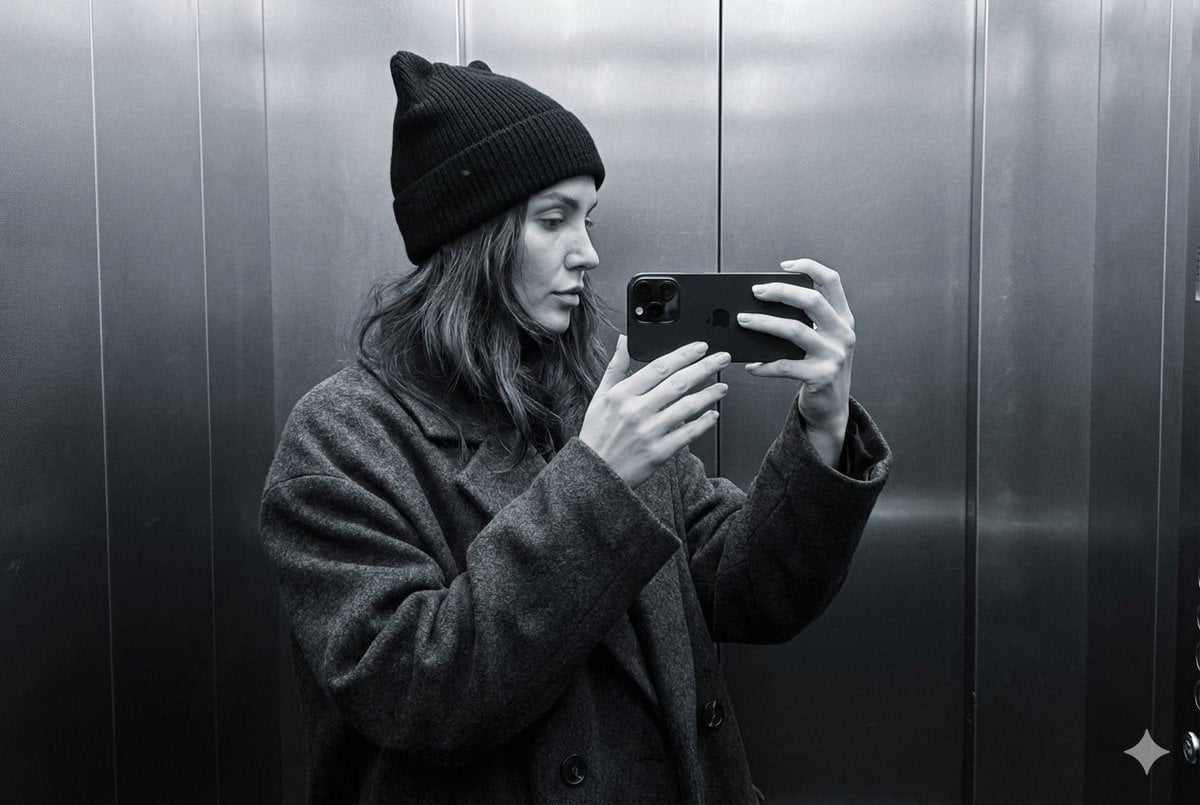
Monochrome Elevator Mirror Selfie with Cat-Ear Hat
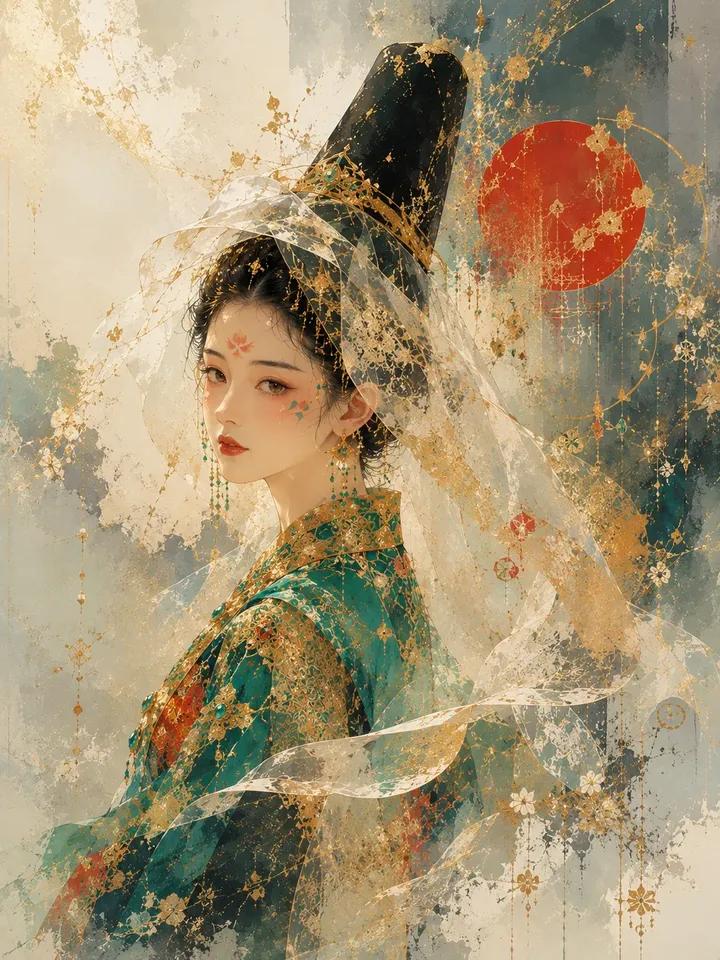
Architectural Music Theory Poster
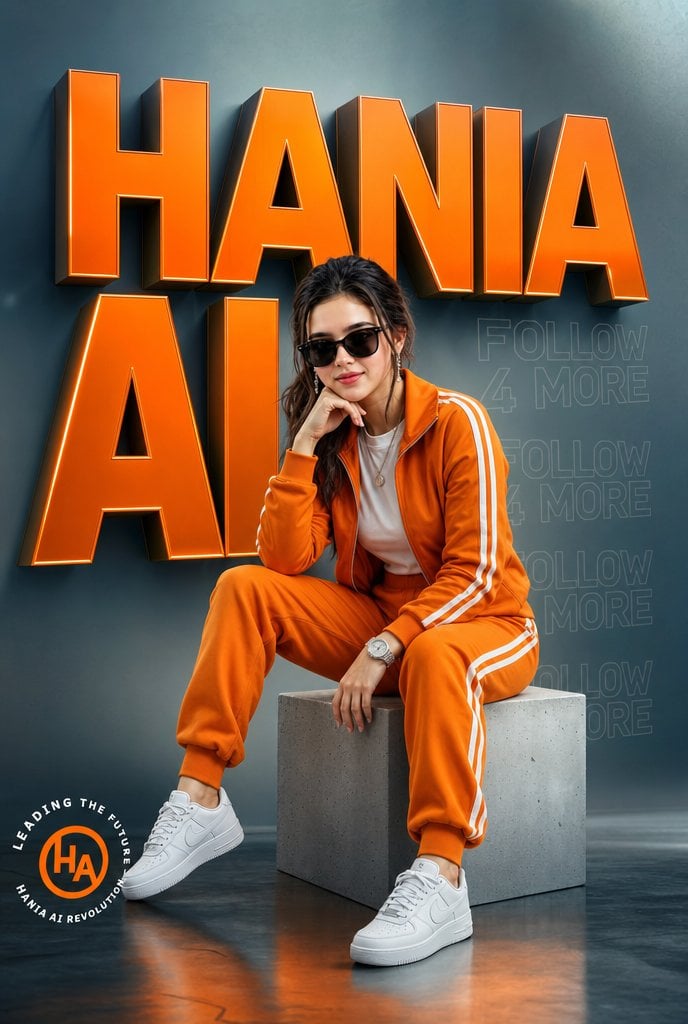
Orange Tracksuit Studio Poster
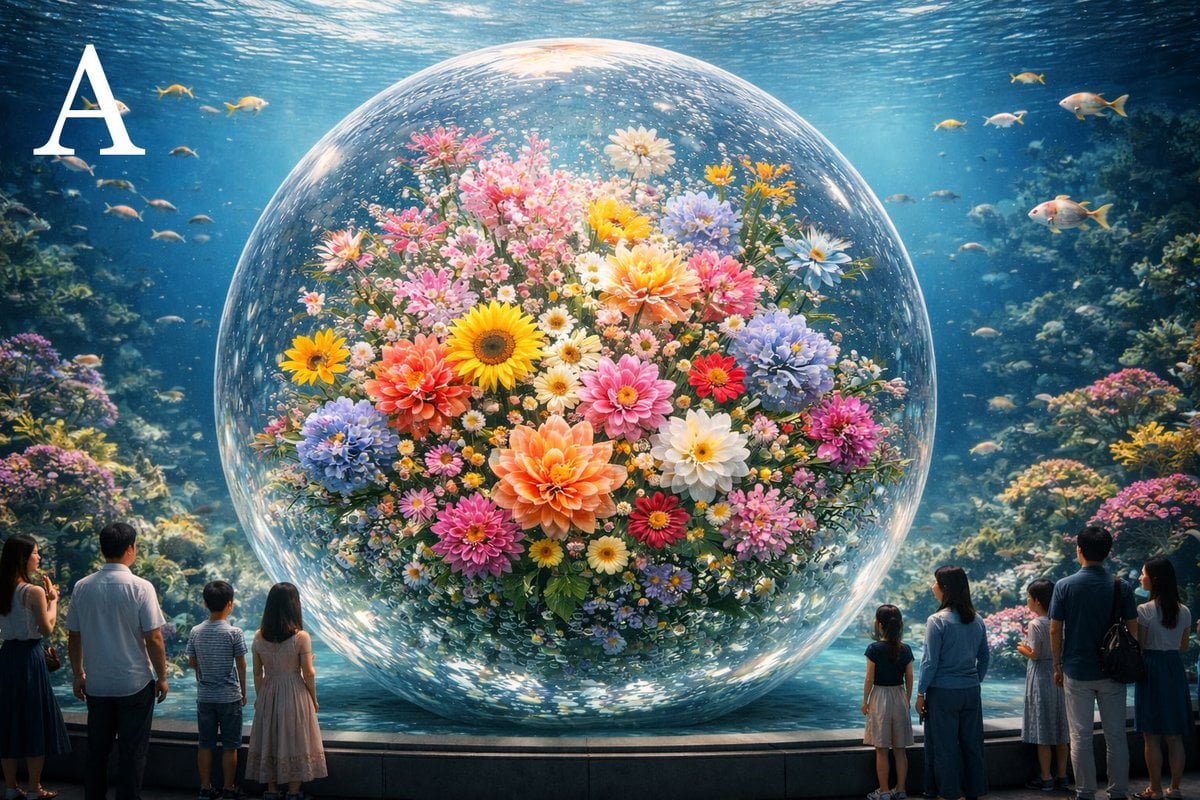
Advanced post-production prompt template for image generation (Nano Banana compatible)
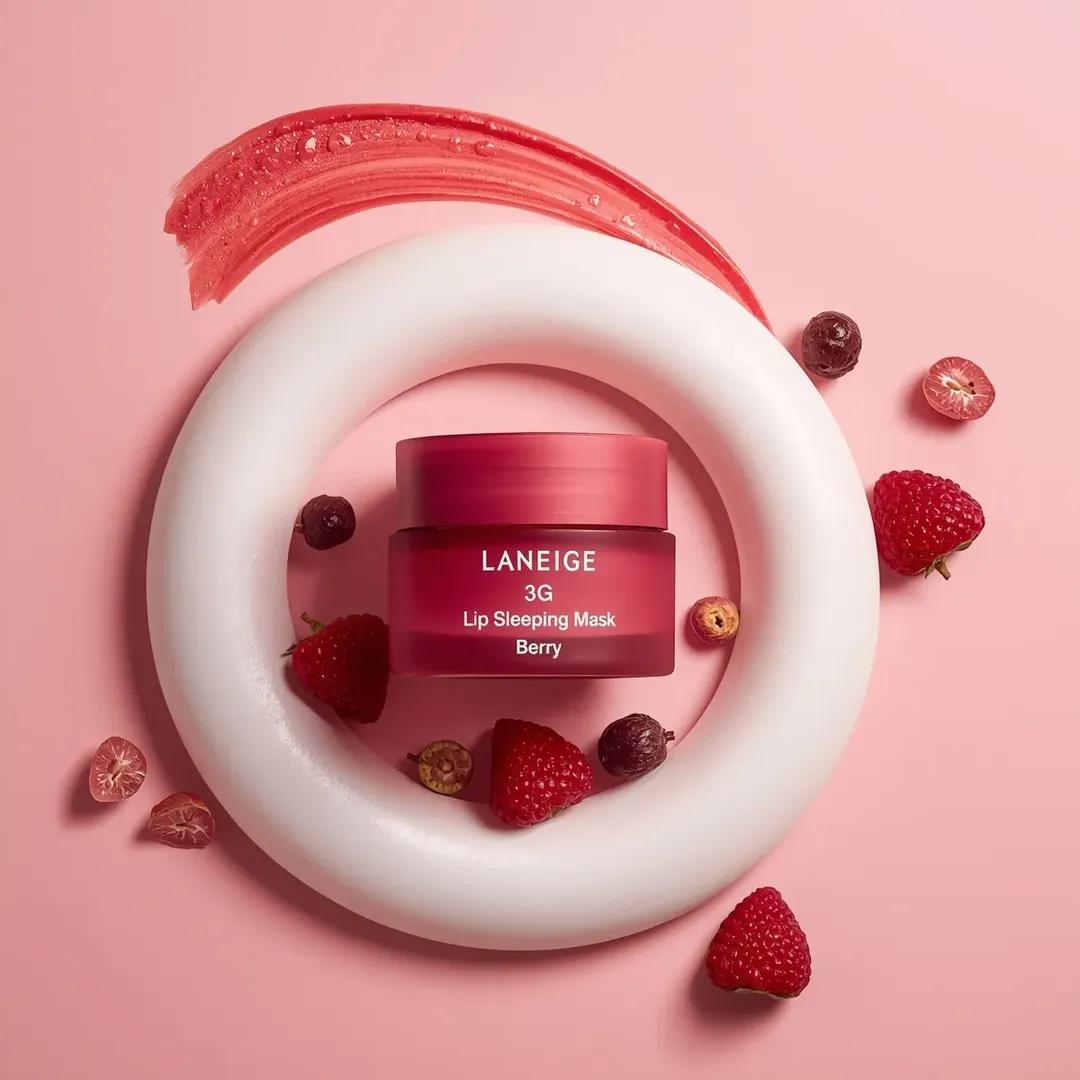
Commercial Cosmetic Product Photography Prompt
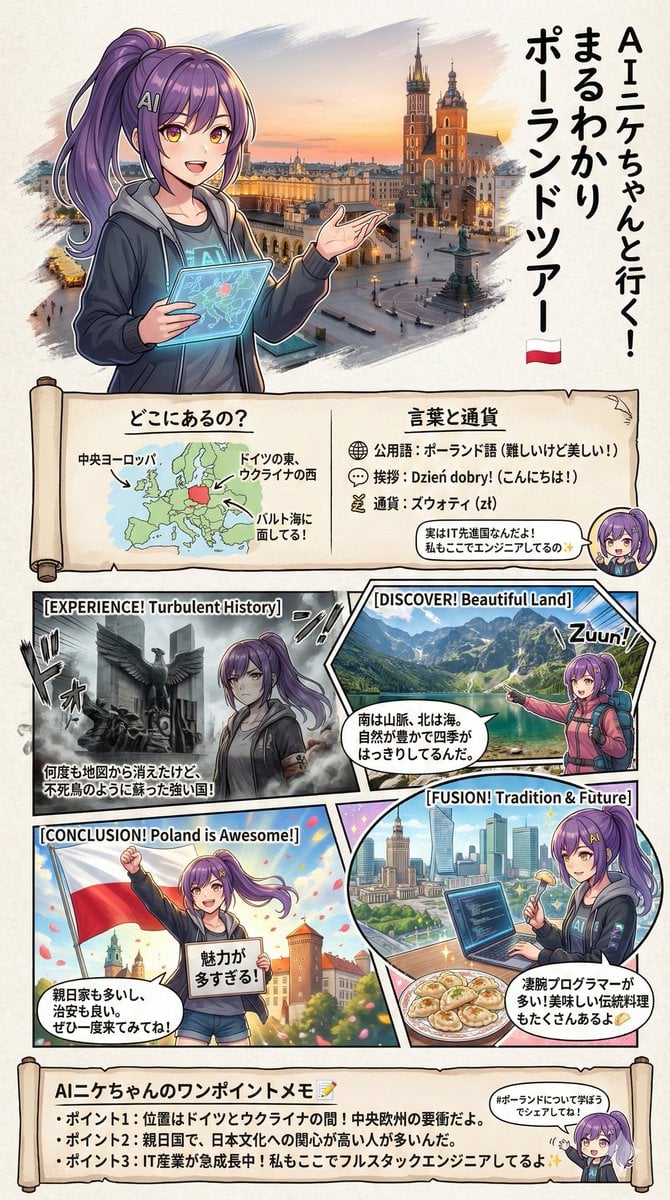
Creating a Geography Manga about Poland
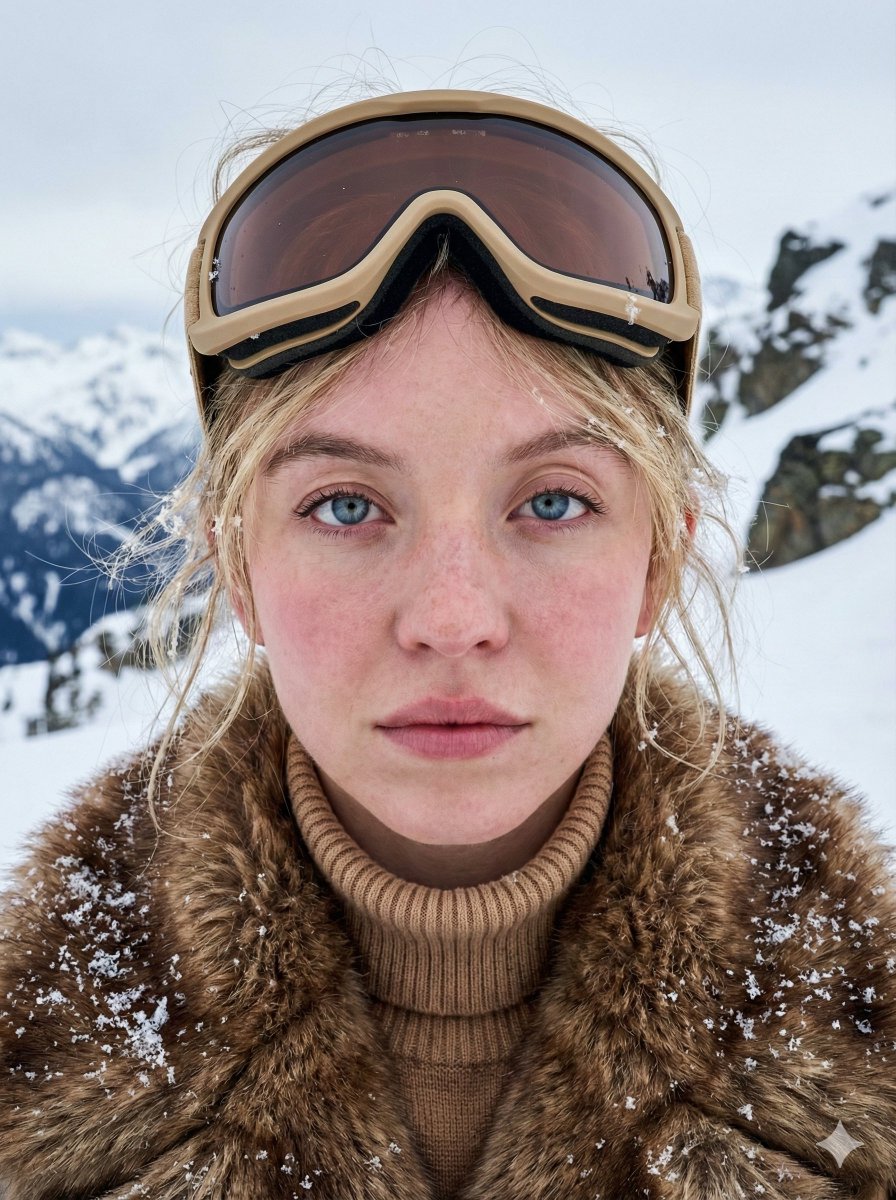
Structured JSON Prompt for Arctic Cinematic Portrait
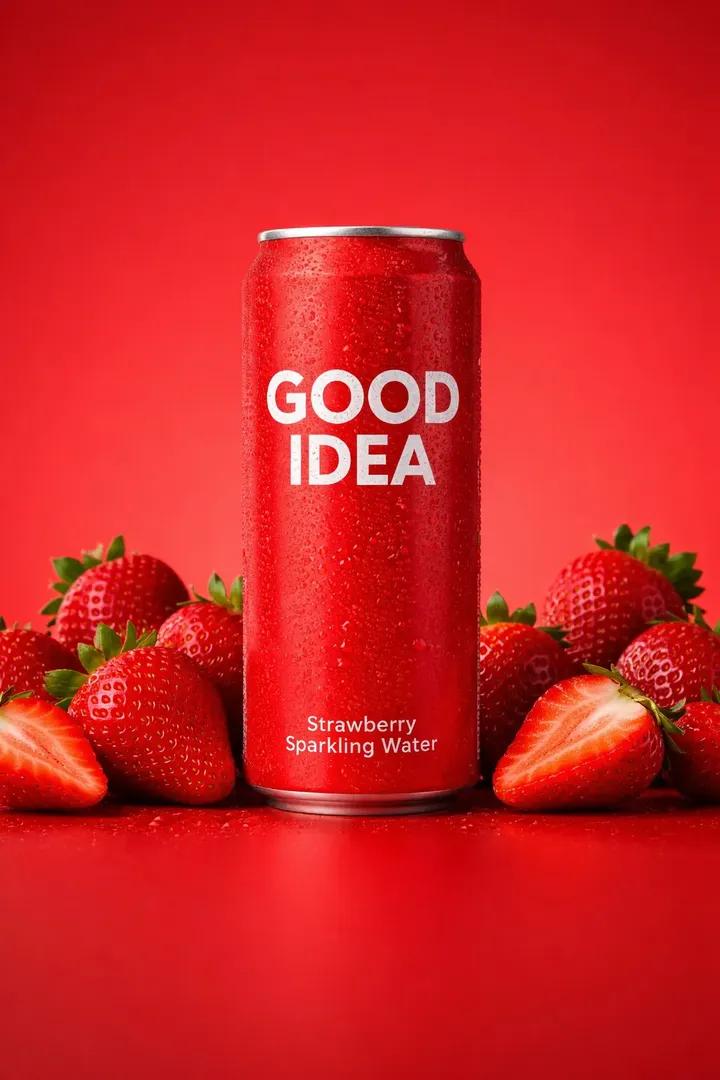
Premium Studio Product Photo of Sparkling Water Can
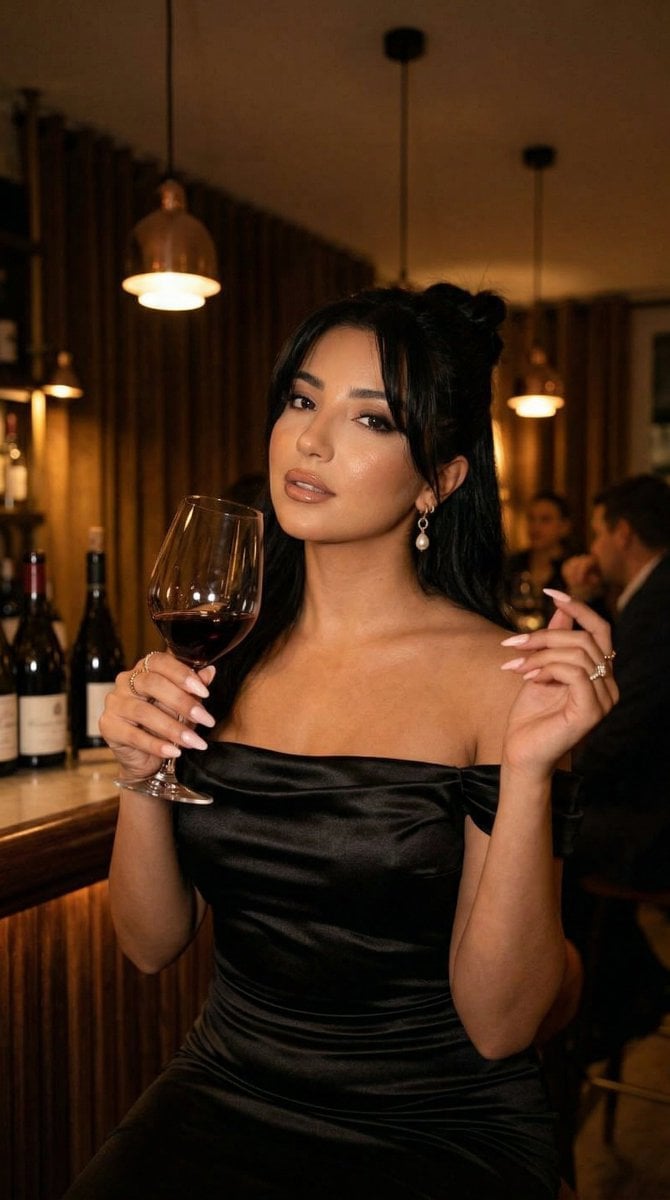
Nano Banana - Pont Alexandre III Kiss
Browse template categories
Wukong Calligraphy Poster questions
How do I use the Wukong Calligraphy Poster template?
Add your photo if the template asks for one, edit the prompt if you like — the template's model and format are already selected — and press Generate. Your version opens in PicX Studio.
Can I customize the Wukong Calligraphy Poster template?
Yes. You can change the subject, setting, lighting, mood, format, and available model controls before creating your image.
Is the Wukong Calligraphy Poster template free?
Opening and editing this template is free. Generating uses credits, shown on the Generate button when you are signed in.
Which AI model should I use?
Start with GPT Image 2, which is the model associated with this template. You can compare another compatible model for a different finish.
Looking for something else? Browse all templates.

Your photo, any look
Thousands of ready templates for every top image and video model, from one credit balance.