
Stormy WWII Beach Defenses
A cinematic photorealistic prompt for generating a grim fortified WWII beach scene with trenches, barbed wire, anti-tank obstacles, rough sea, and distant warships.
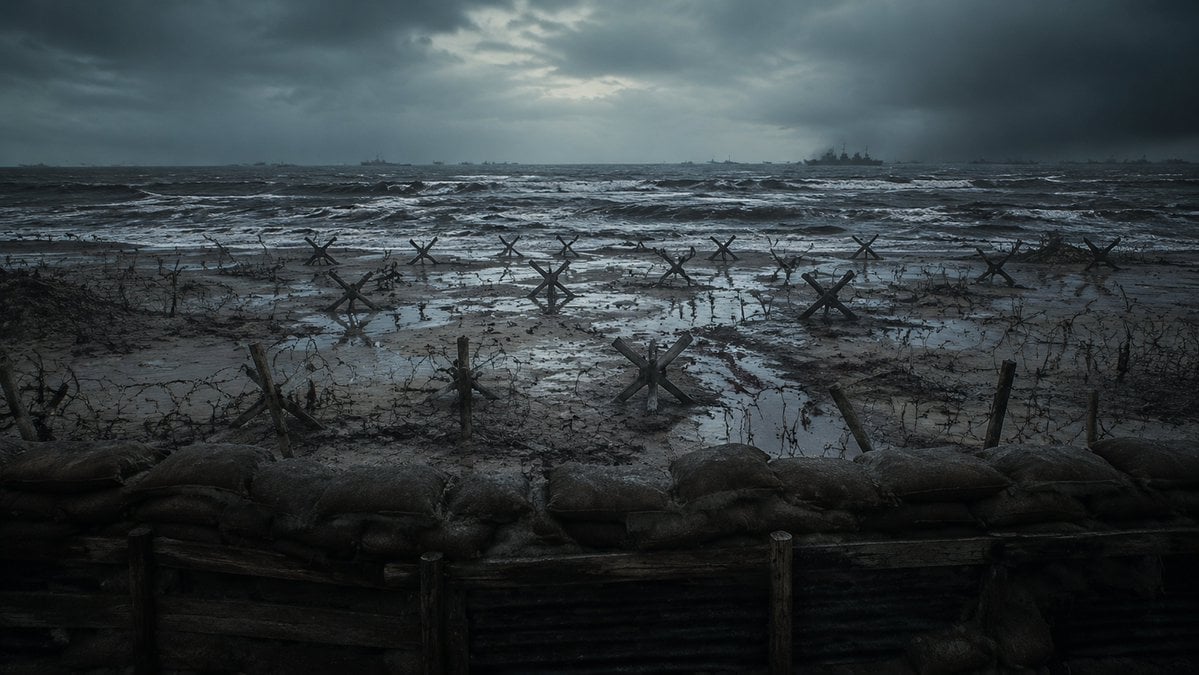
- Prompt included
- Model and format preset
- Free template
The prompt behind this image
Copy the exact prompt behind Stormy WWII Beach Defenses, or open it in the studio and make it yours.
Create a cinematic photorealistic wide shot of a bleak World War II beach invasion defense line viewed from inside a trench, with a low row of muddy sandbags and dark wooden trench planks across the entire foreground. Beyond the trench is a flooded, muddy beach covered in tangled barbed wire, broken stakes, puddles, and exactly 12 visible steel Czech hedgehog anti-tank obstacles scattered from left to right at varying distances. The ocean is rough and dark, with white-capped waves rolling toward shore, and several faint warship silhouettes on the horizon, including one larger battleship slightly right of center. The sky is heavy with storm clouds, with a dim cold break of light near the upper center. Use a desaturated blue-gray and charcoal color palette, gritty realism, wet reflective mud, misty sea spray, dramatic overcast lighting, high-detail cinematic composition, 16:9 aspect ratio, no people, no text, no modern objects. Emphasize the mood of {argument name="battlefield mood" default="grim, tense, abandoned before an amphibious assault"}, set on {argument name="location" default="a Normandy-style fortified beach"}, during {argument name="time of day" default="stormy dawn"}, with {argument name="visual style" default="photorealistic war film still"}.
How to use Stormy WWII Beach Defenses in 3 steps
- 1Upload ImagePNG, JPG or paste
Add your photo
Upload the photo the template builds on. The prompt, model and format are already set.
- 2…a portrait of your subject in softgolden-hour light, 85mm…
Personalize
Edit the subject and creative details for your destination.
- 3Generate
Generate
Press Generate — your image is created in PicX Studio, so you can compare it with the original and refine one variable at a time.
More like this
Templates with the same subject, style or setup. Open one to see its prompt.

Coastal Bench Portrait — Navy Floral Sundress
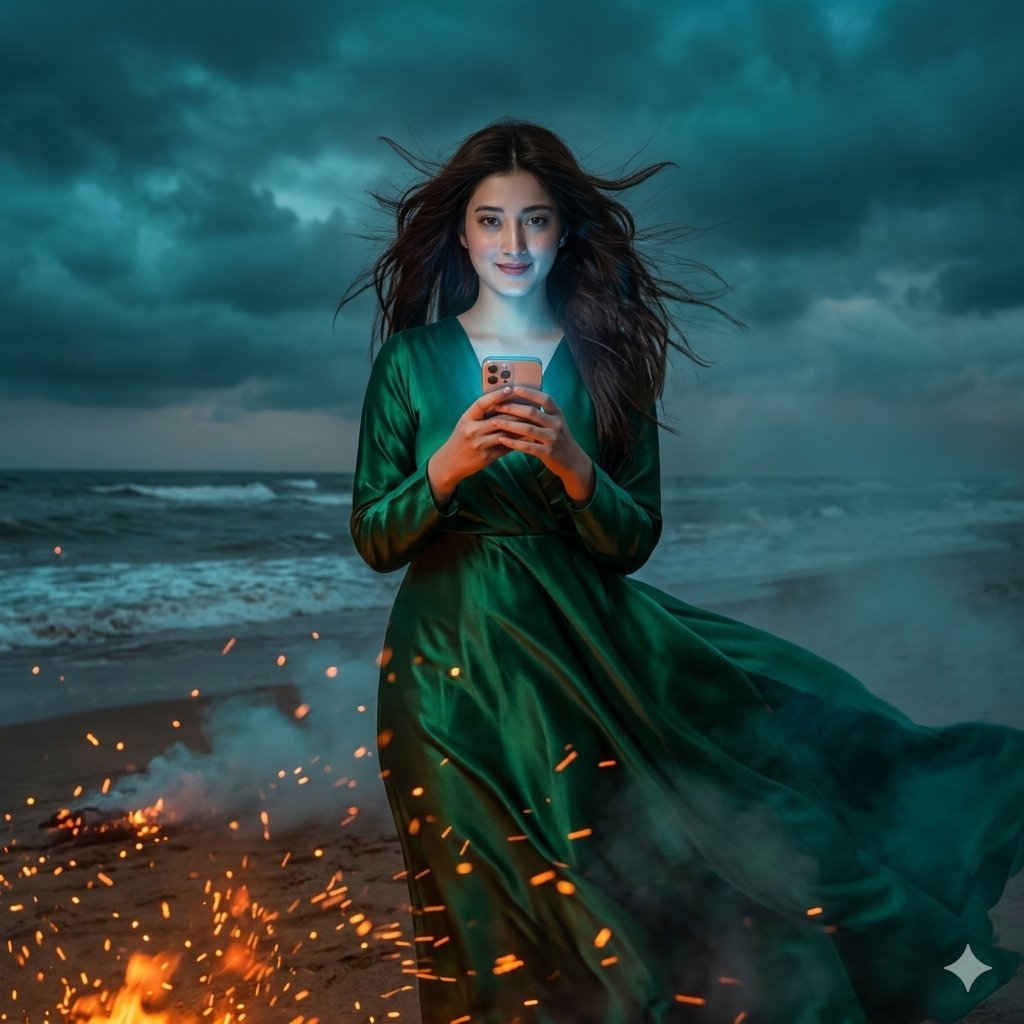
Stormy Beach Emerald Dress
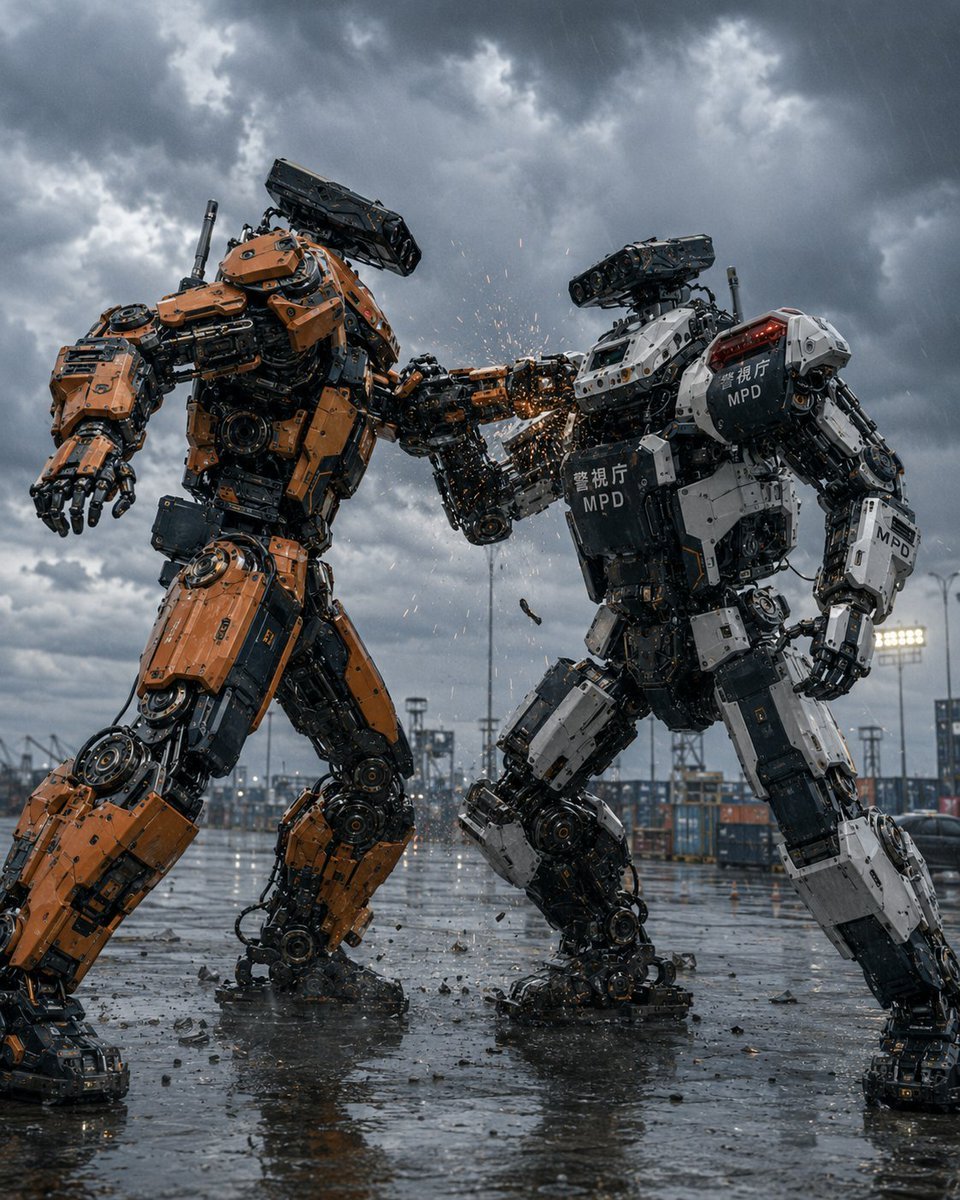
Stormy Police Mech Duel
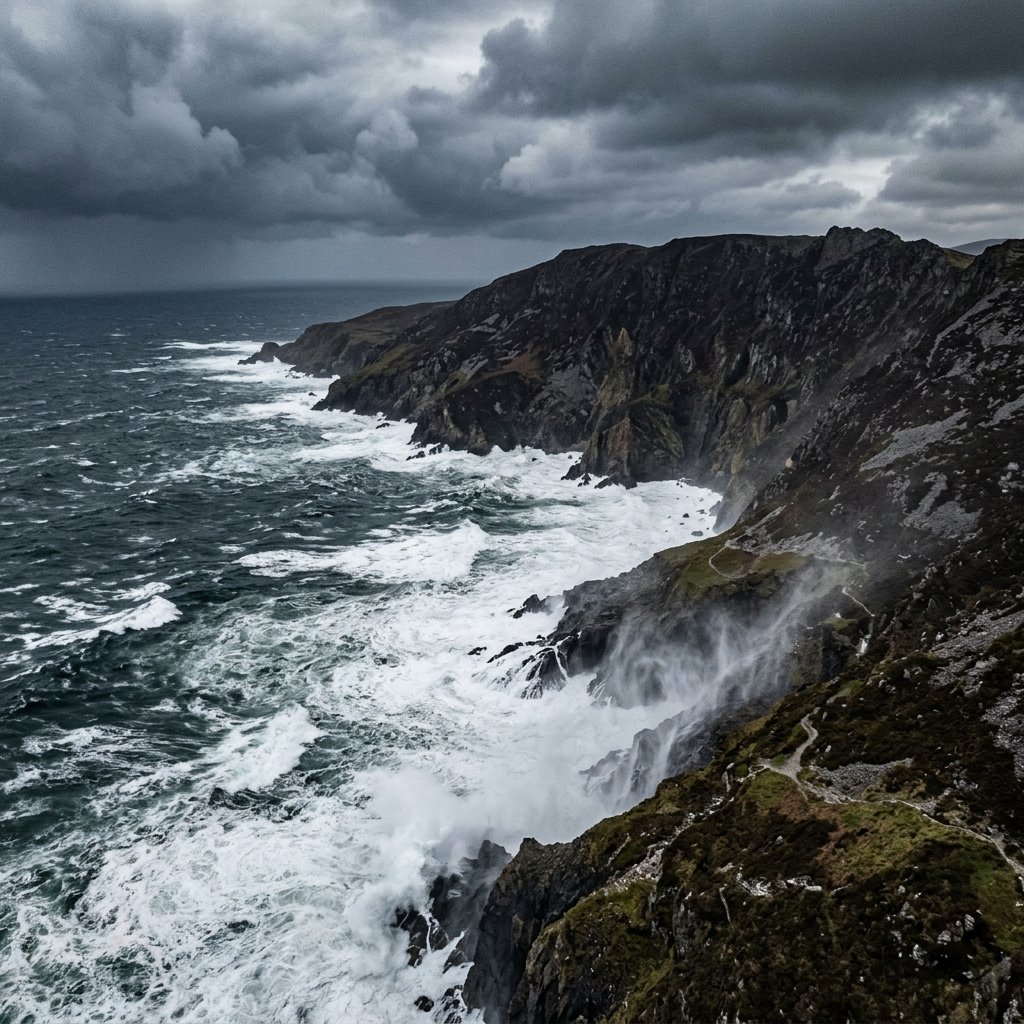
Stormy Coastal Cliff Landscape
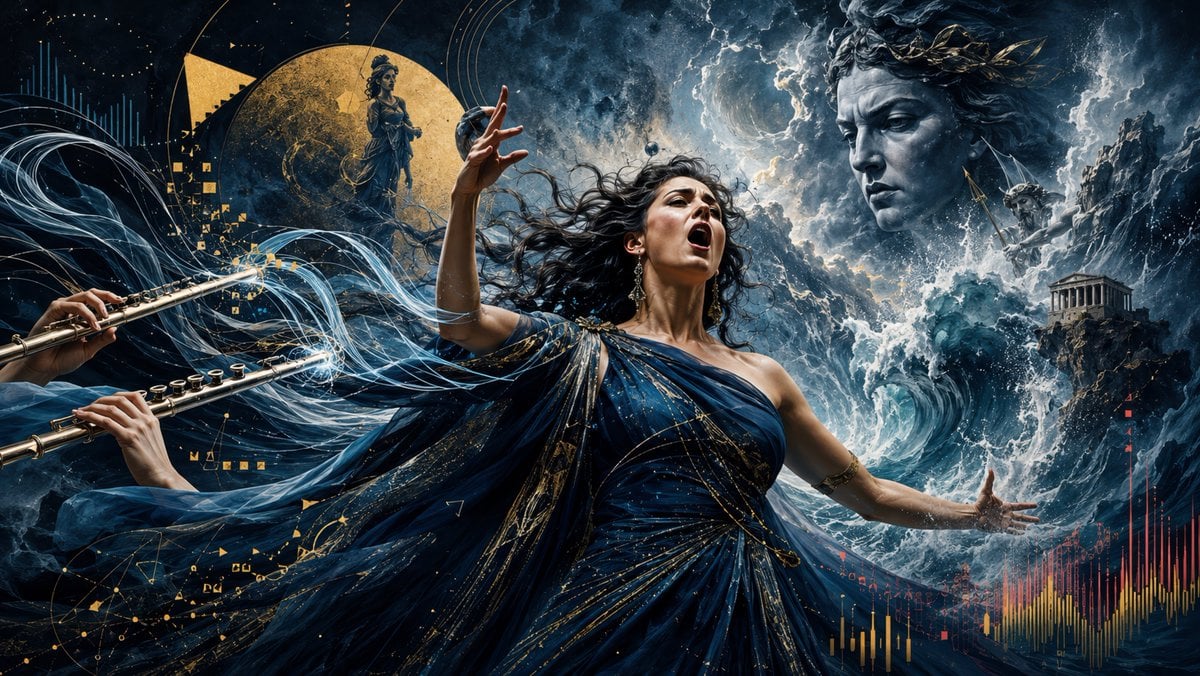
Stormy Mythological Soprano Aria
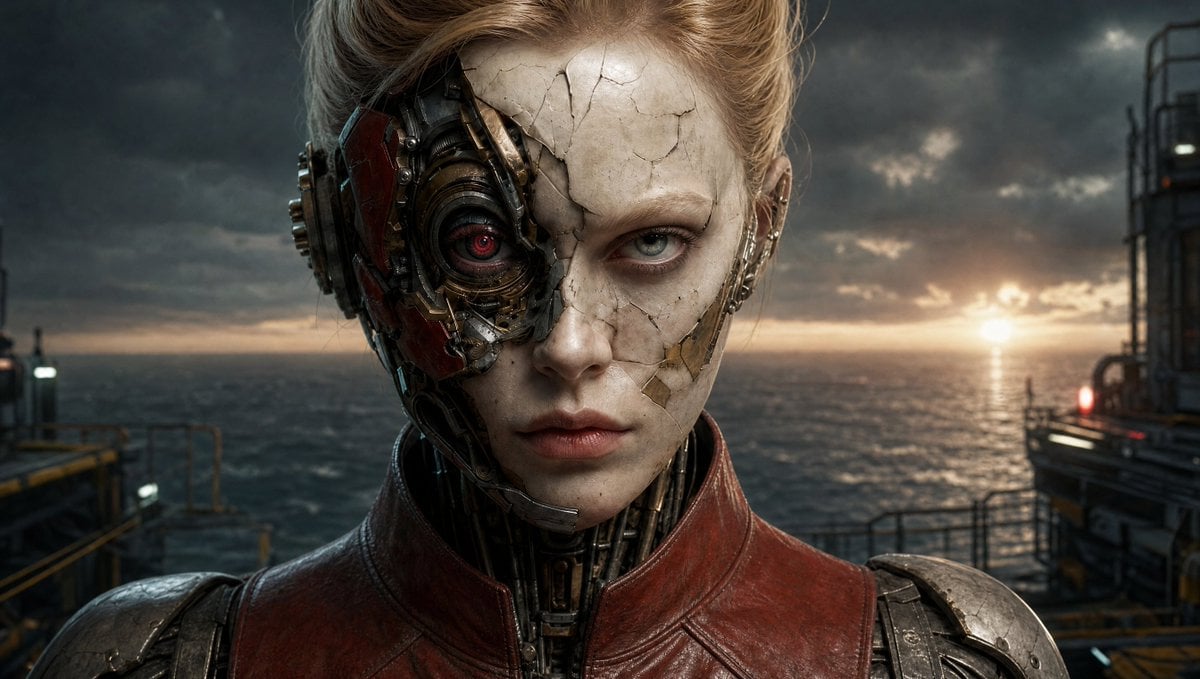
Censored Cyborg at Stormy Offshore Platform
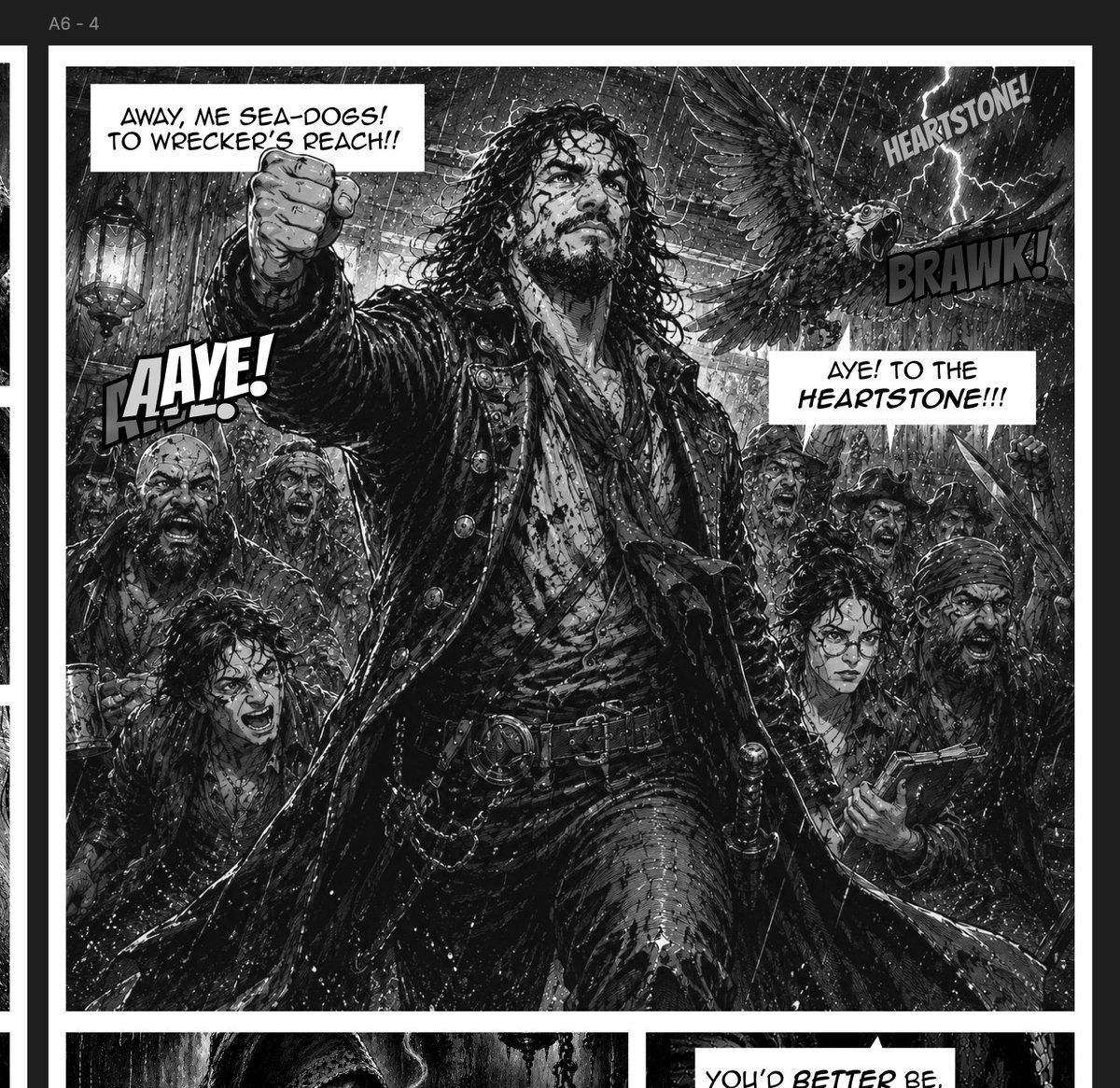
Stormy Pirate Comic Storyboard
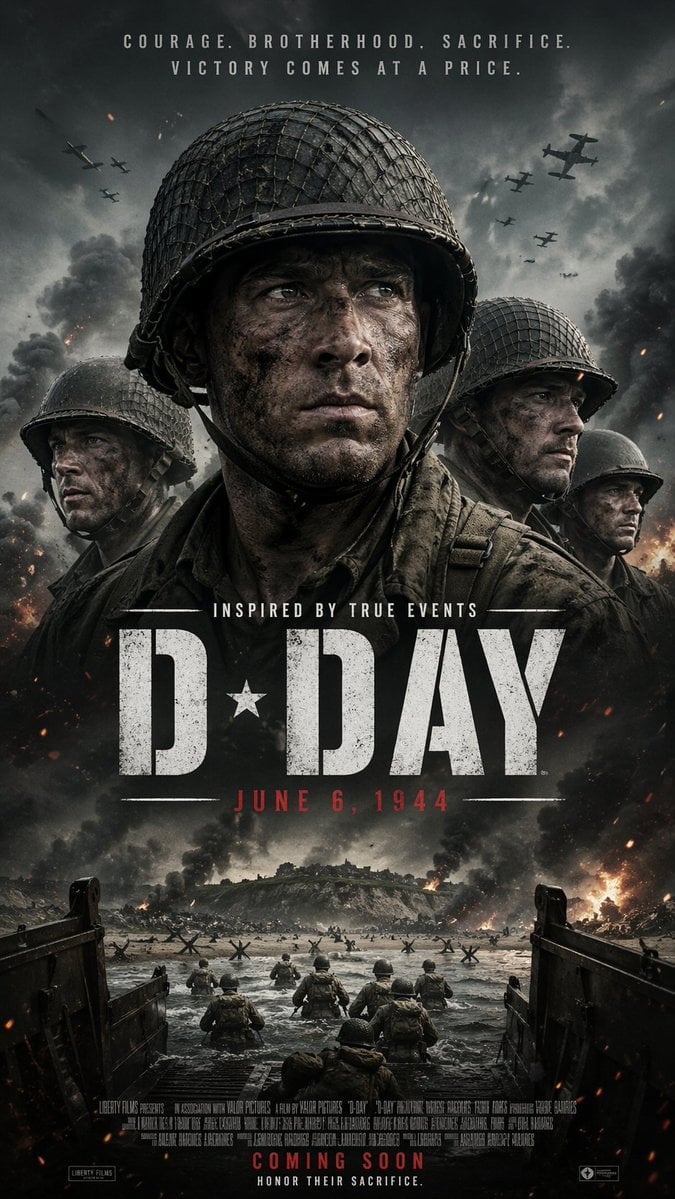
WWII D-Day Cinematic Poster
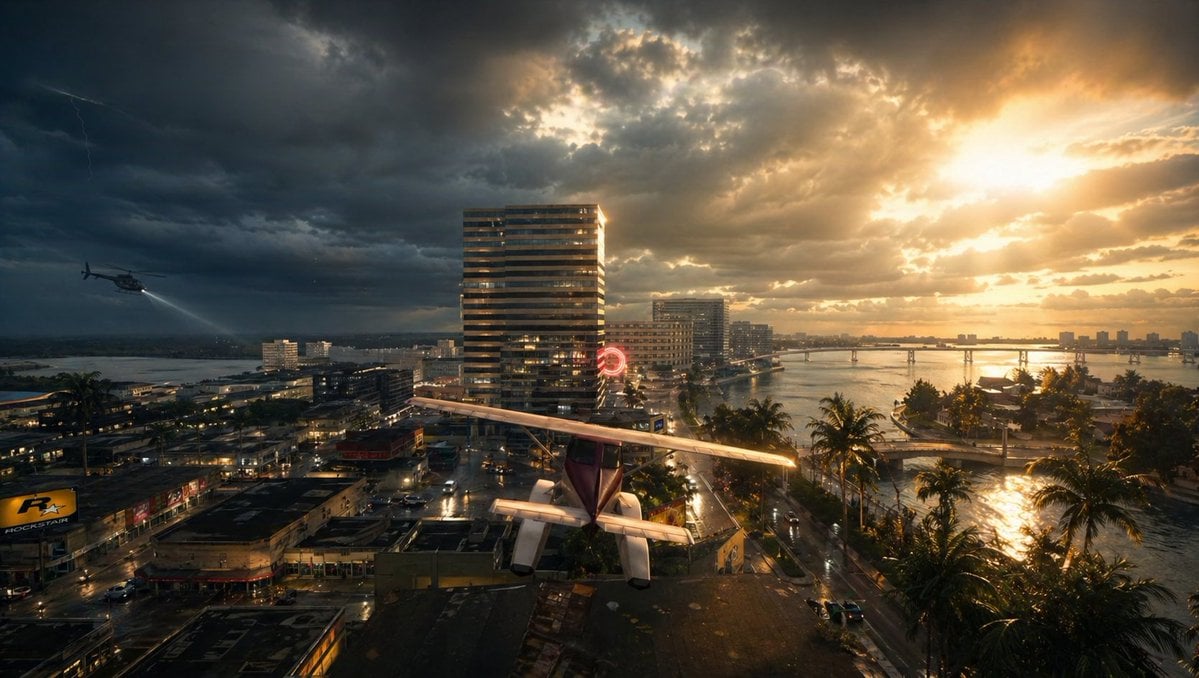
Stormy Tropical City With Rooftop Plane
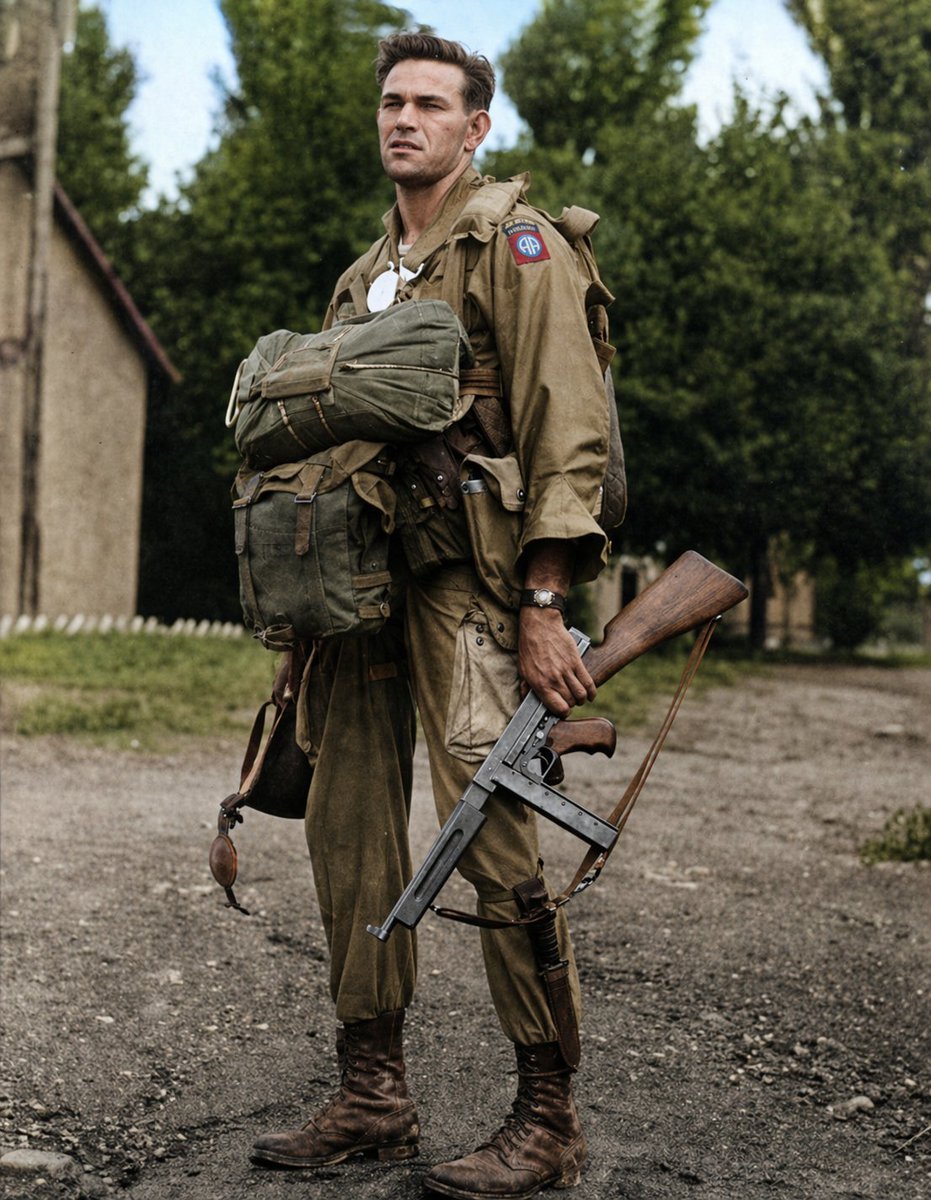
Historical WWII Photo Colorization
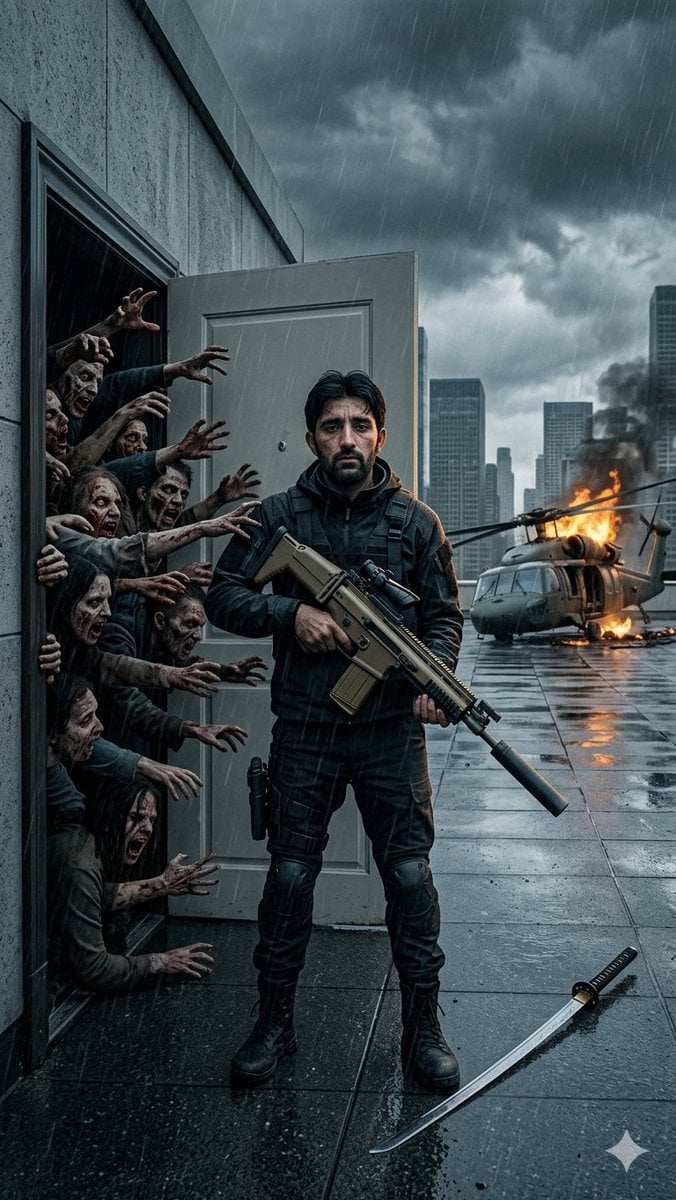
Stormy Rooftop Zombie Siege
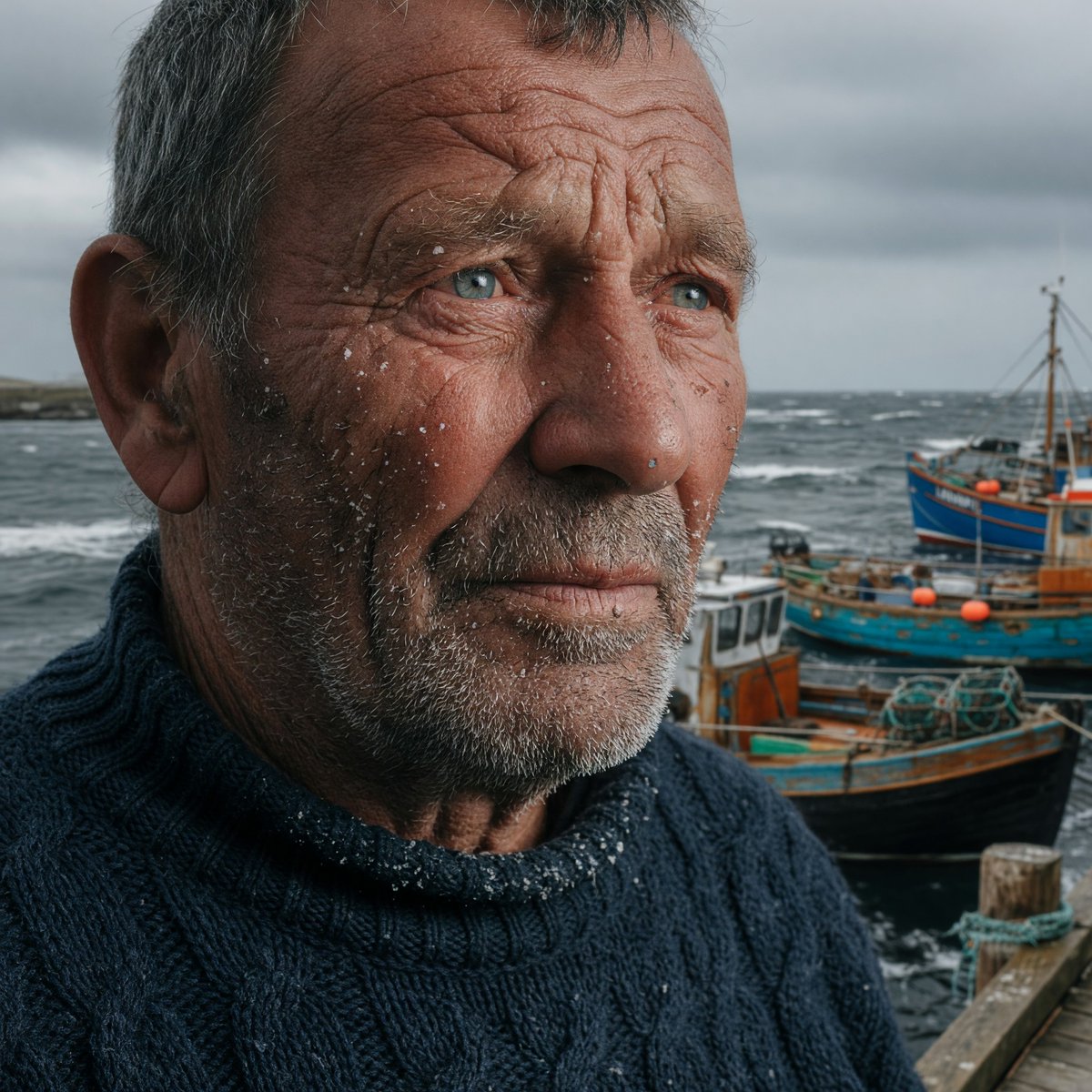
Stormy Icelandic Fisherman Portrait
Make it yours
Stormy WWII Beach Defenses works as-is. These are the safest ways to change it without losing the look.
Change one field
Copy a single group, rewrite it, and generate again so you can see what that field is doing.
Keep the frame, change the subject
Hold the composition and light of Stormy WWII Beach Defenses, then swap wardrobe, props or the person for a new take.
| If the result… | Why | Fix |
|---|---|---|
| The result drifts from the preview | Too many fields changed at once. | Reuse Stormy WWII Beach Defenses as-is first, then change one group — subject, light, or setting. |
| The model over-stylizes the scene | The prose prompt leaves finish and camera underspecified. | Add one camera or lighting sentence and stay on GPT Image 2. |
More GPT Image 2 templates
Other prompts made for GPT Image 2.

Six VTuber Japanese Logo Sheet

Realistic Portrait of Woman and Deer

The Vista Modular Condo Poster

AI Model Routing Comparison Infographic

2.5D Anime Art Board

Isometric Productivity Desk Scene

New York Double Exposure Poster

Four-Panel AI Landscape Comparison

Japanese Tatami Lifestyle Magazine Cover

NESCAFÉ Coffee Map Poster
More image prompts
Fresh picks from across the catalog.
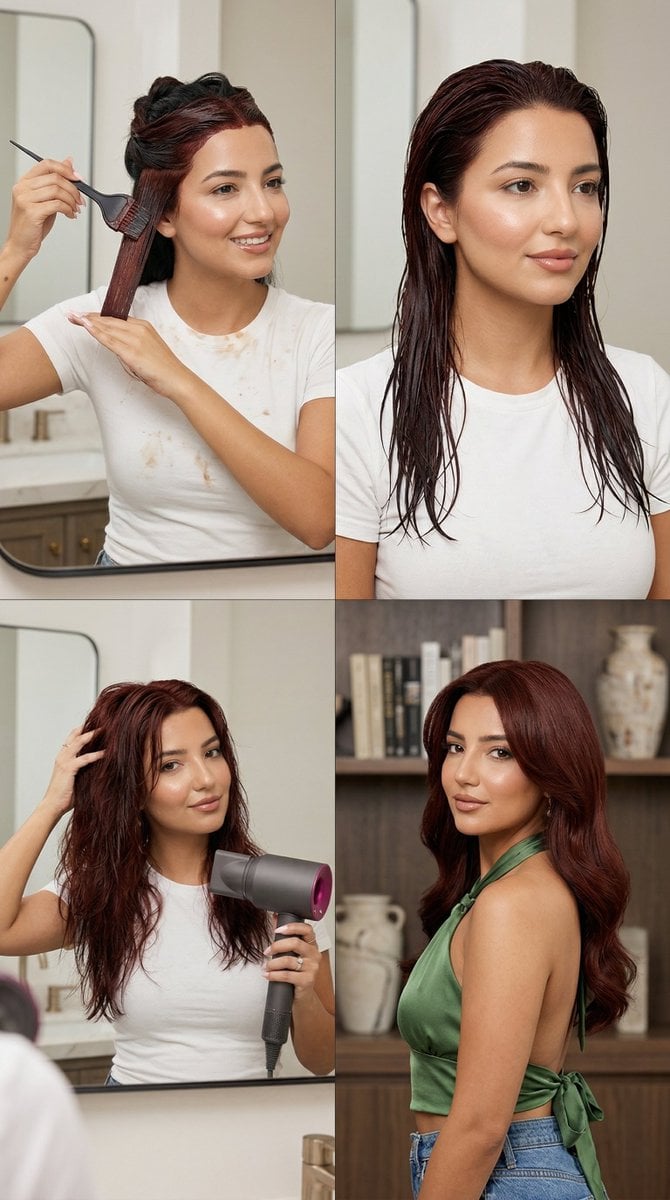
Step Deep Auburn Hair Dye Transformation Grid Prompt for Nano Banana 2

Golden Hour Luxury Sports Car Portrait Prompt with Face Lock
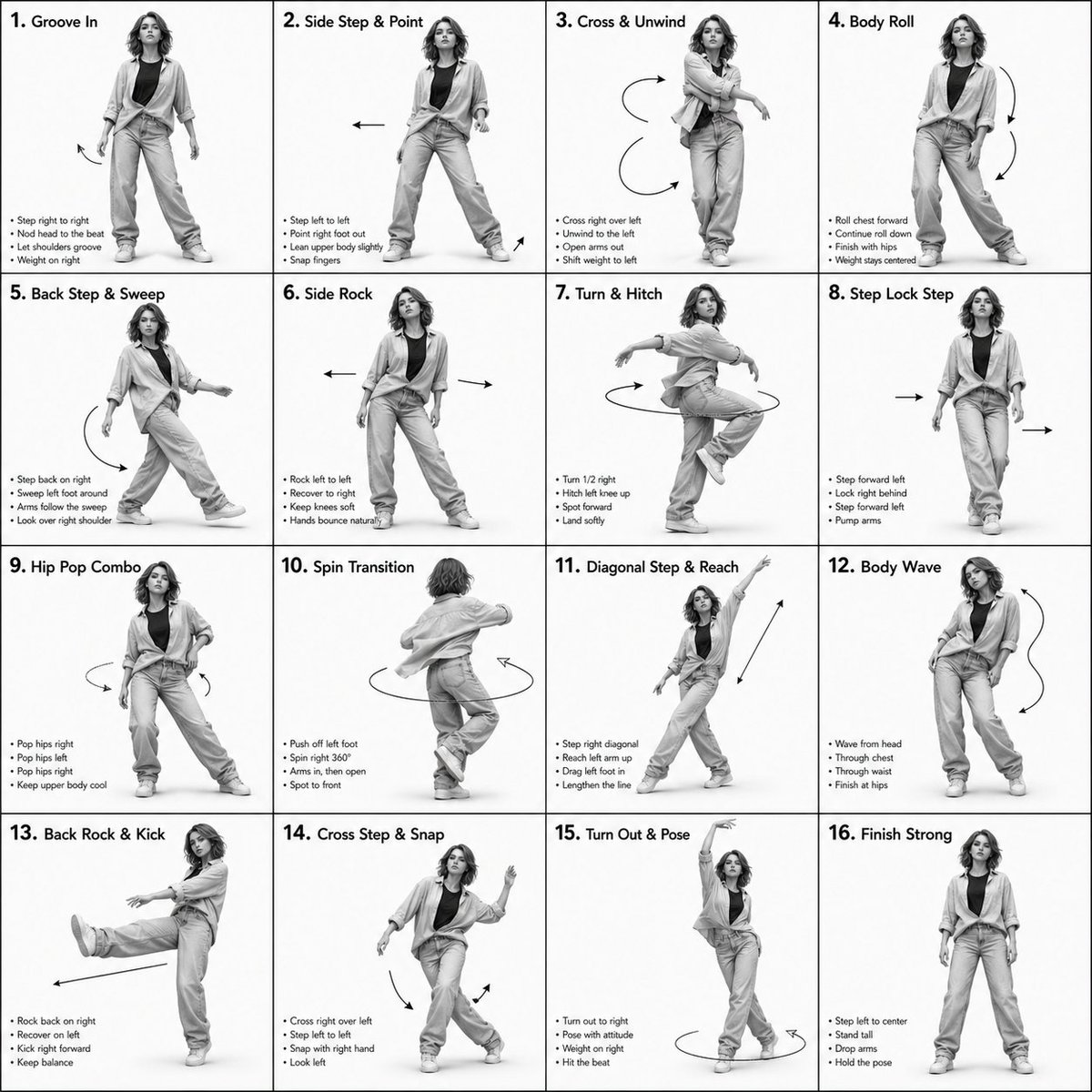
3D Rendered Dance Sequence Guide
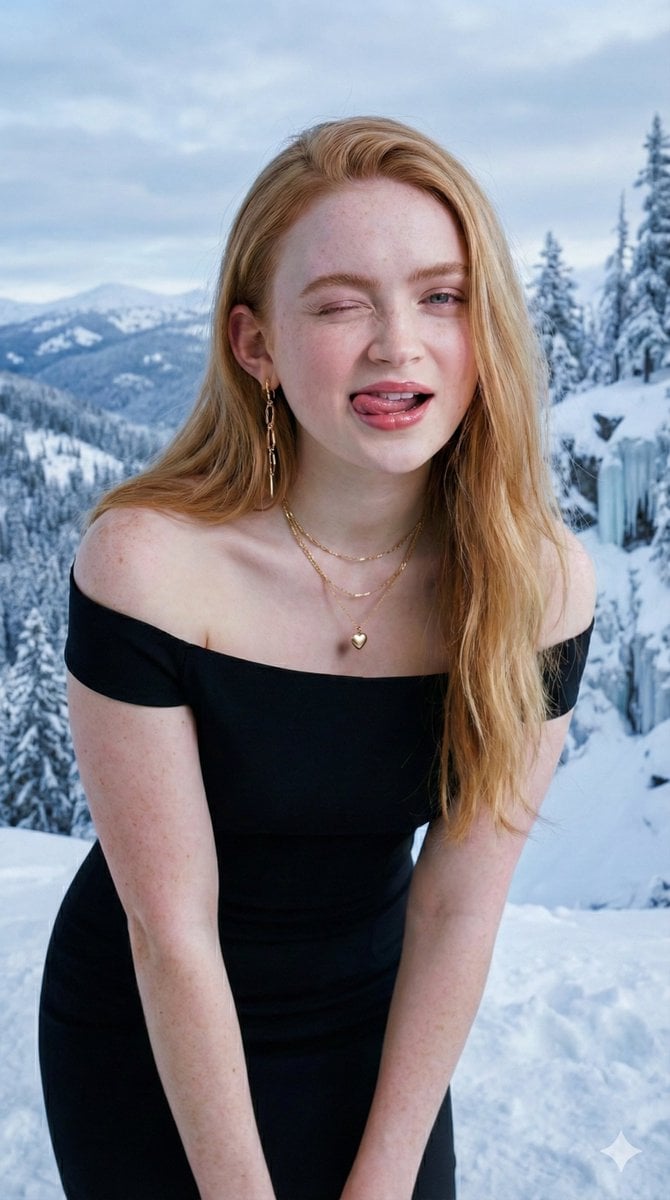
Ultra-Realistic Studio Portrait with Playful Expression

Candid Train Photo to Studio Portrait
Cinematic Studio Portrait with Precise Facial Matching
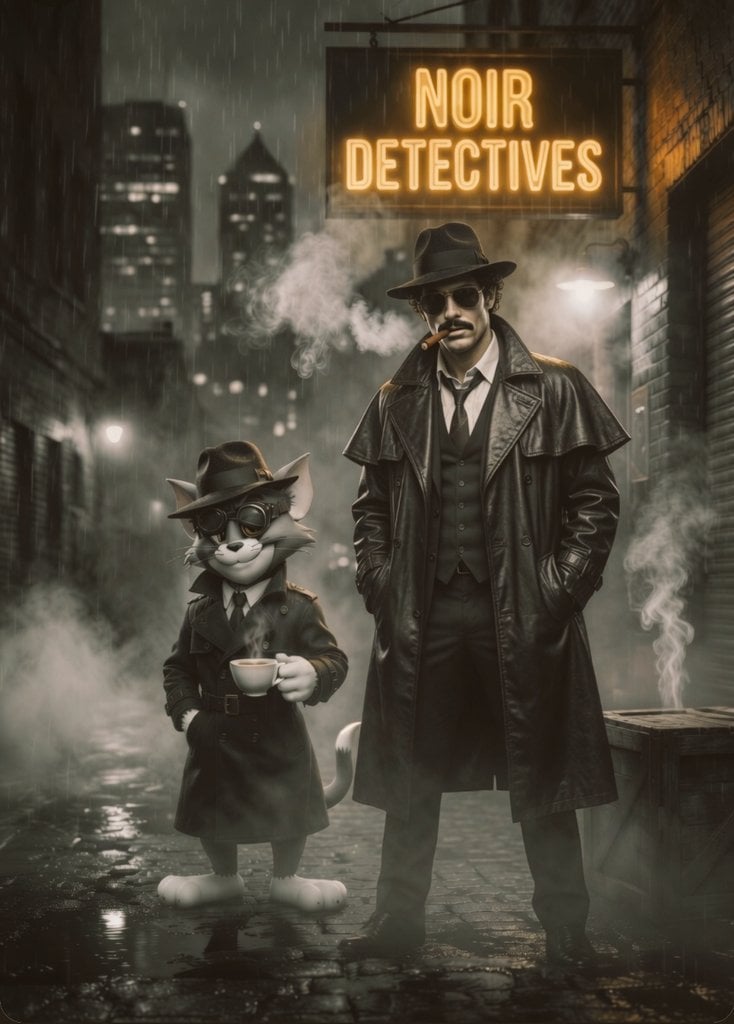
Noir Detective Film Masterpiece
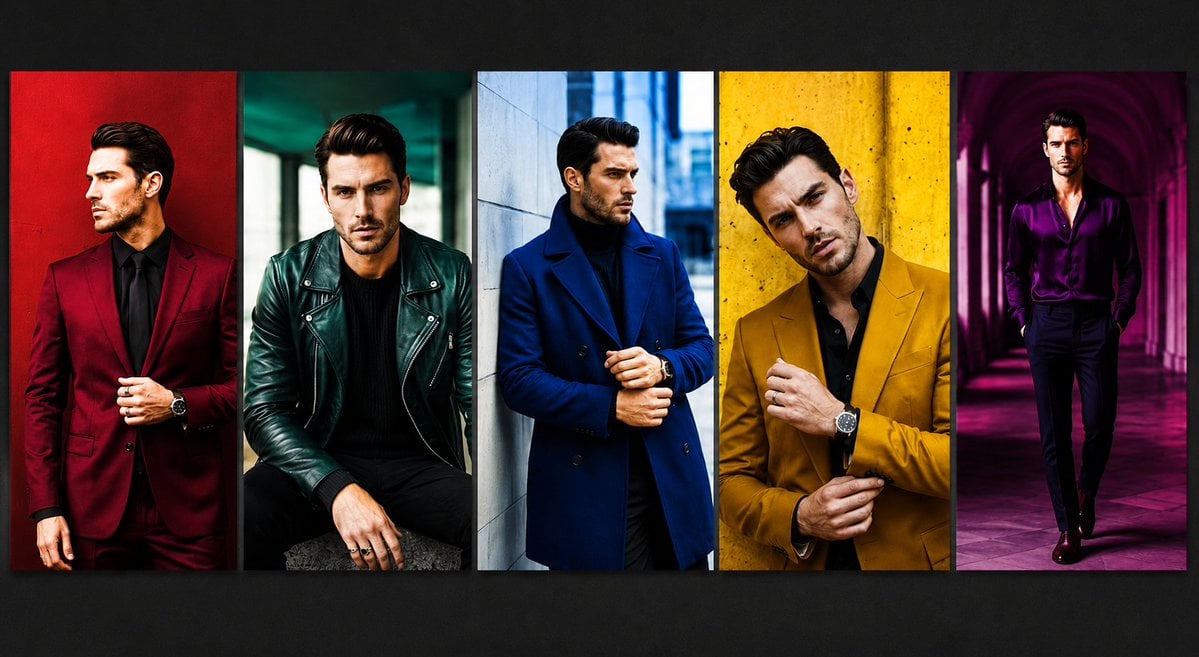
Luxury Menswear Fashion Collage
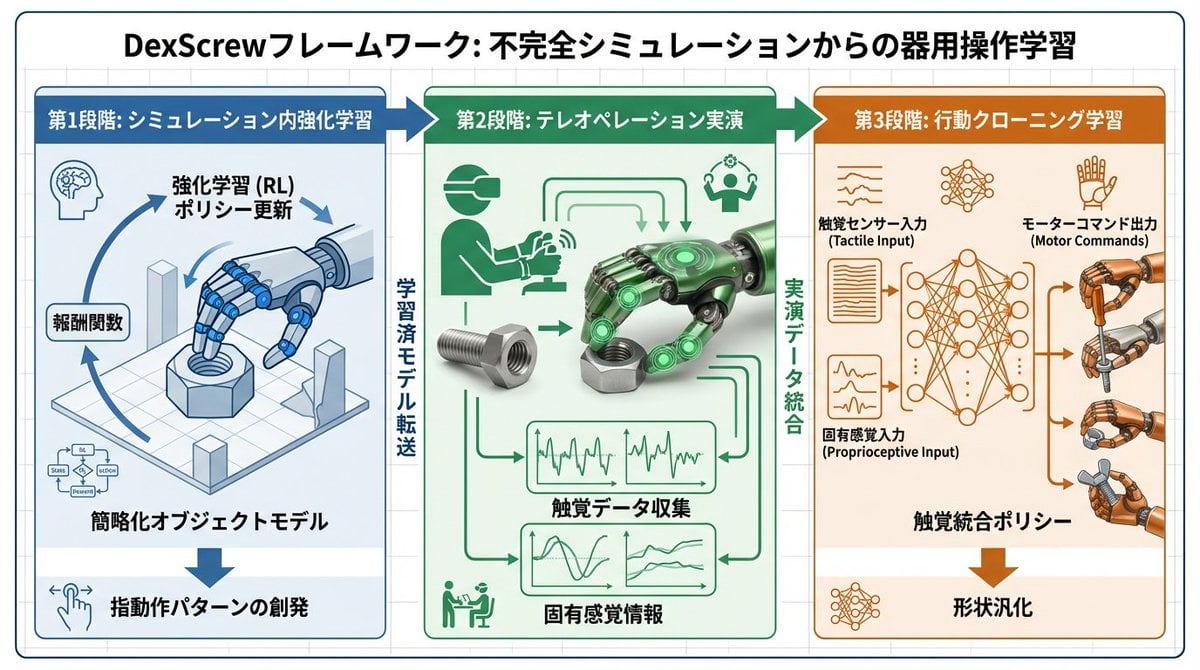
Accurate Academic Diagram Generation Prompt
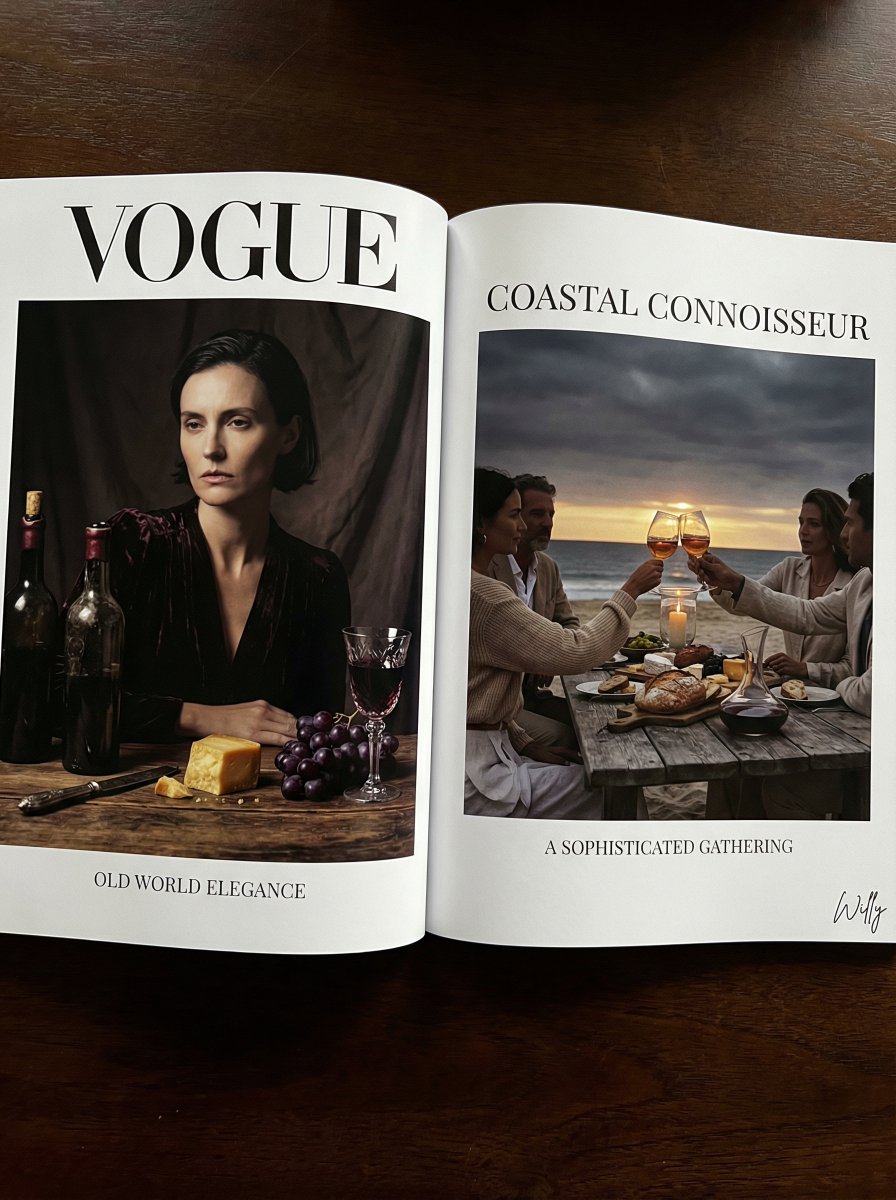
Vogue Editorial Dutch Master Still Life
Browse template categories
Stormy WWII Beach Defenses questions
How do I use the Stormy WWII Beach Defenses template?
Add your photo if the template asks for one, edit the prompt if you like — the template's model and format are already selected — and press Generate. Your version opens in PicX Studio.
Can I customize the Stormy WWII Beach Defenses template?
Yes. You can change the subject, setting, lighting, mood, format, and available model controls before creating your image.
Is the Stormy WWII Beach Defenses template free?
Opening and editing this template is free. Generating uses credits, shown on the Generate button when you are signed in.
Which AI model should I use?
Start with GPT Image 2, which is the model associated with this template. You can compare another compatible model for a different finish.
Looking for something else? Browse all templates.

Your photo, any look
Thousands of ready templates for every top image and video model, from one credit balance.