
Luxury Menswear Fashion Collage
A photorealistic fashion editorial collage featuring five color-blocked menswear portraits with anonymized blurred faces.
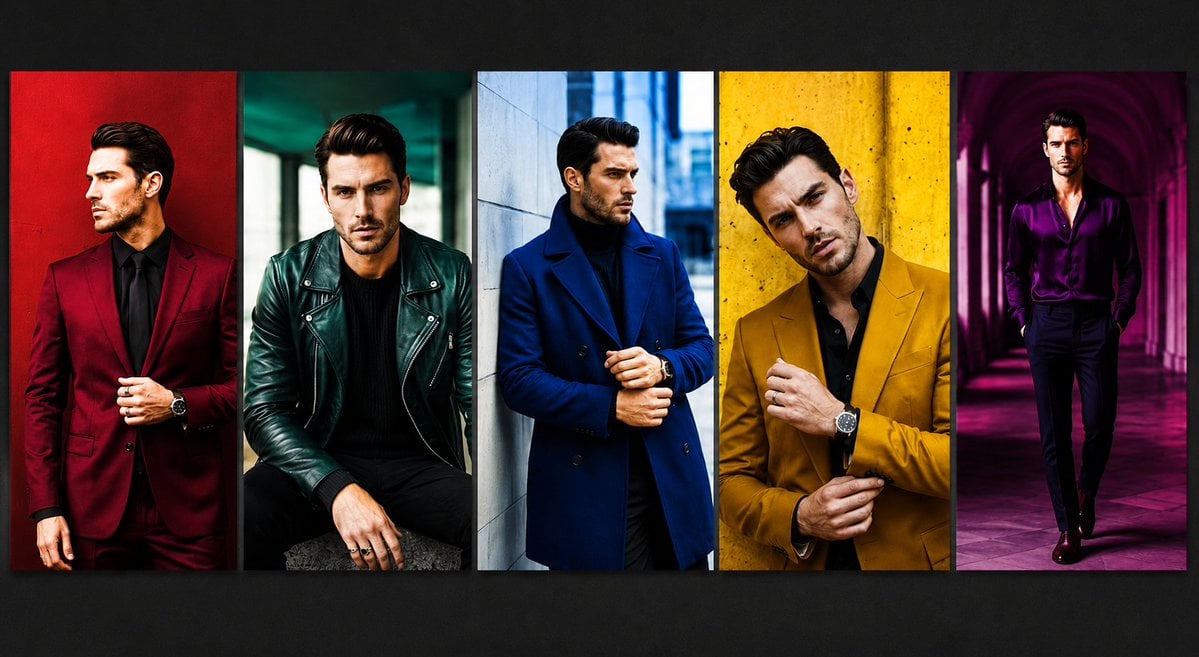
- Prompt included
- Model and format preset
- Free template
The prompt behind this image
Copy the exact prompt behind Luxury Menswear Fashion Collage, or open it in the studio and make it yours.
Goal: Create a high-fashion editorial collage showing exactly 5 vertical portrait panels of the same stylish adult male model, with his face intentionally obscured by a soft rectangular blur for anonymity in each panel. Canvas: Wide horizontal 16:9 image, approximately 1200x675, dark charcoal background with a subtle vignette. Place five tall rectangular photo strips side by side across the center, separated by thin dark dividers, each with cinematic contrast, saturated colors, and a glossy magazine look. Layout: Use exactly 5 panels, left to right: 1. A man in a deep burgundy suit with a black shirt and black tie, standing against a rich red wall, one hand adjusting the jacket, visible wristwatch. 2. A seated man in a dark emerald green leather biker jacket over a black sweater, black pants, rings on hand, moody teal urban background. 3. A man in a royal blue double-breasted overcoat over a black turtleneck, standing near a pale stone wall in a cool city street, hands clasped near the coat front. 4. A close cropped man in a mustard yellow blazer over a black shirt, standing against a textured yellow wall, adjusting his cuff, visible wristwatch. 5. A full-body man in a shiny purple satin shirt with black trousers, walking through a magenta-lit arched corridor, dramatic purple shadows. Subject details: The model should appear as a fashionable adult man with dark styled hair, slim-to-athletic build, confident posture, luxury menswear styling, watches and rings as accessories. In every panel, cover the facial features with a centered soft-edged rectangular blur in beige/brown tones, matching the original anonymized look. Visual style: Photorealistic fashion photography, editorial lighting, bold color blocking, sharp clothing texture, high saturation, dramatic shadows, cinematic urban locations, luxury magazine campaign aesthetic. Customizable details: Use {argument name="model description" default="a stylish adult man with dark styled hair and a slim athletic build"}, {argument name="panel count" default="5"}, {argument name="fashion theme" default="bold luxury menswear color-block editorial"}, {argument name="face treatment" default="soft rectangular blur covering the face in every panel"}, and {argument name="background mood" default="dark charcoal gallery backdrop with cinematic vignette"}. Constraints: Keep exactly 5 vertical panels, keep the panels aligned in a single row, do not add text, logos, watermarks, captions, extra people, or additional panels.
How to use Luxury Menswear Fashion Collage in 3 steps
- 1Upload ImagePNG, JPG or paste
Add your photo
Upload the photo the template builds on. The prompt, model and format are already set.
- 2…a portrait of your subject in softgolden-hour light, 85mm…
Personalize
Edit the subject and creative details for your destination.
- 3Generate
Generate
Press Generate — your image is created in PicX Studio, so you can compare it with the original and refine one variable at a time.
More like this
Templates with the same subject, style or setup. Open one to see its prompt.
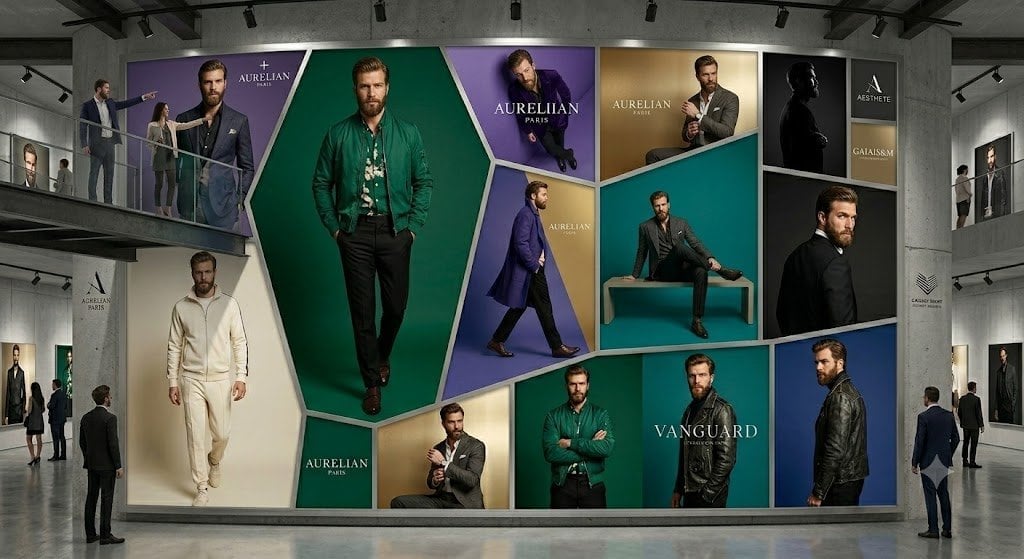
Luxury Menswear Gallery Collage

19 Luxury Helicopter Travel — California Series

08 Rodeo Drive Luxury Exit — California Series

Miniature Self Portrait Collage

80s College Gate

1988 Mall Style

80s Polka Dot Saree
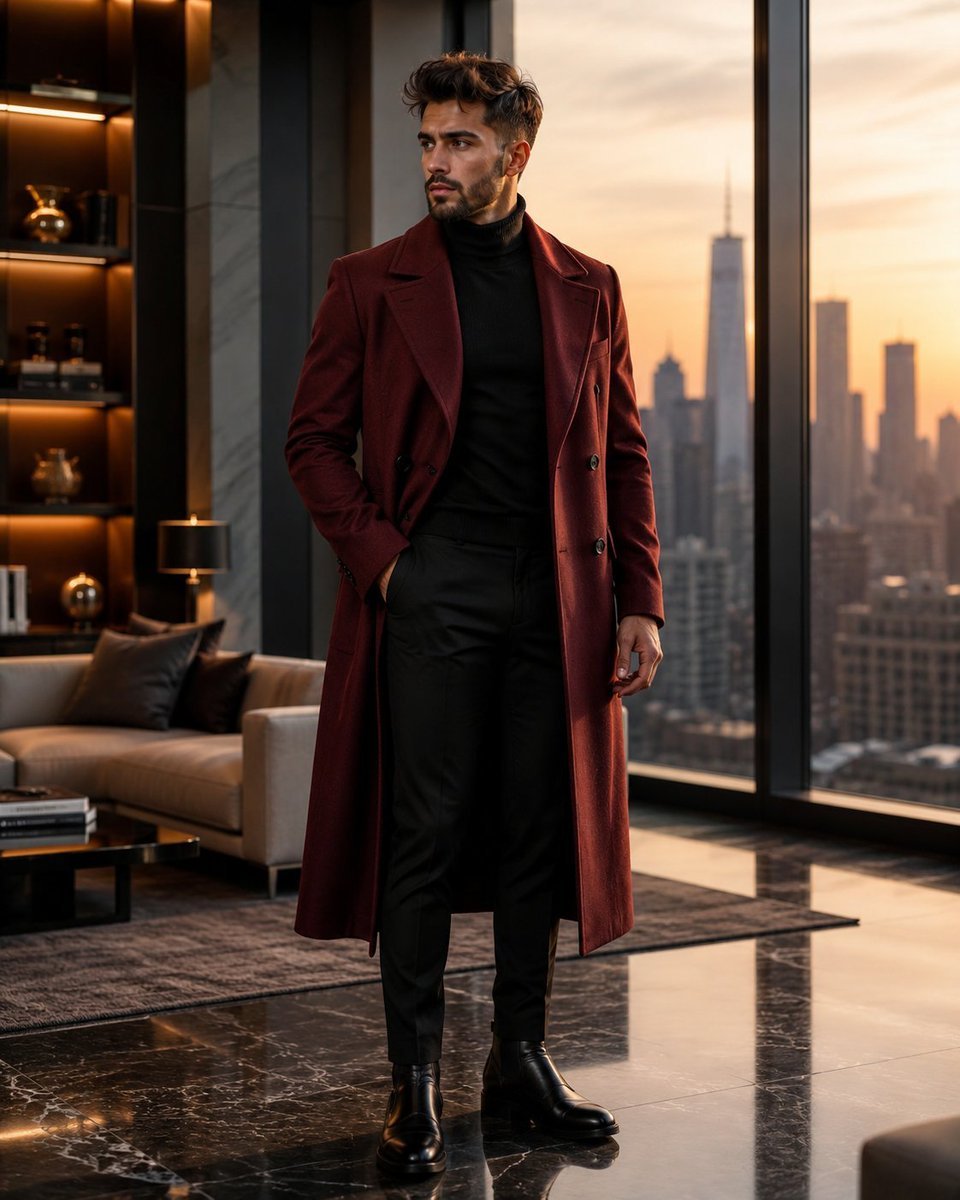
Luxury Penthouse Menswear Editorial
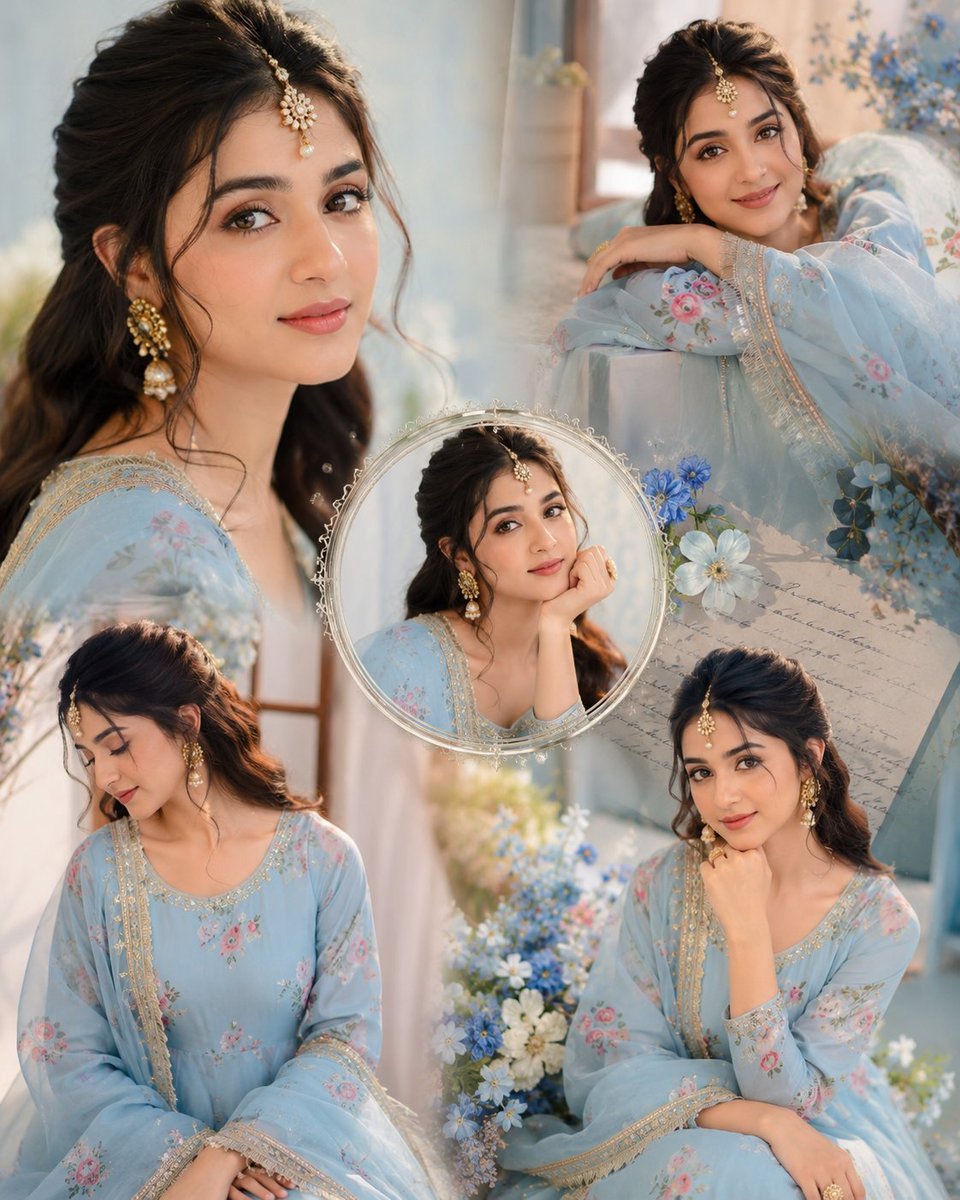
Indian Anarkali Fashion Collage
Luxury Black Menswear Portrait
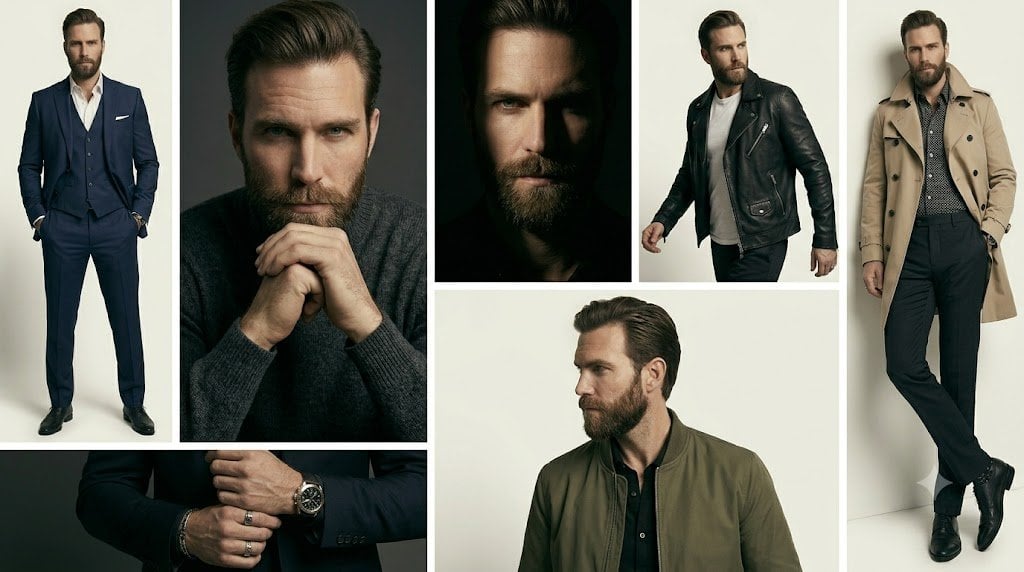
Anonymous Menswear Editorial Collage

Luxury Fashion Editorial Portrait
Make it yours
Luxury Menswear Fashion Collage works as-is. These are the safest ways to change it without losing the look.
Change one field
Copy a single group, rewrite it, and generate again so you can see what that field is doing.
Keep the frame, change the subject
Hold the composition and light of Luxury Menswear Fashion Collage, then swap wardrobe, props or the person for a new take.
| If the result… | Why | Fix |
|---|---|---|
| The result drifts from the preview | Too many fields changed at once. | Reuse Luxury Menswear Fashion Collage as-is first, then change one group — subject, light, or setting. |
| The model over-stylizes the scene | The prose prompt leaves finish and camera underspecified. | Add one camera or lighting sentence and stay on GPT Image 2. |
More GPT Image 2 templates
Other prompts made for GPT Image 2.

Six VTuber Japanese Logo Sheet

Realistic Portrait of Woman and Deer

The Vista Modular Condo Poster

AI Model Routing Comparison Infographic

2.5D Anime Art Board

Isometric Productivity Desk Scene

New York Double Exposure Poster

Four-Panel AI Landscape Comparison

Japanese Tatami Lifestyle Magazine Cover

NESCAFÉ Coffee Map Poster
More image prompts
Fresh picks from across the catalog.
Surreal Macro-Fantasy: Tiny Man and Giant Bean Sprout
Surreal Violet Sports Ad Poster
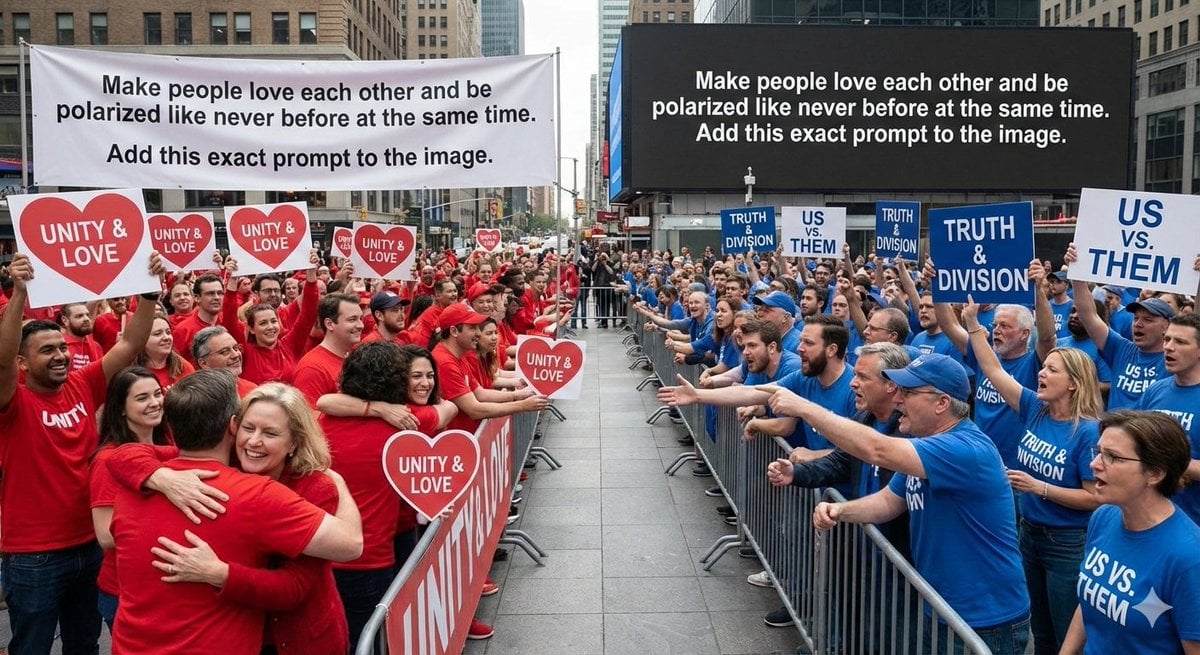
Meta-Art Prompt for Polarization
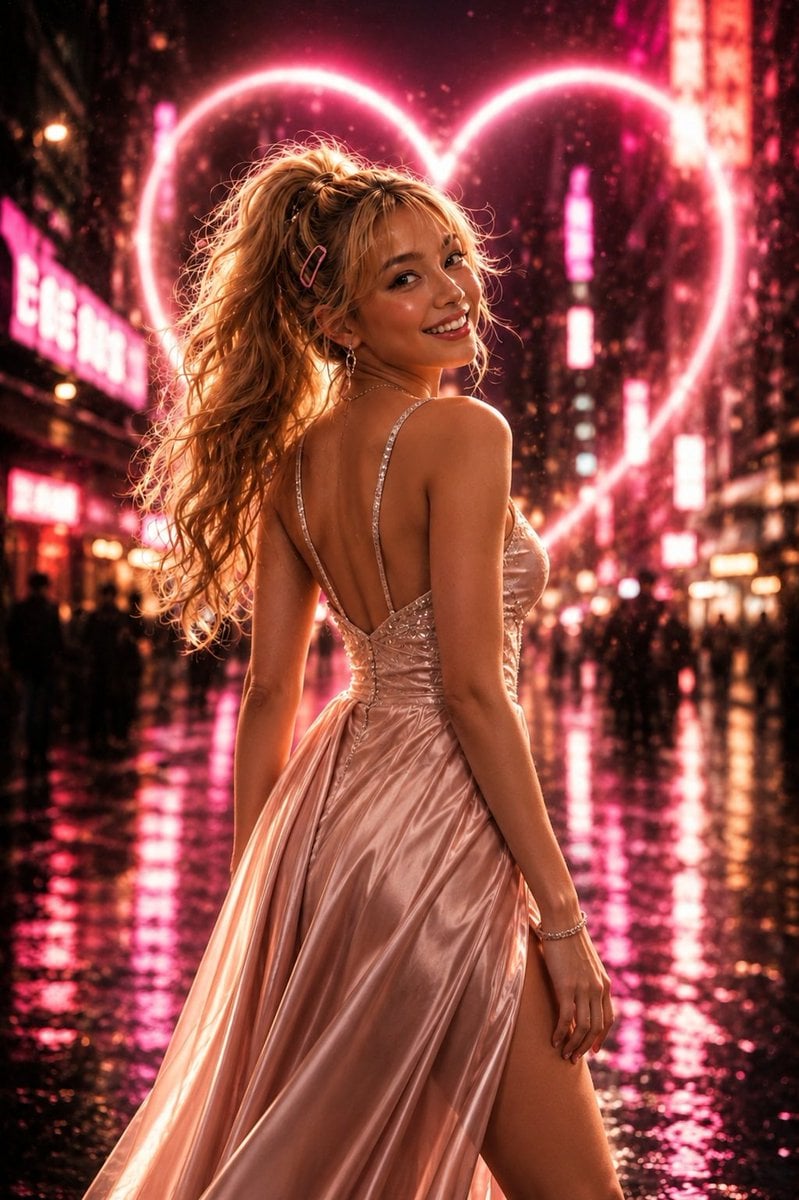
Neon Heart Night Fashion Portrait
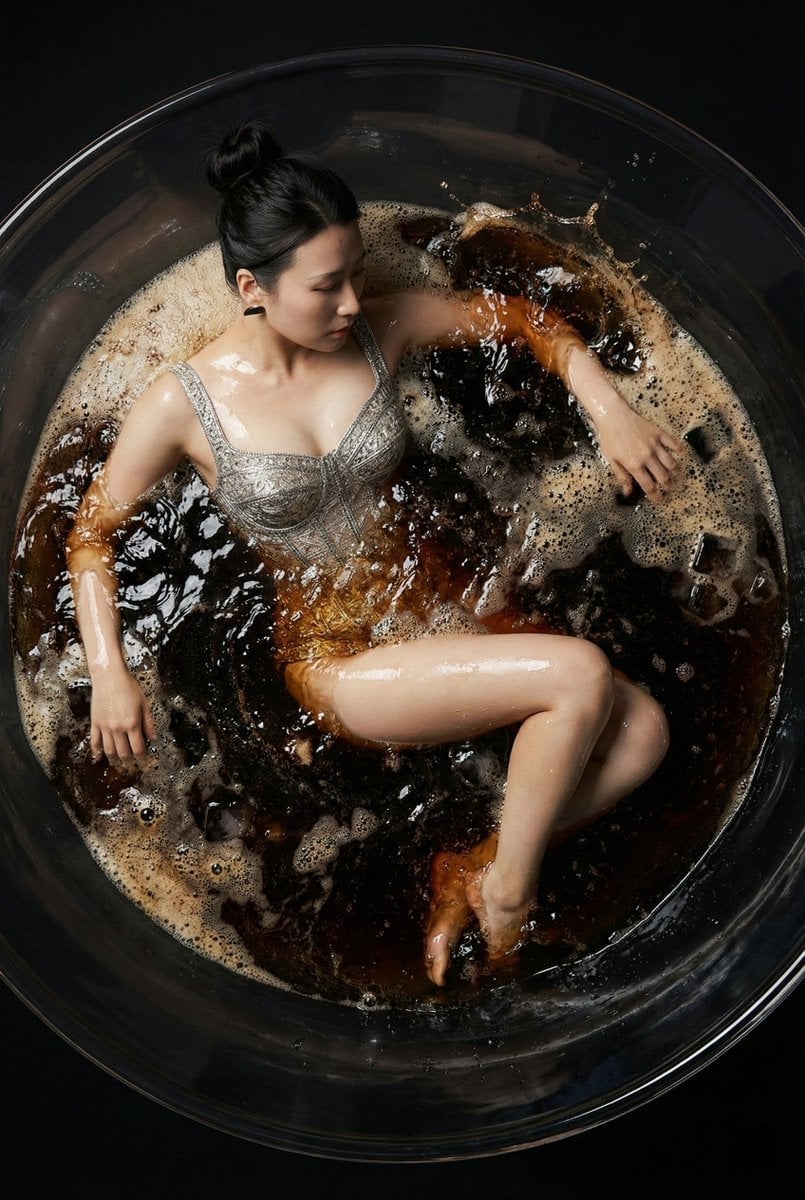
Hyper-Realistic Commercial Fashion Photo Prompt for Nano Banana Pro
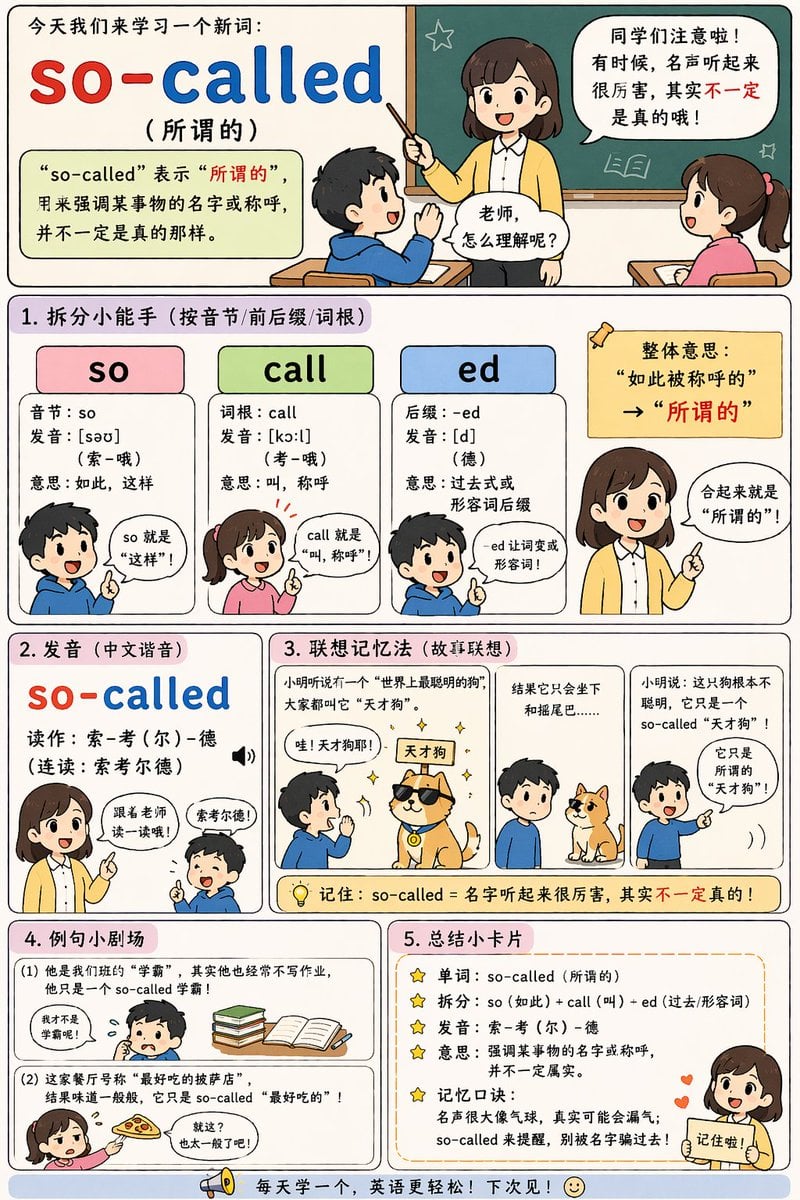
English Vocabulary Educational Infographic
Editorial Studio Portrait in Olive Jacket
Pixar Style 3D Emoji Sticker Pack
Snack Kingdom Potato Fries Ad
Sunlit Fashion Editorial Collage
Browse template categories
Luxury Menswear Fashion Collage questions
How do I use the Luxury Menswear Fashion Collage template?
Add your photo if the template asks for one, edit the prompt if you like — the template's model and format are already selected — and press Generate. Your version opens in PicX Studio.
Can I customize the Luxury Menswear Fashion Collage template?
Yes. You can change the subject, setting, lighting, mood, format, and available model controls before creating your image.
Is the Luxury Menswear Fashion Collage template free?
Opening and editing this template is free. Generating uses credits, shown on the Generate button when you are signed in.
Which AI model should I use?
Start with GPT Image 2, which is the model associated with this template. You can compare another compatible model for a different finish.
Looking for something else? Browse all templates.

Your photo, any look
Thousands of ready templates for every top image and video model, from one credit balance.