
Stormy Pirate Comic Storyboard
A detailed prompt for generating a black-and-white pirate comic storyboard panel with storm action, speech balloons, and production-layout styling.
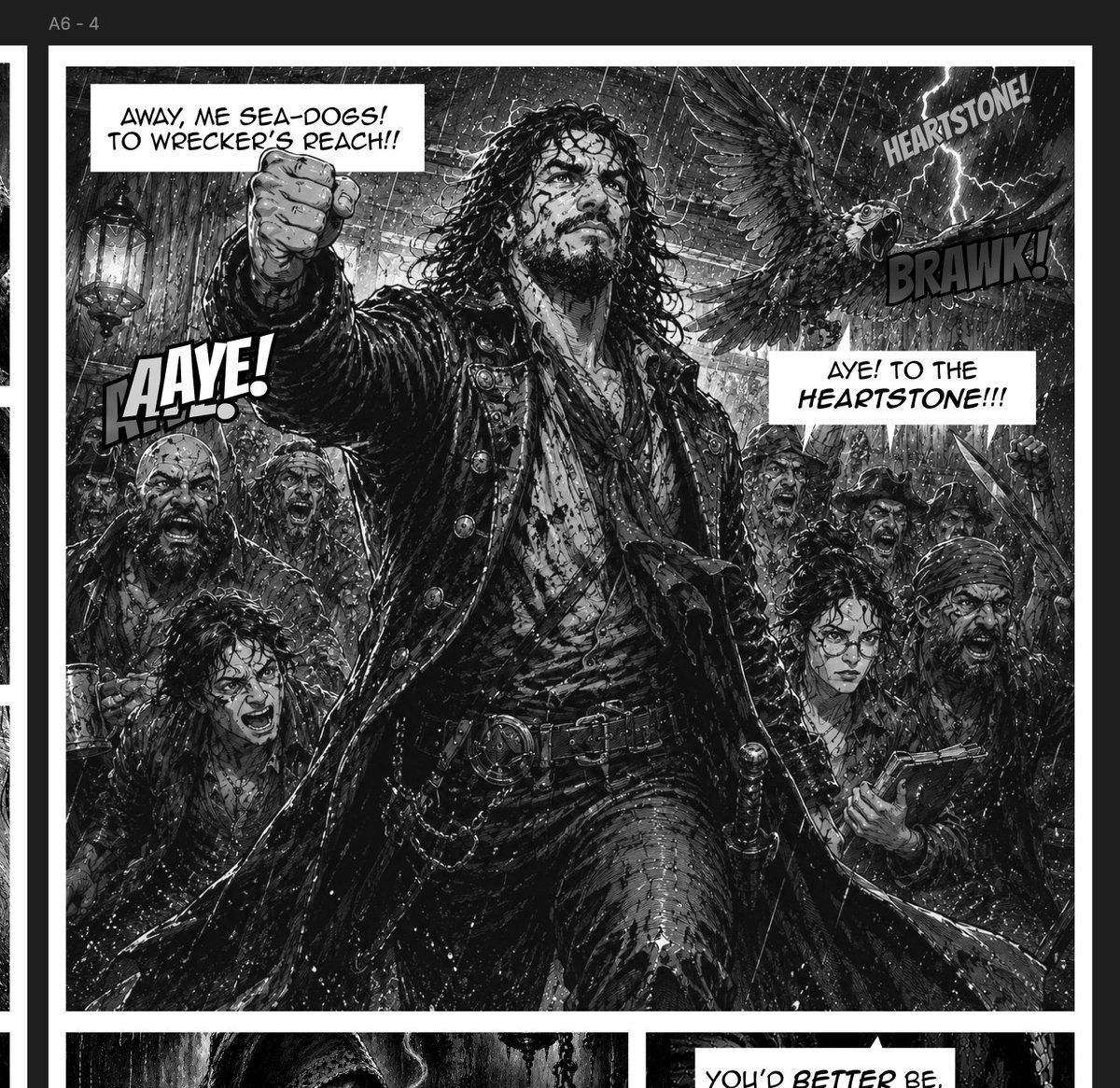
- Prompt included
- Model and format preset
- Free template
The prompt behind this image
Copy the exact prompt behind Stormy Pirate Comic Storyboard, or open it in the studio and make it yours.
Goal: Create a gritty black-and-white comic storyboard page for a pirate game scene, like a scanned manga/graphic novel production panel. Canvas: Vertical comic page crop, grayscale only, with a dark surrounding workspace/background and a white page border. Add a small production label at the top left reading {argument name="panel code" default="A6 - 4"}. The main visible panel occupies almost the entire canvas, with a thick white gutter and the top edges of two smaller panels barely visible at the bottom. Main panel layout: A rain-lashed pirate ship deck during a violent thunderstorm. Center the composition on one tall pirate captain in a dramatic low-angle pose, standing full body from thighs upward, fist thrust toward the viewer. His face is obscured by a soft rectangular gray blur/censor box. He has long wet curly hair, a heavy black captain’s coat with many buttons, layered shirt and sash, belts, chains, pistols or tools at the waist, and ragged wet fabric. Behind him is a rowdy crew of exactly 5 visible pirates: 1 shouting pirate on the left midground partly covered by a gray blur box, 1 hunched pirate at the lower left partly covered by a gray blur box, 1 shouting pirate just right of center behind the captain, 1 hat-wearing pirate near the right side, and 1 bearded pirate at the far right holding a flintlock pistol with a gray blur box over part of his torso/face area. Add exactly 1 large parrot or raven-like bird flying in the upper right with wings spread. Include ship rigging, wooden beams, ropes, lantern glow on the left, rain streaks, sea spray, lightning, and chaotic crowd energy. Text and effects: Include exactly 3 speech balloons and exactly 3 sound-effect captions. Speech balloon 1, upper left, says “AWAY, ME SEA-DOGS! TO WRECKER’S REACH!!”. Speech balloon 2, right center, says “AYE! TO THE HEARTSTONE!!!”. Speech balloon 3 is only partially visible in the bottom cropped panel and begins “YOU’D BETTER BE,”. Sound effect 1, large bold tilted letters on the left, says “AAAYE!”. Sound effect 2, upper right near lightning, says “HEARTSTONE!”. Sound effect 3, near the bird, says “BRAWK!”. Use hand-lettered comic typography, white speech balloons with black outlines, bold outlined sound effects, and dynamic placement. Visual style: High-detail monochrome ink illustration, dense crosshatching, wet glossy blacks, harsh contrast, splashy white highlights, scratchy rain lines, cinematic fantasy pirate action, dramatic perspective, heavy texture, energetic comic-book rendering, no color except grayscale. Customizable details: The pirate destination can be {argument name="destination name" default="Wrecker’s Reach"}; the magical object or rallying cry can be {argument name="relic name" default="Heartstone"}; the captain’s command can be {argument name="captain command" default="AWAY, ME SEA-DOGS! TO WRECKER’S REACH!!"}; the crew response can be {argument name="crew response" default="AYE! TO THE HEARTSTONE!!!"}. Constraints: Keep the image as a single dramatic comic page crop, preserve exactly 5 visible crew pirates plus the central captain and exactly 1 bird, preserve exactly 4 soft gray censor/placeholder rectangles over characters, preserve the thick white comic borders, and do not add extra readable text beyond the specified labels, balloons, and sound effects.
How to use Stormy Pirate Comic Storyboard in 3 steps
- 1Upload ImagePNG, JPG or paste
Add your photo
Upload the photo the template builds on. The prompt, model and format are already set.
- 2…a portrait of your subject in softgolden-hour light, 85mm…
Personalize
Edit the subject and creative details for your destination.
- 3Generate
Generate
Press Generate — your image is created in PicX Studio, so you can compare it with the original and refine one variable at a time.
More like this
Templates with the same subject, style or setup. Open one to see its prompt.

Gpt2 E Commerce Main Image 9 Panel Product Tvc Storyboard
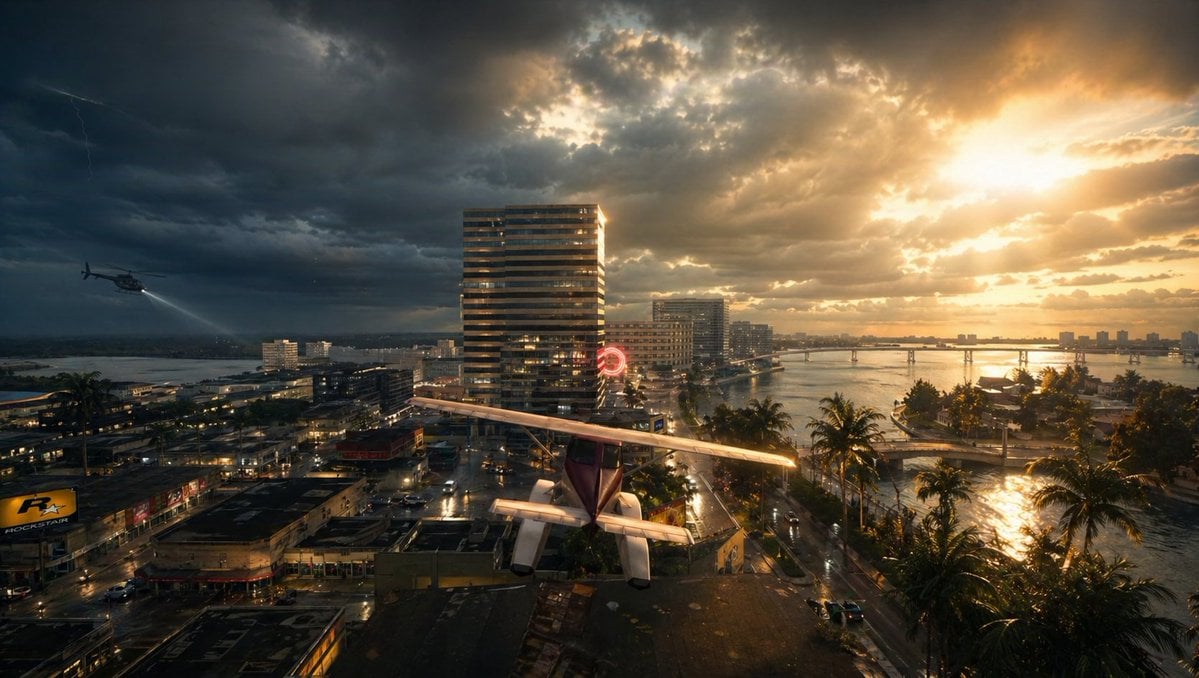
Gpt2 Comic Storyboard Stormy Tropical City with Rooftop Plane

Pop Art Superhero Explosion Poster

Hero Portrait Comic Multi-Panel Poster

Spider-Man Noir Detective Rain Alley

Headphones Lifestyle Nine Panel Grid
Seedance - Storyboard to Movie
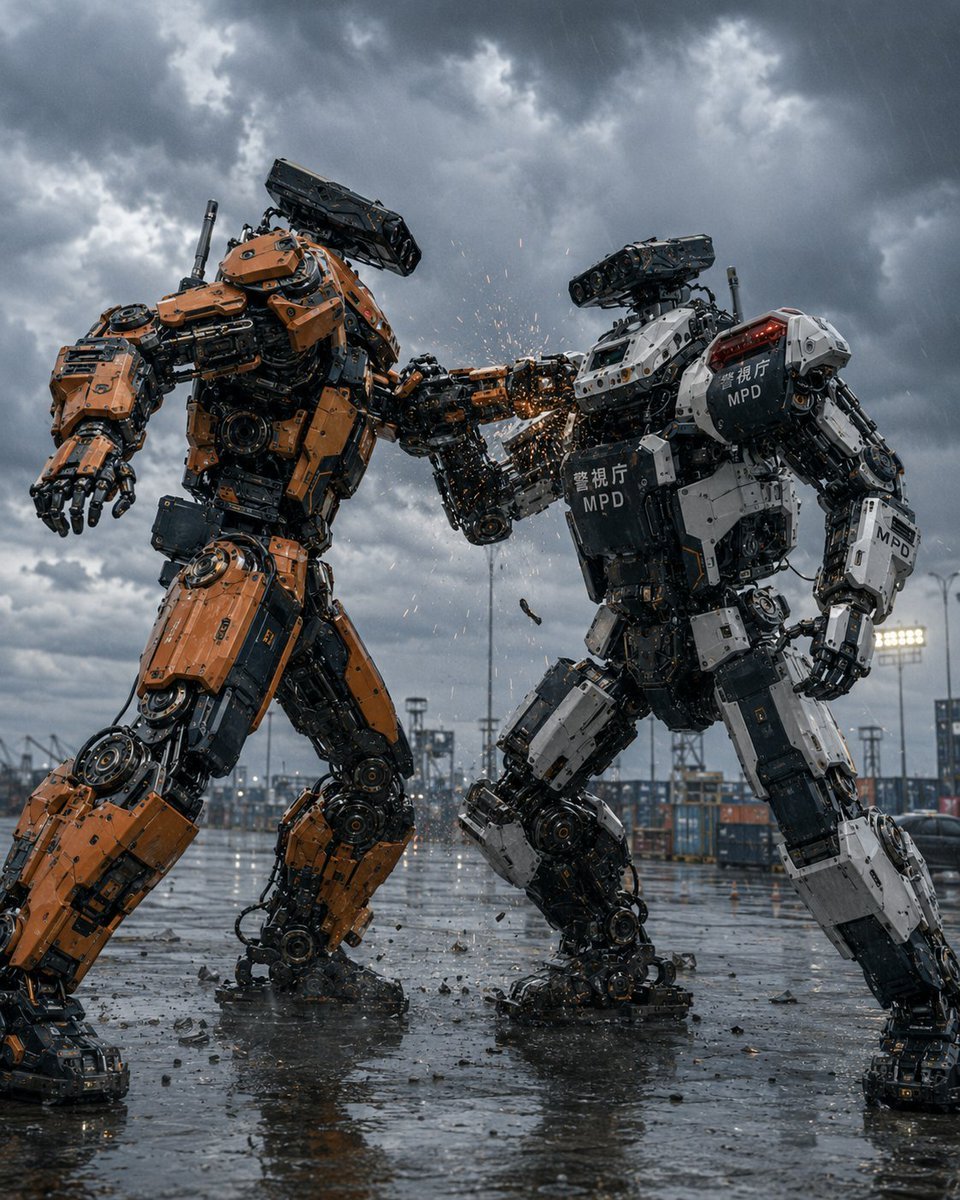
Stormy Police Mech Duel
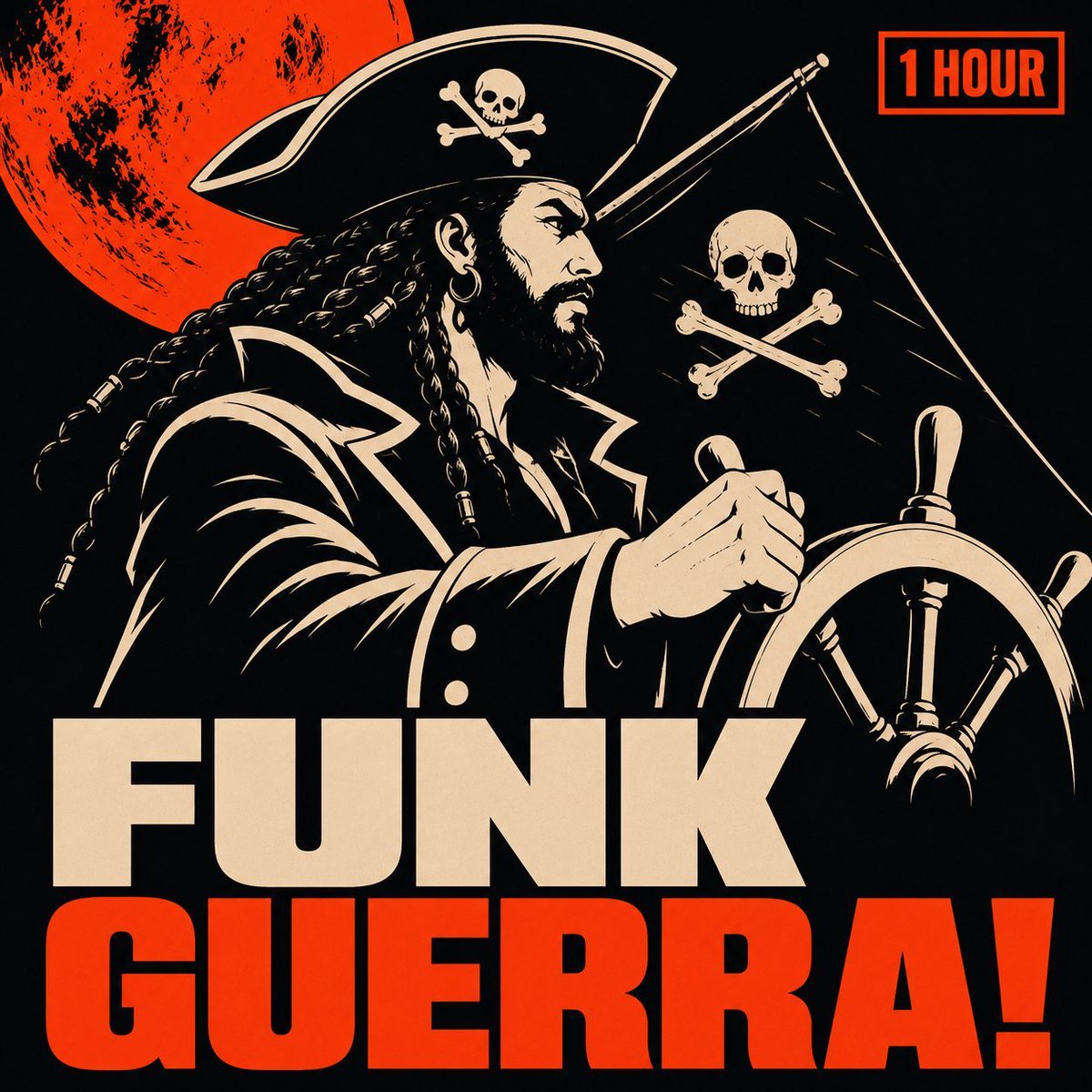
Pirate Funk Playlist Cover
Stormy Coastal Cliff Landscape
Stormy WWII Beach Defenses
One Piece Pirate Wanted Poster
Make it yours
Stormy Pirate Comic Storyboard works as-is. These are the safest ways to change it without losing the look.
Change one field
Copy a single group, rewrite it, and generate again so you can see what that field is doing.
Keep the frame, change the subject
Hold the composition and light of Stormy Pirate Comic Storyboard, then swap wardrobe, props or the person for a new take.
| If the result… | Why | Fix |
|---|---|---|
| The result drifts from the preview | Too many fields changed at once. | Reuse Stormy Pirate Comic Storyboard as-is first, then change one group — subject, light, or setting. |
| The model over-stylizes the scene | The prose prompt leaves finish and camera underspecified. | Add one camera or lighting sentence and stay on GPT Image 2. |
More GPT Image 2 templates
Other prompts made for GPT Image 2.

Six VTuber Japanese Logo Sheet

Realistic Portrait of Woman and Deer

The Vista Modular Condo Poster

AI Model Routing Comparison Infographic

2.5D Anime Art Board

Isometric Productivity Desk Scene

New York Double Exposure Poster

Four-Panel AI Landscape Comparison

Japanese Tatami Lifestyle Magazine Cover

NESCAFÉ Coffee Map Poster
More image prompts
Fresh picks from across the catalog.
Nano Banana Pro: Artist and Neon Styles
Surreal Hyperrealistic Salmon Fillet World Prompt
Gpt2 Comic Storyboard Urban Alley Mural Artist

Cozy Night Bedroom With Kitten
Scrapbook Music Visual

NOVALITH Mobile SaaS Onboarding Screen
Tender Mai and Claude Anime Portrait
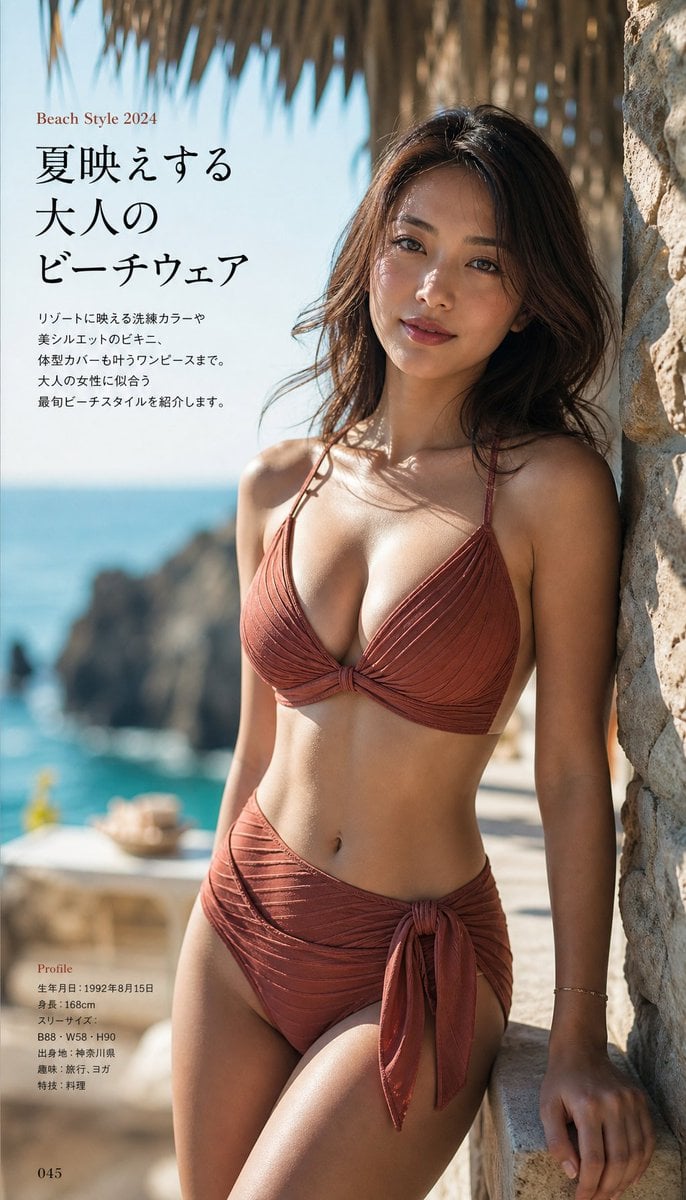
Japanese Fashion Magazine Beachwear Photography
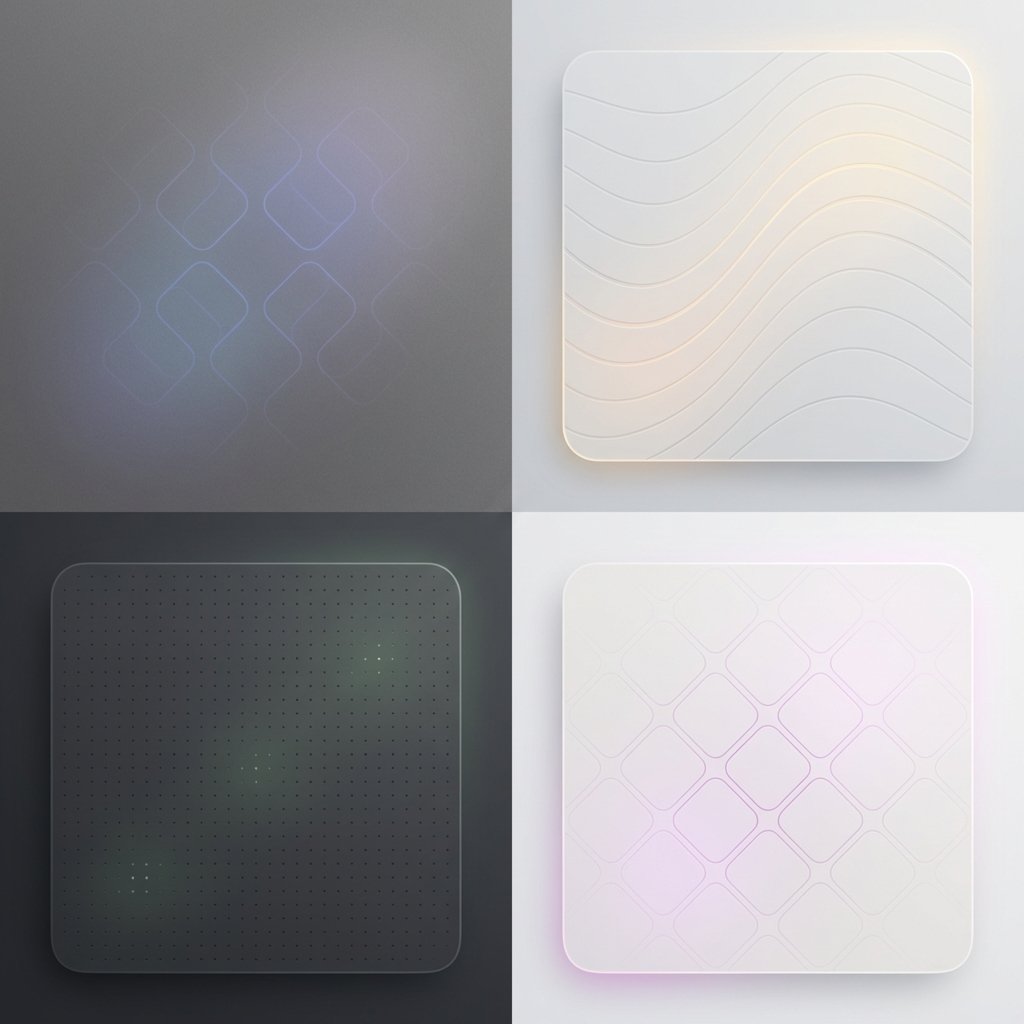
Subtle Brand Texture Visual Prompt
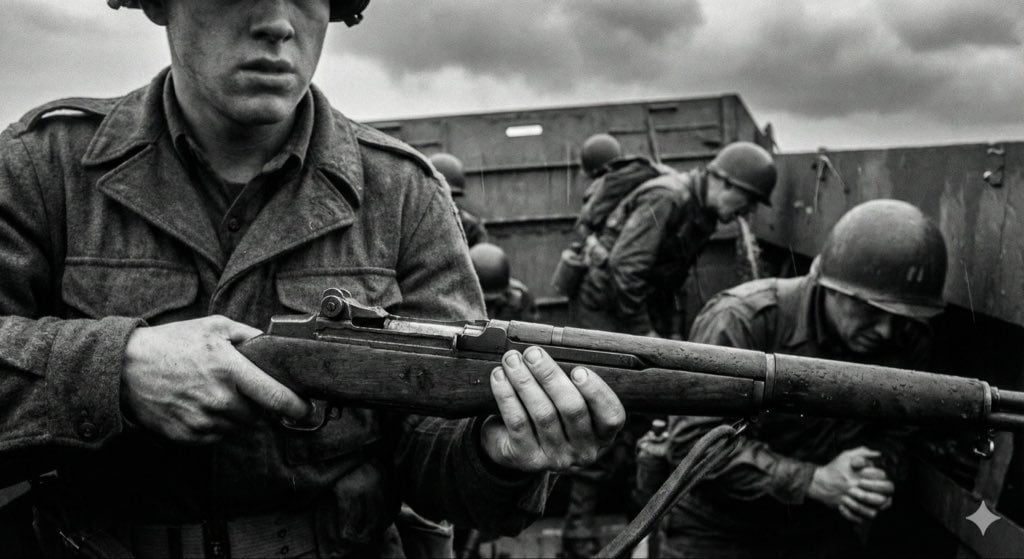
Mid-20th-century war photojournalism style framework
Browse template categories
Stormy Pirate Comic Storyboard questions
How do I use the Stormy Pirate Comic Storyboard template?
Add your photo if the template asks for one, edit the prompt if you like — the template's model and format are already selected — and press Generate. Your version opens in PicX Studio.
Can I customize the Stormy Pirate Comic Storyboard template?
Yes. You can change the subject, setting, lighting, mood, format, and available model controls before creating your image.
Is the Stormy Pirate Comic Storyboard template free?
Opening and editing this template is free. Generating uses credits, shown on the Generate button when you are signed in.
Which AI model should I use?
Start with GPT Image 2, which is the model associated with this template. You can compare another compatible model for a different finish.
Looking for something else? Browse all templates.

Your photo, any look
Thousands of ready templates for every top image and video model, from one credit balance.