
Cozy Night Bedroom With Kitten
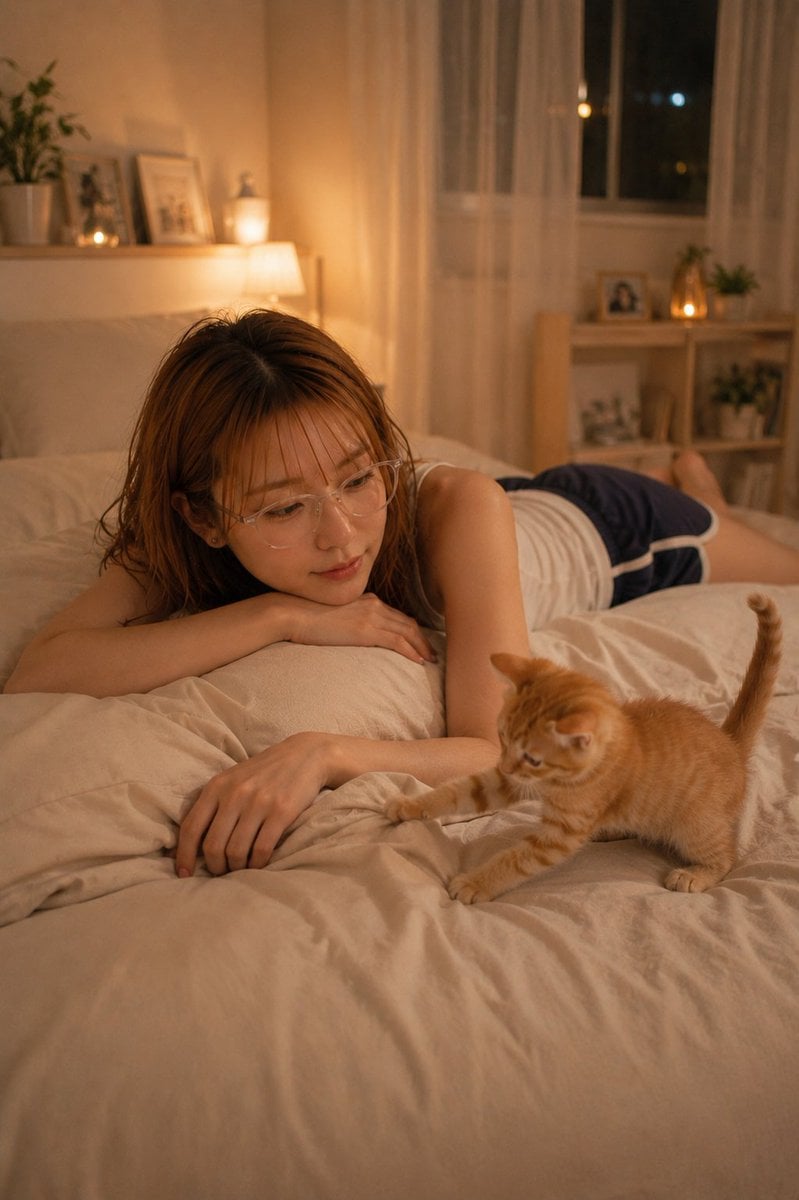
A warm photorealistic bedroom scene showing a sleepy woman with her face obscured and an orange tabby kitten playing on the bed.
- Prompt included
- Model and format preset
- Free template
The prompt behind this image
Copy the exact prompt behind Cozy Night Bedroom With Kitten, or open it in the studio and make it yours.
Create a warm, realistic vertical lifestyle photograph in a cozy bedroom at night. An adult woman with {argument name="hair color" default="medium brown shoulder-length slightly messy hair"} lies face-down across a cream-colored bed, relaxed and sleepy, wearing a {argument name="outfit" default="white sleeveless top and navy athletic shorts with white trim"}. Her face is intentionally obscured by a solid matte brown square privacy block centered over her head. In the foreground-right, a small {argument name="cat description" default="orange tabby kitten"} stands on the rumpled duvet with its tail raised, one front paw reaching toward the woman’s hand as if playfully waking her. Count exactly 2 living subjects: 1 adult woman and 1 orange tabby kitten. The room should feel intimate and peaceful, lit by soft amber bedside lighting and small candle-like lights. Background details include exactly 2 shelves or ledges: one left wall ledge with a potted plant, framed pictures, and a small glowing candle, and one right wooden shelf unit with framed photos, small plants, and a warm light. Add sheer white curtains over a window with dark night outside and a few blurred city lights. Use shallow depth of field, creamy bokeh, natural fabric wrinkles, warm beige and honey color grading, realistic skin and fur texture, portrait orientation, no text, no watermark, no extra animals or people.
How to use Cozy Night Bedroom With Kitten in 3 steps
- 1Upload ImagePNG, JPG or paste
Add your photo
Upload the photo the template builds on. The prompt, model and format are already set.
- 2…a portrait of your subject in softgolden-hour light, 85mm…
Personalize
Edit the subject and creative details for your destination.
- 3Generate
Generate
Press Generate — your image is created in PicX Studio, so you can compare it with the original and refine one variable at a time.
More like this
Templates with the same subject, style or setup. Open one to see its prompt.
Google Nano Banana 2 — Cozy Bedroom Editorial

Nano Banana - Cozy Cafe Night
Cozy Bedroom Woman with Orange Kitten
Cozy Bedroom Lifestyle Selfie
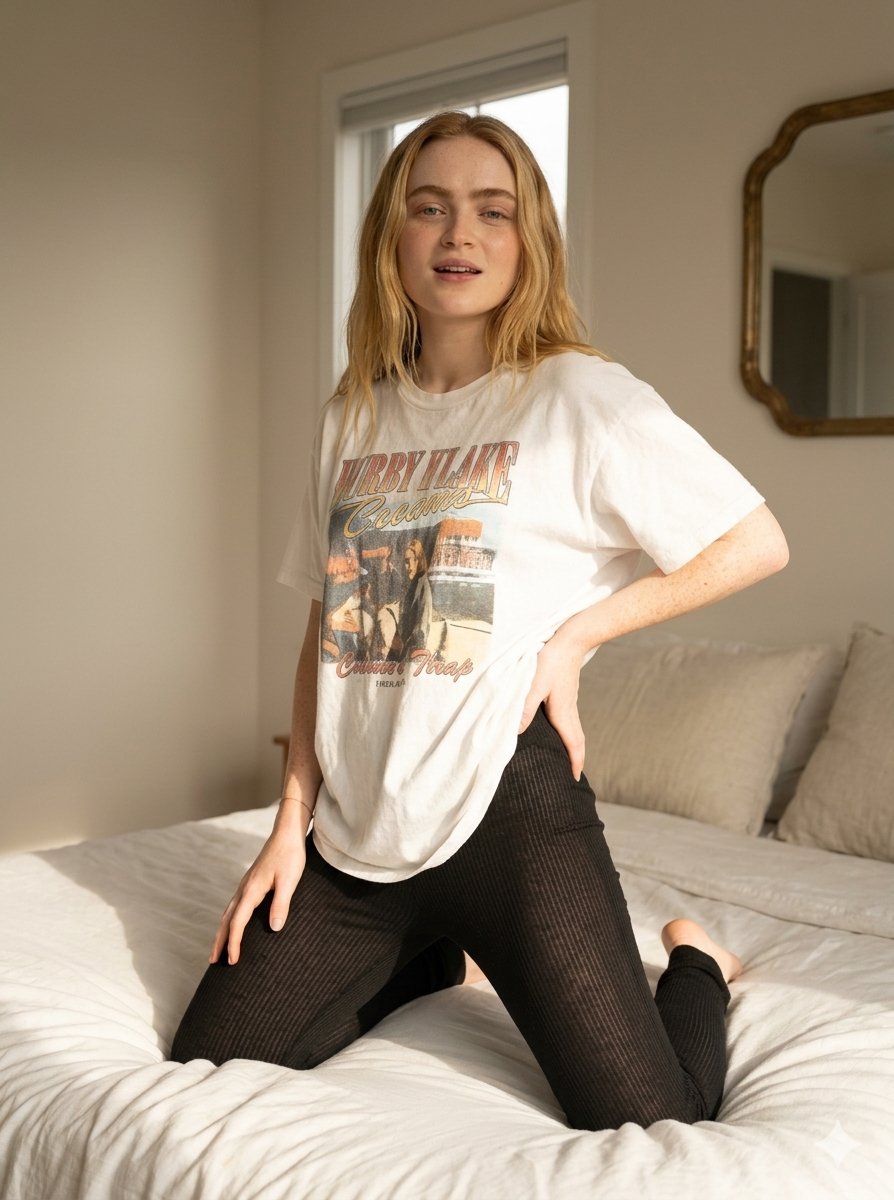
Cozy Indoor Bedroom Lifestyle Portrait

Cozy Rainy Night Indoor Portrait

Nostalgic Digicam Café Afternoon Portrait

Pixar-Style Chibi Café Morning Scene

Japanese Café Sketch Duo Illustration

Delicate Japanese Café Lifestyle Illustration

Subway Platform Quiet Introspective Portrait

Parisian Outdoor Café Silver-Hair Portrait
Make it yours
Cozy Night Bedroom With Kitten works as-is. These are the safest ways to change it without losing the look.
Change one field
Copy a single group, rewrite it, and generate again so you can see what that field is doing.
Keep the frame, change the subject
Hold the composition and light of Cozy Night Bedroom With Kitten, then swap wardrobe, props or the person for a new take.
| If the result… | Why | Fix |
|---|---|---|
| The result drifts from the preview | Too many fields changed at once. | Reuse Cozy Night Bedroom With Kitten as-is first, then change one group — subject, light, or setting. |
| The model over-stylizes the scene | The prose prompt leaves finish and camera underspecified. | Add one camera or lighting sentence and stay on GPT Image 2. |
More GPT Image 2 templates
Other prompts made for GPT Image 2.

Six VTuber Japanese Logo Sheet

Realistic Portrait of Woman and Deer

The Vista Modular Condo Poster

AI Model Routing Comparison Infographic

2.5D Anime Art Board

Isometric Productivity Desk Scene

New York Double Exposure Poster

Four-Panel AI Landscape Comparison

Japanese Tatami Lifestyle Magazine Cover

NESCAFÉ Coffee Map Poster
More image prompts
Fresh picks from across the catalog.
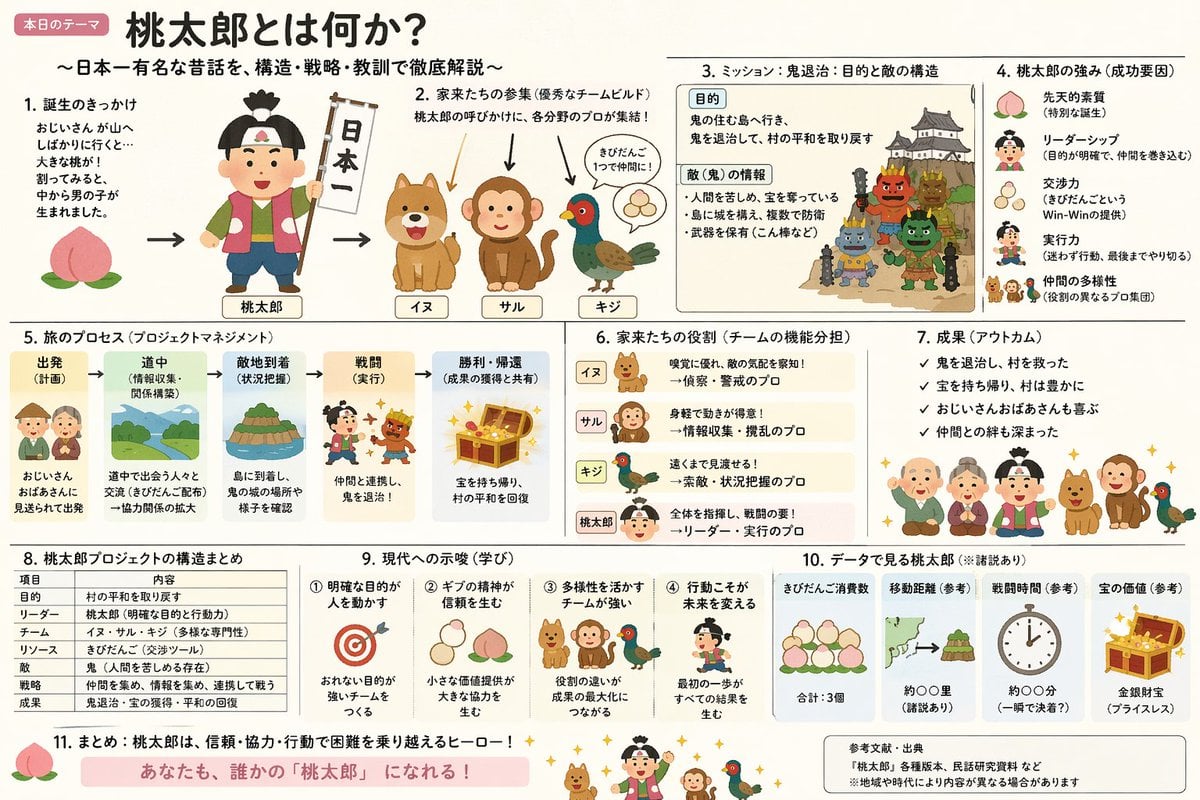
Momotaro Explainer Slide in Hybrid Style
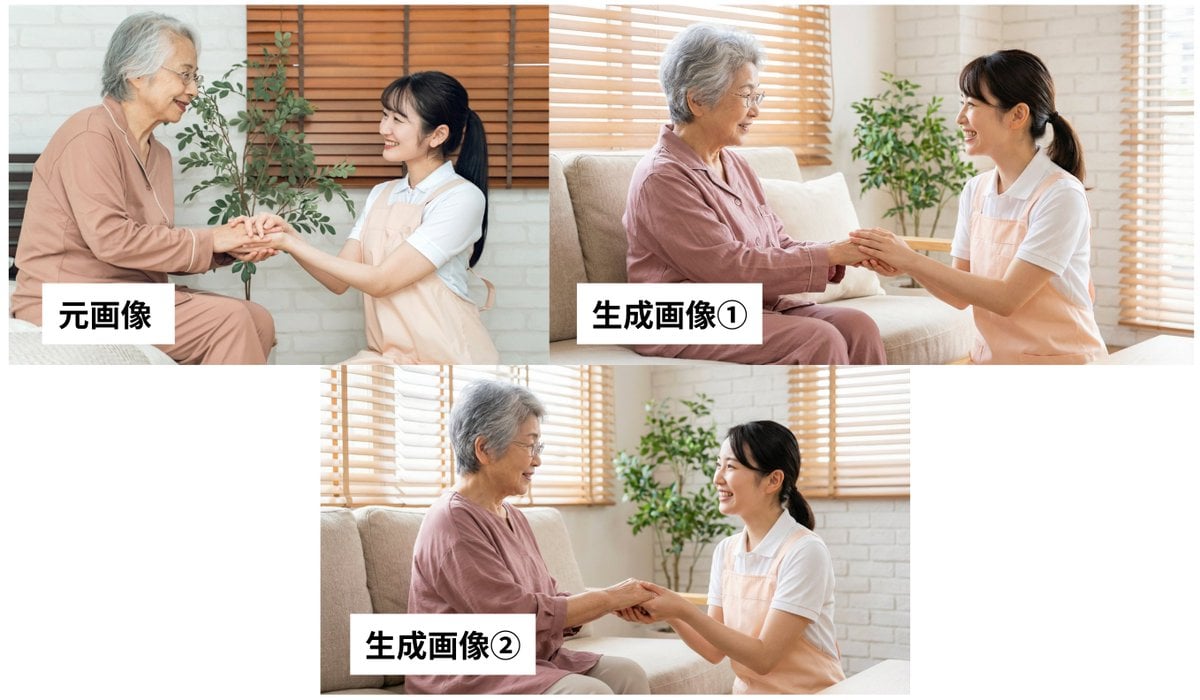
Custom GPT Prompt: Analyze Image and Generate JSON Prompt for Nano Banana Pro
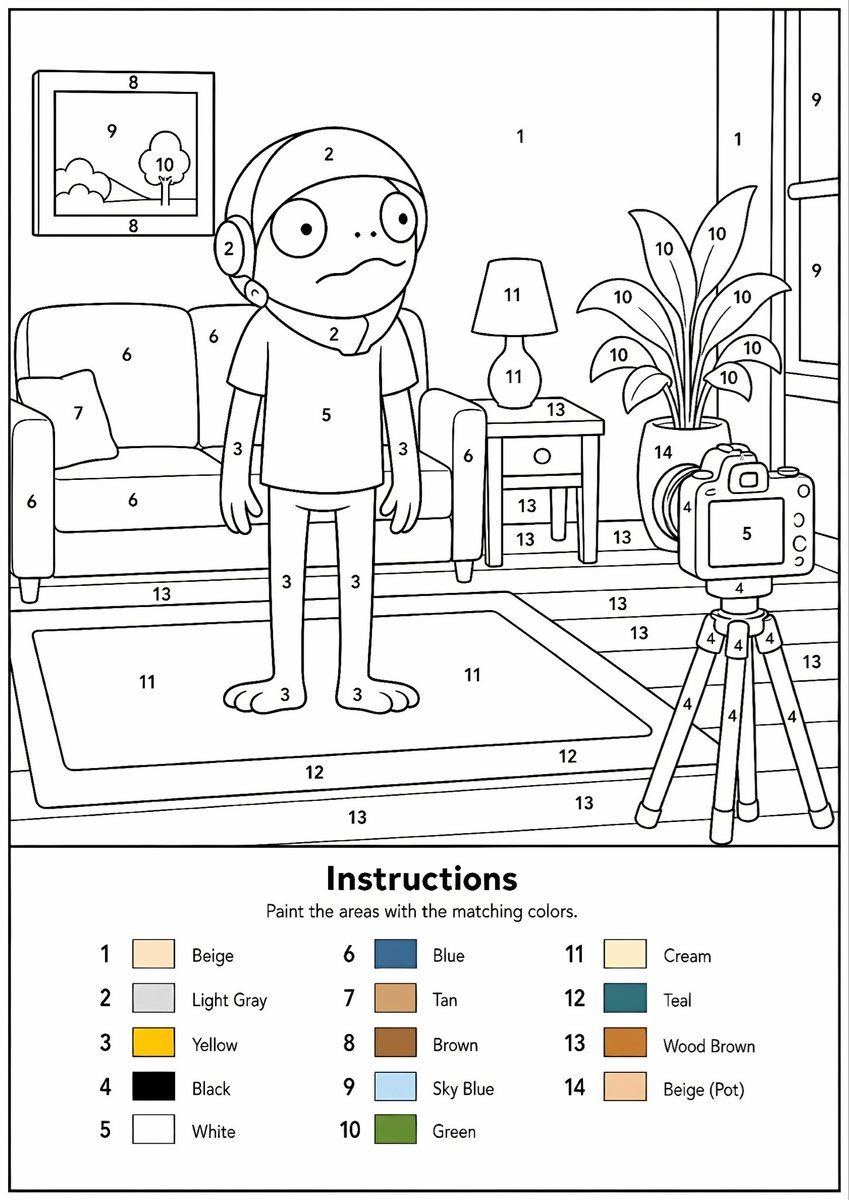
Printable Paint by Numbers Generator
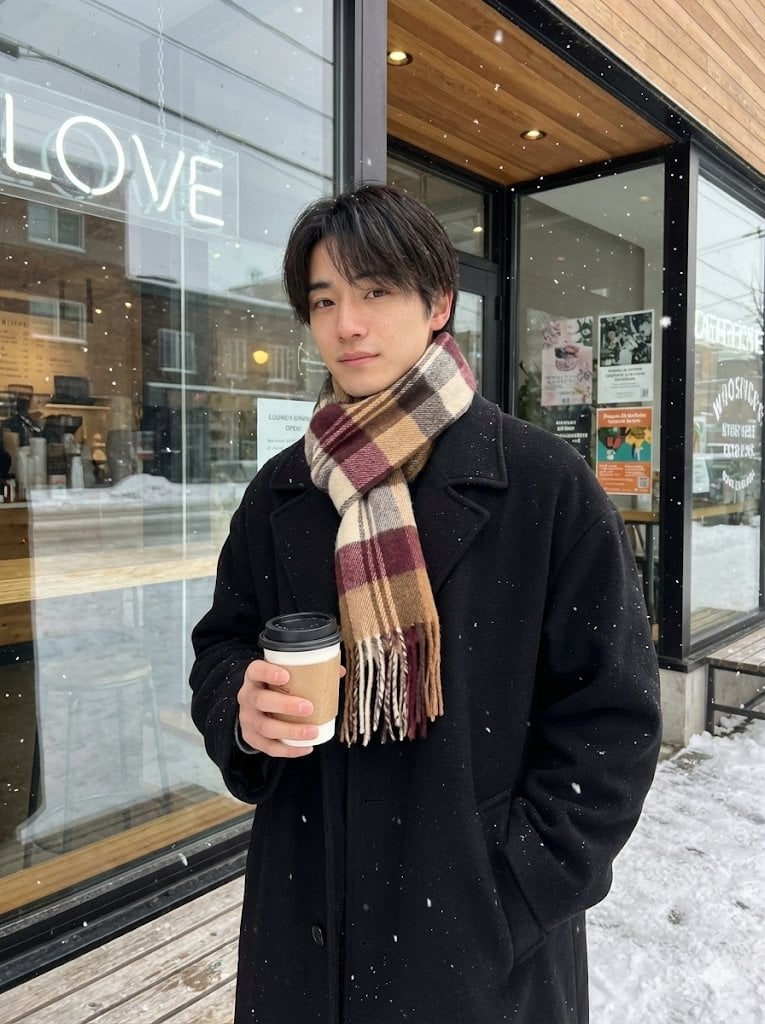
AI Profile Photo Generation Prompt (Angled Shot Modification)
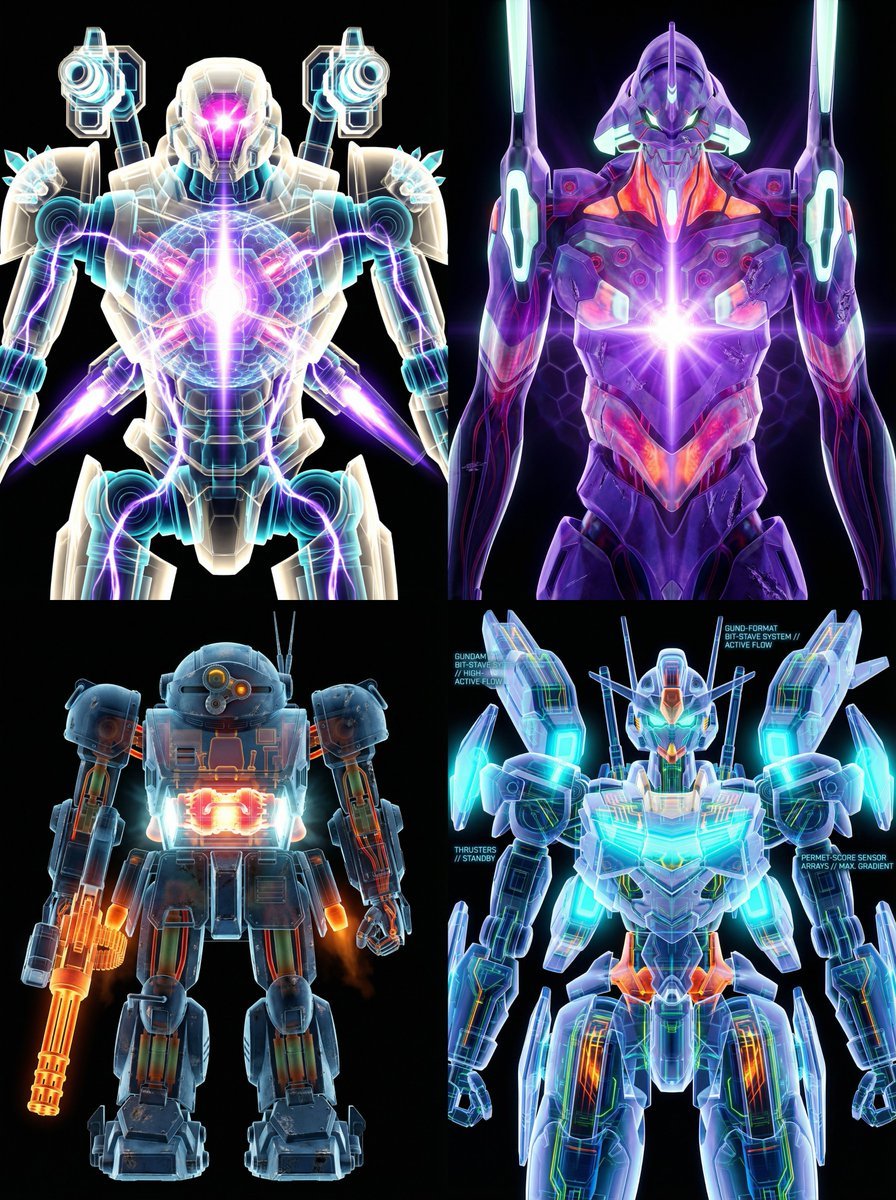
X-Ray/Thermal Visualization Prompt for Mecha (VOTOMS Scopedog)
Seedance - Romantic Comedy Scene

Cinematic Scooter Ride Golden Hour Prompt
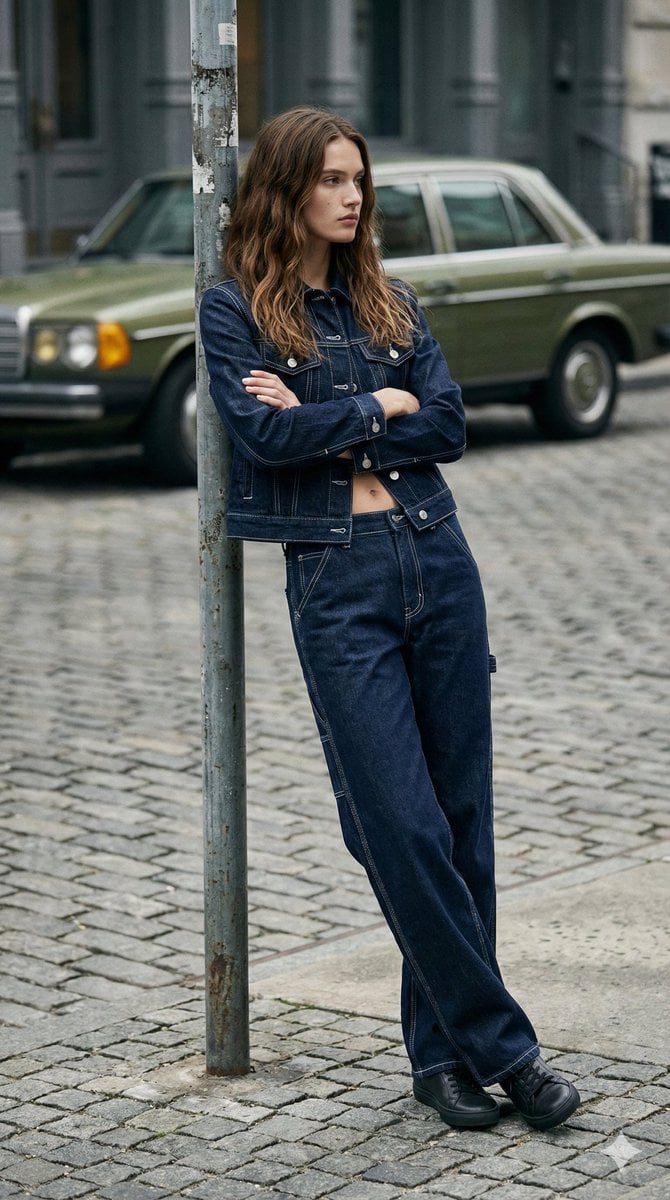
90s Americana Denim Fashion Editorial

21 Glass Floor Skyscraper — California Series
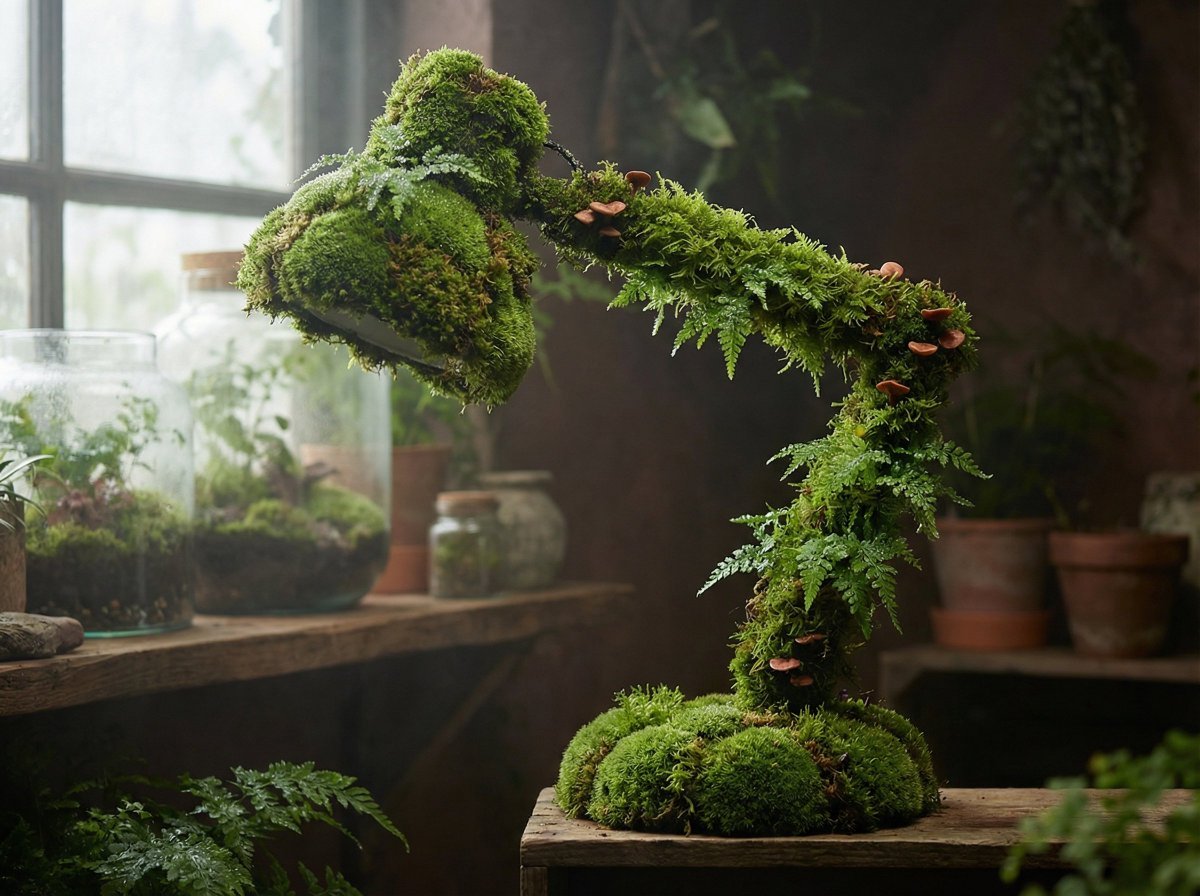
Moss Living Product Rendering Prompt
Browse template categories
Cozy Night Bedroom With Kitten questions
How do I use the Cozy Night Bedroom With Kitten template?
Add your photo if the template asks for one, edit the prompt if you like — the template's model and format are already selected — and press Generate. Your version opens in PicX Studio.
Can I customize the Cozy Night Bedroom With Kitten template?
Yes. You can change the subject, setting, lighting, mood, format, and available model controls before creating your image.
Is the Cozy Night Bedroom With Kitten template free?
Opening and editing this template is free. Generating uses credits, shown on the Generate button when you are signed in.
Which AI model should I use?
Start with GPT Image 2, which is the model associated with this template. You can compare another compatible model for a different finish.
Looking for something else? Browse all templates.

Your photo, any look
Thousands of ready templates for every top image and video model, from one credit balance.