
Cyberpunk Character Redesign
A character transformation prompt that takes a reference photo and redesigns it into a cyberpunk game character with a UI layout.
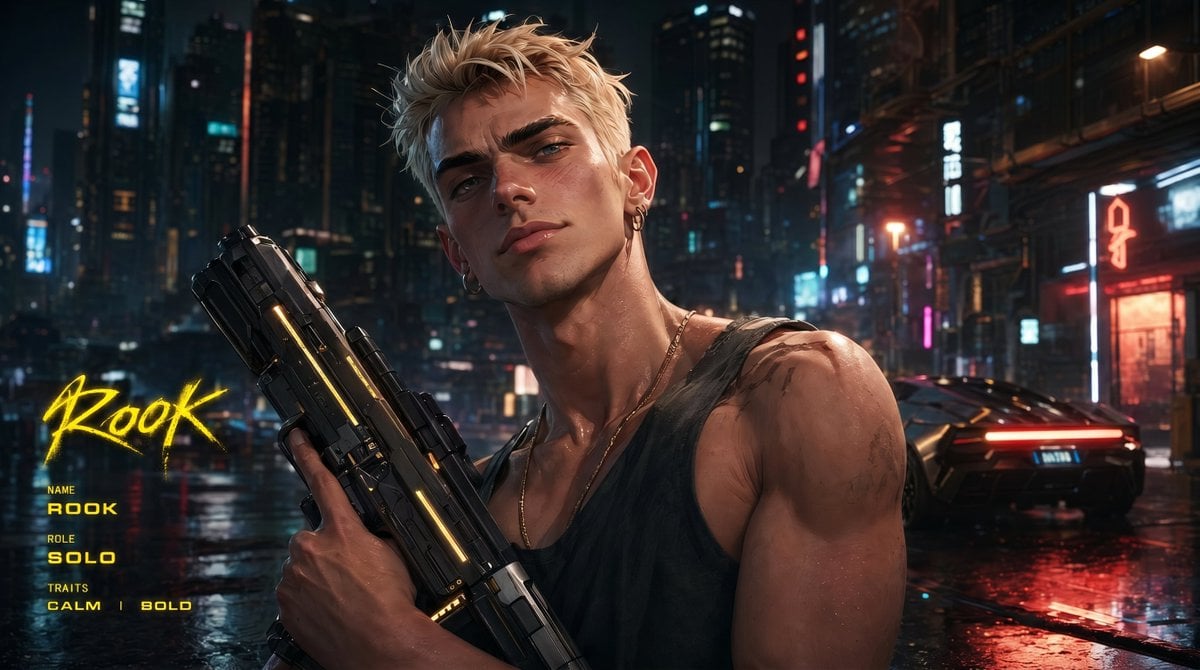
- Prompt included
- Model and format preset
- Premium template
The prompt behind this image
Copy the exact prompt behind Cyberpunk Character Redesign, or open it in the studio and make it yours.
based on the provided image, redesign as a cyberpunk AAA game character, keep face identity, keep original outfit, hyper-realistic game character, near-photoreal but still game-rendered, cinematic realism, in-game cutscene quality, cinematic lighting, strong contrast, realistic materials, depth of field, subject in sharp focus, background slightly blurred, strong foreground-background separation, Night City inspired environment, dense futuristic megacity, neon signage, wet streets, reflections, industrial details, fully human appearance, clean natural skin, no mechanical lines, no implants, no cyber patterns, character holding a highly designed futuristic weapon, dynamic action-ready pose, confident and intense expression, 16:9 AAA key visual, strong composition, character dominant, no logo, generate a unique character name fitting the character personality, character name in graffiti-style typography, medium-to-small size, integrated into layout, not dominant, refined character info module, editorial layout style, minimal, no background panel, only 1–2 short traits, extremely concise labels, grid-aligned typography-driven layout, Cyberpunk style UI, neon yellow text only, flat geometric layout, strict alignment, only one info module, no additional graphics, clean image, no heavy grain, no film grain, smooth surfaces, high polish, no anime, illustration, raw photography, metallic UI, gold color, cluttered layout, dense UI, boxes, background panels, color blocks, arrows, mechanical skin lines, cyber patterns
How to use Cyberpunk Character Redesign in 3 steps
- 1Upload ImagePNG, JPG or paste
Add your photo
Upload the photo the template builds on. The prompt, model and format are already set.
- 2…a portrait of your subject in softgolden-hour light, 85mm…
Personalize
Edit the subject and creative details for your destination.
- 3Generate
Generate
Press Generate — your image is created in PicX Studio, so you can compare it with the original and refine one variable at a time.
More like this
Templates with the same subject, style or setup. Open one to see its prompt.

Rainy Night Android Cyberpunk Portrait

Korean Idol Partial Shadow Editorial Portrait

Cinematic Sci-Fi Interface Side Profile

Cyberpunk Neon Profile Fashion Portrait

Cinematic Neon Light Strip Studio Portrait

Futuristic Studio Neon Ring Minimalist Portrait

Neon Violet Streetwear Fashion Portrait

Neon Night Crosswalk Candid Portrait

Red Futuristic Sport Motorcycle POV
Rainy Night Android Cyberpunk Portrait
Cinematic Sci-Fi Commander Side Profile Portrait
Low-Angle Cyberpunk Neon Profile Portrait
Make it yours
Cyberpunk Character Redesign works as-is. These are the safest ways to change it without losing the look.
Change one field
Copy a single group, rewrite it, and generate again so you can see what that field is doing.
Keep the frame, change the subject
Hold the composition and light of Cyberpunk Character Redesign, then swap wardrobe, props or the person for a new take.
| If the result… | Why | Fix |
|---|---|---|
| The result drifts from the preview | Too many fields changed at once. | Reuse Cyberpunk Character Redesign as-is first, then change one group — subject, light, or setting. |
| The model over-stylizes the scene | The prose prompt leaves finish and camera underspecified. | Add one camera or lighting sentence and stay on GPT Image 2. |
More GPT Image 2 templates
Other prompts made for GPT Image 2.

Six VTuber Japanese Logo Sheet

Realistic Portrait of Woman and Deer

The Vista Modular Condo Poster

AI Model Routing Comparison Infographic

2.5D Anime Art Board

Isometric Productivity Desk Scene

New York Double Exposure Poster

Four-Panel AI Landscape Comparison

Japanese Tatami Lifestyle Magazine Cover

NESCAFÉ Coffee Map Poster
More image prompts
Fresh picks from across the catalog.
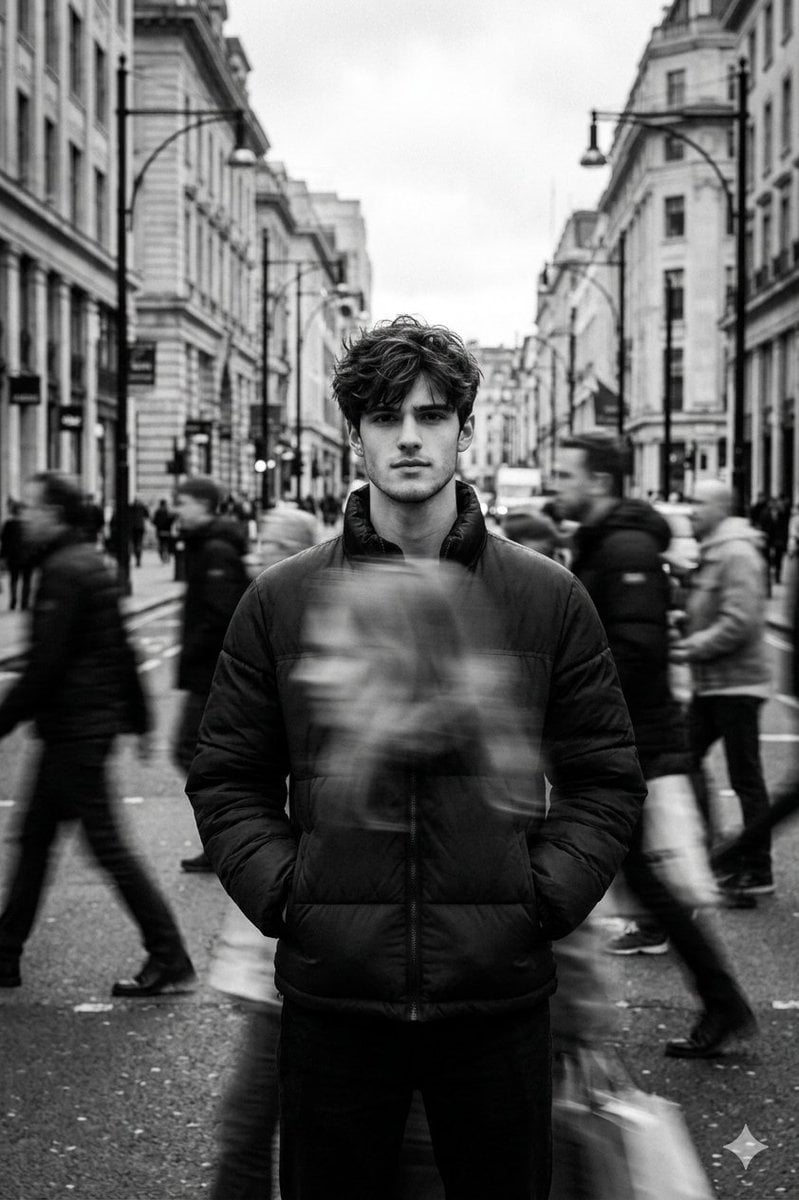
Black and White Cinematic Street Portrait with Motion Blur
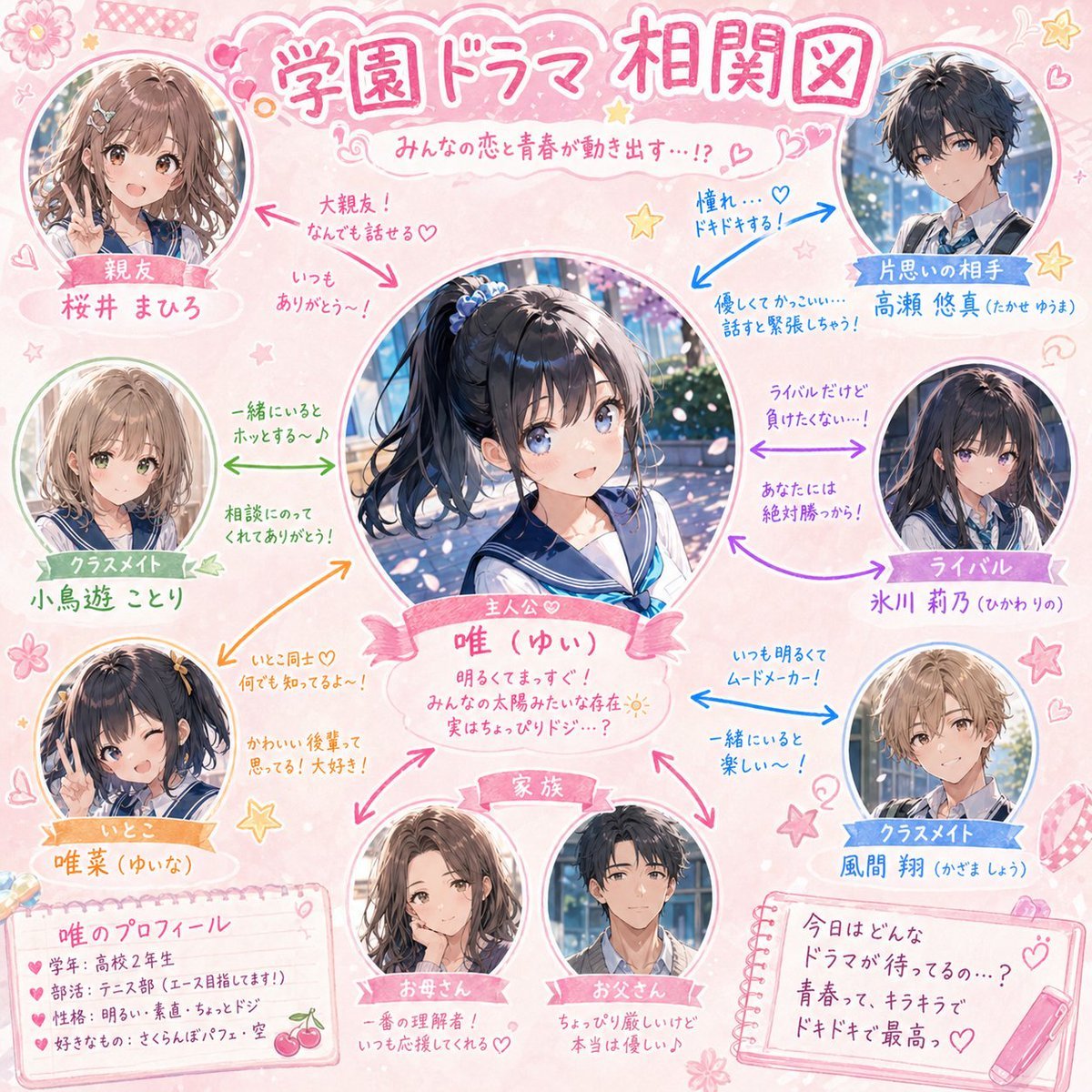
School Drama Relationship Chart Generator

Luxury Jamaican Festival Bread Poster
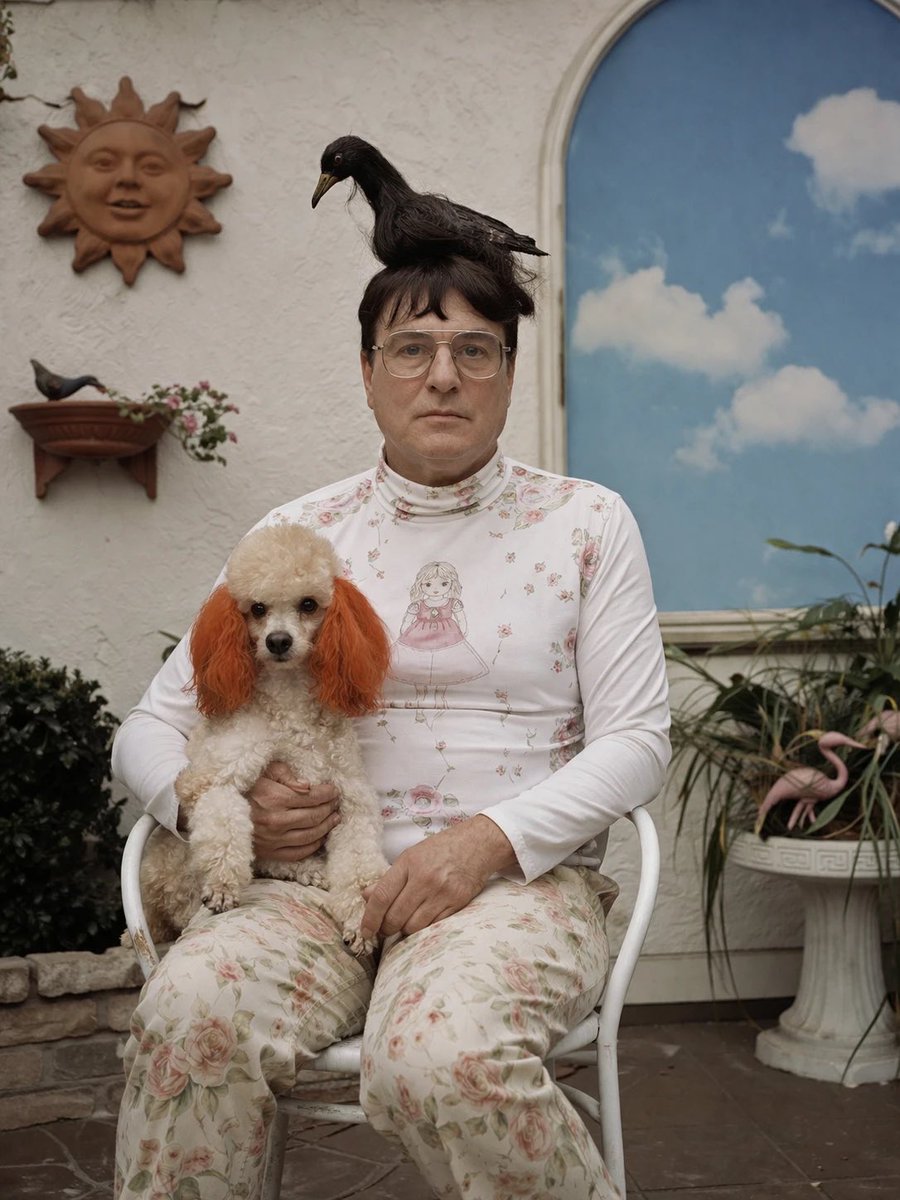
Surreal Patio Portrait with Crow and Dog
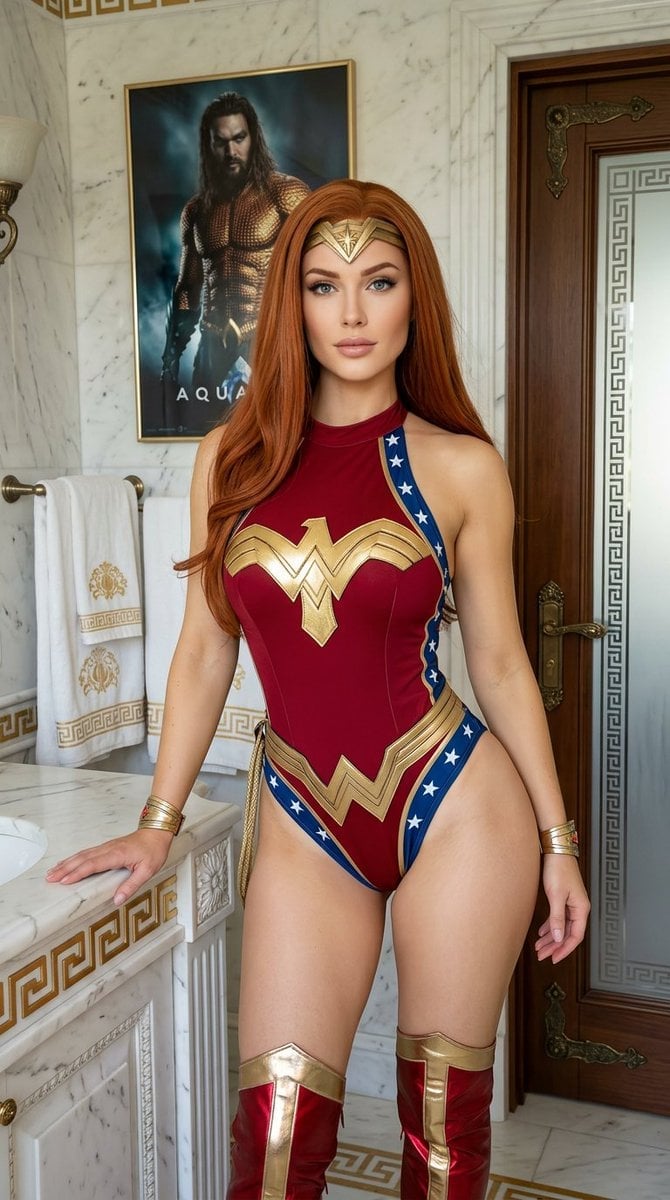
Wonder Woman Cosplay Portrait in Ancient Greek Bathroom
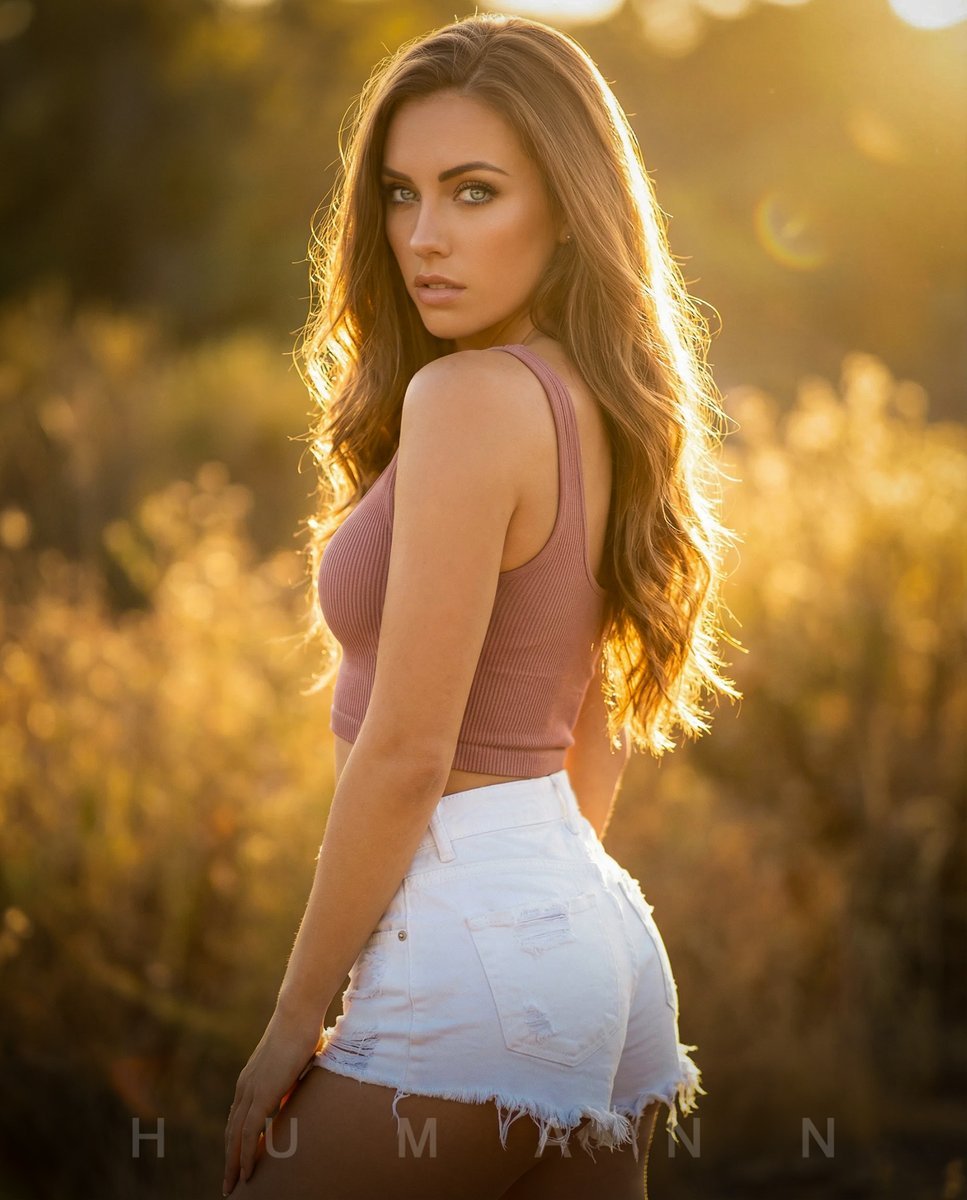
Golden Hour Backlit Portrait
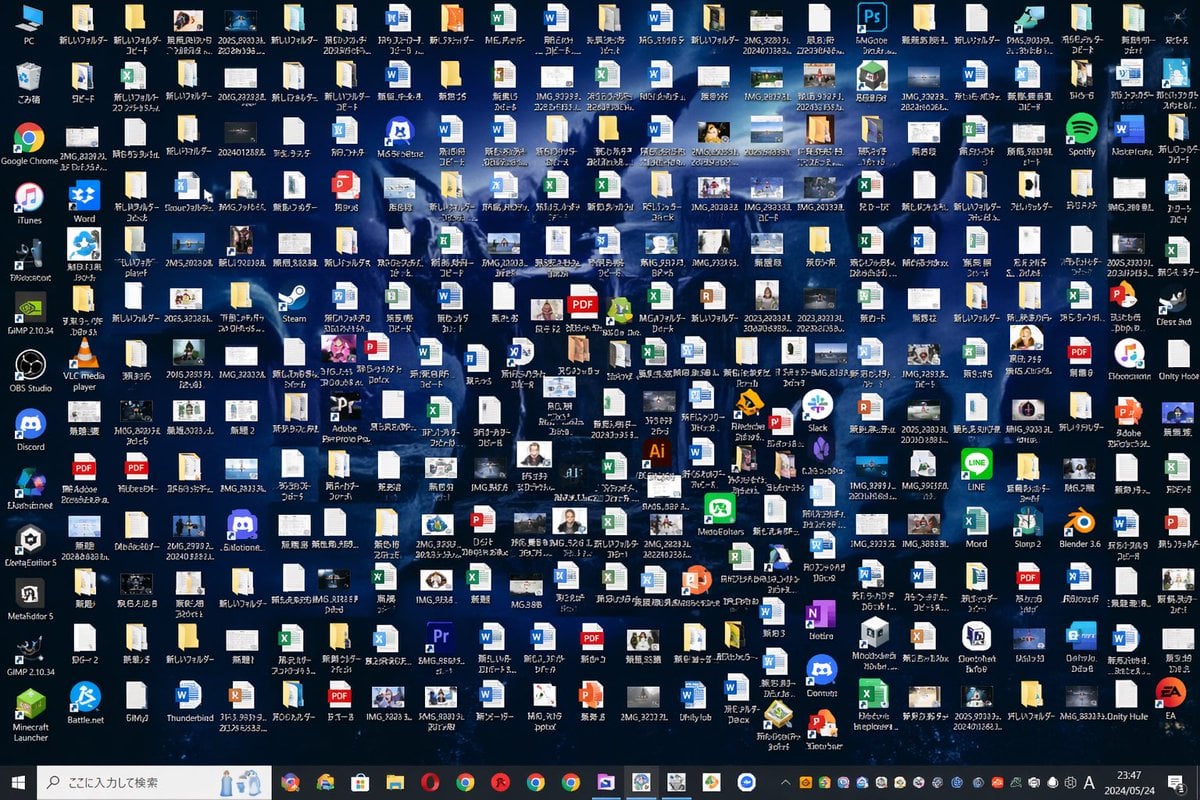
Hopelessly Cluttered Desktop Screen
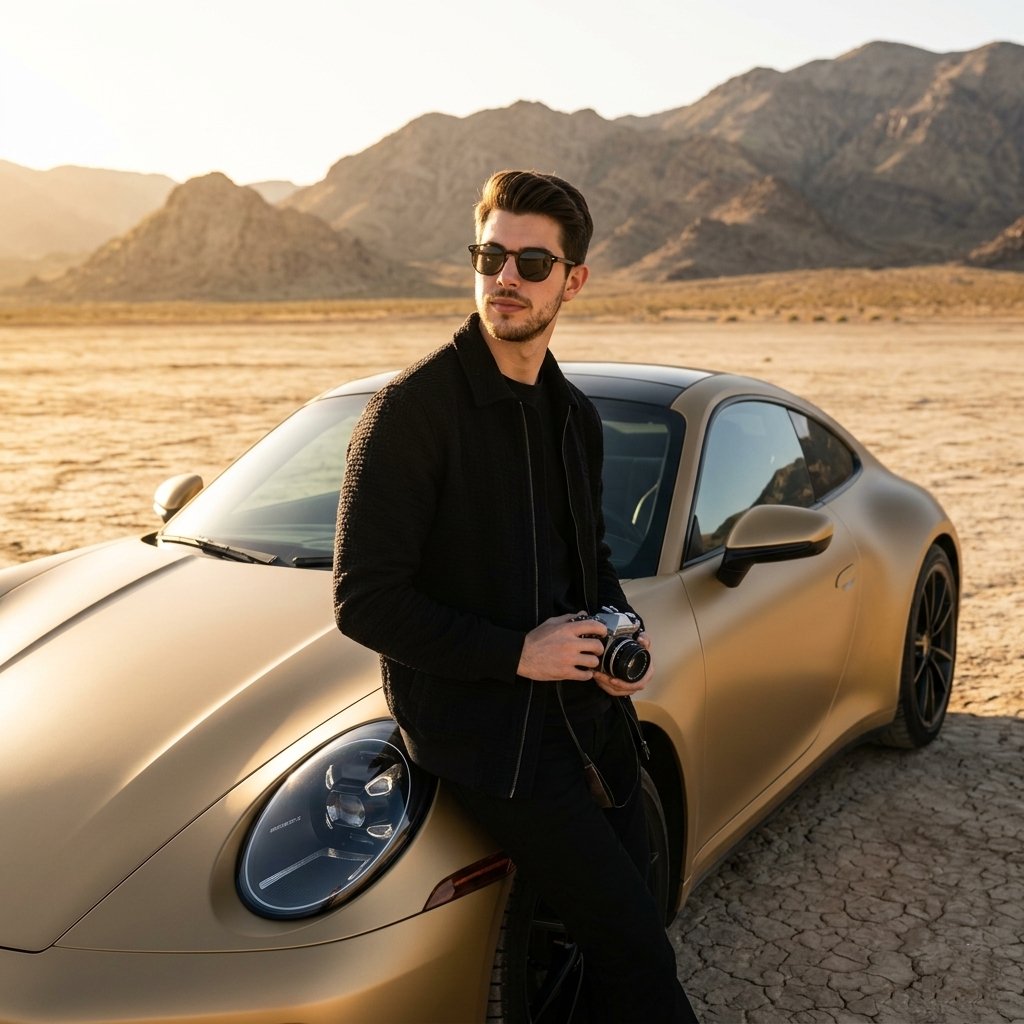
Luxury Car Golden Hour Shoot
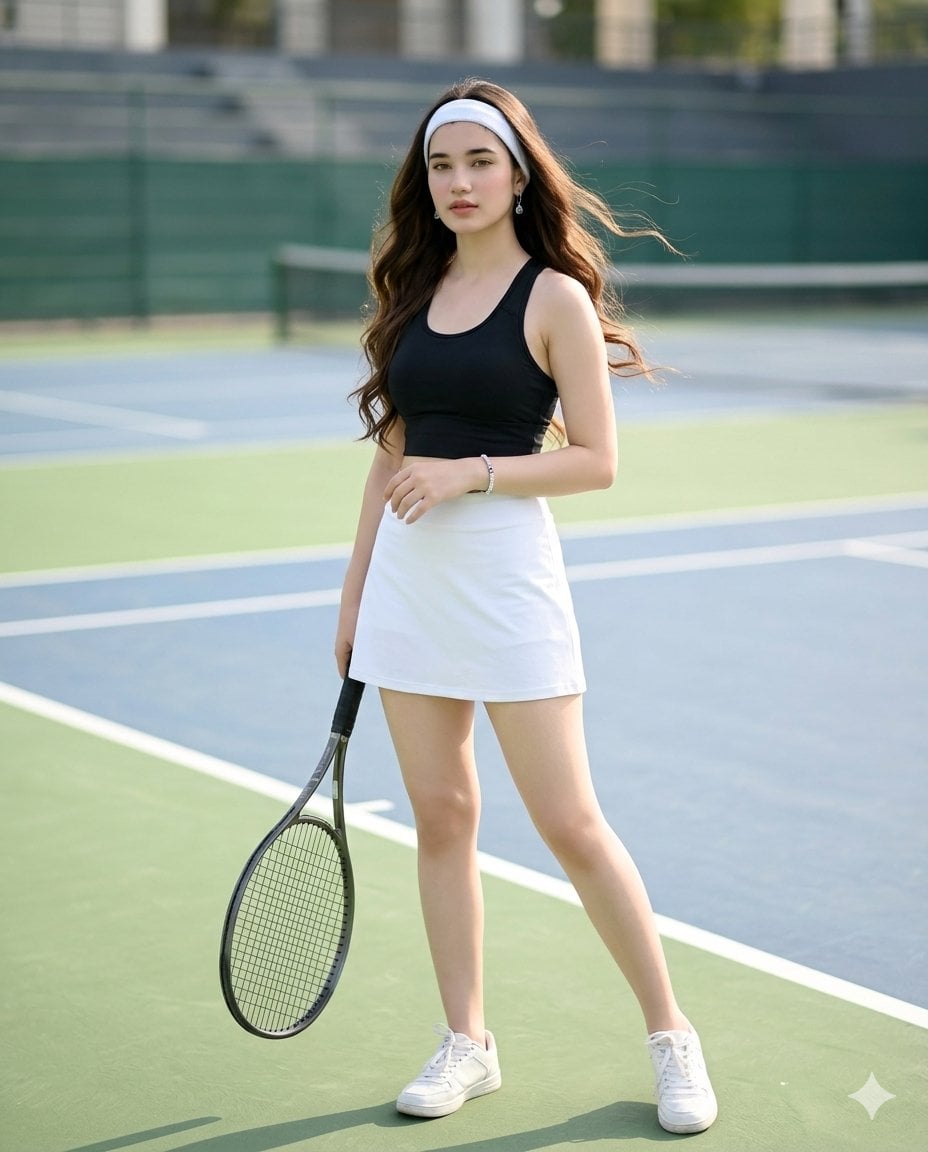
Realistic Tennis Player Portrait
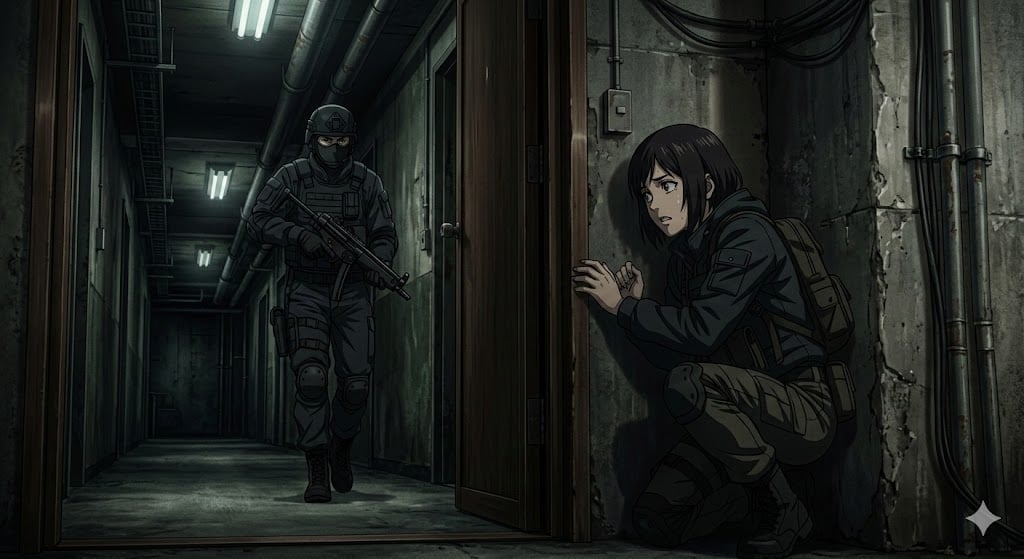
Anime Stealth Scene with Keystoning Angle
Browse template categories
Cyberpunk Character Redesign questions
How do I use the Cyberpunk Character Redesign template?
Add your photo if the template asks for one, edit the prompt if you like — the template's model and format are already selected — and press Generate. Your version opens in PicX Studio.
Can I customize the Cyberpunk Character Redesign template?
Yes. You can change the subject, setting, lighting, mood, format, and available model controls before creating your image.
Is the Cyberpunk Character Redesign template free?
Opening and editing this template is free. Generating uses credits, shown on the Generate button when you are signed in.
Which AI model should I use?
Start with GPT Image 2, which is the model associated with this template. You can compare another compatible model for a different finish.
Looking for something else? Browse all templates.

Your photo, any look
Thousands of ready templates for every top image and video model, from one credit balance.