
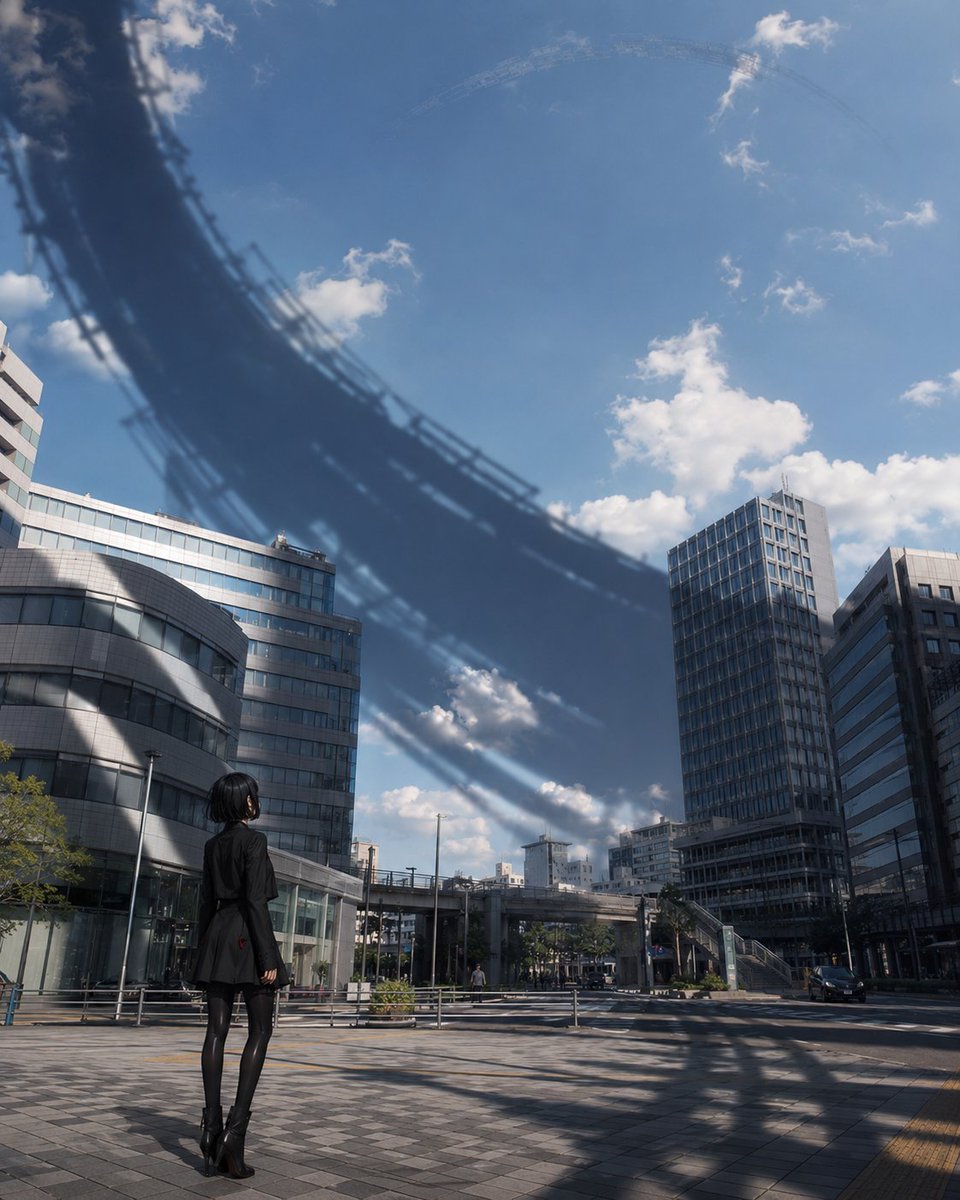
Girl Beneath Giant Sky Ring
A cinematic sci-fi city scene showing a lone black-clad woman staring up at an enormous circular megastructure shadow over modern buildings.
- Prompt included
- Model and format preset
- Free template
The prompt behind this image
Copy the exact prompt behind Girl Beneath Giant Sky Ring, or open it in the studio and make it yours.
Create a cinematic vertical urban scene in a realistic anime-inspired style: a lone {argument name="character description" default="young woman with a short black bob haircut"} stands in the lower left foreground of a modern city plaza, seen from behind and slightly to the side, looking upward. She wears {argument name="outfit" default="an all-black fitted coat or blazer dress, black tights, and black ankle boots"}, with a calm, small silhouette against large architecture. The setting is {argument name="city setting" default="a clean Japanese business district plaza with glass-and-concrete office buildings, tiled pavement, railings, elevated walkways, streetlights, and a quiet road"}. Above the city is a bright blue daytime sky with scattered white clouds, but a colossal dark circular shadow arcs across the sky and buildings like the underside or shadow of an enormous ring-shaped megastructure passing overhead; the ring is partly visible as blurred layered bands and faint structural ribs, creating an ominous eclipse-like curve from the upper left across the center and fading toward the upper right. The huge shadow also falls across the building facades and pavement, emphasizing the massive scale. Use a low wide-angle street-level composition, strong perspective, realistic lighting, crisp architectural detail, subtle atmospheric haze, high contrast between sunlit clouds and the dark arc, and a sense of quiet awe and science-fiction mystery. No text, no watermark, no extra characters.
How to use Girl Beneath Giant Sky Ring in 3 steps
- 1Upload ImagePNG, JPG or paste
Add your photo
Upload the photo the template builds on. The prompt, model and format are already set.
- 2…a portrait of your subject in softgolden-hour light, 85mm…
Personalize
Edit the subject and creative details for your destination.
- 3Generate
Generate
Press Generate — your image is created in PicX Studio, so you can compare it with the original and refine one variable at a time.
More like this
Templates with the same subject, style or setup. Open one to see its prompt.

Tiny Chibi Man Stirring Giant Coffee

Teen Girl Alpine Lake Mountain View

Miniature Girl on Giant Smartphone Desk
Anime Girl Under Meteor Starry Sky

Tanabata Girl Under Starry Sky
Upside-Down Sky Schoolgirl
Girl Walking a Giant Cream Dragon

Girl with Giant Plush Panda

Miniature Girl on Giant Football
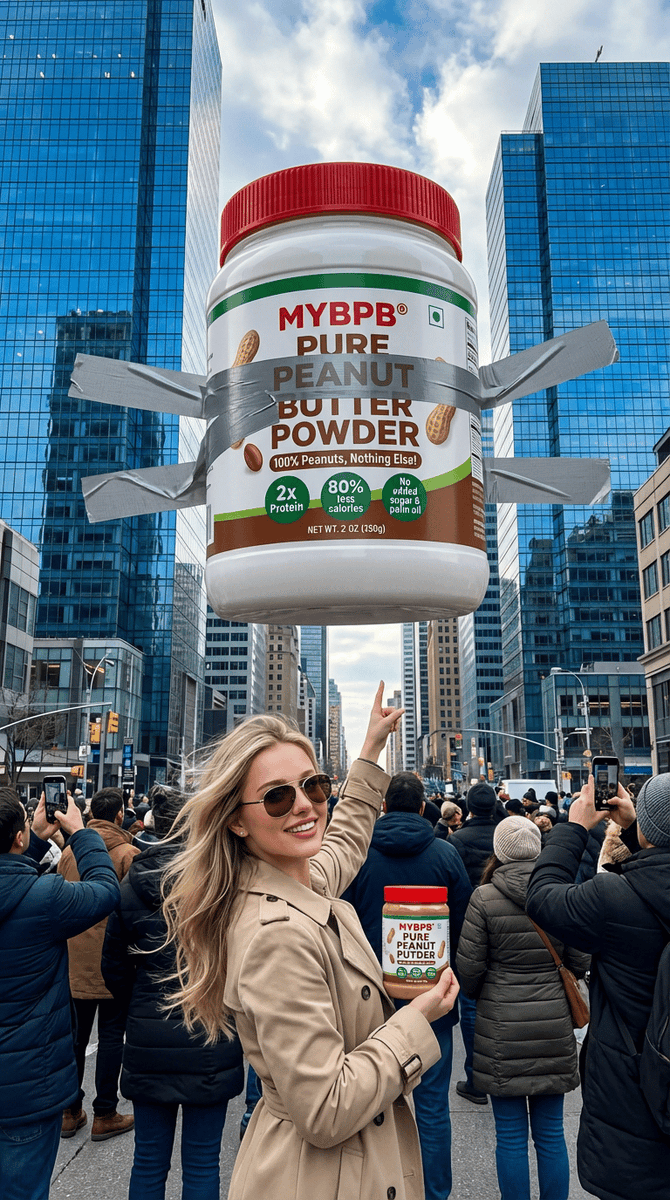
Surreal Giant Product Installation on Skyscraper
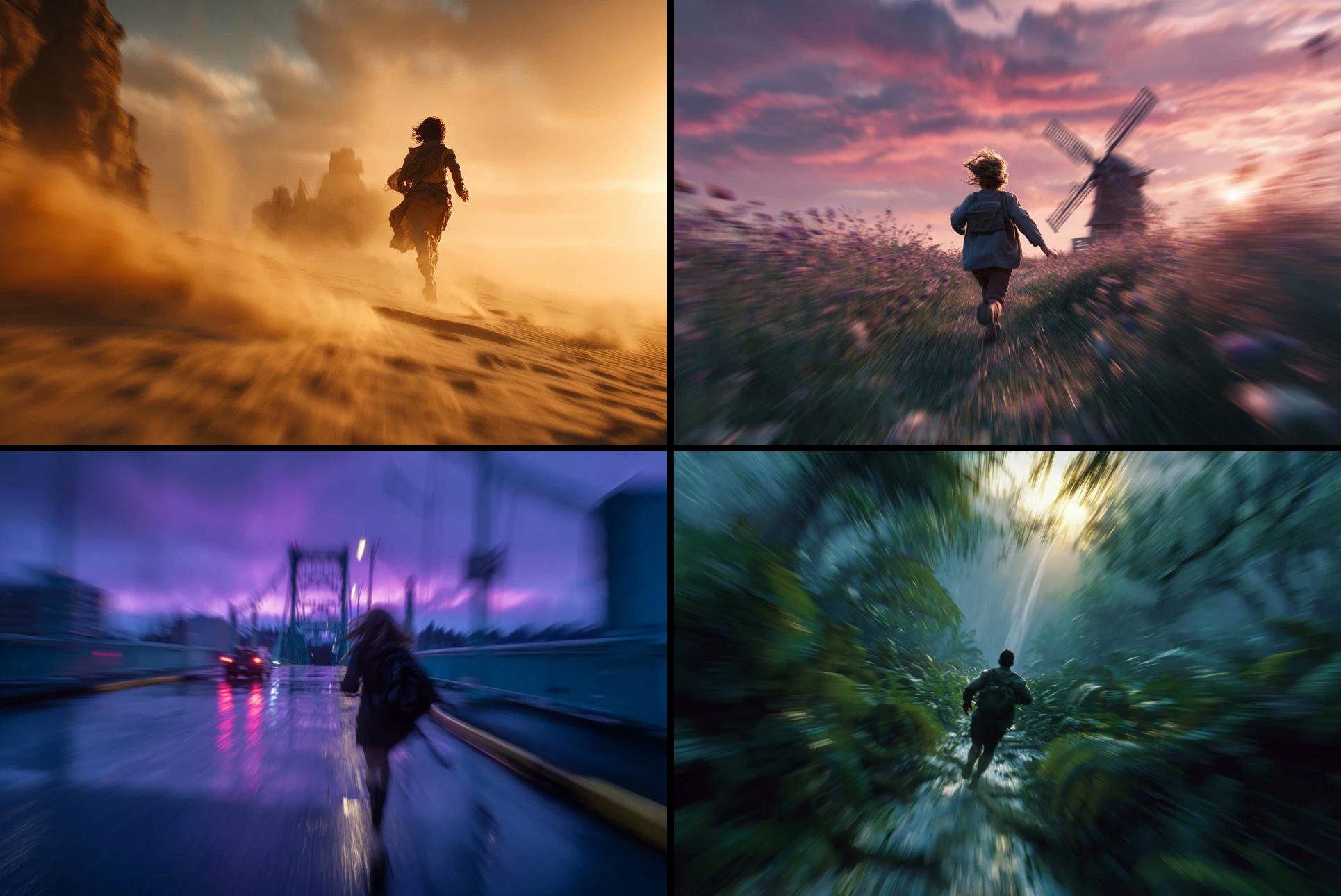
Freedom in Motion — Cinematic Sprint

Cinematic Desert Ring of Fire Album Cover
Make it yours
Girl Beneath Giant Sky Ring works as-is. These are the safest ways to change it without losing the look.
Change one field
Copy a single group, rewrite it, and generate again so you can see what that field is doing.
Keep the frame, change the subject
Hold the composition and light of Girl Beneath Giant Sky Ring, then swap wardrobe, props or the person for a new take.
| If the result… | Why | Fix |
|---|---|---|
| The result drifts from the preview | Too many fields changed at once. | Reuse Girl Beneath Giant Sky Ring as-is first, then change one group — subject, light, or setting. |
| The model over-stylizes the scene | The prose prompt leaves finish and camera underspecified. | Add one camera or lighting sentence and stay on GPT Image 2. |
More GPT Image 2 templates
Other prompts made for GPT Image 2.

Six VTuber Japanese Logo Sheet

Realistic Portrait of Woman and Deer

The Vista Modular Condo Poster

AI Model Routing Comparison Infographic

2.5D Anime Art Board

Isometric Productivity Desk Scene

New York Double Exposure Poster

Four-Panel AI Landscape Comparison

Japanese Tatami Lifestyle Magazine Cover

NESCAFÉ Coffee Map Poster
More image prompts
Fresh picks from across the catalog.
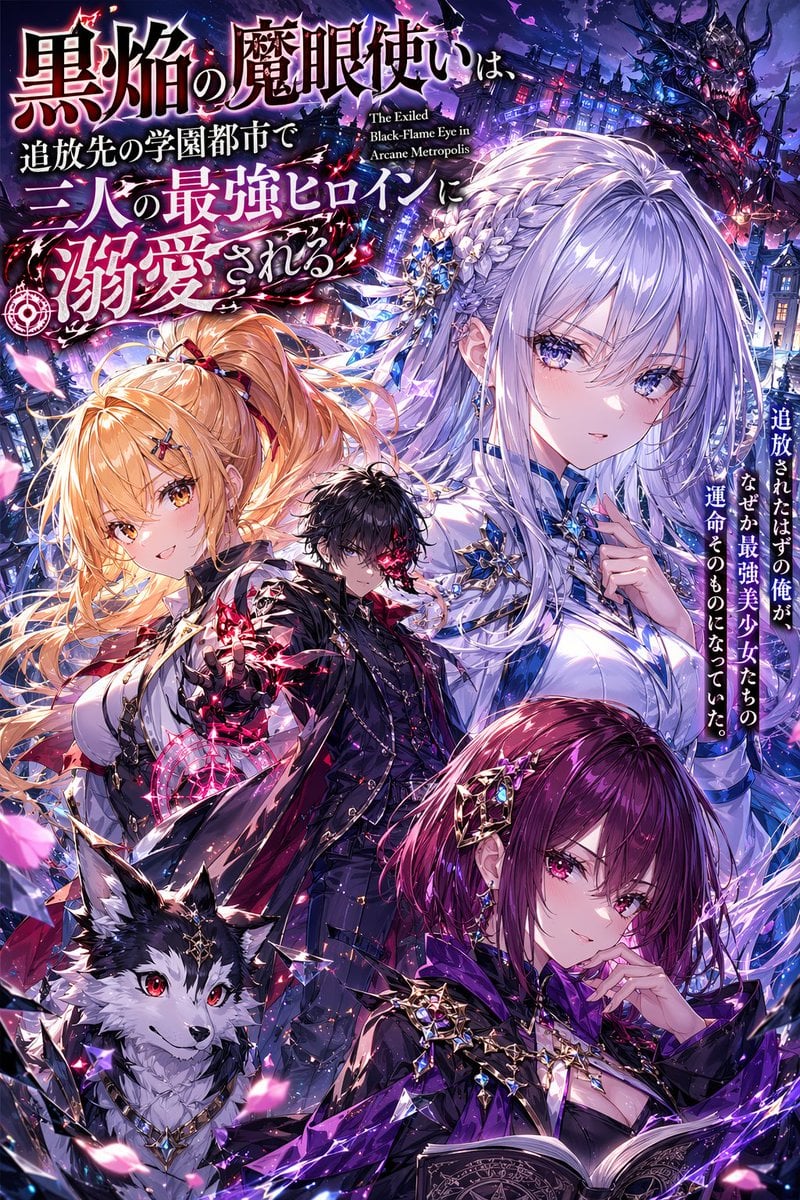
Anime Light Novel Cover with Typography
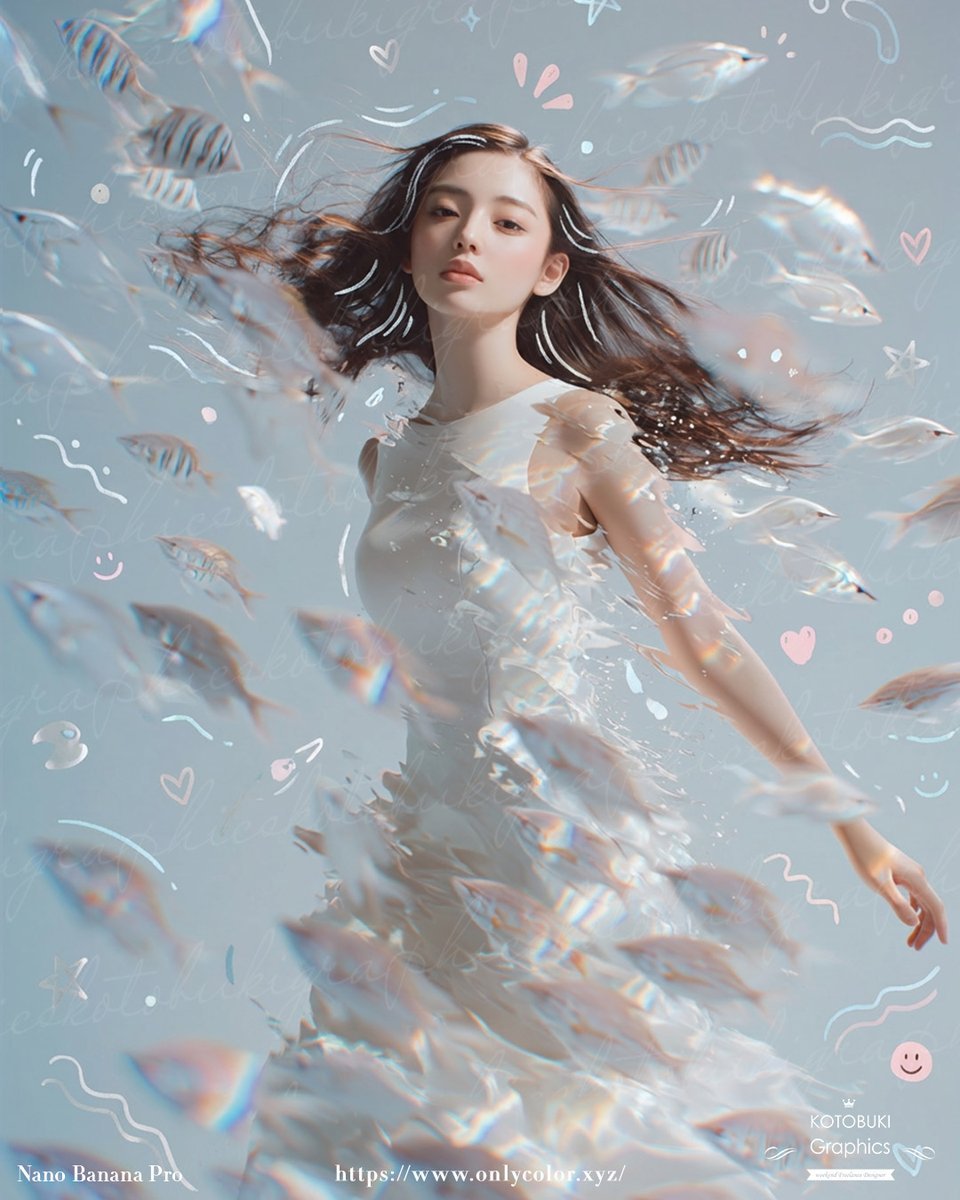
Dreamy Underwater Woman With Translucent Fish
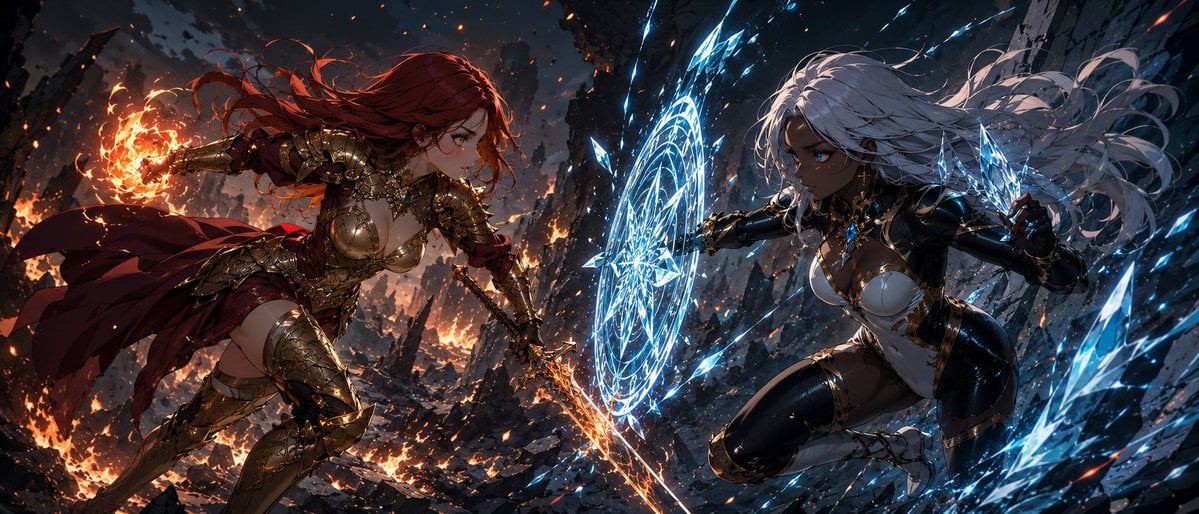
Fire Knight vs Ice Warrior Battle

Warm Vintage Aesthetic Portrait with Identity Lock

Red-Haired Masked Samurai Portrait
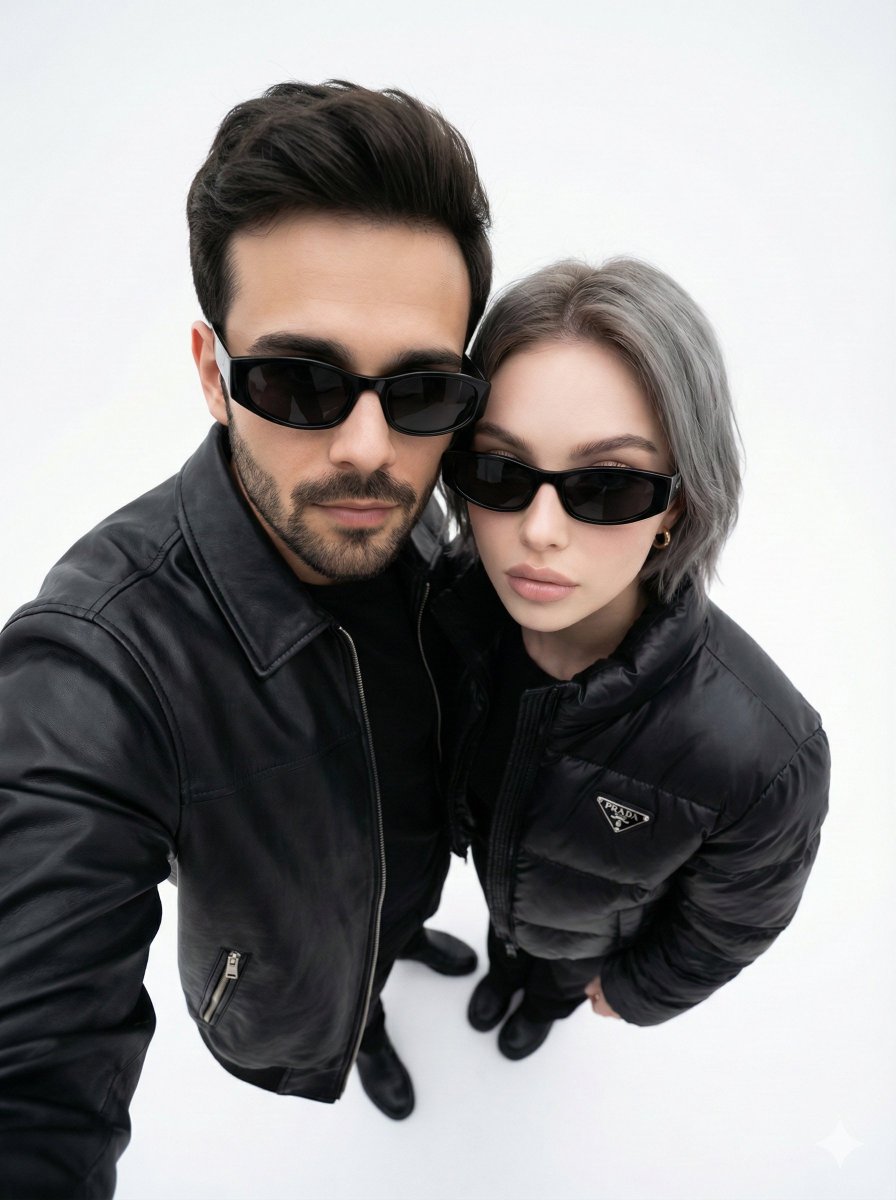
Minimalist Fashion Editorial Selfie Prompt
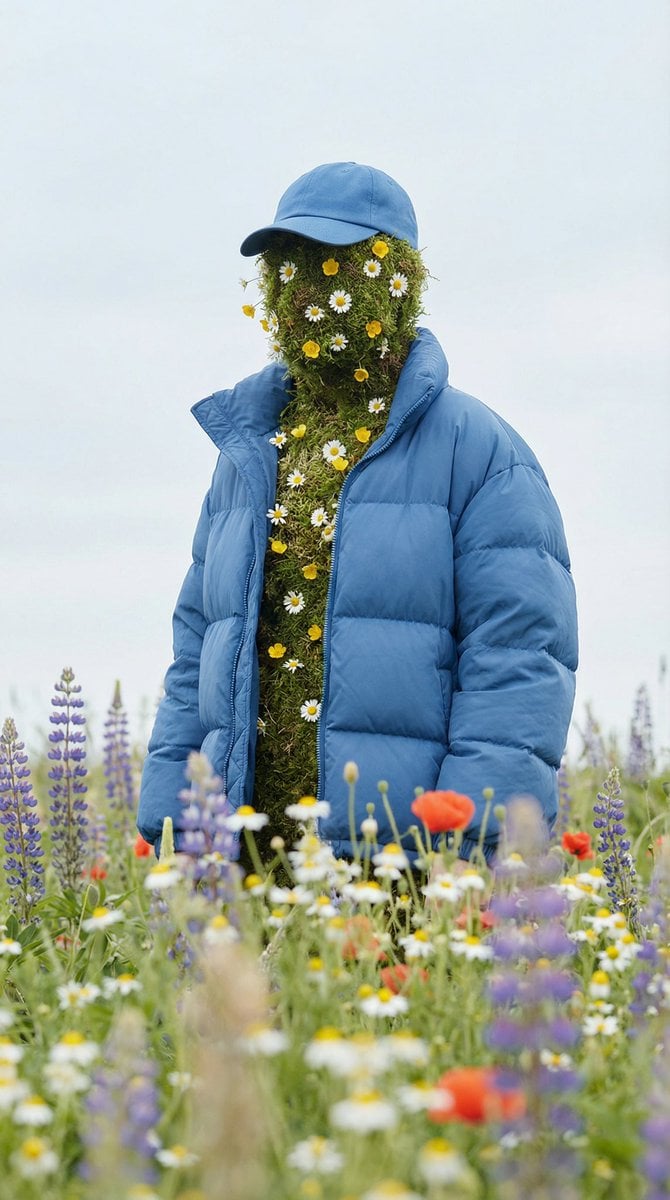
Surreal Nature Fashion Fusion Portrait

Cosplayer-Style Japanese Woman Image Generation Prompt
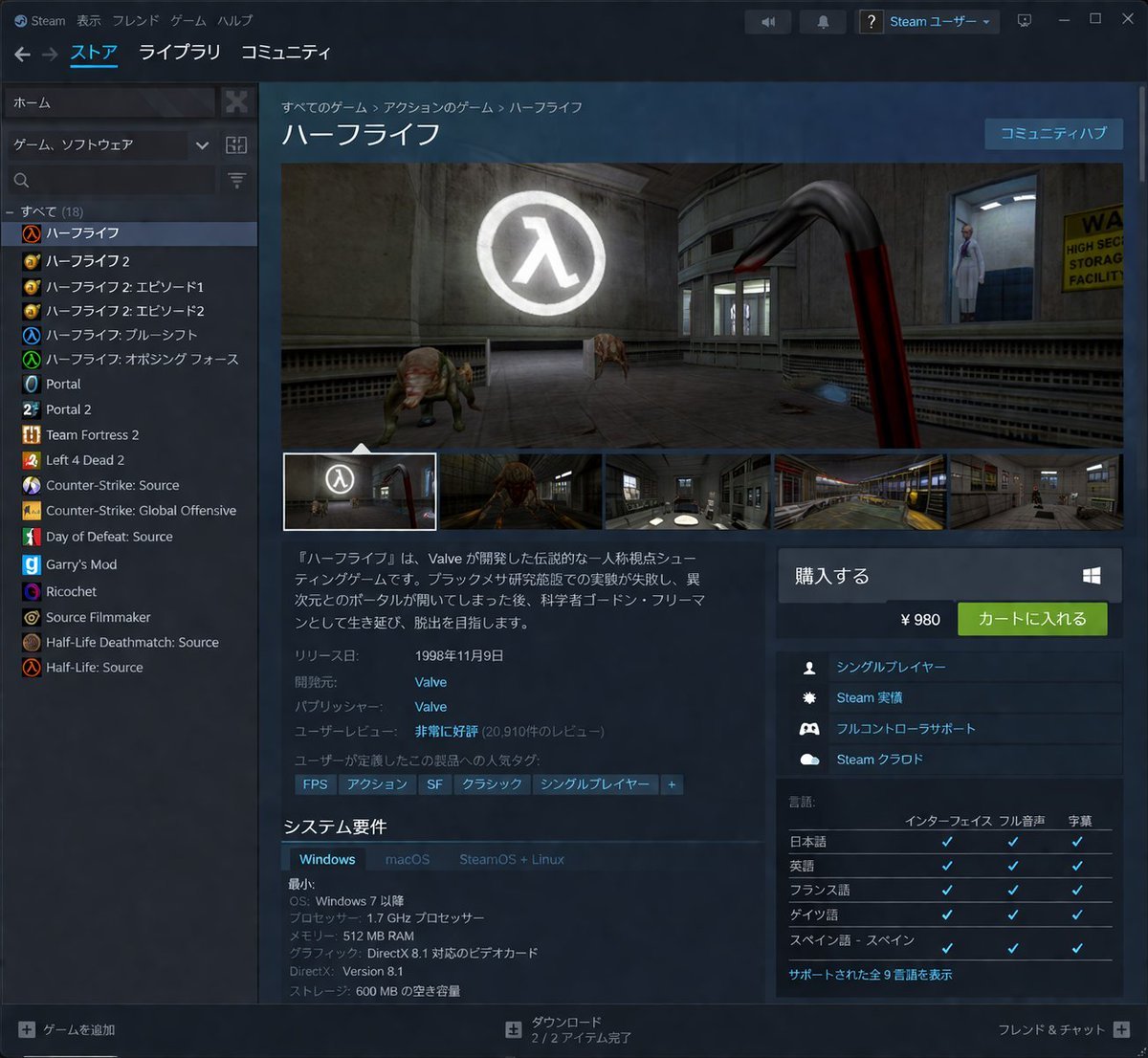
Steam Store Page UI Mockup

Romantic Istanbul Kitchen Couple Scene
Browse template categories
Girl Beneath Giant Sky Ring questions
How do I use the Girl Beneath Giant Sky Ring template?
Add your photo if the template asks for one, edit the prompt if you like — the template's model and format are already selected — and press Generate. Your version opens in PicX Studio.
Can I customize the Girl Beneath Giant Sky Ring template?
Yes. You can change the subject, setting, lighting, mood, format, and available model controls before creating your image.
Is the Girl Beneath Giant Sky Ring template free?
Opening and editing this template is free. Generating uses credits, shown on the Generate button when you are signed in.
Which AI model should I use?
Start with GPT Image 2, which is the model associated with this template. You can compare another compatible model for a different finish.
Looking for something else? Browse all templates.

Your photo, any look
Thousands of ready templates for every top image and video model, from one credit balance.