
Tanabata Girl Under Starry Sky
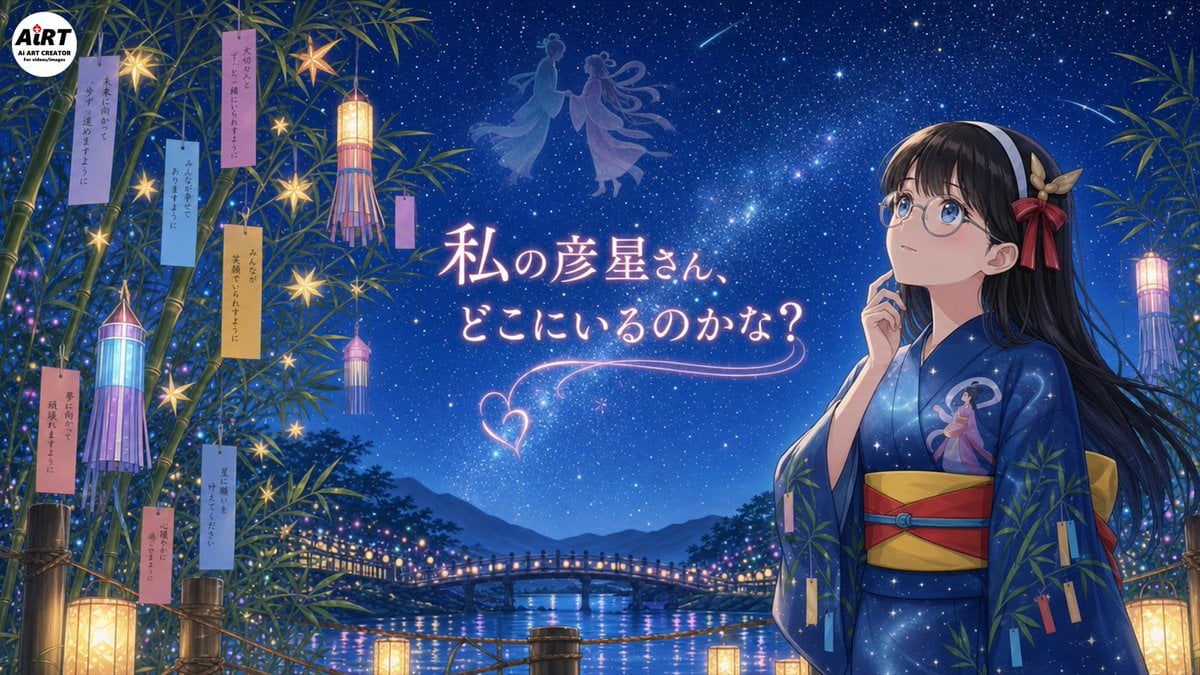
Creates a detailed anime Tanabata festival scene with a wistful yukata girl, bamboo wishes, lanterns, and glowing Japanese headline text.
- Prompt included
- Model and format preset
- Premium template
The prompt behind this image
Copy the exact prompt behind Tanabata Girl Under Starry Sky, or open it in the studio and make it yours.
Goal: Create a polished anime-style Tanabata night illustration featuring {argument name="character name" default="WAGAHAI"}, a thoughtful young girl in a yukata gazing up at the Milky Way and wondering about Hikoboshi. Canvas: Wide 16:9 horizontal illustration, cinematic composition, deep blue starry night palette, high detail, soft glowing lights, magical summer-festival atmosphere. Layout: Place the girl on the right third of the image from waist up, facing left and looking upward with a contemplative expression, one finger resting near her cheek. Fill the left and far-right edges with tall bamboo branches framing the scene. Put the main glowing Japanese headline in the center-left sky. In the distant background, show a river, mountain silhouettes, and a small arched bridge lined with warm festival lights. Add faint celestial silhouettes of Orihime and Hikoboshi floating near the upper center of the sky, plus two shooting stars. Main subject details: The girl has long straight {argument name="hair color" default="black hair"}, large round blue eyes behind round glasses, fair skin, and a white headband. Add a decorative hair ornament on the right side of her head with beige leaves and a red ribbon bow. She wears a dark navy-blue starry yukata patterned like a galaxy, with a small illustration of Orihime on the chest, a wide yellow obi, and red obi cords. Her mood is quiet, wistful, and romantic. Tanabata decorations and counted elements: Include exactly 14 hanging paper wish strips in total: 8 on the left bamboo cluster, 1 small vertical strip near the central hanging lantern, and 5 on the right-side bamboo/yukata area. Include exactly 4 tall cylindrical Tanabata lanterns with streamers: 2 on the left side, 1 near the upper center-left, and 1 on the far right. Include exactly 6 glowing star-shaped ornaments hanging among the left bamboo. Include exactly 4 rectangular floor or railing lanterns glowing warm yellow along the bottom edge. Include exactly 1 large round creator-logo badge in the top-left corner reading “AiRT AI ART CREATOR for children/images.” Text content: Add the central glowing handwritten Japanese phrase {argument name="headline text" default="私の彦星さん、どこにいるのかな?"} in pale pink-white neon lettering, with a decorative heart-shaped light trail and curved underline below it. The tanzaku strips may contain small vertical Japanese wish text, delicate and partially readable, but the headline must be clear. Visual style: High-quality Japanese anime illustration, luminous fantasy realism, detailed star field with Milky Way, soft bloom, clean character line art, rich blues and purples, warm lantern contrast, reflective river water, romantic Tanabata festival mood. Avoid photorealism, avoid extra characters in the foreground, avoid cluttering the central headline.
How to use Tanabata Girl Under Starry Sky in 3 steps
- 1Upload ImagePNG, JPG or paste
Add your photo
Upload the photo the template builds on. The prompt, model and format are already set.
- 2…a portrait of your subject in softgolden-hour light, 85mm…
Personalize
Edit the subject and creative details for your destination.
- 3Generate
Generate
Press Generate — your image is created in PicX Studio, so you can compare it with the original and refine one variable at a time.
More like this
Templates with the same subject, style or setup. Open one to see its prompt.
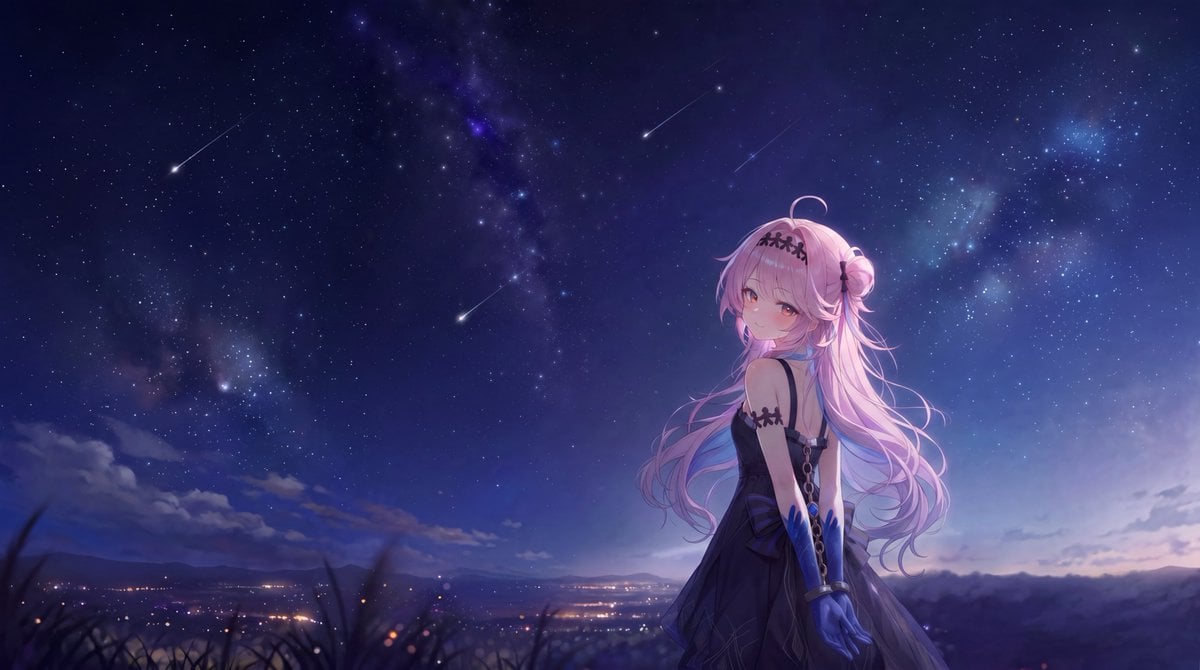
Anime Girl Under Meteor Starry Sky
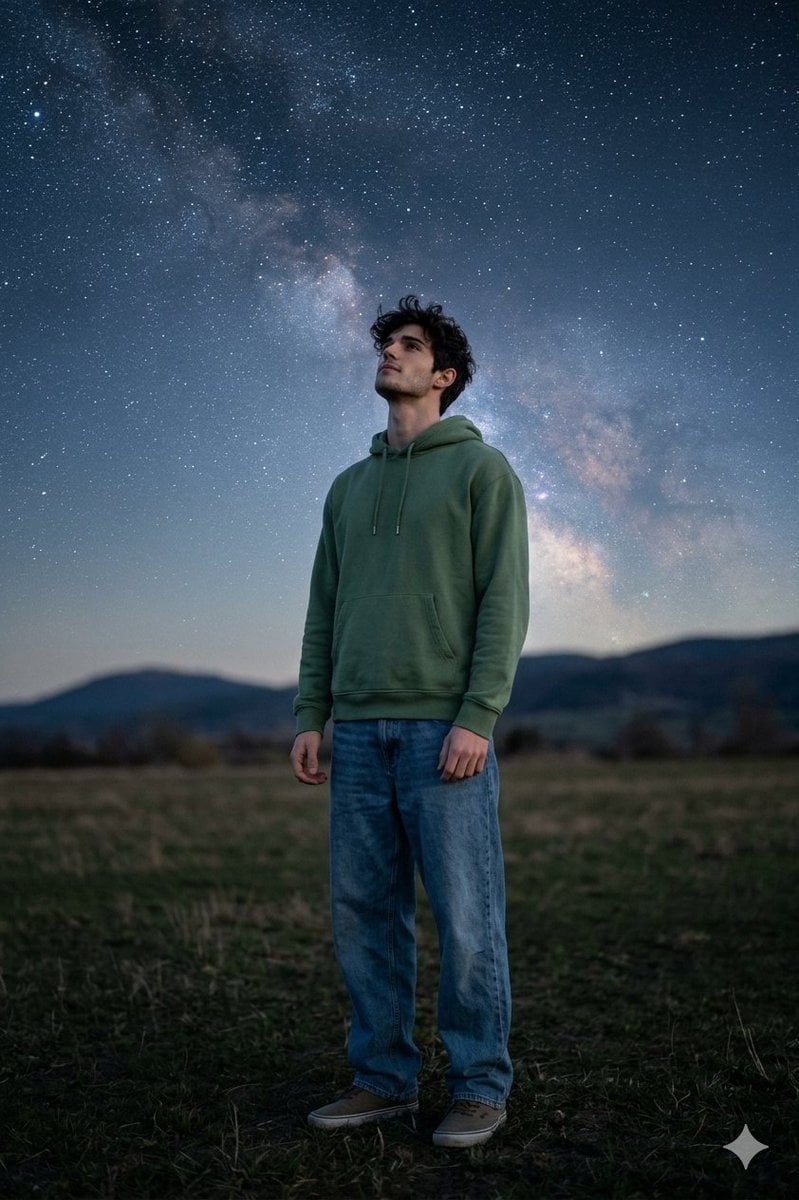
Man Under Starry Sky Cinematic Prompt
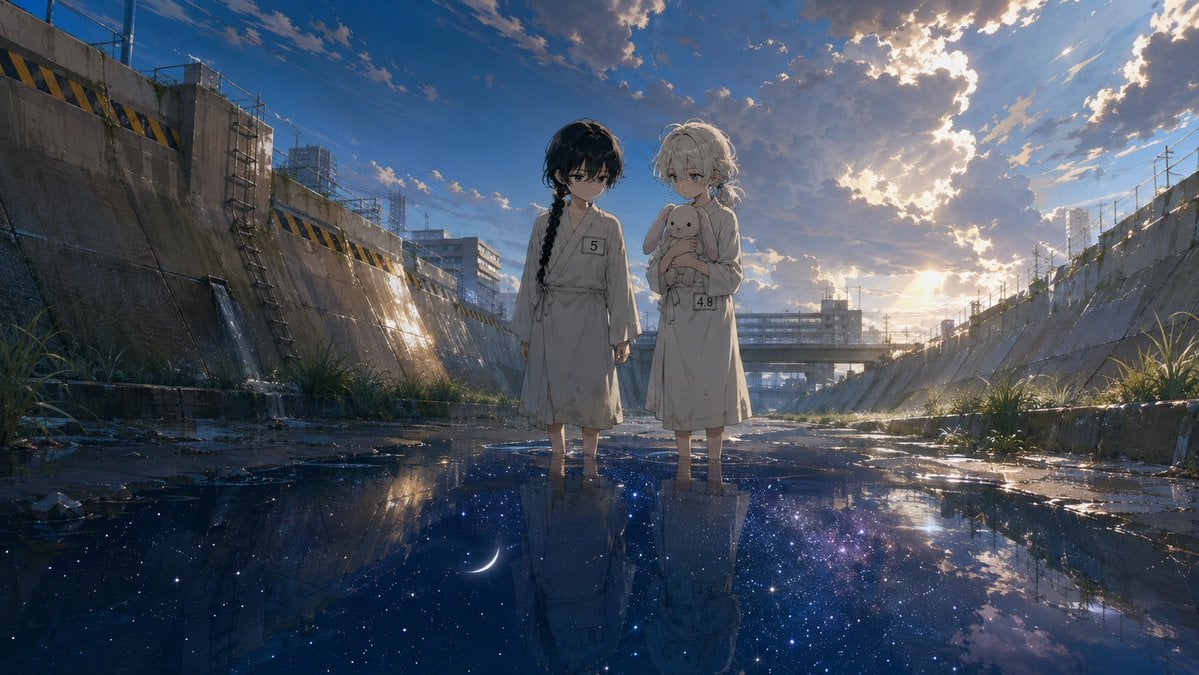
Anime Girls in Starry Flooded Canal

Teen Girl Alpine Lake Mountain View
Futuristic Starry Skyscraper Wallpaper
Tanabata Yukata Girl Portrait
Tanabata Manga Misunderstanding
Anime Blonde Under Blue Sky
Upside-Down Sky Schoolgirl
Anime Starry Night Sky with Custom Neon Text
Freedom in Motion — Cinematic Sprint
Celestial Goddess on Starry Pillar
Make it yours
Tanabata Girl Under Starry Sky works as-is. These are the safest ways to change it without losing the look.
Change one field
Copy a single group, rewrite it, and generate again so you can see what that field is doing.
Keep the frame, change the subject
Hold the composition and light of Tanabata Girl Under Starry Sky, then swap wardrobe, props or the person for a new take.
| If the result… | Why | Fix |
|---|---|---|
| The result drifts from the preview | Too many fields changed at once. | Reuse Tanabata Girl Under Starry Sky as-is first, then change one group — subject, light, or setting. |
| The model over-stylizes the scene | The prose prompt leaves finish and camera underspecified. | Add one camera or lighting sentence and stay on GPT Image 2. |
More GPT Image 2 templates
Other prompts made for GPT Image 2.

Six VTuber Japanese Logo Sheet

Realistic Portrait of Woman and Deer

The Vista Modular Condo Poster

AI Model Routing Comparison Infographic

2.5D Anime Art Board

Isometric Productivity Desk Scene

New York Double Exposure Poster

Four-Panel AI Landscape Comparison

Japanese Tatami Lifestyle Magazine Cover

NESCAFÉ Coffee Map Poster
More image prompts
Fresh picks from across the catalog.
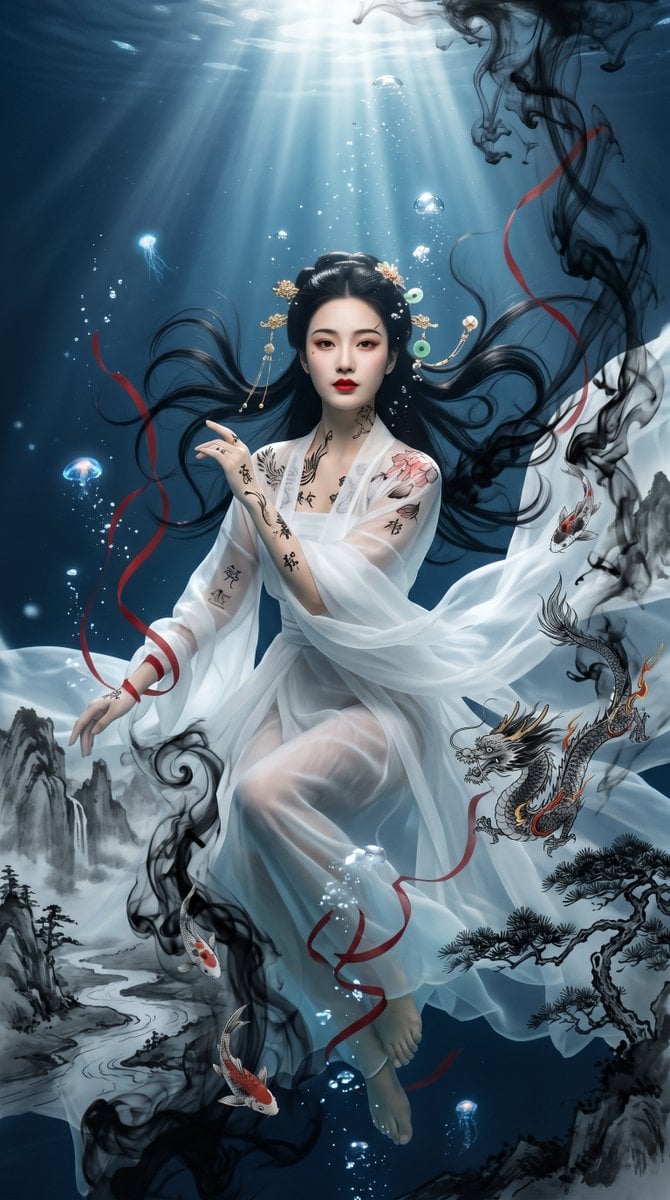
Underwater Chinese Ink Dreamscape Portrait
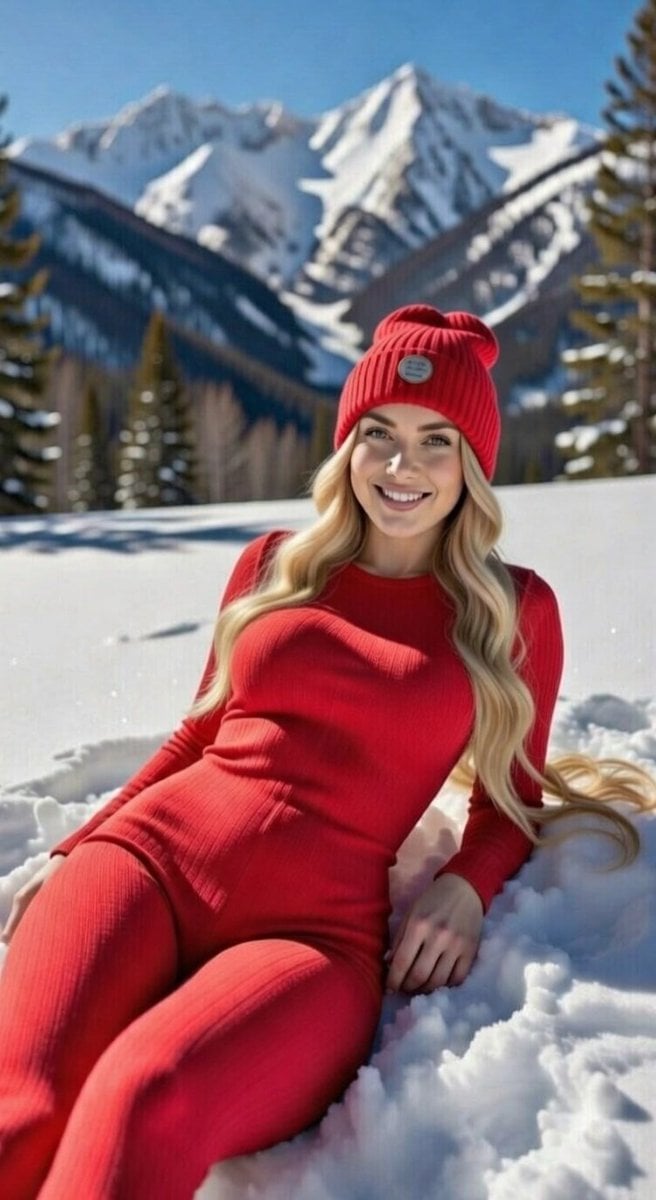
Blonde Woman in Red Bodysuit in Snow
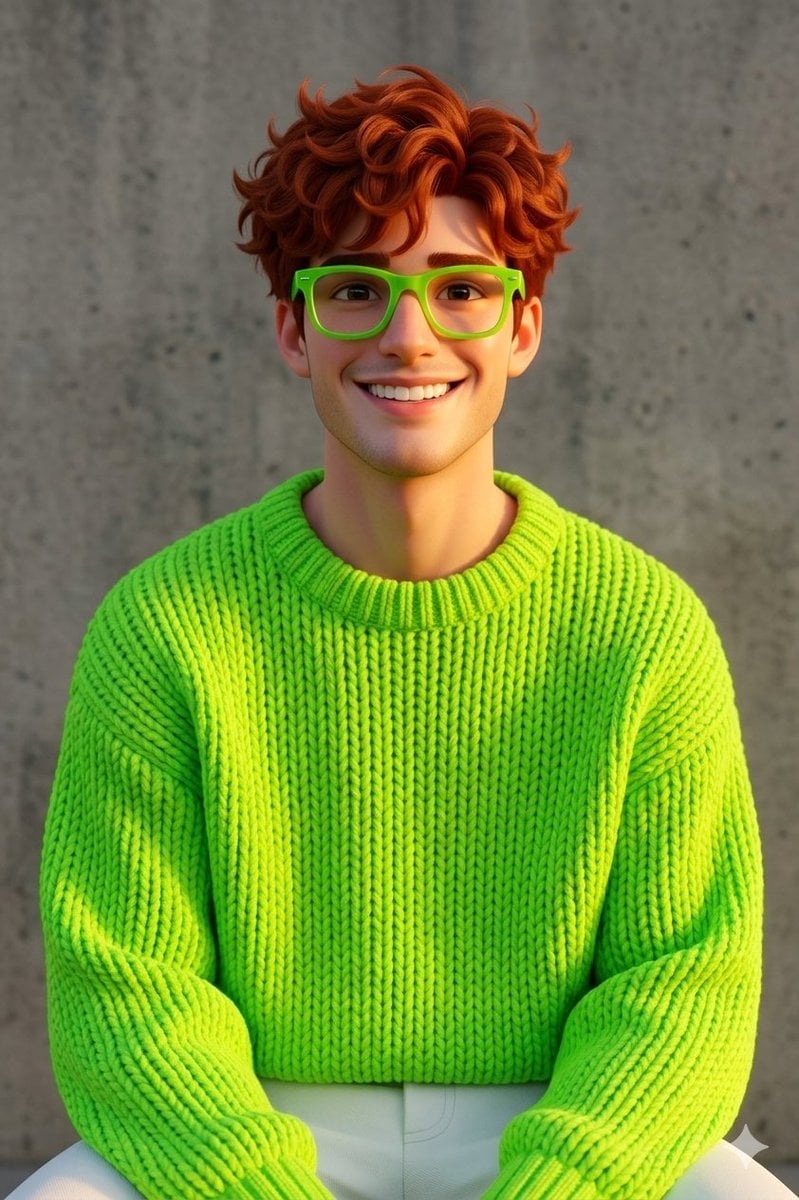
Disney-Pixar Style 3D Portrait of Man in Neon Sweater (Full)
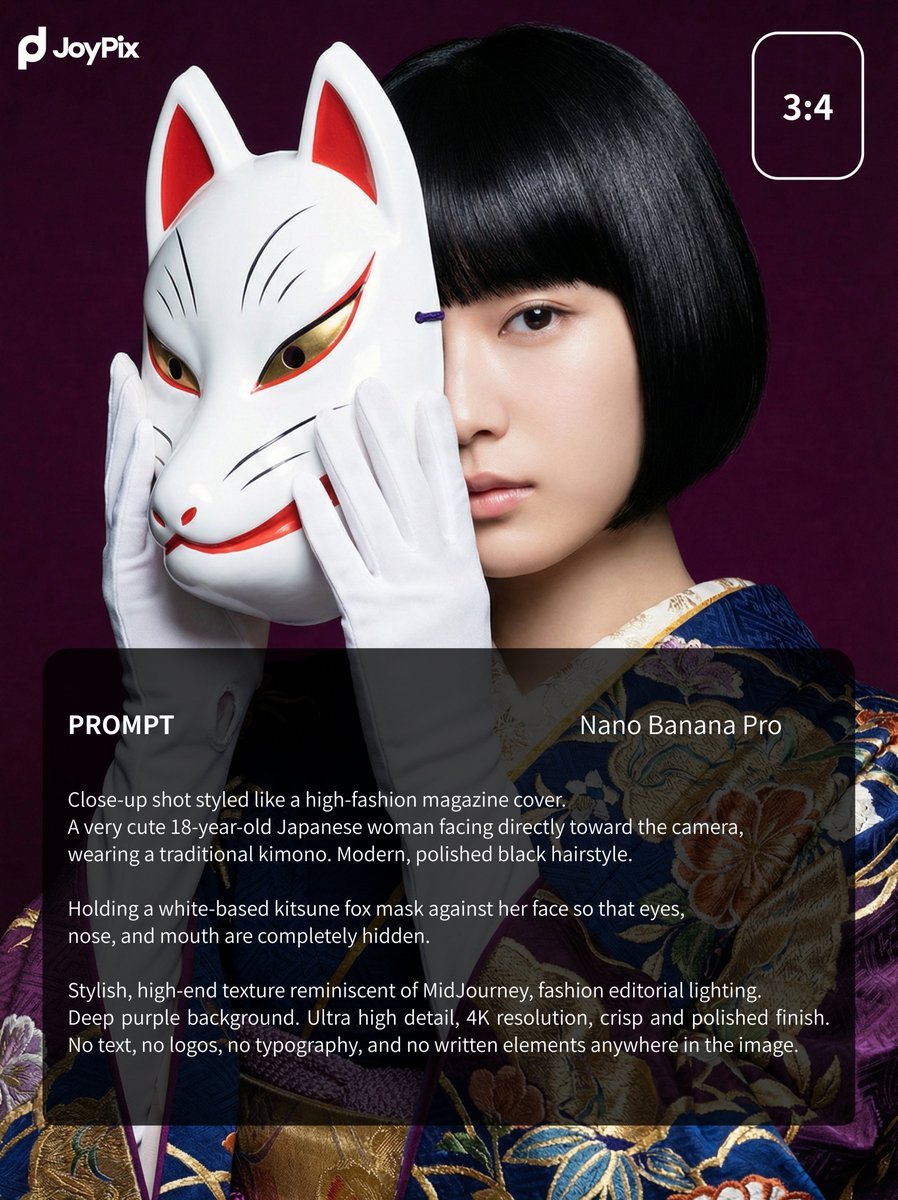
Japanese Style White Fox Goddess for JoyPix Brand
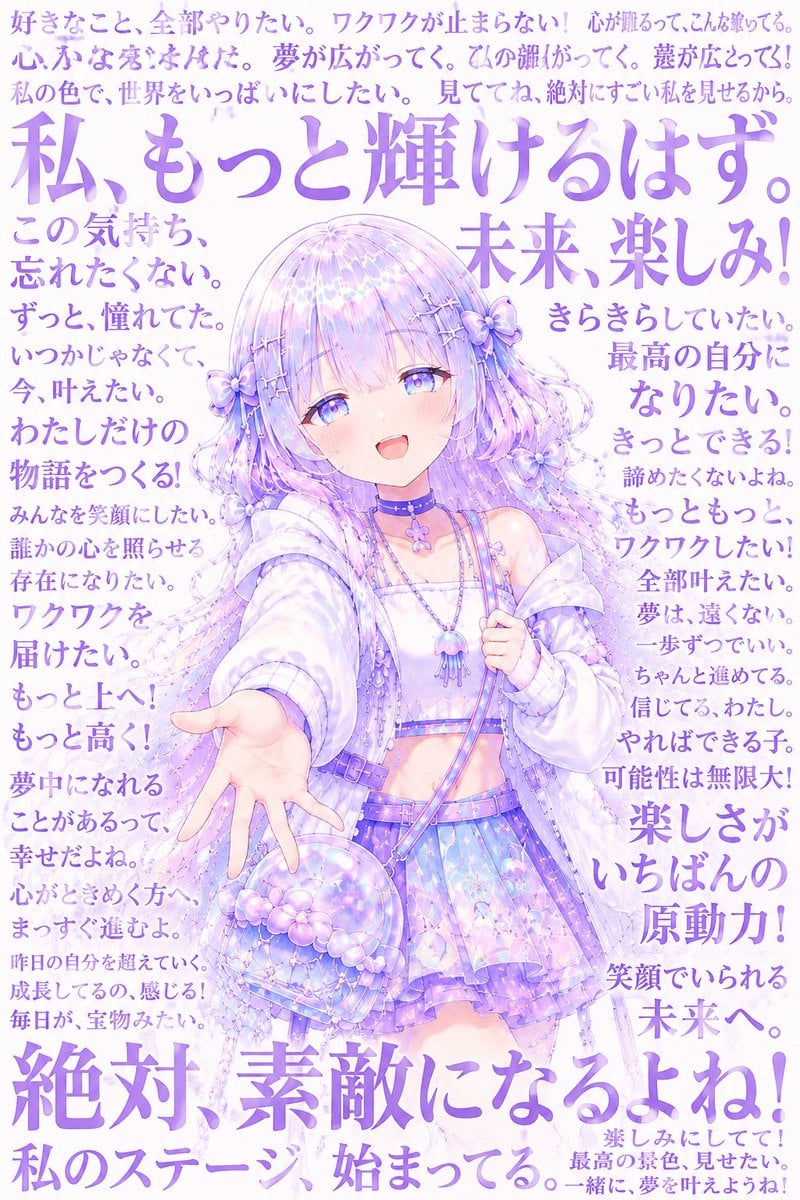
Pastel Anime Inner Monologue Poster
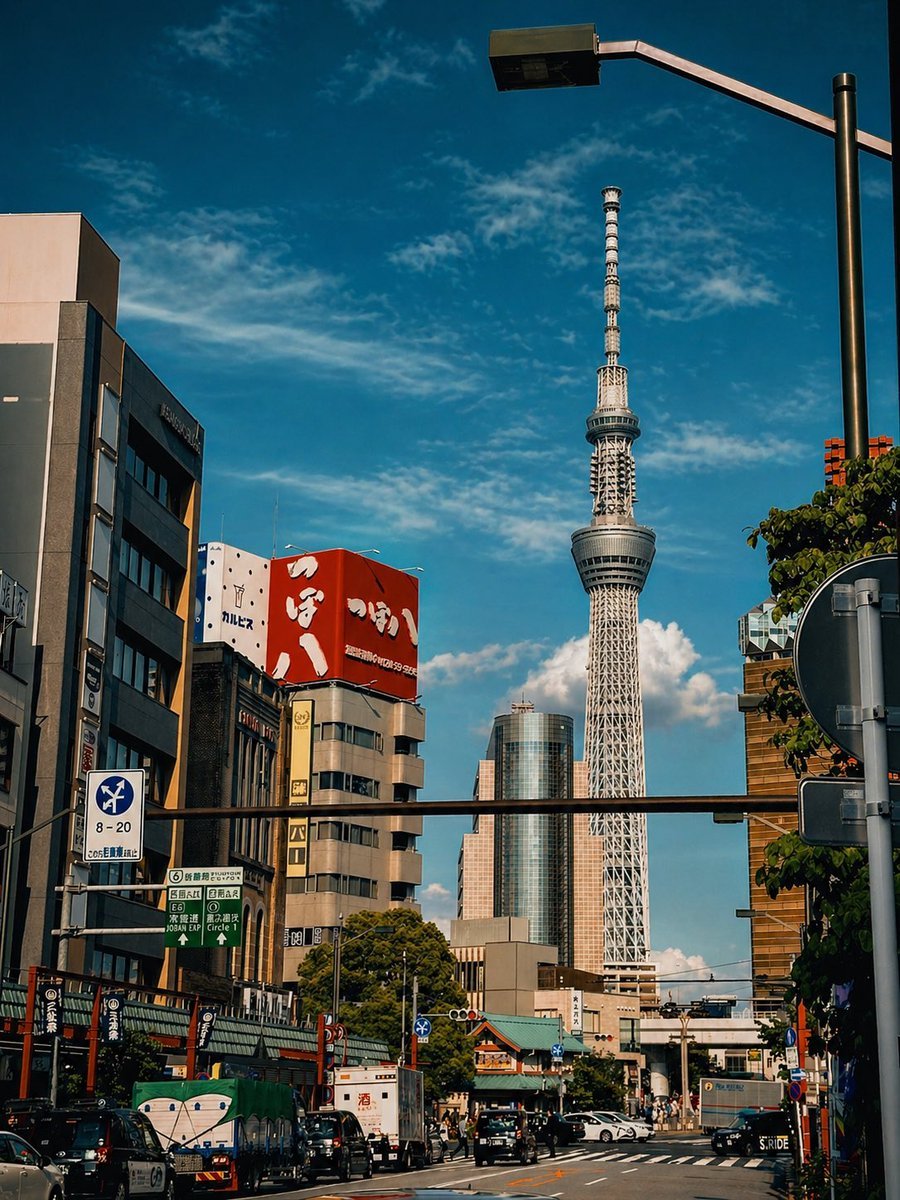
Cinematic Tokyo Street Color Grade
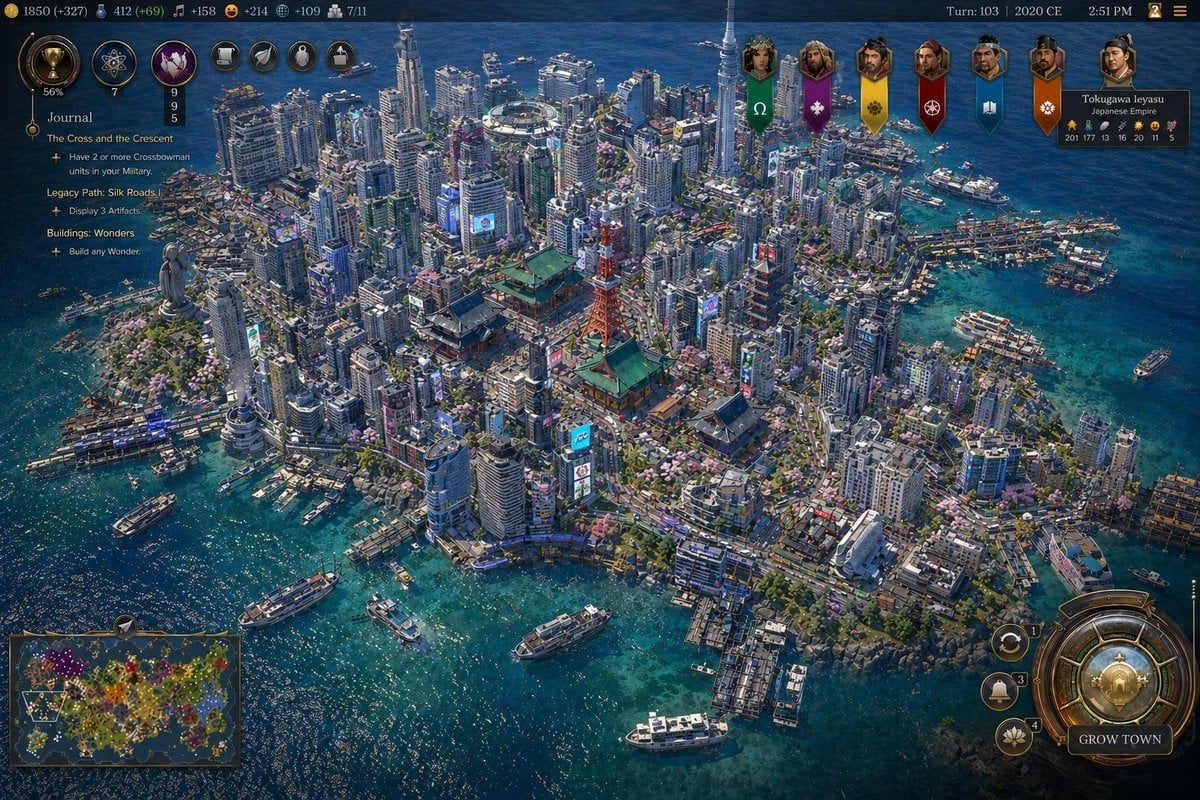
Civ-Style Tokyo Island Megacity Screenshot
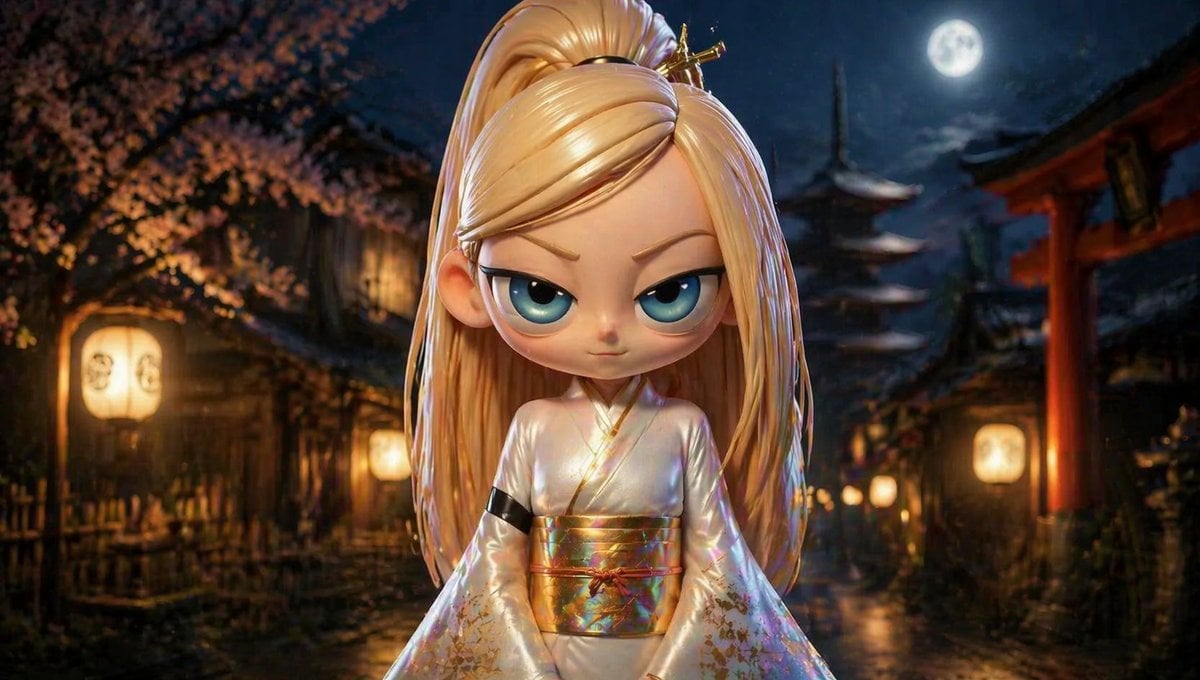
Character Consistency in Kyoto Setting
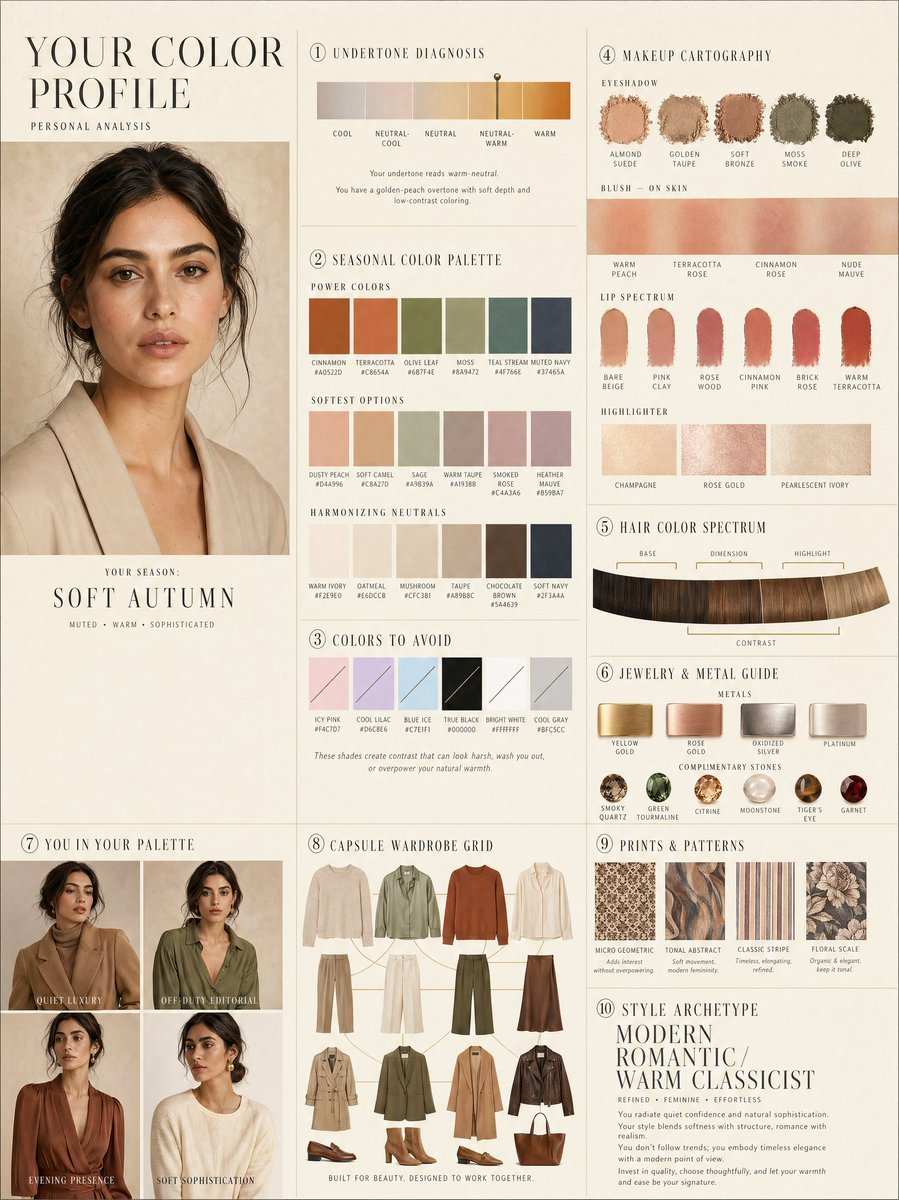
Luxury personal color profile layout

Cute 3d Stylized Runner in Clay Style
Browse template categories
Tanabata Girl Under Starry Sky questions
How do I use the Tanabata Girl Under Starry Sky template?
Add your photo if the template asks for one, edit the prompt if you like — the template's model and format are already selected — and press Generate. Your version opens in PicX Studio.
Can I customize the Tanabata Girl Under Starry Sky template?
Yes. You can change the subject, setting, lighting, mood, format, and available model controls before creating your image.
Is the Tanabata Girl Under Starry Sky template free?
Opening and editing this template is free. Generating uses credits, shown on the Generate button when you are signed in.
Which AI model should I use?
Start with GPT Image 2, which is the model associated with this template. You can compare another compatible model for a different finish.
Looking for something else? Browse all templates.

Your photo, any look
Thousands of ready templates for every top image and video model, from one credit balance.