
Tanabata Manga Misunderstanding
A vertical six-panel Japanese anime manga page about a blue-haired boy and gothic girl teasing each other over Tanabata wish strips.
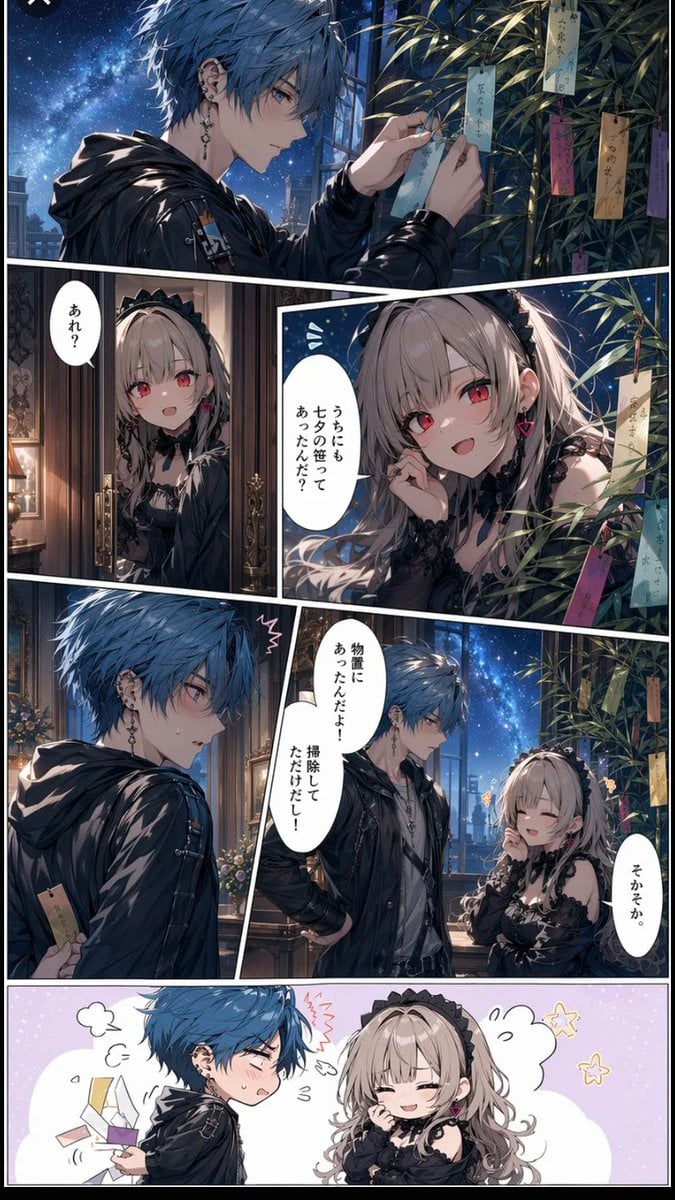
- Prompt included
- Model and format preset
- Premium template
The prompt behind this image
Copy the exact prompt behind Tanabata Manga Misunderstanding, or open it in the studio and make it yours.
Goal: Create a vertical Japanese manga page for Tanabata, romantic comedy tone, showing a misunderstanding about wish strips on a bamboo tree between two stylish anime characters. Canvas: Tall vertical comic page, approximately 2:3 aspect ratio, with clean white panel gutters and dynamic diagonal manga panel borders. Nighttime interior/exterior balcony setting with a deep blue starry sky and Milky Way visible through large windows. Highly polished modern anime illustration, detailed lighting, glossy shadows, cinematic blue moonlight mixed with warm indoor lamp light. Characters: Use two recurring characters consistently across all panels. The male lead is {argument name="male character description" default="a slim young man with messy short blue hair, pale skin, multiple earrings, a black glossy hooded jacket over dark streetwear, slightly cool but flustered expression"}. The female lead is {argument name="female character description" default="a petite young woman with long ash-blonde twin-tail hair, red eyes, black gothic lolita dress with lace, black headband, ribbon accessories, pink heart earrings, playful mischievous smile"}. Layout: Exactly 6 panels. Panel 1 is a wide top panel spanning the full page width. Panels 2 and 3 sit beneath it side by side, with panel 2 narrow on the left and panel 3 larger on the right. Panels 4 and 5 sit below, with panel 4 on the left showing the boy alone and panel 5 larger on the right showing both characters arguing near the bamboo. Panel 6 is a wide full-width chibi gag panel at the bottom with a pastel background. Panel details: 1. Wide top panel: The blue-haired boy stands by a bamboo branch covered with colorful Tanabata tanzaku wish papers, carefully tying or checking a light-blue strip. Starry night sky fills the left background, bamboo leaves and hanging wish strips fill the right. Include about 7 visible hanging wish strips in blue, yellow, pink, purple, and tan. 2. Middle-left panel: The gothic girl peeks through ornate double doors from a warmly lit room, surprised and curious. Add one vertical speech bubble saying {argument name="girl surprised line" default="あれ?"}. 3. Middle-right panel: Close-up of the girl beside bamboo leaves and tanzaku, smiling teasingly with red eyes bright, one hand near her ear. Add one vertical speech bubble saying {argument name="girl teasing line" default="うちにもユタの笹ってあったんだ?"}. Show about 5 colorful wish strips hanging around her. 4. Lower-left panel: The boy turns back in embarrassment, holding a tan wish strip partly hidden behind him, sweat drop and startled manga mark above his head. No large dialogue needed. 5. Lower-right panel: The boy and girl face each other indoors near the balcony and bamboo. The boy looks defensive with one hand on his hip, the girl smiles with eyes closed, teasing him. Add two speech bubbles: boy says {argument name="boy excuse line" default="物置にあったんだよ!掃除してただけだし!"}; girl says "そかそか". 6. Bottom full-width chibi panel: Simplified cute chibi versions on a pale lavender dotted background. The boy is flustered, blushing and puffing, holding several rectangular tanzaku papers that fly from his hands; the girl giggles with eyes closed and hand near mouth. Add small cartoon steam puffs, sparkle stars, and motion marks. Exactly 5 loose tanzaku papers should be visible in this gag panel. Text and lettering: Use Japanese manga-style vertical speech bubbles with clean black text on white bubbles. Keep the visible dialogue exactly as specified. Do not add extra narration boxes or sound effects beyond small decorative emotion marks. Visual style: Premium glossy anime manga rendering, detailed hair strands, delicate faces, high contrast moonlit atmosphere, elegant gothic fashion, romantic Tanabata decorations, expressive comedy beats, crisp white gutters, no watermark, no logo.
How to use Tanabata Manga Misunderstanding in 3 steps
- 1Upload ImagePNG, JPG or paste
Add your photo
Upload the photo the template builds on. The prompt, model and format are already set.
- 2…a portrait of your subject in softgolden-hour light, 85mm…
Personalize
Edit the subject and creative details for your destination.
- 3Generate
Generate
Press Generate — your image is created in PicX Studio, so you can compare it with the original and refine one variable at a time.
More like this
Templates with the same subject, style or setup. Open one to see its prompt.
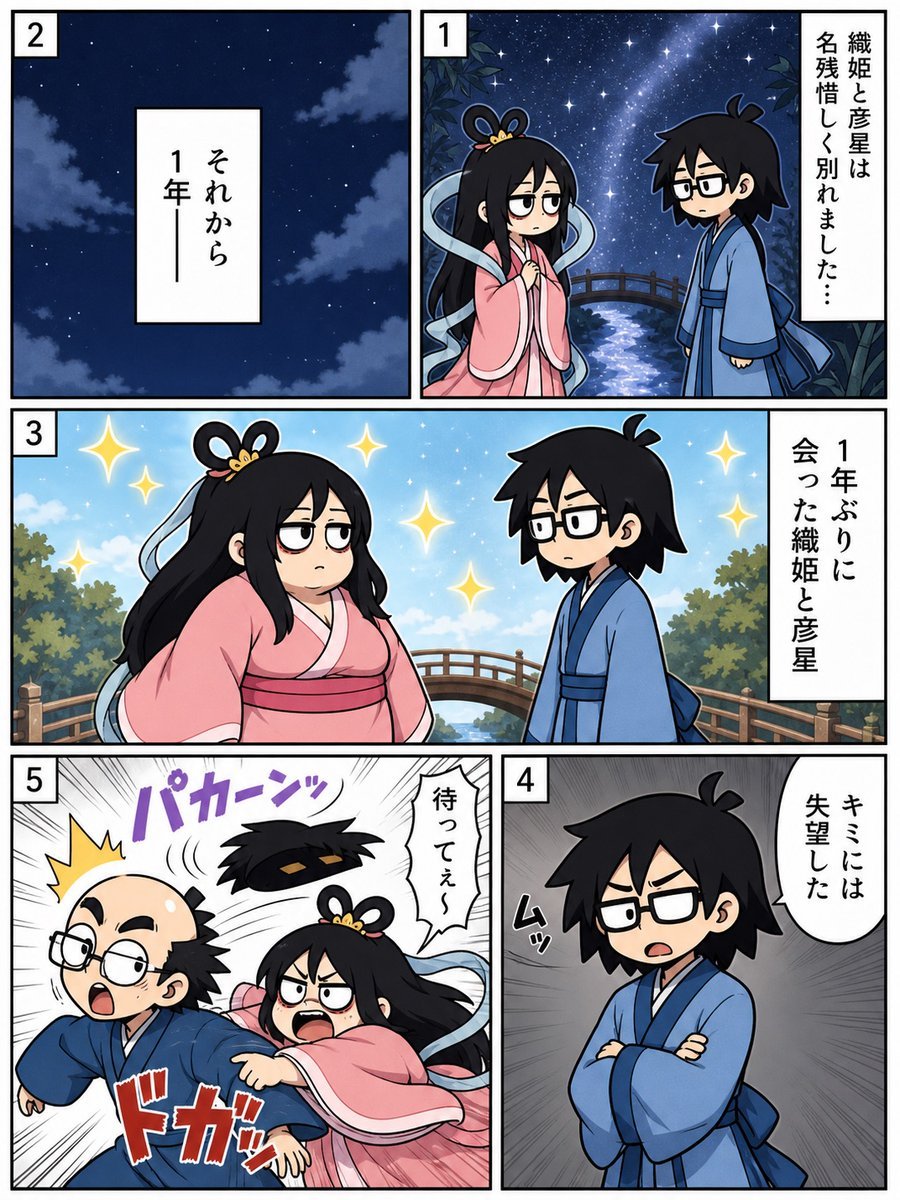
Tanabata Reunion Manga Page
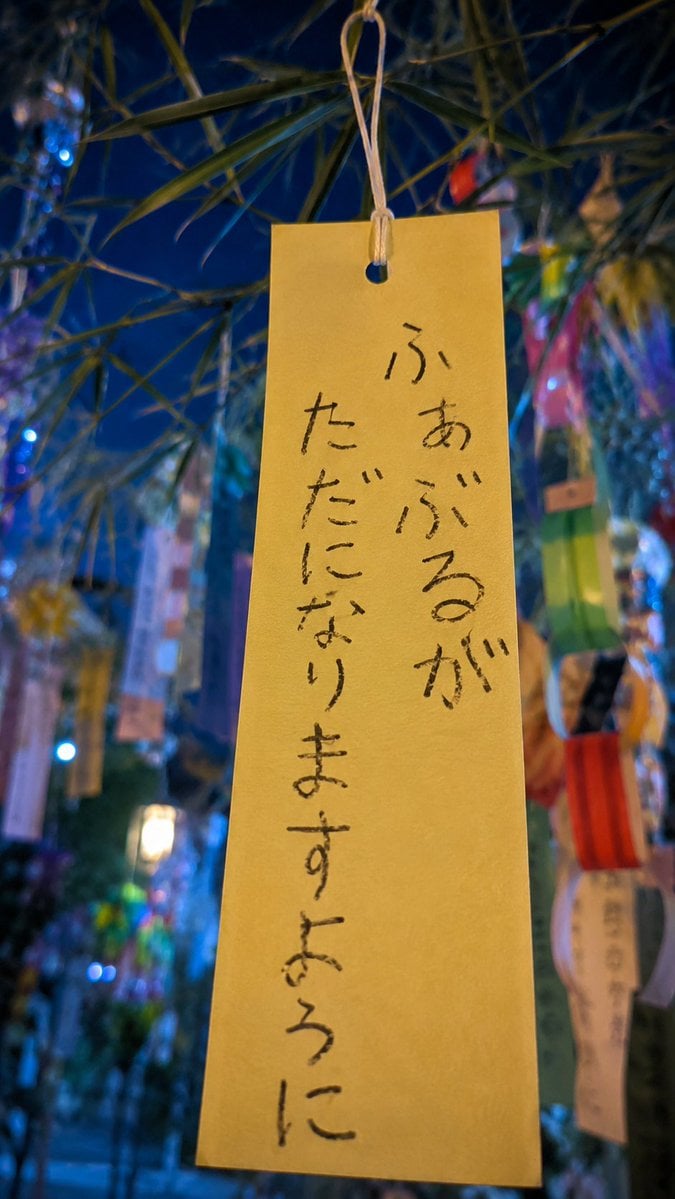
Tanabata Wish Strip Photography
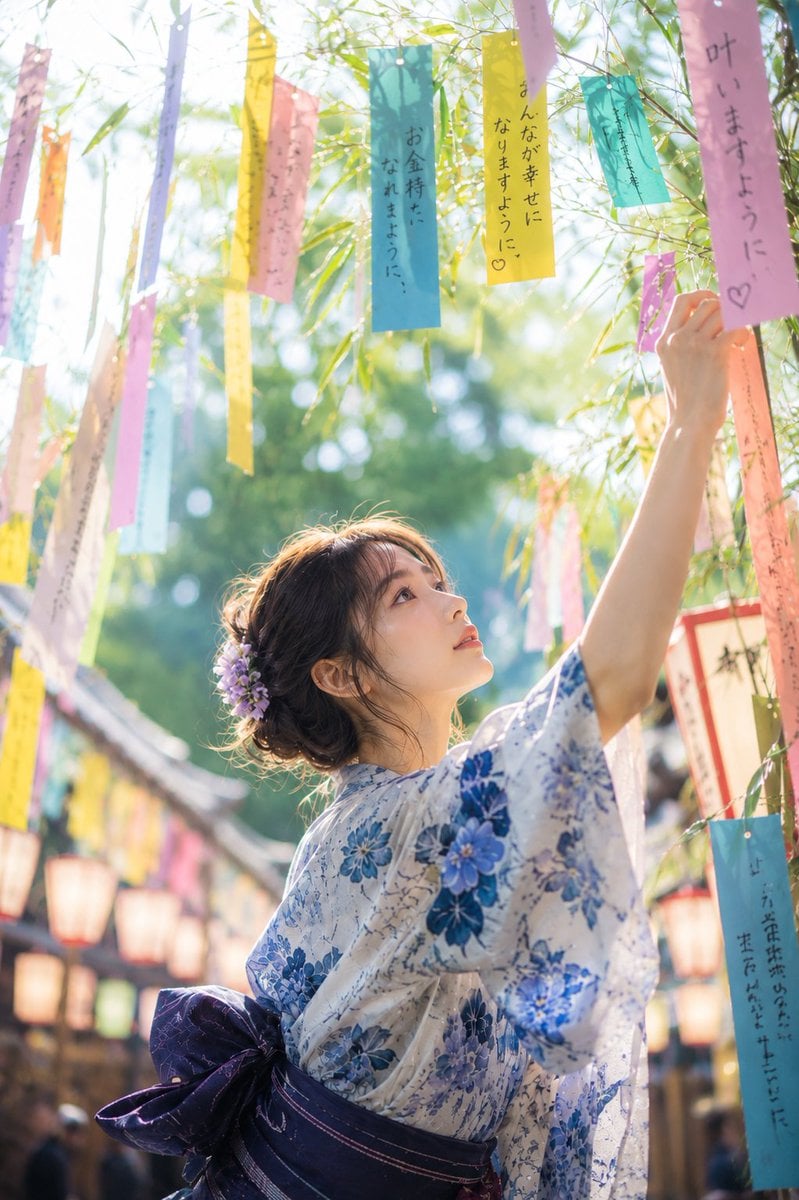
Tanabata Japanese Woman Illustration
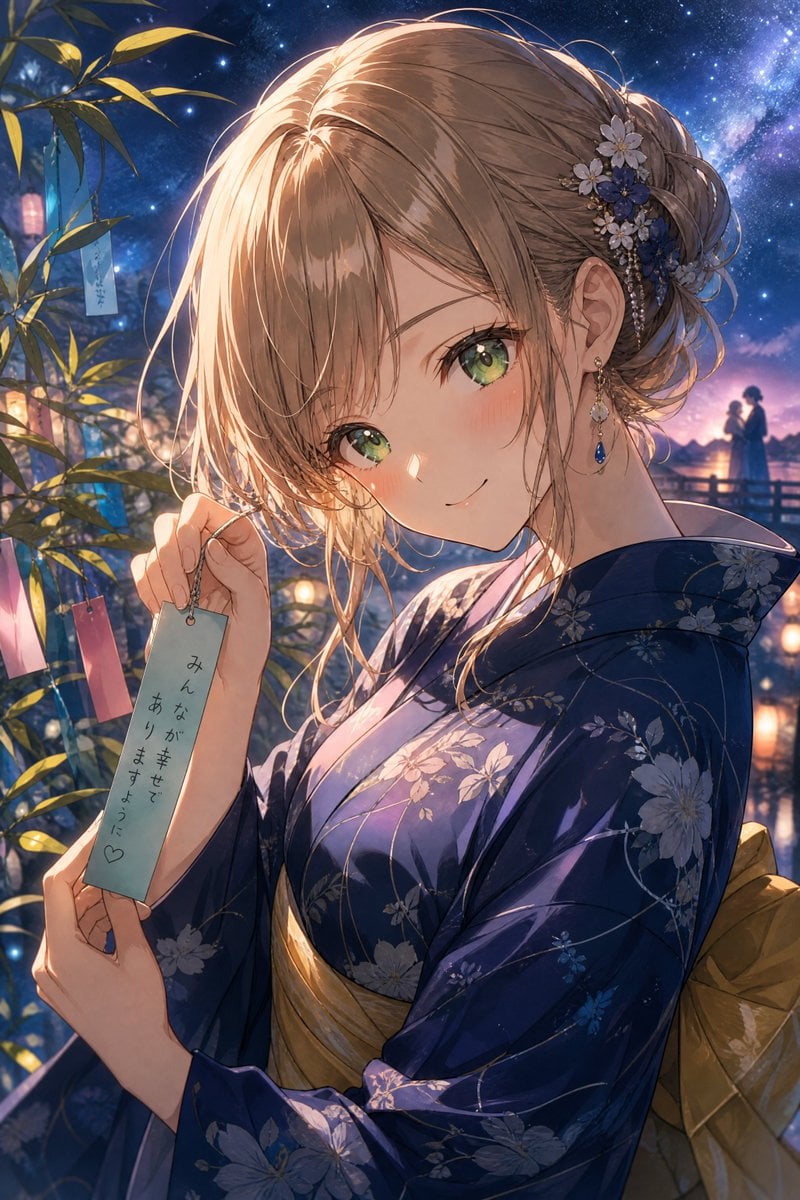
Tanabata Yukata Anime Portrait
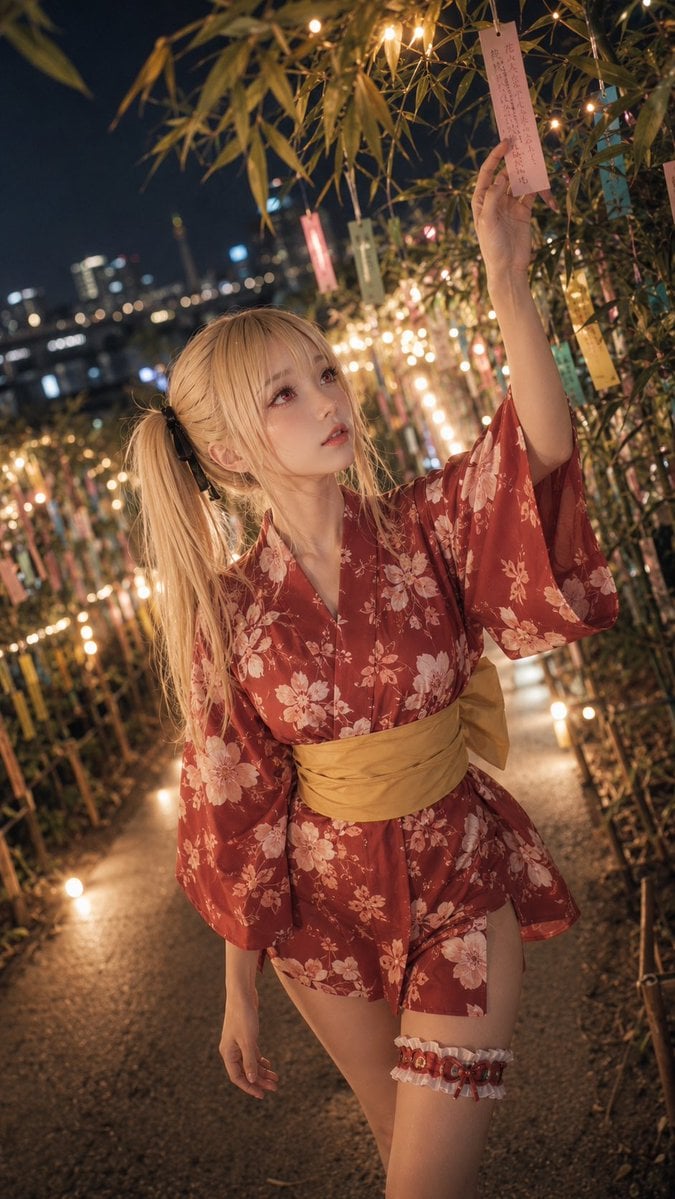
Tanabata Yukata Girl Portrait
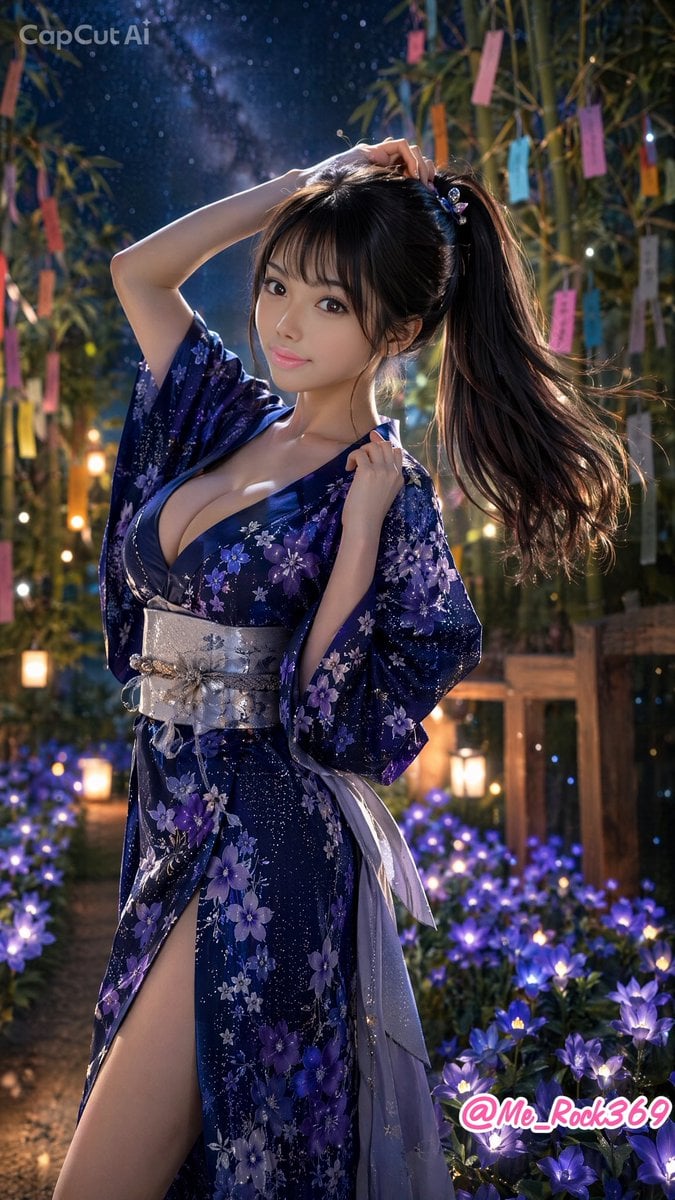
Tanabata Ponytail Yukata Portrait
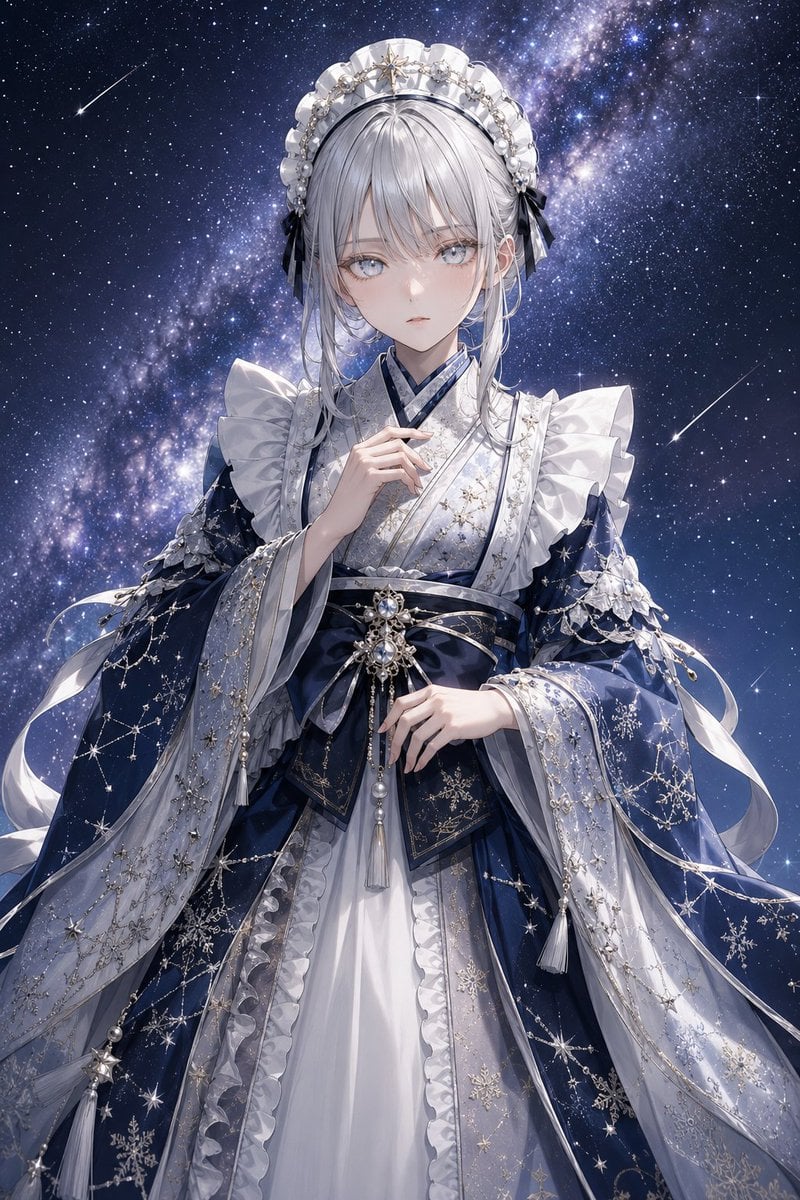
Celestial Tanabata Orihime Maid
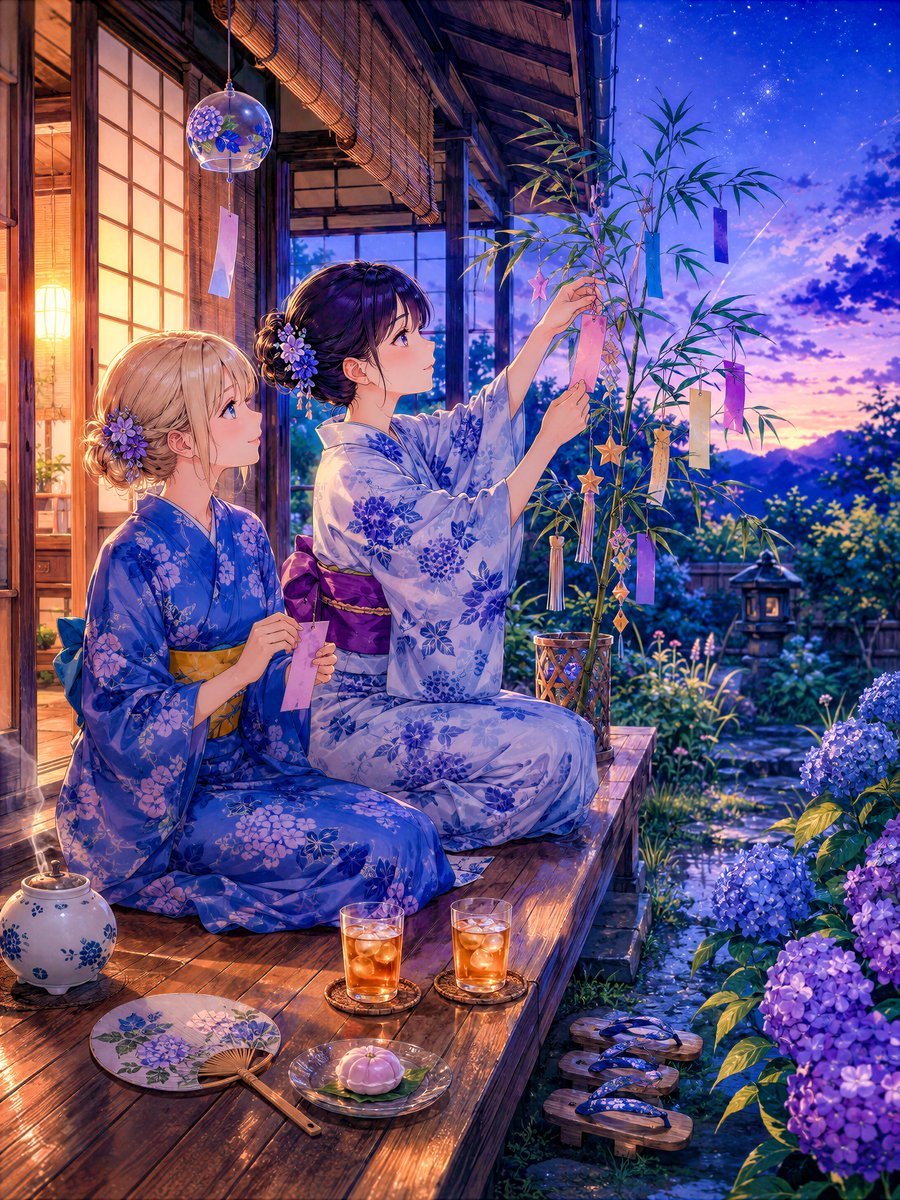
Tanabata Veranda Anime Scene
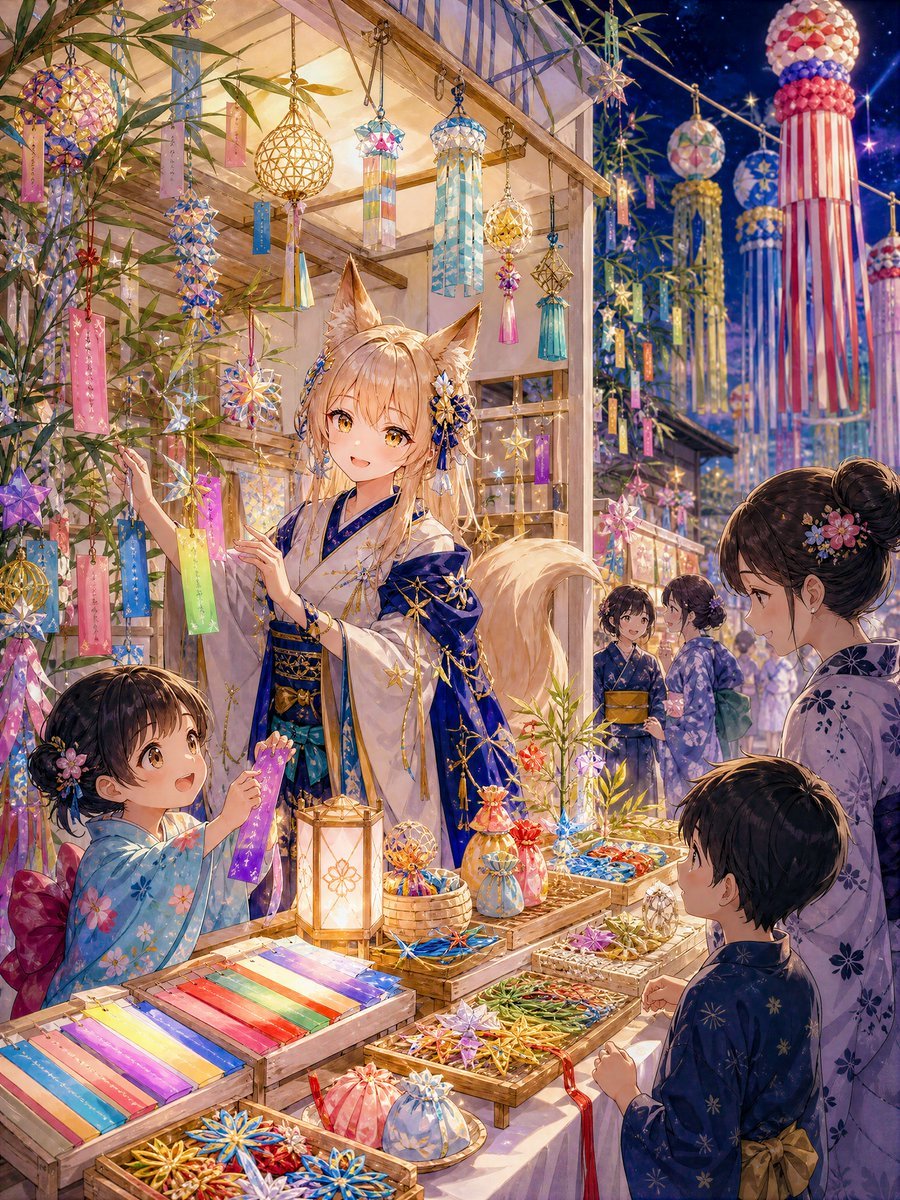
Fox Artisan Tanabata Stall

Tanabata Girl Under Starry Sky
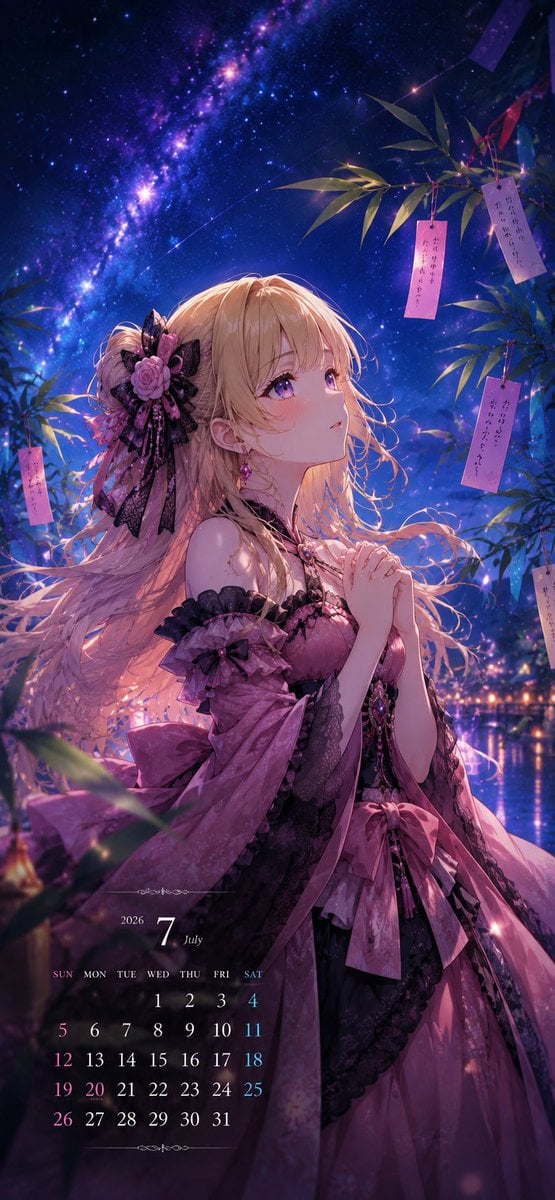
Tanabata Anime July Calendar
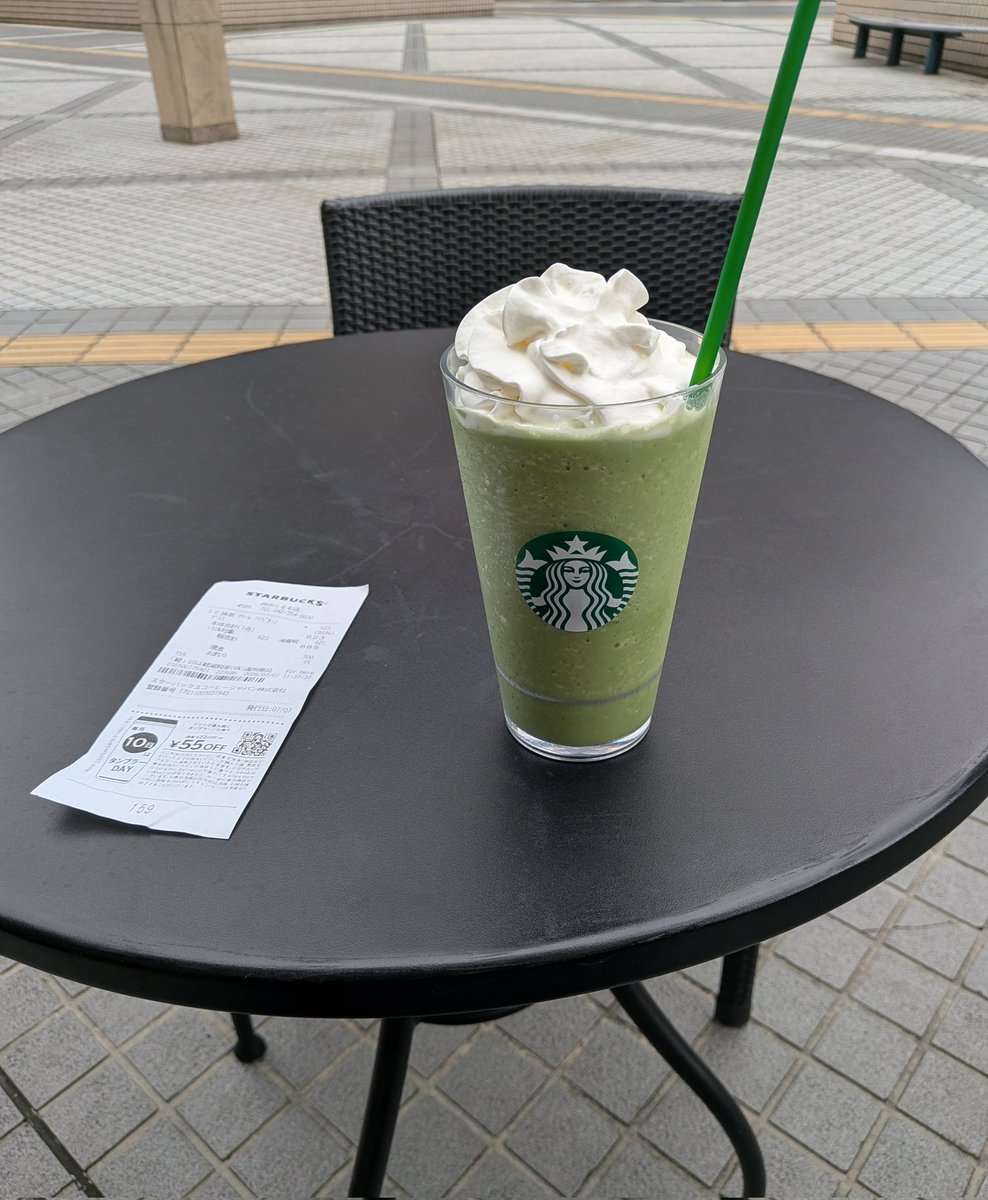
Starbucks Tanabata Celebration
Make it yours
Tanabata Manga Misunderstanding works as-is. These are the safest ways to change it without losing the look.
Change one field
Copy a single group, rewrite it, and generate again so you can see what that field is doing.
Keep the frame, change the subject
Hold the composition and light of Tanabata Manga Misunderstanding, then swap wardrobe, props or the person for a new take.
| If the result… | Why | Fix |
|---|---|---|
| The result drifts from the preview | Too many fields changed at once. | Reuse Tanabata Manga Misunderstanding as-is first, then change one group — subject, light, or setting. |
| The model over-stylizes the scene | The prose prompt leaves finish and camera underspecified. | Add one camera or lighting sentence and stay on GPT Image 2. |
More GPT Image 2 templates
Other prompts made for GPT Image 2.

Six VTuber Japanese Logo Sheet

Realistic Portrait of Woman and Deer

The Vista Modular Condo Poster

AI Model Routing Comparison Infographic

2.5D Anime Art Board

Isometric Productivity Desk Scene

New York Double Exposure Poster

Four-Panel AI Landscape Comparison

Japanese Tatami Lifestyle Magazine Cover

NESCAFÉ Coffee Map Poster
More image prompts
Fresh picks from across the catalog.
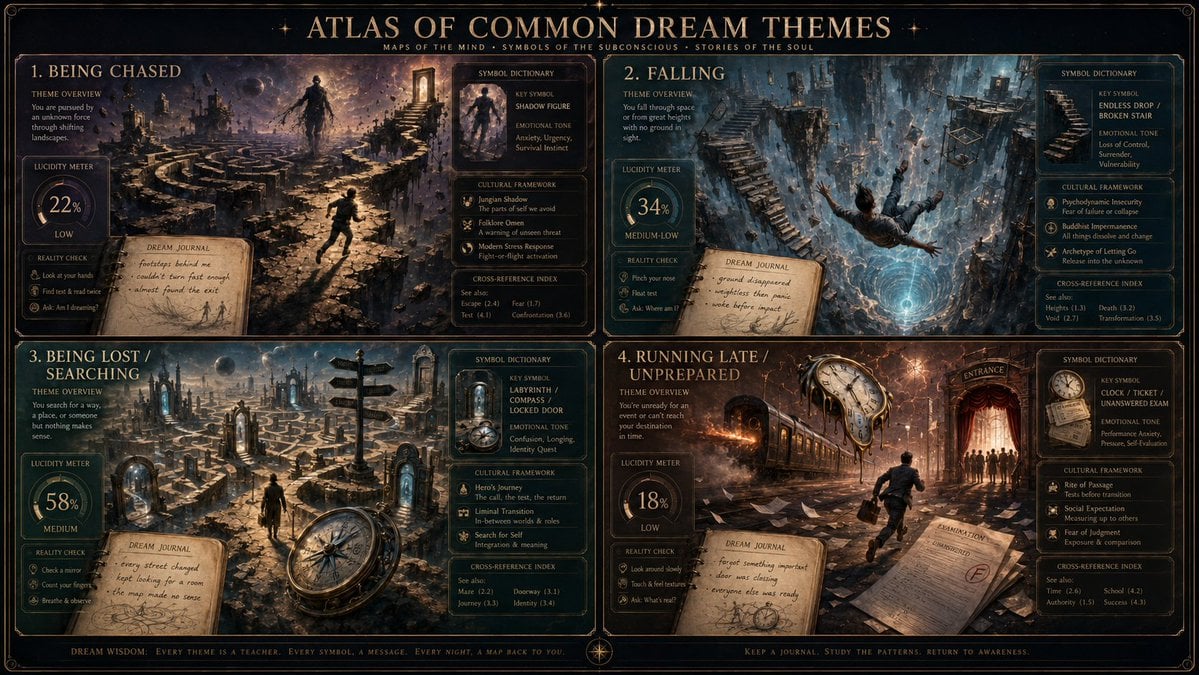
Dream Interpreter Terrain Map
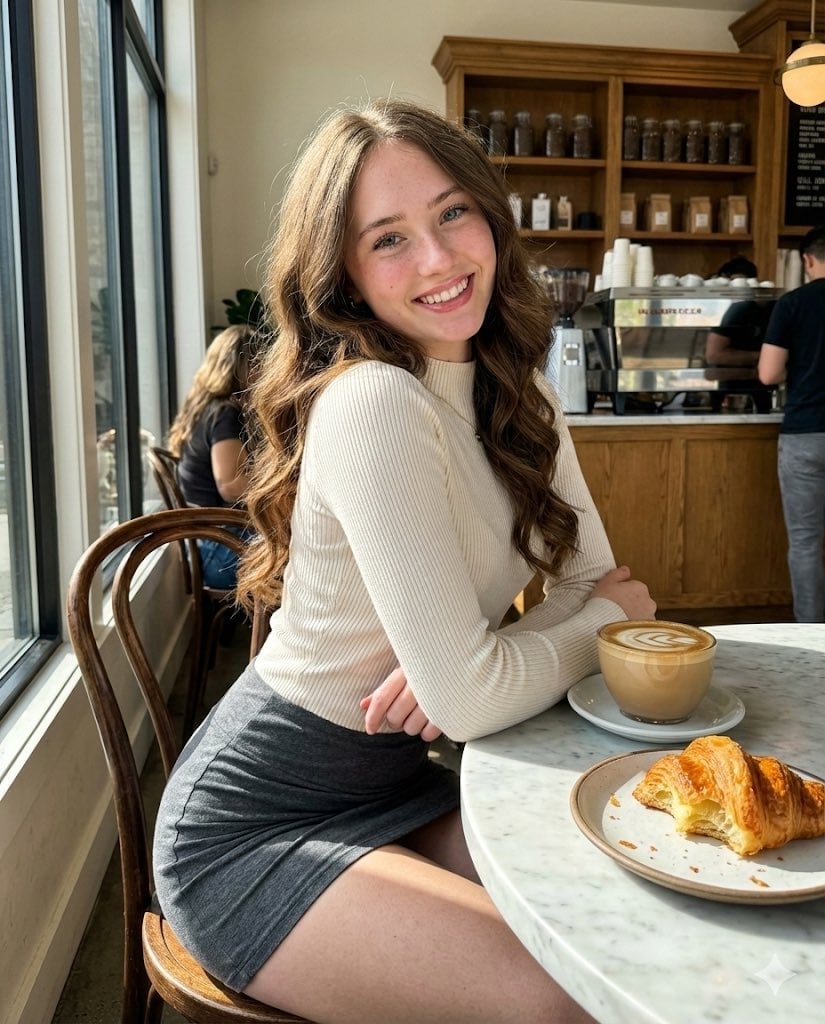
High-Fidelity Candid Café Portrait with Sharp Focus
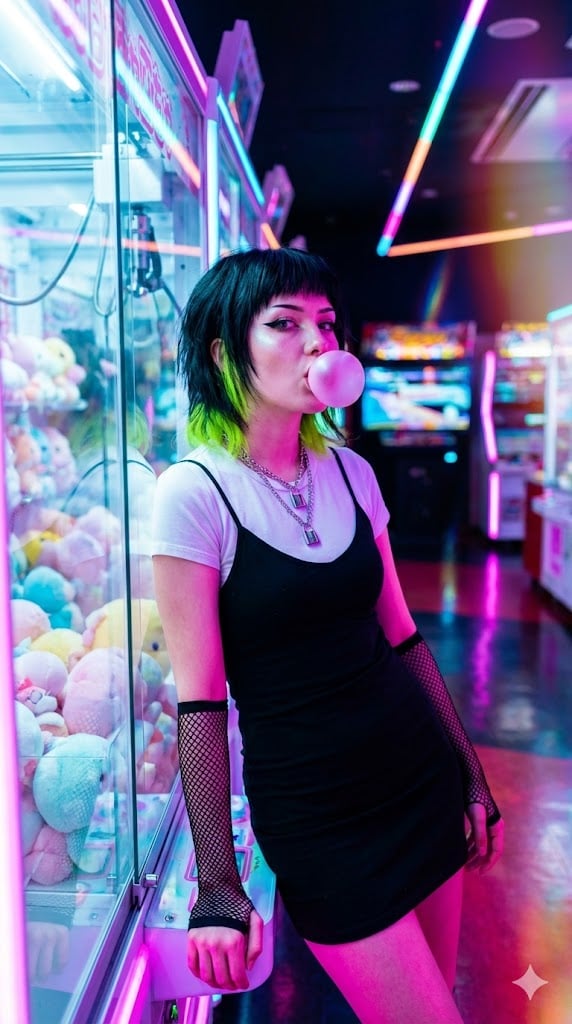
Cyber-Pop E-Girl in Neon Arcade

Cinematic Editorial Portrait of a Podcast Host

Cinematic Action Photo and Video Prompt (Woman and Chimpanzee on Motorcycle)
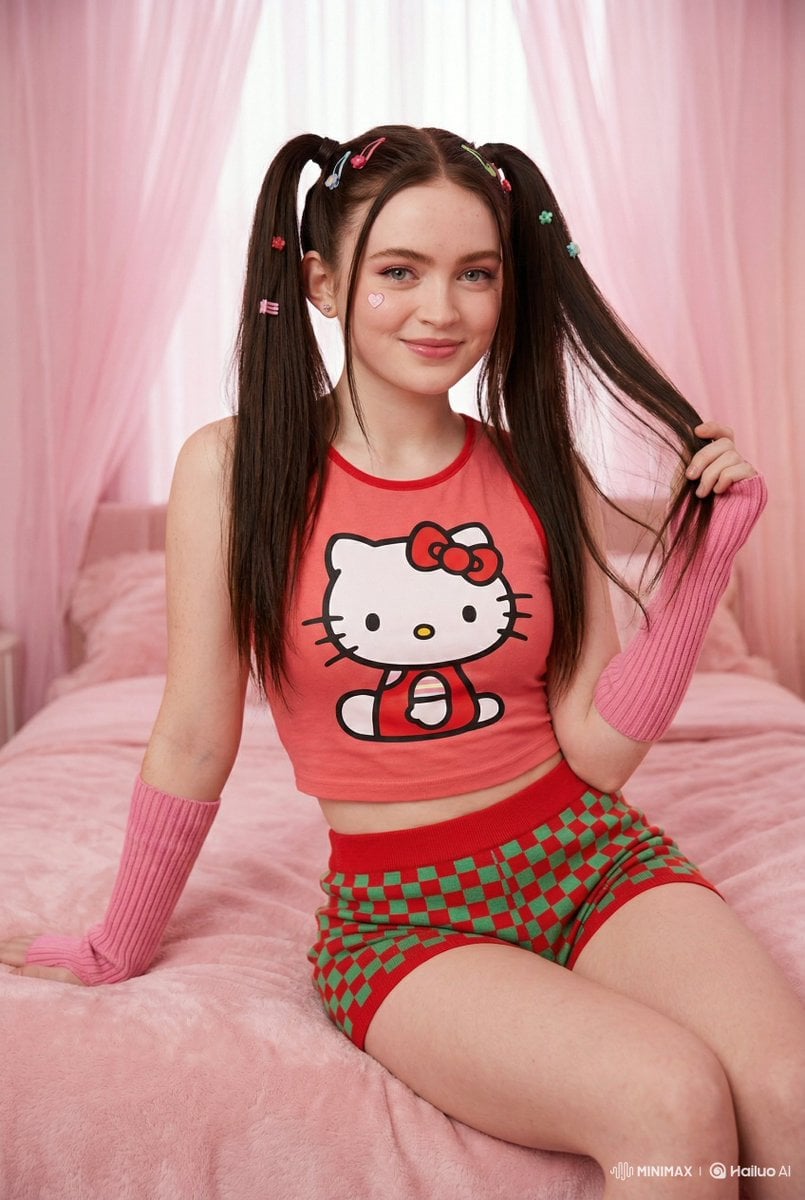
Kawaii-Inspired Cozy Bedroom Portrait
Laser-Cut Paper City Sculpture
Romantic Valentine's Day Influencer Portrait
Photorealistic Street Portrait with Bokeh Background
Ultra-Realistic Winter Fashion Portrait
Browse template categories
Tanabata Manga Misunderstanding questions
How do I use the Tanabata Manga Misunderstanding template?
Add your photo if the template asks for one, edit the prompt if you like — the template's model and format are already selected — and press Generate. Your version opens in PicX Studio.
Can I customize the Tanabata Manga Misunderstanding template?
Yes. You can change the subject, setting, lighting, mood, format, and available model controls before creating your image.
Is the Tanabata Manga Misunderstanding template free?
Opening and editing this template is free. Generating uses credits, shown on the Generate button when you are signed in.
Which AI model should I use?
Start with GPT Image 2, which is the model associated with this template. You can compare another compatible model for a different finish.
Looking for something else? Browse all templates.

Your photo, any look
Thousands of ready templates for every top image and video model, from one credit balance.