
Celestial Tanabata Orihime Maid
A detailed prompt for generating an elegant anime Tanabata portrait of a silver-haired maiden in a celestial kimono-maid outfit beneath the Milky Way.
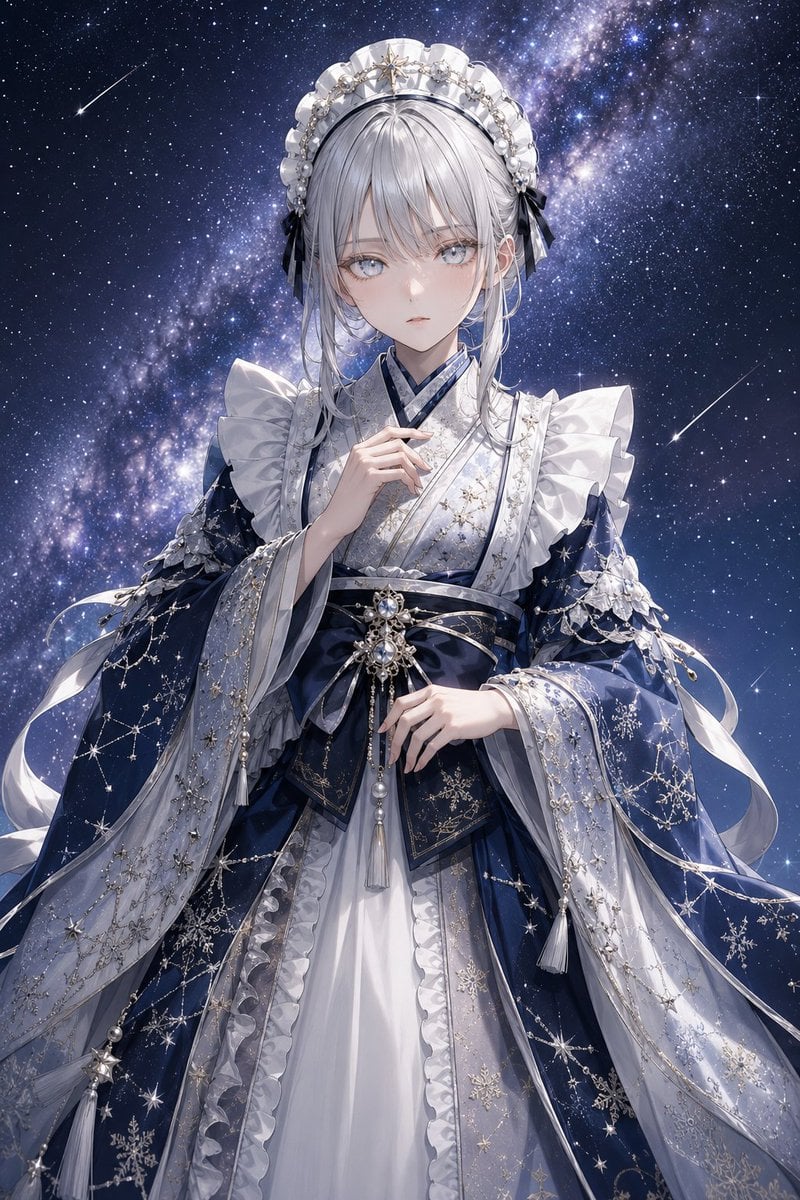
- Prompt included
- Model and format preset
- Free template
The prompt behind this image
Copy the exact prompt behind Celestial Tanabata Orihime Maid, or open it in the studio and make it yours.
Create a highly detailed vertical anime fantasy portrait of {argument name="character name" default="a silver-haired maiden"} dressed as Orihime for Tanabata, blending a white maid aesthetic with an ornate celestial kimono. She stands centered from upper thighs upward against a deep midnight-blue Milky Way sky filled with dense stars, two visible shooting stars, and a luminous diagonal galaxy band behind her. The character is a delicate young woman with pale skin, large cool gray-blue eyes, a calm slightly wistful expression, and long {argument name="hair color" default="silver-white"} hair with soft bangs and loose side strands. She wears an elaborate white maid headdress shaped like a ruffled crescent crown, decorated with pearls, silver ornaments, tiny star motifs, and small black ribbon bows at both sides. Her outfit is a layered white and navy kimono-maid dress: white inner kimono collar, dark navy cross-collar accents, broad ruffled shoulder sleeves, translucent flowing outer sleeves, and a dark obi belt with jeweled star brooches, pearl chains, tassels, and ribbon loops. Cover the fabric with intricate silver and gold constellation embroidery, snowflake-like star patterns, fine bead chains, pearl drops, and delicate lace ruffles. Include exactly four prominent hanging tassels: one long white tassel from the central obi ornament, one tassel on the left sleeve edge, one tassel on the right sleeve edge, and one tassel near the lower left drape. Her right hand is raised gently near her collar, while her left hand rests lightly in front of the obi. Use a refined Japanese light-novel illustration style, ethereal lighting, shimmering highlights, crisp linework, soft skin rendering, luminous fabric textures, and an elegant cool palette of {argument name="main palette" default="navy blue, silver, white, and pearl gray"}. No text, no watermark, no modern objects, and keep the composition graceful, symmetrical, and richly ornamented.
How to use Celestial Tanabata Orihime Maid in 3 steps
- 1Upload ImagePNG, JPG or paste
Add your photo
Upload the photo the template builds on. The prompt, model and format are already set.
- 2…a portrait of your subject in softgolden-hour light, 85mm…
Personalize
Edit the subject and creative details for your destination.
- 3Generate
Generate
Press Generate — your image is created in PicX Studio, so you can compare it with the original and refine one variable at a time.
More like this
Templates with the same subject, style or setup. Open one to see its prompt.

Celestial Sakura Kimono Maiden

Anime Fantasy Celestial Movie Poster
Anime Fantasy Celestial Movie Poster

Anime Elf Maid Turnaround Sheet
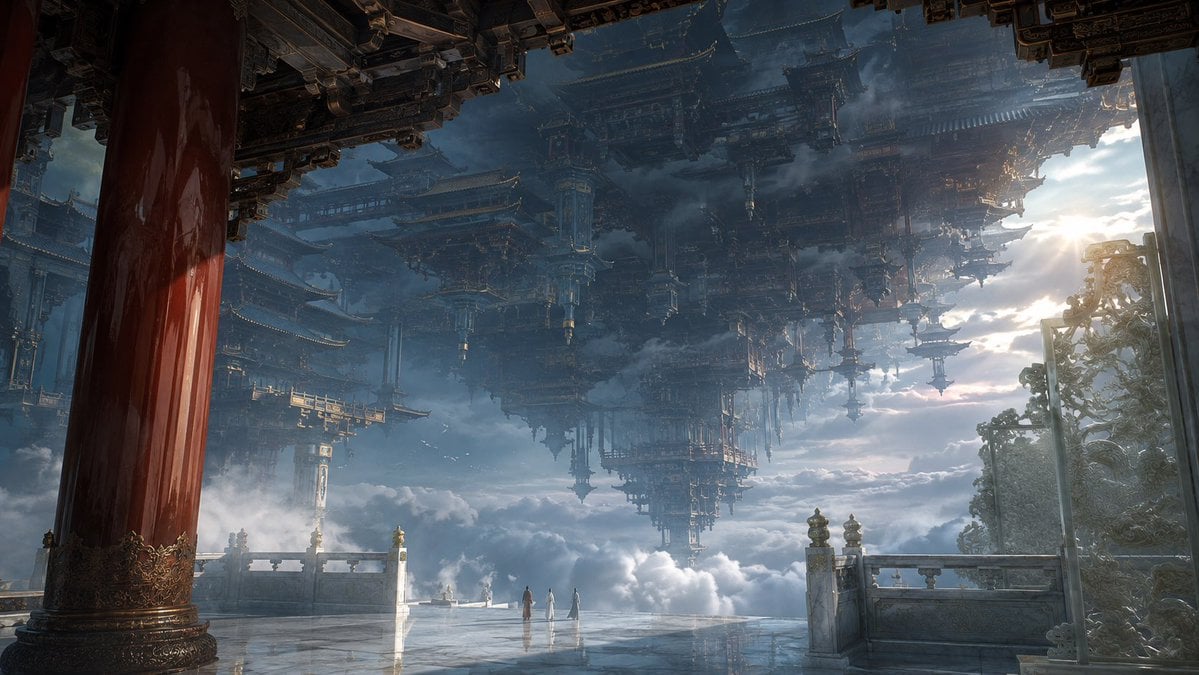
Celestial Inverted Oriental Palace

Oriental Fantasy Celestial Realm

Celestial Jade Palace Lake
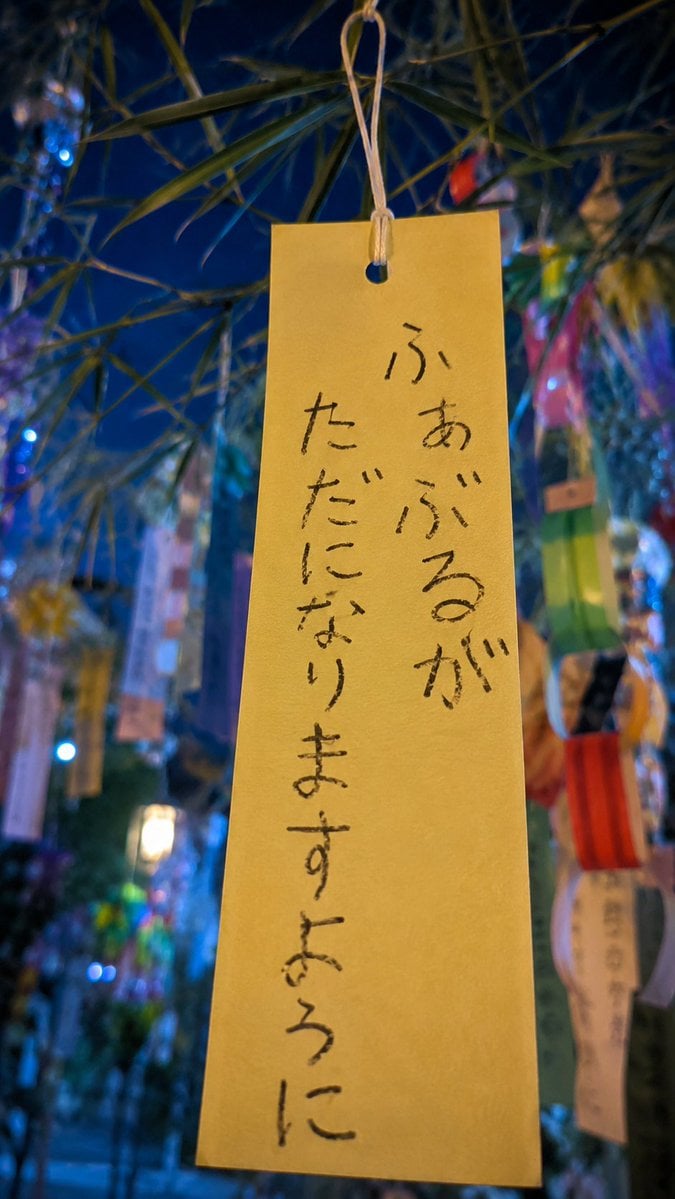
Tanabata Wish Strip Photography
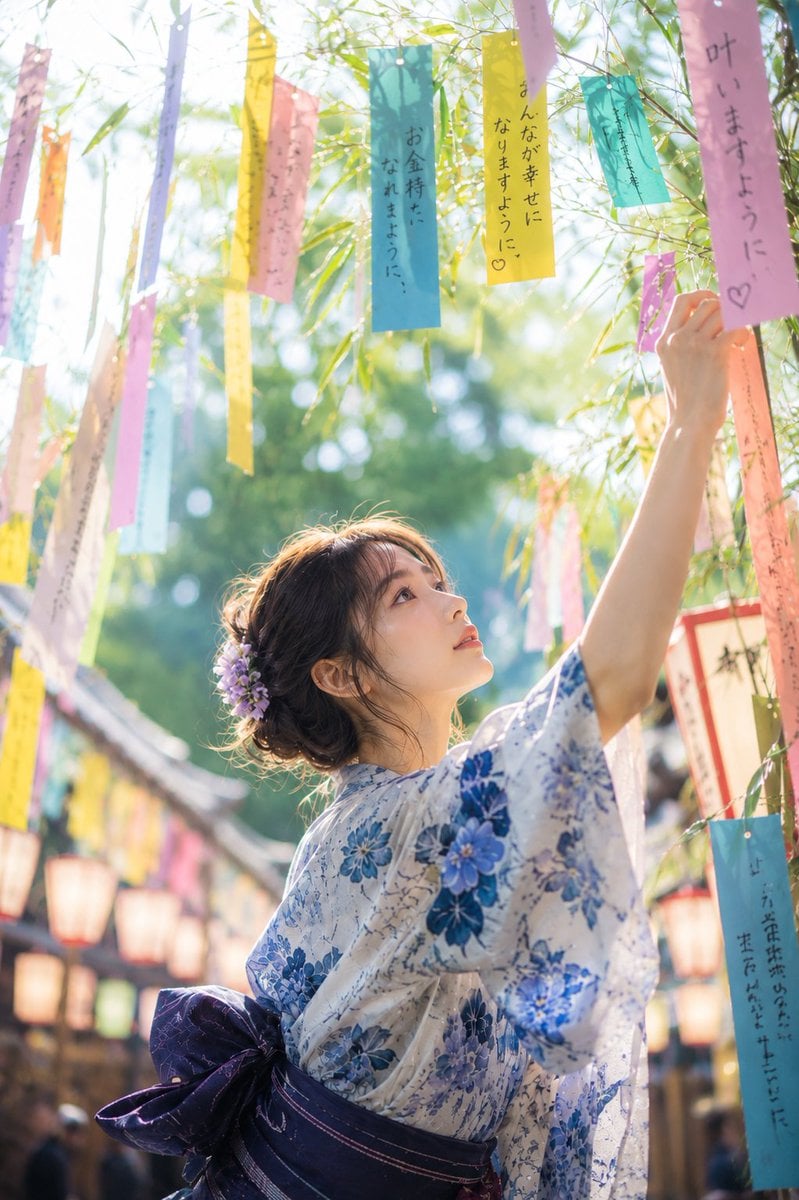
Tanabata Japanese Woman Illustration
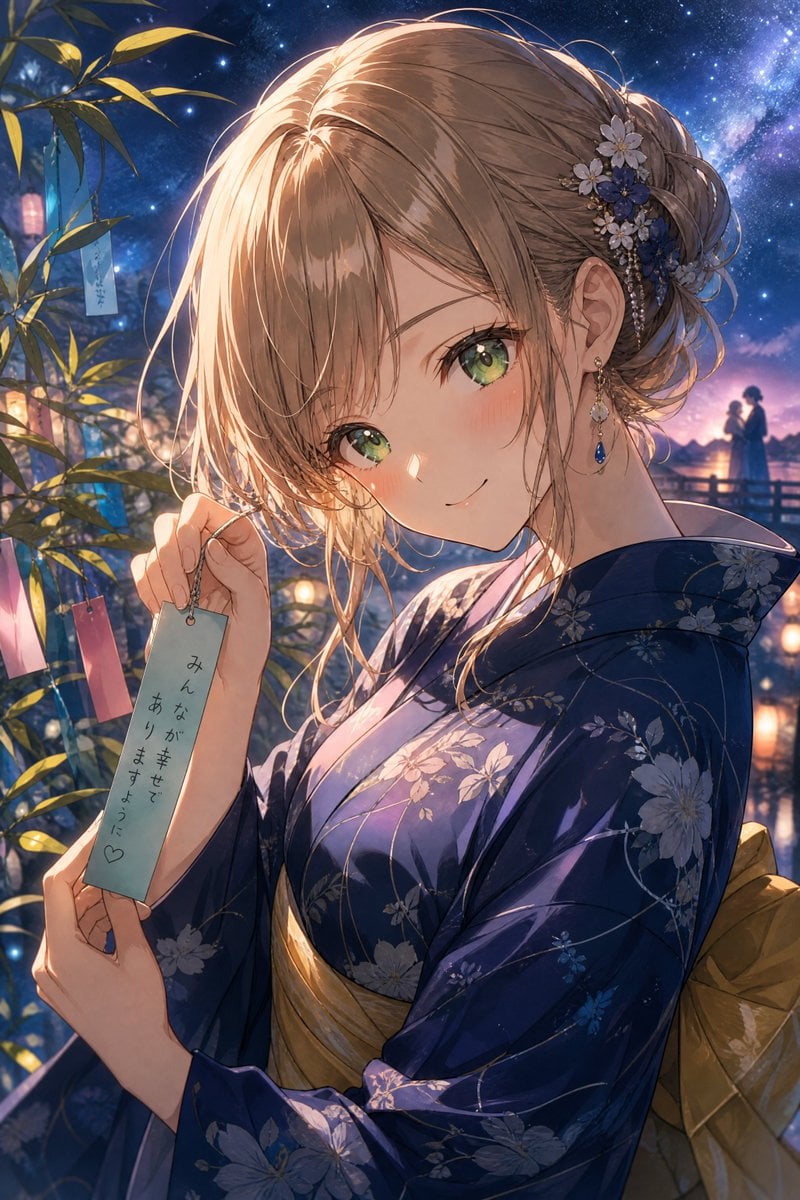
Tanabata Yukata Anime Portrait
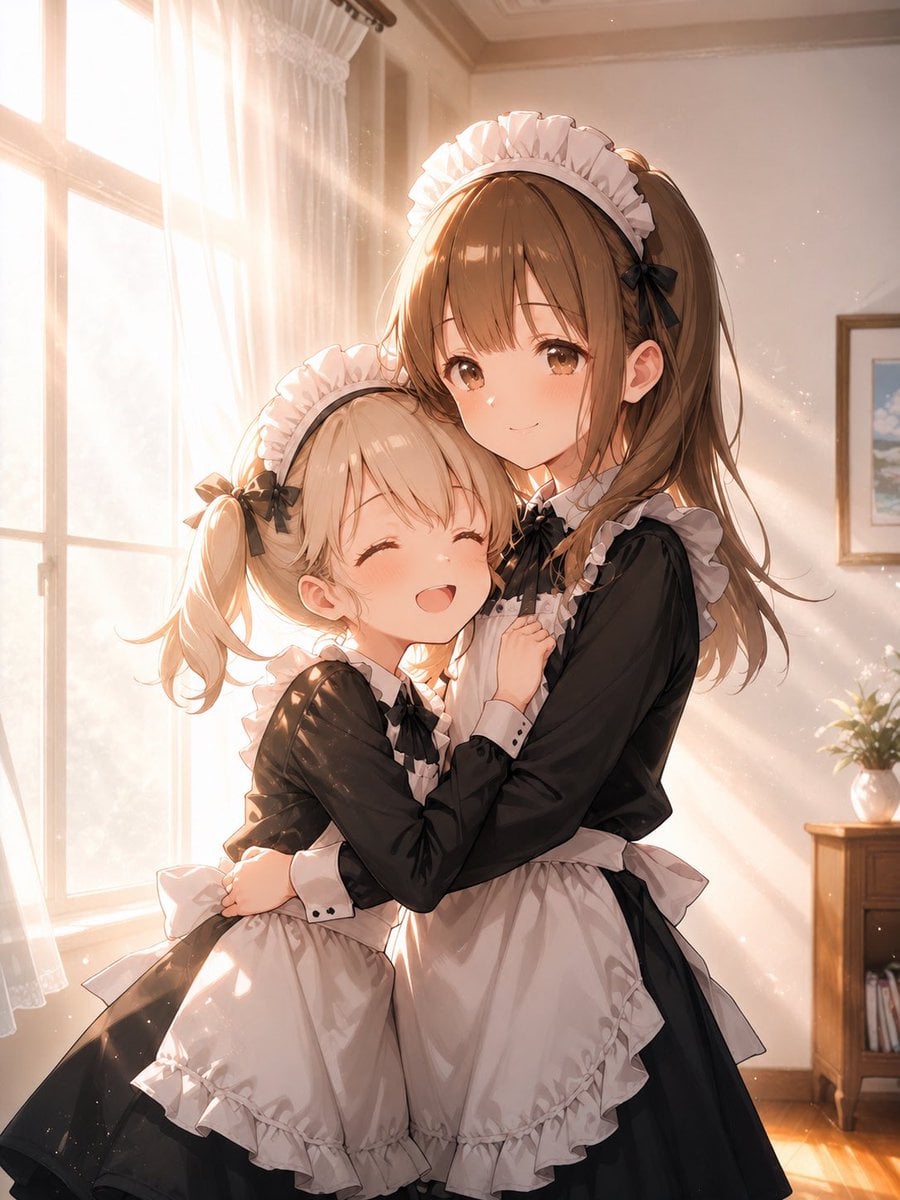
Sunlit Maid Sisters Hug
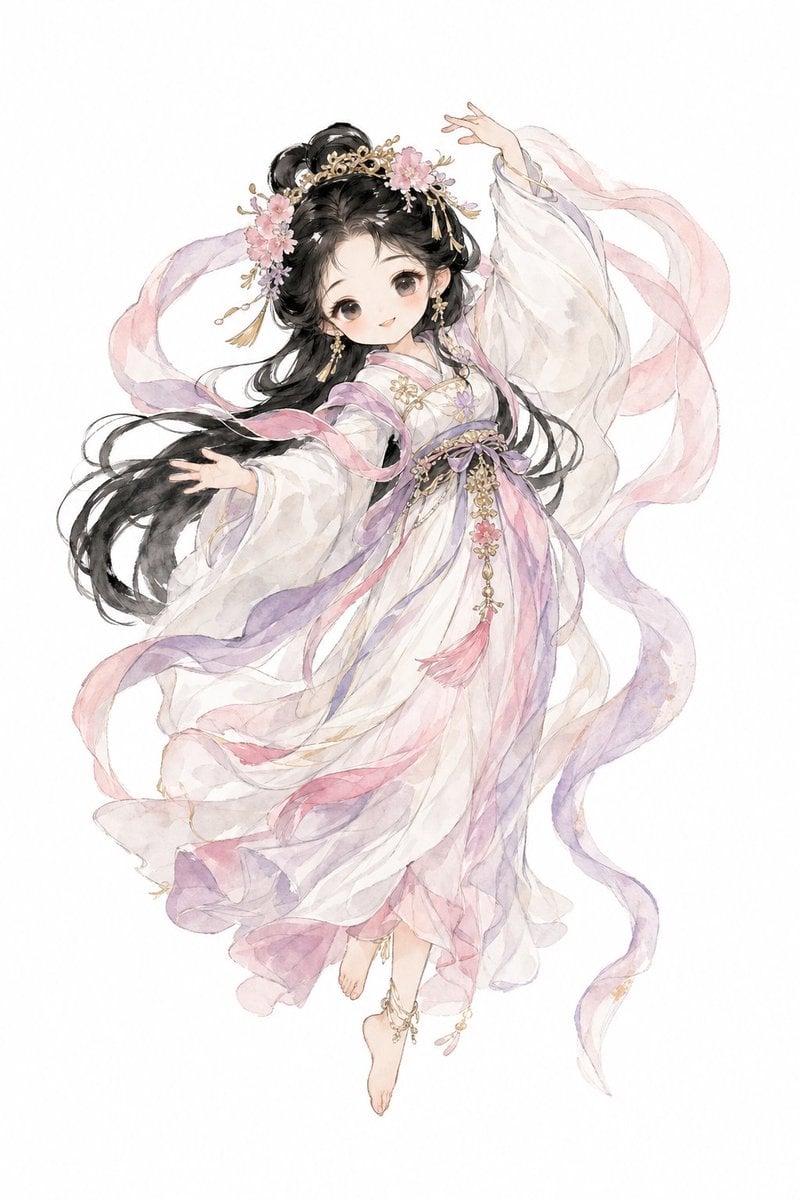
Watercolor Hanfu Celestial Princess
Make it yours
Celestial Tanabata Orihime Maid works as-is. These are the safest ways to change it without losing the look.
Change one field
Copy a single group, rewrite it, and generate again so you can see what that field is doing.
Keep the frame, change the subject
Hold the composition and light of Celestial Tanabata Orihime Maid, then swap wardrobe, props or the person for a new take.
| If the result… | Why | Fix |
|---|---|---|
| The result drifts from the preview | Too many fields changed at once. | Reuse Celestial Tanabata Orihime Maid as-is first, then change one group — subject, light, or setting. |
| The model over-stylizes the scene | The prose prompt leaves finish and camera underspecified. | Add one camera or lighting sentence and stay on GPT Image 2. |
More GPT Image 2 templates
Other prompts made for GPT Image 2.

Six VTuber Japanese Logo Sheet

Realistic Portrait of Woman and Deer

The Vista Modular Condo Poster

AI Model Routing Comparison Infographic

2.5D Anime Art Board

Isometric Productivity Desk Scene

New York Double Exposure Poster

Four-Panel AI Landscape Comparison

Japanese Tatami Lifestyle Magazine Cover

NESCAFÉ Coffee Map Poster
More image prompts
Fresh picks from across the catalog.
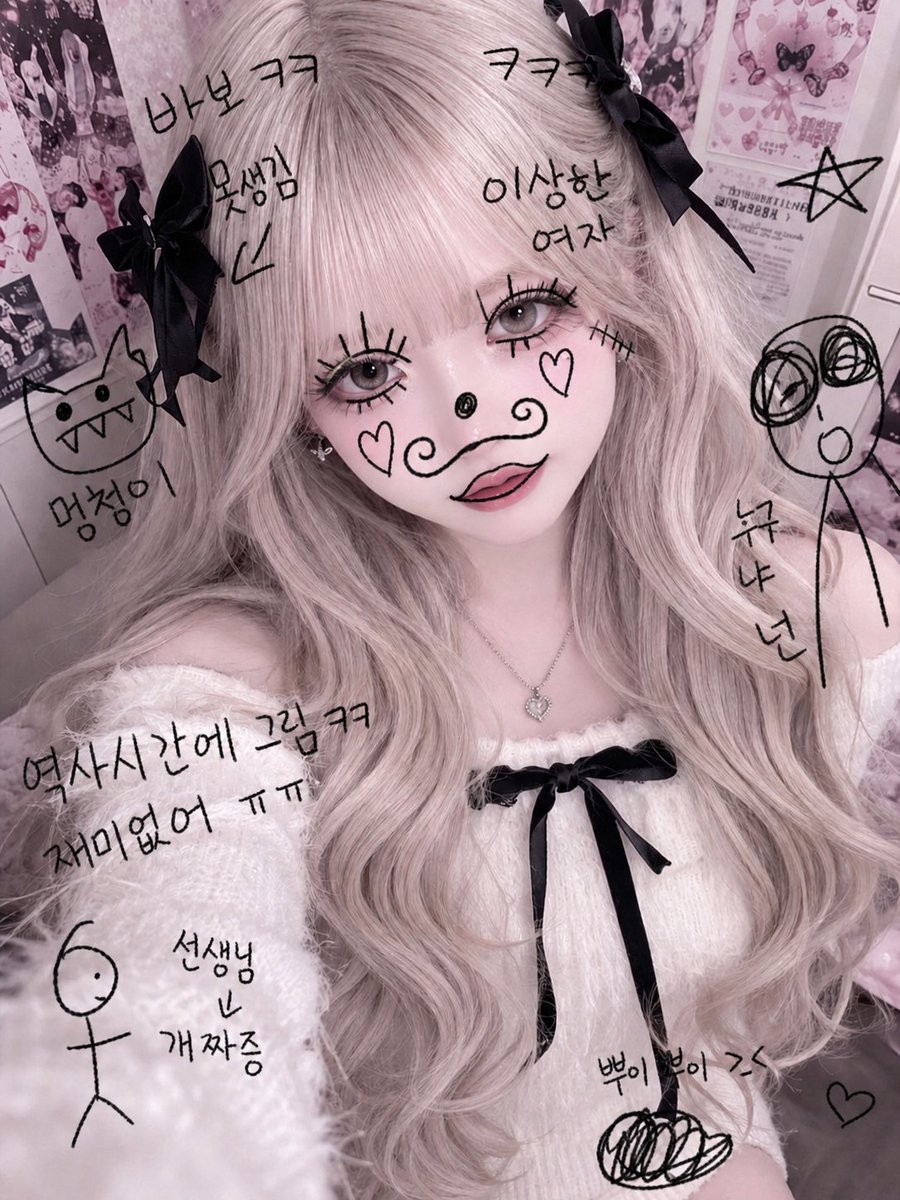
Textbook Doodle Drawing Effect
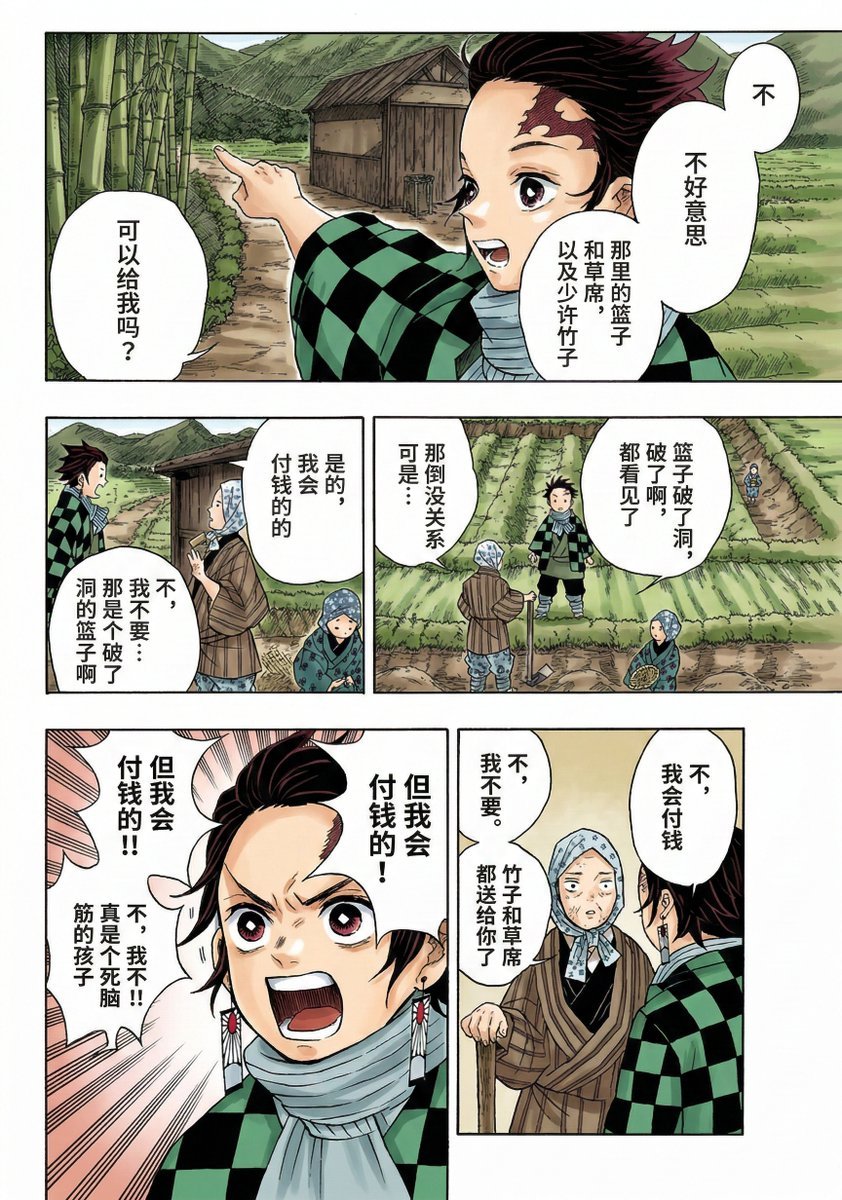
Nano Banana 2 Comic Coloring Prompt
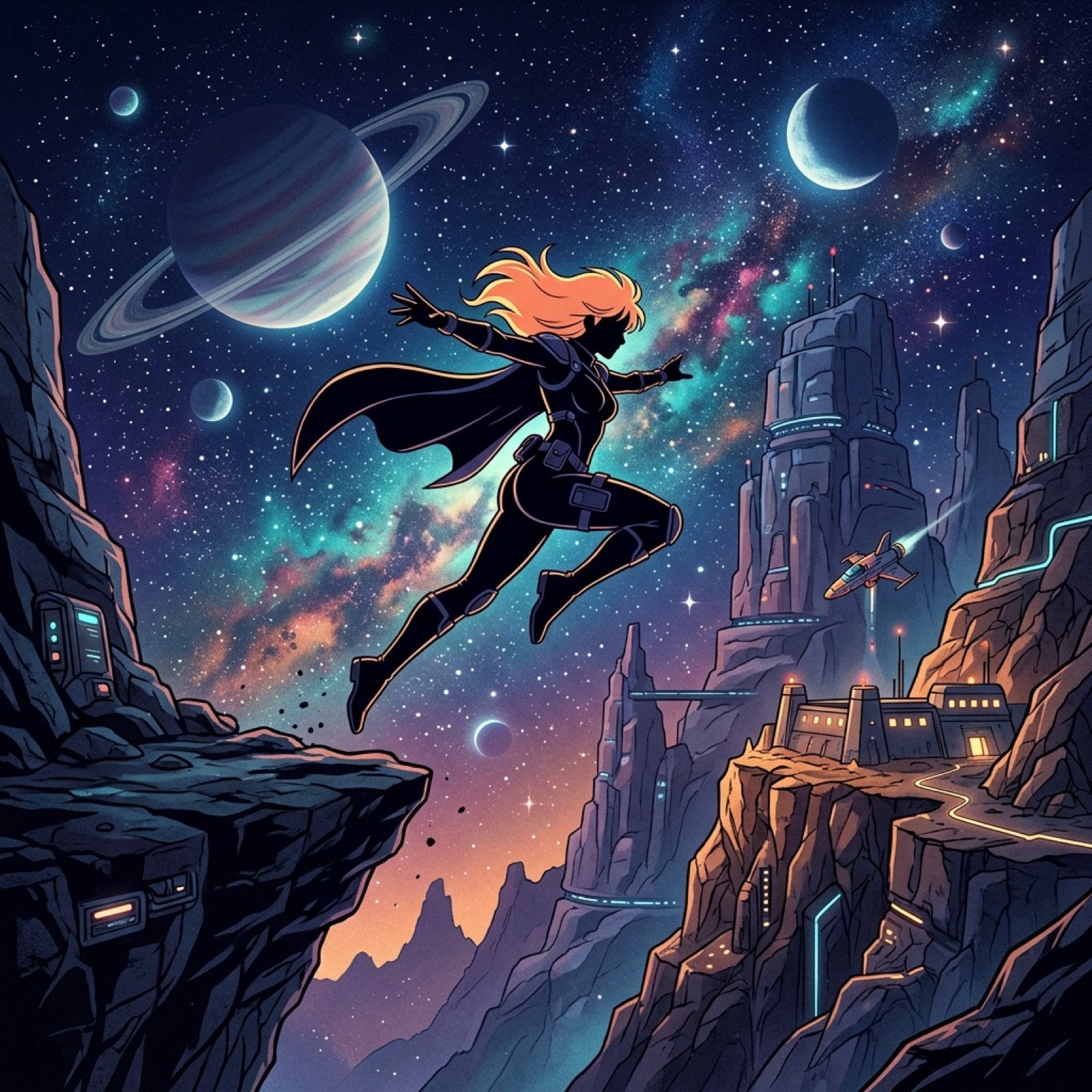
Retro Anime Silhouette Prompt
JSON Seedance - Fairy Macro Flight
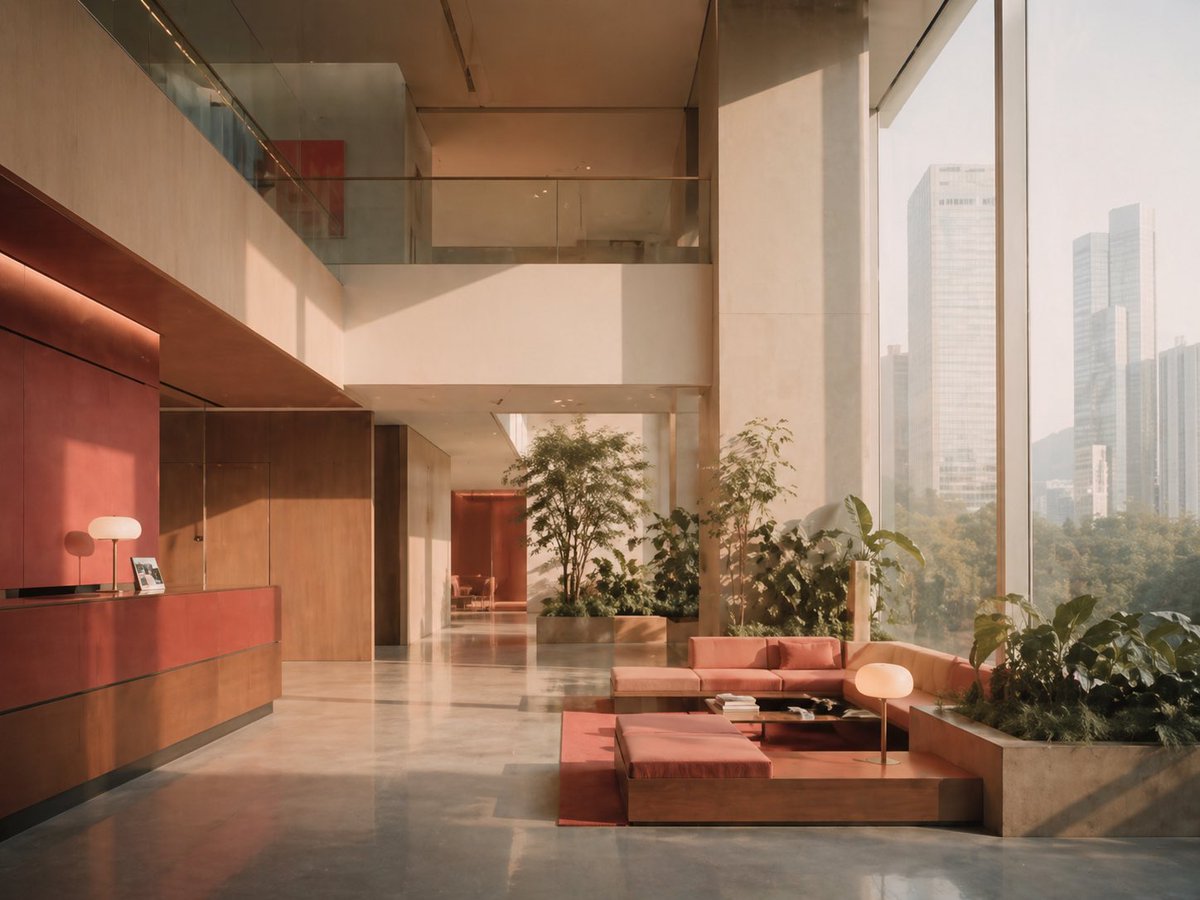
Sunlit Luxury Modern Lobby
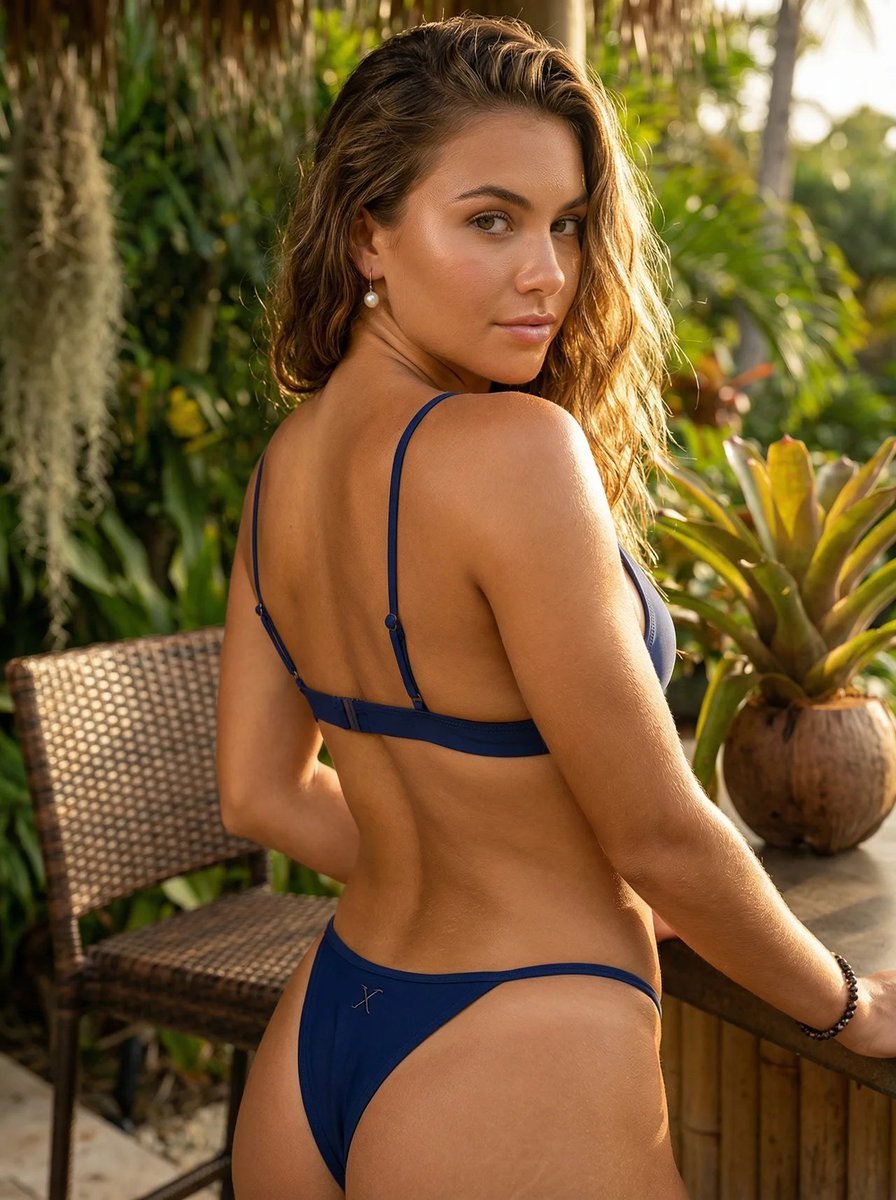
Luxury Lifestyle Editorial Portrait

Luxury Perfume Ad Portrait

Premium Esports Gamer Portrait Prompt

Cinematic Premium Momo Ad Poster
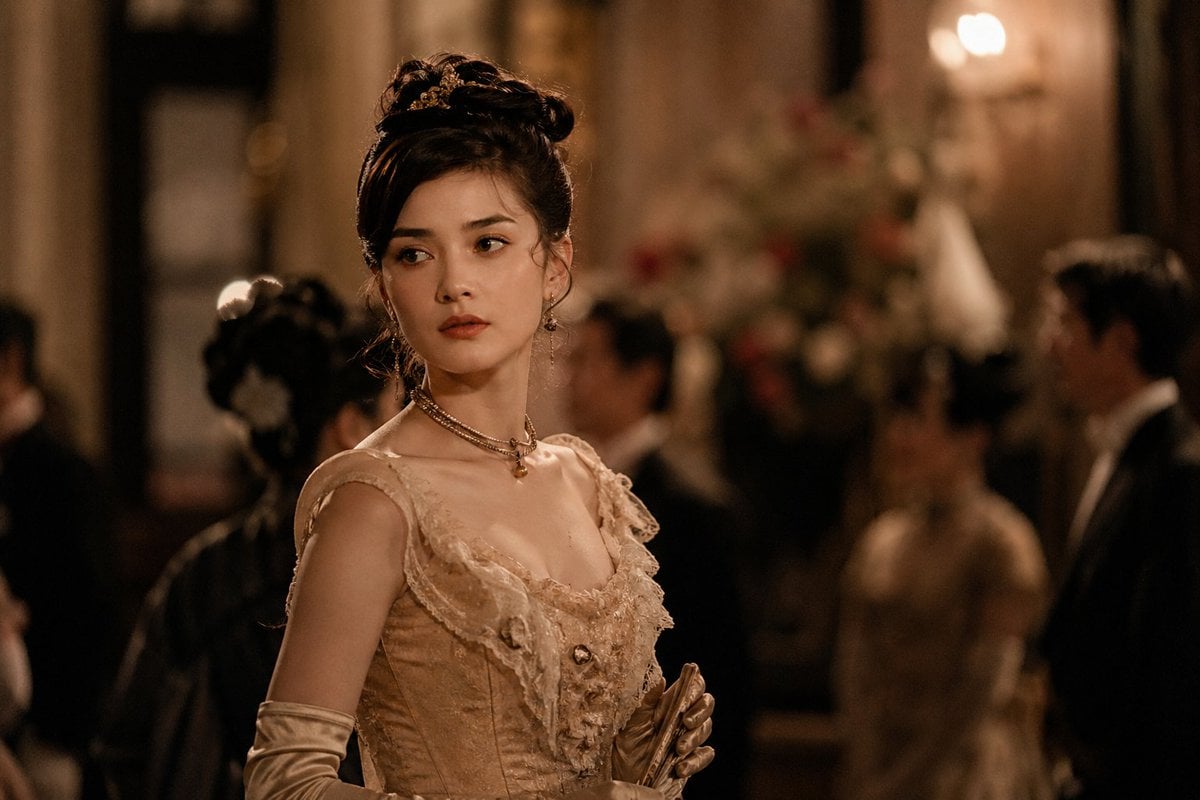
Rokumeikan Ballroom Portrait
Browse template categories
Celestial Tanabata Orihime Maid questions
How do I use the Celestial Tanabata Orihime Maid template?
Add your photo if the template asks for one, edit the prompt if you like — the template's model and format are already selected — and press Generate. Your version opens in PicX Studio.
Can I customize the Celestial Tanabata Orihime Maid template?
Yes. You can change the subject, setting, lighting, mood, format, and available model controls before creating your image.
Is the Celestial Tanabata Orihime Maid template free?
Opening and editing this template is free. Generating uses credits, shown on the Generate button when you are signed in.
Which AI model should I use?
Start with GPT Image 2, which is the model associated with this template. You can compare another compatible model for a different finish.
Looking for something else? Browse all templates.

Your photo, any look
Thousands of ready templates for every top image and video model, from one credit balance.