
Cinematic Premium Momo Ad Poster
A dark, luxurious food advertising poster showcasing steamed chicken momos with dramatic typography and packaging, ideal for premium street-food or frozen snack brand campaigns.
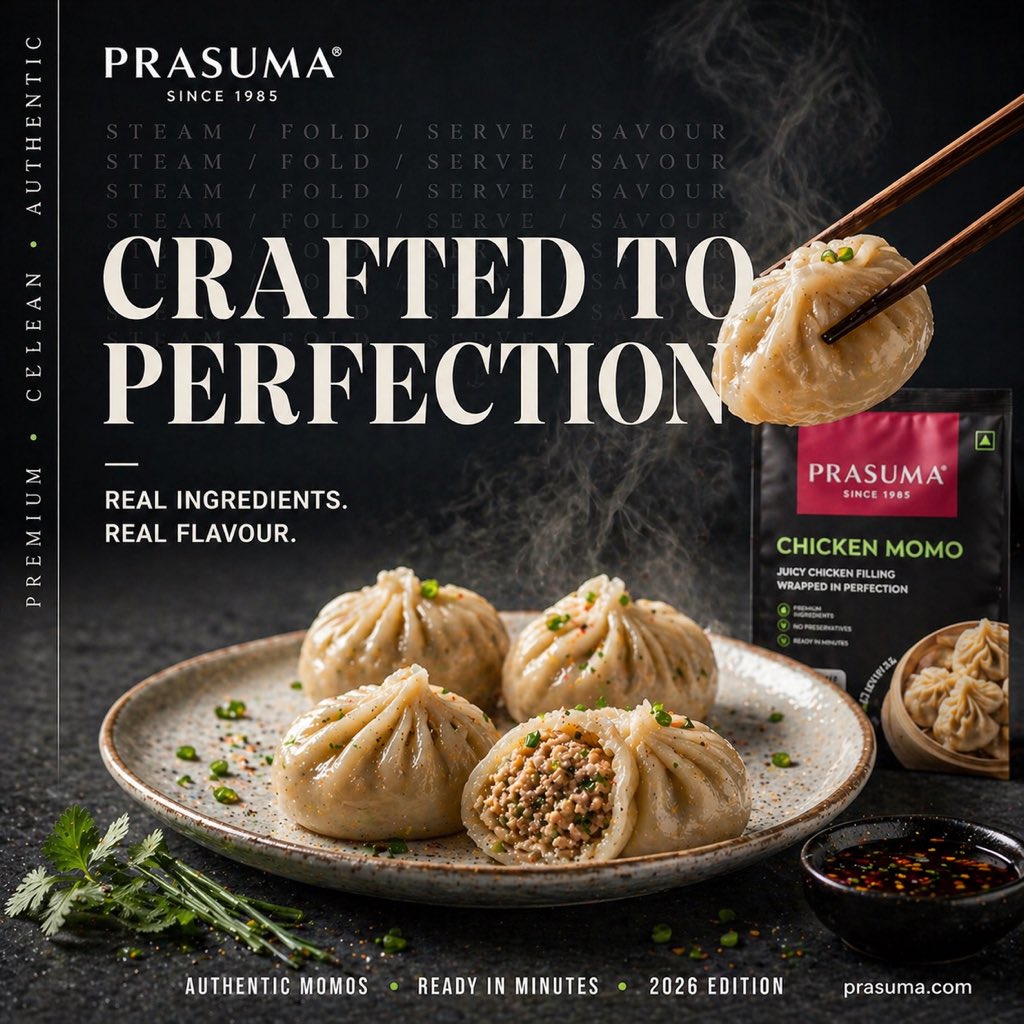
- Prompt included
- Model and format preset
- Free template
The prompt behind this image
Copy the exact prompt behind Cinematic Premium Momo Ad Poster, or open it in the studio and make it yours.
Create a premium cinematic food advertisement poster for {argument name="brand name" default="PRASUMA"} frozen momos in a dark moody studio setting. The composition is a square social-media-ready commercial poster with luxurious high-contrast lighting, shallow depth of field, and rich food-photography styling. In the foreground, place a rustic off-white speckled ceramic plate holding exactly 4 steamed momos, arranged naturally; 3 are whole and 1 is cut open to reveal a detailed juicy minced filling. The dumplings should look glossy, freshly steamed, delicately pleated, and lightly garnished with chopped green herbs and seasoning. Add visible wisps of steam rising from the plate and from a single momo being lifted in the upper right by a pair of dark wooden chopsticks. Near the lower right, include exactly 1 small black dipping bowl filled with soy-chili sauce. Near the lower left, place exactly 1 small bunch of fresh cilantro. In the right background, show exactly 1 standing retail product pack for chicken momos, black with a magenta top label and a serving image on the pack. Use a textured charcoal stone tabletop and a near-black background for a refined gourmet mood. Overlay elegant editorial typography in a luxury serif and clean sans-serif mix: large central headline reading {argument name="headline text" default="CRAFTED TO PERFECTION"}, top-left brand lockup reading {argument name="brand name" default="PRASUMA"} with "SINCE 1985", smaller left text reading "REAL INGREDIENTS. REAL FLAVOUR.", faint repeated background words across the upper middle reading "STEAM / FOLD / SERVE / SAVOUR" in multiple rows, vertical side text along the left border reading "PREMIUM • CLEAN • AUTHENTIC", and a bottom footer line reading {argument name="footer text" default="AUTHENTIC MOMOS • READY IN MINUTES • 2026 EDITION"} plus the website {argument name="website" default="prasuma.com"}. The overall look should feel like a high-end street food campaign: appetizing, polished, dramatic, modern, and premium, with realistic food textures, crisp branding, subtle smoke, and ad-agency-level product photography.
How to use Cinematic Premium Momo Ad Poster in 3 steps
- 1Upload ImagePNG, JPG or paste
Add your photo
Upload the photo the template builds on. The prompt, model and format are already set.
- 2…a portrait of your subject in softgolden-hour light, 85mm…
Personalize
Edit the subject and creative details for your destination.
- 3Generate
Generate
Press Generate — your image is created in PicX Studio, so you can compare it with the original and refine one variable at a time.
More like this
Templates with the same subject, style or setup. Open one to see its prompt.

Gpt2 Social Media Post Cinematic Chicken Momos Ad Poster

Japan Travel Brochure Poster

Cartoon TV Show Poster Pack

Trendy Cafe Drink Promo Poster

Urban Fashion Editorial Collage Streetwear Poster

Premium Fashion Editorial Cover Layout System

Polo Ralph Lauren Luxury American Heritage Fashion Campaign

Monochrome Halftone Editorial Fashion Poster

Retro Mirror Luxury Fashion Campaign Poster

Luxury Fashion Campaign Typography Poster System

Premium Fashion Editorial Campaign Poster System

Ultra-Stylized High-Fashion Streetwear Poster
Make it yours
Cinematic Premium Momo Ad Poster works as-is. These are the safest ways to change it without losing the look.
Change one field
Copy a single group, rewrite it, and generate again so you can see what that field is doing.
Keep the frame, change the subject
Hold the composition and light of Cinematic Premium Momo Ad Poster, then swap wardrobe, props or the person for a new take.
| If the result… | Why | Fix |
|---|---|---|
| The result drifts from the preview | Too many fields changed at once. | Reuse Cinematic Premium Momo Ad Poster as-is first, then change one group — subject, light, or setting. |
| The model over-stylizes the scene | The prose prompt leaves finish and camera underspecified. | Add one camera or lighting sentence and stay on GPT Image 2. |
More GPT Image 2 templates
Other prompts made for GPT Image 2.

Six VTuber Japanese Logo Sheet

Realistic Portrait of Woman and Deer

The Vista Modular Condo Poster

AI Model Routing Comparison Infographic

2.5D Anime Art Board

Isometric Productivity Desk Scene

New York Double Exposure Poster

Four-Panel AI Landscape Comparison

Japanese Tatami Lifestyle Magazine Cover

NESCAFÉ Coffee Map Poster
More image prompts
Fresh picks from across the catalog.
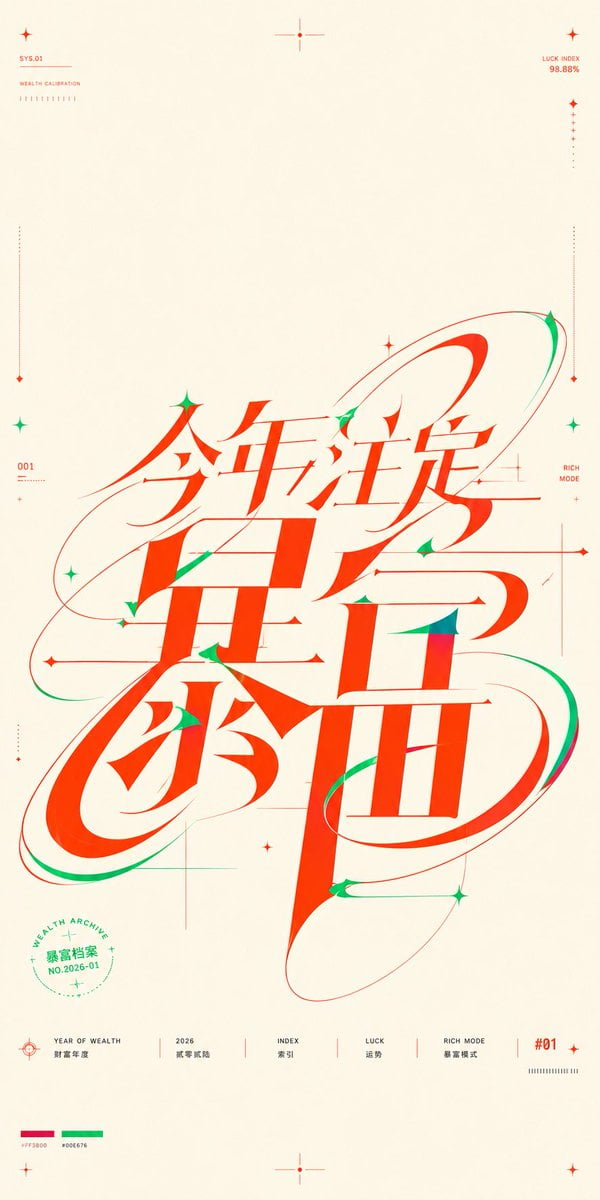
Chinese Wealth Typography Poster

Rustic Twig Reindeer Christmas Ornament
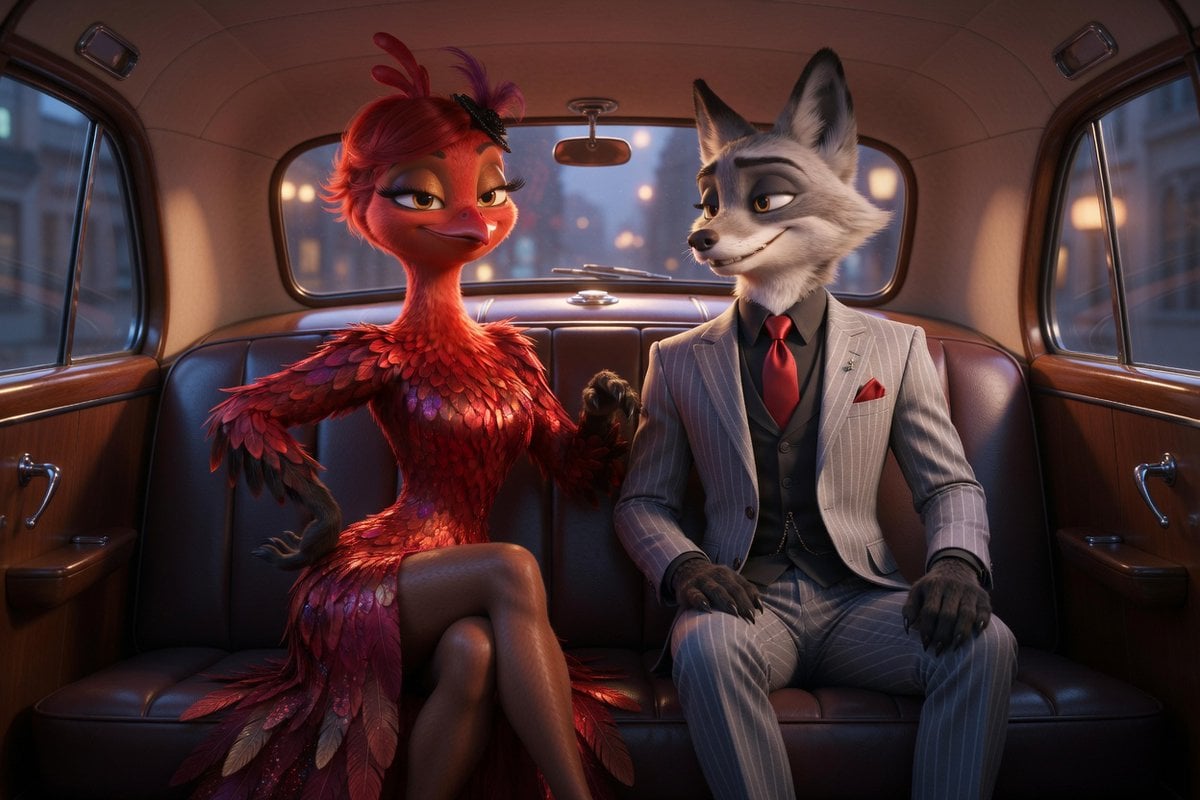
Cinematic Fox and Bird Taxi Scene
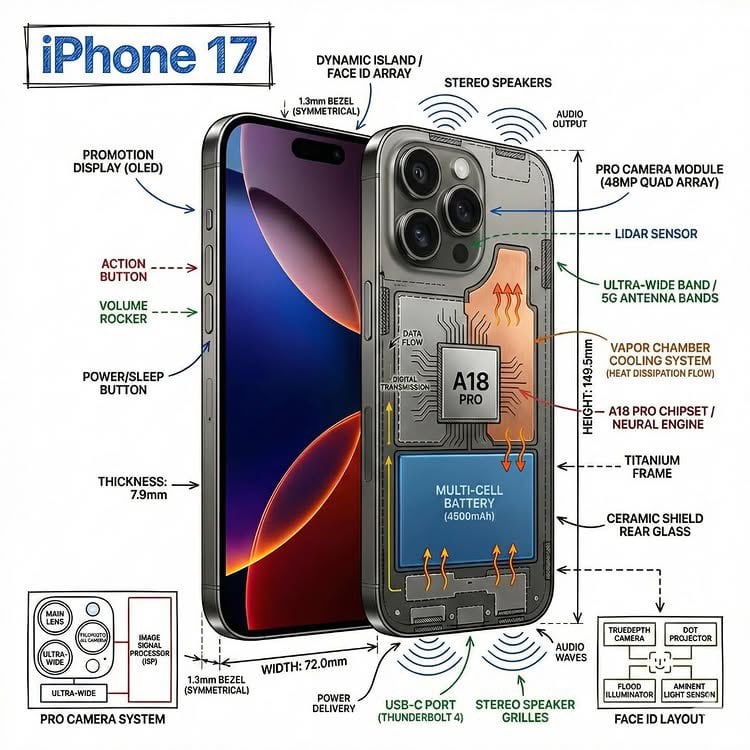
Technical Infographic Overlay on a Photorealistic Object
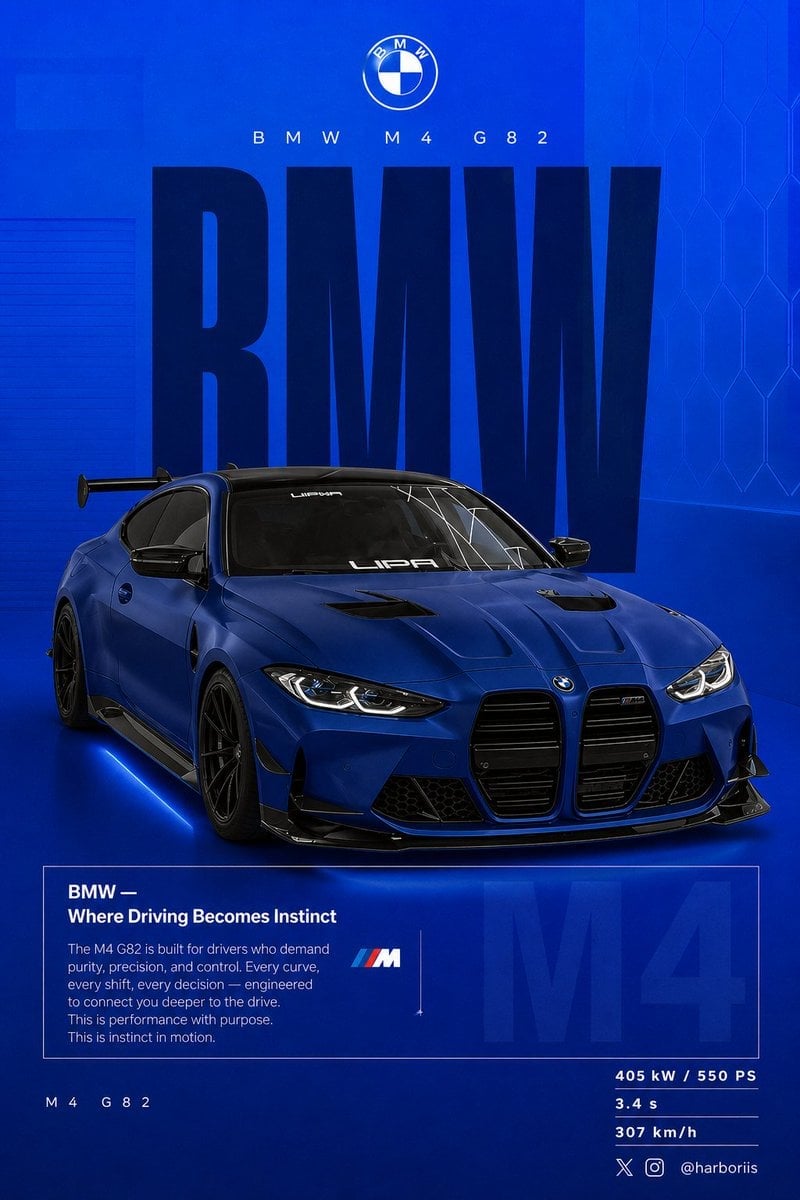
BMW Performance Social Poster
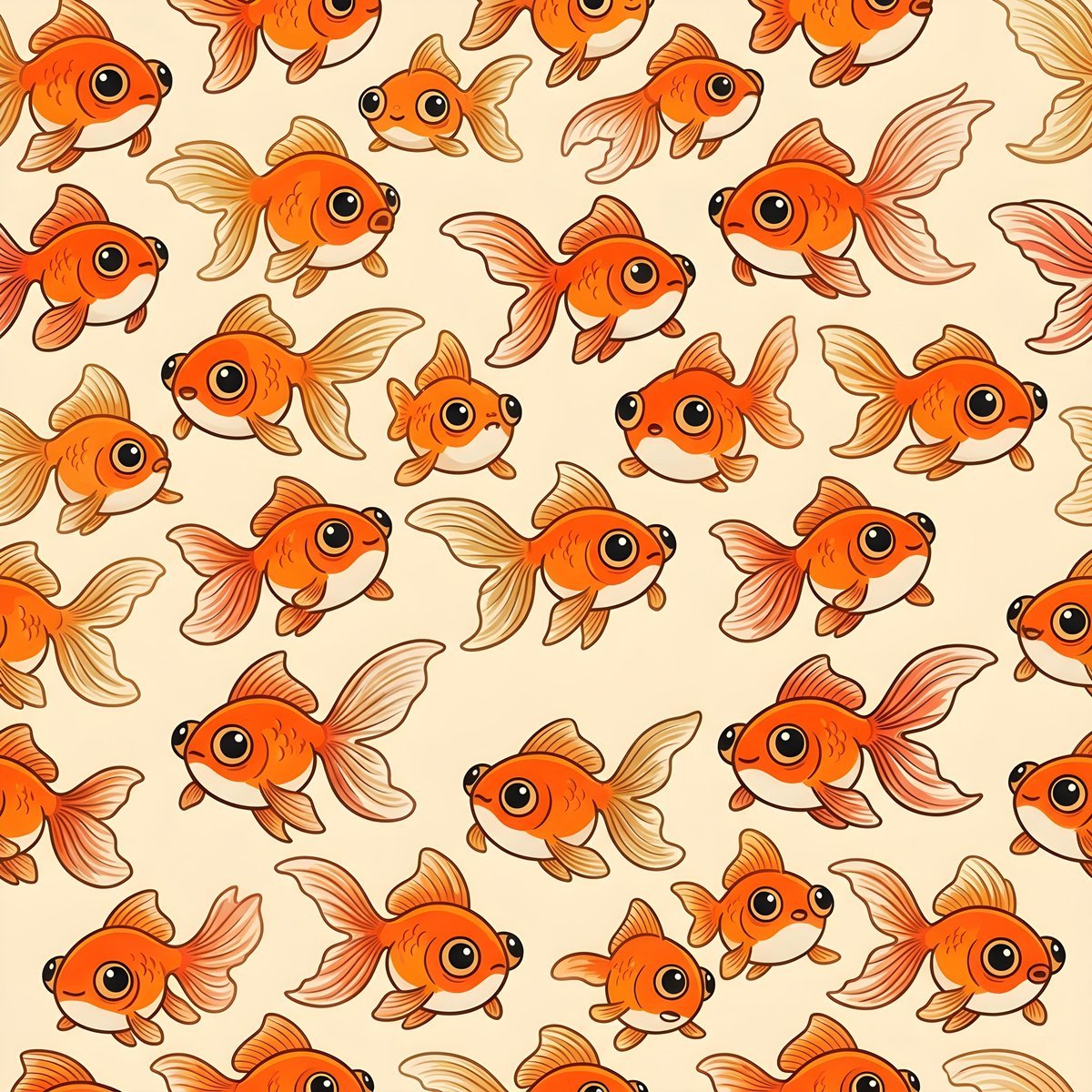
Seamless Pattern of Cartoonish Fancy Goldfish
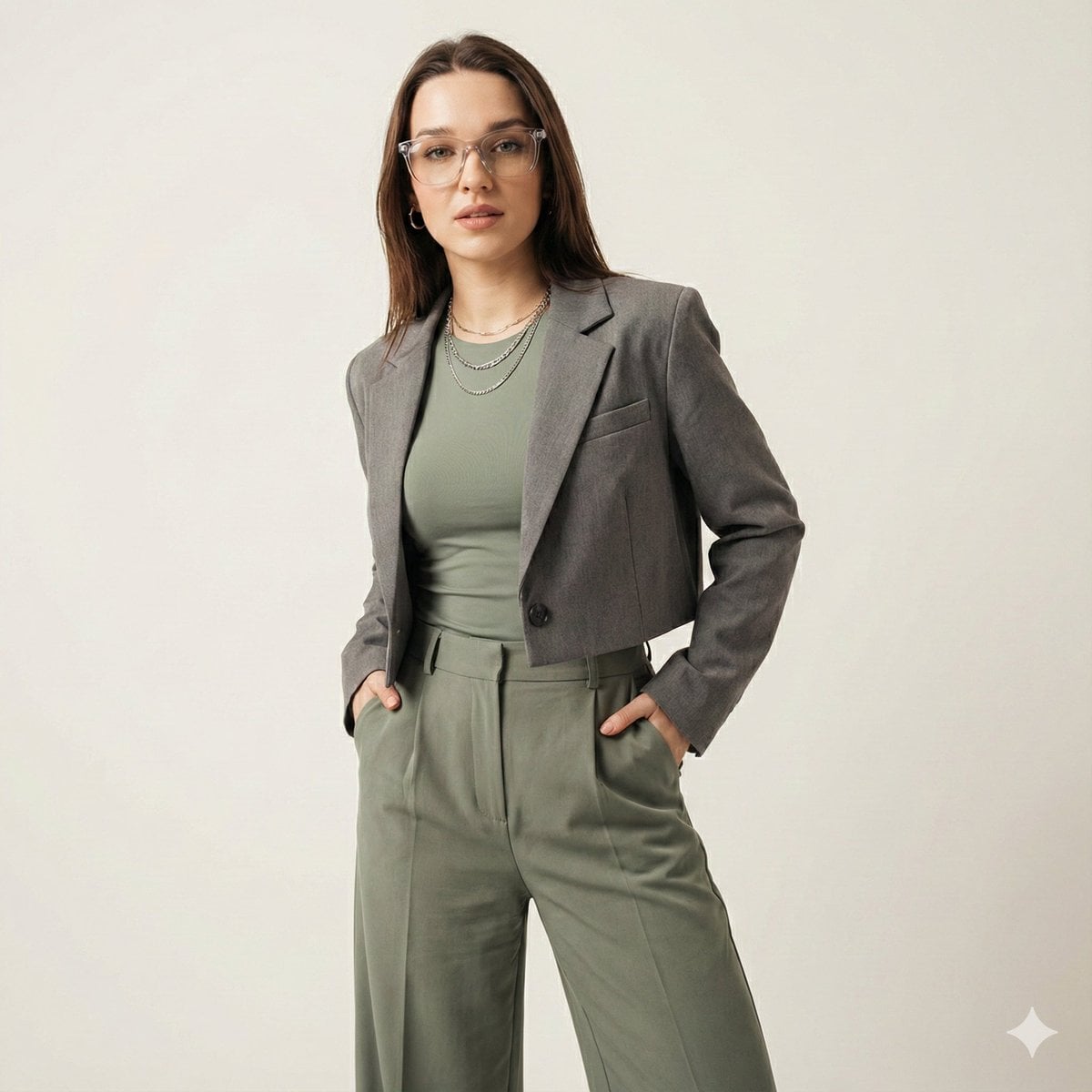
Gen-Z Fashion Editorial Studio Portrait
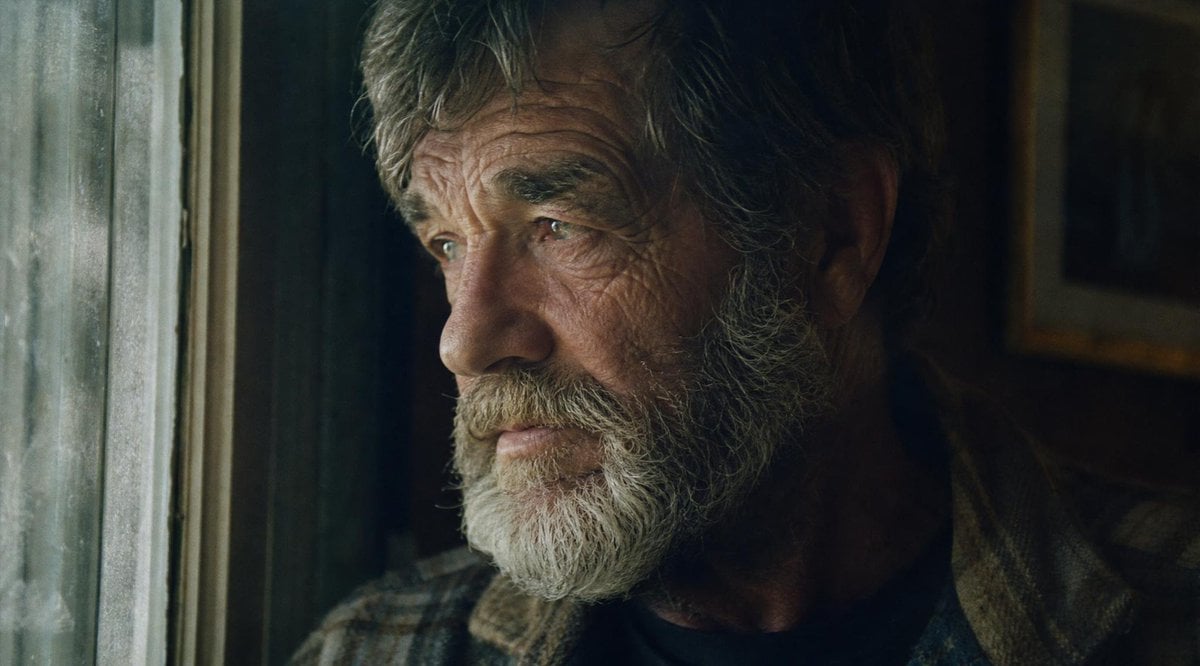
Moody Censored Film Still
Arena Snack Snapshot
Golden Hour Rooftop Sunset Rest
Browse template categories
Cinematic Premium Momo Ad Poster questions
How do I use the Cinematic Premium Momo Ad Poster template?
Add your photo if the template asks for one, edit the prompt if you like — the template's model and format are already selected — and press Generate. Your version opens in PicX Studio.
Can I customize the Cinematic Premium Momo Ad Poster template?
Yes. You can change the subject, setting, lighting, mood, format, and available model controls before creating your image.
Is the Cinematic Premium Momo Ad Poster template free?
Opening and editing this template is free. Generating uses credits, shown on the Generate button when you are signed in.
Which AI model should I use?
Start with GPT Image 2, which is the model associated with this template. You can compare another compatible model for a different finish.
Looking for something else? Browse all templates.

Your photo, any look
Thousands of ready templates for every top image and video model, from one credit balance.