How do I use the Tanabata Japanese Woman Illustration template?
Edit the prompt in the box under the preview — the template's model and format are already selected — and press Generate. Your version appears right on this page.
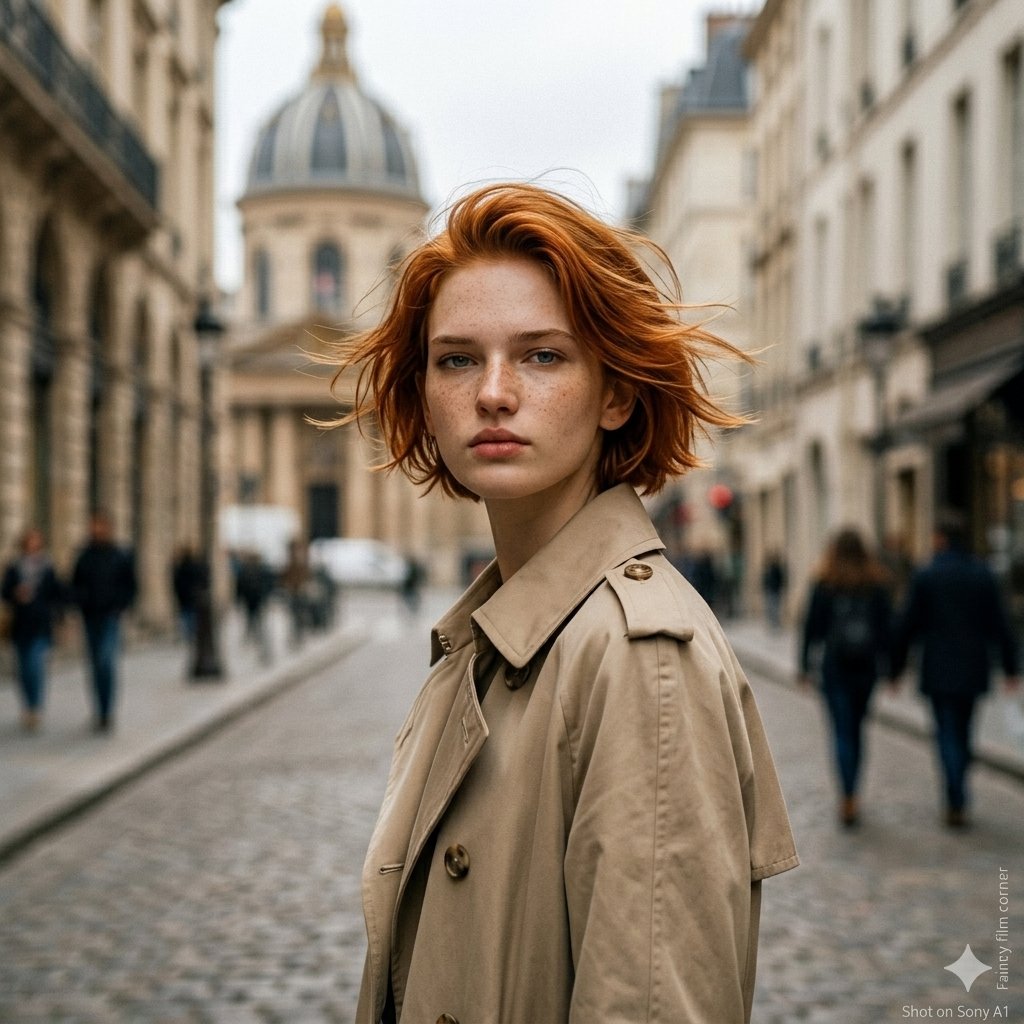
A highly detailed prompt for a realistic portrait of a young woman at a Tanabata festival, capturing soft morning light and traditional yukata details.

主題: {argument name="主題" default="七夕"} 人物・表情: {argument name="年代" default="20代"}女性。やわらかい卵型の顔立ち、透明感のある自然な肌、控えめな日式メイク。暗めのブラウンヘアを低めのゆるいまとめ髪にし、後れ毛が朝の光で細く透ける。小さな紫系の髪飾りを耳の後ろに添える。顔は少し上向き、視線は右上の短冊へ向け、静かに願いを結ぶような穏やかな表情。 服装・ポーズ: {argument name="衣服" default="白地に青い花柄の浴衣"}、濃紺の帯。浴衣の袖は自然にたわみ、布の透け感とシワを丁寧に表現する。体は画面右上へ軽く伸びる姿勢。人物自身の右腕を高く上げ、画面右上のピンクの短冊にそっと触れる。人物自身の左腕は体の近くに自然に下ろし、腰まわりの帯と浴衣の重なりが見える。指先は力を入れすぎず、短冊をつまむ直前の繊細な動き。 背景・光: 日本の七夕飾りが並ぶ朝の神社参道または商店街の一角。頭上には笹の葉と色とりどりの短冊が重なり、ピンク、黄色、水色、薄紫の紙が朝風で軽く揺れている。背景にはぼんやりした提灯と屋台の気配を残すが、夜ではなく明るい朝。主光源は画面左上奥から差し込む低めの朝日。人物の髪の縁、頬、肩、上げた腕に強めの白いハイライトを作り、背景は淡い緑と白のボケで明るく抜ける。短冊と笹の影が浴衣や肌に薄く落ちる。 構図・カメラ: 縦構図。上半身中心のポートレートで、人物は画面下中央から右寄りに配置し、上部に短冊と笹の飾りを大きく入れる。カメラは胸の高さより少し低め、人物を見上げるような軽いローアングル。35mm相当の自然な広がり、人物と短冊の距離感が伝わる構図。ピントは人物の顔と右手の指先、背景の提灯や奥の参道は浅めの被写界深度で柔らかくぼかす。 質感・スタイル: 実写写真風。朝の逆光を活かした明るいハイキー寄りのポートレート。肌は過度に磨かず、自然な毛穴、細い髪の乱れ、浴衣の綿素材、短冊の紙の薄さを残す。透明感のある白と淡い緑、浴衣の青を中心に、夏の朝らしい軽い色調。フィルム写真のような柔らかい粒子と自然なレンズフレアを少量入れる。 ネガティブ: 不自然な顔や視線、余分または欠けた指、手首や肘の破綻、短冊との接触不良、浴衣の構造崩れ、帯の位置ずれ、過度な美肌補正、プラスチックのような肌、読めすぎる不自然な文字、文字化け、ロゴ、透かし、不要な人物、過剰な露出、背景と矛盾する影。
主題: {argument name="主題" default="七夕"} 人物・表情: {argument name="年代" default="20代"}女性。やわらかい卵型の顔立ち、透明感のある自然な肌、控えめな日式メイク。暗めのブラウンヘアを低めのゆるいまとめ髪にし、後れ毛が朝の光で細く透ける。小さな紫系の髪飾りを耳の後ろに添える。顔は少し上向き、視線は右上の短冊へ向け、静かに願いを結ぶような穏やかな表情。 服装・ポーズ: {argument name="衣服" default="白地に青い花柄の浴衣"}、濃紺の帯。浴衣の袖は自然にたわみ、布の透け感とシワを丁寧に表現する。体は画面右上へ軽く伸びる姿勢。人物自身の右腕を高く上げ、画面右上のピンクの短冊にそっと触れる。人物自身の左腕は体の近くに自然に下ろし、腰まわりの帯と浴衣の重なりが見える。指先は力を入れすぎず、短冊をつまむ直前の繊細な動き。 背景・光: 日本の七夕飾りが並ぶ朝の神社参道または商店街の一角。頭上には笹の葉と色とりどりの短冊が重なり、ピンク、黄色、水色、薄紫の紙が朝風で軽く揺れている。背景にはぼんやりした提灯と屋台の気配を残すが、夜ではなく明るい朝。主光源は画面左上奥から差し込む低めの朝日。人物の髪の縁、頬、肩、上げた腕に強めの白いハイライトを作り、背景は淡い緑と白のボケで明るく抜ける。短冊と笹の影が浴衣や肌に薄く落ちる。 構図・カメラ: 縦構図。上半身中心のポートレートで、人物は画面下中央から右寄りに配置し、上部に短冊と笹の飾りを大きく入れる。カメラは胸の高さより少し低め、人物を見上げるような軽いローアングル。35mm相当の自然な広がり、人物と短冊の距離感が伝わる構図。ピントは人物の顔と右手の指先、背景の提灯や奥の参道は浅めの被写界深度で柔らかくぼかす。 質感・スタイル: 実写写真風。朝の逆光を活かした明るいハイキー寄りのポートレート。肌は過度に磨かず、自然な毛穴、細い髪の乱れ、浴衣の綿素材、短冊の紙の薄さを残す。透明感のある白と淡い緑、浴衣の青を中心に、夏の朝らしい軽い色調。フィルム写真のような柔らかい粒子と自然なレンズフレアを少量入れる。 ネガティブ: 不自然な顔や視線、余分または欠けた指、手首や肘の破綻、短冊との接触不良、浴衣の構造崩れ、帯の位置ずれ、過度な美肌補正、プラスチックのような肌、読めすぎる不自然な文字、文字化け、ロゴ、透かし、不要な人物、過剰な露出、背景と矛盾する影。
Edit the prompt in the box under the preview — the template's model and format are already selected — and press Generate. Your version appears right on this page.
Yes. You can change the subject, setting, lighting, mood, format, and available model controls before creating your image.
Opening and editing this template is free. Generating uses credits, shown on the Generate button when you are signed in.
Start with GPT Image 2, which is the model associated with this template. You can compare another compatible model for a different finish.
Follow a topic to a crawlable collection of related PicX Studio templates.