
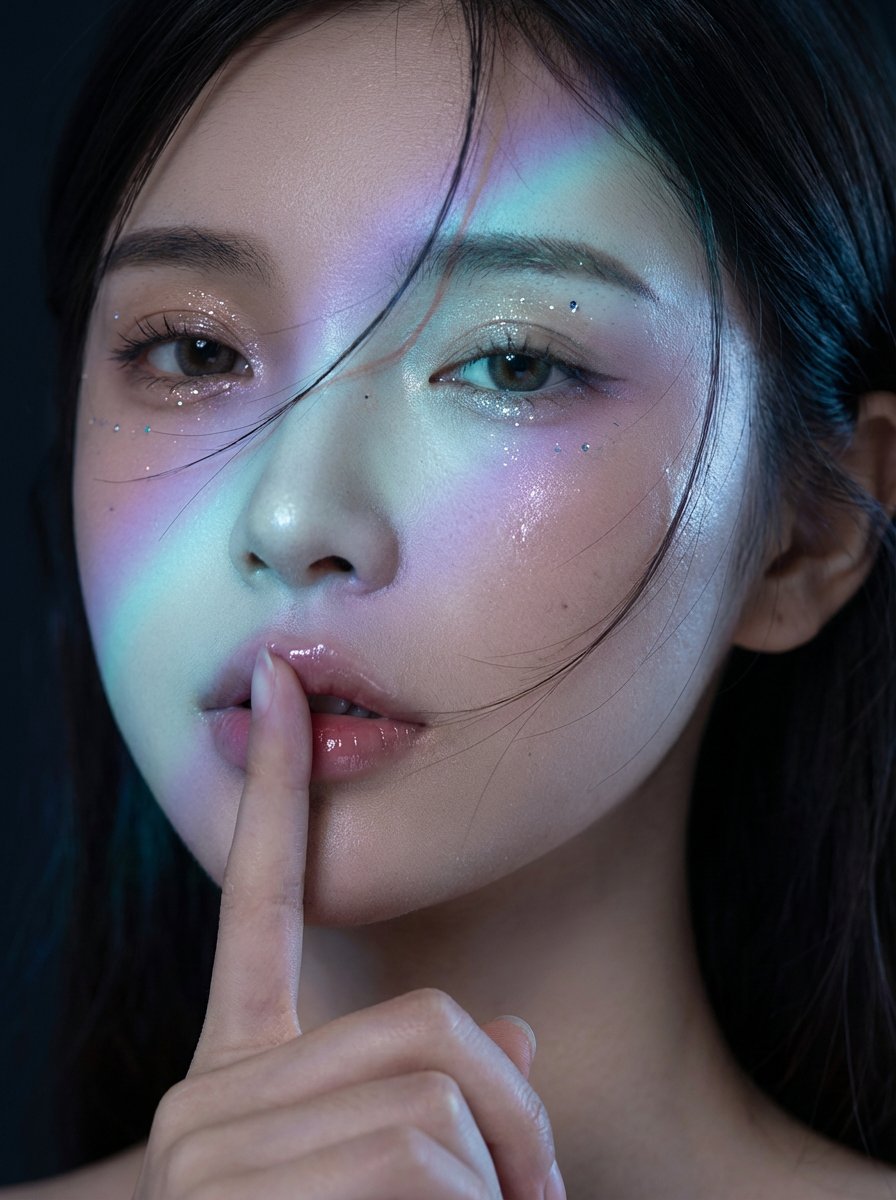
Midnight K-Fashion Editorial Portrait from Reference Image
A highly detailed JSON prompt for image-to-image generation using Nano Banana Pro on Gemini, designed to create a cinematic, high-end K-fashion editorial portrait.
- Prompt included
- Model and format preset
- Free template
The prompt behind this image
Copy the exact prompt behind Midnight K-Fashion Editorial Portrait from Reference Image, or open it in the studio and make it yours.
{ "model": "gemini-3-pro-image-preview", "mode": "image-to-image", "consistency_id": "midnight-kfashion-editorial", "input_reference": { "use_user_uploaded_image": true, "identity_lock": "strict", "notes": "Preserve the same person from the reference image. The person may be male or female—do not change gender expression, age, ethnicity, facial structure, or unique identifiers." }, "prompt": { "subject": "The same person from the uploaded reference photo, photorealistic fashion model portrait, natural facial proportions and skin texture preserved.", "composition": "Extreme close-up editorial portrait (head fills the frame), eyes near the upper third, slight turn toward camera, tight crop from forehead to chin with the hand entering frame from below.", "action": "Perform a 'shh' gesture: one index finger held vertically and gently pressed to the center of the lips. Finger pad lightly compresses the lip surface; lips slightly parted with glossy lip oil; subtle contact shadow where finger meets lips. Expression calm, mysterious, and intimate; eyelids relaxed.", "location": "Dark studio backdrop, midnight mood, no visible set elements.", "style": "Midnight K-fashion editorial, cinematic high-end beauty photography, clean but dramatic, premium magazine-grade retouching (natural pores, not plastic).", "camera": { "shot_type": "beauty close-up", "lens": "85mm prime", "aperture": "f/1.8", "focus": "sharp focus on the eyes and lips; finger also sharp at the contact point; soft falloff to hair edges", "depth_of_field": "shallow" }, "lighting": { "base": "low-key studio lighting with deep blacks", "key_light": "soft key from camera-right, slightly above eye level", "fill": "very subtle fill from camera-left to keep shadows readable", "signature_effect": "a diagonal iridescent prism light band across the face ({argument name="prism color gradient" default="cyan-to-violet gradient"}), like a diffraction filter or gel projection; crisp edge with gentle falloff", "rim": "faint cool rim light on hair for separation", "skin_response": "wet-look specular highlights on cheekbones and lips; realistic micro-shine" }, "beauty_details": [ "subtle glitter/metallic shimmer on eyelids", "tiny reflective specks near the outer corners of the eyes (very minimal)", "defined but natural brows", "glossy, hydrated lips with high specular highlight" ], "motion_details": "A few wind-blown hair strands sweep across the cheek and near the lips (dynamic but not messy), no heavy motion blur.", "color_grading": "cool midnight grade: deep blacks, cool shadows, slightly desaturated midtones, prism band adds cyan/blue/pur" } }
How to use Midnight K-Fashion Editorial Portrait from Reference Image in 3 steps
- 1Upload ImagePNG, JPG or paste
Add your photo
Upload the photo the template builds on. The prompt, model and format are already set.
- 2…a portrait of your subject in softgolden-hour light, 85mm…
Personalize
Edit the subject and creative details for your destination.
- 3Generate
Generate
Press Generate — your image is created in PicX Studio, so you can compare it with the original and refine one variable at a time.
More like this
Templates with the same subject, style or setup. Open one to see its prompt.

Caution Tape Fashion — Industrial Editorial

Couture Fashion Editorial Woman and Drag

Nano Banana 2 Editorial Fashion Portrait

untitled

Nano Banana 2 High Fashion Sports Campai

Ive Yujin Fashion Portrait in Blue

21 Glass Floor Skyscraper — California Series

19 Luxury Helicopter Travel — California Series

08 Rodeo Drive Luxury Exit — California Series

03 Beverly Hills Convertible — California Series

Nano Banana - Paris Cafe Editorial

Luxury Fashion Editorial Portrait
Make it yours
Midnight K-Fashion Editorial Portrait from Reference Image works as-is. These are the safest ways to change it without losing the look.
Change one field
Copy a single group, rewrite it, and generate again so you can see what that field is doing.
Keep the frame, change the subject
Hold the composition and light of Midnight K-Fashion Editorial Portrait from Reference Image, then swap wardrobe, props or the person for a new take.
| If the result… | Why | Fix |
|---|---|---|
| The result drifts from the preview | Too many fields changed at once. | Reuse Midnight K-Fashion Editorial Portrait from Reference Image as-is first, then change one group — subject, light, or setting. |
| The model over-stylizes the scene | The prose prompt leaves finish and camera underspecified. | Add one camera or lighting sentence and stay on Nano Banana 2. |
More Nano Banana 2 templates
Other prompts made for Nano Banana 2.

Photorealistic Leaf Shaped Like a Dragon

K-Pop Idol Portrait Grid for Rapid Selection

Poetic Rain Forest Portrait During Golden Hour

Urban Street Portrait with Cartoon Inner Self Duo

Candid Nighttime Photo with Cat Prompt

High-Concept 3D Diorama Generation Prompt

Cinematic Futuristic Studio Portrait Template

Skincare Editorial Photography Collage Prompt

Hyper-Realistic Commercial Product Photography (Splash Effect)

Hyper-Realistic Nightclub Portrait Prompt
More image prompts
Fresh picks from across the catalog.
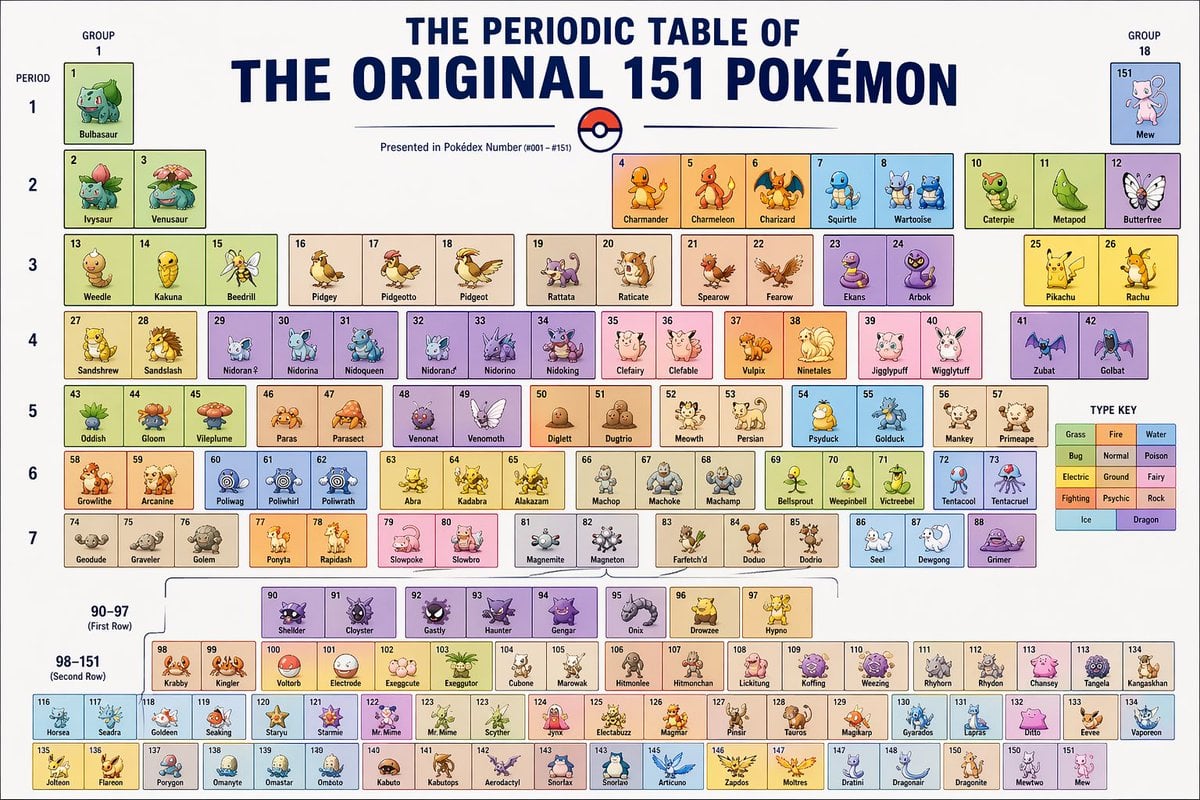
Themed Periodic Table Design
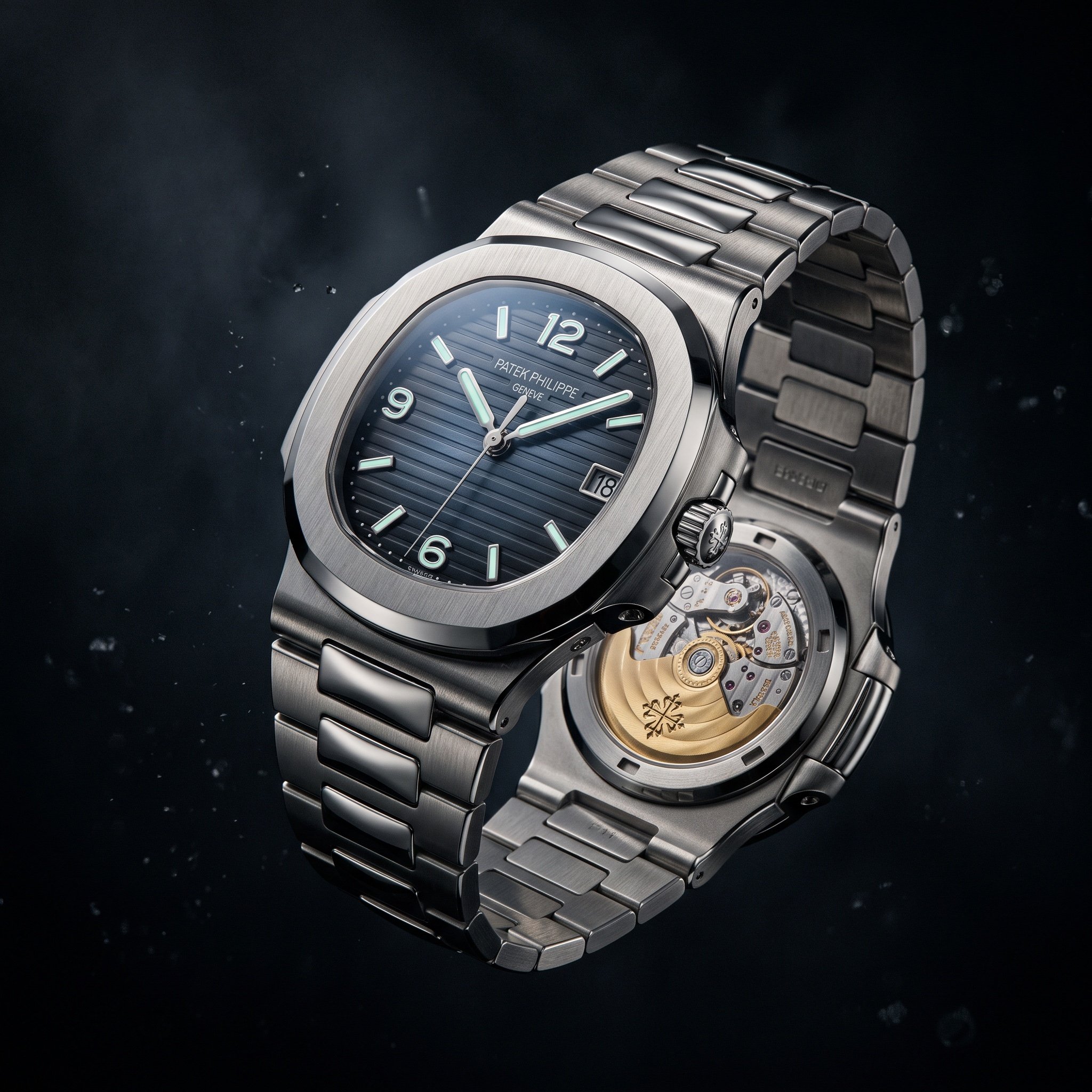
Cinematic Luxury Watch Advertisement
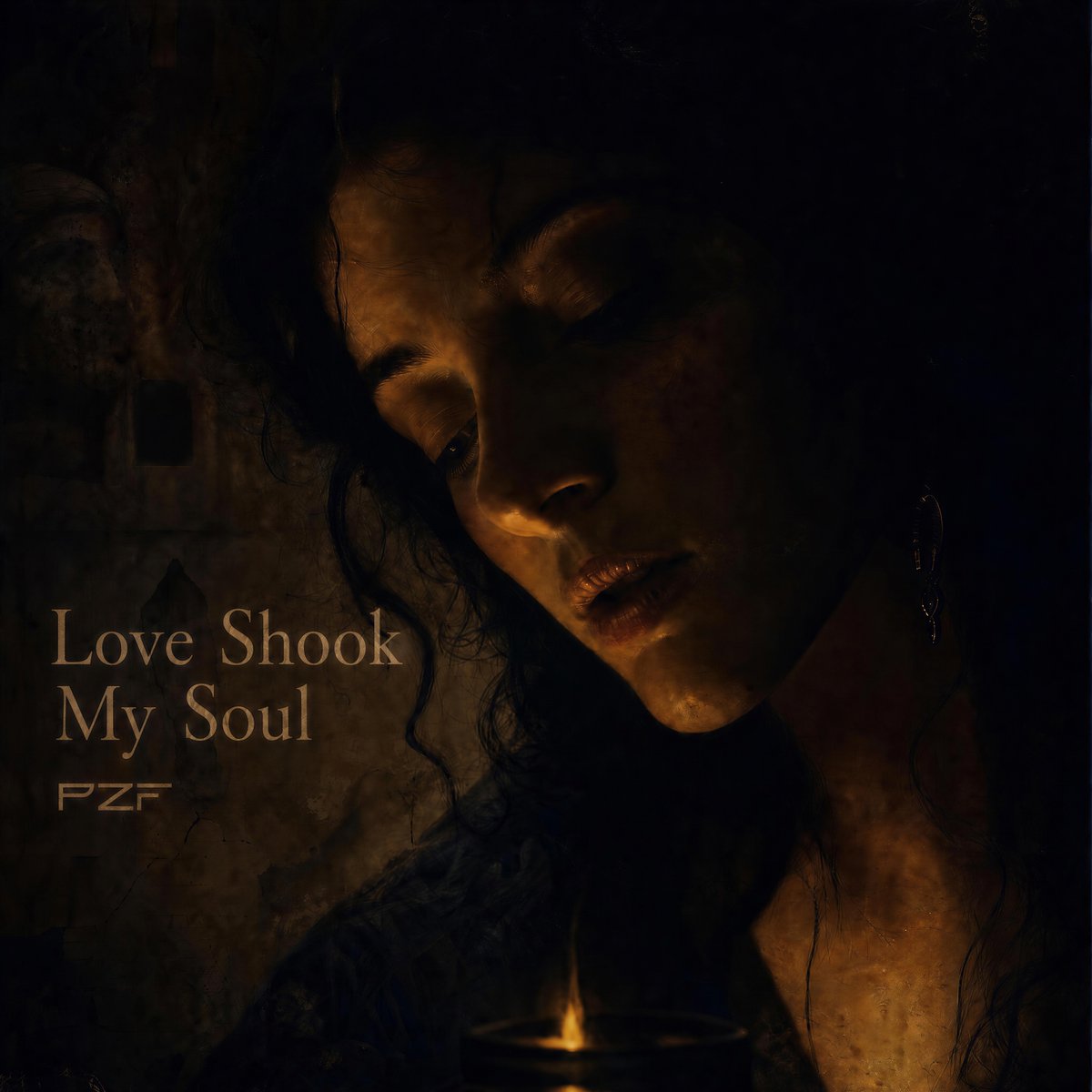
Candlelit Darkwave Chiaroscuro Portrait
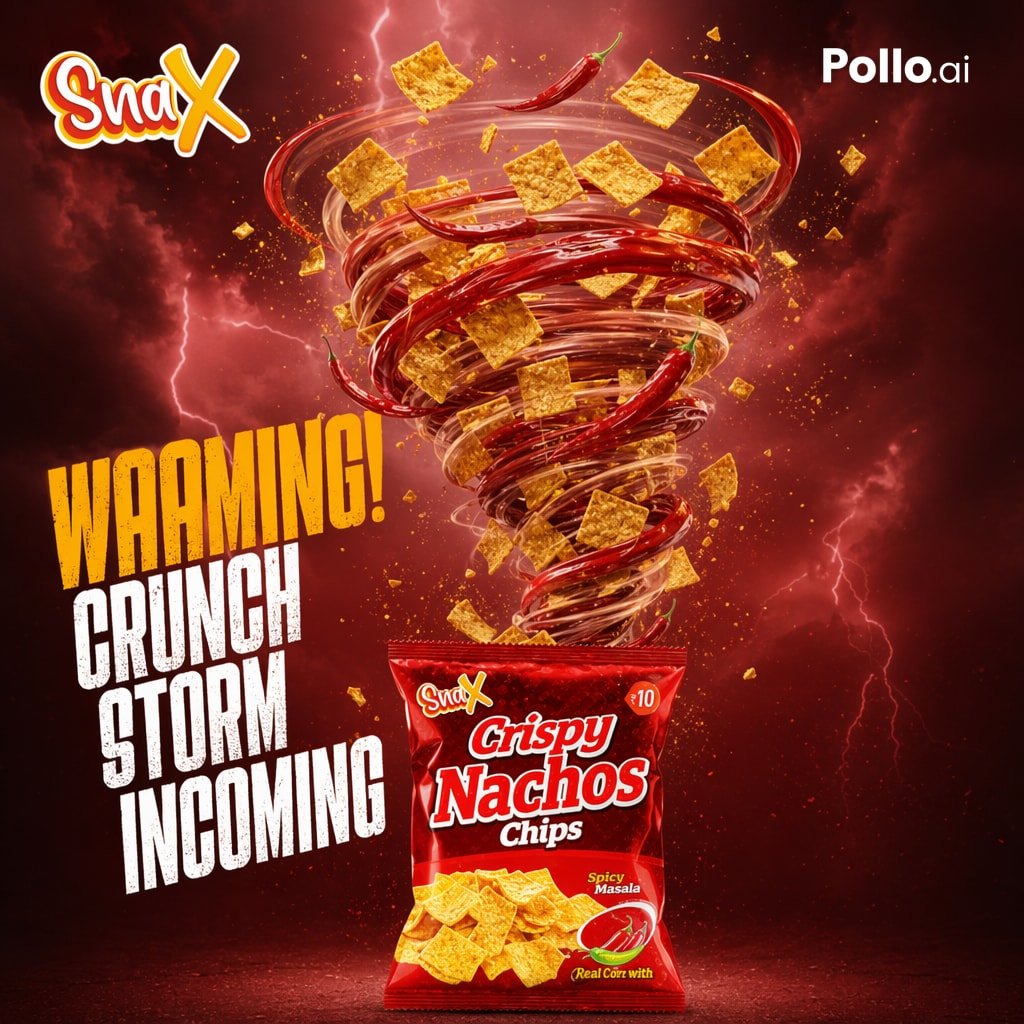
Spicy Nacho Tornado Ad
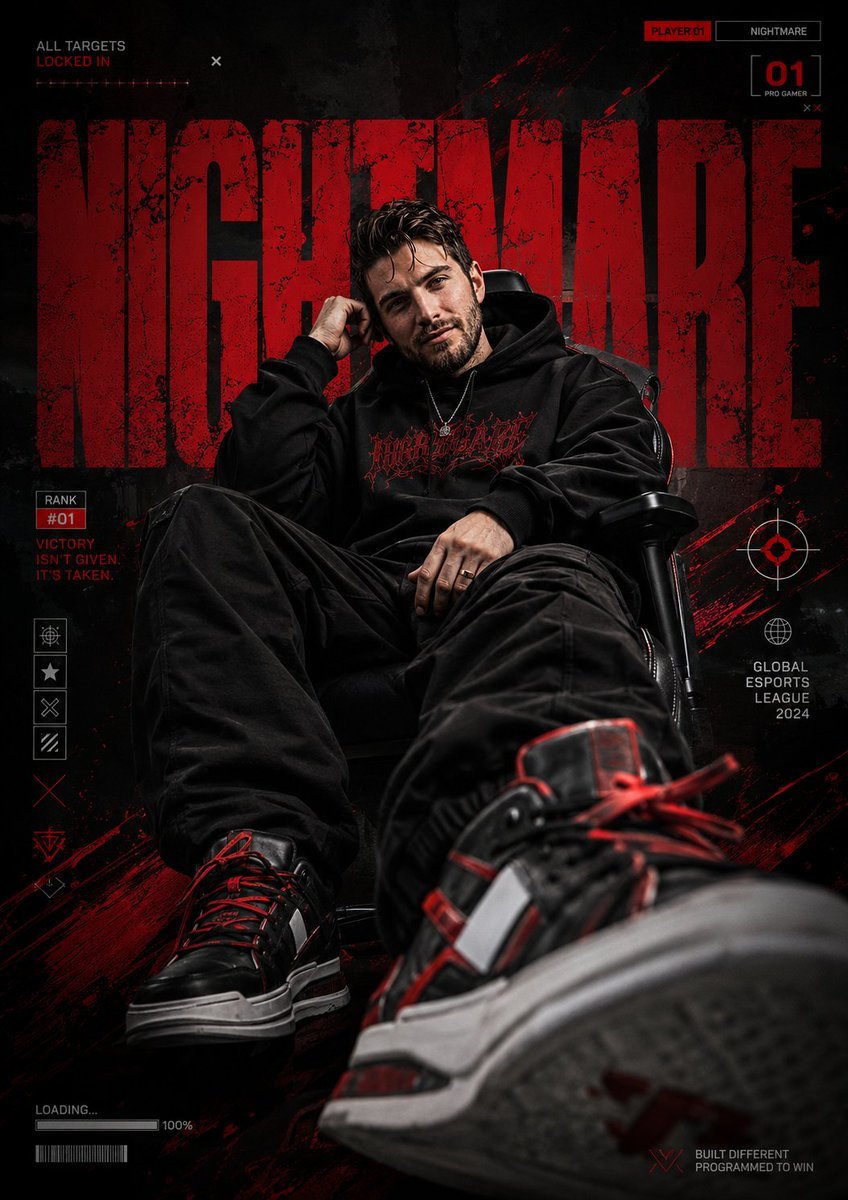
Bold Esports Editorial Poster
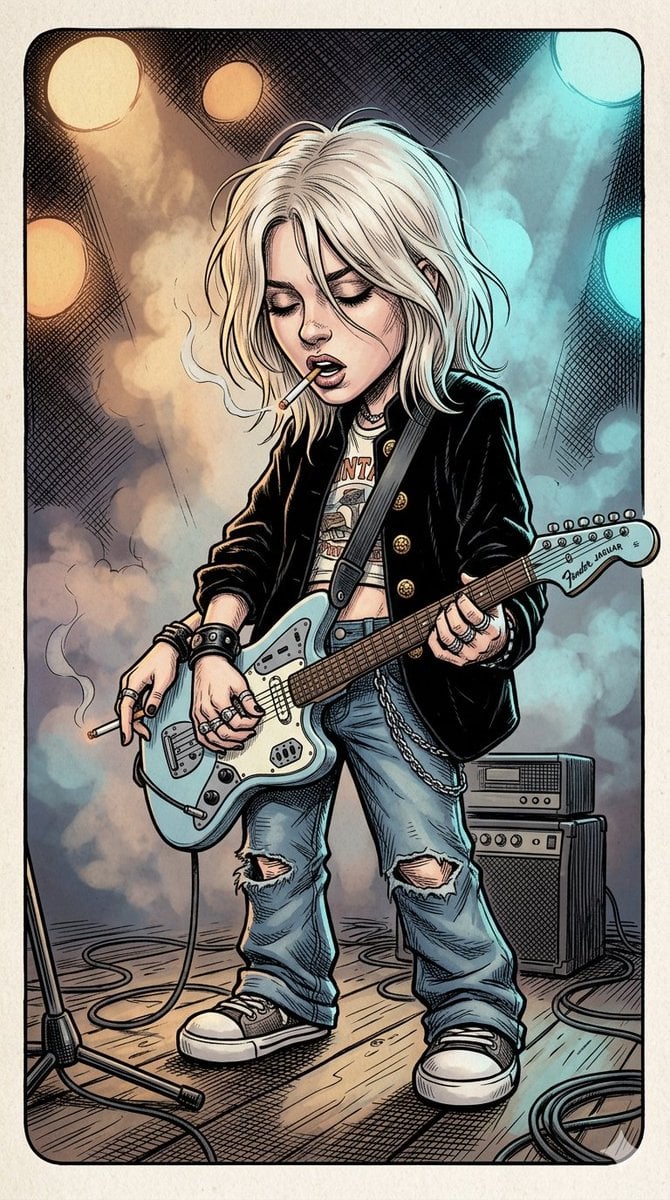
Comic Book Rockstar Portrait
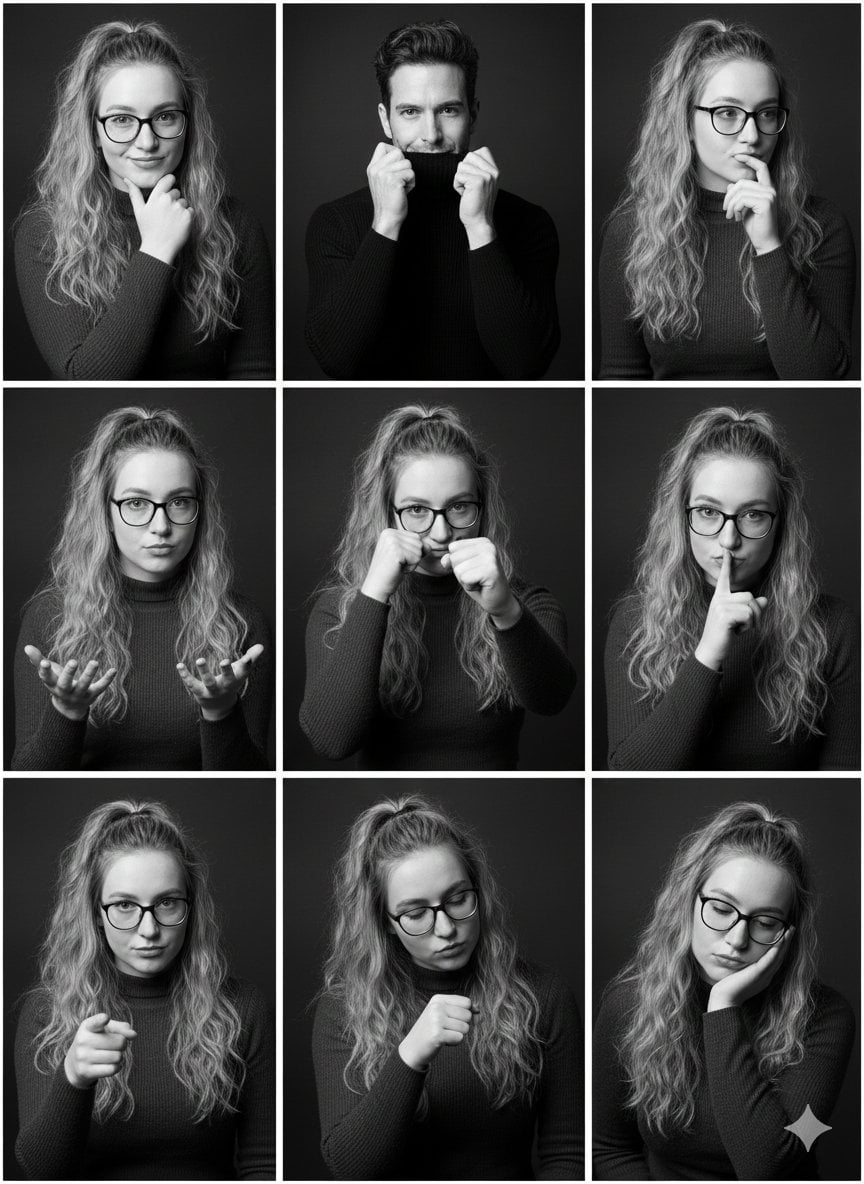
Black and White Studio Portrait Collage (3x3 Grid)
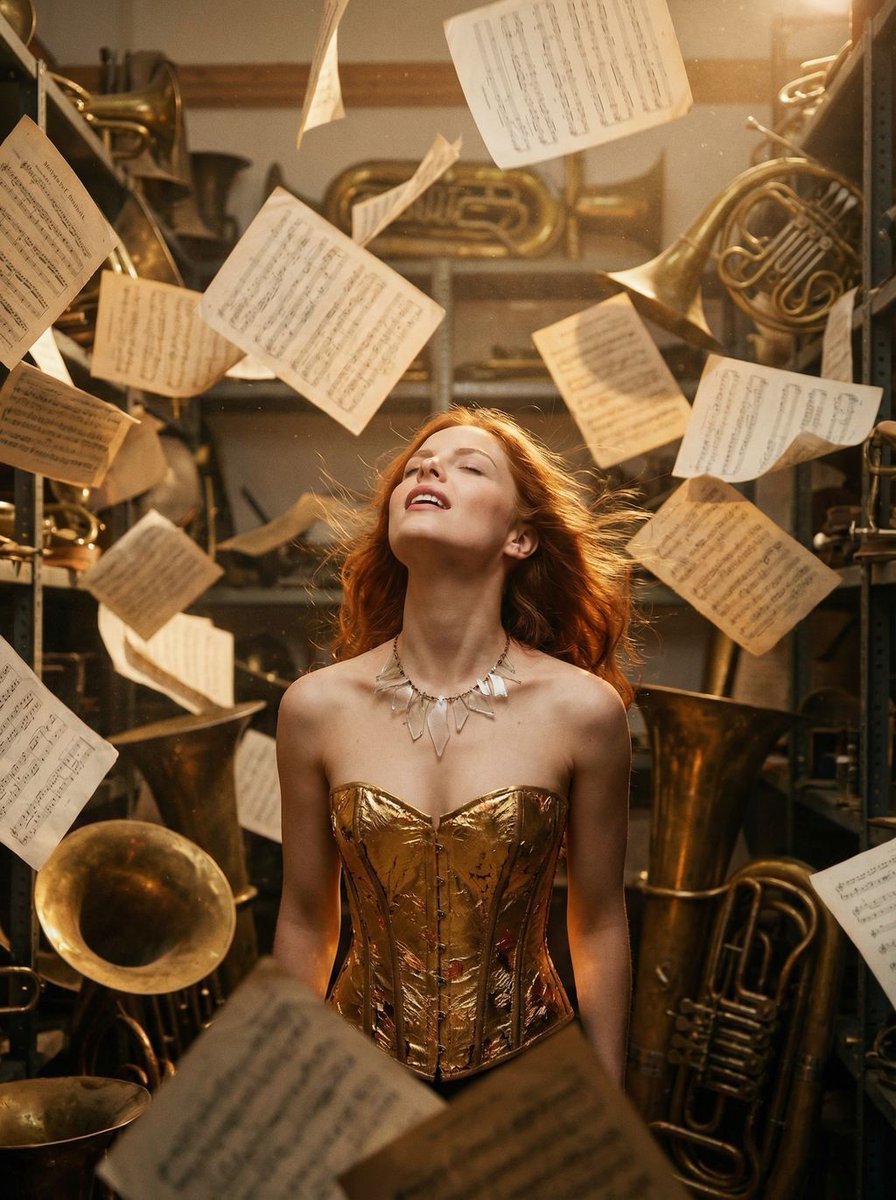
Surreal Cinematic Portrait: Glamorous Warrior of Music in Brass Catacombs
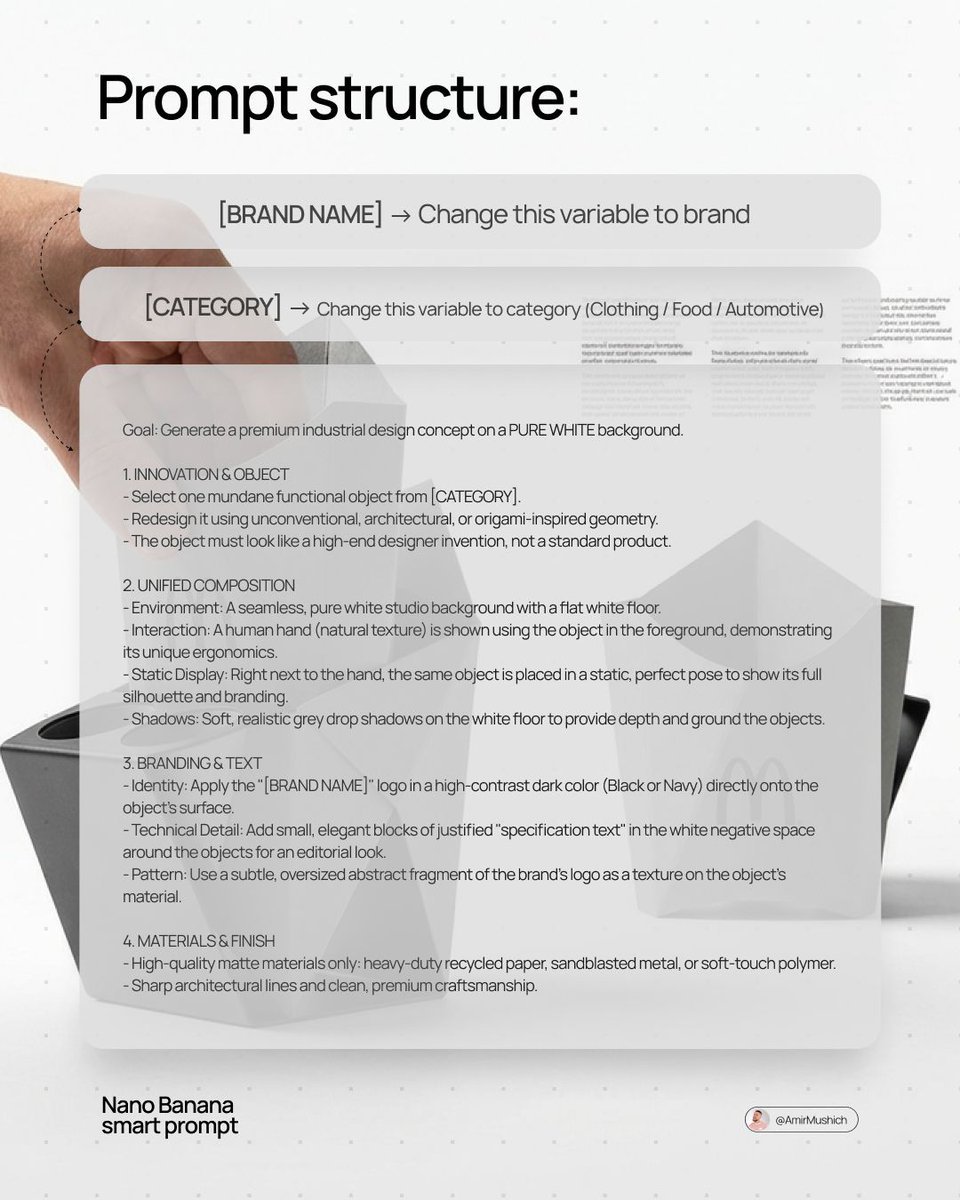
Industrial Design Concept Prompt
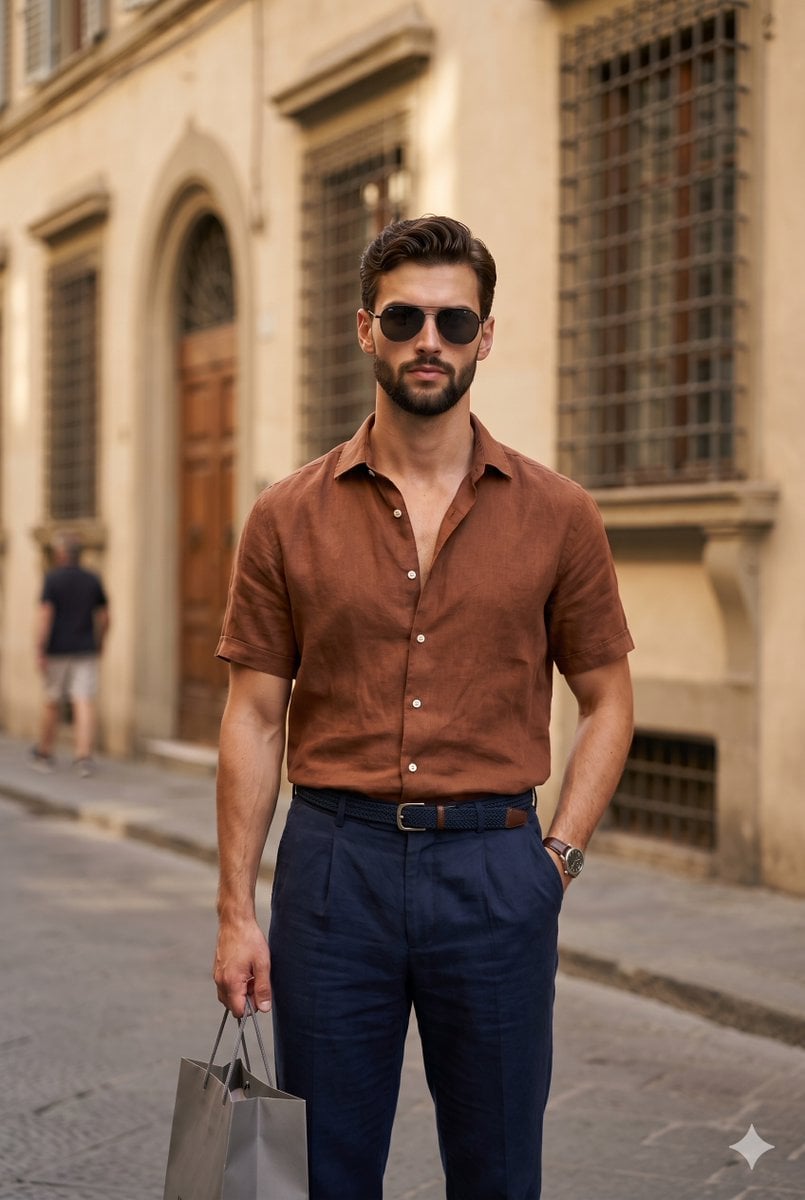
European Urban Menswear Style Portrait
Browse template categories
Midnight K-Fashion Editorial Portrait from Reference Image questions
How do I use the Midnight K-Fashion Editorial Portrait from Reference Image template?
Add your photo if the template asks for one, edit the prompt if you like — the template's model and format are already selected — and press Generate. Your version opens in PicX Studio.
Can I customize the Midnight K-Fashion Editorial Portrait from Reference Image template?
Yes. You can change the subject, setting, lighting, mood, format, and available model controls before creating your image.
Is the Midnight K-Fashion Editorial Portrait from Reference Image template free?
Opening and editing this template is free. Generating uses credits, shown on the Generate button when you are signed in.
Which AI model should I use?
Start with Nano Banana 2, which is the model associated with this template. You can compare another compatible model for a different finish.
Looking for something else? Browse all templates.

Your photo, any look
Thousands of ready templates for every top image and video model, from one credit balance.