
Surreal Cinematic Portrait: Glamorous Warrior of Music in Brass Catacombs
A complex JSON prompt for generating a hyper-realistic, surreal cinematic portrait of a 'Glamorous Warrior of Music' archetype.
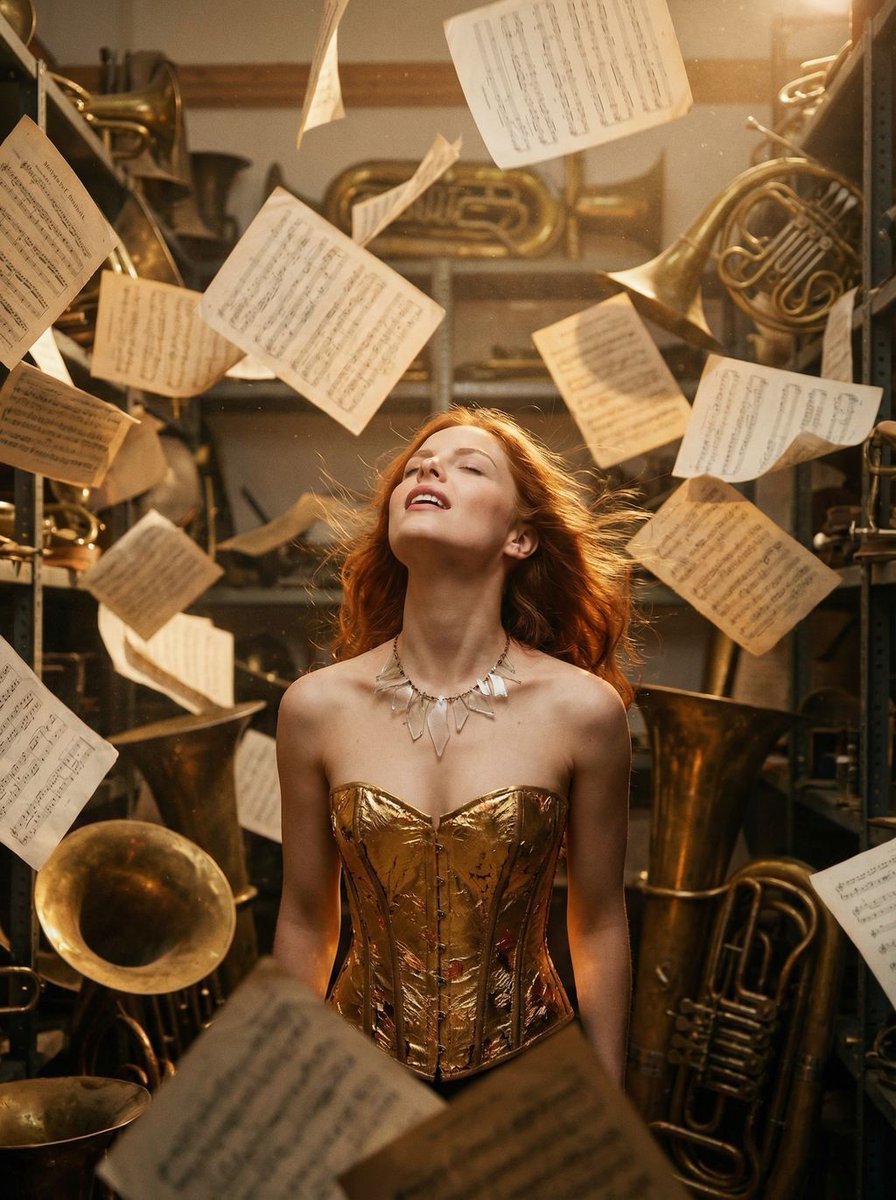
- Prompt included
- Model and format preset
- Free template
The prompt behind this image
Copy the exact prompt behind Surreal Cinematic Portrait: Glamorous Warrior of Music in Brass Catacombs, or open it in the studio and make it yours.
{ "vibe_title_en": "Brass Symphony Dream", "master_prompt": "A hyper-realistic, surreal cinematic portrait of The Protagonist as a 'Glamorous Warrior of Music' inside The Brass Catacombs. The setting is an infinitely cluttered, dusty archive stacked floor-to-ceiling with hundreds of antique brass instruments (tubas, French horns, trumpets) creating a dense, metallic labyrinth. The subject is captured in 'The Ecstatic Dreamer' pose: head thrown back, eyes closed in a euphoric trance, mouth slightly parted in a silent anthem. Wind whips through their hair, suggesting a sonic blast. Surreal Practical Effect: A whirlwind of thousands of vintage sheet music pages is frozen in mid-explosion around the subject, suspended on invisible wires to look like a chaotic storm of paper. The lighting is warm, vibrating Rembrandt style, catching the dust motes that look like floating gold. Shot on Hasselblad H6D-100c, 70mm lens, f/2.8. Texture: Kodak Portra 800 film grain, tactile metal surfaces, hyper-detailed skin pores, no neon, analog warmth.", "meta": { "intent": "Editorial Fashion / Surreal Art", "priorities": "Texture density, euphoric emotion, surreal motion", "device_profile": "High-end Desktop Display" }, "frame": { "aspect": "4:5", "composition": "Editorial Tight-Mid (Mid-chest up)", "layout": "Central subject surrounded by chaotic frame density", "camera_angle": "Eye level, slightly upward tilt to accentuate the neck", "tilt_roll_degrees": "0" }, "subject": { "gender": "Female", "identity": "The Musical Warrior Archetype", "demographics": "Universal/Ageless", "face": "Euphoric expression, eyes closed, mouth relaxed open, head tilted back", "hair": "Windblown, dynamic, interacting with the floating paper", "body": "Mid-chest up, posture arched backwards in release, neck exposed", "expression": "Pure transcendent ecstasy, trance-like state", "pose": "Head thrown back, neck extended, shoulders relaxed but dynamic" }, "wardrobe_accessories": { "garments": [ { "item": "Avant-garde Bodice", "material": "Gold-leaf textured fabric / Hammered metal", "color": "Burnished Gold", "fit": "Structured, architectural form" } ], "accessories": [ { "item": "Necklace (Surreal)", "color": "Transparent/Glass", "material": "Crystal resonance shards", "brand_style": "Haute Couture Surrealism" } ] }, "environment": { "setting": "The Brass Catacombs (Infinite Instrument Archive)", "surfaces": "Tarnished brass, dusty wood, vintage paper", "depth": "Shallow depth of field with heavy bokeh in the background clutter", "atmosphere": "Dusty, golden, vibrating with silent sound", "lens_interaction": "Slight halation around the brass highlights" }, "lighting": { "key": "Warm Rembrandt light (45 degrees)", "fill": "Soft gold reflector b
How to use Surreal Cinematic Portrait: Glamorous Warrior of Music in Brass Catacombs in 3 steps
- 1
Open
The prompt is already in the box next to the preview, with the template's model and format selected.
- 2…a portrait of your subject in softgolden-hour light, 85mm…
Personalize
Edit the subject and creative details for your destination.
- 3Generate
Generate
Press Generate — your image is created in PicX Studio, so you can compare it with the original and refine one variable at a time.
More like this
Templates with the same subject, style or setup. Open one to see its prompt.

Found Photograph: Us, 1970

Our Song was on a Cassette

80s Couple Studio Portrait

80s Bollywood Star

80s Golden Hour Cinema

Me in 1985

1985 Studio Portrait

Hyper-Realistic Minecraft POV Portrait
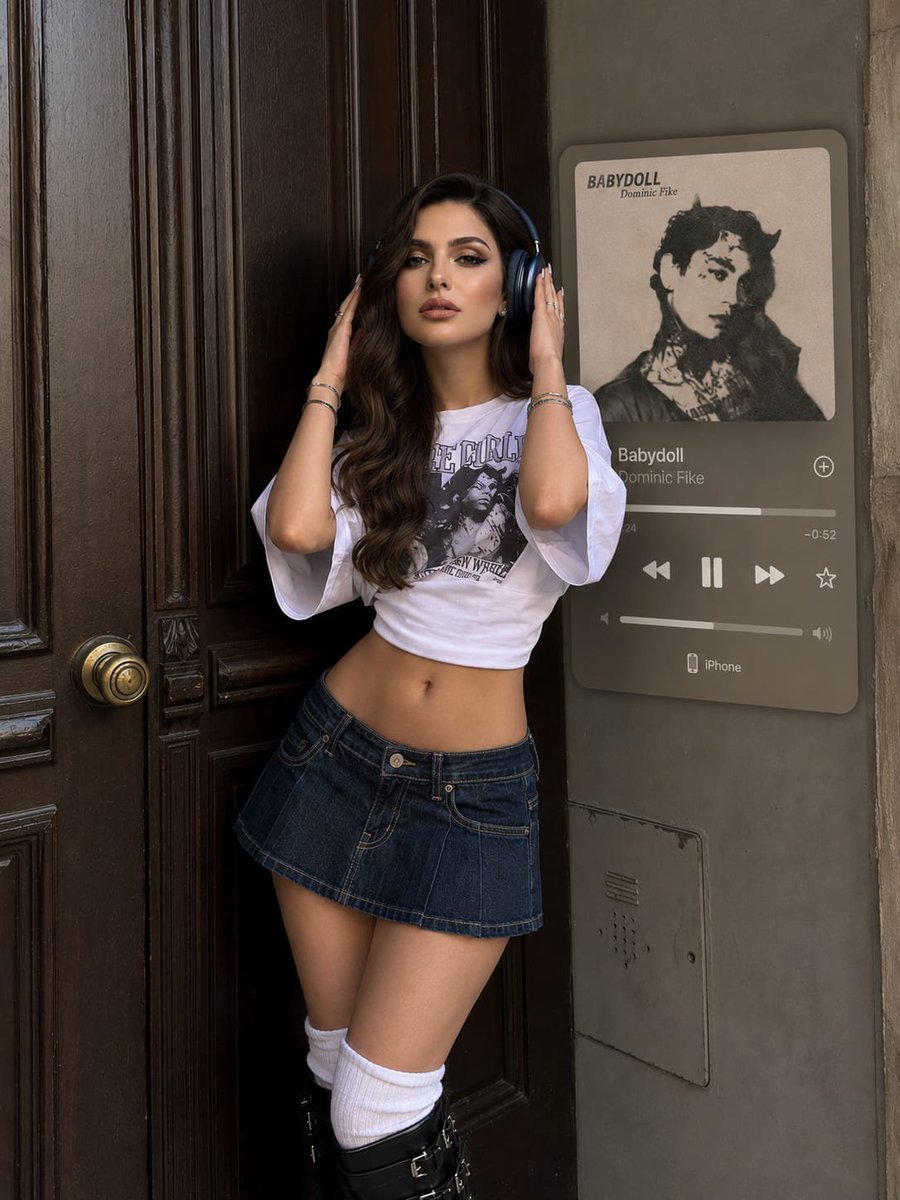
Y2K Music Editorial Portrait

Rooftop Fisheye — Cat-Ear Balaclava at Golden Hour

Surreal Cat Astronaut — Humanoid Face Freefall
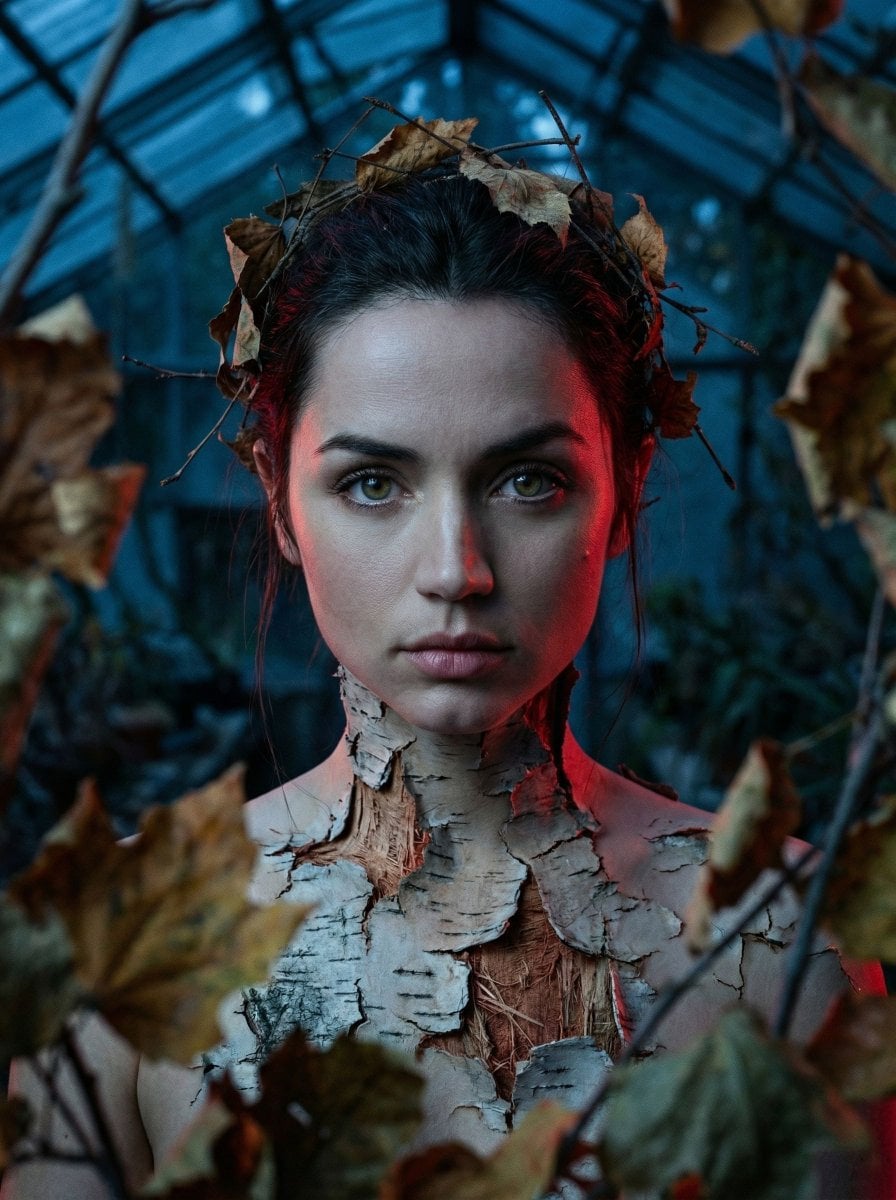
Surreal Birch Bark Portrait Prompt
Make it yours
Surreal Cinematic Portrait: Glamorous Warrior of Music in Brass Catacombs works as-is. These are the safest ways to change it without losing the look.
Change one field
Copy a single group, rewrite it, and generate again so you can see what that field is doing.
Keep the frame, change the subject
Hold the composition and light of Surreal Cinematic Portrait: Glamorous Warrior of Music in Brass Catacombs, then swap wardrobe, props or the person for a new take.
| If the result… | Why | Fix |
|---|---|---|
| The result drifts from the preview | Too many fields changed at once. | Reuse Surreal Cinematic Portrait: Glamorous Warrior of Music in Brass Catacombs as-is first, then change one group — subject, light, or setting. |
| The model over-stylizes the scene | The prose prompt leaves finish and camera underspecified. | Add one camera or lighting sentence and stay on Nano Banana 2. |
More Nano Banana 2 templates
Other prompts made for Nano Banana 2.

Photorealistic Leaf Shaped Like a Dragon

K-Pop Idol Portrait Grid for Rapid Selection

Poetic Rain Forest Portrait During Golden Hour

Urban Street Portrait with Cartoon Inner Self Duo

Candid Nighttime Photo with Cat Prompt

High-Concept 3D Diorama Generation Prompt

Cinematic Futuristic Studio Portrait Template

Skincare Editorial Photography Collage Prompt

Hyper-Realistic Commercial Product Photography (Splash Effect)

Hyper-Realistic Nightclub Portrait Prompt
More image prompts
Fresh picks from across the catalog.
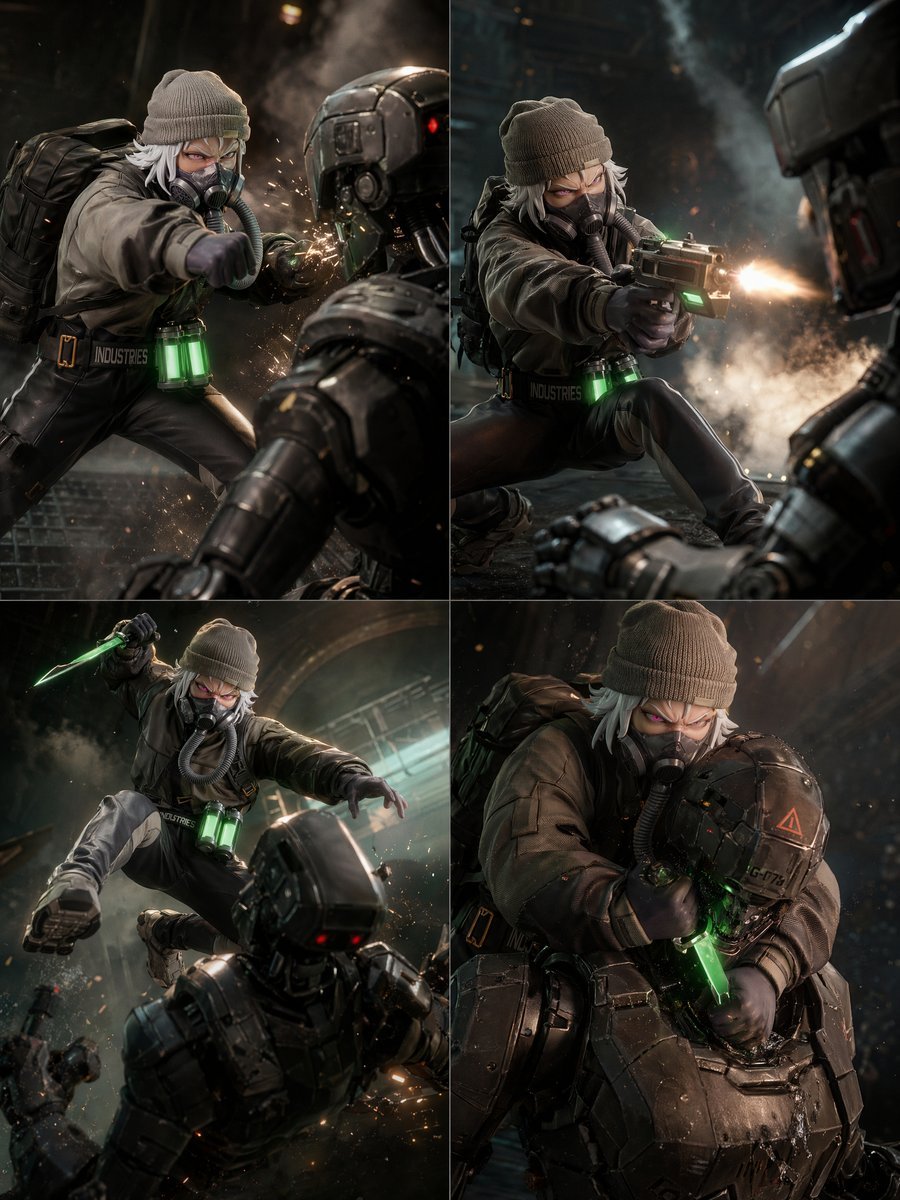
2x2 Sci-Fi Combat Action Grid
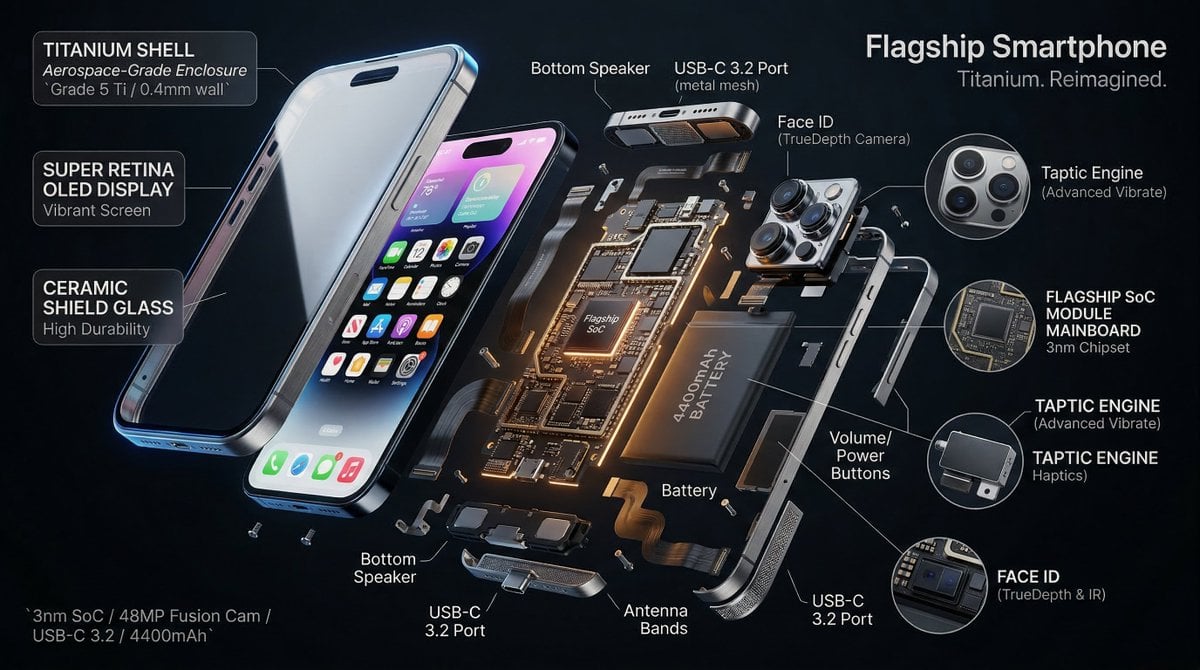
3D Radial Explosion Product Visualization Prompt for Nano Banana 2

Japanese Coworking Pricing Flyer
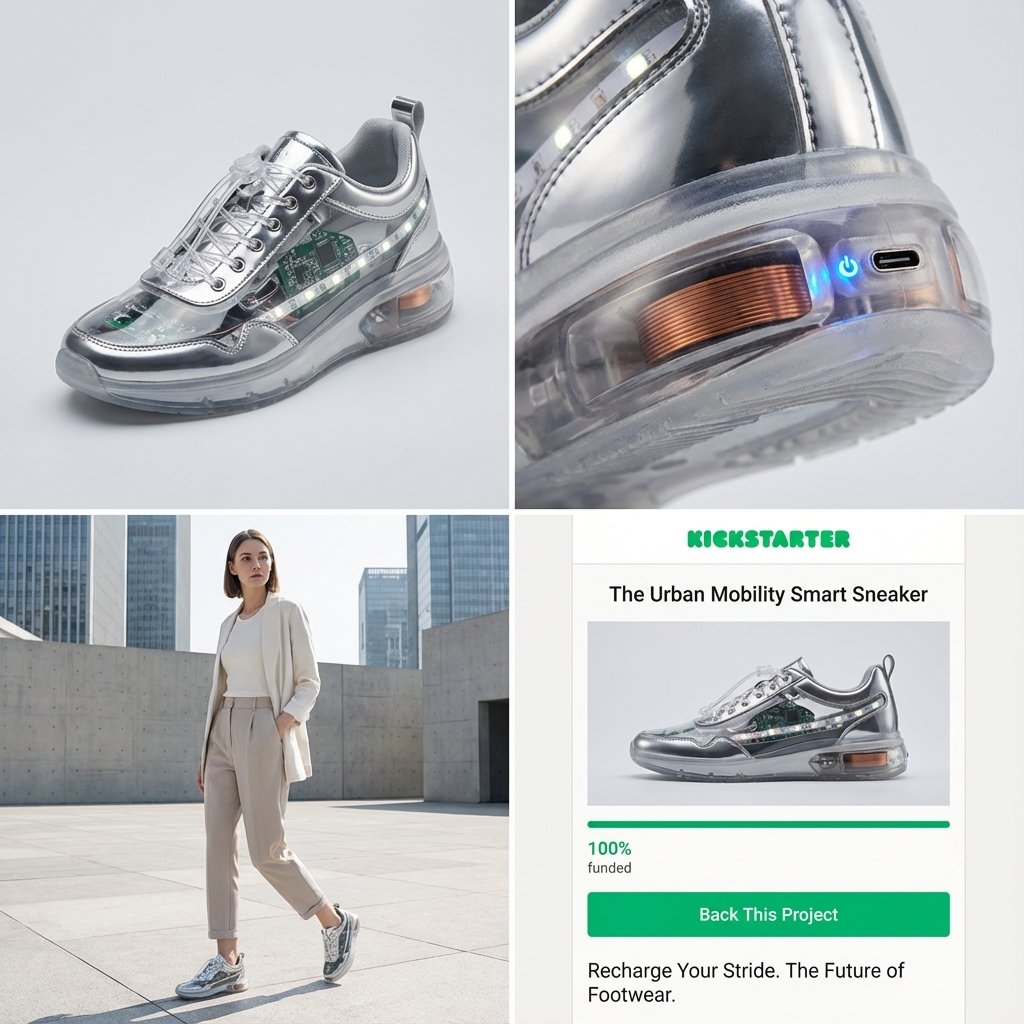
Kickstarter Campaign Generator Prompt
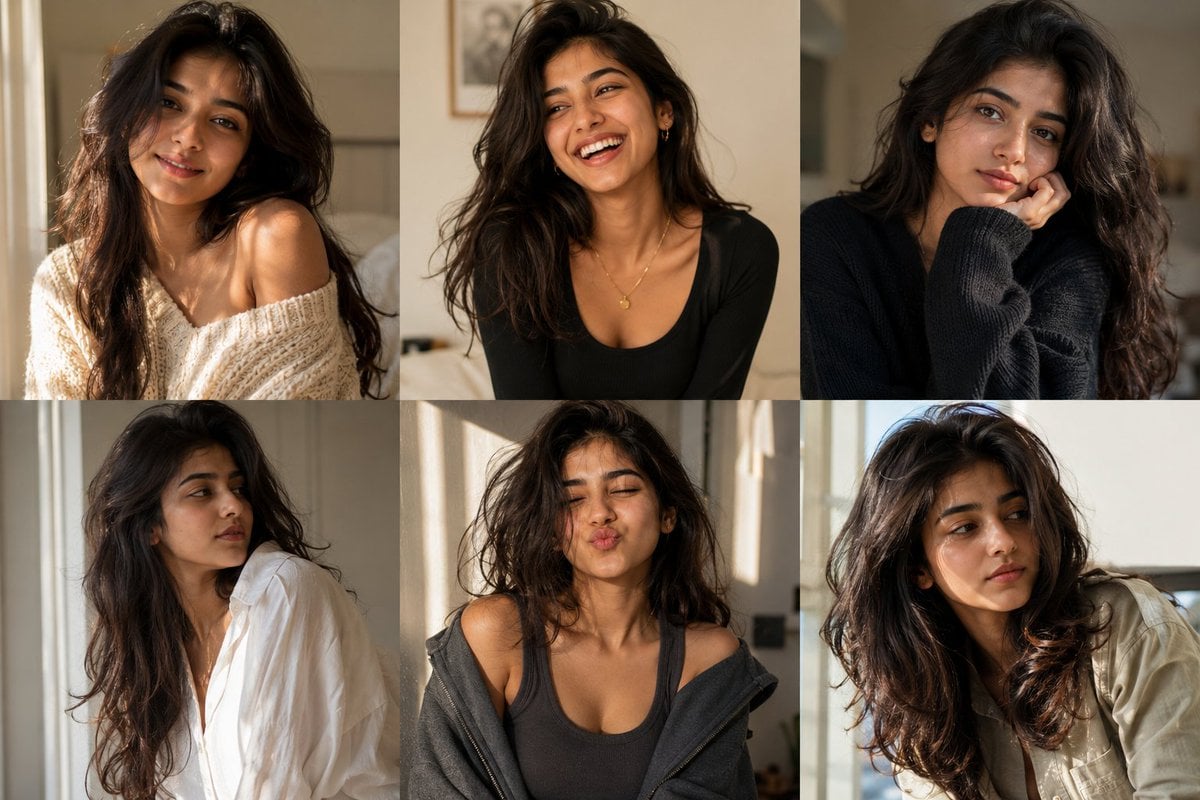
Editorial Portrait Collage

Elegant SIGHT Beauty Magazine Cover
Ultra-Realistic Character Transformation Prompt
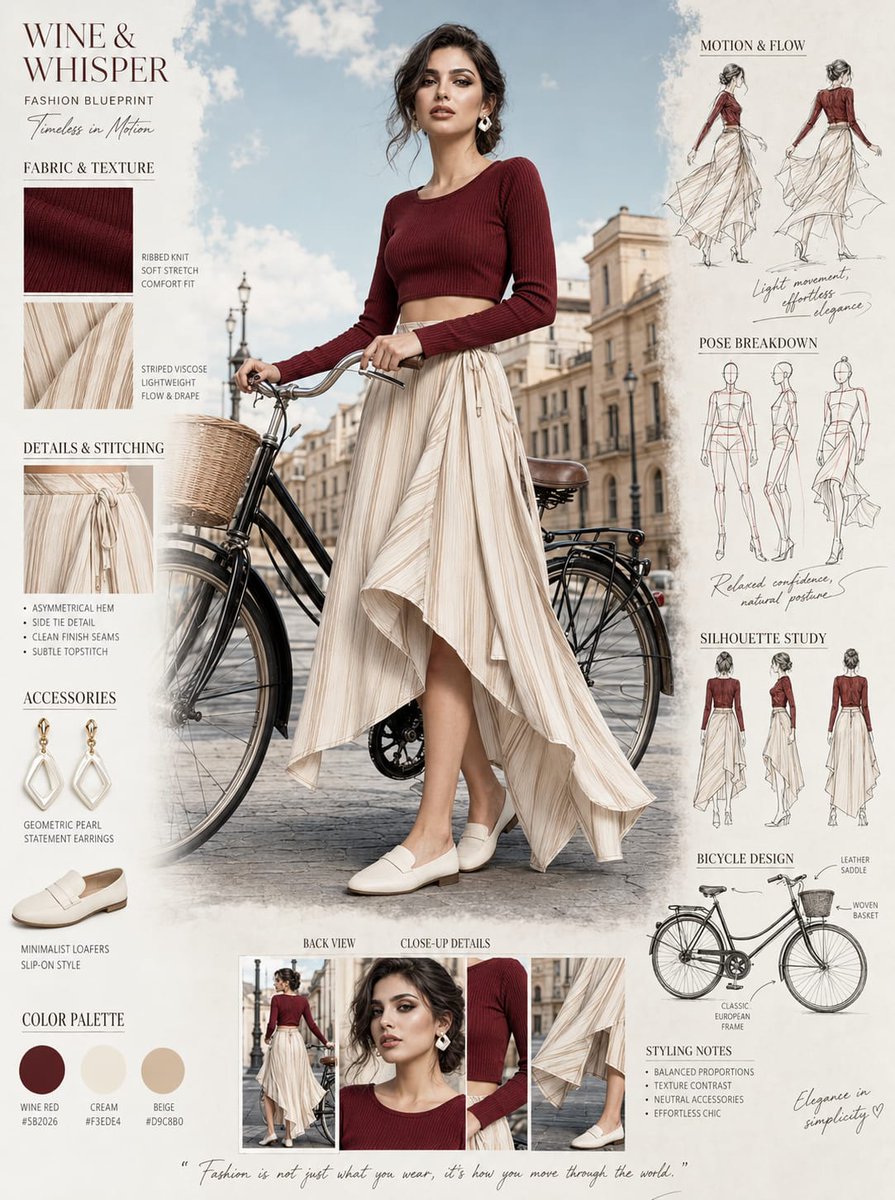
Fashion Blueprint Concept Sheet
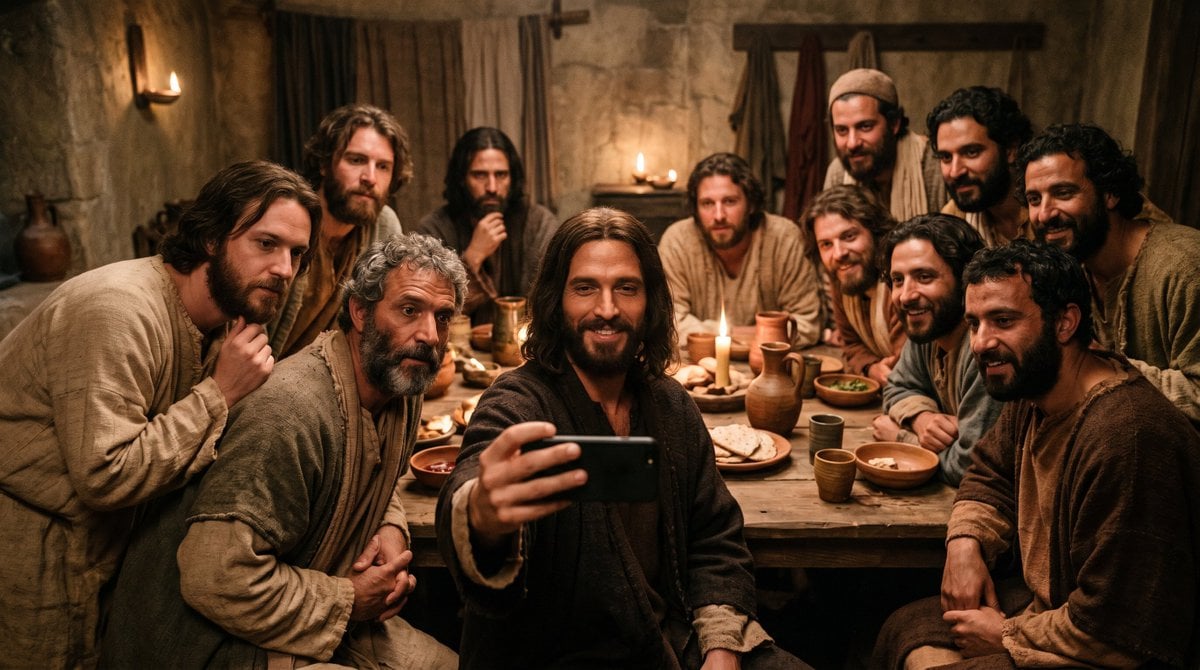
Last Supper Selfie Scene
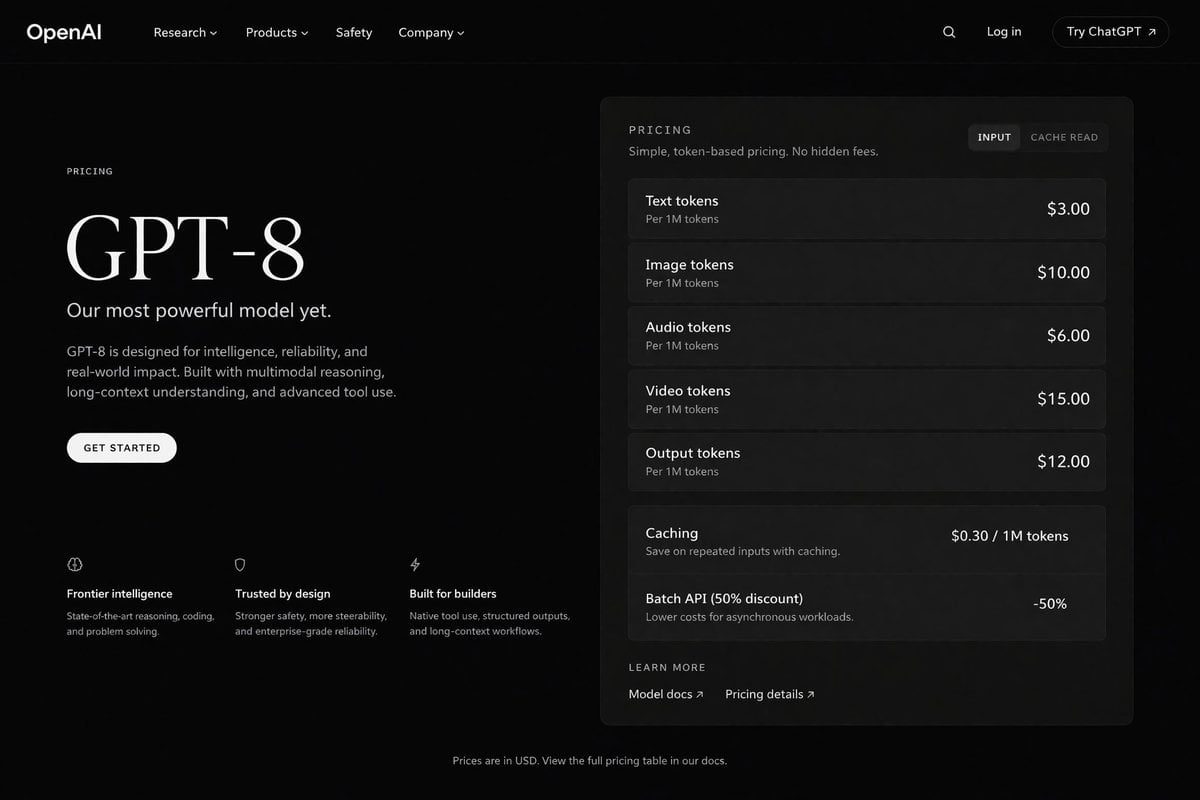
Dark Mode AI API Pricing Page Mockup
Browse template categories
Surreal Cinematic Portrait: Glamorous Warrior of Music in Brass Catacombs questions
How do I use the Surreal Cinematic Portrait: Glamorous Warrior of Music in Brass Catacombs template?
Add your photo if the template asks for one, edit the prompt if you like — the template's model and format are already selected — and press Generate. Your version opens in PicX Studio.
Can I customize the Surreal Cinematic Portrait: Glamorous Warrior of Music in Brass Catacombs template?
Yes. You can change the subject, setting, lighting, mood, format, and available model controls before creating your image.
Is the Surreal Cinematic Portrait: Glamorous Warrior of Music in Brass Catacombs template free?
Opening and editing this template is free. Generating uses credits, shown on the Generate button when you are signed in.
Which AI model should I use?
Start with Nano Banana 2, which is the model associated with this template. You can compare another compatible model for a different finish.
Looking for something else? Browse all templates.

Your photo, any look
Thousands of ready templates for every top image and video model, from one credit balance.