How do I use the Luxury Perfume Ad Portrait template?
Choose the primary action to open PicX Studio with the available template settings. Review the model and format, personalize the creative direction, and generate when ready.
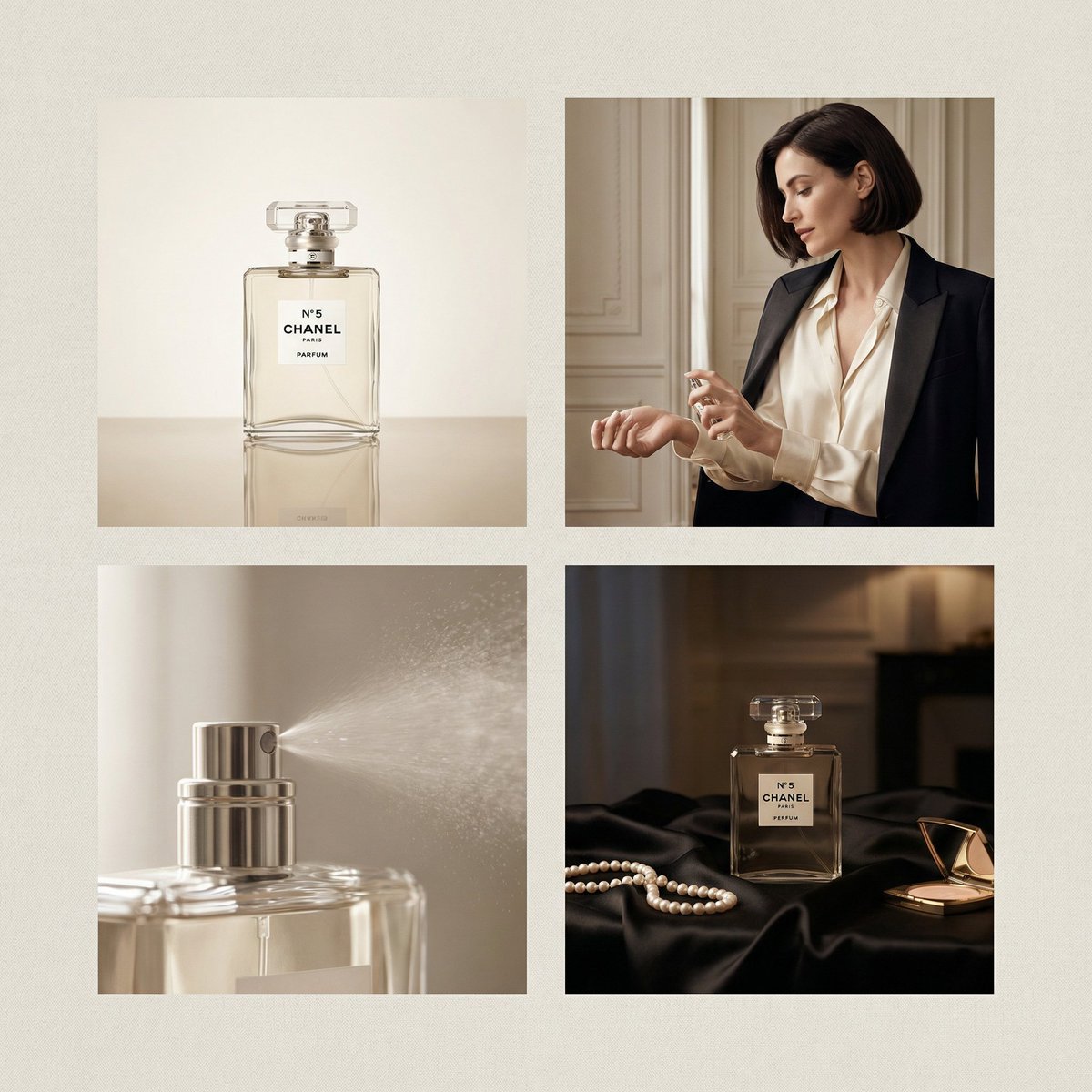
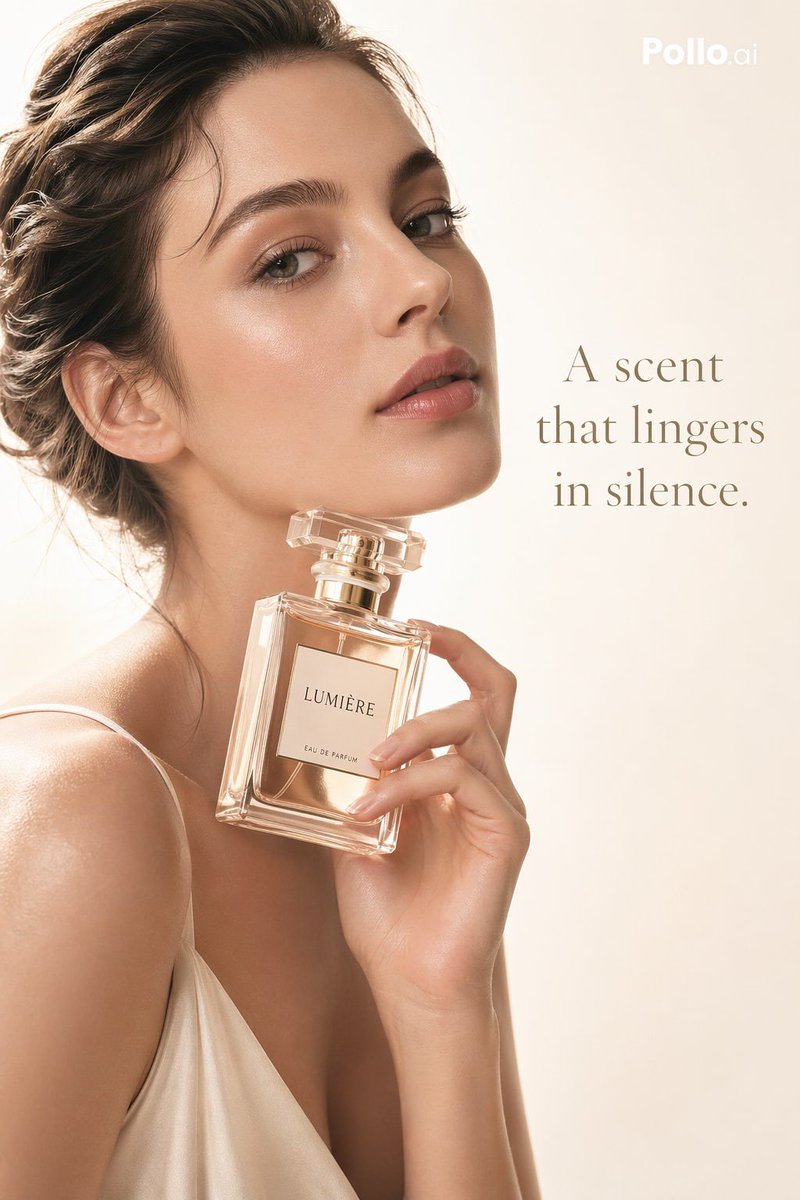
A sophisticated perfume advertisement prompt featuring a professional model, elegant lighting, and high-end typography for luxury branding. Change the subject, setting, or lighting one variable at a time.
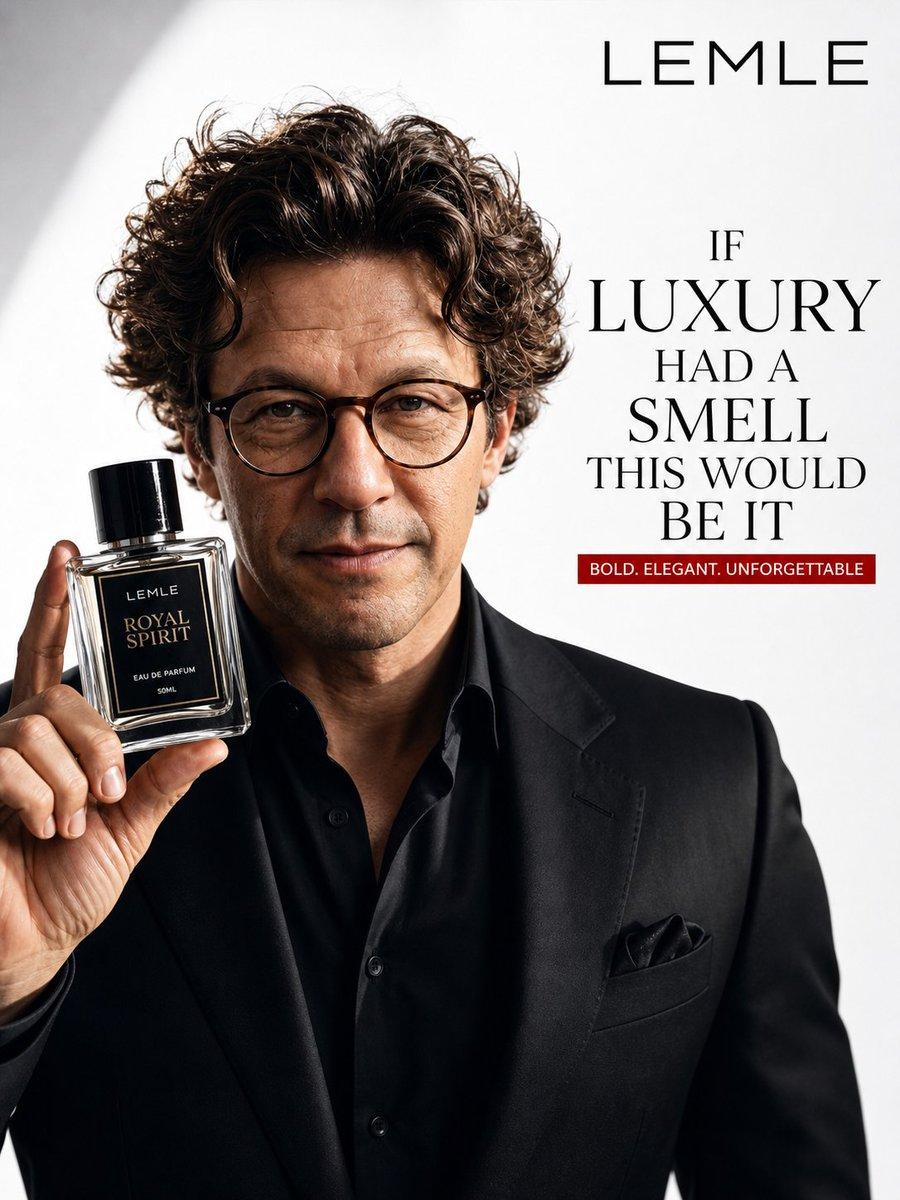
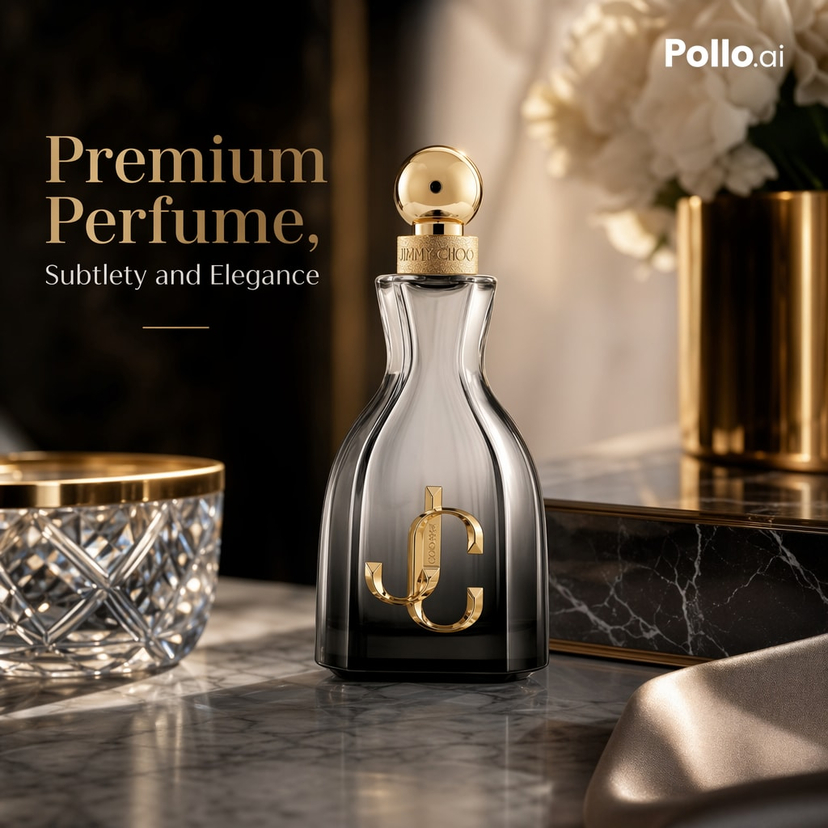
A highly realistic professional luxury perfume advertisement featuring a {argument name="subject" default="handsome middle-aged man with wavy dark brown hair"}, wearing a sharp black suit jacket and stylish round tortoiseshell glasses. He is looking directly at the camera with a confident, slight smile, holding a sleek rectangular glass perfume bottle in his right hand, presenting it forward. The bottle has a black cap and a black label that reads "{argument name="brand name" default="LEMLE ROYAL SPIRIT EAU DE PARFUM 50ML"}". Studio portrait with clean white background, dramatic soft lighting created by subtle shadows and highlights on his face and the bottle. On the right side of the image, bold modern text reads: "{argument name="brand title" default="LEMLE"}" at the top, followed by "{argument name="tagline" default="IF LUXURY HAD A SMELL THIS WOULD BE IT"}" in large elegant font, and a red banner below saying "BOLD. ELEGANT. UNFORGETTABLE". Cinematic lighting, high-end commercial photography style, sharp detail, 8k quality.
Choose the primary action to open PicX Studio with the available template settings. Review the model and format, personalize the creative direction, and generate when ready.
Yes. You can change the subject, setting, lighting, mood, format, and available model controls before creating your image.
This template is free to open and customize. Generation usage is shown in PicX Studio before you create.
Start with GPT Image 2, which is the model associated with this template. You can compare another compatible model for a different finish.
© 2026 PicX Studio. All rights reserved.

Follow a topic to a crawlable collection of related PicX Studio templates.
43,474 public templates available. Verified via the PicX Studio public templates API; refreshed hourly.




![69-untitled — FORMAT: 15s / 145 BPM / 14 SHOTS
SUBJECT: @[image1]
WARDROBE: Clean modern outfit
ENVIRONMENT: Street / indoor transitions
MOOD: Discovery → contr](/_next/image?url=https%3A%2F%2Fcdn.picxstudio.com%2Fuploads%2Fpost69_img0_d45faecf-38c3-4bcb-81a4-f6eb1cf42bb2.jpg&w=828&q=100)







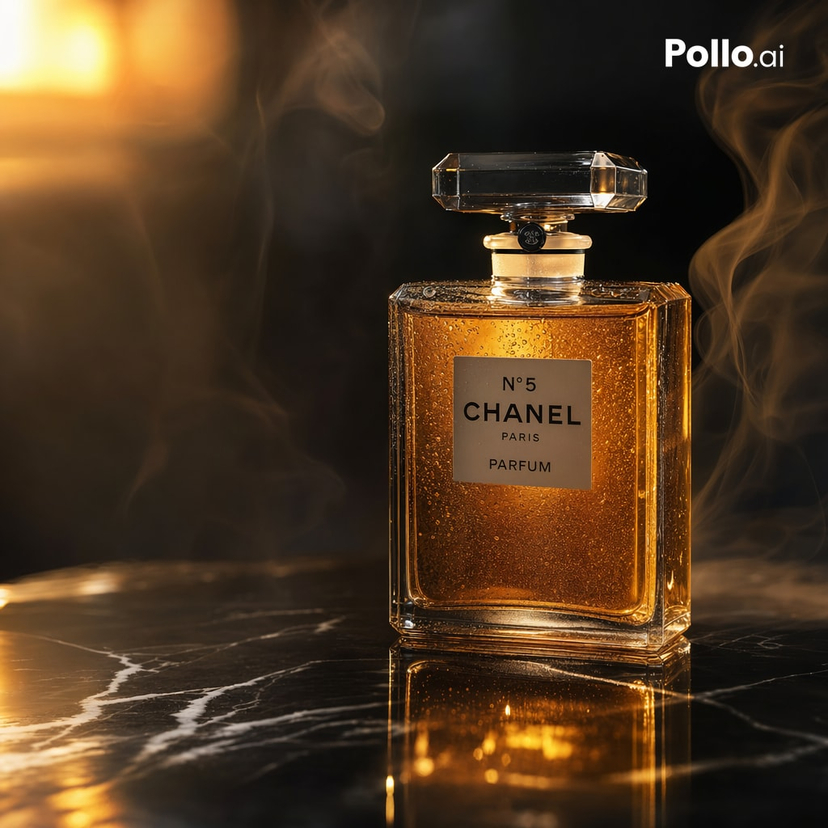




![Minimalist Flat Vector Travel Poster — Premium minimalist flat-vector travel poster for {argument name="city name" default="[CITY_NAME]"}, 3:4 vertical format.](https://cms-assets.youmind.com/media/1787917359711_3ug846_HQX205cbMAA6F6S-300x400.jpg)



















![118-google-nano-banana-pro-skincare-product- — A professional skincare shot of a [product container] with [cap/lid], labeled [brand, product, descriptor, volume](/_next/image?url=https%3A%2F%2Fcdn.picxstudio.com%2Fuploads%2Fpost118_img0_332898b8-29ea-42a9-87ab-9ed746a3f944.jpg&w=828&q=100)
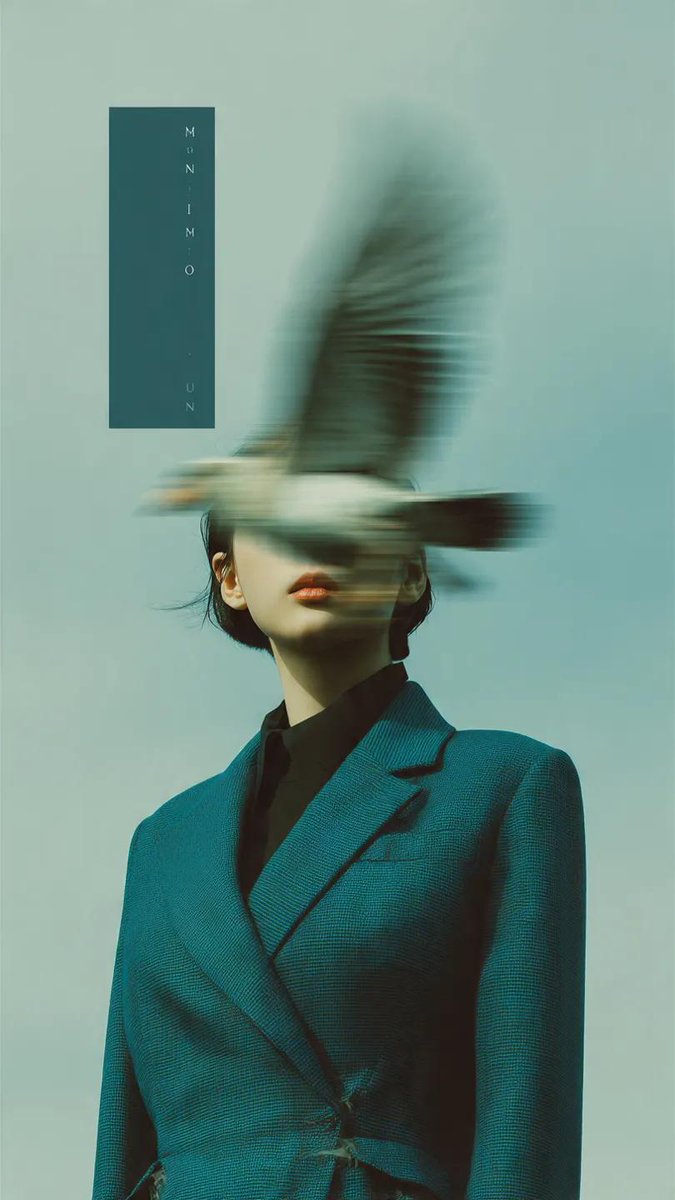

![Coffee's Journey Board prompt for Nano Banana 2 — A coffee's journey board from {argument name="origin" default="[ORIGIN]"} to cup {argument name="variety proce](https://pbs.twimg.com/media/HDizTpvbAAAJRcZ.jpg)


![Realistic Top-Down Portrait of Woman with Strawberry — [인물] 이미지 1, 이미지 2, 비율 {argument name="비율" default="2:3"}, 리얼리스틱
[인물의 포즈 및 표정]
고전적인 패턴의 소파(Sofa) 위에서 옆으로](https://cms-assets.youmind.com/media/1780564654382_w7rxfs_HJcra8RaIAArTtx.jpg)




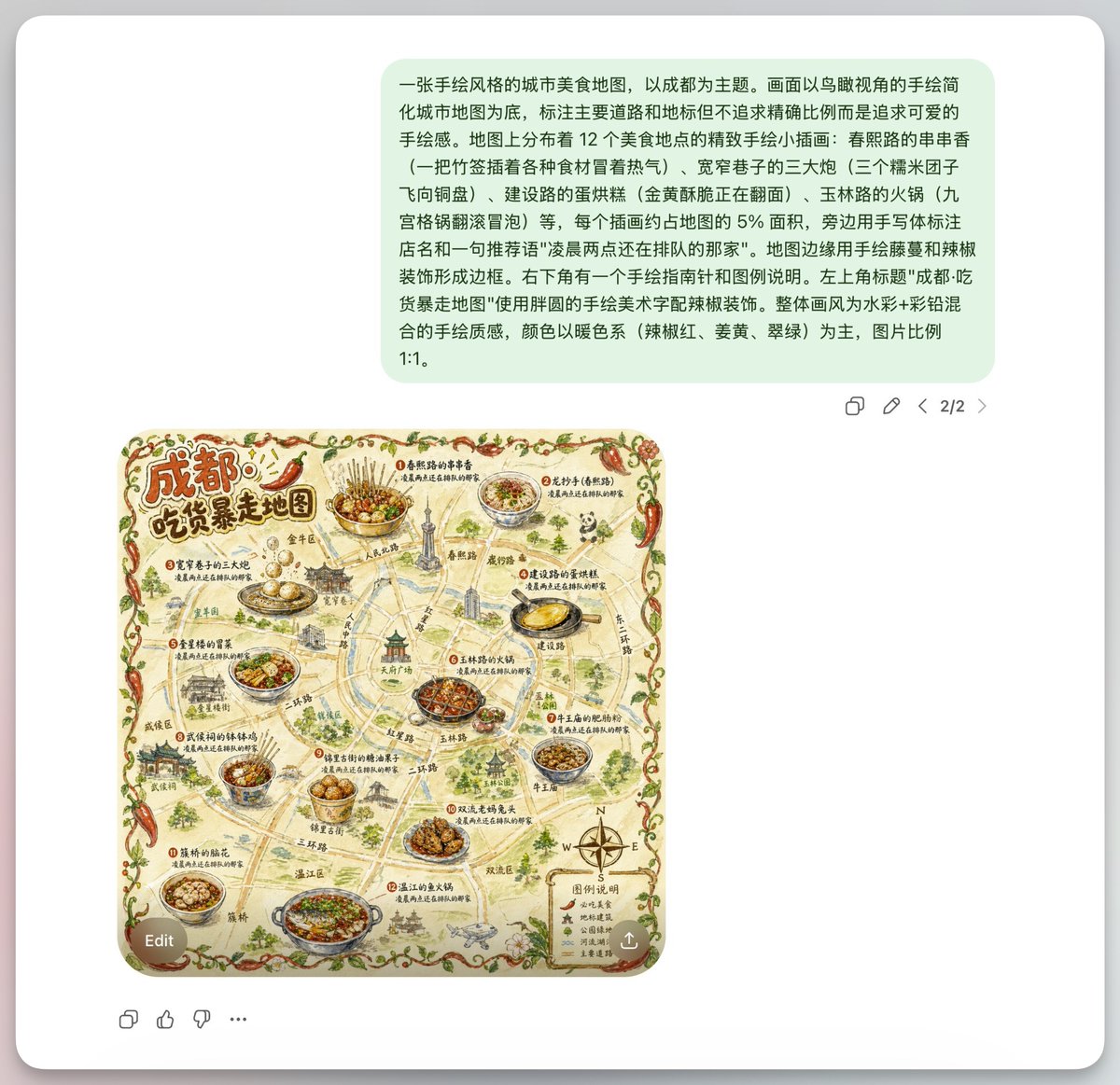


![gpt2-profile-avatar-3d-cartoon-character-render — High-quality 3D CGI render of {argument name="character" default="[character]"} in a charming cartoon style, p](/_next/image?url=https%3A%2F%2Fcdn.picxstudio.com%2Fuploads%2Fp6_437e2c7f_a7b505a5-6a0a-45df-a47d-0cd40b9fe0b1.jpg&w=828&q=100)



![Hyper-Realistic 3D Typographic Sculpture Product Concept — A hyper-realistic 3D typographic sculpture of a {argument name="Subject Name" default="[Subject Name]](https://pbs.twimg.com/media/HAqI5ijbUAAhzv0.jpg)
![Combustion Freeze: Object Frozen at Ignition — A single {argument name="object" default="[OBJECT]"} suspended in space, frozen at the moment of ign…](https://pbs.twimg.com/media/G_ZgT6XXoAAYqfN.jpg)