
Vintage New York Travel Collage
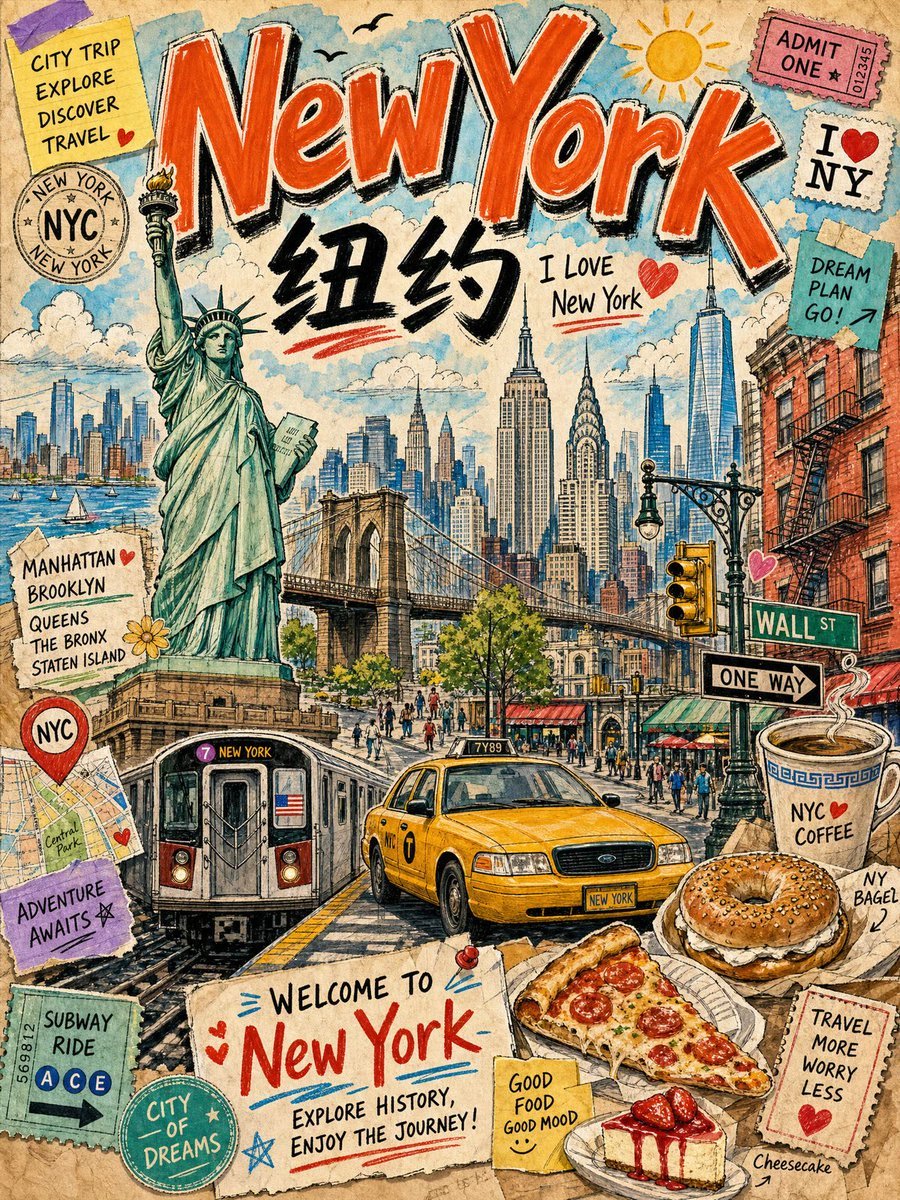
A detailed template for generating a hand-drawn scrapbook-style city travel poster with landmarks, notes, stickers, food, and transit elements.
- Prompt included
- Model and format preset
- Free template
The prompt behind this image
Copy the exact prompt behind Vintage New York Travel Collage, or open it in the studio and make it yours.
Goal: Create a colorful hand-drawn vintage travel poster collage for {argument name="city name" default="New York"}, styled like an illustrated scrapbook page full of stickers, taped notes, tickets, landmarks, food, and street details. Canvas: Vertical 3:4 poster with an aged beige paper background, worn edges, light stains, tape pieces, ink outlines, watercolor washes, and dense travel-journal composition. Main layout: At the top center, write a huge bold brush-lettered title “{argument name="city name" default="New York"}” in red-orange with white highlights and dark shadow, filling the upper third. Beneath it, add large black Chinese characters “纽约” with a red underline. Behind the title, paint a blue sky with fluffy clouds, small black birds, and a simple yellow sun in the upper right. Central city scene: Show an energetic Manhattan skyline across the middle with recognizable skyscrapers including the Empire State Building, Chrysler Building, and One World Trade Center. Include the Brooklyn Bridge spanning the center. On the left foreground, place a large Statue of Liberty in green patina on its pedestal. In the lower middle, show a street perspective with tiny pedestrians, a yellow NYC taxi facing forward, and a subway train emerging from the lower left track labeled with line “7” and destination “New York.” Add a traffic light, ornate street lamp, green “WALL ST” sign, and black-and-white “ONE WAY” sign on the right. Add red-brick apartment buildings with fire escapes on the right edge. Scrapbook notes and stickers: Include exactly 12 separate paper items around the city scene: 1) top-left yellow sticky note reading “CITY TRIP / EXPLORE / DISCOVER / TRAVEL” with a red heart, 2) left circular stamp reading “NEW YORK / NYC / NEW YORK,” 3) left torn checklist reading “MANHATTAN / BROOKLYN / QUEENS / THE BRONX / STATEN ISLAND” with a red heart and small flower, 4) lower-left map scrap with a red NYC location pin and “Central Park,” 5) purple note reading “ADVENTURE WAITS” with a star, 6) bottom-left subway ticket reading “SUBWAY RIDE” with route circles “A C E,” 7) teal circular sticker reading “CITY OF DREAMS,” 8) center-bottom welcome card reading “WELCOME TO New York / EXPLORE HISTORY, ENJOY THE JOURNEY!” with hearts and blue doodles, 9) top-right pink ticket reading “ADMIT ONE” with serial numbers, 10) top-right cream sticker reading “I ♥ NY,” 11) right blue note reading “DREAM PLAN GO!” with an arrow, 12) lower-right beige note reading “TRAVEL MORE WORRY LESS” with a heart. Food details: In the bottom-right foreground, illustrate exactly 4 iconic food items: a steaming paper cup labeled “NYC COFFEE” with a heart, a sesame bagel with cream cheese labeled “NY BAGEL,” a paper plate with a pepperoni pizza slice, and a slice of strawberry cheesecake labeled “Cheesecake.” Add a small yellow sticky note near the food reading “GOOD FOOD GOOD MOOD” with a smiley face. Visual style: Whimsical urban travel sketch, saturated watercolor and colored-pencil texture, black ink hatching, imperfect hand lettering, layered collage, playful tourist-map aesthetic, nostalgic postcard energy, very detailed but cohesive. Constraints: Preserve all readable text as hand-drawn lettering, avoid photorealism, no empty background, no modern minimalist look, no watermark or logo. Use {argument name="accent color" default="red-orange"} for the main title and heart motifs, and make the overall mood {argument name="poster mood" default="cheerful adventurous"}.
How to use Vintage New York Travel Collage in 3 steps
- 1Upload ImagePNG, JPG or paste
Add your photo
Upload the photo the template builds on. The prompt, model and format are already set.
- 2…a portrait of your subject in softgolden-hour light, 85mm…
Personalize
Edit the subject and creative details for your destination.
- 3Generate
Generate
Press Generate — your image is created in PicX Studio, so you can compare it with the original and refine one variable at a time.
More like this
Templates with the same subject, style or setup. Open one to see its prompt.

Japan Travel Brochure Poster
Premium Vintage Travel Poster Landscape
Vintage Las Vegas Travel Collage

Sunday Afternoon, 1988

Two Tickets, One Night

If We Met in 1985

Found Photograph: Us, 1970
One Dance Before Midnight
Before We said Goodbye

Our Song was on a Cassette

Meet Me When It Rains
The Date After College
Make it yours
Vintage New York Travel Collage works as-is. These are the safest ways to change it without losing the look.
Change one field
Copy a single group, rewrite it, and generate again so you can see what that field is doing.
Keep the frame, change the subject
Hold the composition and light of Vintage New York Travel Collage, then swap wardrobe, props or the person for a new take.
| If the result… | Why | Fix |
|---|---|---|
| The result drifts from the preview | Too many fields changed at once. | Reuse Vintage New York Travel Collage as-is first, then change one group — subject, light, or setting. |
| The model over-stylizes the scene | The prose prompt leaves finish and camera underspecified. | Add one camera or lighting sentence and stay on GPT Image 2. |
More GPT Image 2 templates
Other prompts made for GPT Image 2.

Six VTuber Japanese Logo Sheet

Realistic Portrait of Woman and Deer

The Vista Modular Condo Poster

AI Model Routing Comparison Infographic

2.5D Anime Art Board

Isometric Productivity Desk Scene

New York Double Exposure Poster

Four-Panel AI Landscape Comparison

Japanese Tatami Lifestyle Magazine Cover

NESCAFÉ Coffee Map Poster
More image prompts
Fresh picks from across the catalog.
Cinematic Storyboard Contact Sheet Prompt for Nano Banana Pro

Cinematic Beach Portrait at Golden Hour

Fashion Advertisement Poster Generation

Exploded View Product Photography
Cinematic Nescafé Product Advertisement
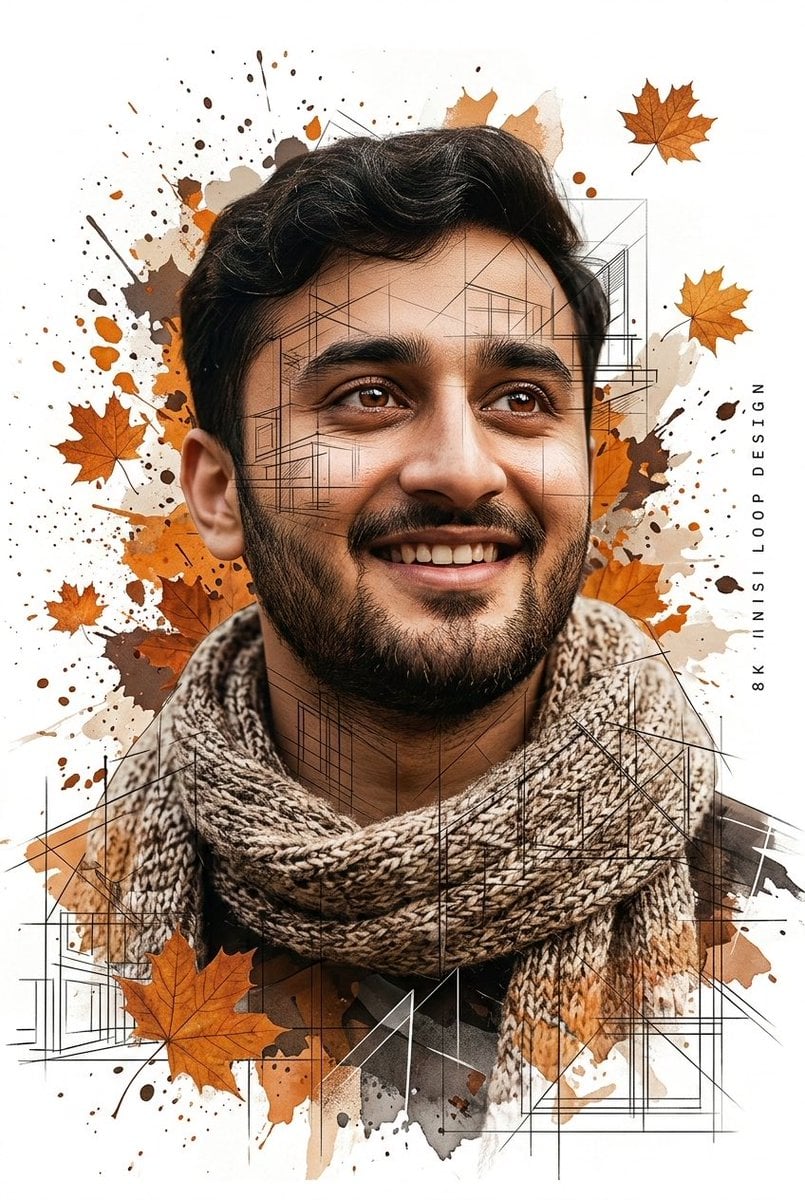
Gentle Autumn Mood Mixed-Media Portrait Poster Prompt
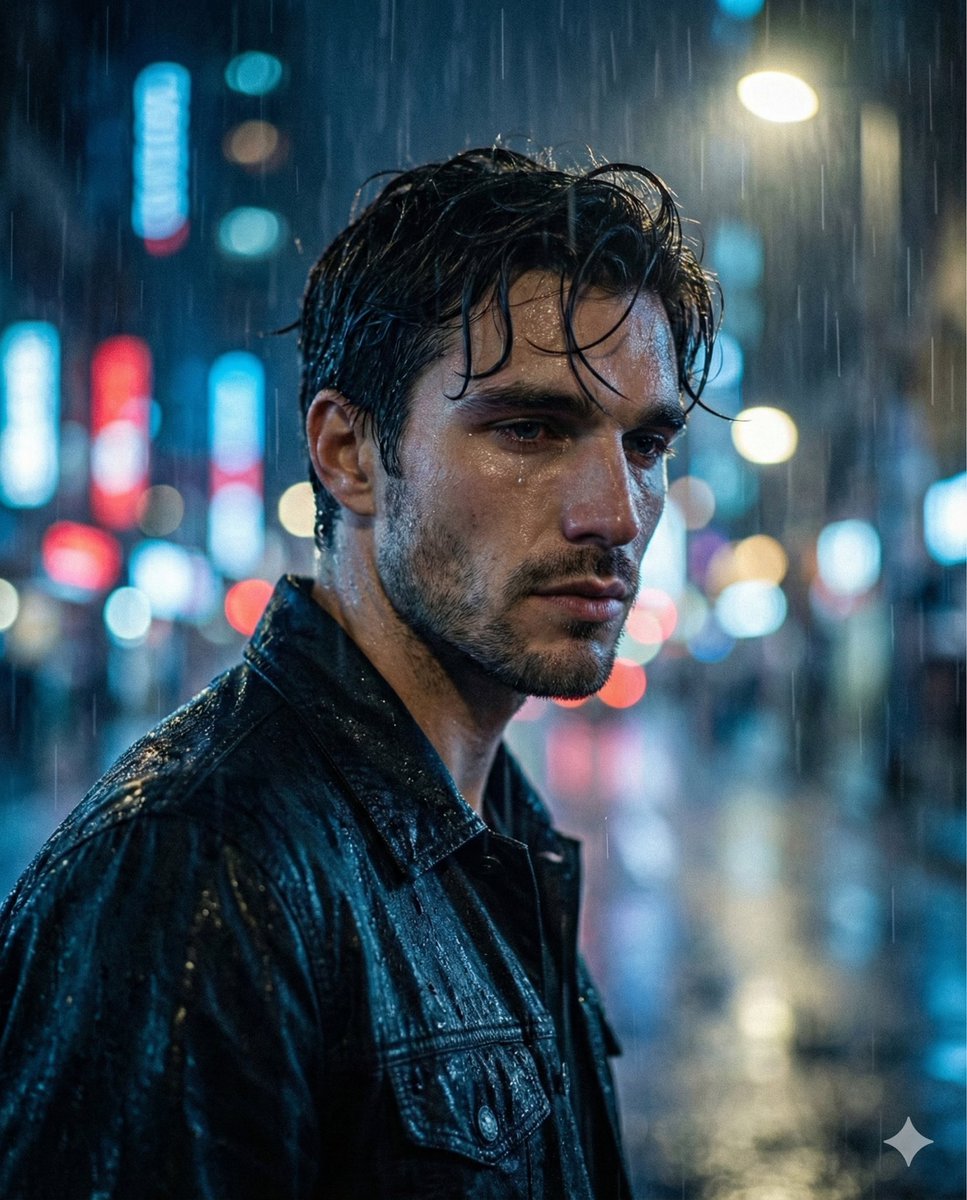
Melancholic Sad Boy in the Rain (Reference Face)
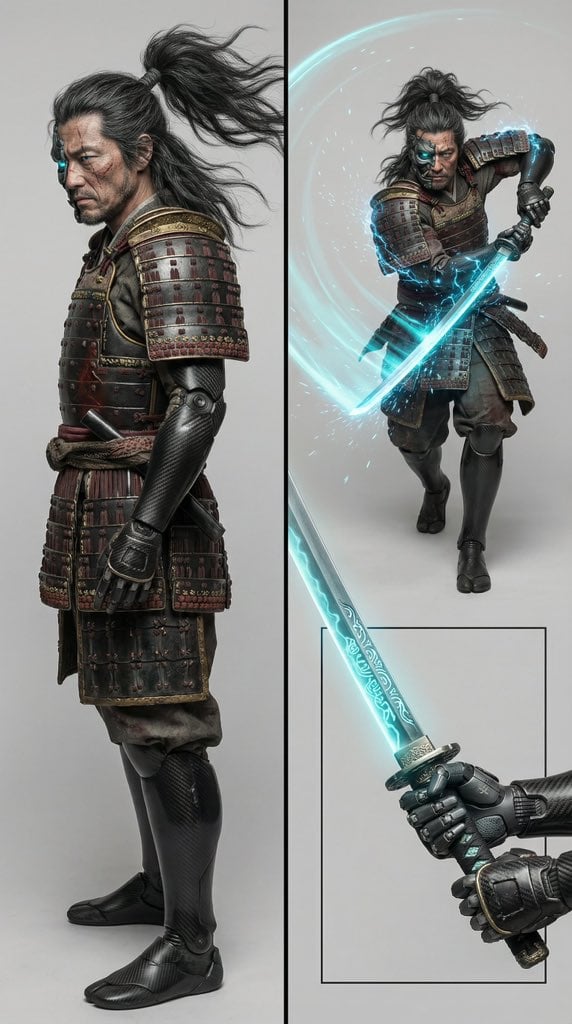
Character Design Prompt for Futuristic Samurai Warrior

Dynamic Low-Angle Editorial Portrait with Orange-Red Contrast

Image-to-Image Winter Alpine Portrait
Browse template categories
Vintage New York Travel Collage questions
How do I use the Vintage New York Travel Collage template?
Add your photo if the template asks for one, edit the prompt if you like — the template's model and format are already selected — and press Generate. Your version opens in PicX Studio.
Can I customize the Vintage New York Travel Collage template?
Yes. You can change the subject, setting, lighting, mood, format, and available model controls before creating your image.
Is the Vintage New York Travel Collage template free?
Opening and editing this template is free. Generating uses credits, shown on the Generate button when you are signed in.
Which AI model should I use?
Start with GPT Image 2, which is the model associated with this template. You can compare another compatible model for a different finish.
Looking for something else? Browse all templates.

Your photo, any look
Thousands of ready templates for every top image and video model, from one credit balance.