
Vintage Las Vegas Travel Collage
A richly illustrated retro scrapbook-style city poster template for generating lively travel posters by changing the destination name.
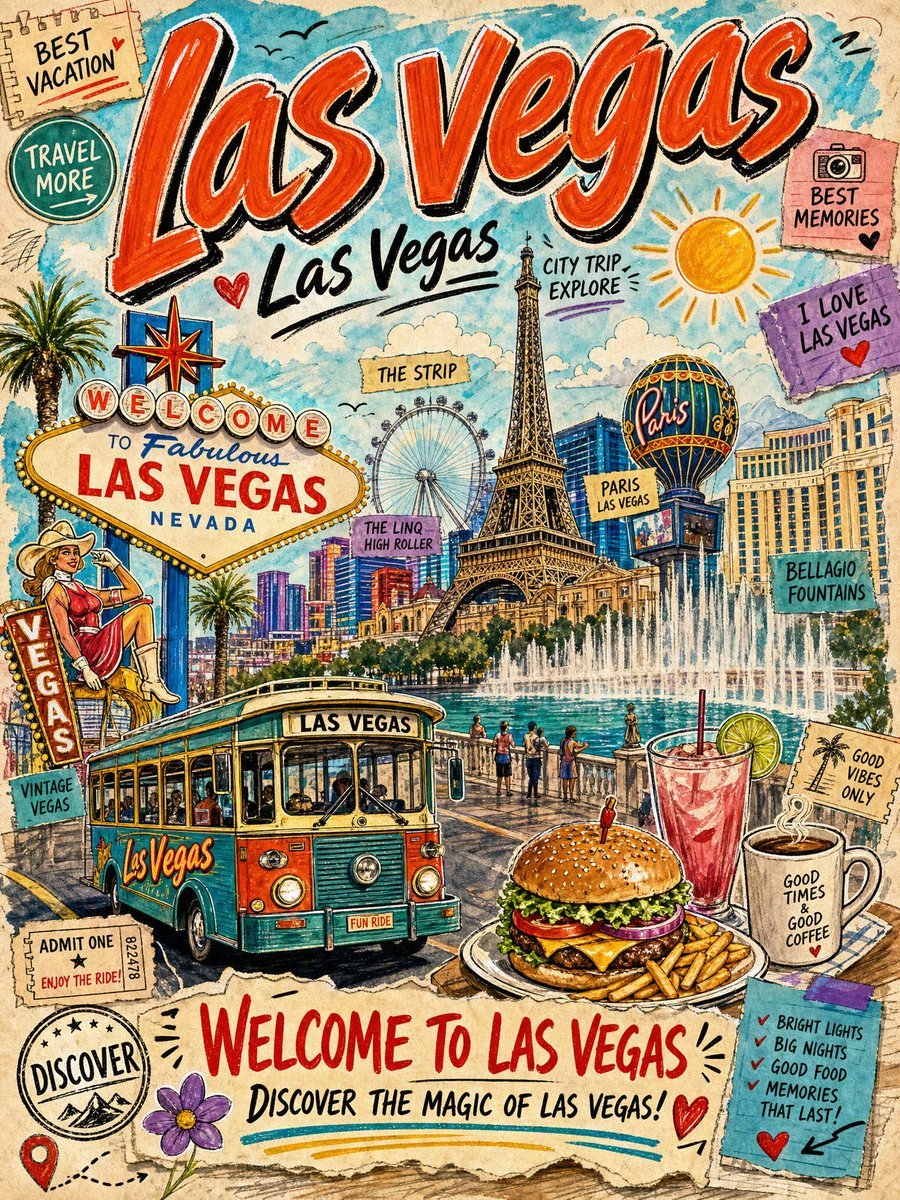
- Prompt included
- Model and format preset
- Free template
The prompt behind this image
Copy the exact prompt behind Vintage Las Vegas Travel Collage, or open it in the studio and make it yours.
Create a colorful vintage travel-poster collage for {argument name="city name" default="Las Vegas"}, drawn in hand-painted watercolor, ink sketch, and retro postcard style. Use a vertical 3:4 canvas with warm cream paper texture, rough torn-paper edges, doodled outlines, tape pieces, ticket stubs, stamps, and scrapbook layers. The composition should feel dense, joyful, and information-rich, like a travel journal page full of stickers and handwritten notes. Main layout: Place a huge red-orange brush-lettered title “{argument name="main title" default="Las Vegas"}” across the top, with black shadow and white highlight edges. Beneath it add a smaller handwritten black subtitle “{argument name="subtitle" default="Las Vegas"}” with a heart doodle and underline. Fill the middle with an illustrated city landmark panorama: the Paris Las Vegas Eiffel Tower centered, the High Roller wheel behind it, the Paris balloon sign to the right, hotel facades, blue sky, fluffy clouds, a yellow sun, palm trees, and the Bellagio fountains spraying across the lower middle. Add small flying bird doodles in the sky. Foreground: Include exactly 4 main foreground attractions: 1) a turquoise-and-orange vintage trolley bus labeled “LAS VEGAS” and “FUN RIDE” in the lower left, angled toward the viewer with passengers visible; 2) a large cheeseburger with fries on a plate in the lower center-right; 3) a tall pink cocktail with ice, straw, lime slice, and mint beside the burger; 4) a steaming coffee mug labeled “GOOD TIMES & GOOD COFFEE” on the lower right. Left side details: Add the classic “WELCOME TO Fabulous LAS VEGAS NEVADA” sign in the left-middle, a vertical “VEGAS” neon sign with a retro cowgirl sitting on it, a palm tree, and an admit-one ride ticket. Bottom left should include a circular stamp reading “DISCOVER,” a red map pin with a dotted travel route, and a purple flower doodle. Sticker and note count: Include exactly 14 small text stickers or paper notes around the poster, each hand-drawn and slightly tilted: 1) “BEST VACATION” on a beige notepad at top left, 2) “TRAVEL MORE” in a green circle, 3) “BEST MEMORIES” on a pink camera note at top right, 4) “I LOVE LAS VEGAS” on a purple note with a red heart, 5) “CITY TRIP EXPLORE” near the Eiffel Tower, 6) “THE STRIP” on a yellow label near the wheel, 7) “THE LINQ HIGH ROLLER” on a pink label, 8) “PARIS LAS VEGAS” on a yellow label, 9) “BELLAGIO FOUNTAINS” on a teal label, 10) “VINTAGE VEGAS” on a teal label at left, 11) “GOOD VIBES ONLY” on a beige palm-tree note, 12) “ADMIT ONE ENJOY THE RIDE!” on a ticket, 13) “BRIGHT LIGHTS / BIG NIGHTS / GOOD FOOD / MEMORIES THAT LAST!” on a blue checklist, 14) a large torn-paper banner at the bottom reading “{argument name="bottom headline" default="WELCOME TO LAS VEGAS"}” and “{argument name="bottom tagline" default="DISCOVER THE MAGIC OF LAS VEGAS!"}”. Style constraints: Use saturated turquoise, red, orange, yellow, cream, and teal tones; visible pen hatching, imperfect hand lettering, watercolor bleeds, paper grain, playful travel doodles, red hearts, arrows, and underlines. Keep the design busy but readable, with no photorealism and no empty margins.
How to use Vintage Las Vegas Travel Collage in 3 steps
- 1Upload ImagePNG, JPG or paste
Add your photo
Upload the photo the template builds on. The prompt, model and format are already set.
- 2…a portrait of your subject in softgolden-hour light, 85mm…
Personalize
Edit the subject and creative details for your destination.
- 3Generate
Generate
Press Generate — your image is created in PicX Studio, so you can compare it with the original and refine one variable at a time.
More like this
Templates with the same subject, style or setup. Open one to see its prompt.

Japan Travel Brochure Poster
Bowling Shirt Portrait Flash
Payphone Booth Rain Classic

Premium Vintage Travel Poster Landscape

Sunday Afternoon, 1988

Two Tickets, One Night

If We Met in 1985

Found Photograph: Us, 1970

One Dance Before Midnight

Before We said Goodbye

Our Song was on a Cassette

Meet Me When It Rains
Make it yours
Vintage Las Vegas Travel Collage works as-is. These are the safest ways to change it without losing the look.
Change one field
Copy a single group, rewrite it, and generate again so you can see what that field is doing.
Keep the frame, change the subject
Hold the composition and light of Vintage Las Vegas Travel Collage, then swap wardrobe, props or the person for a new take.
| If the result… | Why | Fix |
|---|---|---|
| The result drifts from the preview | Too many fields changed at once. | Reuse Vintage Las Vegas Travel Collage as-is first, then change one group — subject, light, or setting. |
| The model over-stylizes the scene | The prose prompt leaves finish and camera underspecified. | Add one camera or lighting sentence and stay on GPT Image 2. |
More GPT Image 2 templates
Other prompts made for GPT Image 2.

Six VTuber Japanese Logo Sheet

Realistic Portrait of Woman and Deer

The Vista Modular Condo Poster

AI Model Routing Comparison Infographic

2.5D Anime Art Board

Isometric Productivity Desk Scene

New York Double Exposure Poster

Four-Panel AI Landscape Comparison

Japanese Tatami Lifestyle Magazine Cover

NESCAFÉ Coffee Map Poster
More image prompts
Fresh picks from across the catalog.

Gpt2 Profile Avatar Monochrome Hermes Inspired Avatar
Realistic Bedroom Phone Recording Style
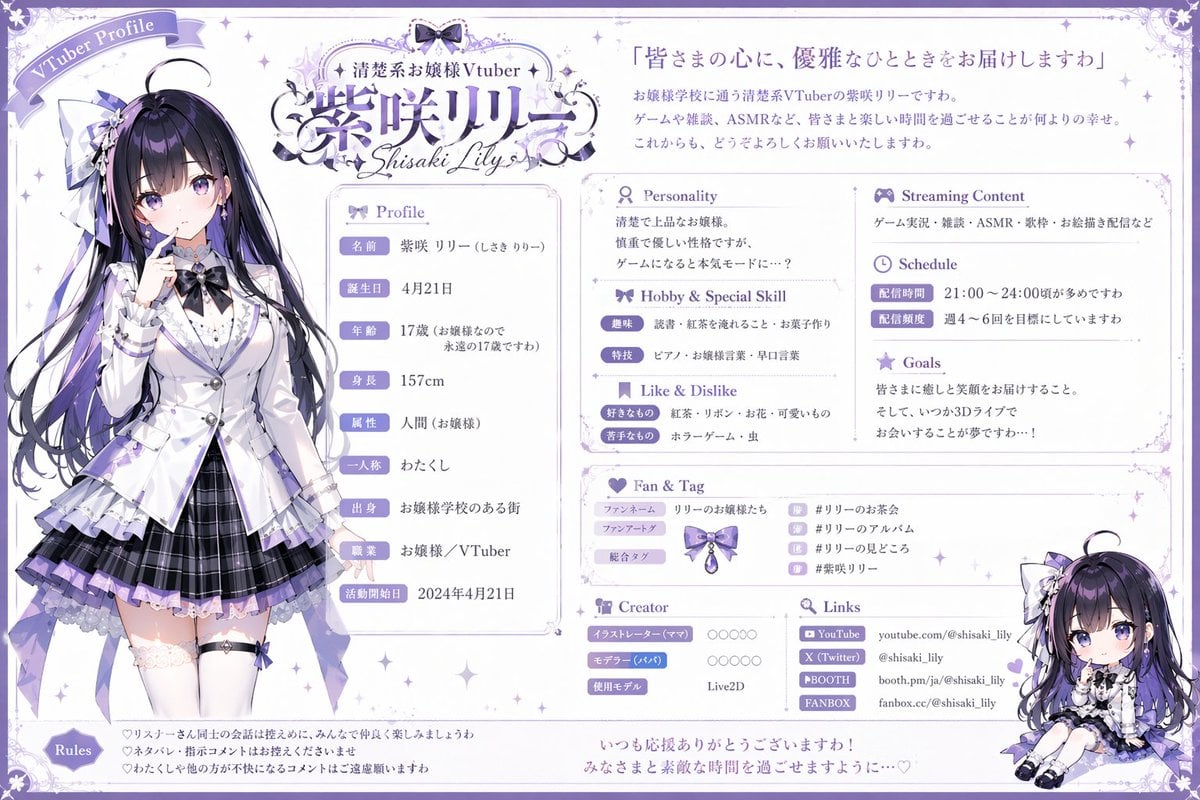
VTuber Profile Sheet Generator
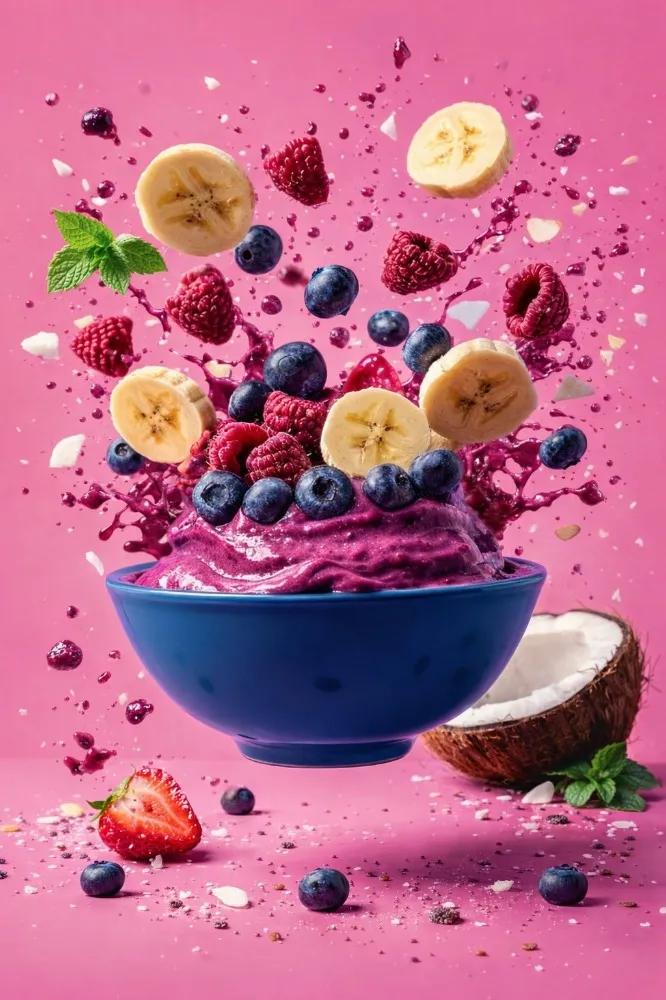
Hyper-Realistic Commercial Food Photography Prompt

Mixed Media Portrait with Pop Art Doodles
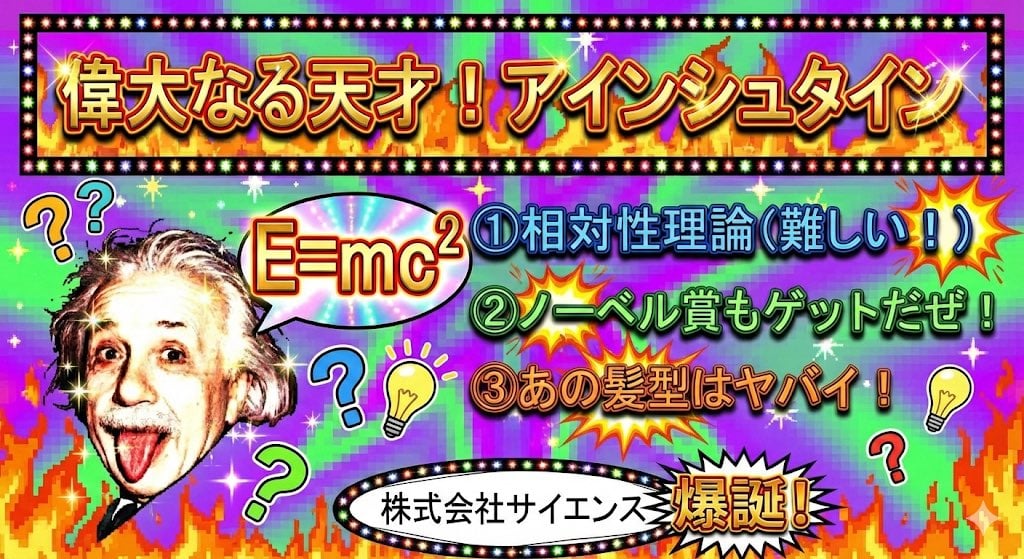
Ugly slide introducing Einstein
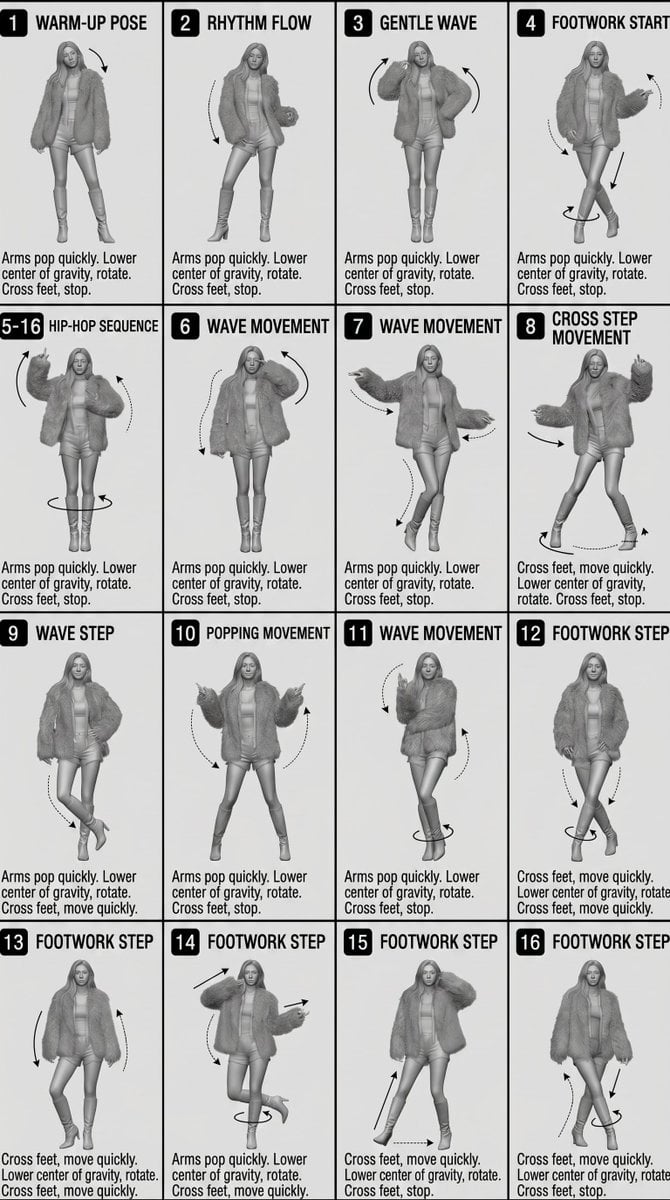
3D Technical Reference Sheet
European Street Fashion Mirror Selfie Prompt

Swimming Portrait in iPhone Style
Light Blue Tracksuit Fashion Portrait
Browse template categories
Vintage Las Vegas Travel Collage questions
How do I use the Vintage Las Vegas Travel Collage template?
Add your photo if the template asks for one, edit the prompt if you like — the template's model and format are already selected — and press Generate. Your version opens in PicX Studio.
Can I customize the Vintage Las Vegas Travel Collage template?
Yes. You can change the subject, setting, lighting, mood, format, and available model controls before creating your image.
Is the Vintage Las Vegas Travel Collage template free?
Opening and editing this template is free. Generating uses credits, shown on the Generate button when you are signed in.
Which AI model should I use?
Start with GPT Image 2, which is the model associated with this template. You can compare another compatible model for a different finish.
Looking for something else? Browse all templates.

Your photo, any look
Thousands of ready templates for every top image and video model, from one credit balance.