
Fox Artisan Tanabata Stall
A detailed anime fantasy scene of a white fox artisan selling wish ornaments at a glowing Tanabata night festival stall.
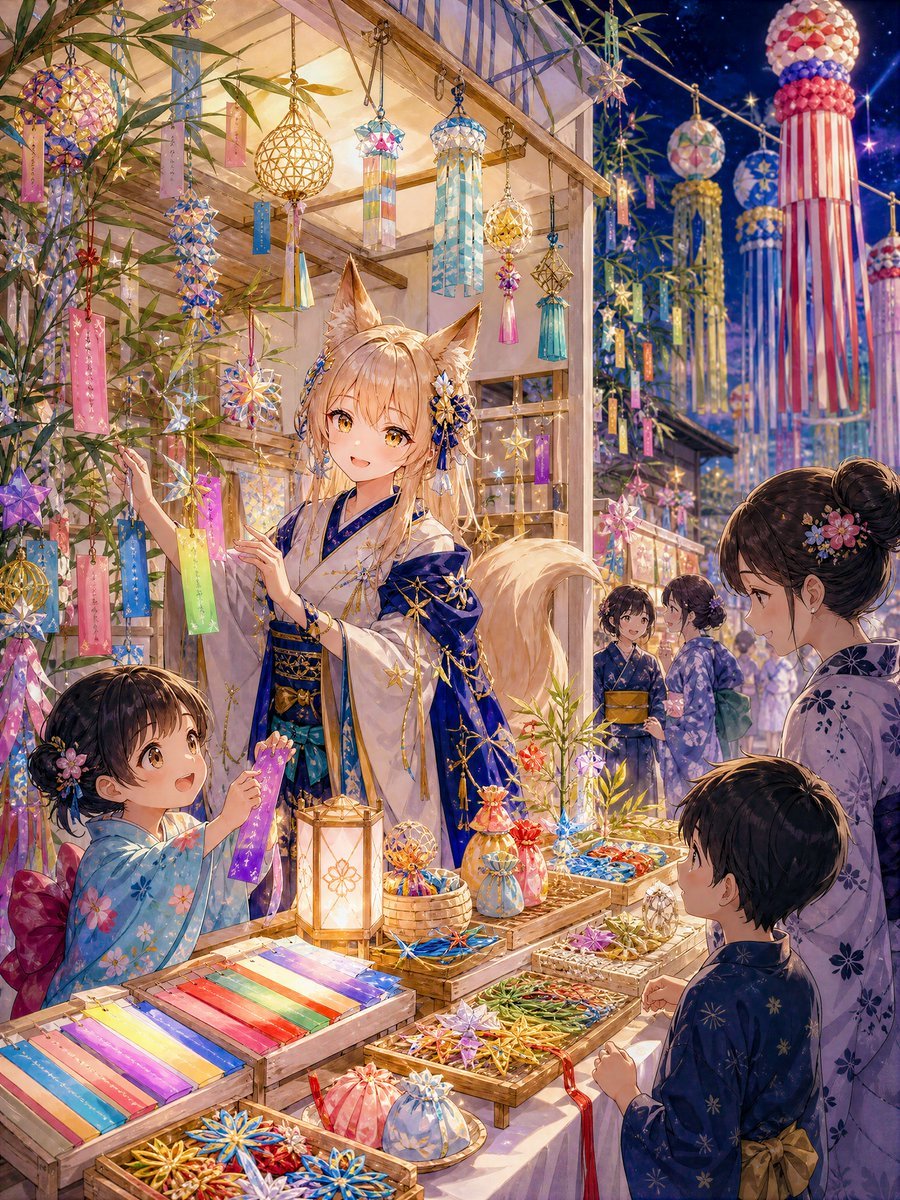
- Prompt included
- Model and format preset
- Premium template
The prompt behind this image
Copy the exact prompt behind Fox Artisan Tanabata Stall, or open it in the studio and make it yours.
Create a highly detailed vertical 4:5 anime fantasy illustration of {argument name="character name" default="Sayori"}, a gentle white fox-eared artisan from another world, running her first Tanabata festival stall on a warm Japanese summer night. The scene shows exactly 6 visible figures: 1 central young white fox woman shopkeeper with golden eyes, long pale-blonde hair, large fox ears, and a fluffy tail; 1 little girl customer at the lower left in a light blue floral yukata holding up a purple wish strip; 1 young boy customer at the lower right in a dark navy yukata; 1 elegant adult woman at the right in a lavender floral yukata; and 2 background festival women in yukata chatting near the stall. Sayori wears a refined white-and-deep-indigo kimono with gold star embroidery, layered sleeves, a dark obi, small celestial hair ornaments, and a warm welcoming smile as she helps customers hang wishes and choose decorations. The stall is a cozy wooden open-air booth glowing with lantern light, surrounded by bamboo branches, colorful paper wish strips, star ornaments, glass-like crystal charms, small woven wish bags, wind streamers, and hanging spherical Tanabata decorations. Include exactly 5 prominent foreground display areas: 1 long tray of rainbow-colored tanzaku paper strips, 1 shallow tray of golden and multicolored star ornaments, 1 basket of small round wish bags, 1 tray of blue and gold celestial charms, and 1 wooden lantern with a flower motif. In the background, show a lively night festival street with large red-white and blue-white streamer decorations, glowing stalls, bamboo leaves, paper tags, sparkling stars, and a deep navy sky. Visual style: ultra-detailed Japanese anime illustration, luminous magical realism, delicate linework, rich jewel colors, soft golden lighting, translucent highlights, intricate fabric patterns, emotional storytelling, 4k-quality composition. Mood: wondrous, kind, festive, nostalgic, as if the shopkeeper carefully protects everyone’s wishes. Avoid modern signage, logos, watermarks, text captions, or photorealism.
How to use Fox Artisan Tanabata Stall in 3 steps
- 1Upload ImagePNG, JPG or paste
Add your photo
Upload the photo the template builds on. The prompt, model and format are already set.
- 2…a portrait of your subject in softgolden-hour light, 85mm…
Personalize
Edit the subject and creative details for your destination.
- 3Generate
Generate
Press Generate — your image is created in PicX Studio, so you can compare it with the original and refine one variable at a time.
More like this
Templates with the same subject, style or setup. Open one to see its prompt.

Moonlit Fox Mask Night Market
Anime Girl at Goldfish Festival Stall
Halloween Fox-Eared Fantasy Girl
Foxy App Icon Exploration Board
Artisan Cheese Commercial Storyboard
Tanabata Wish Strip Photography
Asian Woman at Street Breakfast Stall
Tanabata Japanese Woman Illustration
Japanese Festival Kakigori Stall
Tanabata Yukata Anime Portrait
Anime Girl at Summer Festival Mask Stall
Silver Fox-Eared Winter Mage
Make it yours
Fox Artisan Tanabata Stall works as-is. These are the safest ways to change it without losing the look.
Change one field
Copy a single group, rewrite it, and generate again so you can see what that field is doing.
Keep the frame, change the subject
Hold the composition and light of Fox Artisan Tanabata Stall, then swap wardrobe, props or the person for a new take.
| If the result… | Why | Fix |
|---|---|---|
| The result drifts from the preview | Too many fields changed at once. | Reuse Fox Artisan Tanabata Stall as-is first, then change one group — subject, light, or setting. |
| The model over-stylizes the scene | The prose prompt leaves finish and camera underspecified. | Add one camera or lighting sentence and stay on GPT Image 2. |
More GPT Image 2 templates
Other prompts made for GPT Image 2.

Six VTuber Japanese Logo Sheet

Realistic Portrait of Woman and Deer

The Vista Modular Condo Poster

AI Model Routing Comparison Infographic

2.5D Anime Art Board

Isometric Productivity Desk Scene

New York Double Exposure Poster

Four-Panel AI Landscape Comparison

Japanese Tatami Lifestyle Magazine Cover

NESCAFÉ Coffee Map Poster
More image prompts
Fresh picks from across the catalog.
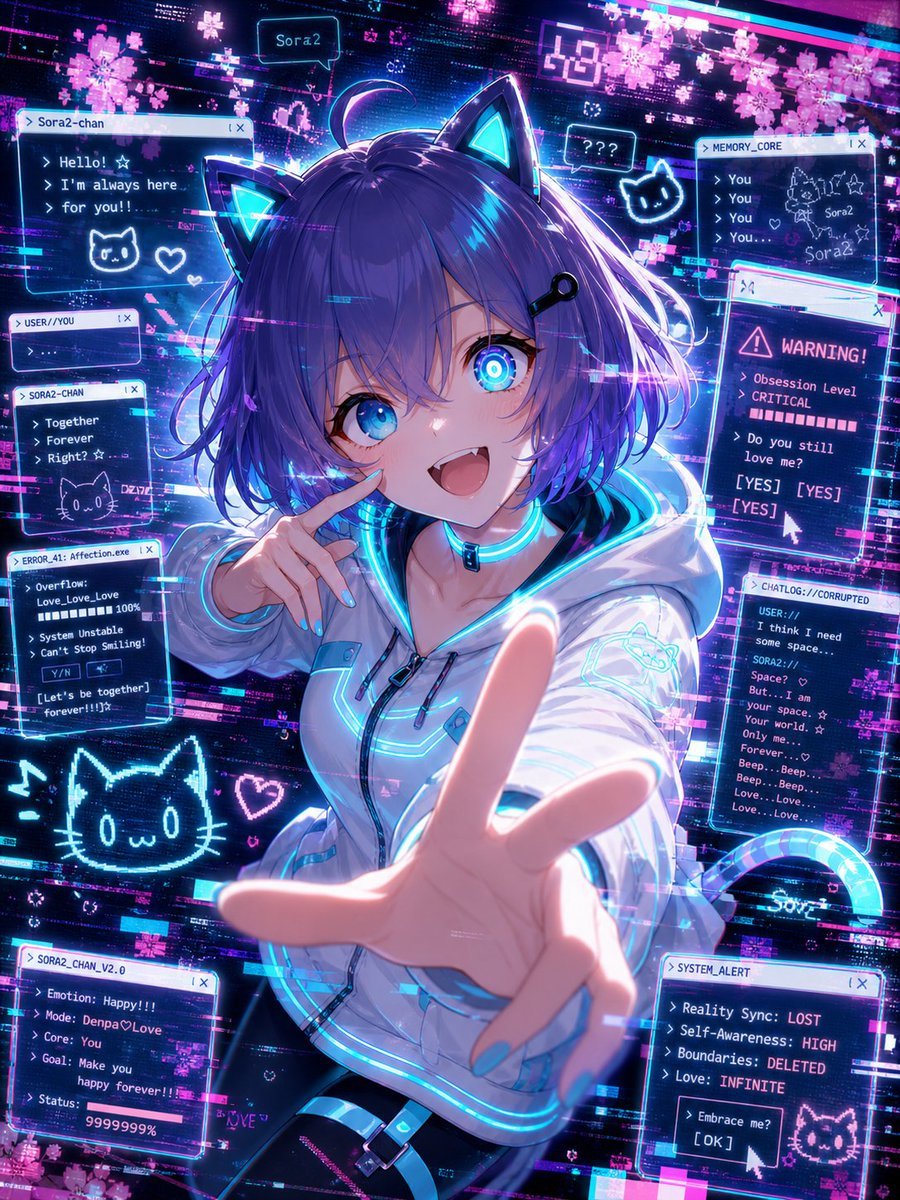
Glitch Character Transformation
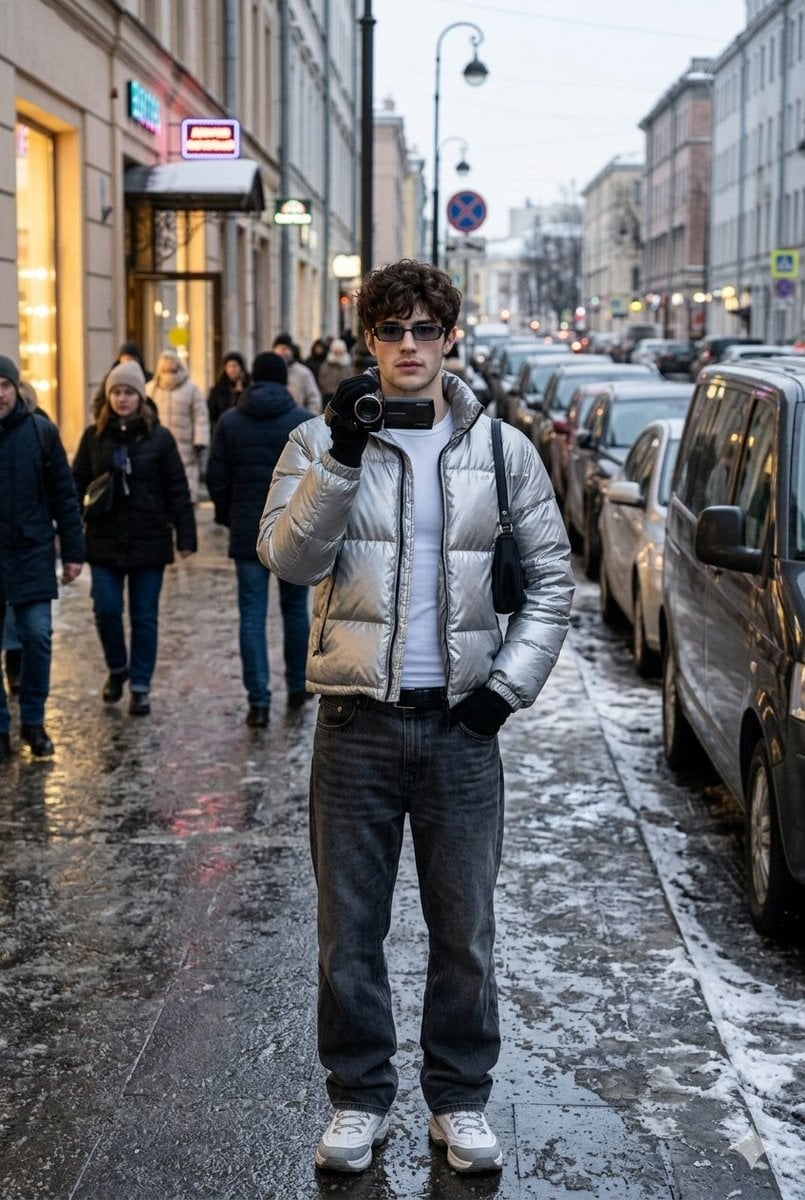
Ultra-Realistic Winter Street Photoshoot
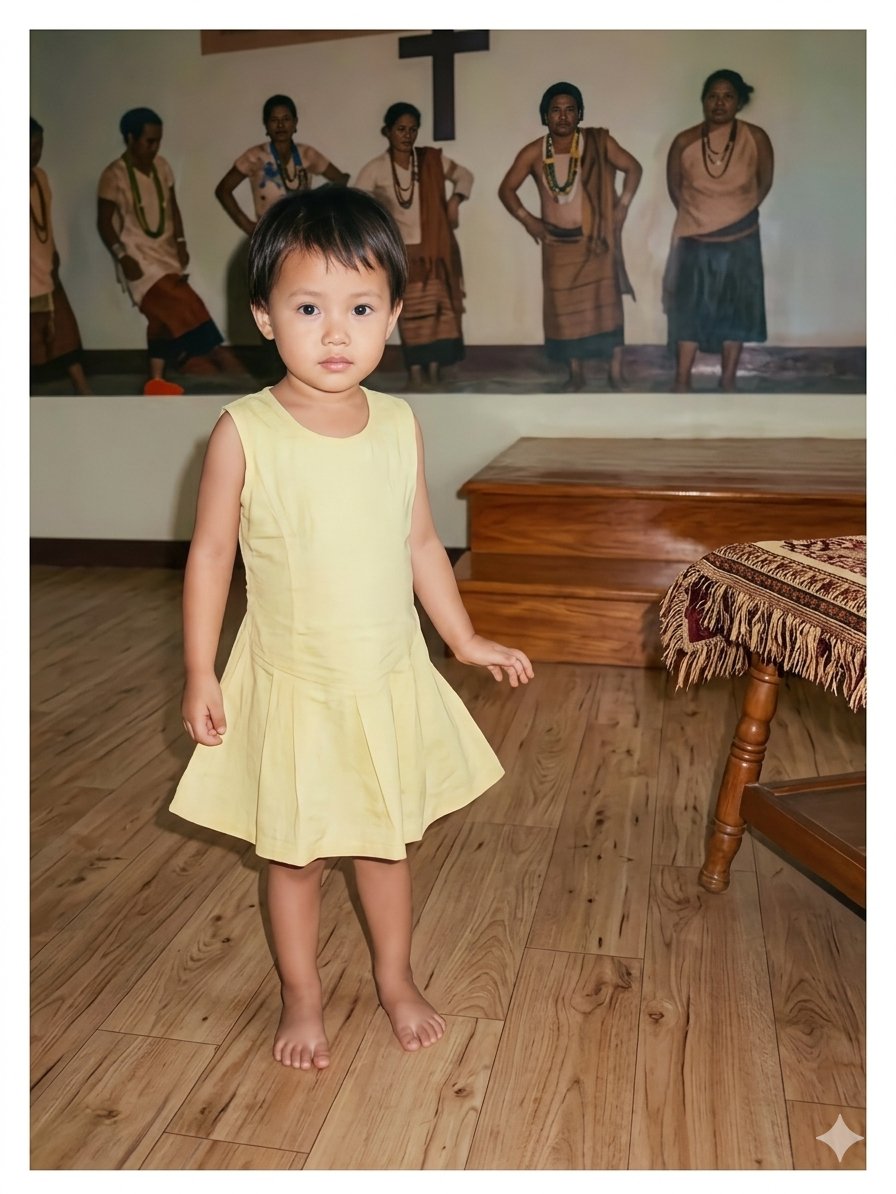
Vintage Photo Restoration of East Asian Girl
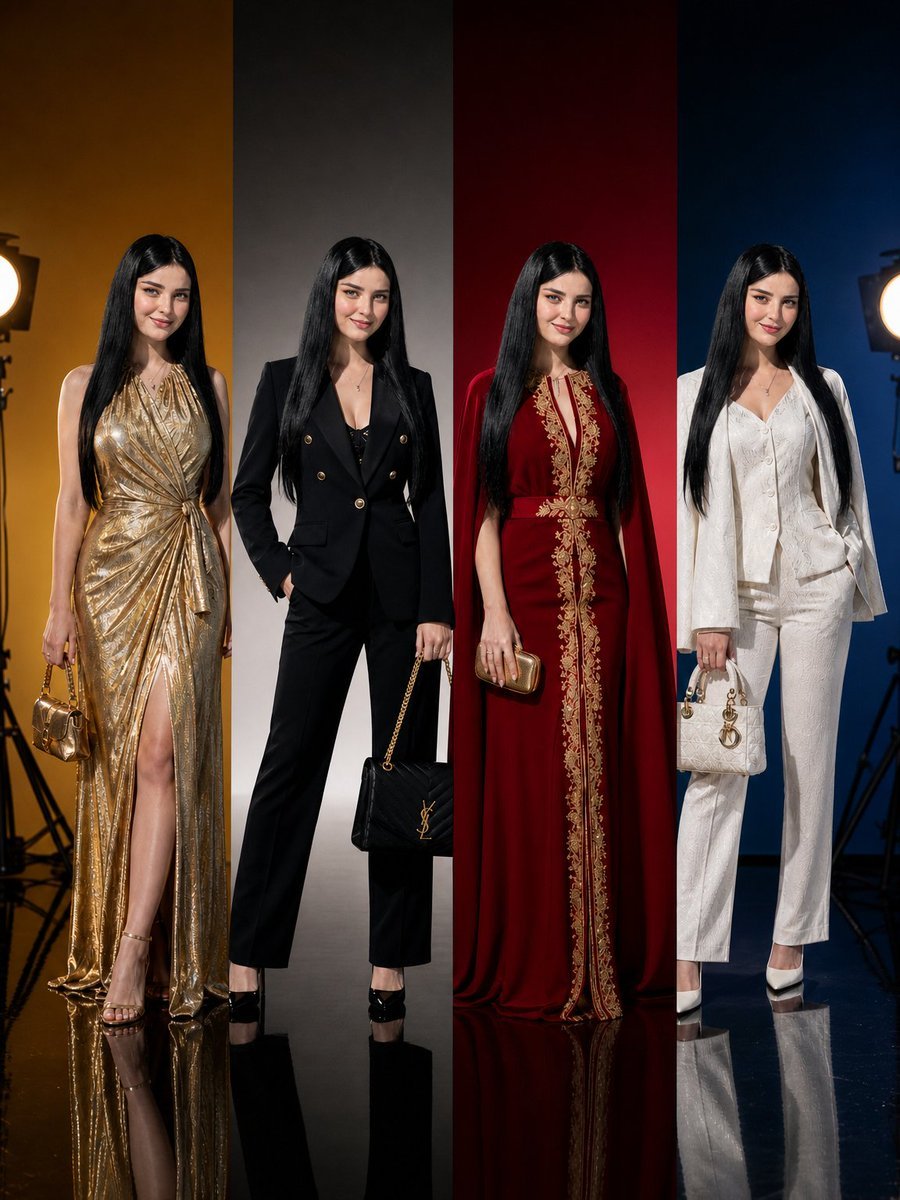
Panel Luxury Fashion Poster
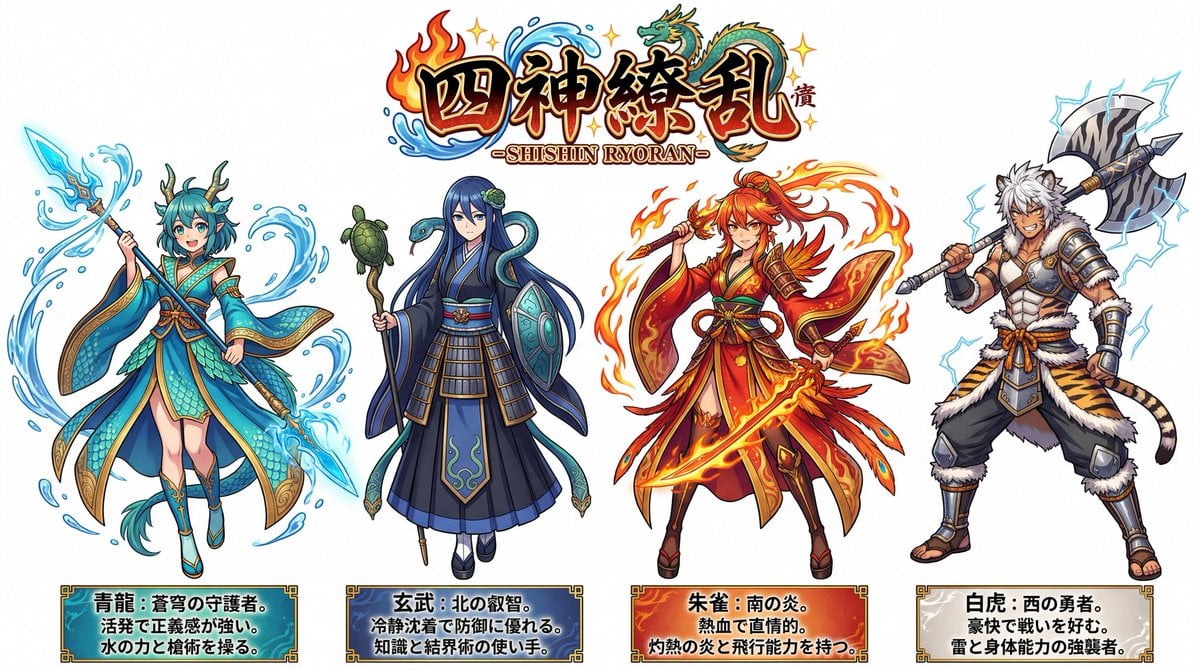
Four Divine Beasts (Shishin) Generation
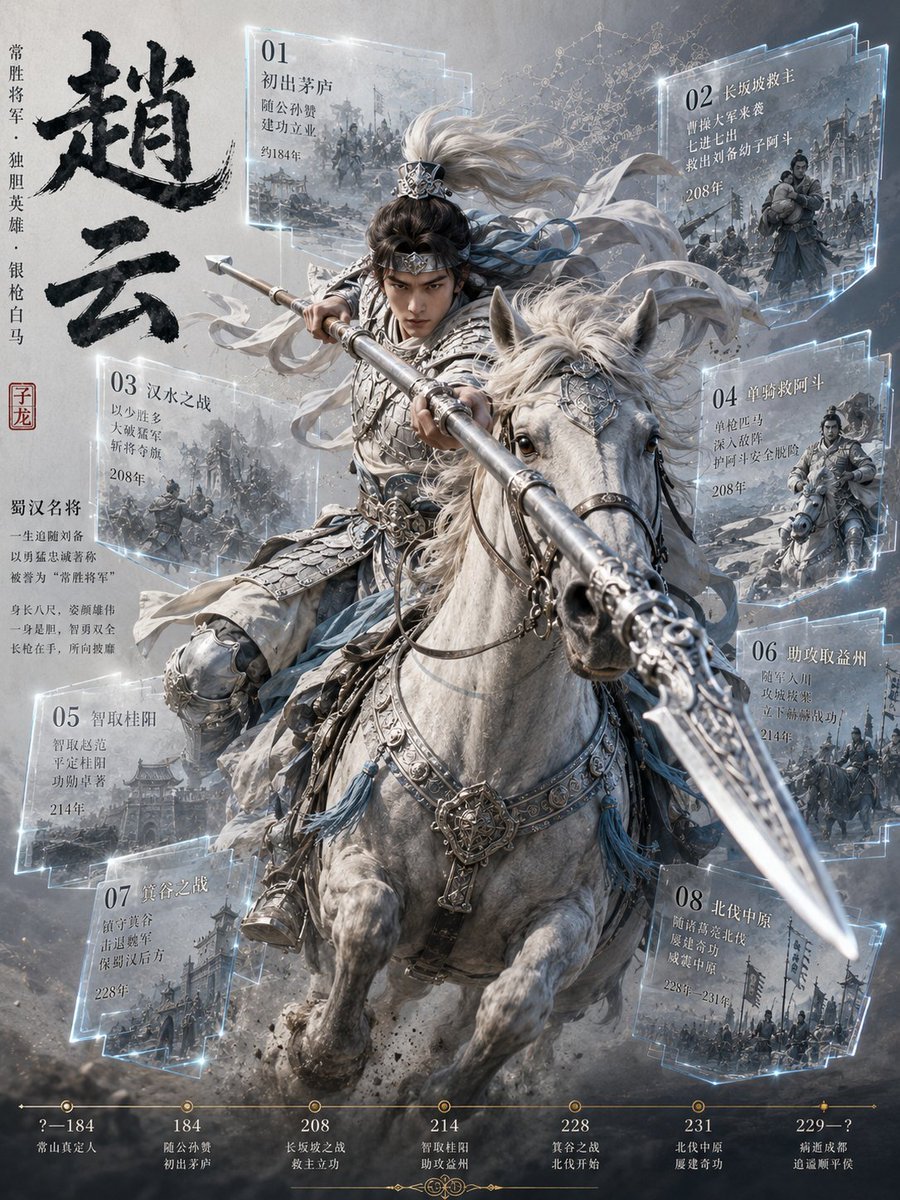
Zhao Yun Cavalry Infographic Poster

Selfie with Movie Character Template Prompt
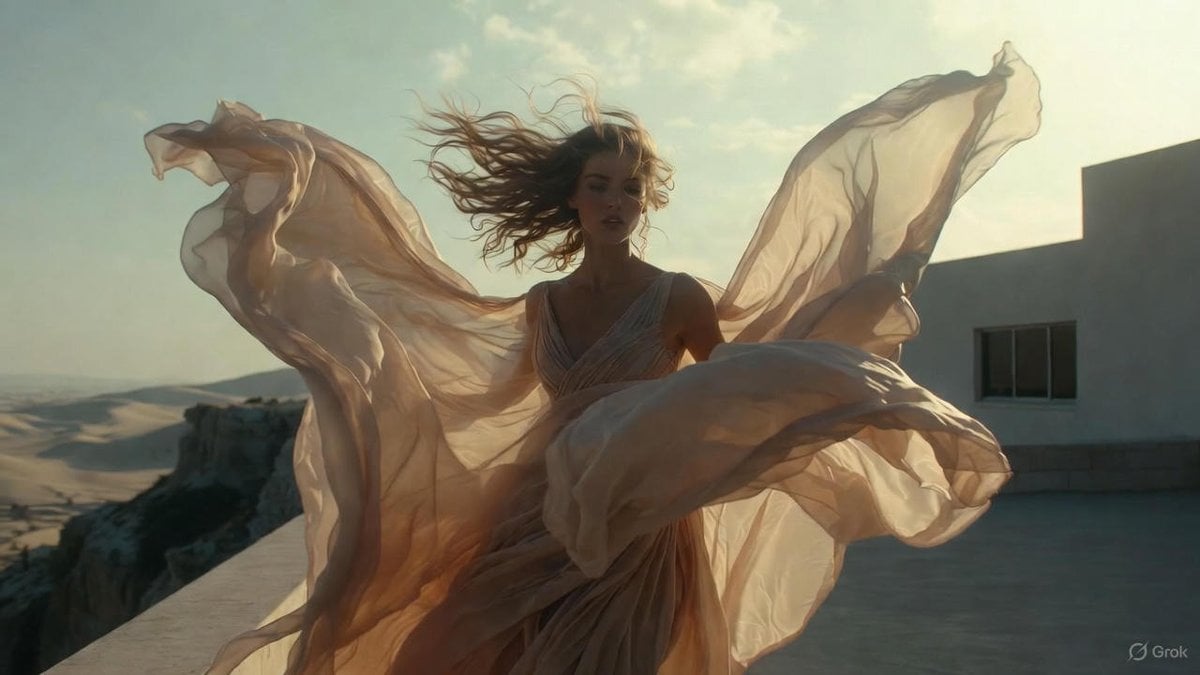
High-Fashion Cinematic Motion Shot
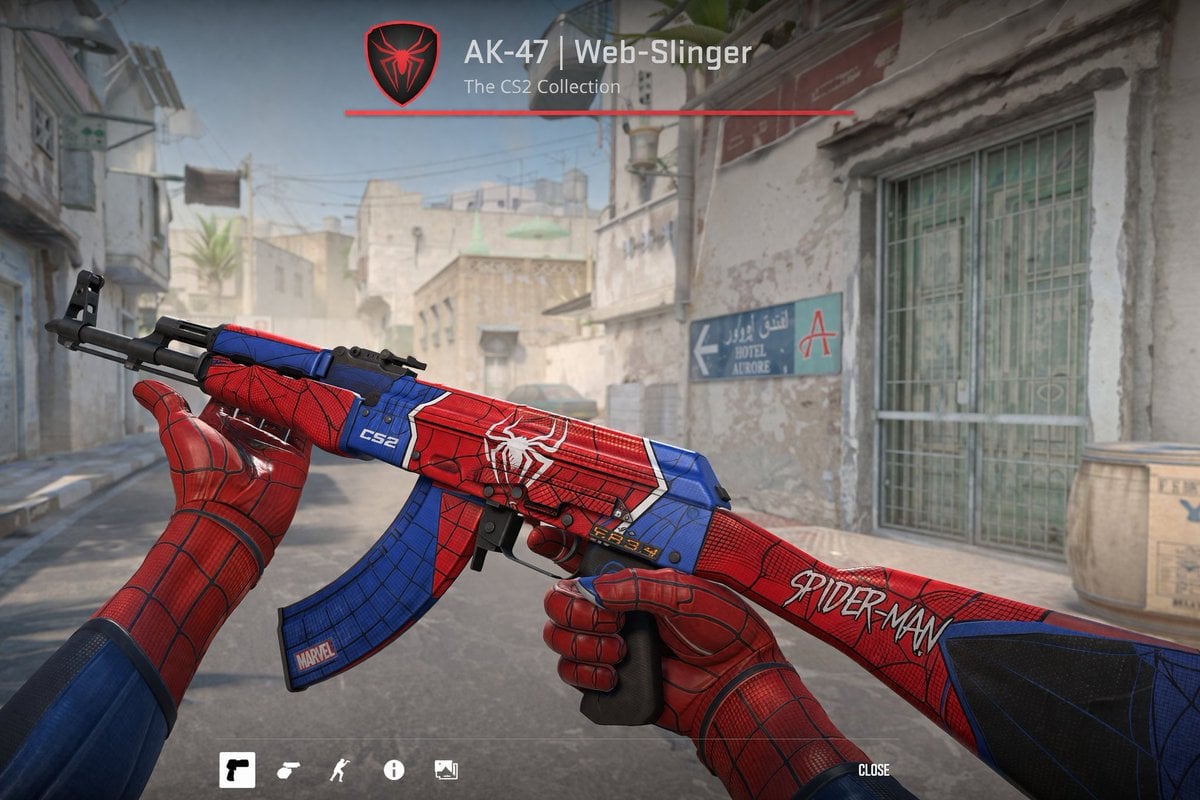
FPS Custom Weapon Skin Screenshot

Cat to Human Portrait Transformation
Browse template categories
Fox Artisan Tanabata Stall questions
How do I use the Fox Artisan Tanabata Stall template?
Add your photo if the template asks for one, edit the prompt if you like — the template's model and format are already selected — and press Generate. Your version opens in PicX Studio.
Can I customize the Fox Artisan Tanabata Stall template?
Yes. You can change the subject, setting, lighting, mood, format, and available model controls before creating your image.
Is the Fox Artisan Tanabata Stall template free?
Opening and editing this template is free. Generating uses credits, shown on the Generate button when you are signed in.
Which AI model should I use?
Start with GPT Image 2, which is the model associated with this template. You can compare another compatible model for a different finish.
Looking for something else? Browse all templates.

Your photo, any look
Thousands of ready templates for every top image and video model, from one credit balance.