
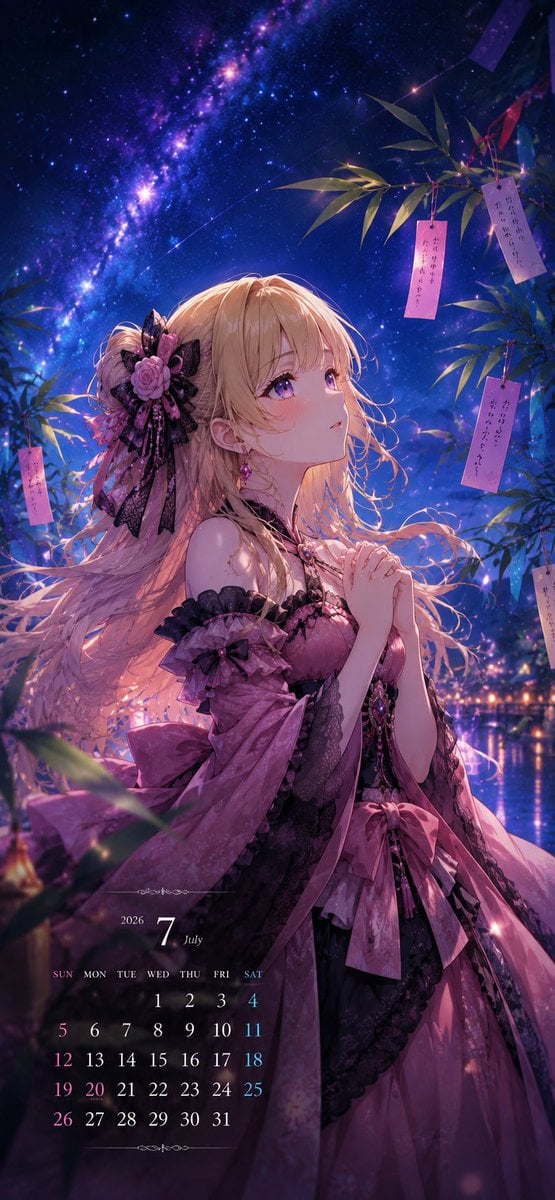
Tanabata Anime July Calendar
A vertical anime Tanabata wallpaper featuring an elegant blonde girl under the Milky Way with a July 2026 calendar overlay.
- Prompt included
- Model and format preset
- Premium template
The prompt behind this image
Copy the exact prompt behind Tanabata Anime July Calendar, or open it in the studio and make it yours.
Goal: Create a vertical anime-style July greeting calendar illustration featuring {argument name="character name" default="Meru"}, an original young woman character, praying beneath Tanabata bamboo at night. Canvas: Tall smartphone wallpaper format, approximately 9:16, richly detailed, cinematic lighting, no border or watermark. Main subject: A beautiful blonde anime girl with long wavy hair and violet eyes stands in three-quarter profile facing upward to the right, hands clasped in a gentle prayer pose. She wears an ornate {argument name="dress color" default="rose pink and black"} gothic-lolita yukata-inspired dress with lace trim, off-shoulder ruffled sleeves, layered ribbons, a large waist bow, black lace accents, and gemstone jewelry. Her hair is partly tied back with a large black lace bow, pink rose hair ornament, small feathers, and decorative ribbons. Expression is soft, hopeful, and slightly wistful. Background: A magical Tanabata night scene under a vivid Milky Way sky. The sky is deep indigo and violet with countless stars, glowing nebula clouds, and a bright star cluster stretching diagonally from upper left toward center. Below, show soft bokeh lights and a reflective waterside festival atmosphere in the distance. Bamboo and decorations: Add bamboo branches framing the upper right and left edges, with long green leaves catching blue and pink rim light. Include exactly 6 visible hanging paper wish strips: 2 near the upper right branch, 1 mid-right pale strip, 1 lower-right partial pale strip, 1 left-side pink strip, and 1 partially visible purple strip near the top edge. The wish strips should contain small vertical handwritten Japanese-style writing, decorative but not fully legible. Calendar overlay: At the lower left, place a refined translucent calendar design for {argument name="calendar month" default="July 2026"}. Show a small elegant heading with “2026”, a large “7”, and “July”. Below it, include a 7-column weekday row labeled exactly “SUN MON TUE WED THU FRI SAT”, followed by exactly 31 date numbers laid out for July 2026: first row starts under Wednesday with 1, 2, 3, 4; then rows 5–11, 12–18, 19–25, and 26–31. Use thin white serif typography, with Sundays subtly pink and Saturdays subtly blue. Add tiny ornamental flourishes above and below the calendar. Lighting and style: Ultra-detailed Japanese anime illustration, glossy painterly rendering, luminous rim lighting, soft pink and blue highlights, gentle depth of field, sparkling particles, romantic fantasy mood, high detail in hair strands, lace, ribbons, fabric folds, and starry sky. Keep the composition elegant and vertical, with the character occupying the center and lower half, the galaxy dominant in the upper left, bamboo on the right, and the calendar unobtrusive at bottom left. Constraints: No extra characters, no modern city objects in the foreground, no logo, no watermark, no large text besides the calendar. Maintain a dreamy July Tanabata greeting atmosphere with the optional greeting theme {argument name="seasonal greeting" default="a hopeful start to the second half of the year"}.
How to use Tanabata Anime July Calendar in 3 steps
- 1Upload ImagePNG, JPG or paste
Add your photo
Upload the photo the template builds on. The prompt, model and format are already set.
- 2…a portrait of your subject in softgolden-hour light, 85mm…
Personalize
Edit the subject and creative details for your destination.
- 3Generate
Generate
Press Generate — your image is created in PicX Studio, so you can compare it with the original and refine one variable at a time.
More like this
Templates with the same subject, style or setup. Open one to see its prompt.












Make it yours
Tanabata Anime July Calendar works as-is. These are the safest ways to change it without losing the look.
Change one field
Copy a single group, rewrite it, and generate again so you can see what that field is doing.
Keep the frame, change the subject
Hold the composition and light of Tanabata Anime July Calendar, then swap wardrobe, props or the person for a new take.
| If the result… | Why | Fix |
|---|---|---|
| The result drifts from the preview | Too many fields changed at once. | Reuse Tanabata Anime July Calendar as-is first, then change one group — subject, light, or setting. |
| The model over-stylizes the scene | The prose prompt leaves finish and camera underspecified. | Add one camera or lighting sentence and stay on GPT Image 2. |
More GPT Image 2 templates
Other prompts made for GPT Image 2.

Six VTuber Japanese Logo Sheet

Realistic Portrait of Woman and Deer

The Vista Modular Condo Poster

AI Model Routing Comparison Infographic

2.5D Anime Art Board

Isometric Productivity Desk Scene

New York Double Exposure Poster

Four-Panel AI Landscape Comparison

Japanese Tatami Lifestyle Magazine Cover

NESCAFÉ Coffee Map Poster
More image prompts
Fresh picks from across the catalog.
Disposable Photography Style Fashion Model Portrait
Human and Pixar Character Duplication Prompt
Photorealistic Female Model in Paris at Sunset
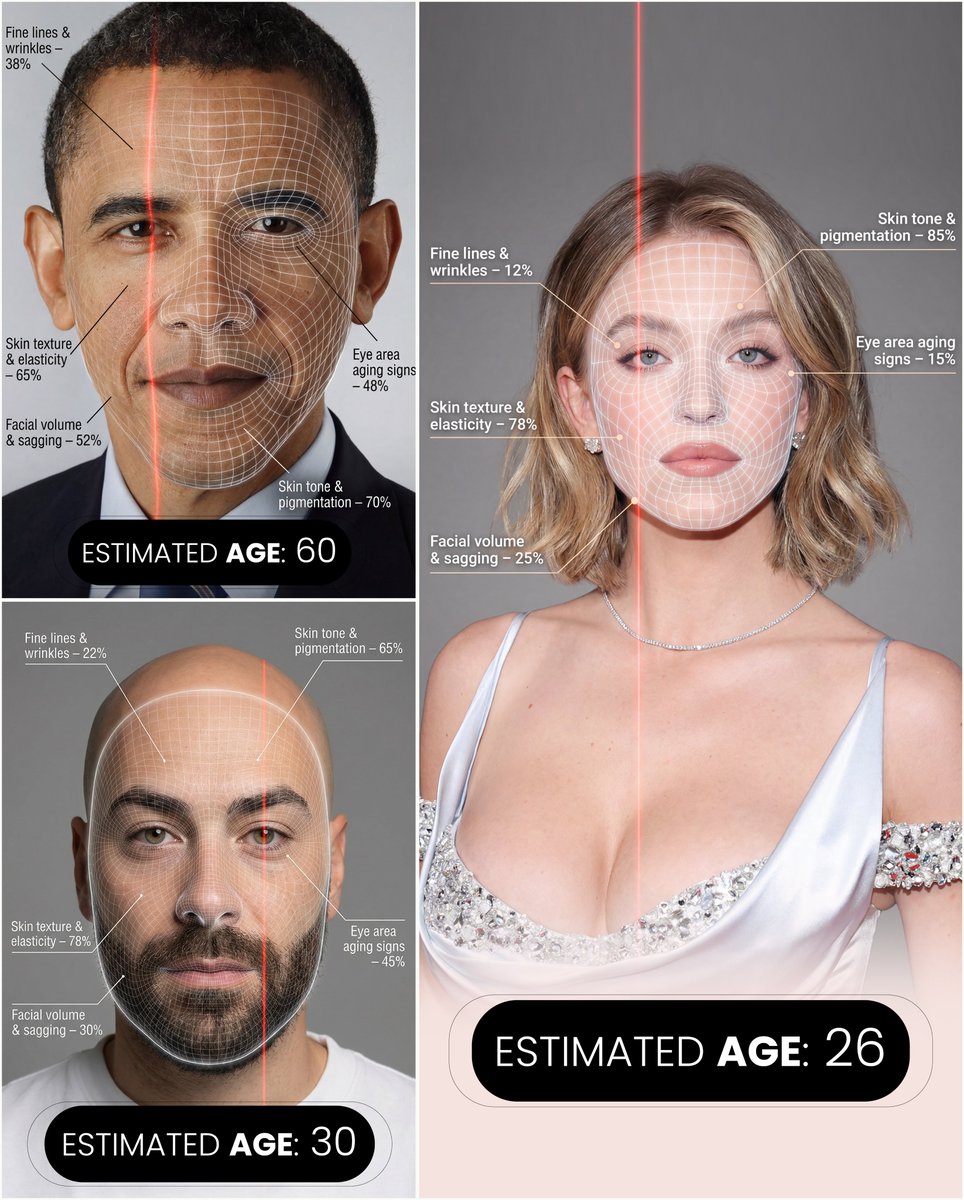
Futuristic facial age-checker infographic portrait
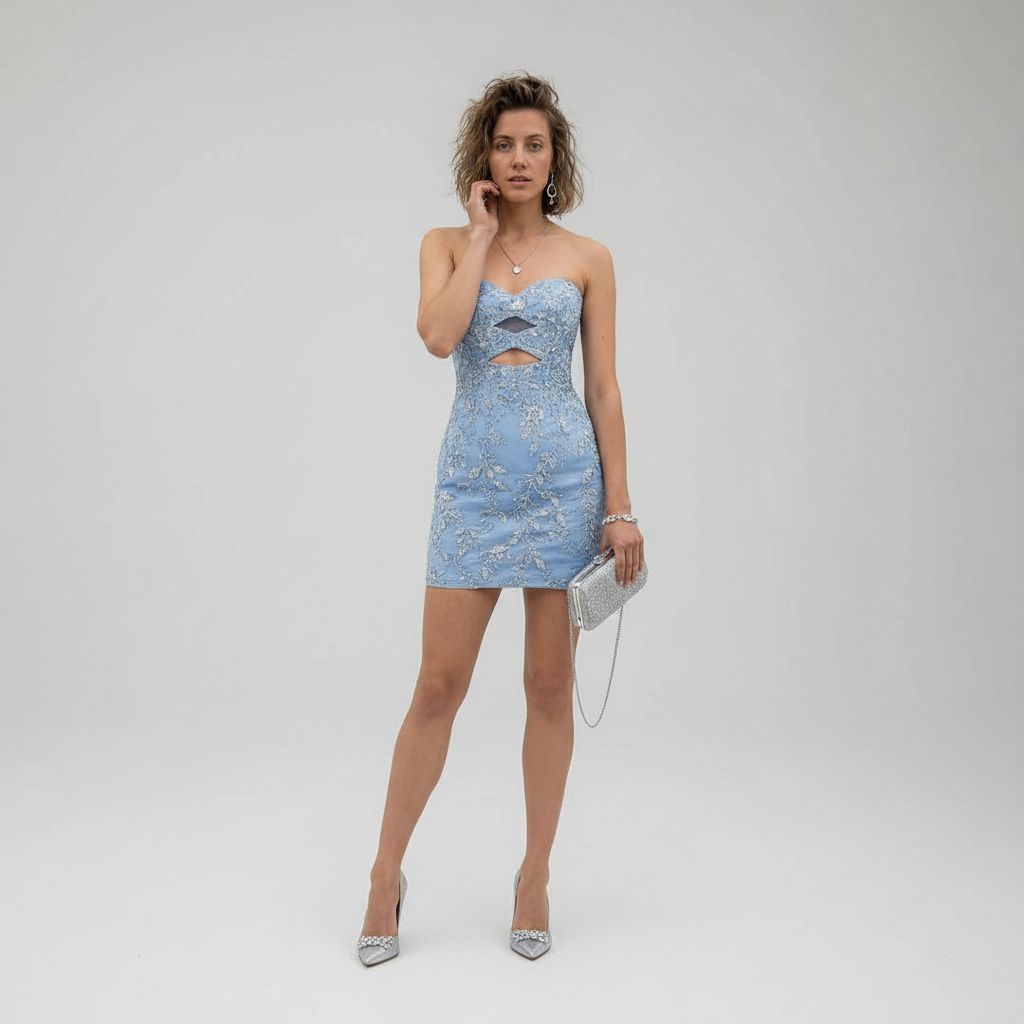
Luxury Studio Outfit Transformation

Gourmet Recipe Visual Note Poster
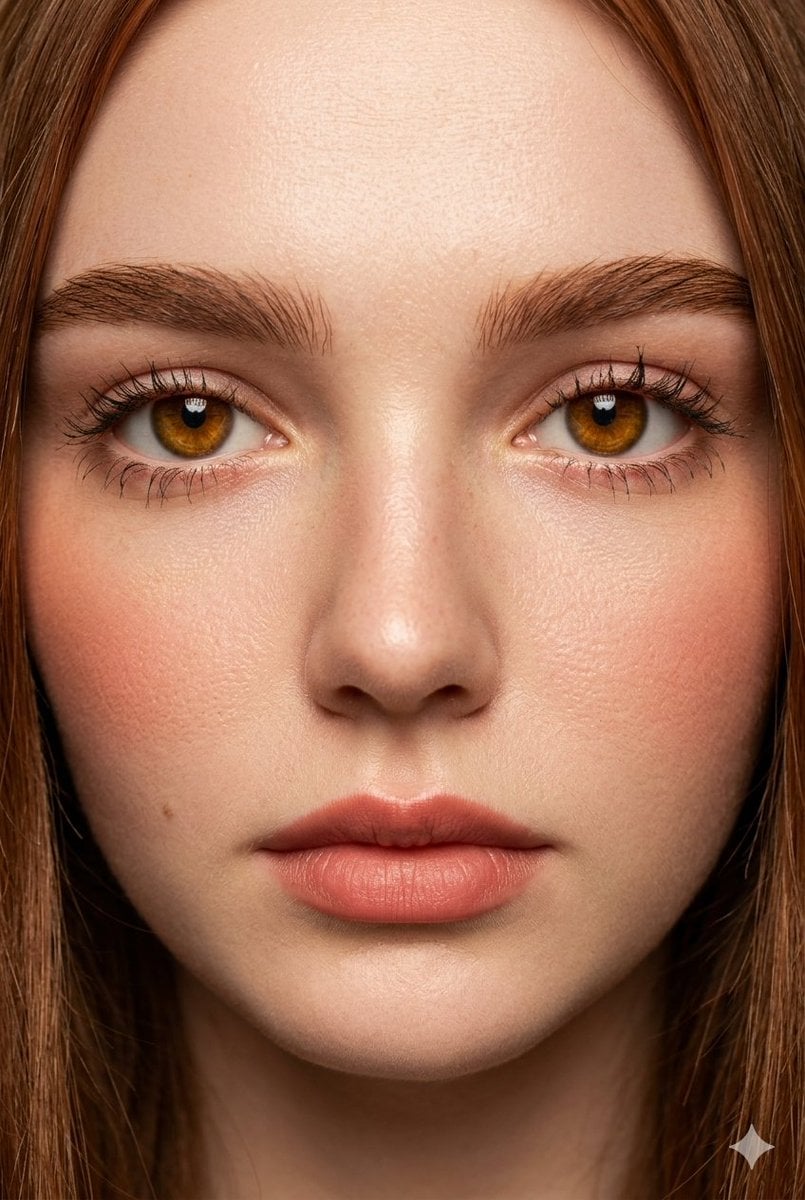
Extreme Close-Up Fashion Beauty Portrait
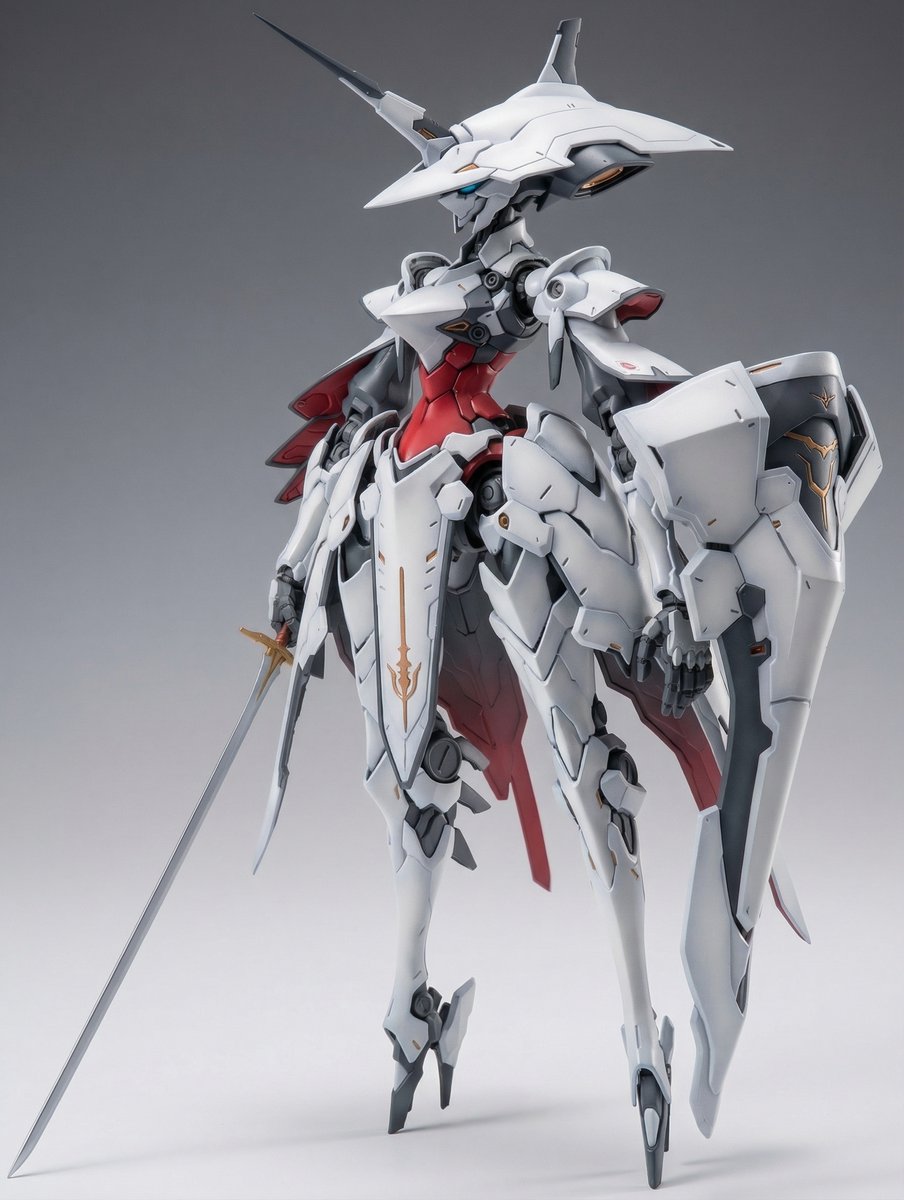
Full Armor Mecha Girl model kit concept prompt
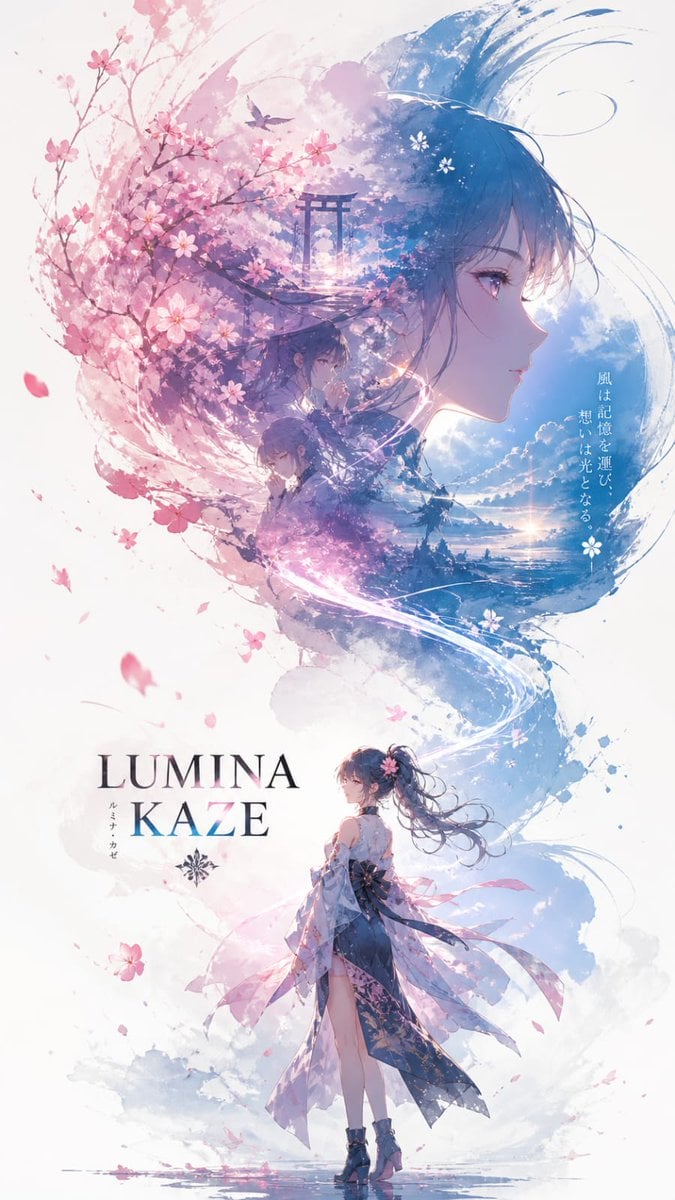
Anime Double-Exposure Poster

Editorial Photograph of a Man with a Vintage Porsche
Browse template categories
Tanabata Anime July Calendar questions
How do I use the Tanabata Anime July Calendar template?
Add your photo if the template asks for one, edit the prompt if you like — the template's model and format are already selected — and press Generate. Your version opens in PicX Studio.
Can I customize the Tanabata Anime July Calendar template?
Yes. You can change the subject, setting, lighting, mood, format, and available model controls before creating your image.
Is the Tanabata Anime July Calendar template free?
Opening and editing this template is free. Generating uses credits, shown on the Generate button when you are signed in.
Which AI model should I use?
Start with GPT Image 2, which is the model associated with this template. You can compare another compatible model for a different finish.
Looking for something else? Browse all templates.

Your photo, any look
Thousands of ready templates for every top image and video model, from one credit balance.